Community listing page, reviews here may not be monitored by the author.
MAmbience


No reviews yet
Adding ambient sounds to Minecraft
Community voices
Reviews
No reviews yet. Be the first to review this project!
Get it on
Available Platforms
Compatibility
Supported Environments
Works on the client or the server alone, but does more when on both.
About
Project Details
For authors
Embed Badge
If you're the author of this project, you can embed a live badge anywhere that supports HTML or Markdown. It updates automatically whenever ratings change.
Use HTML for any page that supports it, or Markdown for README files and Markdown-based descriptions.
Identifiers
Platform IDs
About
Description
MAmbience adds a large amount of dynamic ambient effects to minecraft.
This includes ambient sounds that get played depending of the players immediate surroundings.
As well as some visual (particle based) effects like Lava Jets, Fireflies and sand blowing in the desert winds.
Lastly it includes advanced footstep sounds based on Dynamic Surroundings. (For Player Entities only)
All of this while remaining fully compatible with vanilla clients (a resourcepack is required to be able to hear the new sounds)
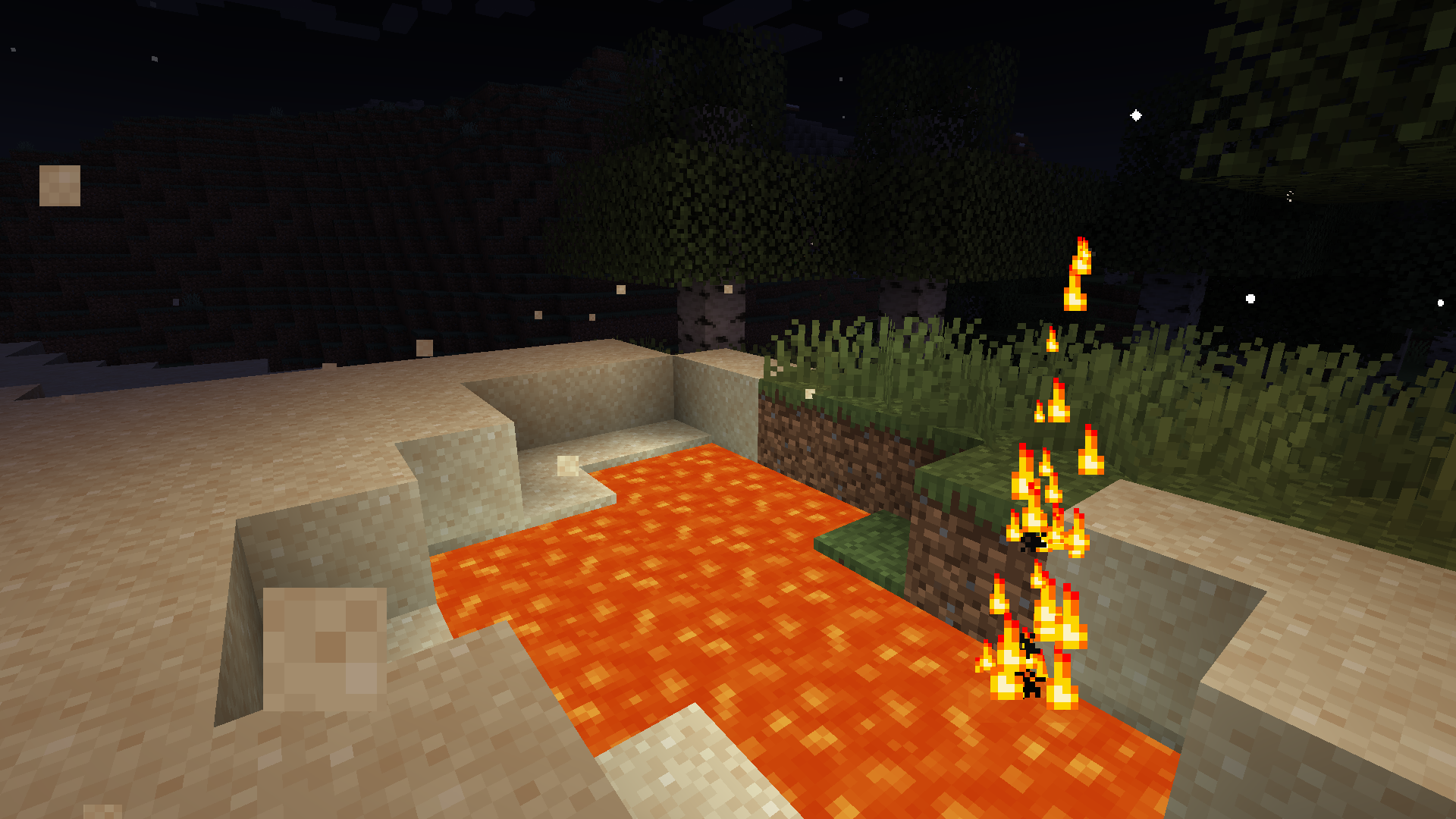
While MAmbience comes with a large default setup of effects all of them and their conditions are fully data defined and adjustable using datapacks.
In case only some of the functionality is wanted, the three sepparate systems can be disabled with simple toggles in the central config file or directly ingame using the modmenu mod list.
MAmbience supports multiple installation methods (Note: Supported Version on Curseforge referes to Fabric only):
- 1. Fabric mod - Supported MC Version: 1.19
- Install on client or server or both
- Works on servers without MAmbience (when no server implementation is detected the client will run the ambient sound calculations)
- 2. Spigot Plugin - Supported MC Version: 1.16.4/5+ (use version 3.2.0 - newer versions no longer support Spigot)
- (3. DataPack (with no/limited config options) - Supported MC Version: 1.15 (link) / 1.16 (link) - not up to date with mod - ambient sounds only)
(other MC versions might also work, especially using the Fabric mod, but I do not officially support them)
(starting with Version 0.4.2 the supported MC Versions can also be found in the changelog)
Vanilla Clients can connect to any server running MAmbience:
Vanilla Clients have to use the provided resource pack (found as an "additional file" in the download page for each version) to be able to hear the sounds.
Resource Pack (only required when using vanilla client):
A download link to the fitting Resourcepack is provided on the download page of each Version starting from 0.6.0.
Alternatively you can extract the resourcepack from the mod:
To export the resourcepack matching a mod/plugin version run the jar file with this command (adjust the command to the your version of course):
java -cp Mambience-5.2.0+1.19.jar me.andre111.mambience.resources.RPGenerator
MAmbience adds a large amount of dynamic ambient effects to minecraft.
This includes ambient sounds that get played depending of the players immediate surroundings.
As well as some visual (particle based) effects like Lava Jets, Fireflies and sand blowing in the desert winds.
Lastly it includes advanced footstep sounds based on Dynamic Surroundings. (For Player Entities only)
All of this while remaining fully compatible with vanilla clients (a resourcepack is required to be able to hear the new sounds)
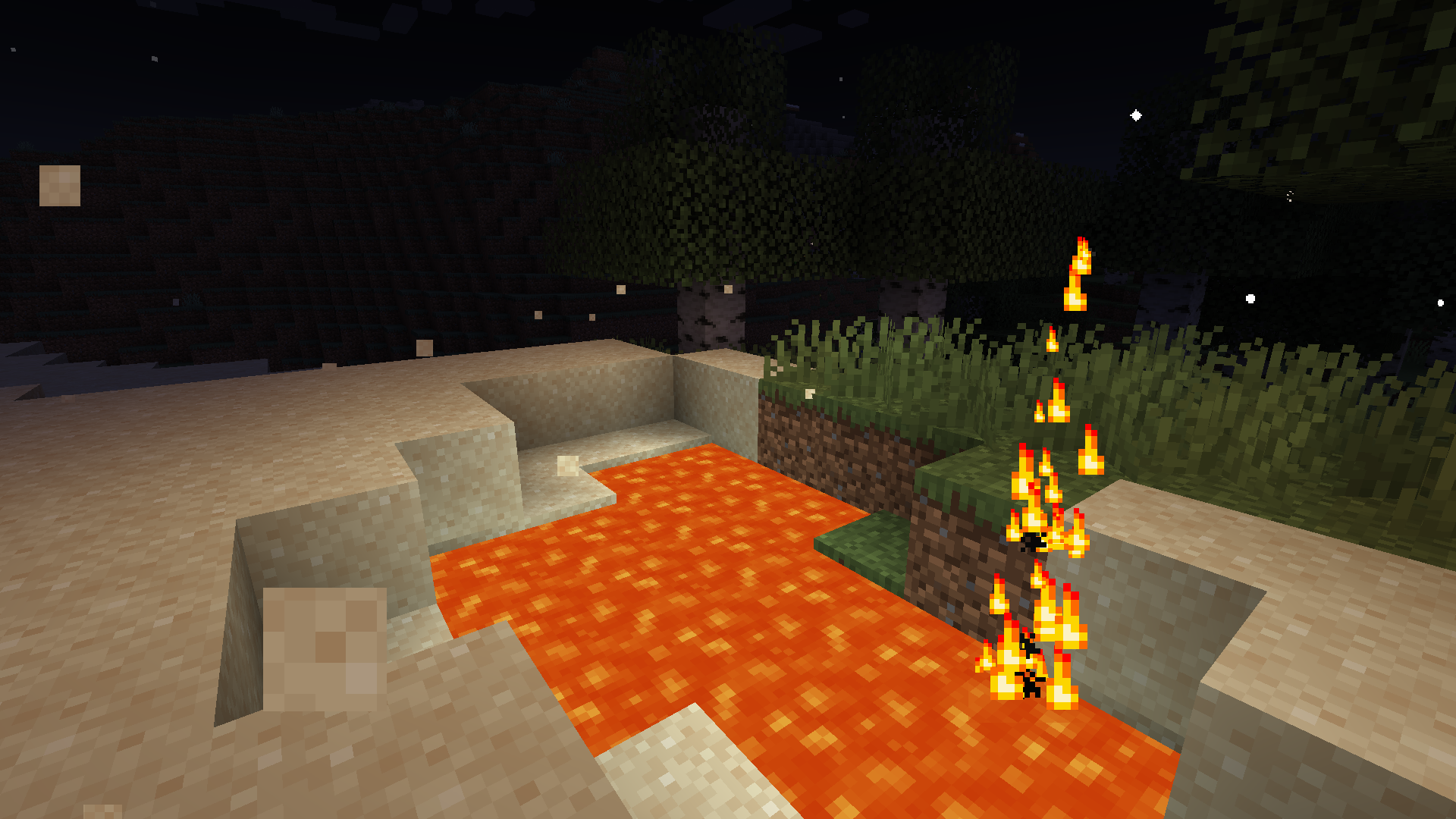 While MAmbience comes with a large default setup of effects all of them and their conditions are fully data defined and adjustable using datapacks.
In case only some of the functionality is wanted, the three sepparate systems can be disabled with simple toggles in the central config file or directly ingame using the modmenu mod list.
While MAmbience comes with a large default setup of effects all of them and their conditions are fully data defined and adjustable using datapacks.
In case only some of the functionality is wanted, the three sepparate systems can be disabled with simple toggles in the central config file or directly ingame using the modmenu mod list.
Vanilla Clients can connect to any server running MAmbience:
Vanilla Clients have to use the corresponding resource pack (modrinth does not allow to directly upload it as an additional file for this mod, see next section) to be able to hear the sounds.
Resource Pack (only required when using vanilla client):
A download link to the fitting Resourcepack is provided on the download page of each Version. Currently not possible on modrinth.
Alternatively you can extract the resourcepack from the mod:
To export the resourcepack matching a mod/plugin version run the jar file with this command (adjust the command to fit your version of course):
java -cp Mambience-5.3.0+1.19.4.jar me.andre111.mambience.resources.RPGenerator
Screenshots
Gallery
-
Particle based effects example
-
Particle based effects example
Versions
Files
Relations
Project Relations
More like this
Similar Mods
Suggestions use data such as tags, dependencies, dependents, descriptions, titles, and more to rank how much they overlap with this mod.
On ModDex
Community snapshot
By the numbers
Statistics
Want to reach Minecraft players?
We're looking for a server hosting partner to feature here and other parts of the site. Interested? Send us a message!
Get in touchGet it on
Available Platforms
On ModDex
Community snapshot
By the numbers