Community listing page, reviews here may not be monitored by the author.
Maze World

No reviews yet
Generates a bedrock maze through vanilla world generation. An interesting twist to the normal gameplay.
Community voices
Reviews
No reviews yet. Be the first to review this project!
Get it on
Available Platforms
Compatibility
Supported Environments
Runs entirely on the server. Also works in singleplayer.
About
Project Details
For authors
Embed Badge
If you're the author of this project, you can embed a live badge anywhere that supports HTML or Markdown. It updates automatically whenever ratings change.
Use HTML for any page that supports it, or Markdown for README files and Markdown-based descriptions.
Identifiers
Platform IDs
About
Description
MazeWorld



A mod to add an infinite maze to vanilla world generation. There are many configuration options and maze types.
World creation
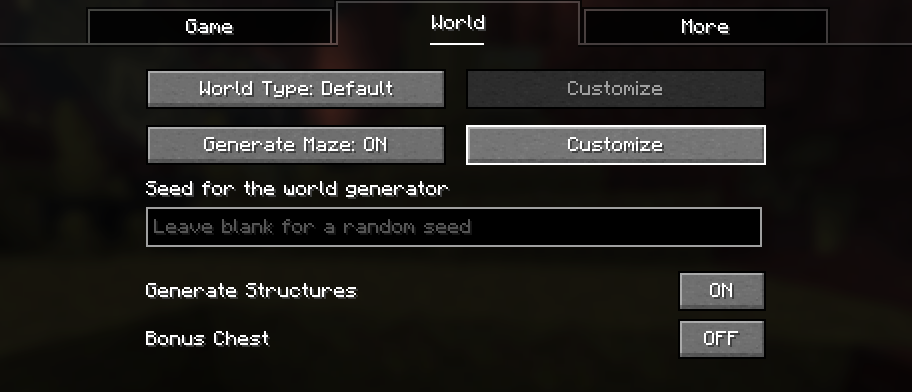
To create a mazeworld, you can choose any existing world preset. Then enable "Generate Maze" and click "Customize" next to that to adjust the maze settings.
After clicking on customize, you can change various settings about the maze generation. Below that is a preview of how the generated maze will look.
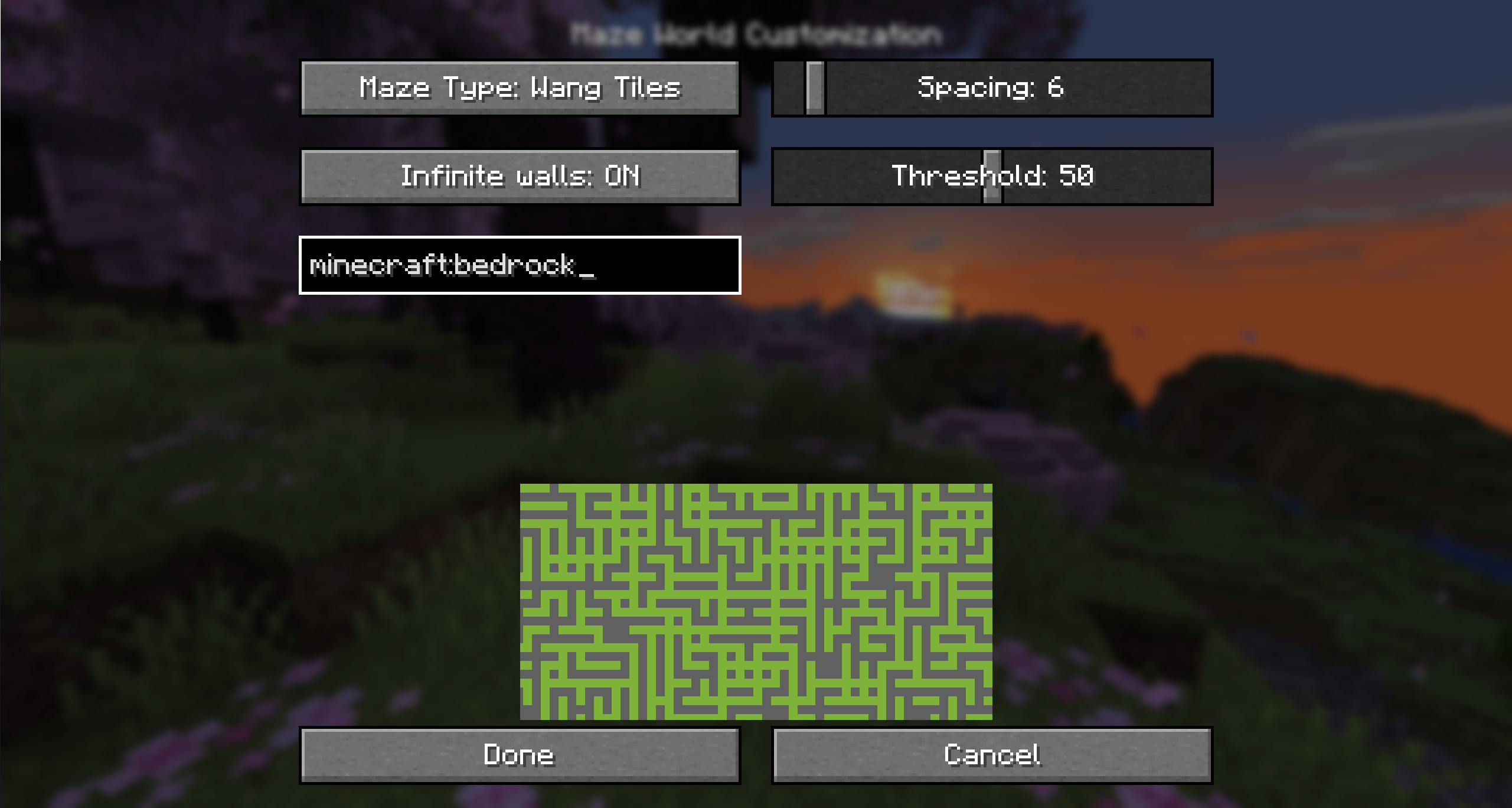
Customization options
Maze wall block
Determines which block is placed in the world to build the maze. By default this is bedrock, but you can change it to a block you can break too.
Infinite walls
Prevents players from crossing the walls even above or below build height.
Min Y and Max Y
Sets the height at which the maze will generate. By default, this is all the way from bedrock to the build limit. You can lower Max Y to not generate the maze all the way to the top.
Replace Blocks
Determines which blocks are replaced by the maze.
- All (Default): All blocks are replaced. This means you cannot dig through the ground to pass a wall.
- Replaceable: All blocks that are replaceable (Air, Water, Tall grass, ...) will be replaced by the maze. Other blocks are kept, and as such you can dig through stone to get around the maze.
- Air: Only air is replaced, no existing are replaced.
Structures
Determines how structures are handled:
- Preserve essential (Default): This prevents the end portal room in the stronghold from being cut through by the maze. This is to avoid the world being unbeatable if the maze configuration removed portal frames in every stronghold.
- Preserve all: This makes ALL structures not be replaced by the maze. It uses the bounding boxes of all structure pieces as areas where no maze is placed.
- Replace all: Structures are not considered and maze can be generated inside all structures too. This may make it impossible to enter the end in certain maze configurations.
Preserve End Island
When enabled, leaves a 19x19 chunk hole in the end dimension to not interfere with the end island.
Enabled dimensions
This allows you to toggle individually, which dimensions will generate a maze.
Maze Type
There are different maze types with different algorithms for generating the maze
Binary Tree
See https://weblog.jamisbuck.org/2011/2/1/maze-generation-binary-tree-algorithm.
Options:
- Size: How large each tile is
- Bias: How much the corridors will bias to being vertical or horizontal
Wang tiles
See https://www.boristhebrave.com/permanent/24/06/cr31/stagecast/wang/array.html.
This has a rectangular and a rounded variant.
Options:
- Size: How large each tile is
- Wall width: What ratio of the tile size is wall
Simplex noise
See https://en.wikipedia.org/wiki/Simplex_noise.
This has a 2D and a 3D variant.
Options:
- Size: The scale of the noise
- Threshold: The threshold for comparing the noise value by, to determine if a block is a wall or air
World creation on a server
To create a world on a server, it is recommended to simply upload a world created on the client.
Screenshots
Gallery
-
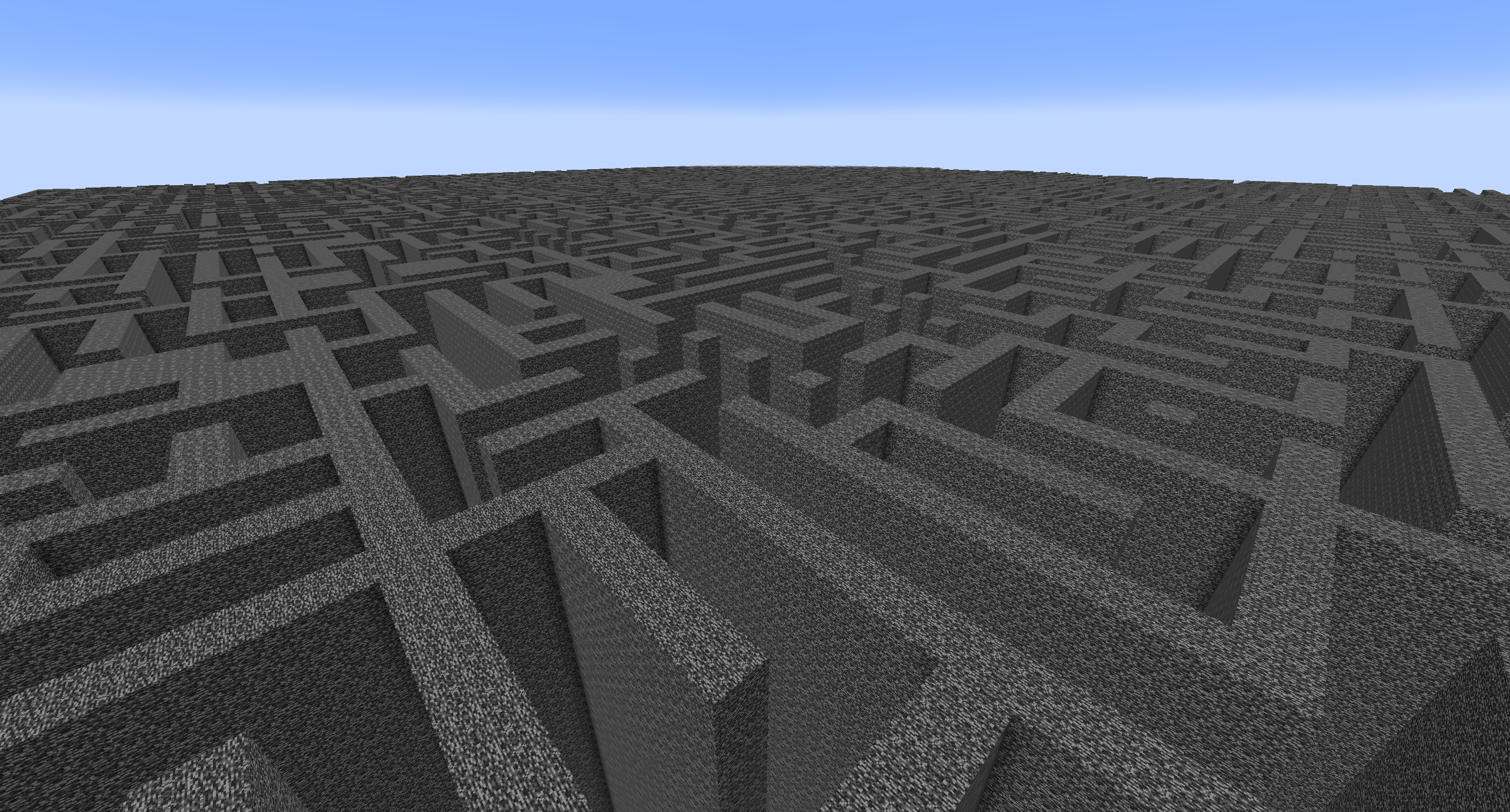 The top of the world Maze goes to the build limit
 -
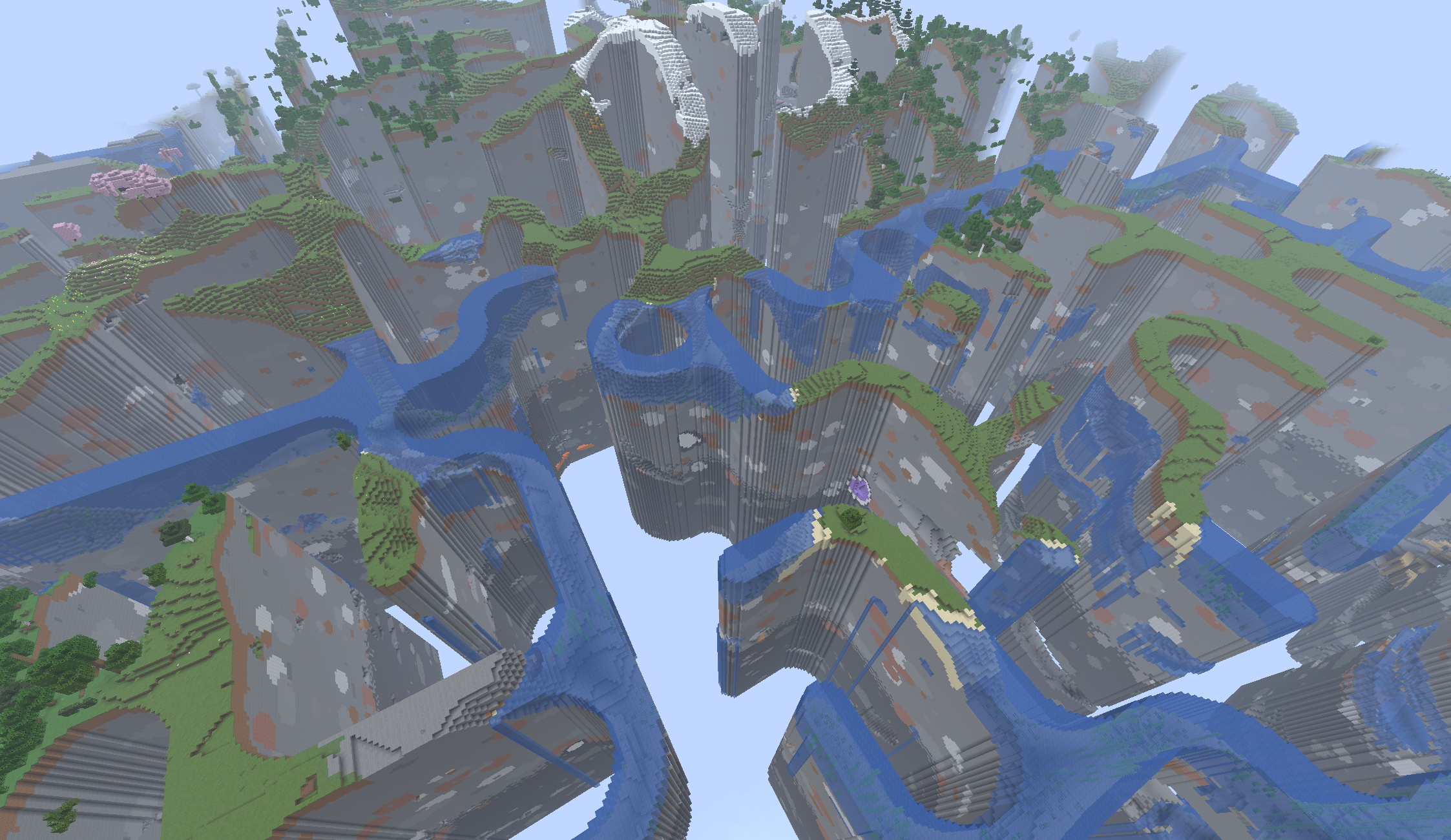 Air maze You can also set the wall block to air, causing the world to be removed wherever there would be walls
 -
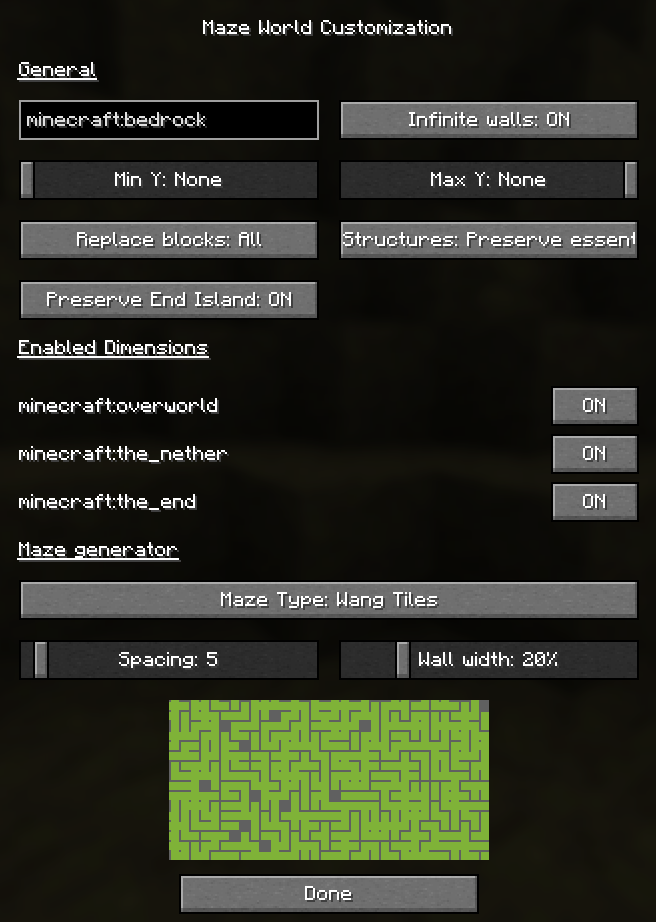 Customization menu You can tweak the maze generation with many options
 -
 Small maze Binary tree maze with spacing 2
 -
 Medium maze Binary tree maze with spacing 6
 -
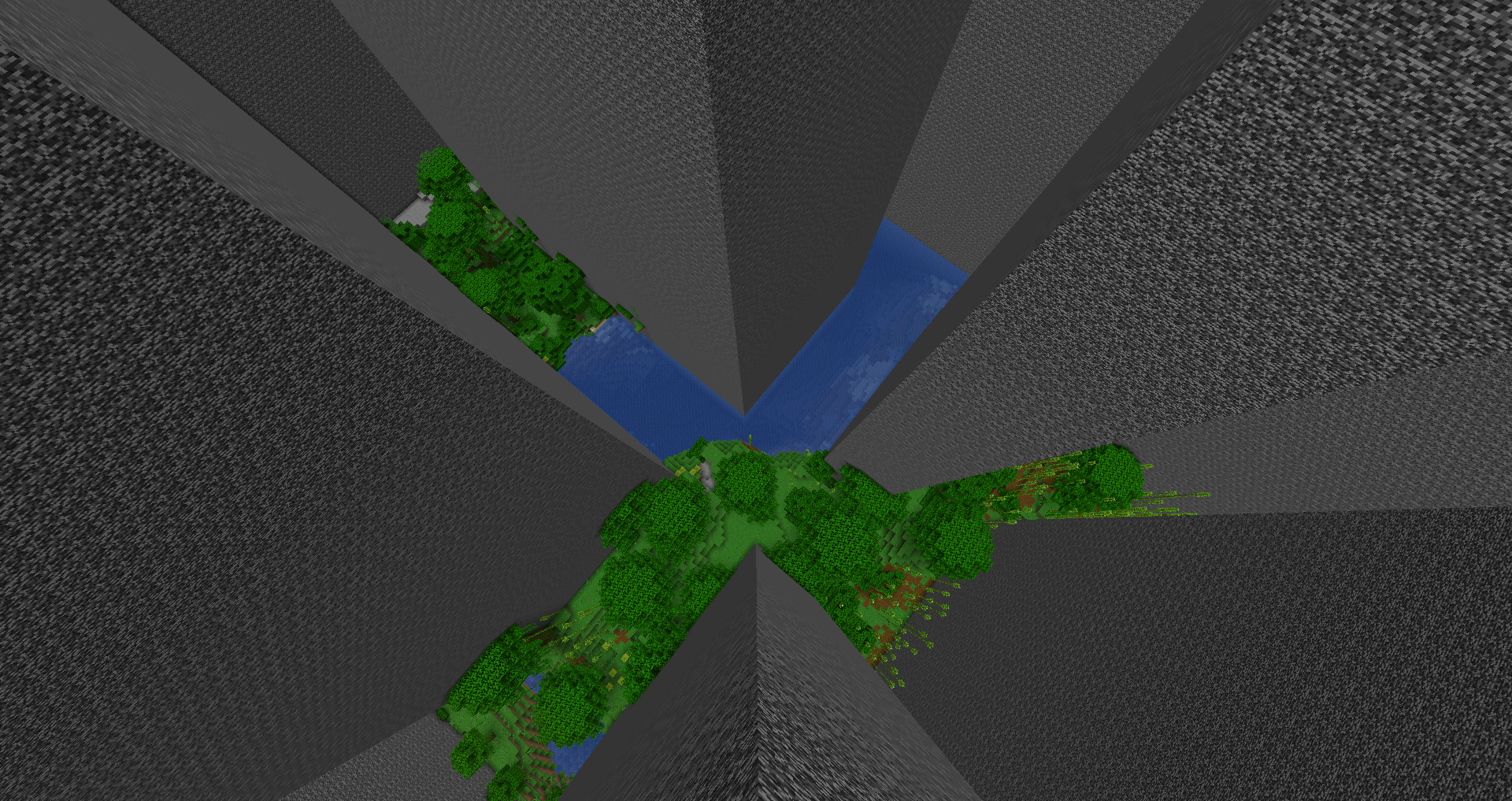 Big maze Wang tiles maze with spacing 30
 -
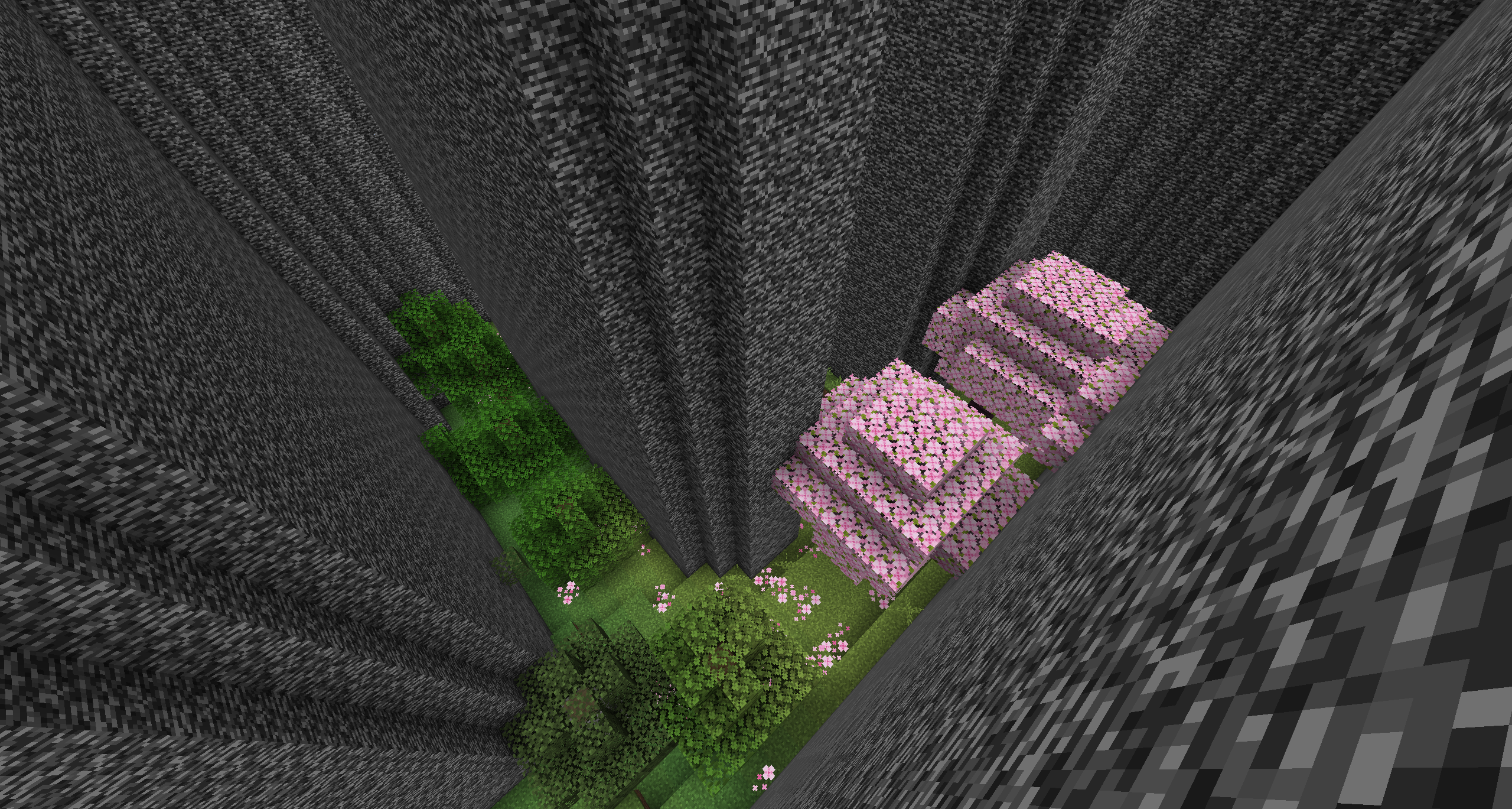 Rounded wang tiles maze
 -
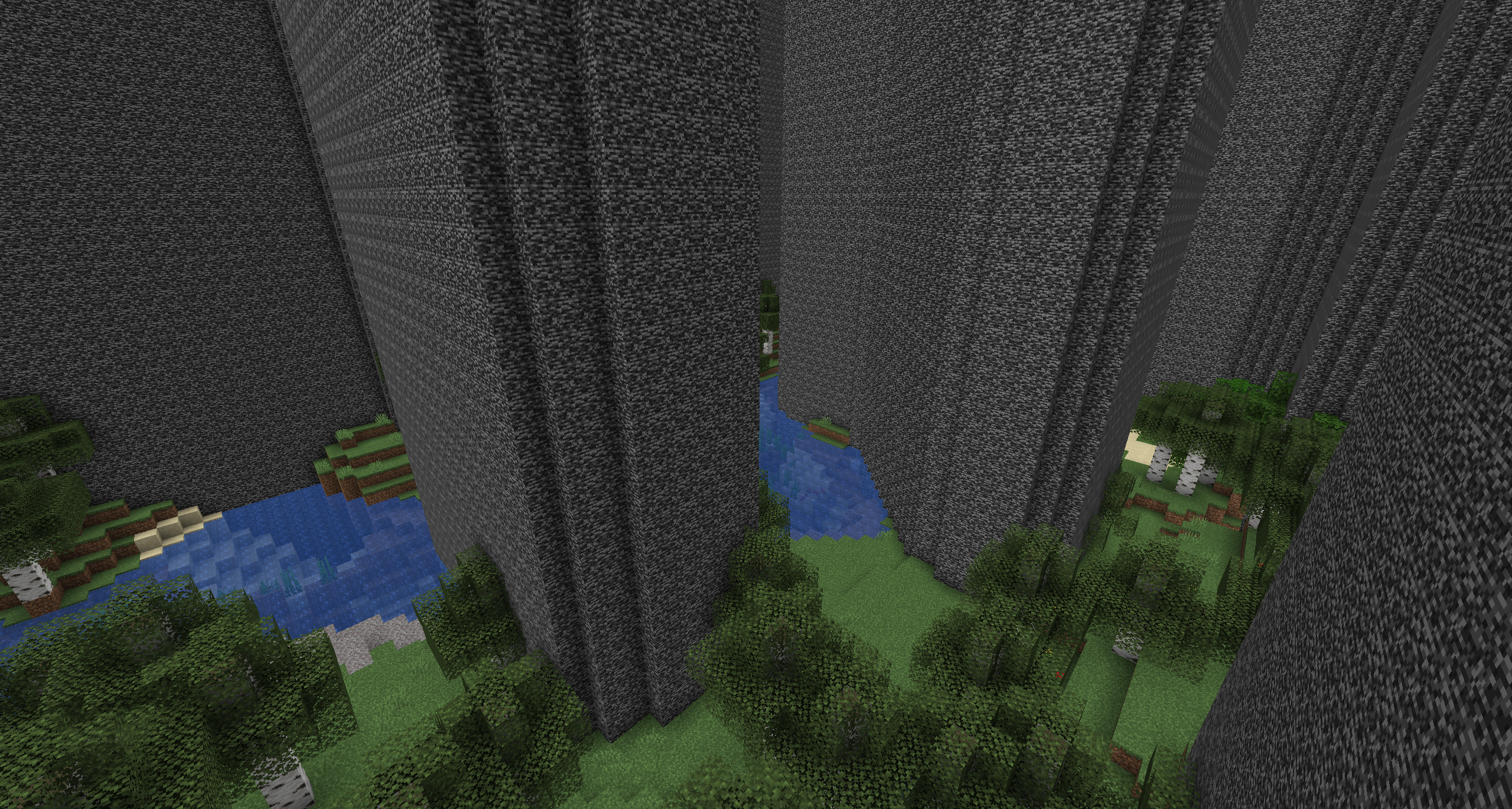 Simplex noise maze
 -
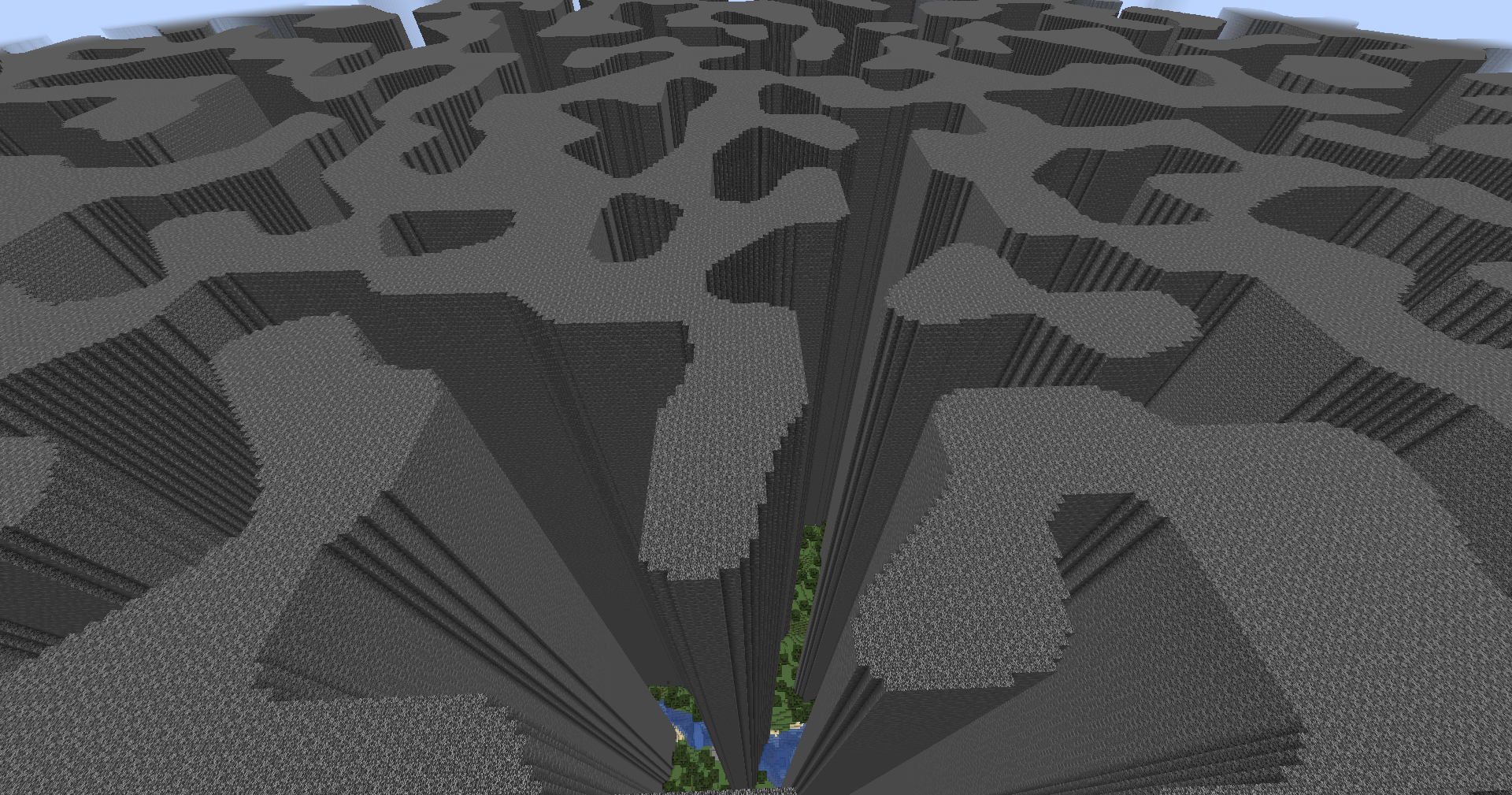 Simplex noise maze from the top
 -
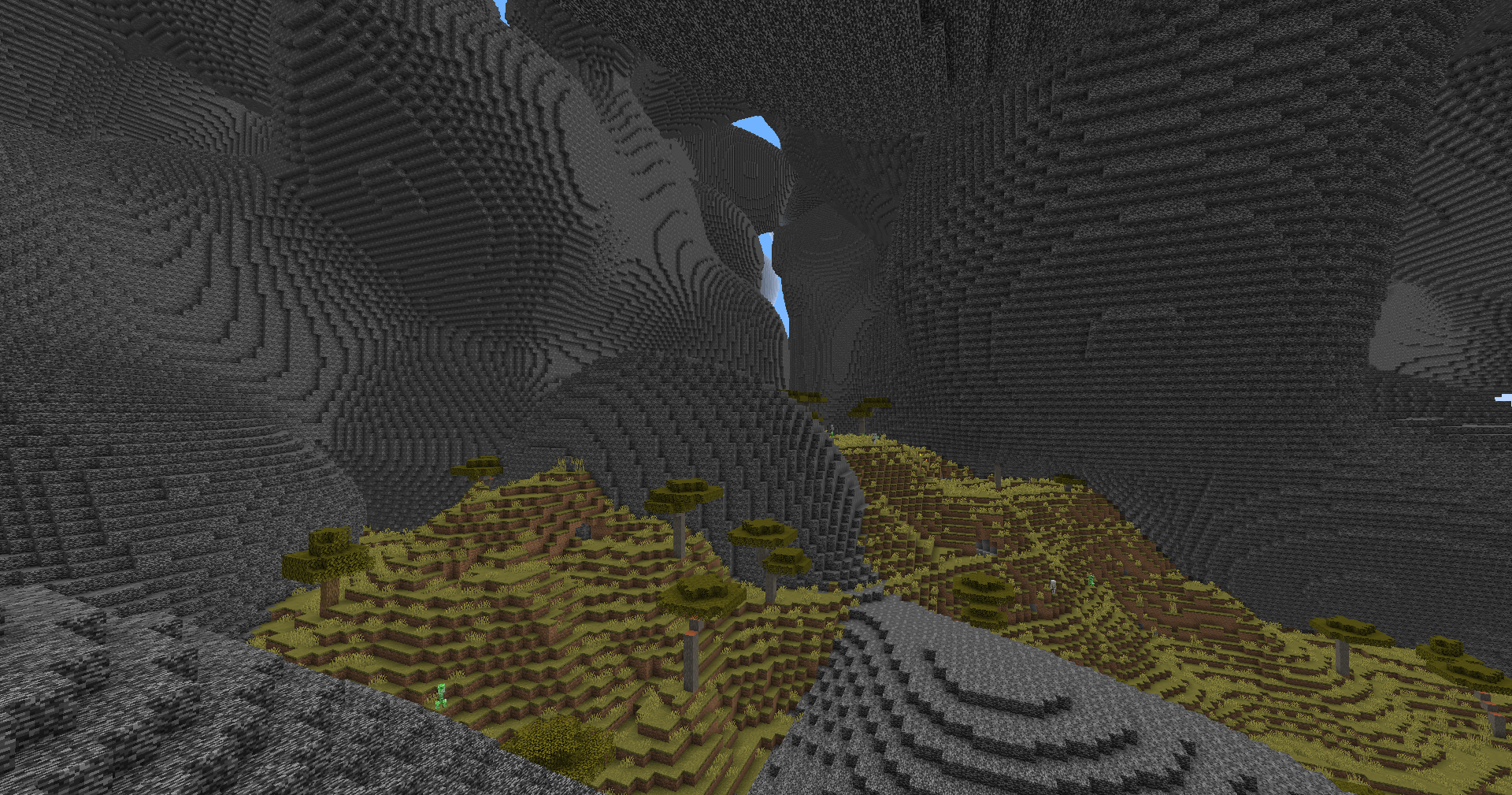 3D Simplex noise maze
Versions
Files
Relations
Project Relations
More like this
Similar Mods
Suggestions use data such as tags, dependencies, dependents, descriptions, titles, and more to rank how much they overlap with this mod.
On ModDex
Community snapshot
By the numbers
Statistics

Want to reach Minecraft players?
We're looking for a server hosting partner to feature here and other parts of the site. Interested? Send us a message!
Get in touchGet it on
Available Platforms
On ModDex
Community snapshot
By the numbers