Community listing page, reviews may not be monitored by the author.
MC Calamity

- GenModeCoder
,
- MidasDaEpikPlanner
,
- NotGleamArtist & Planner
,
- Roger_Swifer_CleanerArtist & Coder
,
- Skart2000Modeller & Artist
No reviews yet
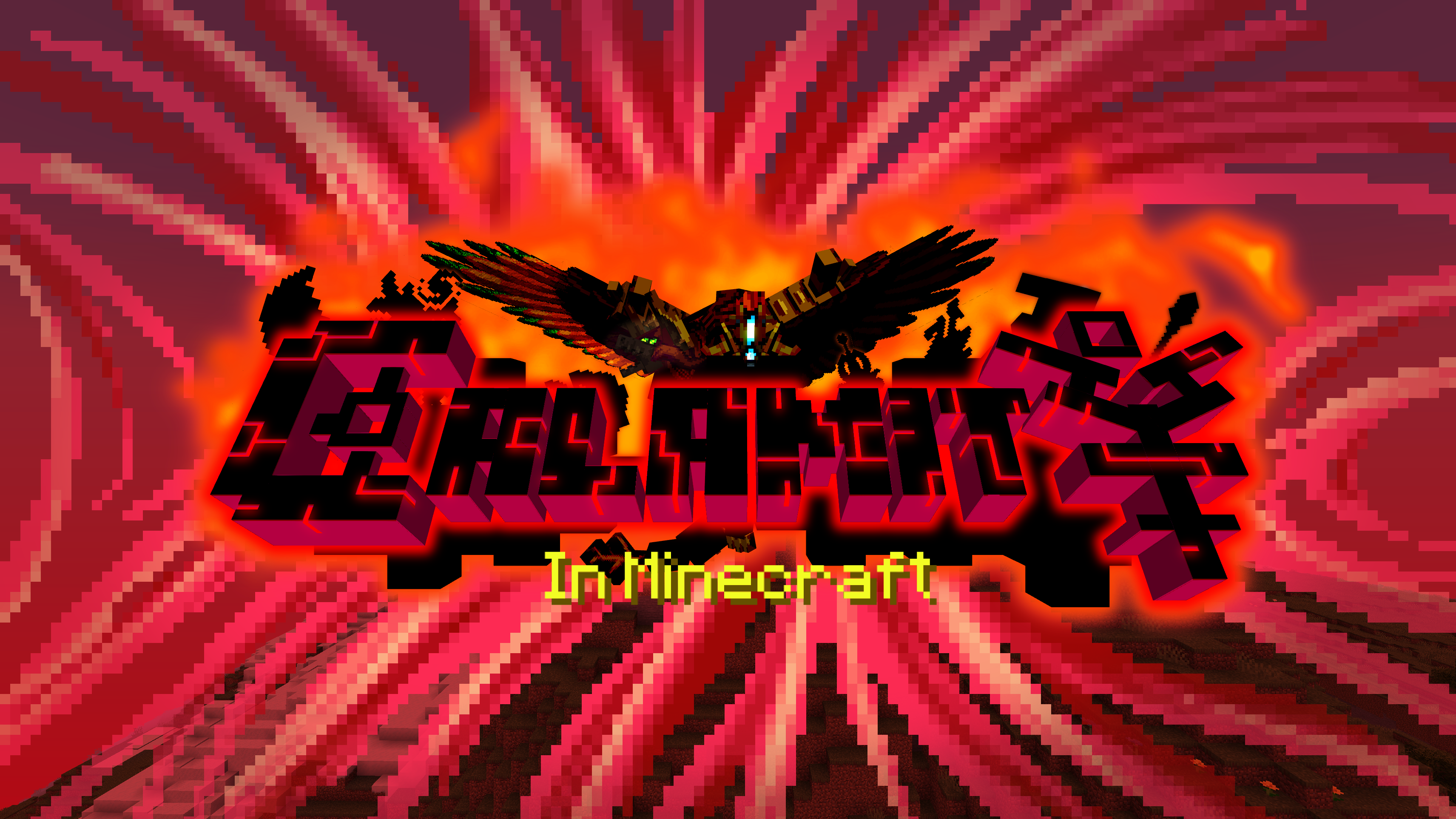
A datapack that attempts to recreate the Terraria: Calamity Mod

Community voices
Reviews
No reviews yet. Be the first to review this project!
Get it on
Available Platforms
Compatibility
Supported Environments
The author has not specified where this runs.
About
Project Details
For authors
Embed Badge
If you're the author of this project, you can embed a live badge anywhere that supports HTML or Markdown. It updates automatically whenever ratings change.
Use HTML for any page that supports it, or Markdown for README files and Markdown-based descriptions.
Identifiers
Platform IDs
About
Description
This ambitious datapack attempts to recreate the entire Terraria: Calamity Mod in Minecraft.
Currently adds:
- 4 New Bosses
- 600+ Items
- 40+ New Mobs
- 5 New Structures
- 8 New Armor Sets
- New Weapon Classes! (Magic, Ranger, Rogue, Summoner)
- 70 New Weapons
- Custom Accessory System!
- New Potion Effects
- New Music Discs
- New Paintings
- Reworked Fishing System
Installation FAQ
Installation
Q: How do I install the datapack?
Method 1: On world creation go to the third tab "more" and than click "data packs" then "open folder". put datapack in there.
Method 2: If your world is already created, go to the .minecraft/save/YOUR WORLD/datapacks and put folder in here
Installing the mod.jar (mod packaged version of the datapack): put in mods folder in forge/fabric/quilt. Then when you open minecraft, go to "Resource Packs" and move the "mod_resources" pack above the "default" pack otherwise Minecraft won't render the new textures.
You can check if the datapack was installed correctly by checking if you have new advancements relating to the datapack.
Q: All the items and mobs are potions/prismarine_crystals/warped_fungus_on_a_stick/clocks. How do i fix?
If Datapack: install the required Resource Pack (RP)
If Mod: go to "Resource Packs" and move the "mod_resources" pack above the "default" pack otherwise Minecraft won't render the new textures.
Q: Why are the Music and Biome Resources separate pages?
Its both for modpack developers and for ease of searching. It was argueably more confusing when it was in the main downloads.
Q: Is the datapack compatable with Optifine or Sodium?
No. The datapack occassionally uses a shader called OBJMC to render models which gets broken by Optifine & Sodium because of how they change rendering.
Q: Does this work on X version?
1.21.6 -- No, ... we are probably working on it
1.21.5 -- No, ... may be skipped for 1.21.6
1.21.4 -- Yes, for version 0.2.3
1.21.2 -- 1.21.3 - Yes, for version 0.2.2 - 0.2.3
1.21 -- 1.21.1 - Yes, for versions 0.2.0 & 0.2.1
1.20.5 -- 1.20.6 - No (Skipped)
1.20.2 -- 1.20.4 - For version 0.1.0 (DEMO)
1.20.1 and below - No, Nope. Can't back port either. the datapack heavily uses the "macro" feature of functions which was introduced in 1.20.2.
Q: Why is this a datapack and not a mod?
Roger_Swifer_Cleaner: [image: shrek, covered in mud, says "Good question."]
NotGleam: "we like working around limitations"
Gameplay FAQ
Gameplay
Q: I don't want to play, I just want to mess around in creative. Any tools?
Yes! If you load up a world in creative (or do /reload when in creative) you'll see in chat "Veiw development debug menu? [click]". Press [click] and the datapack will give you some debug options including commands, some testing items, and a fully fuctional creative menu!
As of the new update, the chat menu appears every time you enter creative because people don't read this.
Q: How do I make a workbench?
Throw a stripped log onto a crafting table
Q: How do I use the custom crafting stations?
Use the right arrow to scroll right, left arrow to scroll left.
Shift Use to craft.
Shift Punch to break.
Scroll the crafting menu by looking left and right.
DEMO Version: Right click to scroll recipes, Shift Right click to craft
Q: How do I find put accessories on items?
First you need a tinkerer's workshop obtainable from a tinkerer villager. (can be found in villages or created through a profession_certificate obtained from wandering traders)
To use it, Right click with your desired armor, then Right click with your desired accessory.
Q: Items from the previous version arn't working!
Due to the jump from 1.20.2 to 1.21, most of the items had their code broken, so we dropped support for items from the DEMO all together. Items may break between future updates due to similar reasons.
Extra Addons
| Custom Music | Custom Biomes |
|---|---|
 |
 |
Screenshots
Gallery
-
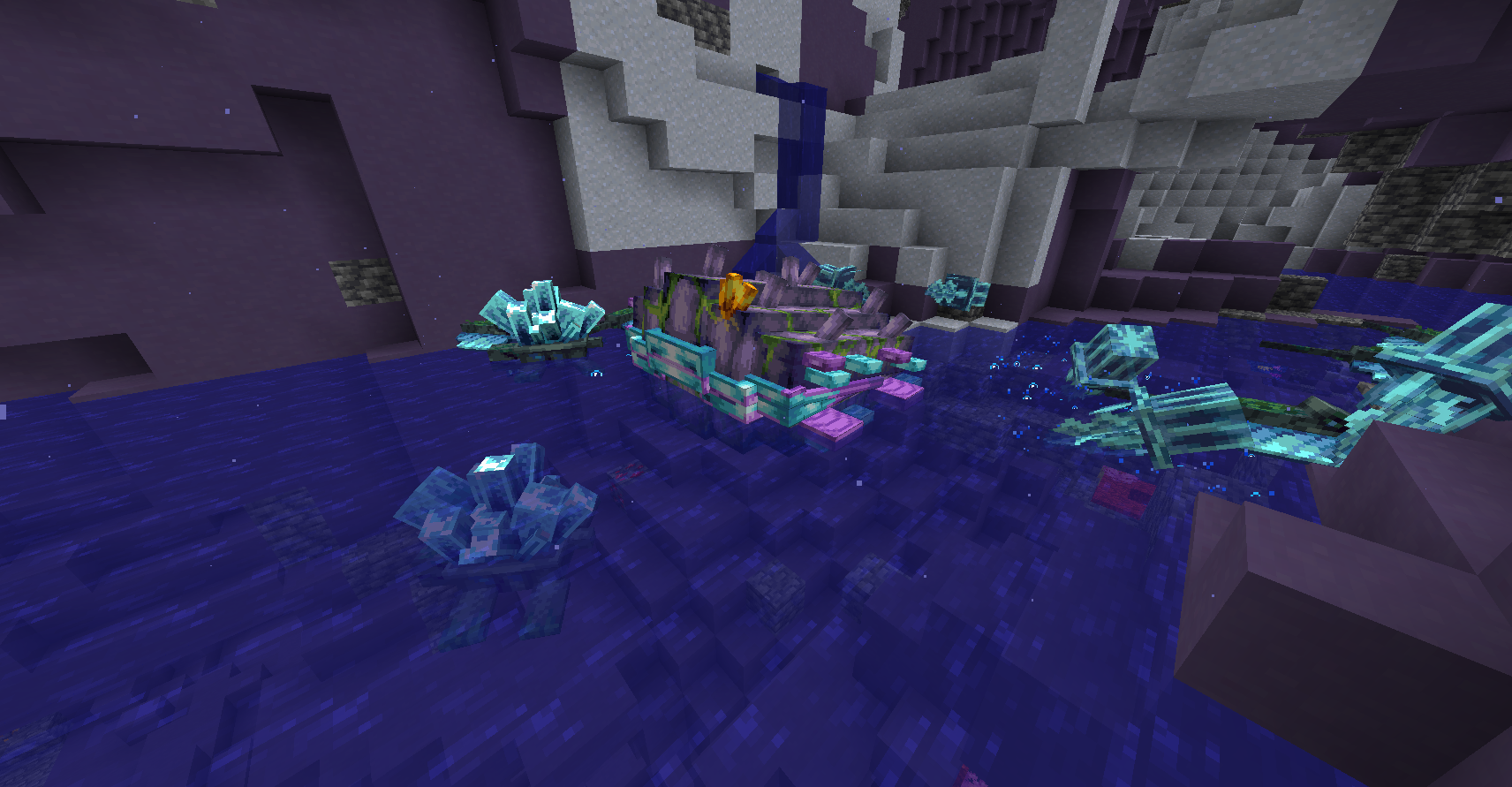 Sunken Sea Biome only included with Biome DP
 -
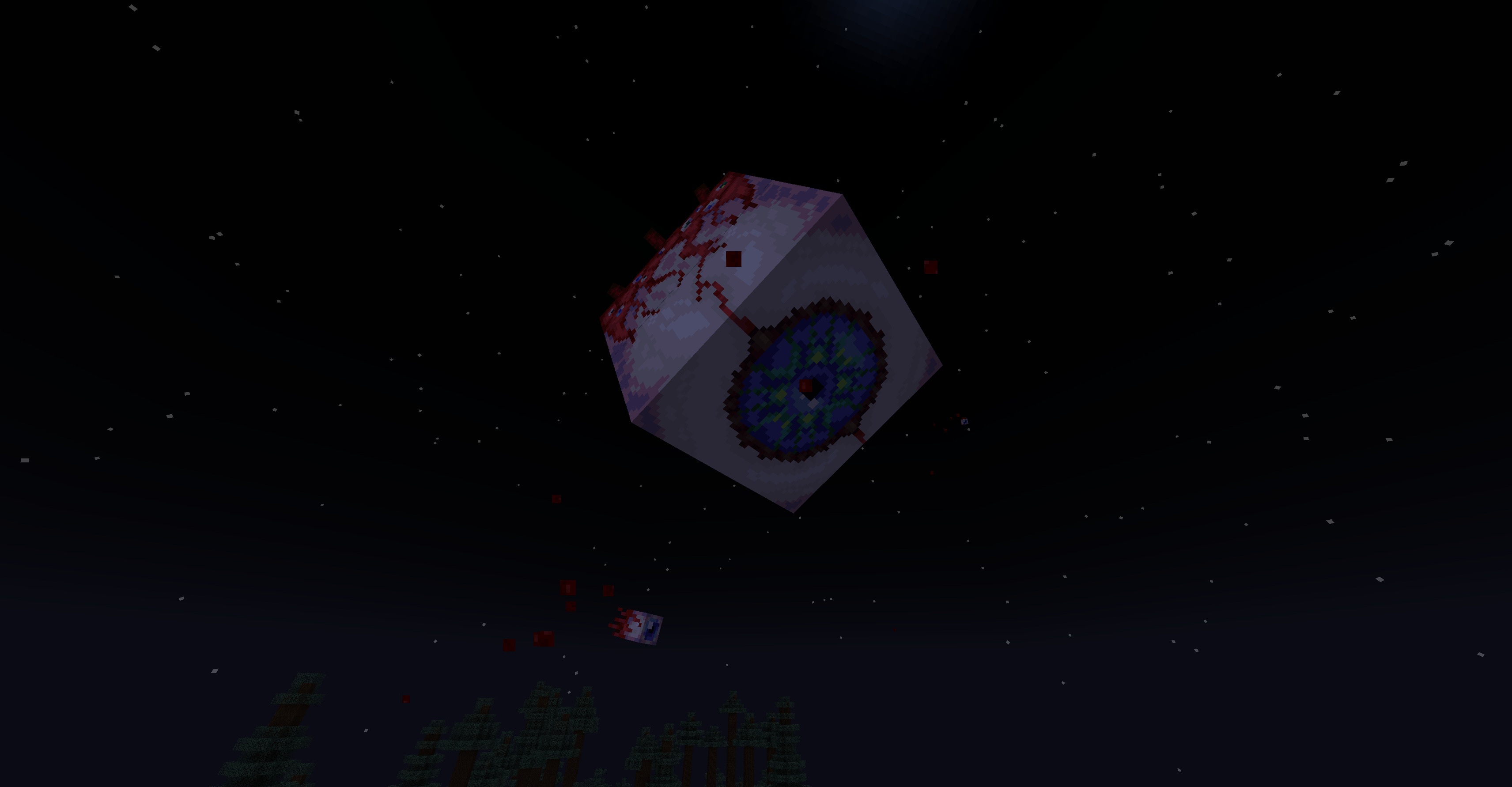 Eye of Cthulhu
 -
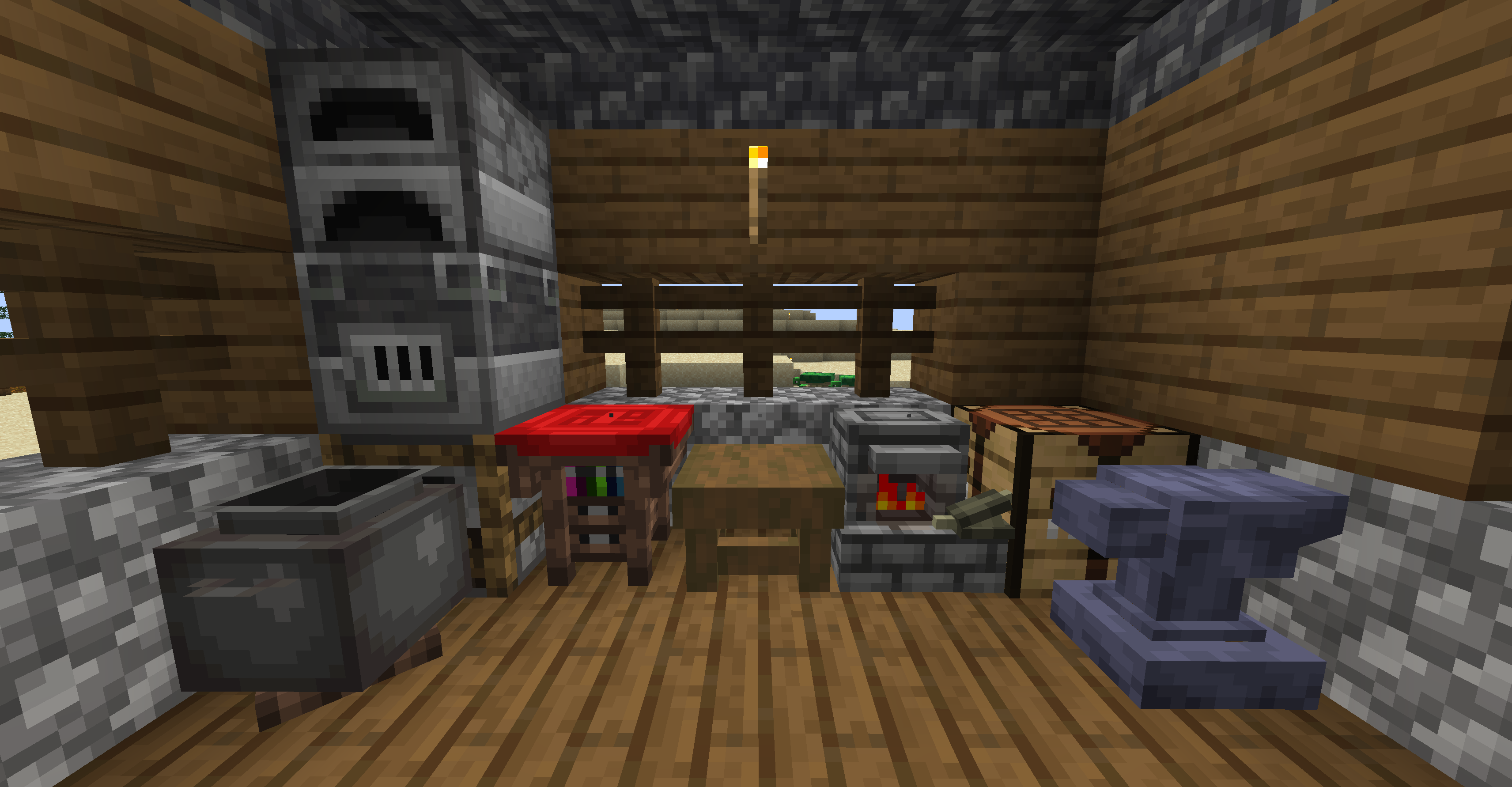 Crafting Stations Various new crafting stations mixed in with vanilla crafting stations
 -
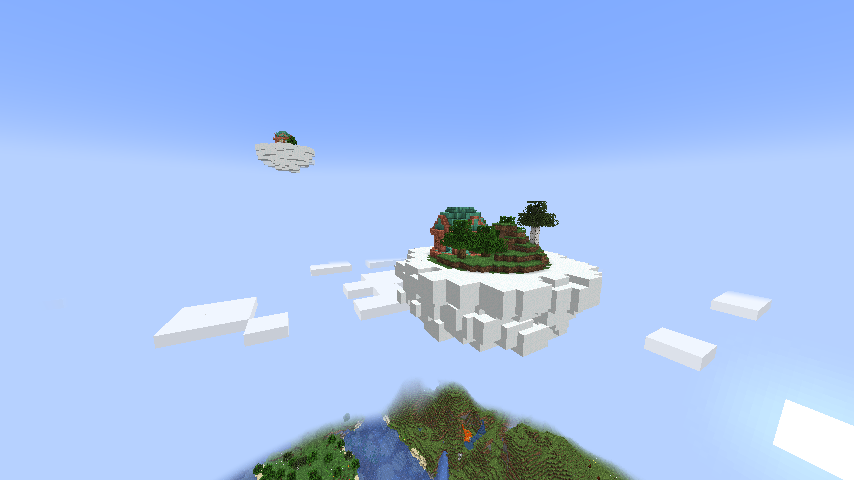 Floating Islands
 -
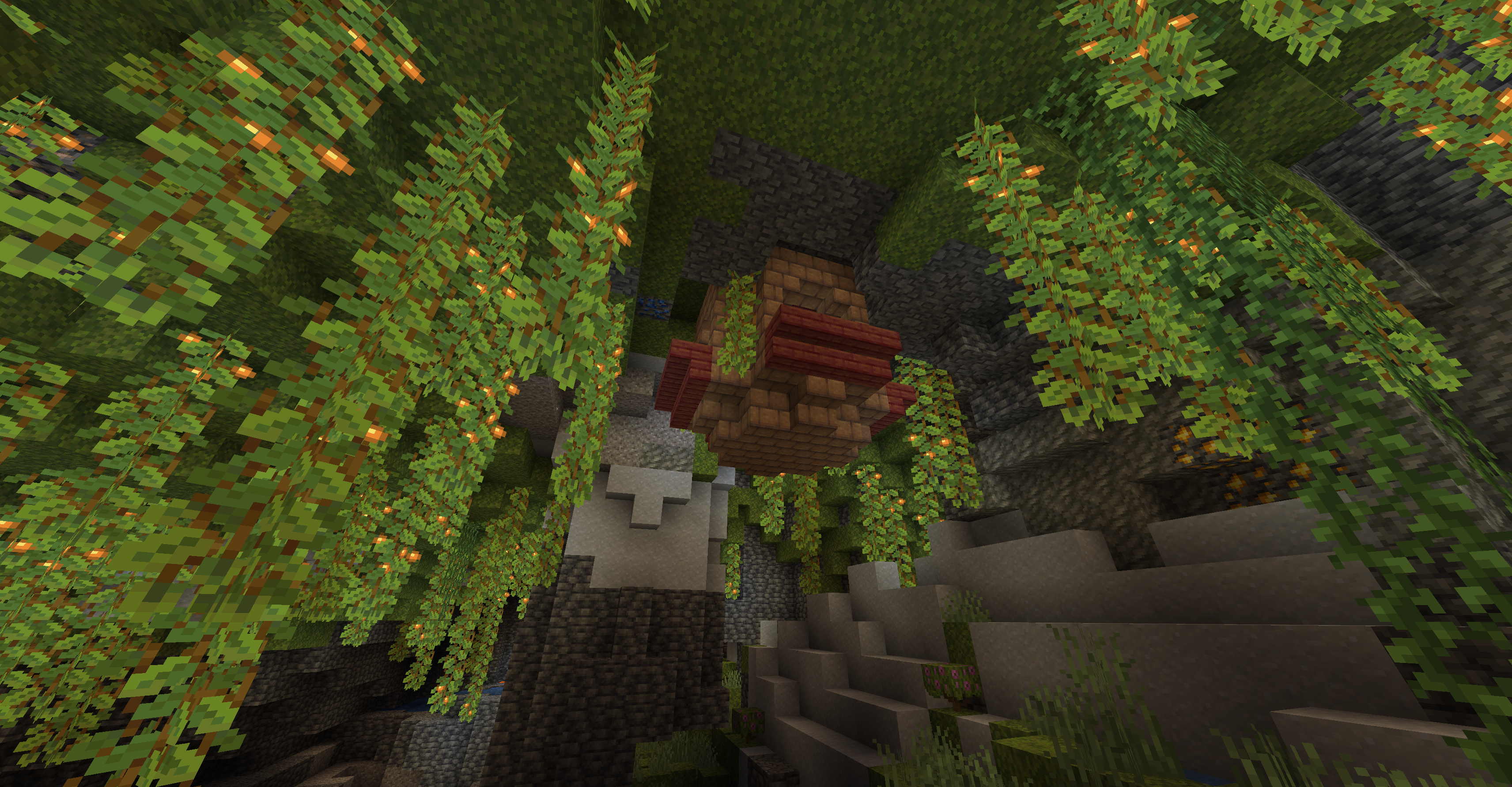 Jungle Shrine A rare structure that generates in tropical areas
 -
-
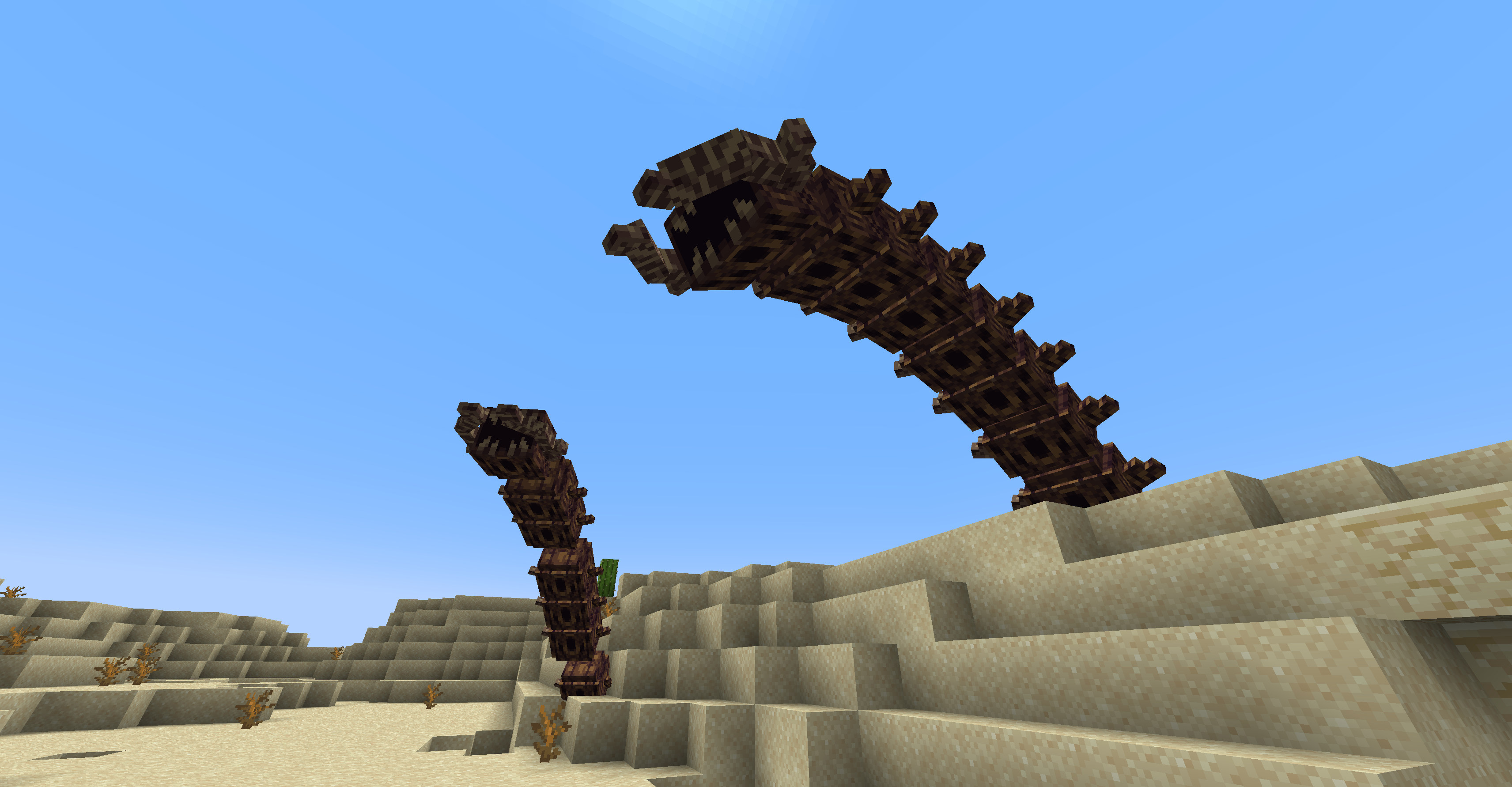 Desert Scourge
Versions
Files
Relations
Project Relations
More like this
Similar Mods
Suggestions use data such as tags, dependencies, dependents, descriptions, titles, and more to rank how much they overlap with this mod.
On ModDex
Community snapshot
By the numbers
Statistics

 (opens in a new tab)
Get it on
Available Platforms
On ModDex
Community snapshot
By the numbers