Mod

McChatBridge
No reviews yet
Simple communication for players (and others) on the server via a web interface, with a variety of different features that I found useful.
Features small, self-contained games within Minecraft.
Neoforge is a fork of the Minecraft Forge available for versions 1.20.1+ of Minecraft. Many Forge mods are compatible with Neoforge and vice versa.
Community voices
Reviews
Click once to include, again to exclude, again to clear
No reviews yet. Be the first to review this project!
Get it on
Available Platforms
 Modrinth
Compatibility
Supported Environments
About
Project Details
For authors
Embed Badge
If you're the author of this project, you can embed a live badge anywhere that supports HTML or Markdown. It updates automatically whenever ratings change.
Use HTML for any page that supports it, or Markdown for README files and Markdown-based descriptions.
Identifiers
Platform IDs
Resources
External Links
About
Description
This is a simple mod for Minecraft 1.21.1 NeoForge. I just had an idea and decided to implement it with the help of AI (Antigravity Gemini 3.5 Flash), and Claude Opus 4.8 (I didn't like Gemini). I am unlikely to update this mod further, as I made it just for myself and my friends. However, I will leave the source code available (hopefully, I can figure out how to do that). This is a server-side mod. To see images sent to the game chat via McChatBridge, install the ChatImage mod by kituin on your game client.
Do whatever you want with this project.
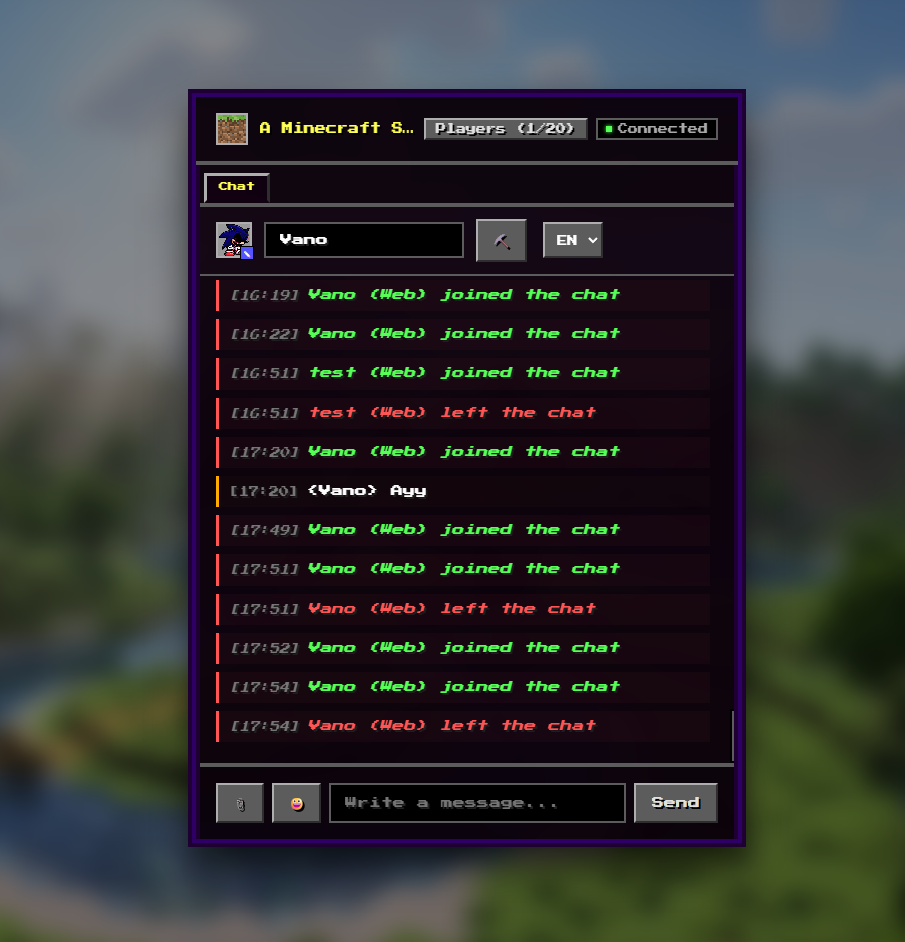
McChatBridge launches a built-in HTTP web server directly within the Minecraft server. Through a browser, players (and others) can:
-
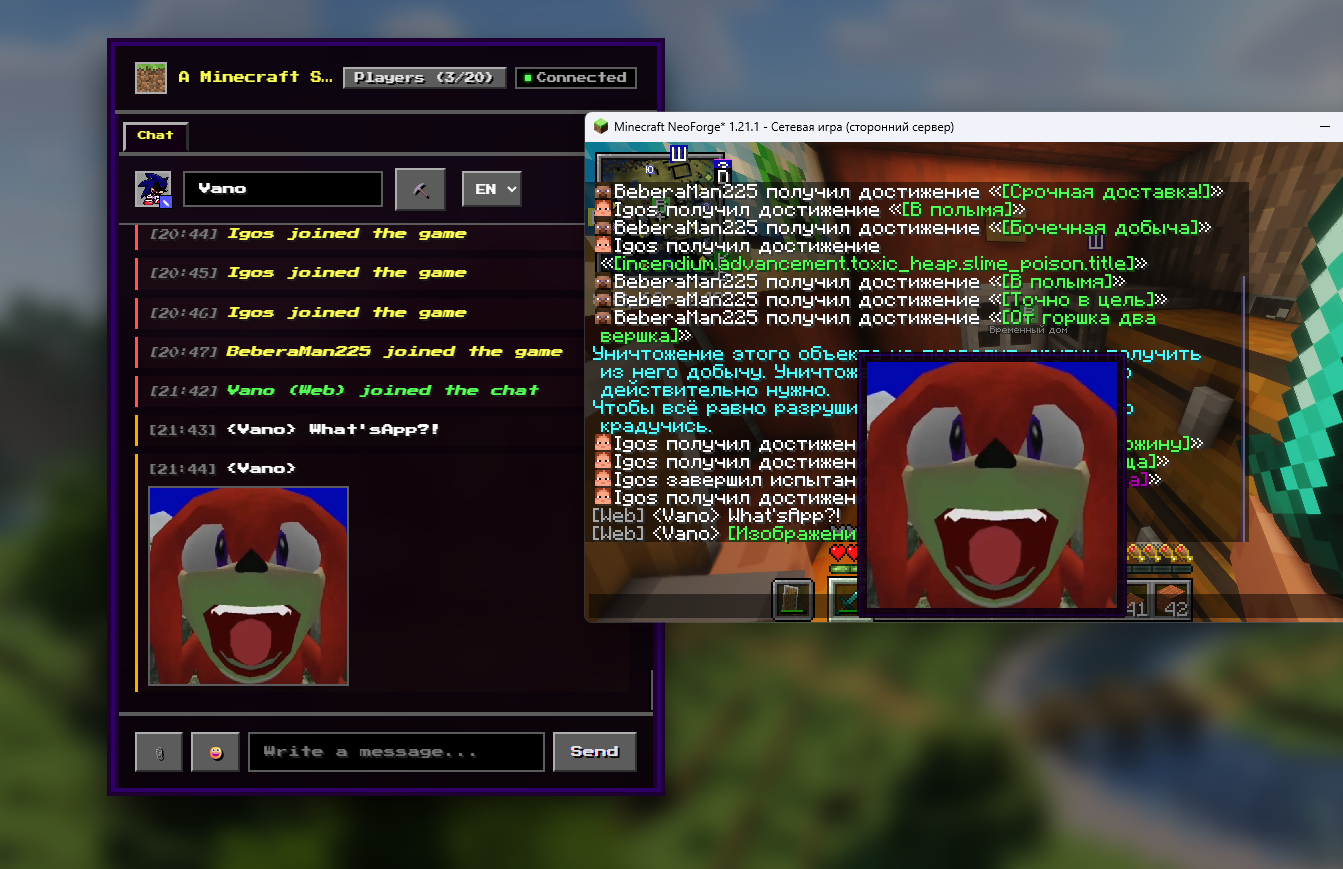
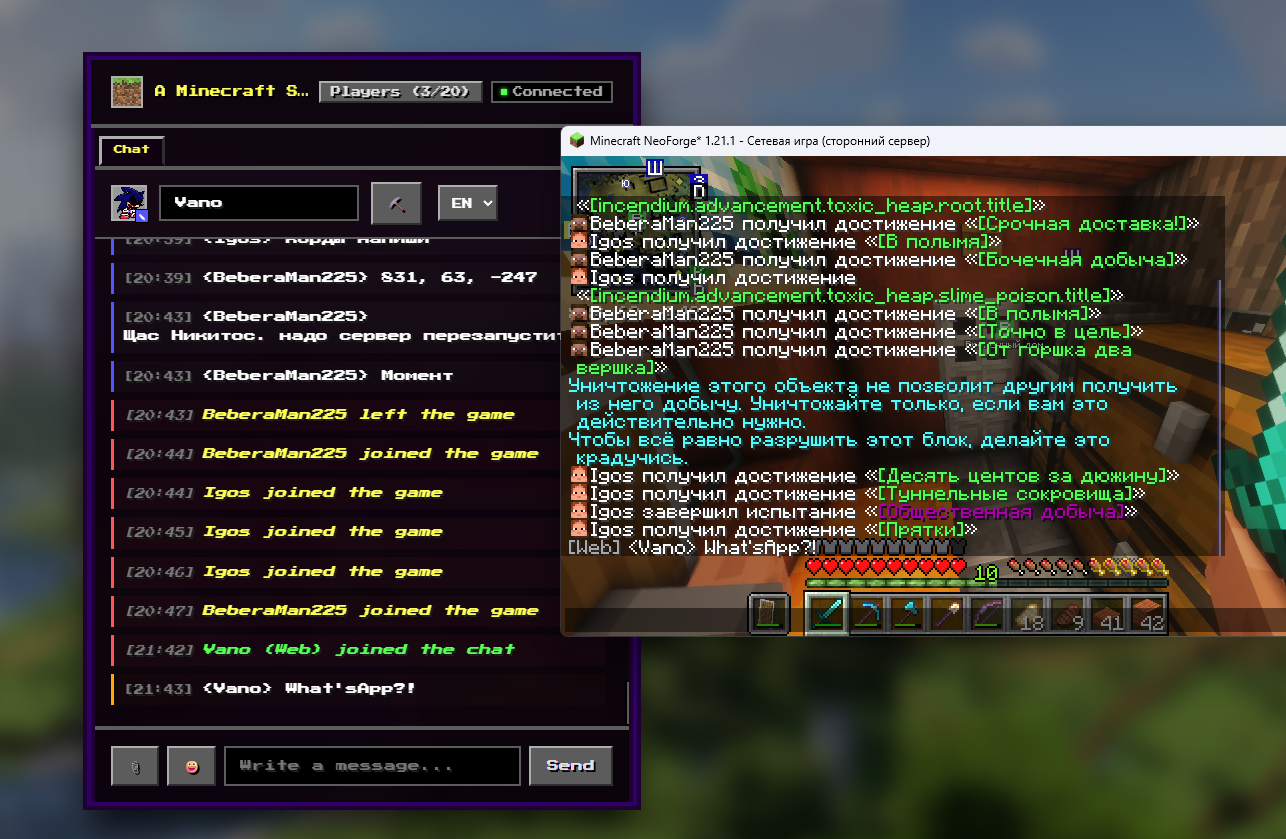
Read and write to the global chat: Messages are synchronized in both directions—from web to game and from game to web.
-
Send Private Messages (PMs): Direct messages to specific players on the server; PM history is encrypted using AES-256-GCM.
-
Upload and send images: Pictures are displayed in the web chat, while a clickable link appears in the game.
-
Play a "Clicker" mini-game: Mine ore through clicks, receive resources in your inventory, and transfer them to players on the server.
-
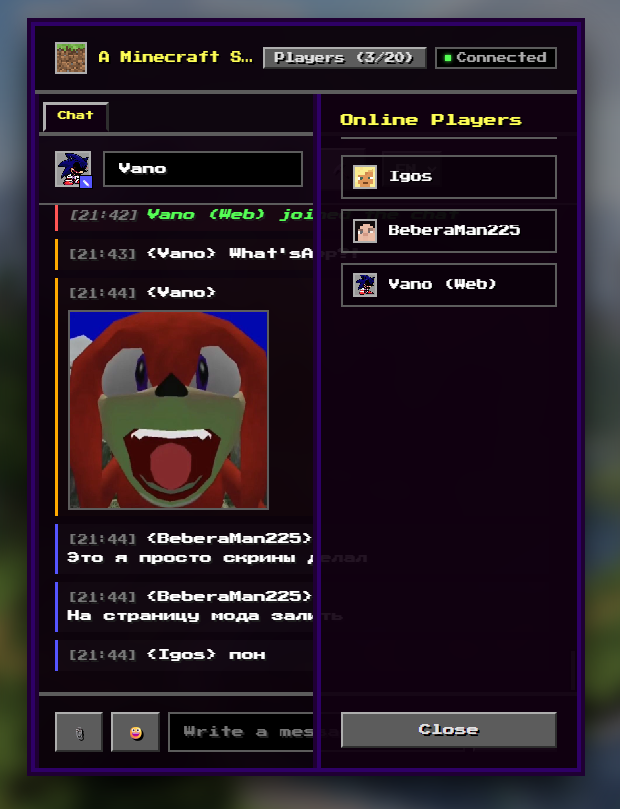
View online players in real-time: See who is online along with their avatars. Receive system notifications: Get alerts for player logins/logouts and deaths.
All settings are handled via configuration files. They are located in your server's config folder. You can change the port, disable the mini-game, or disable image uploads by users.
How can users and you access the web interface?
- After adding the modification to your server, start it and enter http://your_ip:your_port (default is 8080) into your browser.
Screenshots
Gallery
-
 v1.0.0
 -
-
-
-
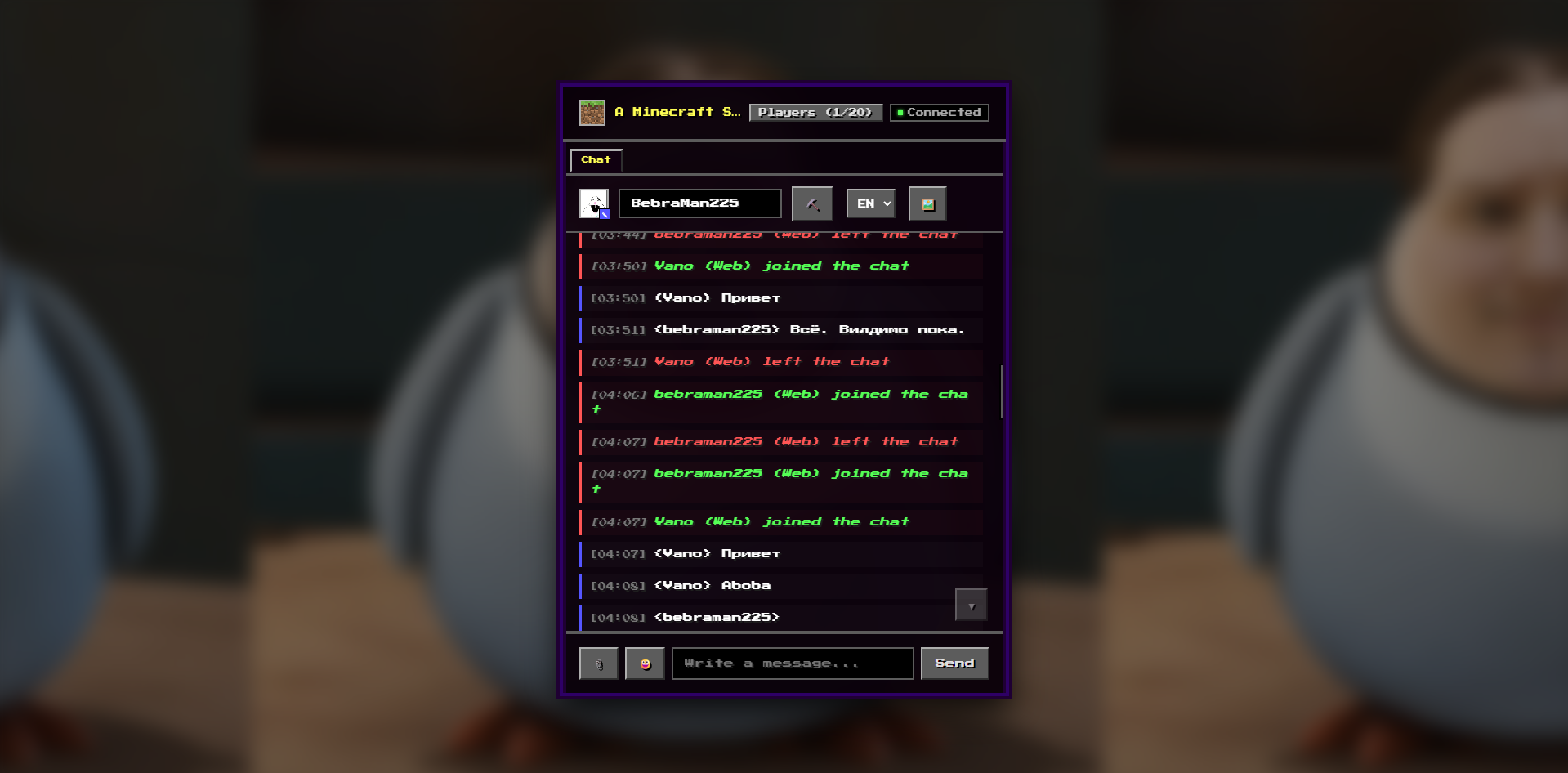 v1.0.2
Versions
Files
Relations
Project Relations
More like this
Similar Mods
Suggestions use data such as tags, dependencies, dependents, descriptions, titles, and more to rank how much they overlap with this mod.
On ModDex
Community snapshot
By the numbers
Statistics

Want to reach Minecraft players?
We're looking for a server hosting partner to feature here and other parts of the site. Interested? Send us a message!
Get in touchGet it on
Available Platforms
On ModDex
Community snapshot
By the numbers
Statistics
Resources