
Community listing page, reviews here may not be monitored by the author.

Community voices
Reviews
No reviews yet. Be the first to review this project!
Get it on
Available Platforms
Compatibility
Supported Environments
Must be installed on both the client and the server.
About
Project Details
For authors
Embed Badge
If you're the author of this project, you can embed a live badge anywhere that supports HTML or Markdown. It updates automatically whenever ratings change.
Use HTML for any page that supports it, or Markdown for README files and Markdown-based descriptions.
Identifiers
Platform IDs
Resources
External Links
About
Description
Overview
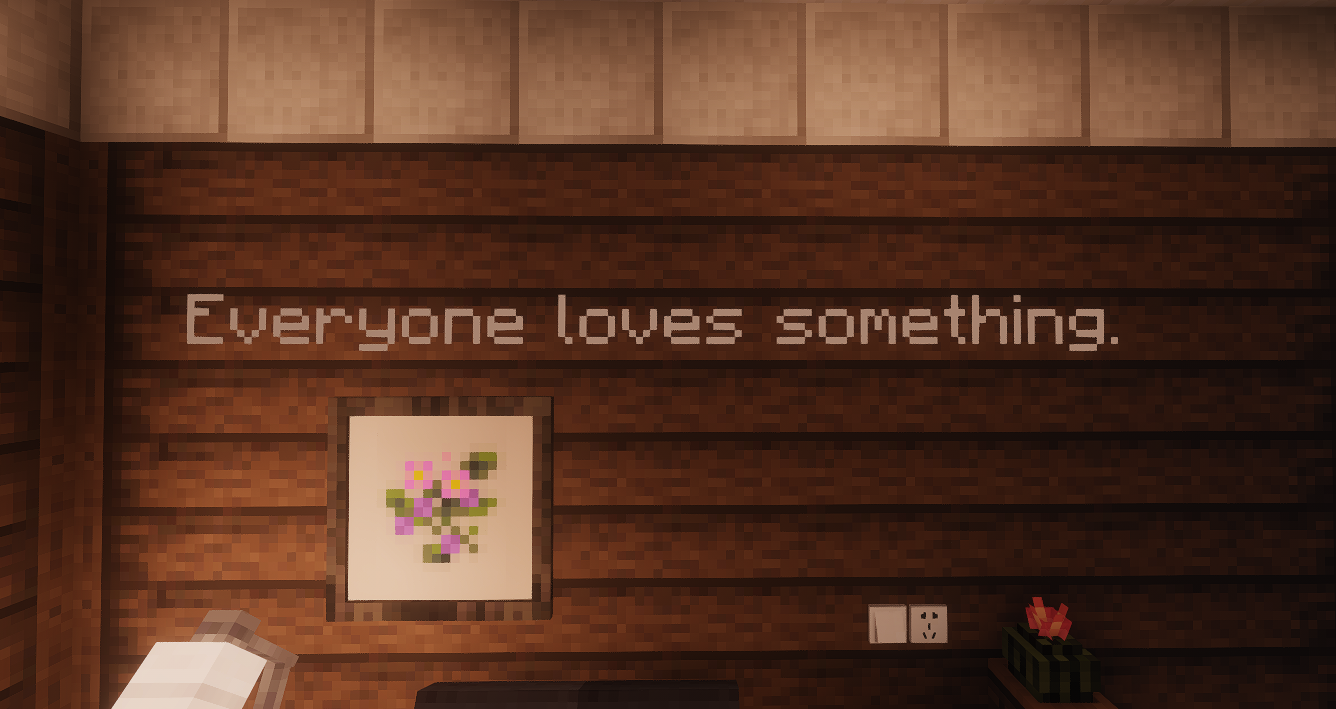
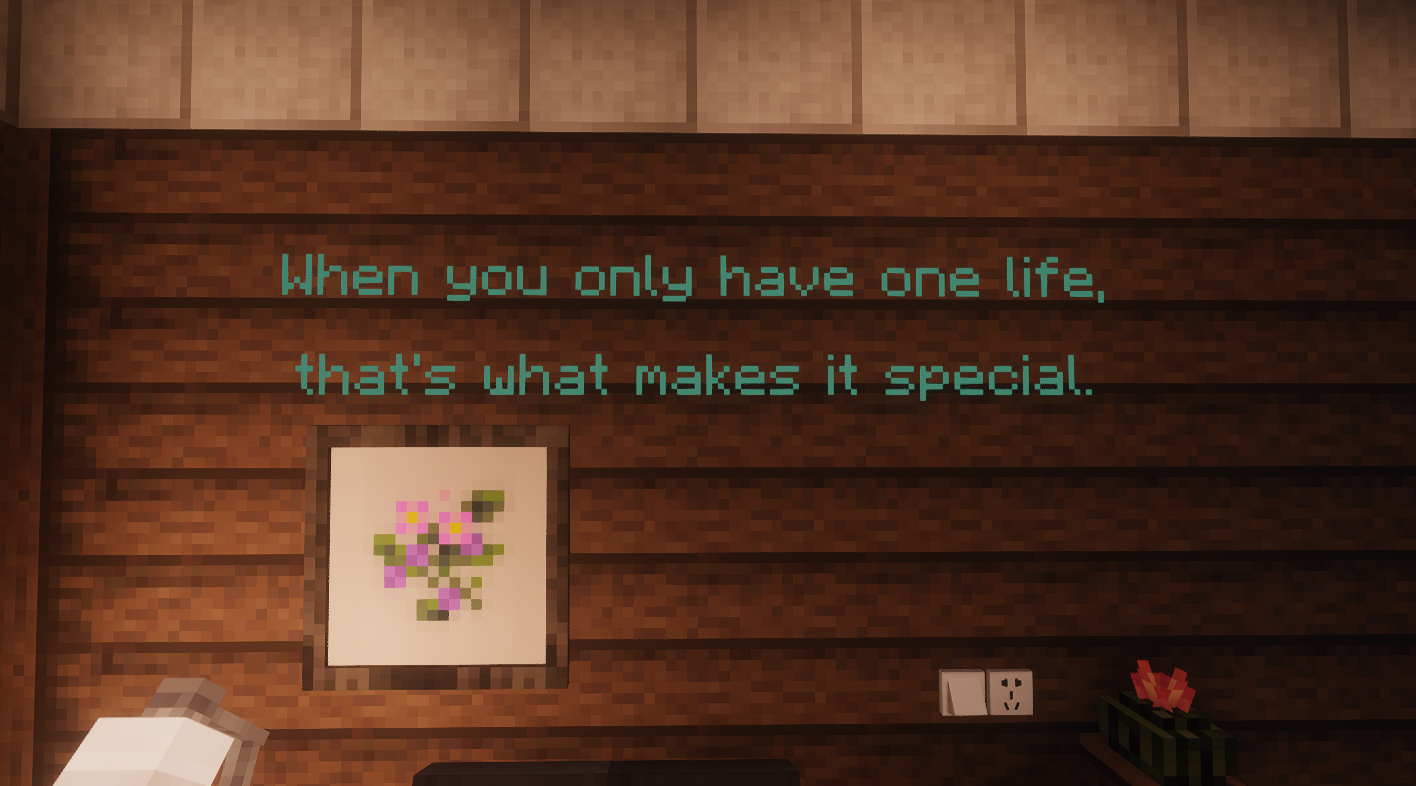
MCmisidechat is a creates subtitles in miside style
Great for cutscenes, command maps, stream events, and server announcements.
Key Features
- Per-character pop-in reveal animation
- Staggered character drop sequence
- Ground behavior: flat landing + shrink/fade out
- Styling support: You can use hexadecimal colors
- Player-view spawn: generate subtitle 2 blocks in front of a target player
Commands
/msc [x] [y] [z] [rot1] [rot2] [text] [holdSeconds]
/mscplayer [player] [text] [holdSeconds]
Notes:
holdSecondsis optional and controls how long text stays before dropping/mscplayeruses the target player's current yaw/pitch and eye direction
Inline Styling Tags
<66ccff> or <#66ccff>   Set hex color
<size:10>               Set glyph size (10 = baseline)
<bold>                  Enable bold
<br>                    Line break
Examples:
/msc ~ ~2 ~ 0 0 <66ccff><size:10><bold>Hello World 2.5
/mscplayer Steve <ff5555><size:12>Warning! 3
Compatibility
- Minecraft:
1.20.1 - Forge:
47.2.0+ - Java:
17 - Installation side: recommended on both client and server
Changelog (v1.0.0)
- Added
/mscplayercommand - Improved drop animation smoothness
Known Issues
- Very long text may cause minor frame drops on low-end machines
- Some rare font combinations can still show slight offsets at extreme camera angles
简介
MCmisidechat 是一个沉浸式字幕动画模组,仿造米塔风格字幕制作
适合:剧情演出、指令地图、直播整活、服务器活动提示。
核心特性
- 逐字弹出:每个字符依次出现并带有轻微放大动画
- 逐字掉落:字符按顺序分批掉落到地面
- 地面表现:落地后平躺并逐渐缩小消失
- 样式支持:兼容十六进制颜色代码
- 视角生成:支持在目标玩家当前视角前方 2 格生成字幕
指令
/msc [x] [y] [z] [rot1] [rot2] [text] [holdSeconds]
/mscplayer [player] [text] [holdSeconds]
参数说明:
holdSeconds可选,控制字幕掉落前停留时间(秒)/mscplayer会使用目标玩家的当前朝向,并在其视角前方约 2 格生成字幕
文本样式标签
<66ccff> 或 <#66ccff>  设置颜色
<size:10>               设置字号(10 为基准)
<bold>                  粗体
<br>                    换行
示例:
/msc ~ ~2 ~ 0 0 <66ccff><size:10><bold>你好世界 2.5
/mscplayer Steve <ff5555><size:12>警告! 3
兼容信息
- Minecraft:
1.20.1 - Forge:
47.2.0+ - Java:
17 - 安装:建议客户端与服务端都安装
本版本更新(v1.0.0)
- 新增
/mscplayer指令 - 优化掉落动画流畅度
已知问题
- 极长文本在低性能环境下可能有轻微掉帧
- 特殊字体组合在极端视角下可能出现少量偏移
Screenshots
Gallery
Versions
Files
Relations
Project Relations
More like this
Similar Mods
Suggestions use data such as tags, dependencies, dependents, descriptions, titles, and more to rank how much they overlap with this mod.
On ModDex
Community snapshot
By the numbers
Statistics

Want to reach Minecraft players?
We're looking for a server hosting partner to feature here and other parts of the site. Interested? Send us a message!
Get in touchGet it on
Available Platforms
On ModDex
Community snapshot
By the numbers
Statistics
Resources