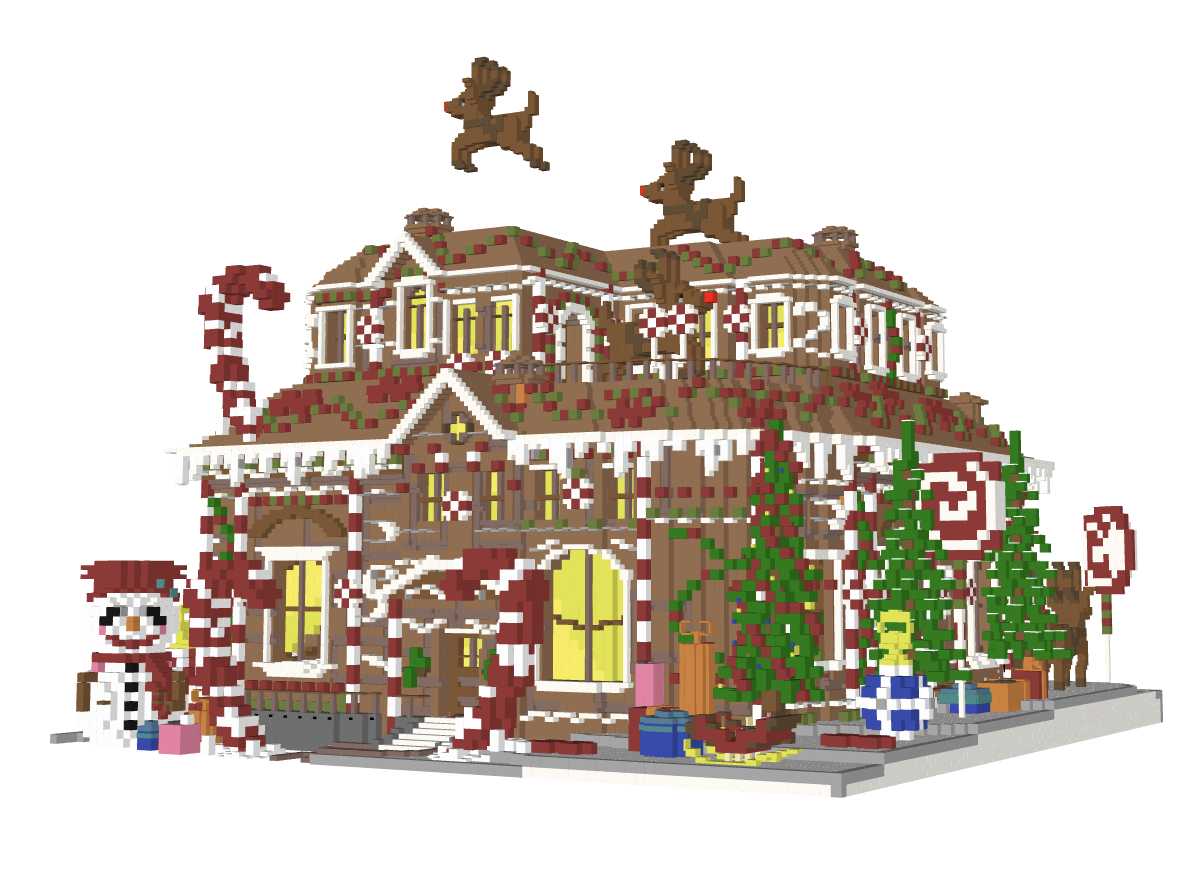

Community listing page, reviews may not be monitored by the author.
McTo3D

No reviews yet
This mod allows you to export your Minecraft world as an STL file, ready for 3D printing!

Community voices
Reviews
No reviews yet. Be the first to review this project!
Get it on
Available Platforms
Compatibility
Supported Environments
Runs entirely on the client. Works on vanilla servers.
About
Project Details
For authors
Embed Badge
If you're the author of this project, you can embed a live badge anywhere that supports HTML or Markdown. It updates automatically whenever ratings change.
Use HTML for any page that supports it, or Markdown for README files and Markdown-based descriptions.
Identifiers
Platform IDs
Resources
External Links
About
Description
McTo3D - Minecraft to 3D Printing
Turn your Minecraft builds into physical objects.
McTo3D is a utility mod designed to bridge the gap between Minecraft creativity and 3D printing technology. It functions as a simplified CAD tool within the game, allowing players to select, process, and export structures directly into formats compatible with major slicing software (Bambu Studio, Cura, PrusaSlicer).
Whether you are designing architectural models or custom figurines, McTo3D provides a streamlined workflow from block placement to STL generation.
🌟 Key Features
🛠️ Precision Selection Tools
Define your export area with accuracy using two distinct methods:
- Wand Selection: Use the Golden Hoe to quickly define corners (Left-Click for Position 1, Right-Click for Position 2).
- Command Selection: Use
/pos1and/pos2for precise coordinate targeting based on your player position.
📐 Axis Manipulation
Need to capture underground foundations or high rooftops without moving?
- Vertical Expansion: Easily adjust your selection boundaries using the
/expandcommand.- Example:
/expand 10adds 10 blocks upwards. - Example:
/expand -5adds 5 blocks downwards.
- Example:
💾 Advanced Export Modes
McTo3D offers versatile export options tailored to your hardware:
- Raw Mode: Exports pure geometry. Ideal for single-color prints or post-processing in Blender.
- Color Mode: Exports geometry with color data. Optimized for multi-material systems like Bambu Lab AMS or Prusa MMU, allowing for full-color 3D prints directly from the game.
📋 How to Use
- Select Area: Equip a Golden Hoe and mark two opposite corners of your build (Left/Right click).
- Adjust Height: (Optional) Use
/expand <value>to include the roof or basement if they weren't in your initial selection. - Export: Run the command
/export3d. - Locate File: Navigate to your
.minecraft/exportsfolder to find your generated file. - Slice & Print: Drag the file into your preferred slicer software.
⚙️ Compatibility
- Slicers: Tested and optimized for Bambu Studio, Orca Slicer, Cura, and PrusaSlicer.
- Printers: Compatible with standard FDM and SLA printers.
⚠️ Note: Ensure your build has proper structural integrity (supports) within your slicer software before printing.
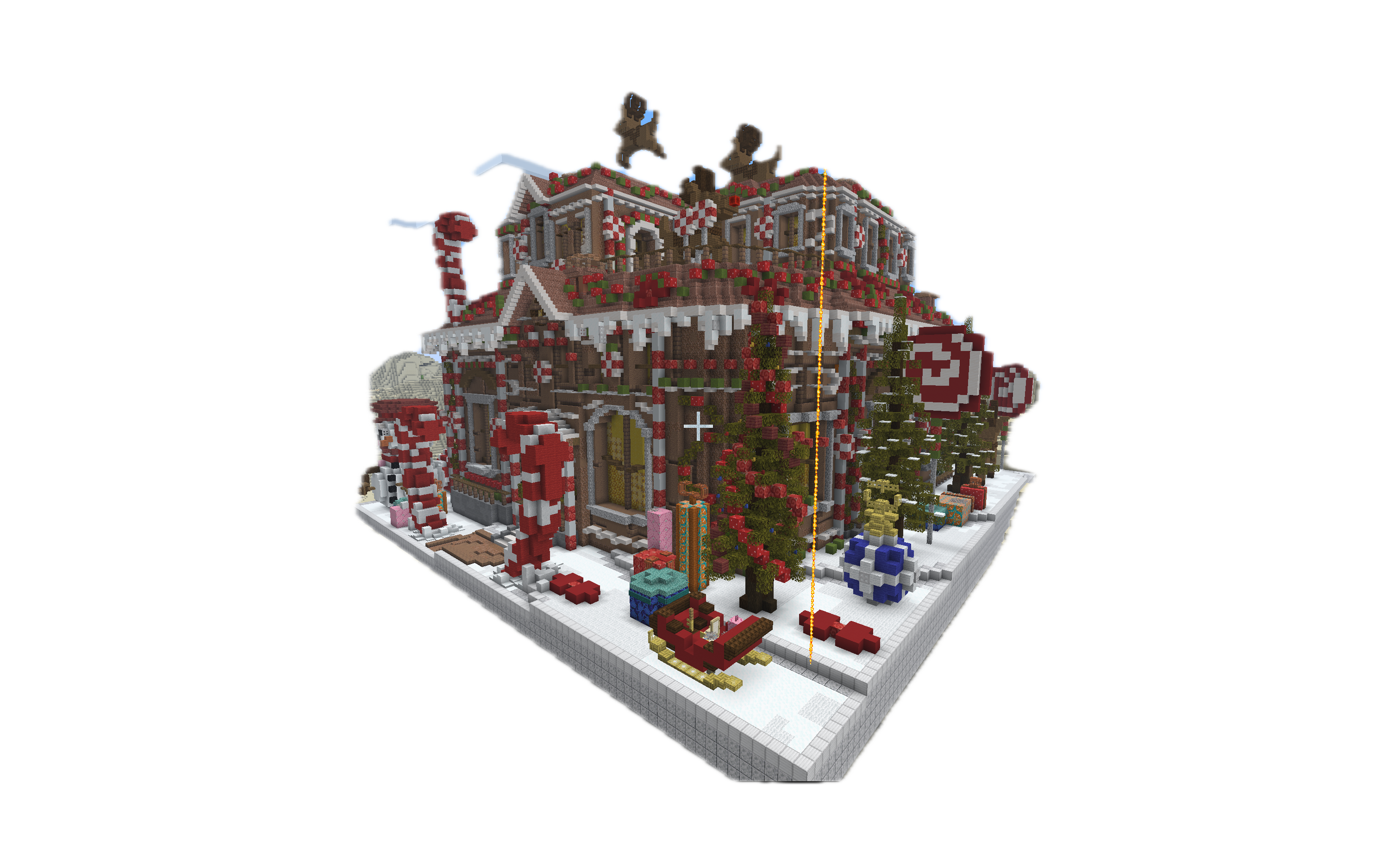
Screenshots
Gallery
Versions
Files
Relations
Project Relations
More like this
Similar Mods
Suggestions use data such as tags, dependencies, dependents, descriptions, titles, and more to rank how much they overlap with this mod.
On ModDex
Community snapshot
By the numbers
Statistics


Get it on
Available Platforms
On ModDex
Community snapshot
By the numbers
Statistics
Resources