
Community listing page, reviews may not be monitored by the author.


Community voices
Reviews
No reviews yet. Be the first to review this project!
Get it on
Available Platforms
About
Project Details
For authors
Embed Badge
If you're the author of this project, you can embed a live badge anywhere that supports HTML or Markdown. It updates automatically whenever ratings change.
Use HTML for any page that supports it, or Markdown for README files and Markdown-based descriptions.
Identifiers
Platform IDs
Resources
External Links
About
Description
This mod enables to build textured Wavefront .obj models with blocks in your Minecraft world.
Features
- Voxel resolution setting: set desired block length of the build (by the largest dimension)
- Facing direction handling: place origin block facing the desired world direction according to axes letters and it will replicate the coordinate system of your model
- Materials support: MeshVoxelizer will automatically choose blocks with colors closest to your materials
- Replacement of materials: replace automatically chosen Minecraft blocks with better suiting ones
Use cases
MeshVoxelizer can be used for building large voxel structures by transferring 3d models (Wavefront .obj) into the game world. See 'Images' tab for examples.
Basic usage
1) Run the game to generate the mod folder or create it yourself (.minecraft/mods/MeshVoxelizer)
2) Put your .obj models along with .mtl-s into that folder (make sure to triangulate your models when exporting from 3d modeling software)
3) Find 'Mesh Voxelizer origin' block in the search tab of creative inventory (or get it with /give @p meshvoxelizer:voxelizer_origin)
4) Place it facing the needed world direction
5) Access the origin block with right mouse click and then click 'Choose model file'
6) Choose one from those you previously put into the MeshVoxelizer folder and click 'Use this model'
7) Click 'Voxelize' and wait while progress bar will fill up
Epilepsy warning
MeshVoxelizer uses OpenGL and processes the 3d model in separate rapid-blinking window which can potentially trigger seizures for people with photosensitive epilepsy. It strobes switching between black and magenta background color to mask out the model from emptiness in the graphical context.
Screenshots
Gallery
-
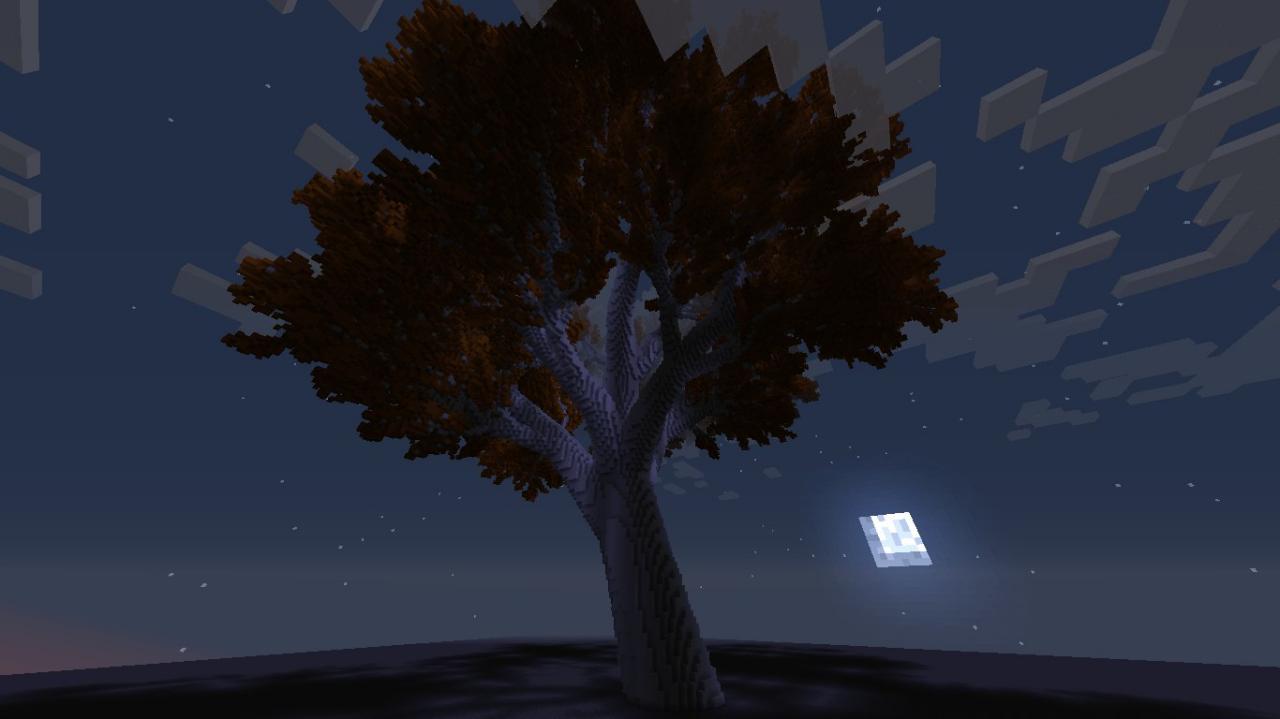 A giant tree model
 -
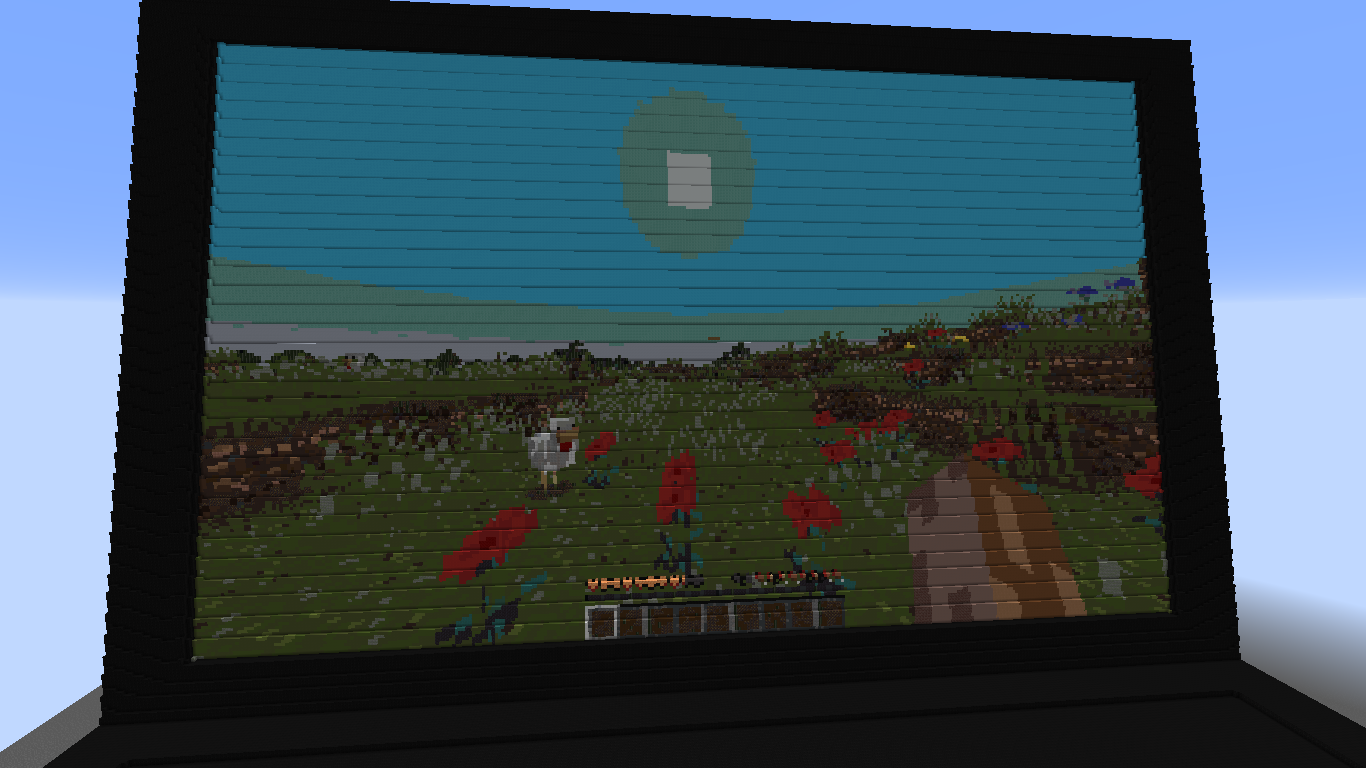 Laptop model with game screenshot on the screen
 -
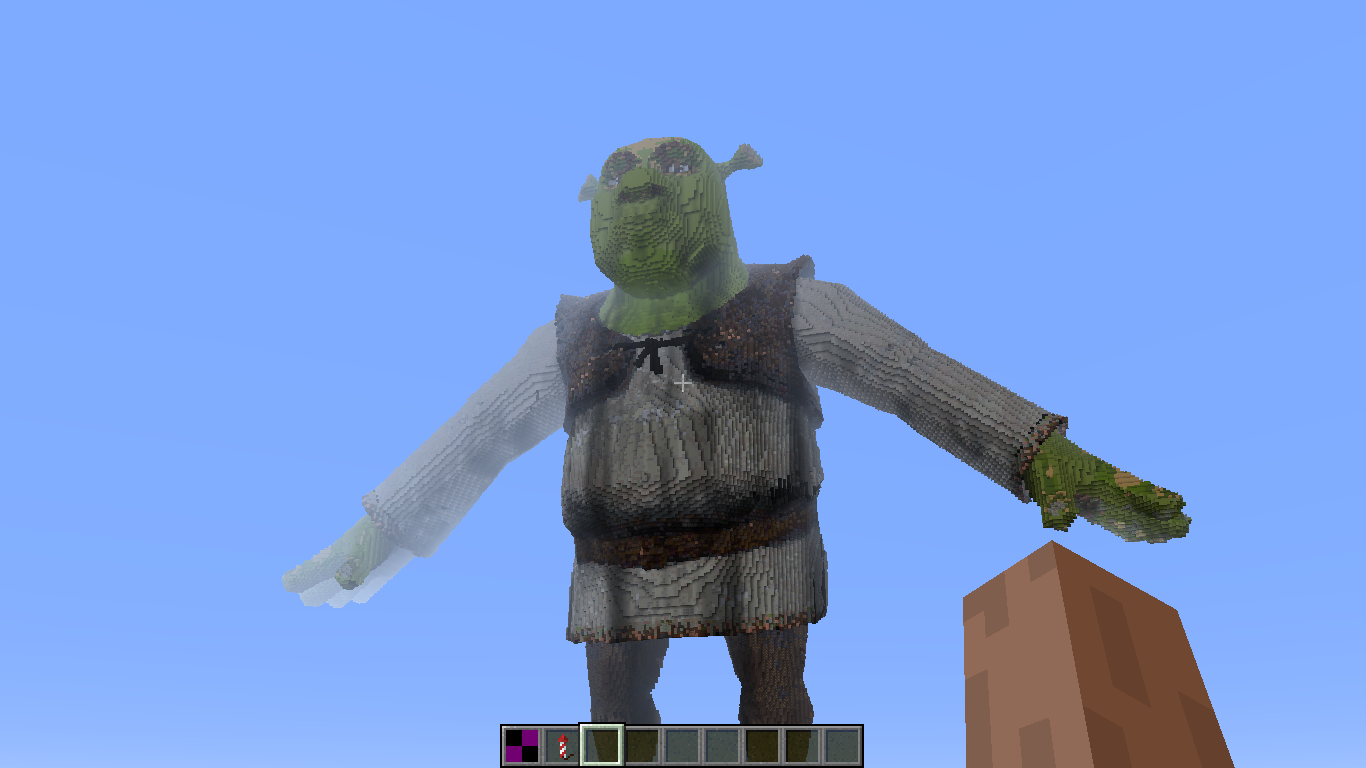 Shrek model
 -
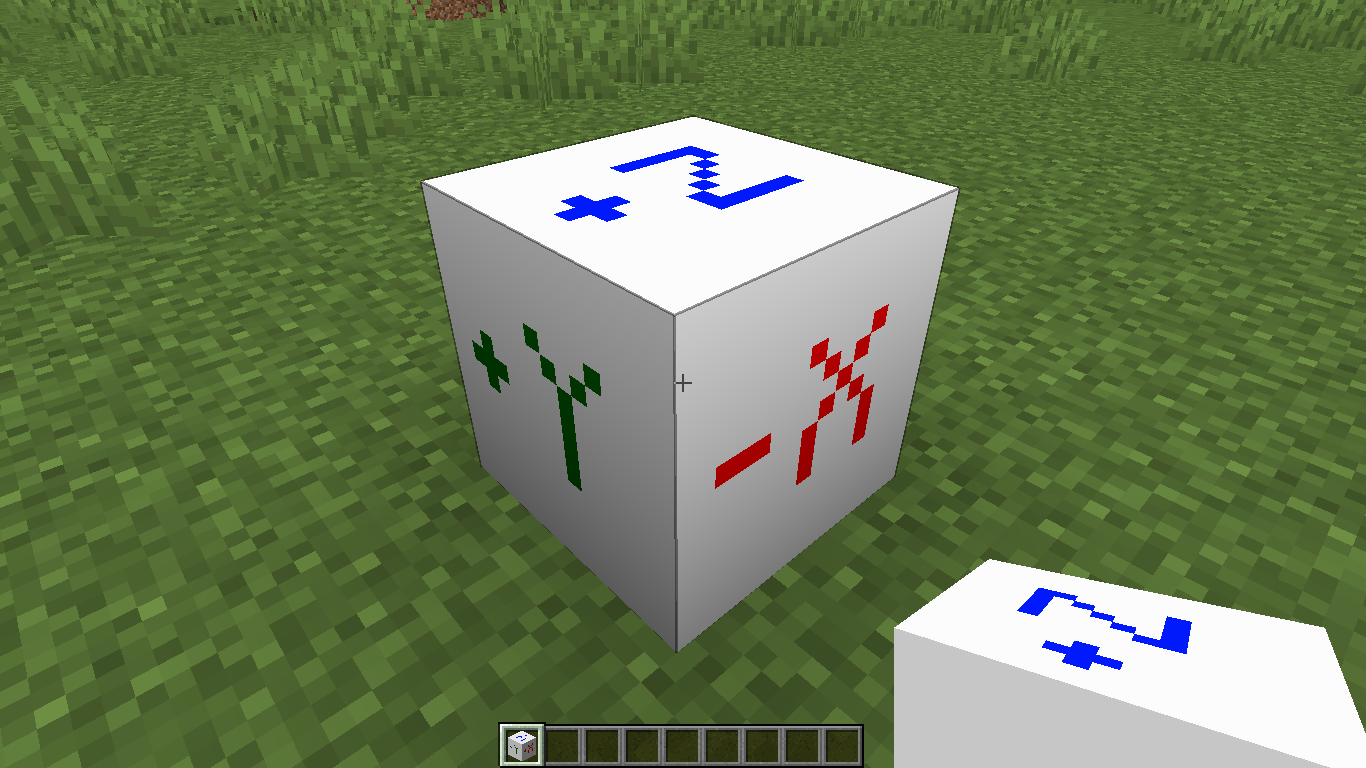 MeshVoxelizer origin block
Versions
Files
Relations
Project Relations
More like this
Similar Mods
Suggestions use data such as tags, dependencies, dependents, descriptions, titles, and more to rank how much they overlap with this mod.
On ModDex
Community snapshot
By the numbers
Statistics

Get it on
Available Platforms
On ModDex
Community snapshot
By the numbers
Statistics
Resources