
Mic Indicator
No reviews yet
Addon for Simple Voice Chat that indicates any player who is talking.
Fabric is a mod loader for versions 1.14+ of Minecraft, particularly popular for client side and optimization mods.
Community voices
Reviews
Click once to include, again to exclude, again to clear
No reviews yet. Be the first to review this project!
Get it on
Available Platforms
 Modrinth
Compatibility
Supported Environments
About
Project Details
For authors
Embed Badge
If you're the author of this project, you can embed a live badge anywhere that supports HTML or Markdown. It updates automatically whenever ratings change.
Use HTML for any page that supports it, or Markdown for README files and Markdown-based descriptions.
Identifiers
Platform IDs
Resources
External Links
About
Description
Mic Indicator
Addon for Simple Voice Chat adding customizable speaking indicators above and on players that are talking
Some servers modify player nametags or disable the default speaker icon, making it difficult to tell who’s talking. Mic Indicator provides customizable alternatives that work independently and fully client sided.
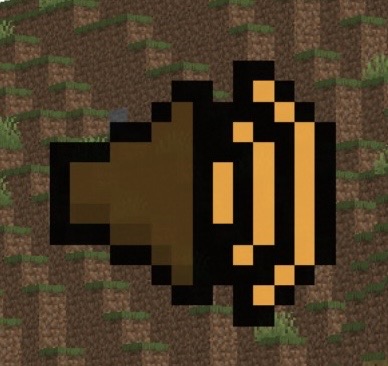
Features
-
Speaker Icon - Display a speaker icon above a player’s head when they are talking.
-
Glowing Players - Highlight players with the glowing effect when they are talking.
-
Customizable Keybinds - Toggle them on and off with a customizable keybind for both.
-
Dynamic Colors - Icon & Glow color change based on how loud a player is talking.
Dependencies
- Fabric Loader (Required)
- Fabric API (Required)
- Simple Voice Chat (Required)
- Cloth Config API (Required)
- Mod Menu (Optional)
Installation
- Download all of the required dependencies above.
- Download
MicIndicator.jarand put it into your.minecraft/mods/folder. - Launch the game, All the configuration files will be generated automatically.
Configuration
Note: Using this configuration menu REQUIRES you to have Cloth Config API and Mod Menu and installed.
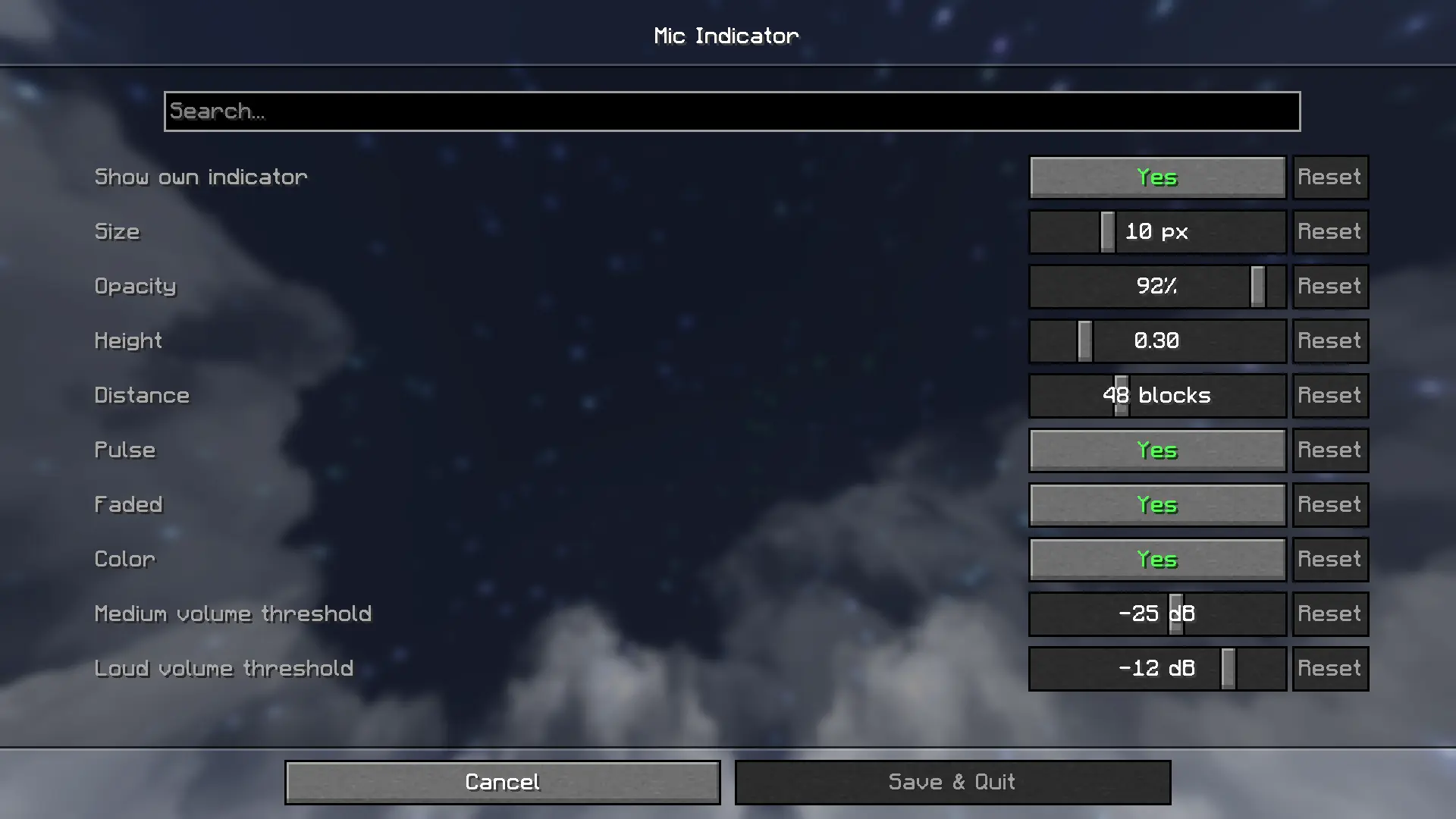
Default keybinds
- Toggle Icon:
[ - Toggle Glow:
]
Customize them in Options > Controls > Key Binds > Mic Indicator
Licensed under MIT
Screenshots
Gallery
-
 F5 Mic Icon & Glow
Versions
Files
Relations
Project Relations
More like this
Similar Mods
Suggestions use data such as tags, dependencies, dependents, descriptions, titles, and more to rank how much they overlap with this mod.
On ModDex
Community snapshot
By the numbers
Statistics

Want to reach Minecraft players?
We're looking for a server hosting partner to feature here and other parts of the site. Interested? Send us a message!
Get in touchGet it on
Available Platforms
On ModDex
Community snapshot
By the numbers
Statistics
Resources