Community listing page, reviews here may not be monitored by the author.
Minecart Trains Fork


No reviews yet
Inspired by the original Minecart Trains by LarsenR. Reworks and improves minecart transportation, making it more fun and useful as a train system!
Community voices
Reviews
No reviews yet. Be the first to review this project!
Get it on
Available Platforms
Compatibility
Supported Environments
Must be installed on both the client and the server.
About
Project Details
For authors
Embed Badge
If you're the author of this project, you can embed a live badge anywhere that supports HTML or Markdown. It updates automatically whenever ratings change.
Use HTML for any page that supports it, or Markdown for README files and Markdown-based descriptions.
Identifiers
Platform IDs
About
Description
Minecart Trains Fork
Inspired by the original Minecart Trains by LarsenR. Reworks and improves minecart transportation, making it more fun and useful as a train system!
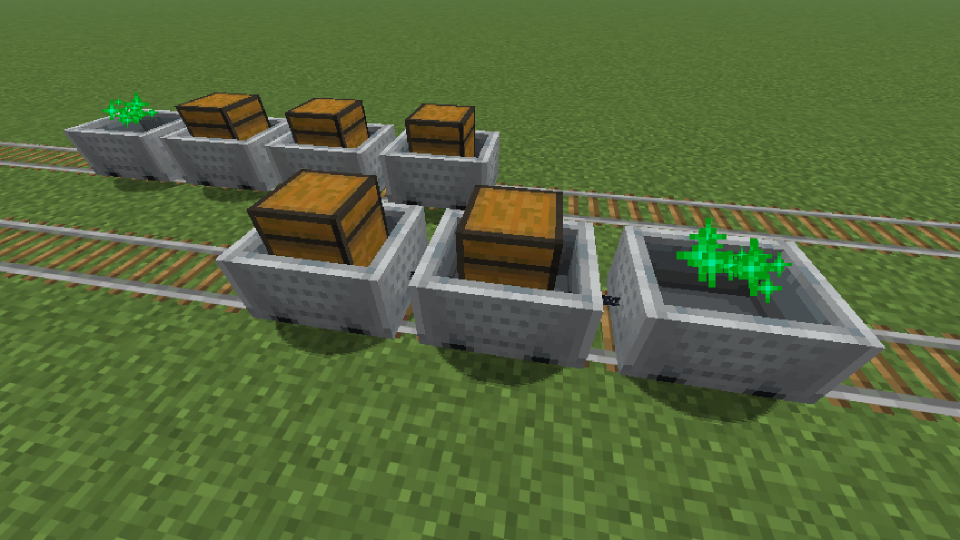
- This mod allows you to build more realistic Minecart trains in Minecraft while trying to stay close to vanilla mechanics.
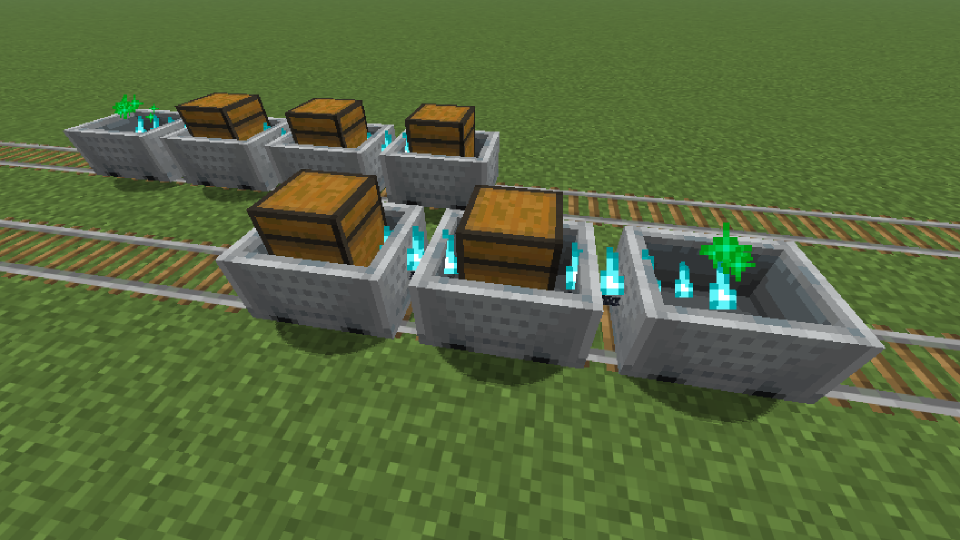
- The Server is responsible for connecting the carts, and the Client is responsible for rendering the connection effect.
Platforms



Environments

Compatibility
| Symbol | Relation |
|---|---|
| v | Required |
| o | Optional |
| x | Incompatible |
Fabric
| Server Side | Relation | Description |
|---|---|---|
| Fabric API | v | - |
| Cloth Config API | o | Train Behavior Configuration |
| Client Side | Relation | Description |
|---|---|---|
| Fabric API | v | - |
| Cloth Config API | o | Client Display Configuration |
| Mod Menu | o | Client Configuration Entry |
NeoForge / Forge
| Server Side | Relation | Description |
|---|---|---|
| Cloth Config API | o | Train Behavior Configuration |
| Client Side | Relation | Description |
|---|---|---|
| Cloth Config API | o | Client Display Configuration |
Progress
Check out the latest development progress here: Development Progress
Features
Train Behavior
- The child cart moves following the parent cart, Unaffected by certain additional forces.
- After installing
Cloth Config API, you can adjust certain features.
Train Formation
- Hold the Iron Chain in your Right Hand.
- Enter Sneaking mode, and Right-click on a Minecart.
- Enter Sneaking mode, and Right-click on another Minecart.
- Repeat the connection operation. (For example, if you need to connect from cart A to cart D, and A is the Leading cart. The order of clicking while stealthed is: A -> B; B -> C; C -> D. The subsequently selected vehicle will be towed by the previously selected vehicle.)
Train Decoupling
You can attempt to clear the train connection at Any Time, including in cases where the connection fails.
- Hold any Axe in your Right Hand.
- Enter Sneaking mode, and Right-click on a Minecart.
Configuration
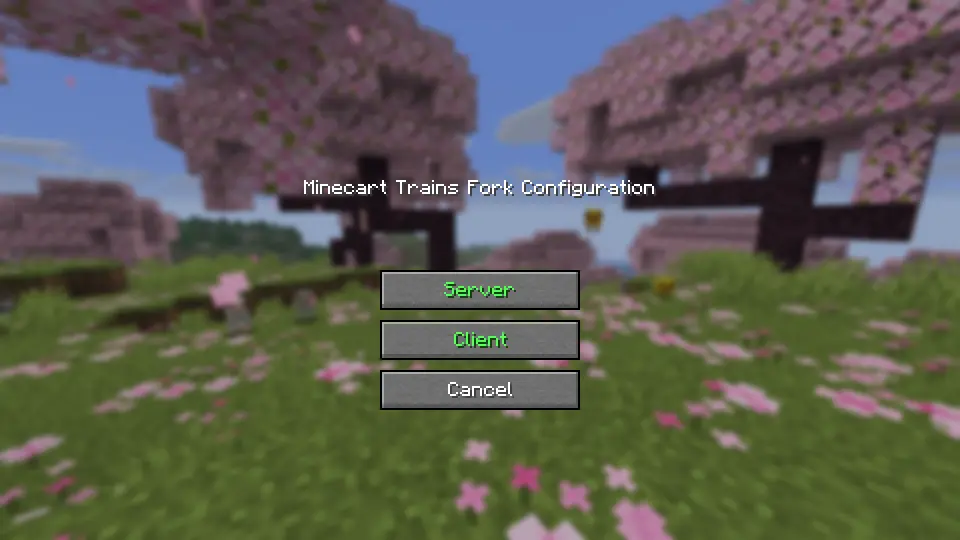
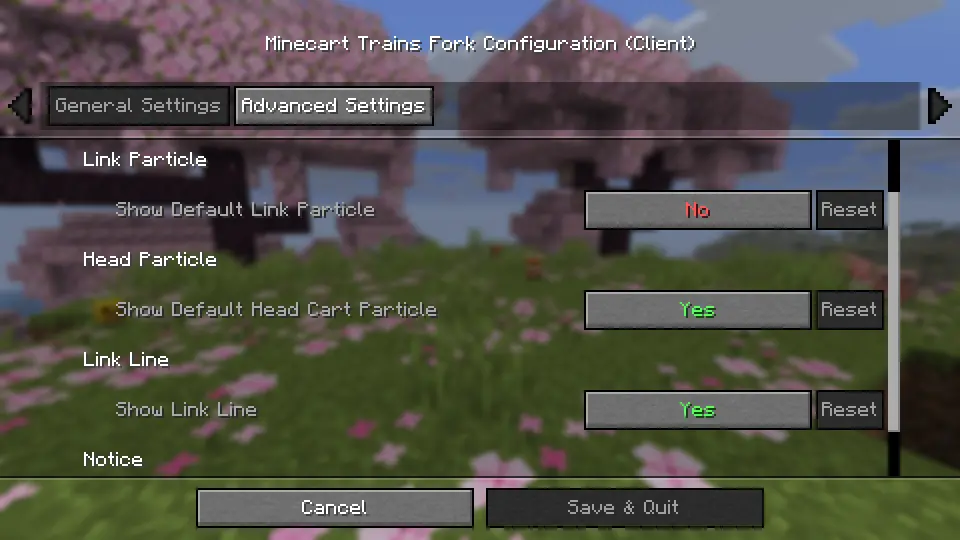
Configuration files that will be generated after installing Cloth Config API:
.../config/minecart-trains-fork-server.json.../config/minecart-trains-fork-client.json
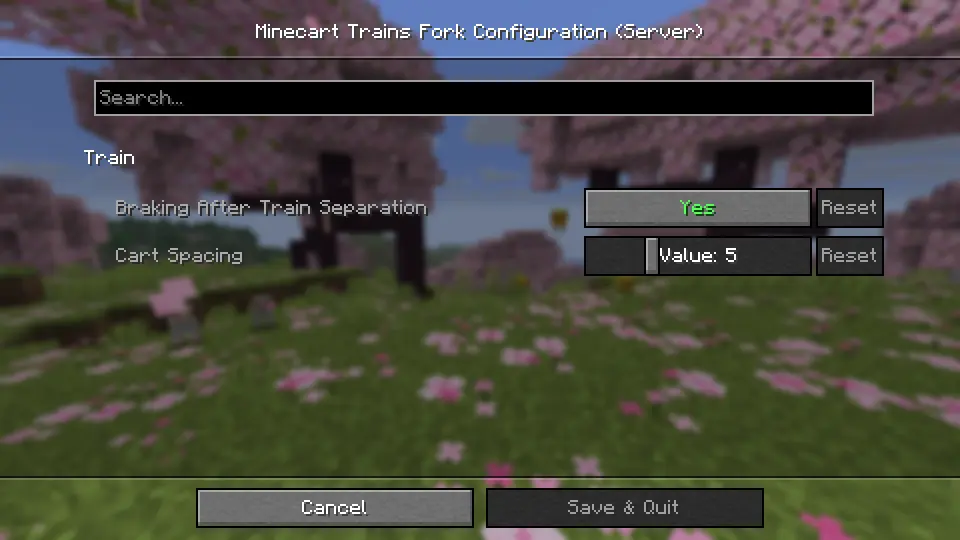
minecart-trains-fork-server.json
    [brakingAfterSeparation] Value: true/false, Default: true
    [cartSpacing] Range: 3 - 10, Default: 5
History
Special thanks to Minecart Trains, which served as the inspiration for this project.
- 2025.10.12: The project was forked from Minecart Trains.
- 2025.12.08: Starting from version 2.0.0, the project uses a completely new architecture.
- 2026.06.30: The project became independent from the forked network.
Minecart Trains Fork
Inspired by the original Minecart Trains by LarsenR. Reworks and improves minecart transportation, making it more fun and useful as a train system!
- This mod allows you to build more realistic Minecart trains in Minecraft while trying to stay close to vanilla mechanics.
- The Server is responsible for connecting the carts, and the Client is responsible for rendering the connection effect.
Platforms
Environments
Compatibility
| Symbol | Relation |
|---|---|
| v | Required |
| o | Optional |
| x | Incompatible |
Fabric
| Server Side | Relation | Description |
|---|---|---|
| Fabric API | v | - |
| Cloth Config API | o | Train Behavior Configuration |
| Client Side | Relation | Description |
|---|---|---|
| Fabric API | v | - |
| Cloth Config API | o | Client Display Configuration |
| Mod Menu | o | Client Configuration Entry |
NeoForge / Forge
| Server Side | Relation | Description |
|---|---|---|
| Cloth Config API | o | Train Behavior Configuration |
| Client Side | Relation | Description |
|---|---|---|
| Cloth Config API | o | Client Display Configuration |
Progress
Check out the latest development progress here: Development Progress
Features
Train Behavior
- The child cart moves following the parent cart, Unaffected by certain additional forces.
- After installing
Cloth Config API, you can adjust certain features.
Train Formation
- Hold the Iron Chain in your Right Hand.
- Enter Sneaking mode, and Right-click on a Minecart.
- Enter Sneaking mode, and Right-click on another Minecart.
- Repeat the connection operation. (For example, if you need to connect from cart A to cart D, and A is the Leading cart. The order of clicking while stealthed is: A -> B; B -> C; C -> D. The subsequently selected vehicle will be towed by the previously selected vehicle.)
Train Decoupling
You can attempt to clear the train connection at Any Time, including in cases where the connection fails.
- Hold any Axe in your Right Hand.
- Enter Sneaking mode, and Right-click on a Minecart.
Configuration
Configuration files that will be generated after installing Cloth Config API:
.../config/minecart-trains-fork-server.json.../config/minecart-trains-fork-client.json
minecart-trains-fork-server.json
    [brakingAfterSeparation] Value: true/false, Default: true
    [cartSpacing] Range: 3 - 10, Default: 5
History
Special thanks to Minecart Trains, which served as the inspiration for this project.
- 2025.10.12: The project was forked from Minecart Trains.
- 2025.12.08: Starting from version 2.0.0, the project uses a completely new architecture.
- 2026.06.30: The project became independent from the forked network.
Screenshots
Gallery
-
 Big.png Big.png
 -
 Config.png Config.png
 -
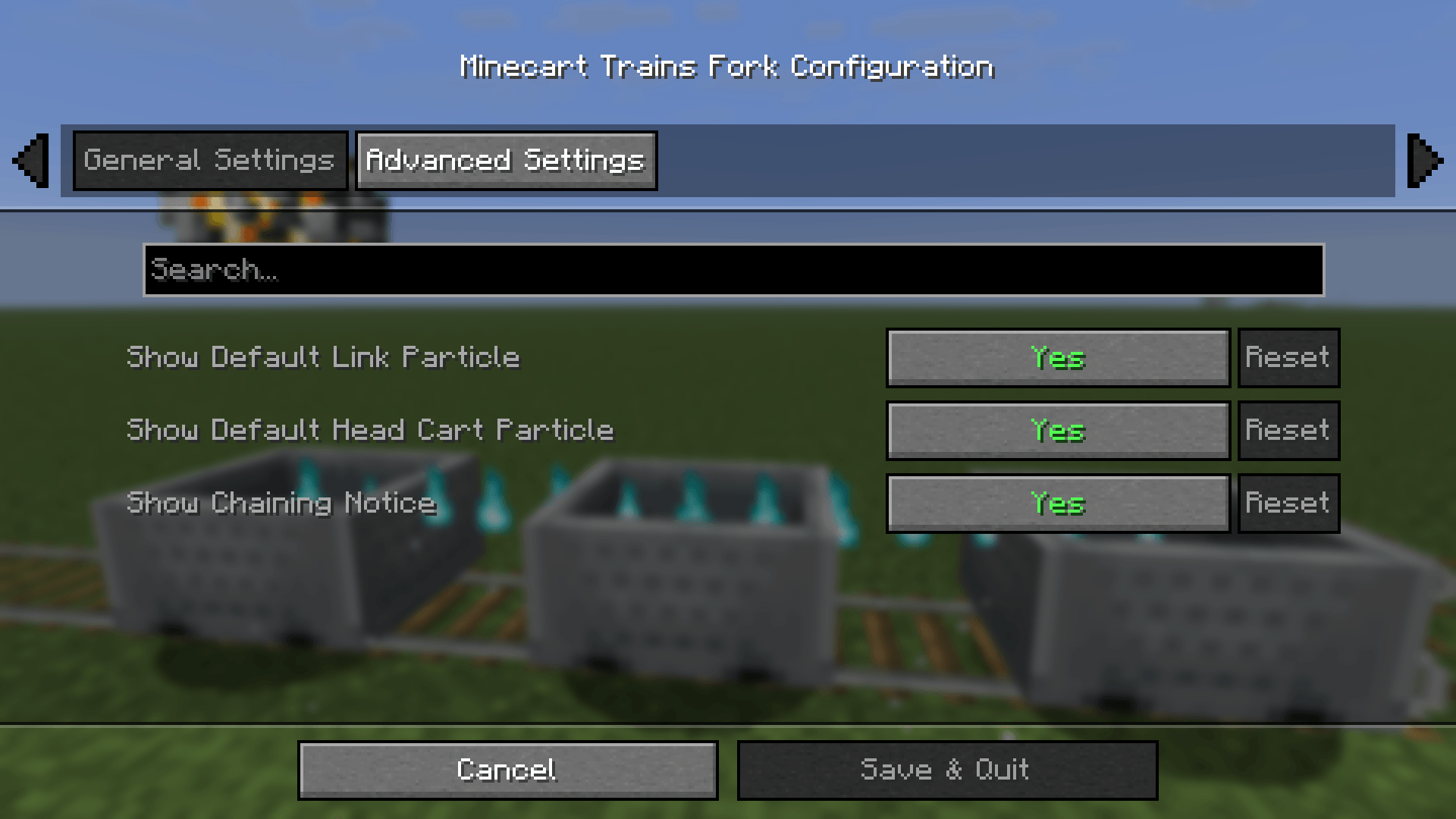 Config1.png Config1.png
 -
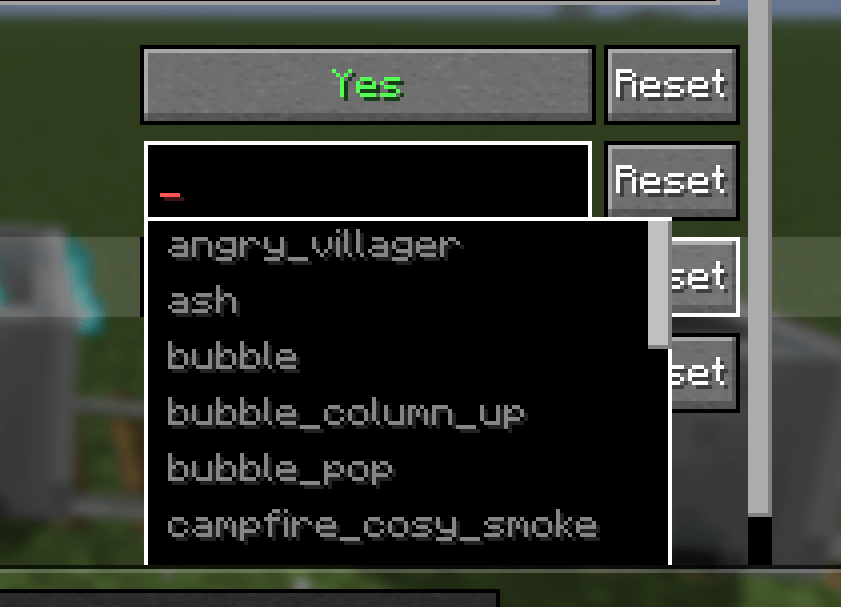 CustomConfig.png CustomConfig.png
 -
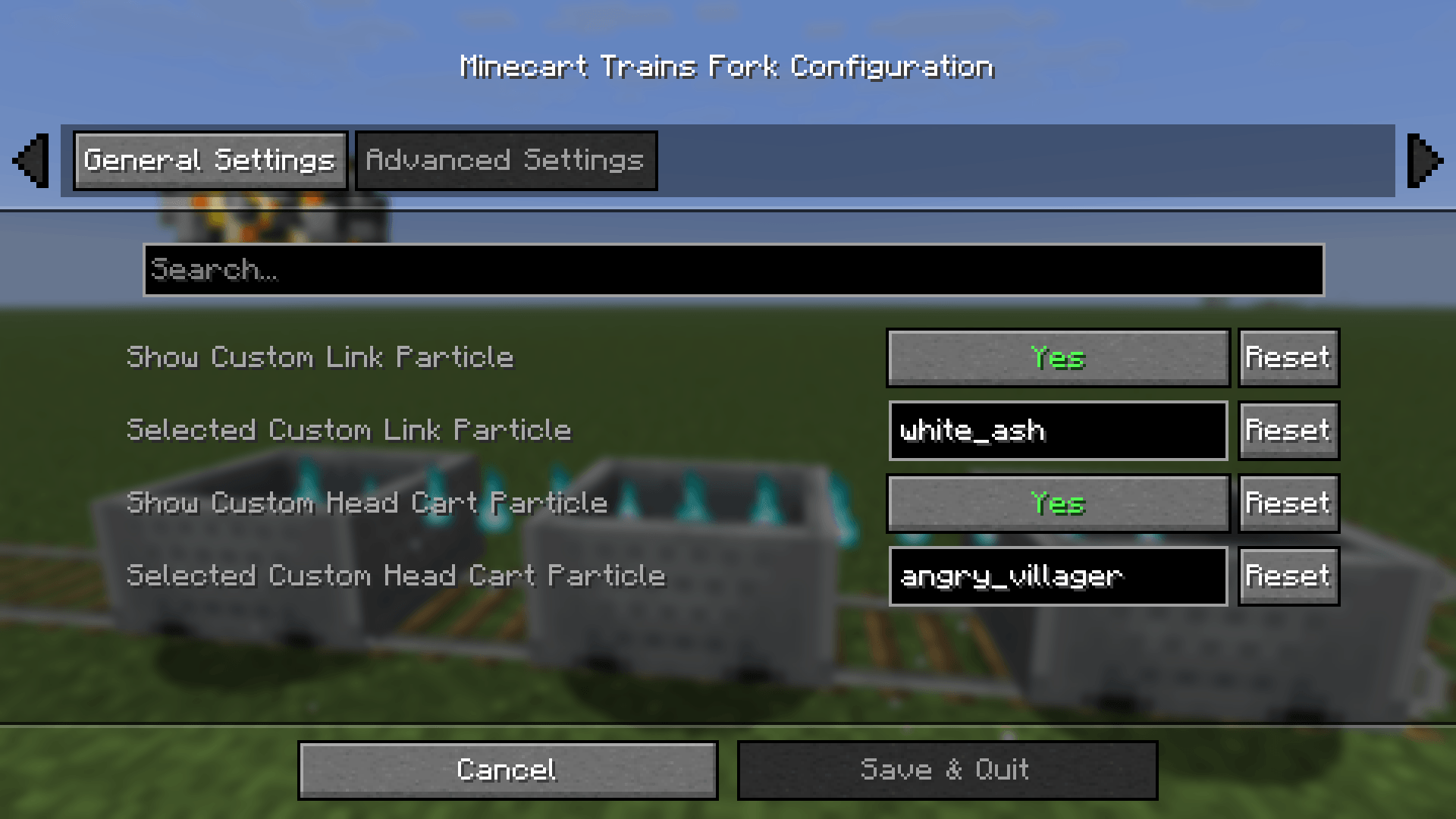 Config2.png Config2.png
-
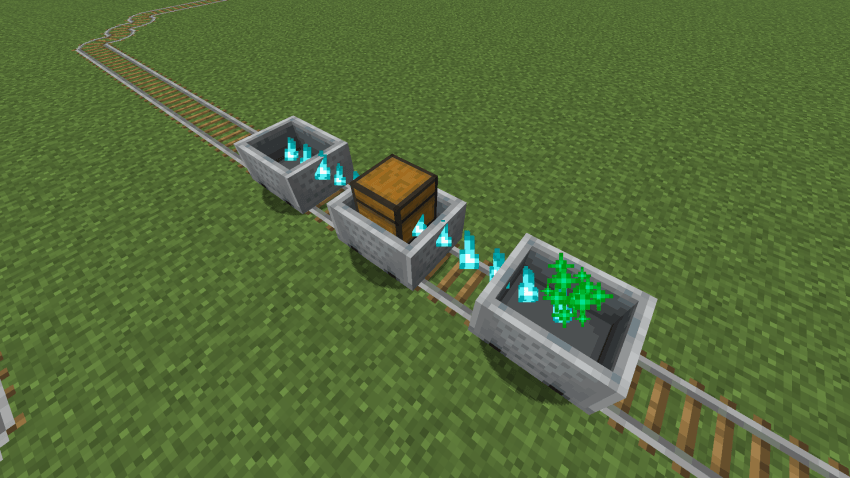
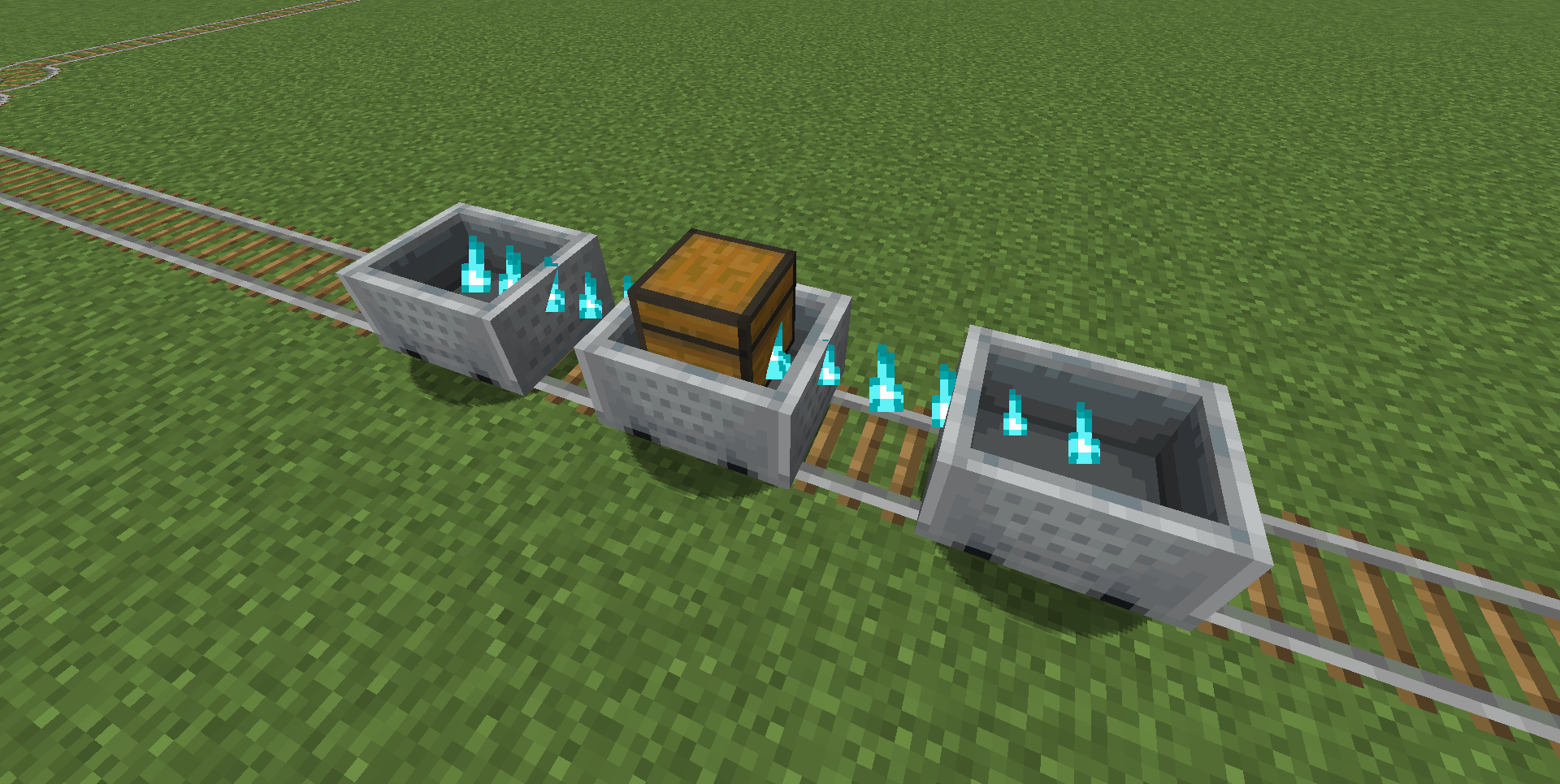 Some Minecarts chained together
 -
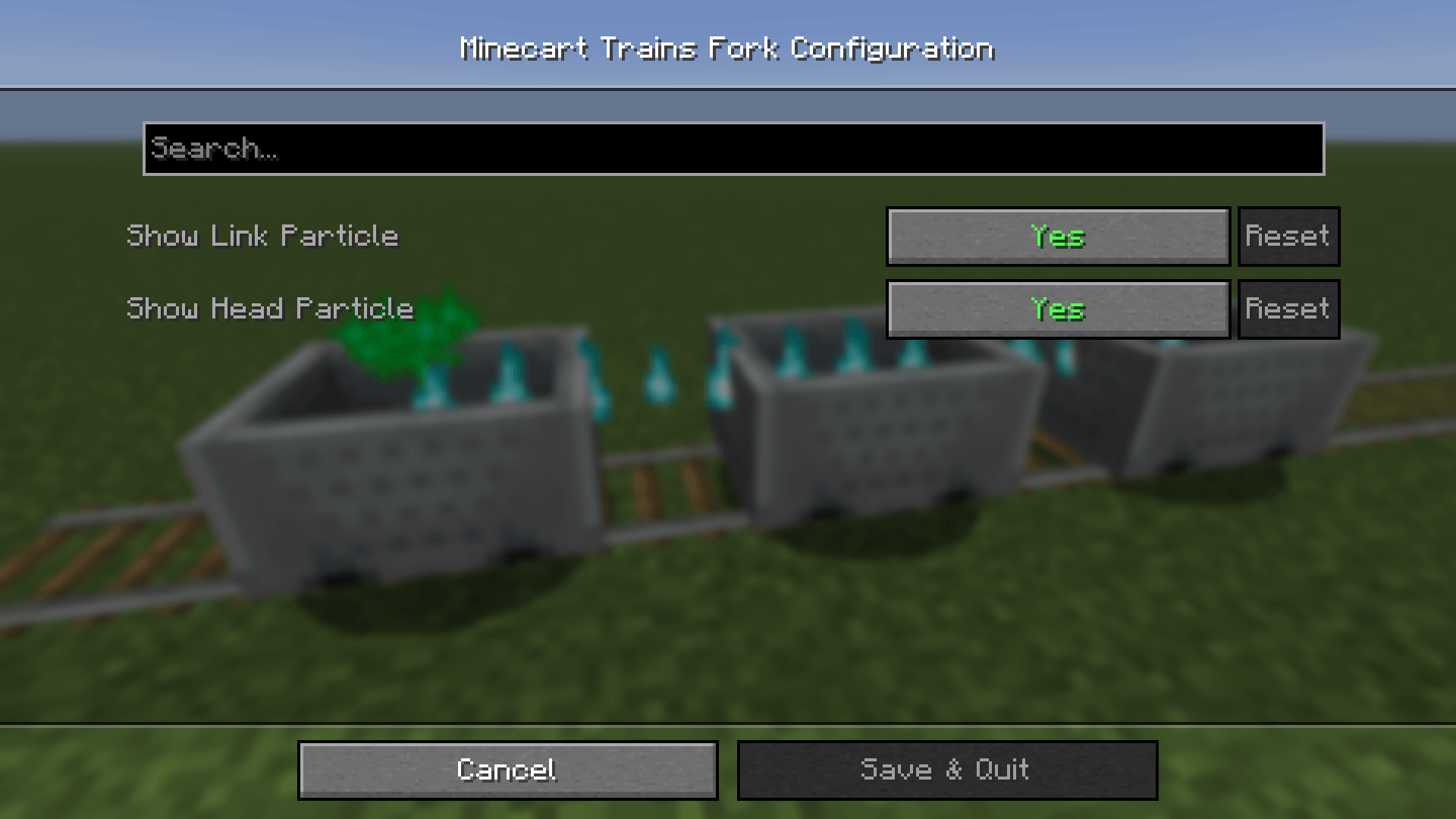
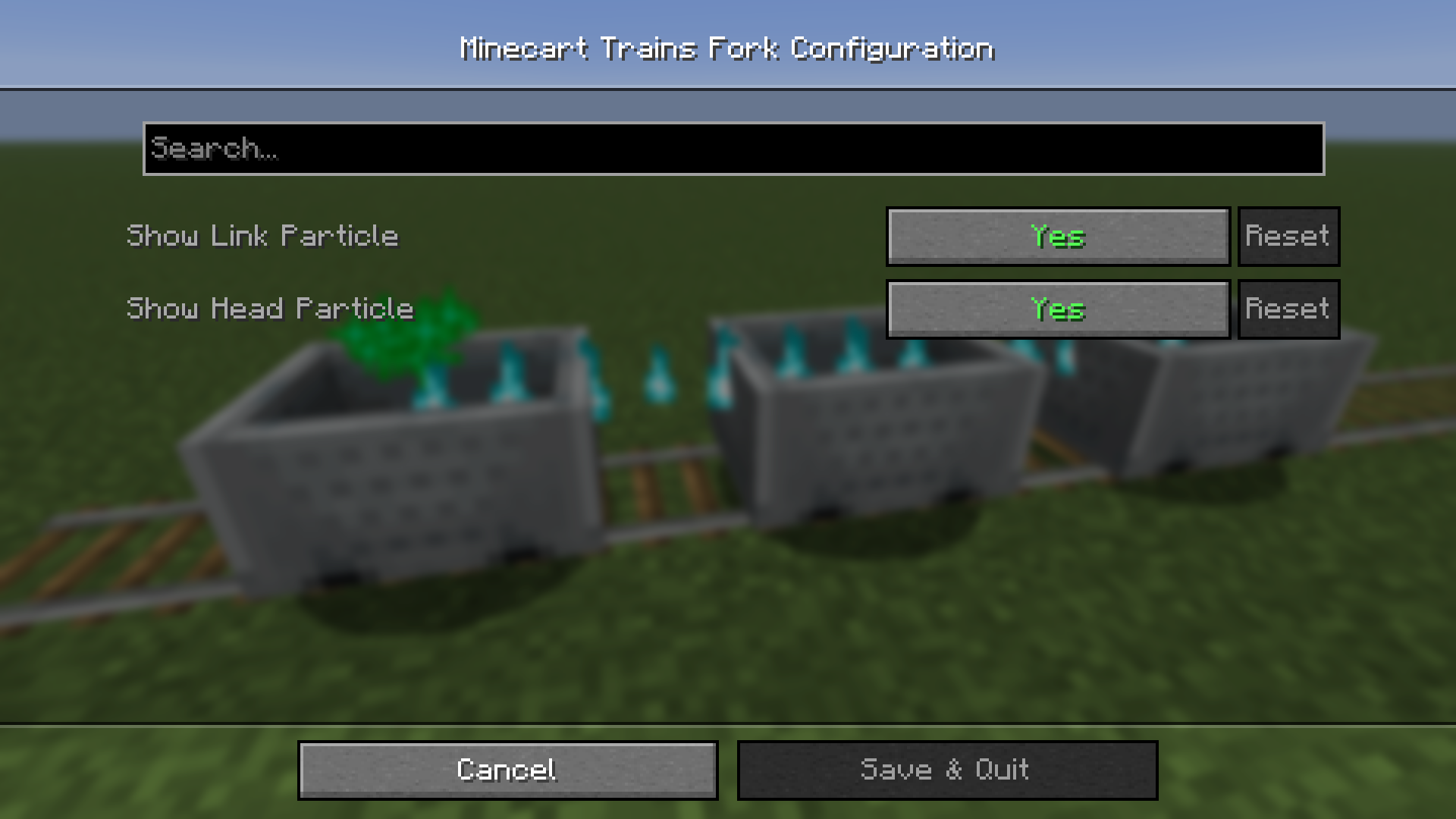 Config Config
 -
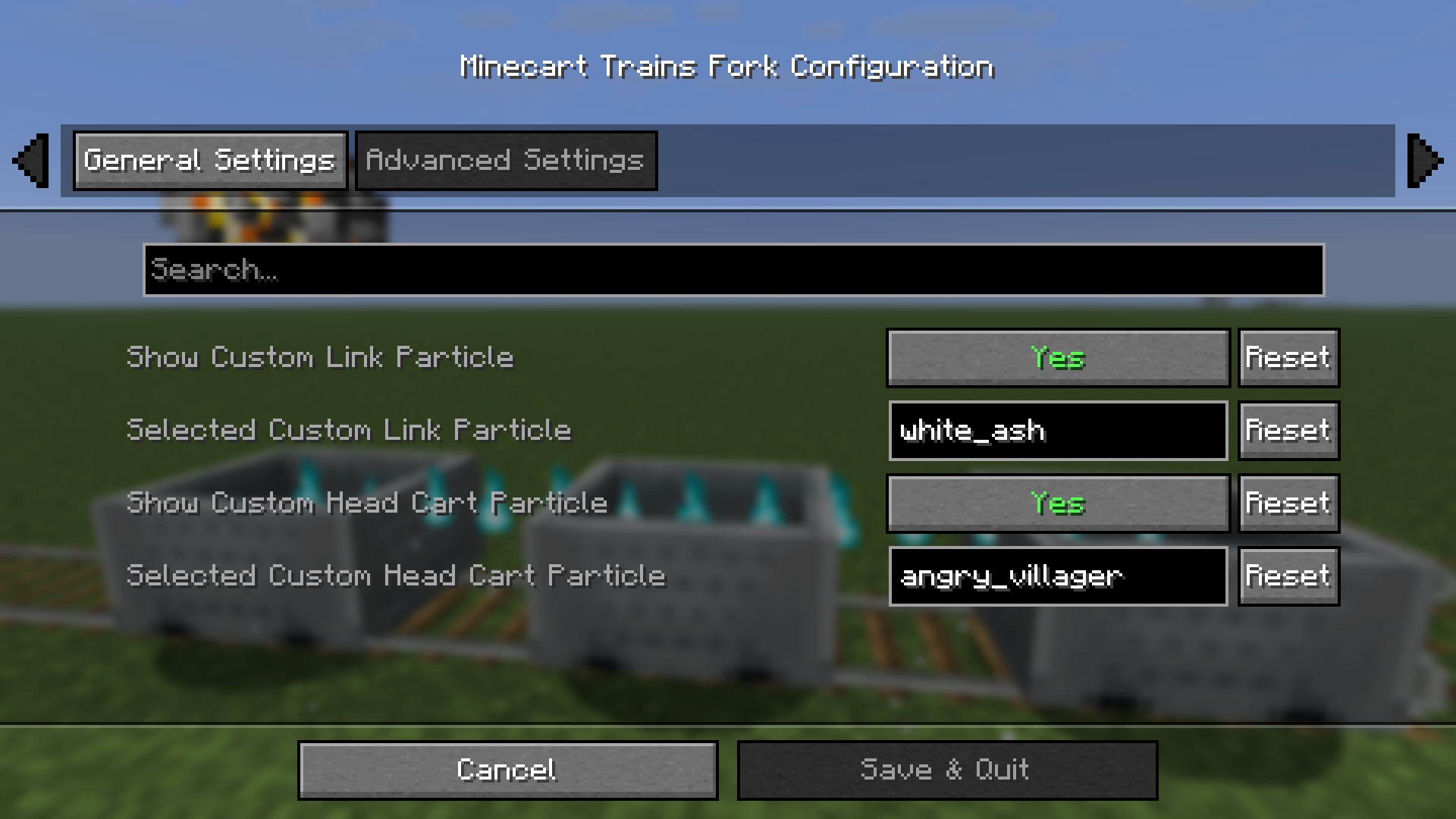 Config2 Config2
 -
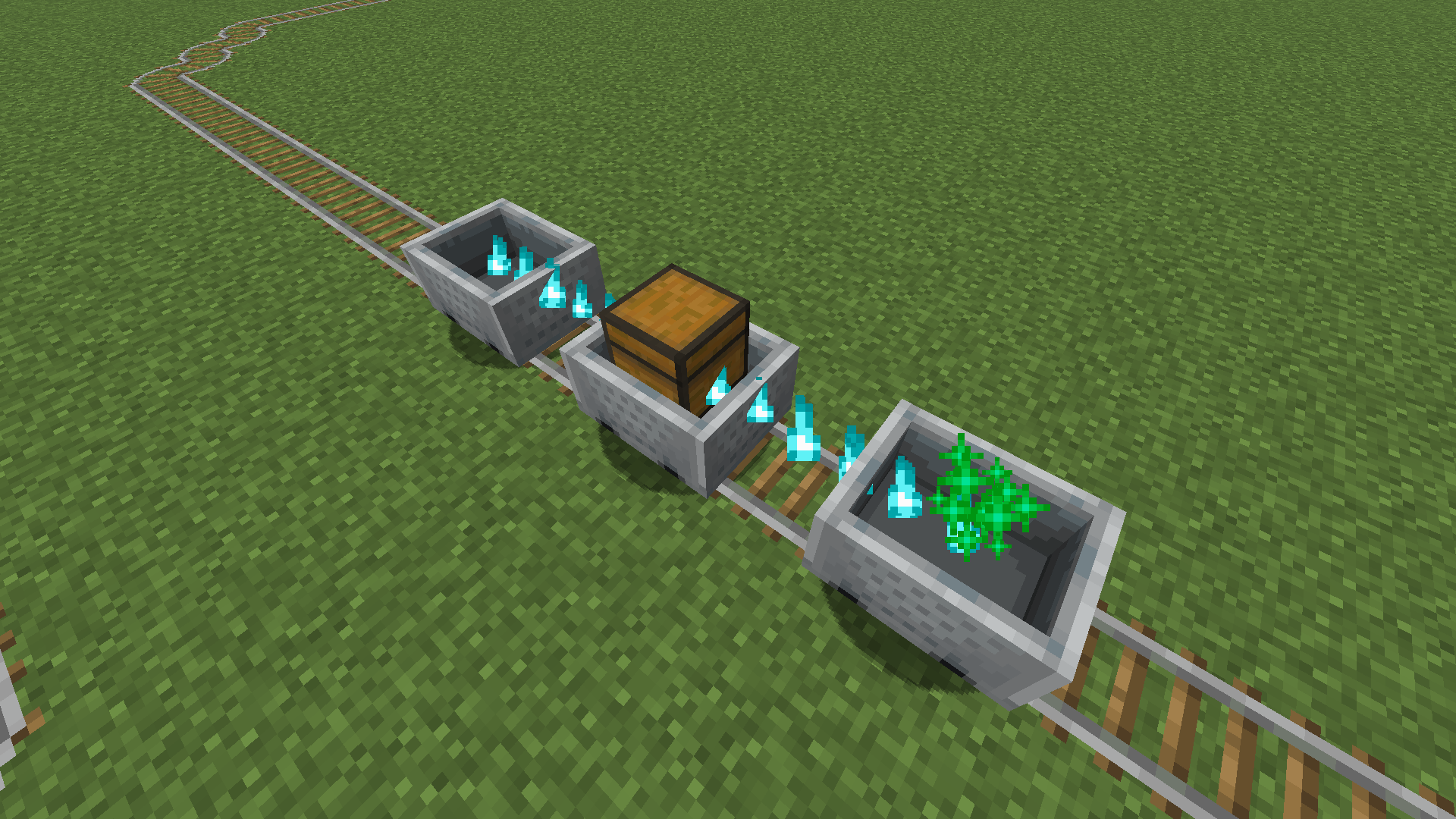 Added separate particle effects for the lead vehicle
 -
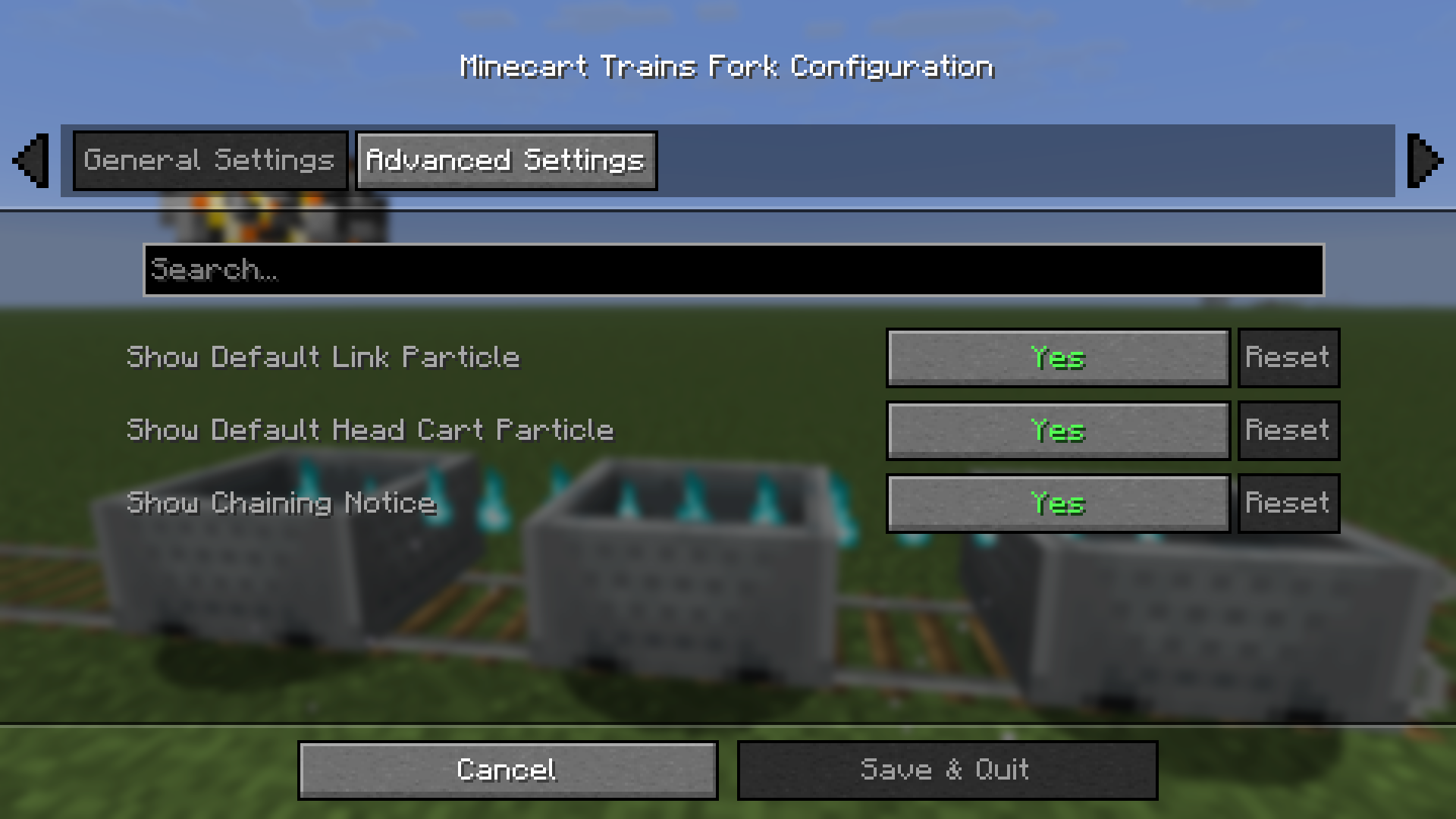 Config1 Config1
 -
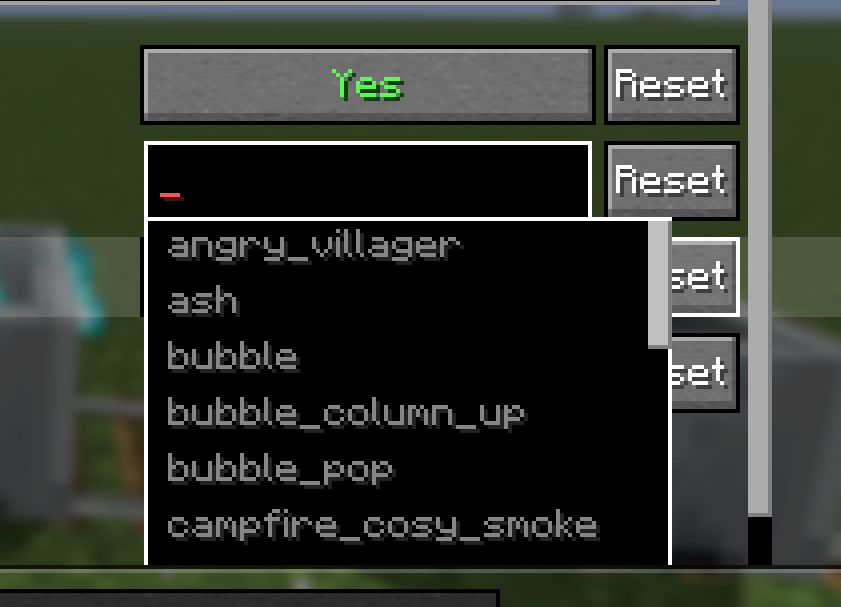 CustomConfig CustomConfig
Versions
Files
Relations
Project Relations
More like this
Similar Mods
Suggestions use data such as tags, dependencies, dependents, descriptions, titles, and more to rank how much they overlap with this mod.
On ModDex
Community snapshot
By the numbers
Statistics
Want to reach Minecraft players?
We're looking for a server hosting partner to feature here and other parts of the site. Interested? Send us a message!
Get in touchGet it on
Available Platforms
On ModDex
Community snapshot
By the numbers