
Community listing page, reviews here may not be monitored by the author.
Minecarts with Blocks

No reviews yet
put a block in a cart! survival friendly!
Community voices
Reviews
No reviews yet. Be the first to review this project!
Get it on
Available Platforms
About
Project Details
For authors
Embed Badge
If you're the author of this project, you can embed a live badge anywhere that supports HTML or Markdown. It updates automatically whenever ratings change.
Use HTML for any page that supports it, or Markdown for README files and Markdown-based descriptions.
Identifiers
Platform IDs
Resources
External Links
About
Description
this pack lets you put a block in a cart! it's very simple, too. simply name a minecart with chest "Minecart with Block" or "Block Minecart" (case-sensitive). the first item in the minecart's inventory (from left to right, top to bottom) will display in the cart. put a non-block item in the first slot and it will turn back into a chest.
naming a cart "Reverse Minecart with Block", "Reverse Block Minecart", "Minecart with Last Block", or "Last Block Minecart" (case-sensitive) will use the last item in the chest's inventory instead. perfect for shift-clicking blocks in!
naming a cart "Minecart with Light Block" or "Light Block Minecart" will cause the block inside to light up when on a powered activator rail, if it can!
light cart notes
some items have interesting details to them!- all pumpkin blocks will turn into jack o'lanterns upon activation
- flint and steel and fire charges will make fires (works with regular block carts too!)
- ender pearls and eyes of ender will make end portal frames, with an eye appearing upon activation (also works with regular block carts!)
regular carts, reverse carts, and light carts can all have a direction for the block inside specified! this is done by putting the direction before "Block" in the name. possible directions are "Left", "Right", and "Back". (for example, "Minecart with Light Left Block" will cause the block inside to light up, and look to the left*! (* minecart block directions are fuhreaky. sorry.)
nearly every block can show up. not just full blocks! experiment and see what you can do with this all new way of decorating!
this pack also supports reskinning chest and furnace minecarts. renaming them "Minecart with <Block>" or "<Block> Minecart" will reskin them to look like other blocks! (e.g. renaming a furnace minecart to "Minecart with Smoker" will make a smoker show up!) this feature is incompatible with the Minecart with Block functionality, and only works with the blocks in the following list.
List of available blocks for reskinning
- Minecarts with Chests -Trapped Chest
Ender Chest
Copper Chest
Exposed Copper Chest
Weathered Copper Chest
Oxidized Copper Chest
- Minecarts with Furnaces -
Blast Furnace
Smoker
Campfire
Soul Campfire
Fire
Soul Fire
All Candle Cakes (format: "<Dye> Candle Cake". leaving it as just Candle Cake will also work.)
Screenshots
Gallery
-
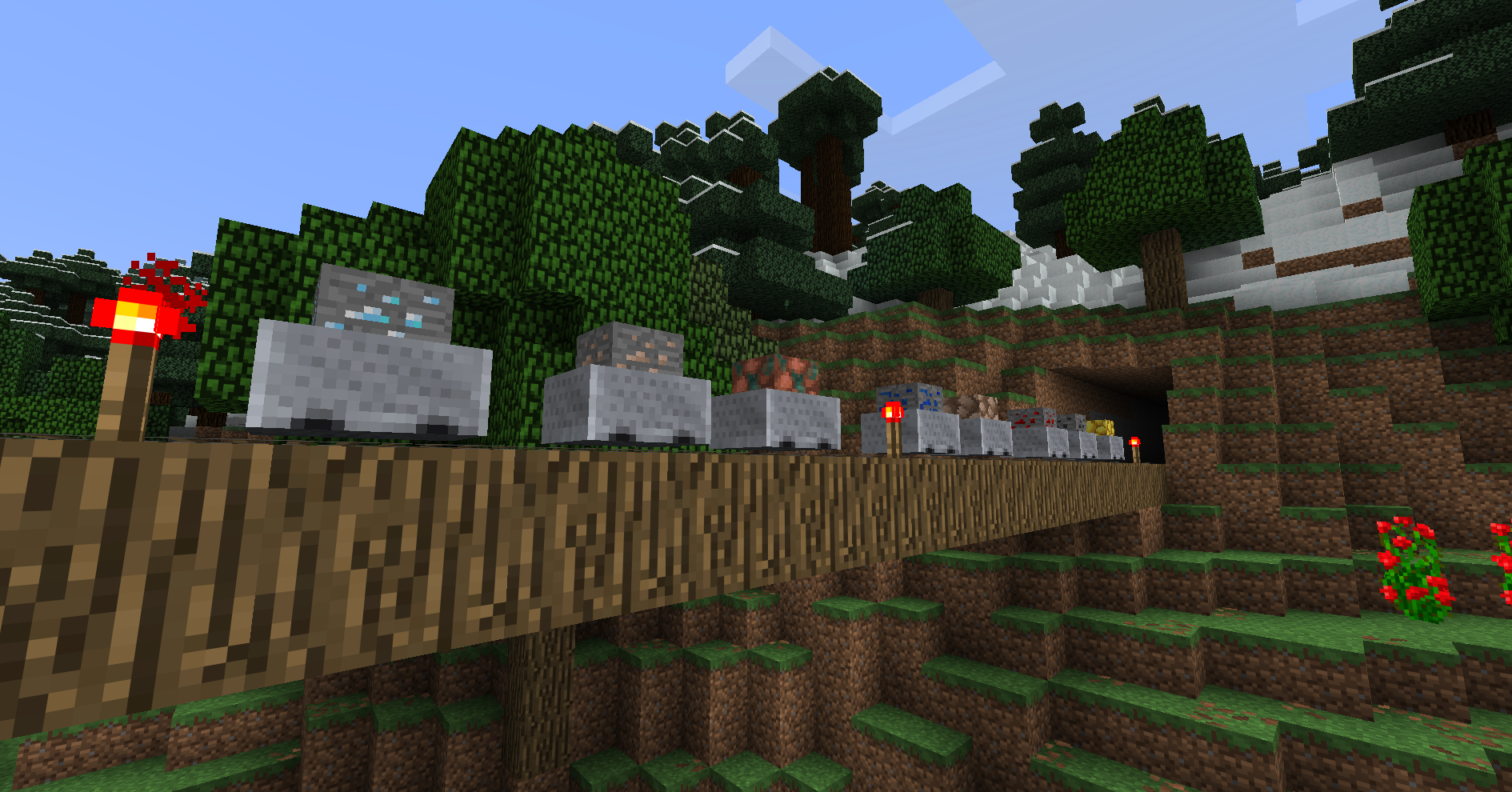 gotta transport your ores somehow!
 -
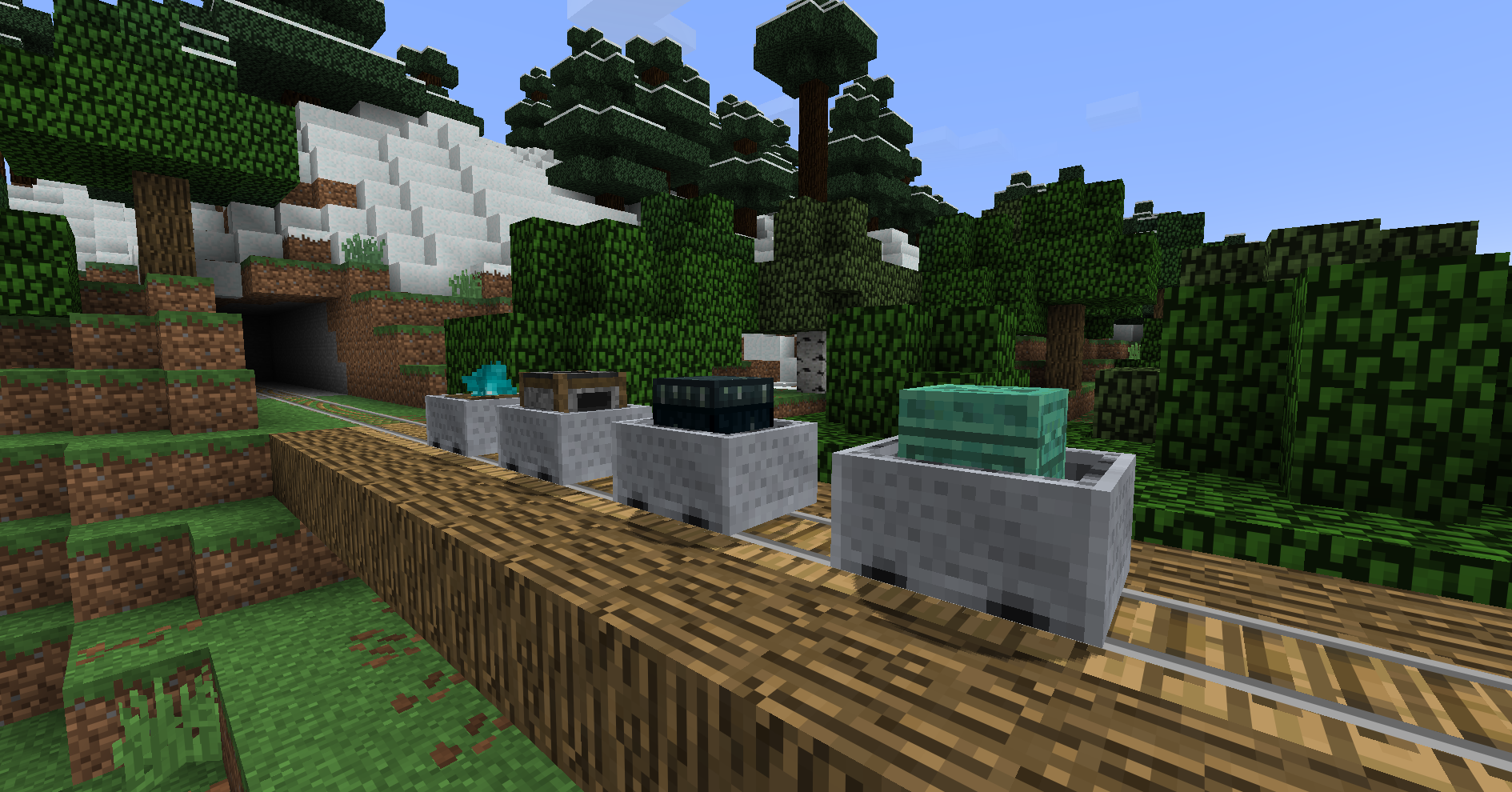 reskins! with carts like these, who needs powered rails?
 -
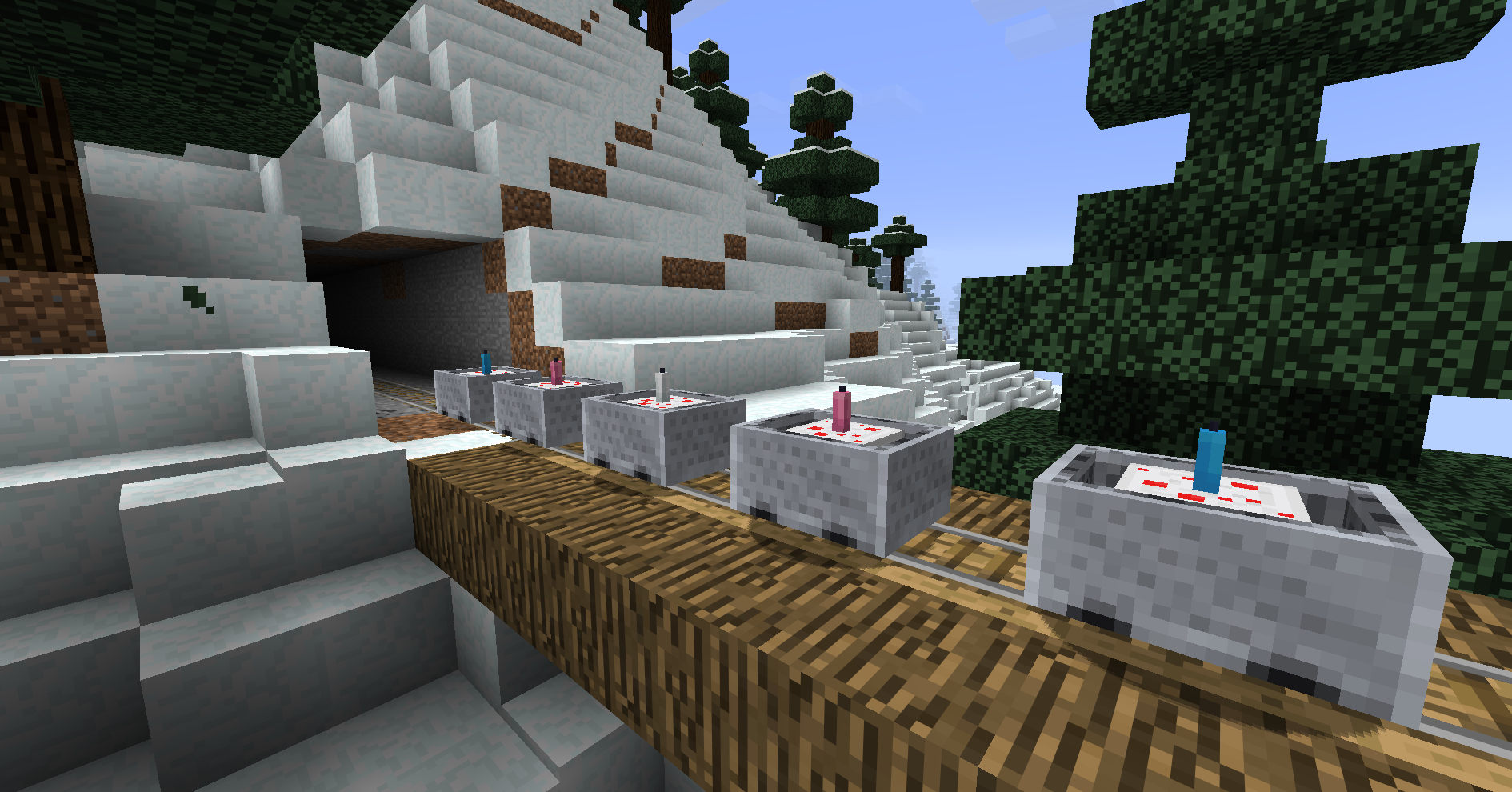 get colorful with it! can't get candle cakes any other way and they have a lit block state so it just kinda makes sense!!!!!!!!
 -
 light cart example!!
Versions
Files
Relations
Project Relations
More like this
Similar Mods
Suggestions use data such as tags, dependencies, dependents, descriptions, titles, and more to rank how much they overlap with this mod.
On ModDex
Community snapshot
By the numbers
Statistics

Want to reach Minecraft players?
We're looking for a server hosting partner to feature here and other parts of the site. Interested? Send us a message!
Get in touchGet it on
Available Platforms
On ModDex
Community snapshot
By the numbers
Statistics
Resources