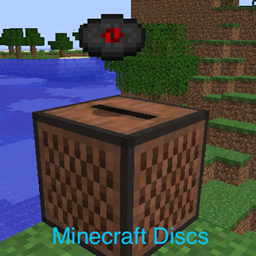
Community listing page, reviews here may not be monitored by the author.
Minecraft Discs

No reviews yet
Custom music discs from YouTube videos for Minecraft 1.12.
Forge is a popular mod loader for versions 1.1+ of Minecraft.
Community voices
Reviews
Filters
Click once to include, again to exclude, again to clear
No reviews yet. Be the first to review this project!
Get it on
Available Platforms
About
Project Details
For authors
Embed Badge
If you're the author of this project, you can embed a live badge anywhere that supports HTML or Markdown. It updates automatically whenever ratings change.
Use HTML for any page that supports it, or Markdown for README files and Markdown-based descriptions.
Identifiers
Platform IDs
About
Description
Minecraft Discs
Dynamically loaded custom music discs based on YouTube videos. Requires building your resource pack by downloading YouTube videos. See here for an automated mcdisc resource pack builder.
For Minecraft 1.12. Requires Forge ModLoader.
See the code on Github.
Setup
- Copy the latest mcdisc release jar to your mods directory.
- Define your own disc list. See sample-disc-config.json for a syntax example.
- Each custom disc requires a YouTube URL. (Those are used to build your resource pack.)
- Edit your forge configuration to use your custom disc list, either by editing manually the
config/mcdisc.cfgfile or from theMods Optionsmenu inside the game.- The disc list location can either be an URL, (starting with
http://orhttps://), or a file path. - For local files, the default directory is your
.minecraftdirectory. For instance, settingdisc-list.jsonas your disc location will cause the mod to load discs from.minecraft/disc-list.json. - Do not use
~in the file location on Linux or MacOS, as that seems to cause issues. - By default, the disc list is set to this repository's sample-disc-config.json.
- The disc list location can either be an URL, (starting with
- Build your resource pack. (See here). You will not be able to play your custom discs without the resource pack.
For multiplayer setups, repeat all steps 1-4 for the server and all clients.
Configuration
DISC_LIST_LOCATION: Disc list json file location. Can an URL or a file.SPAWN_DISCS_IN_CHESTS: Add custom discs in dungeons, temples, mineshafts.CREEPERS_DROP_CUSTOM_DISCS: Creepers should drop custom discs when slain by skeletons.SHOULD_CACHE_DISC_LIST: Load the disc list once in memory, to reduce disc/http access. (Better to leave this on!)
Using custom textures
By default, custom discs reuse vanilla minecraft textures. You can define custom textures by adding a "texture" property to your discs in your disc-list.json. (See here) for an example. You then need to define your new textures in a resource pack, either as a standalone resource pack, or by bundling them with your sound resource pack built at step 4. (Note that you do not need to define textures in a resource pack if you are reusing vanilla minecraft textures. e.g. "minecraft:diamond")
The pack should have the following structure : ( Example Here)
/assets
  /mcdisc
    /models
      /item
        my-texture.json
  /minecraft
    /textures
      /items
        my_texture.png
my-texture.json should contain the following :
{
  "parent": "minecraft:item/generated",
  "textures": {
    "layer0": "minecraft:items/my_texture"
  }
}
Screenshots
Gallery
-
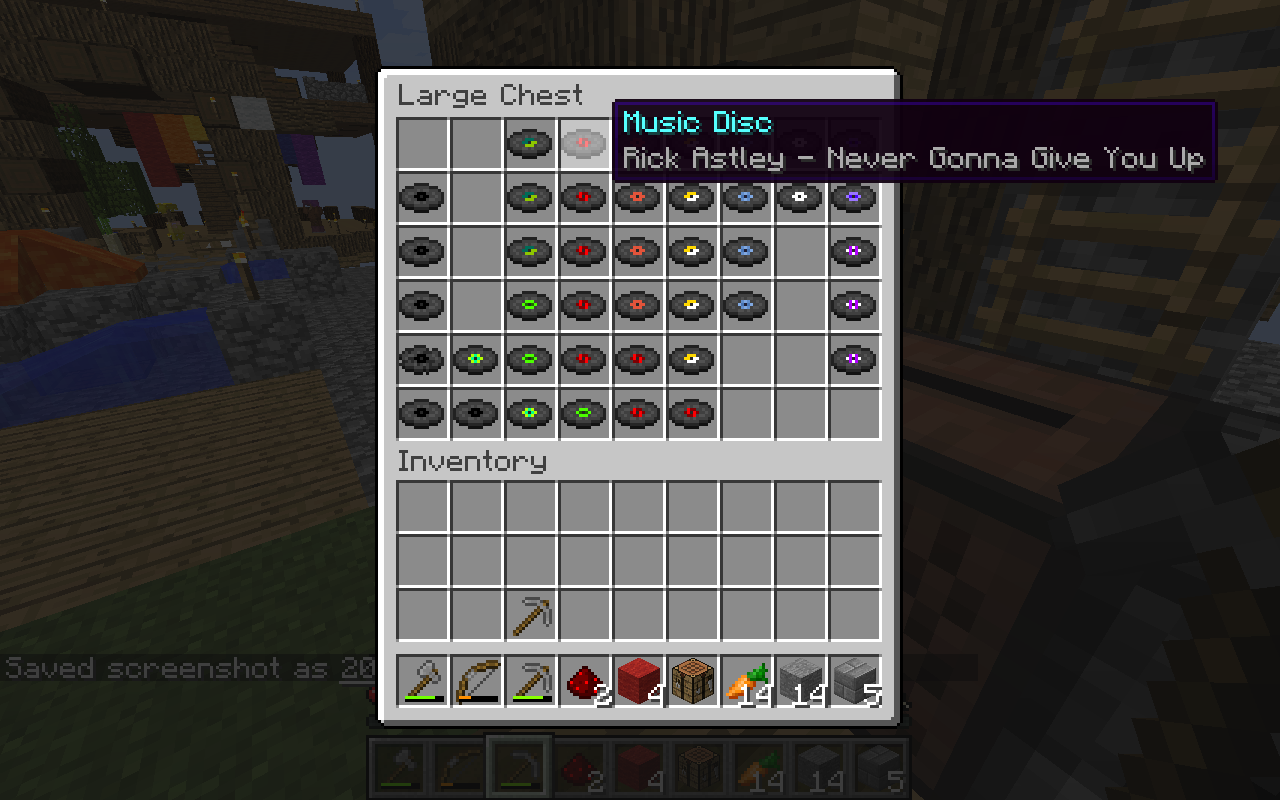 Screenshot
Versions
Files
Relations
Project Relations
More like this
Similar Mods
Suggestions use data such as tags, dependencies, dependents, descriptions, titles, and more to rank how much they overlap with this mod.
On ModDex
Community snapshot
By the numbers
Statistics
Want to reach Minecraft players?
We're looking for a server hosting partner to feature here and other parts of the site. Interested? Send us a message!
Get in touchGet it on
Available Platforms
On ModDex
Community snapshot
By the numbers