
Community listing page, reviews here may not be monitored by the author.
WikiMod

No reviews yet
A Minecraft mod that gives additional info about blocks, entities, items, and more!

Community voices
Reviews
No reviews yet. Be the first to review this project!
Get it on
Available Platforms
About
Project Details
For authors
Embed Badge
If you're the author of this project, you can embed a live badge anywhere that supports HTML or Markdown. It updates automatically whenever ratings change.
Use HTML for any page that supports it, or Markdown for README files and Markdown-based descriptions.
Identifiers
Platform IDs
About
Description
MinecraftWikiMod
A Minecraft mod that gives additional info about blocks, entities, items, and more!
Download
1. Download the release that most suits you. It's always a .jar file
2. Open the .minecraft folder, you can do so by pressing the 'R' and Windows-key at the same time and type into the dialog box '%AppData%'
3. Copy the downloaded .jar file into the mods folder
4. Download forge for the version of the Mod (Right now it's 1.16.1)
5. Start the Minecraft launcher and select Forge from the versions options
6. Click play and enjoy your mod!
Usage
The mod is basically a very simplified Wikipedia for certain game mechanics. Every part of the game will eventually be in the mod, but for now, you will need to look at the release you just downloaded to see what you can and can't do with the mod.
For every part of the game, there is a command for it.
For Example: `/potion`
If you type help after command it will explain the command to you. For example `/potion help` will tell you how to use it.
Contribution
As always this project is fully open-source. Everyone is allowed to fork it and add their own idea and magic. Please do remember what the project is about, it's about integrating the Minecraft Wikipedia in Minecraft to help especially new players to understand what everything is.
Also, don't forget to look in the Projects tab and see if you can do any of the things listed there first.
One thing which is not allowed is stealing. Copying the project and republishing it is severely prohibited. It's not like I am making money out of this, but I just find it unfair to steal others' ideas without even giving credit sometimes.
Credits
- Special thanks to TheGreyGhost which gave me a huge help by publishing his mods on Github which gave me the inspiration to build mine.
- Thanks to Forge for giving me an API to work with, I have no idea how I would have done it without it.
Screenshots
Gallery
-
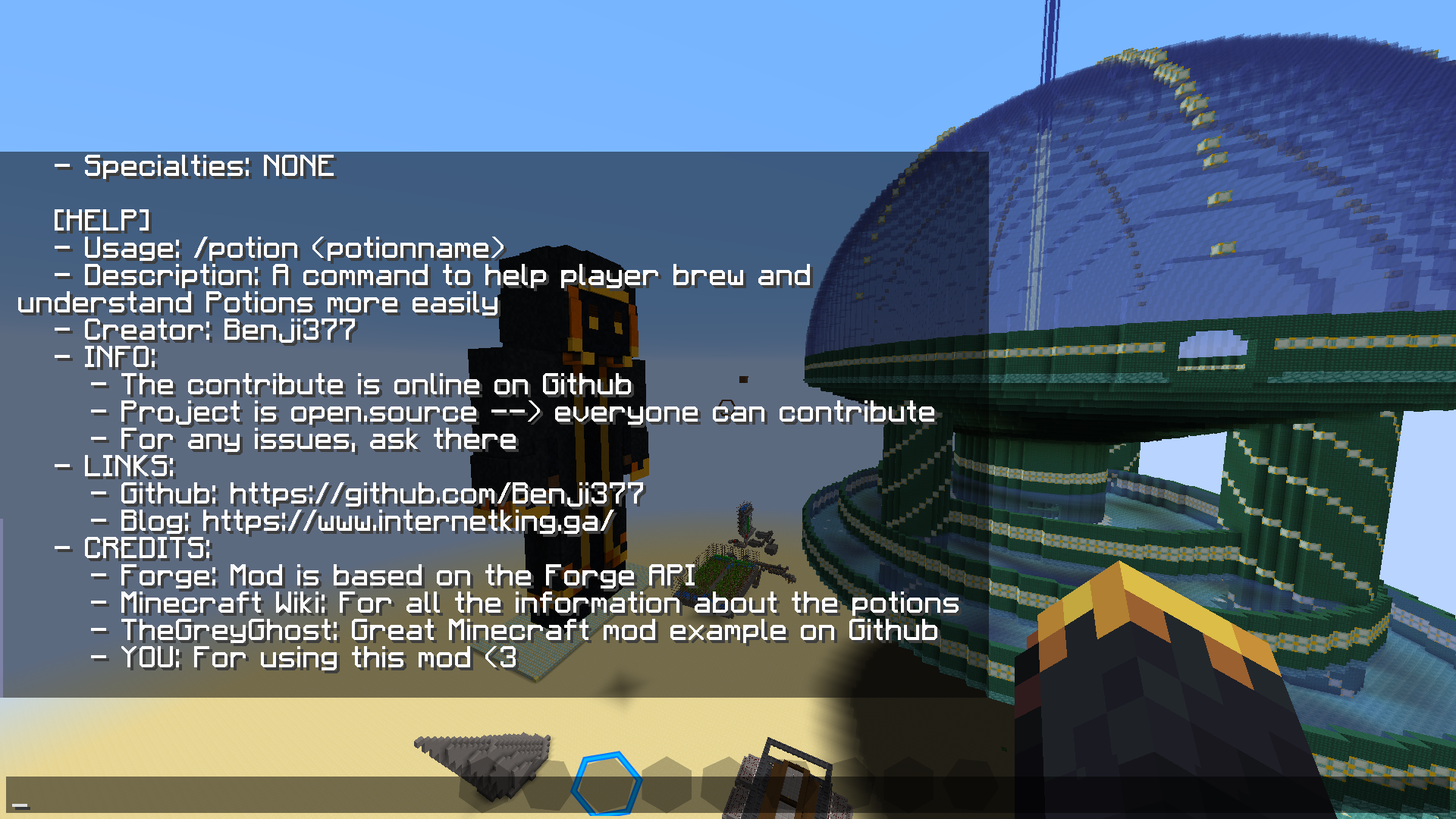 Help command Showcases what the help command outputs
 -
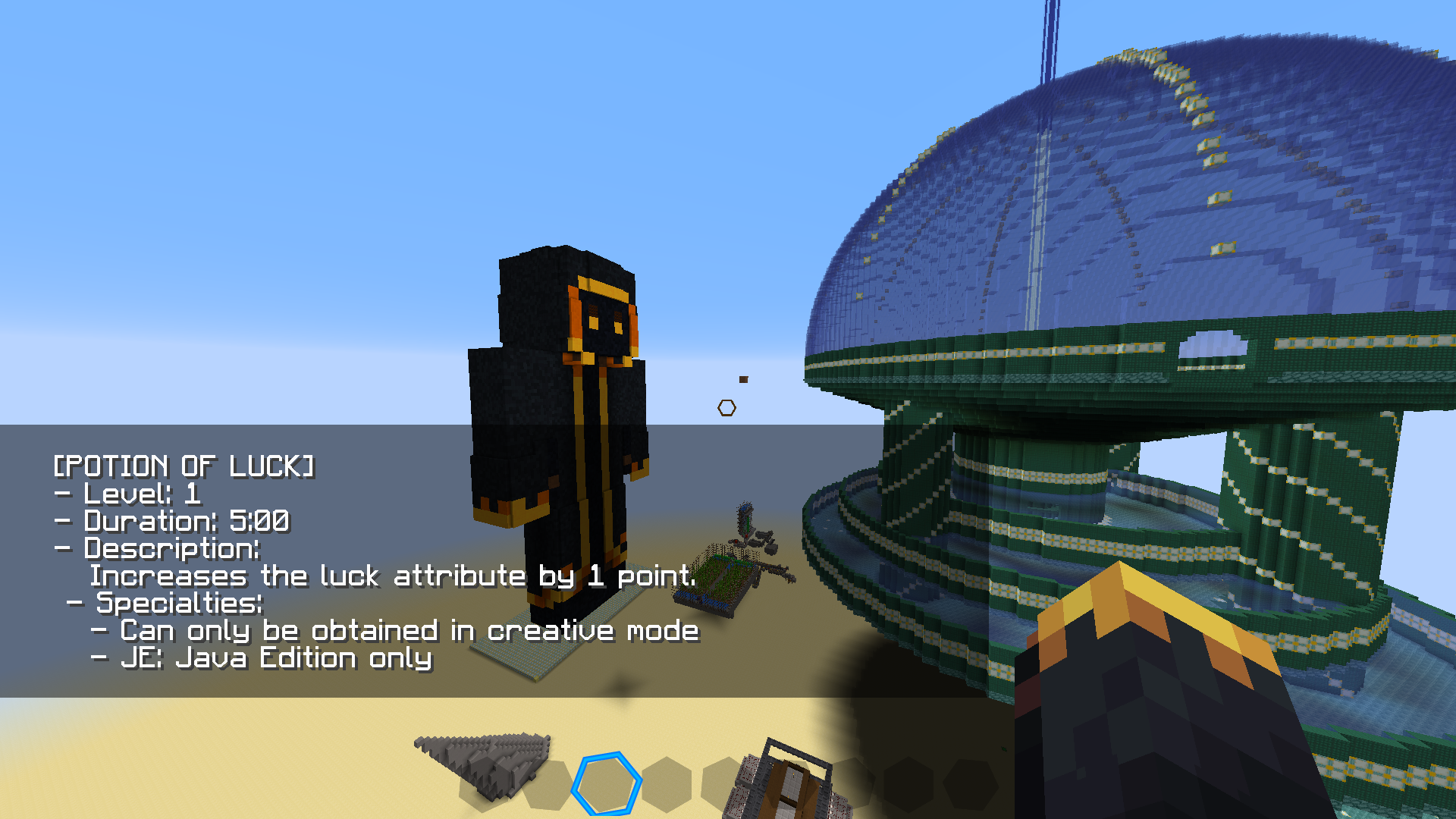 Potion of luck Showcase of the output for a special potion
 -
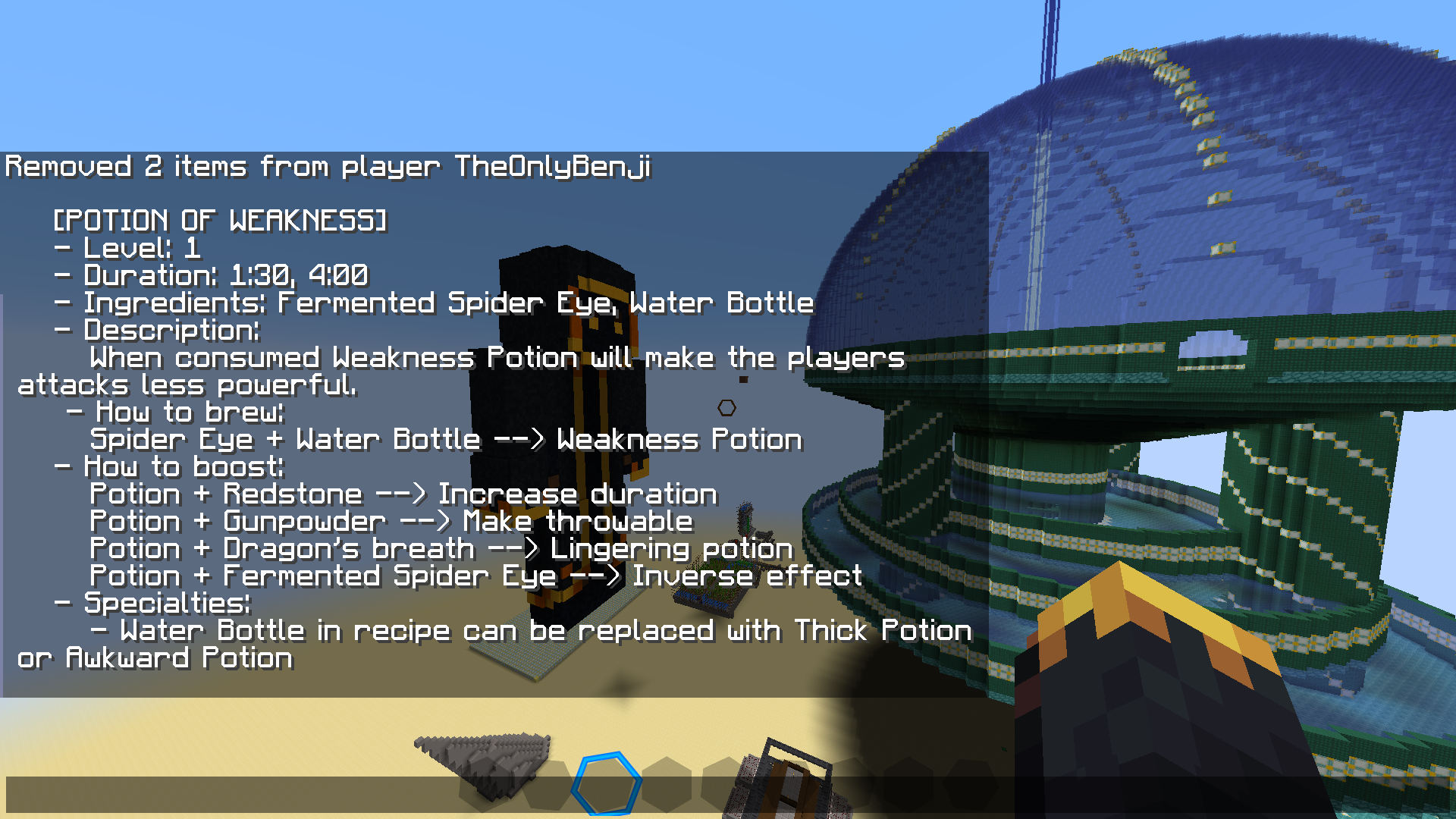 Potion of weakness Showcase of the output for the potion of weakness
Versions
Files
Relations
Project Relations
More like this
Similar Mods
Suggestions use data such as tags, dependencies, dependents, descriptions, titles, and more to rank how much they overlap with this mod.
On ModDex
Community snapshot
By the numbers
Statistics
 (opens in a new tab)
Get it on
Available Platforms
On ModDex
Community snapshot
By the numbers