Community listing page, reviews here may not be monitored by the author.
MineFortress RTS


No reviews yet
turn your game into Real-Time Strategy. Build and manage your own village
Community voices
Reviews
No reviews yet. Be the first to review this project!
Get it on
Available Platforms
Compatibility
Supported Environments
Works on the client or the server alone, but does more when on both.
About
Project Details
For authors
Embed Badge
If you're the author of this project, you can embed a live badge anywhere that supports HTML or Markdown. It updates automatically whenever ratings change.
Use HTML for any page that supports it, or Markdown for README files and Markdown-based descriptions.
Identifiers
Platform IDs
About
Description

 📚 ABOUT THE MOD 📚
The mod turns your Minecraft into RTS. Take the role of a village leader, gather resources, build houses, hire professionals to grow and expand your village and even conquer your neighbors! Forget about the first-person view and control everything with your mouse pointer like in classic RTS games.
Features:
- Truly RTS-like view. Control everything with your mouse pointer!
- Resources system. Your pawns will gather resources, and you can spend them to hire more professionals, or to build some houses.
- Blueprints system. Build your custom buildings and add them to your very own village.
- Combat system! Hire warriors and go fight with your neighbors!
- Hunger and mood system. Your pawns have their health stats and in the future will have their mood and character.
- Multiplayer support starting with 1.8.3 beta version
🎥 TAKE A LOOK! 🎥
📚 INSTALLATION 📚

Installation should be pretty straightforward.
- Create new profile in Curseforge launcher or install Fabric Launcher
- Add Latest Fabric API compatible the mod if it's not installed automatically
- Add the mod
🎮 GETTING STARTED 🎮
The mod adds new Gamemode to the game named "Fortress"
Choose gamemode "Fortress" in the World Creation Menu or use "/gamemode fortress" command while playing and you will be switched to Fortress gamemode. Your main control in the game is you mouse pointer. After starting the world right click to place campfire.
Basic controls:
- left click once - start selecting a task to "dig"/remove something
- left click while selecting - confirm "dig" task
- right click while holding any block in hand - start selecting a task to build something
- right click while selecting - confirm "build" task
- hold sprint button (ctrl by default) and move your mouse - look around
🤑 SUPPORT THE PROJECT 🤑




📚 ABOUT THE MOD 📚
The mod turns your Minecraft into RTS. Take the role of a village leader, gather resources, build houses, hire professionals to grow and expand your village and even conquer your neighbors! Forget about the first-person view and control everything with your mouse pointer like in classic RTS games.Features:
- Truly RTS-like view. Control everything with your mouse pointer!
- Resources system. Your pawns will gather resources, and you can spend them to hire more professionals, or to build some houses.
- Blueprints system. Build your custom buildings and add them to your very own village.
- Combat system! Hire warriors and go fight with your neighbors!
- Hunger and mood system. Your pawns have their health stats and in the future will have their mood and character.
- Multiplayer support starting with 1.8.3 beta version
🎥 TAKE A LOOK! 🎥
📚 INSTALLATION 📚

Installation should be pretty straightforward.
- Install Fabric Launcher
- Add Latest Fabric API compatible the mod if it's not installed automatically
- Add the mod
🎮 GETTING STARTED 🎮
The mod adds new Gamemode to the game named "Fortress"Choose gamemode "Fortress" in the World Creation Menu or use "/gamemode fortress" command while playing and you will be switched to Fortress gamemode.
Your main control in the game is you mouse pointer. After starting the world right click to place campfire.
Basic controls:
- left click once - start selecting a task to "dig"/remove something
- left click while selecting - confirm "dig" task
- right click while holding any block in hand - start selecting a task to build something
- right click while selecting - confirm "build" task
- hold sprint button (ctrl by default) and move your mouse - look around
🤑 SUPPORT THE PROJECT 🤑

Screenshots
Gallery
-
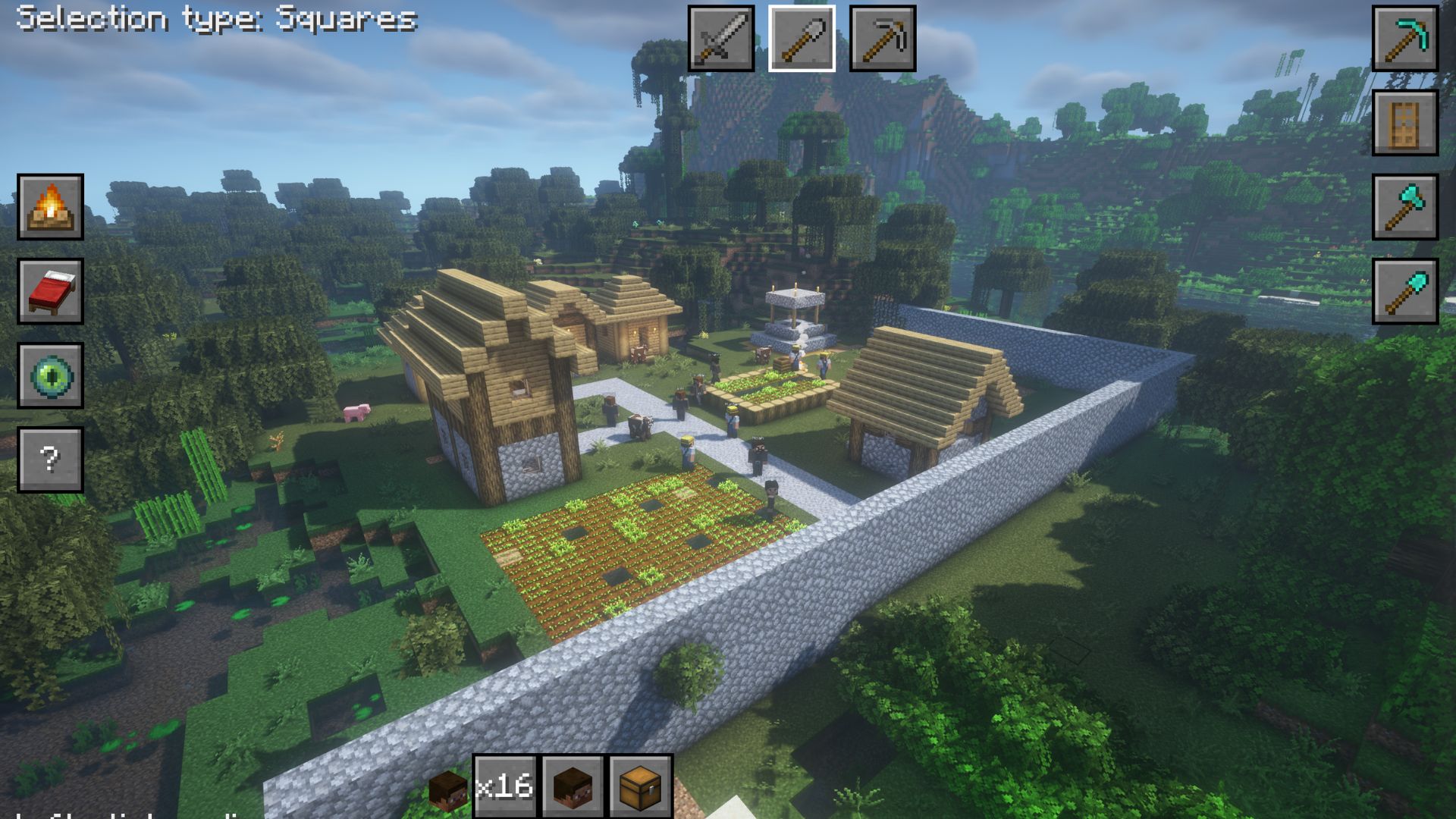 Some Fortress built in the mod
 -
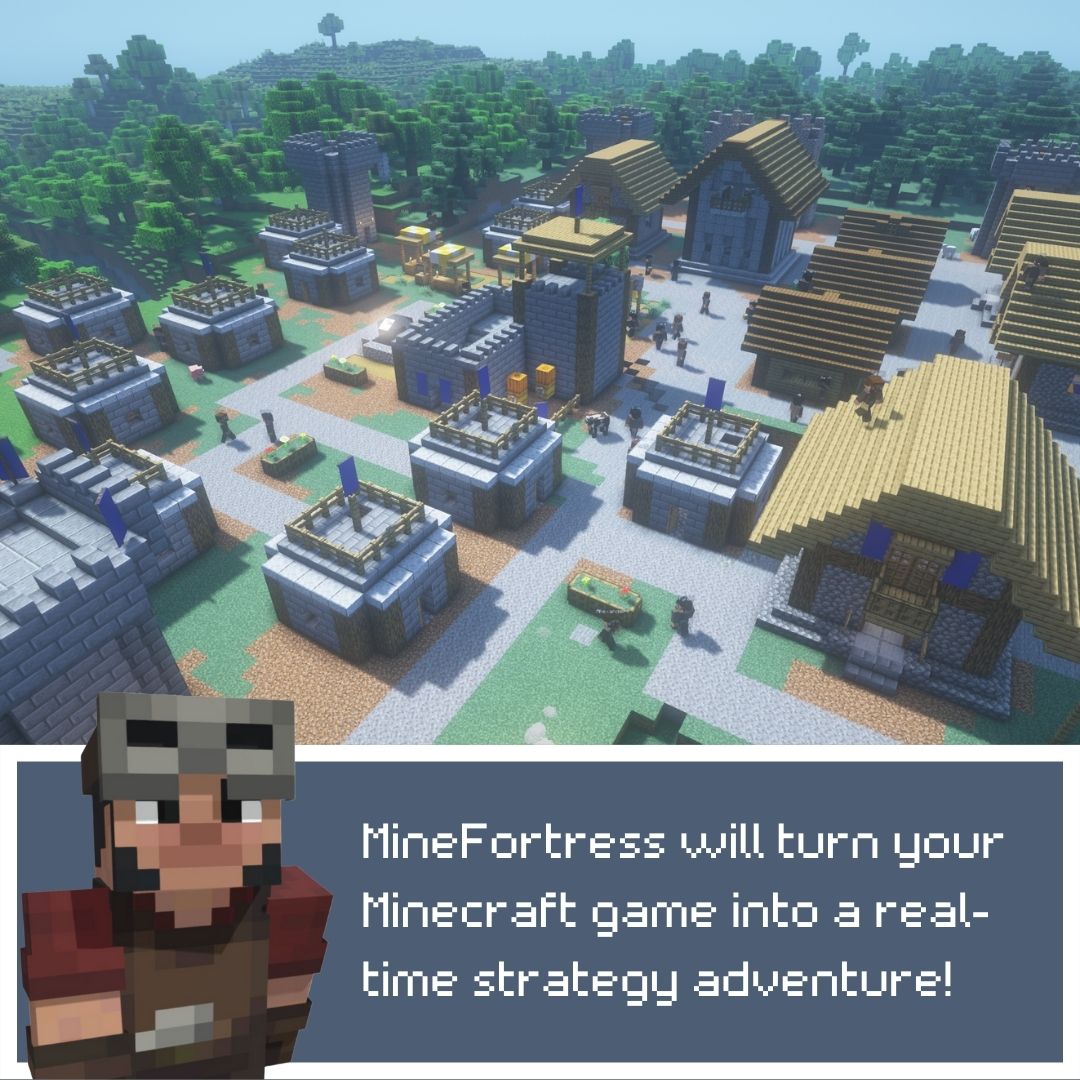 Introduction 1
 -
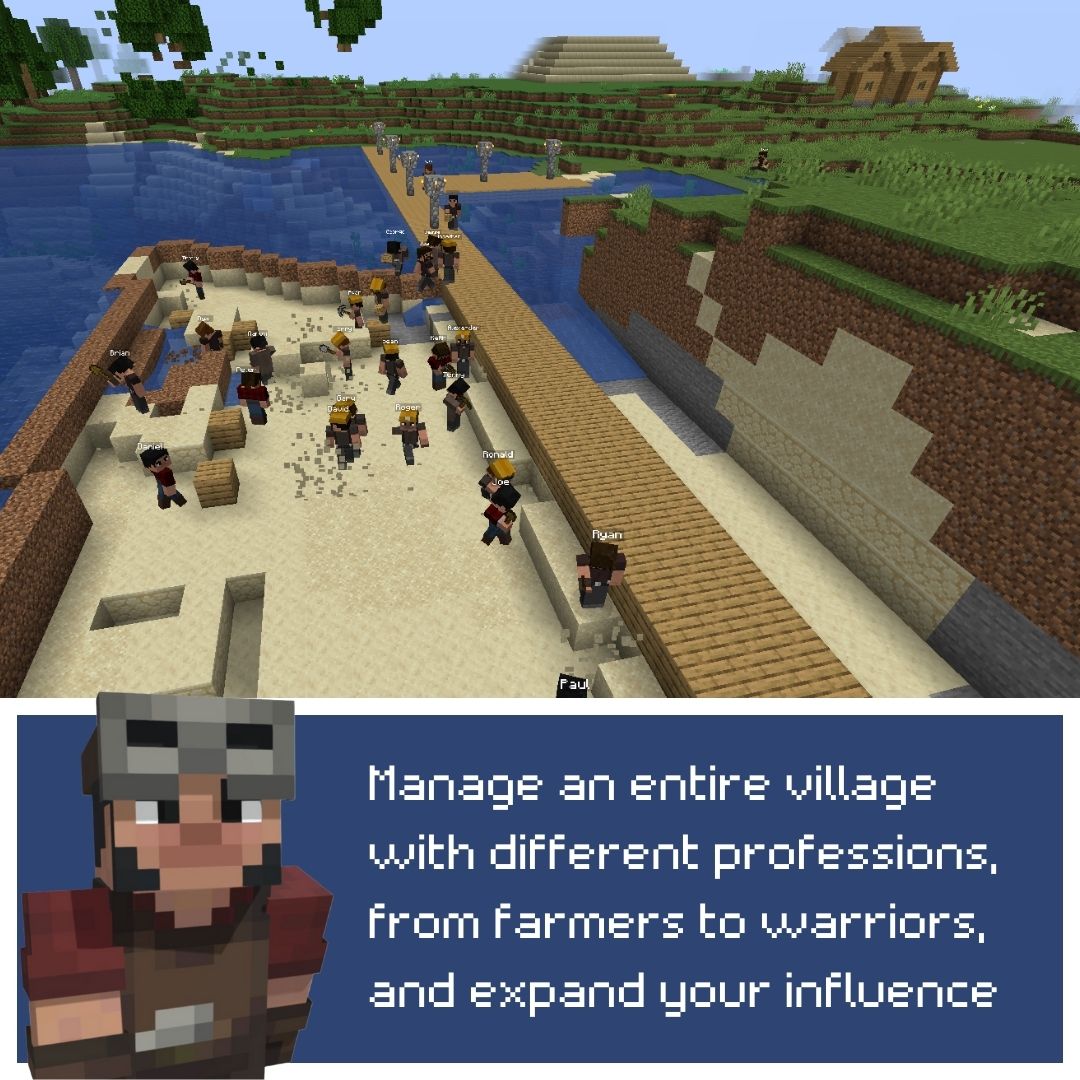 Introduction 2
 -
 Introduction 3
 -
 Introduction 4
 -
 Introduction 5
 -
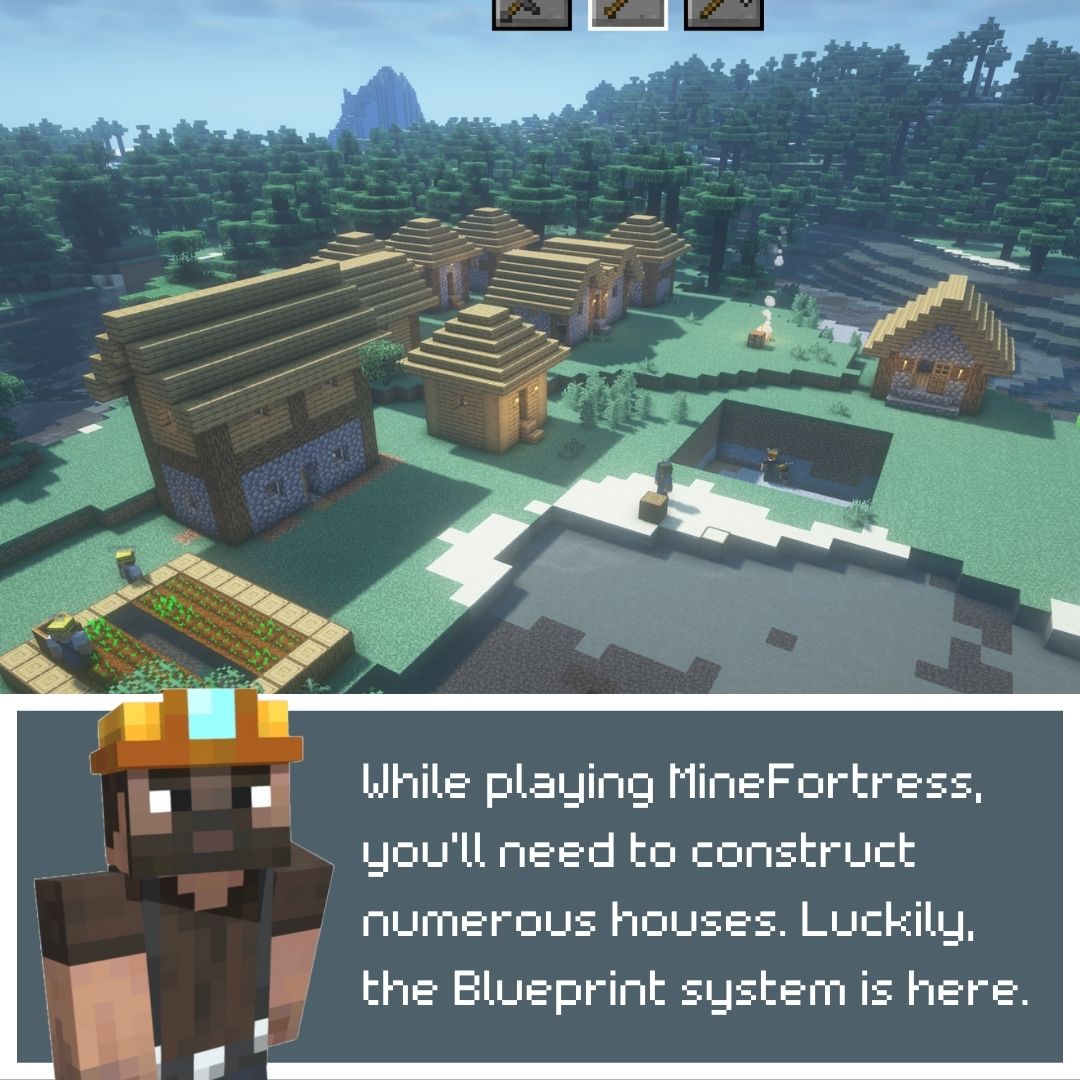 Blueprints 1
 -
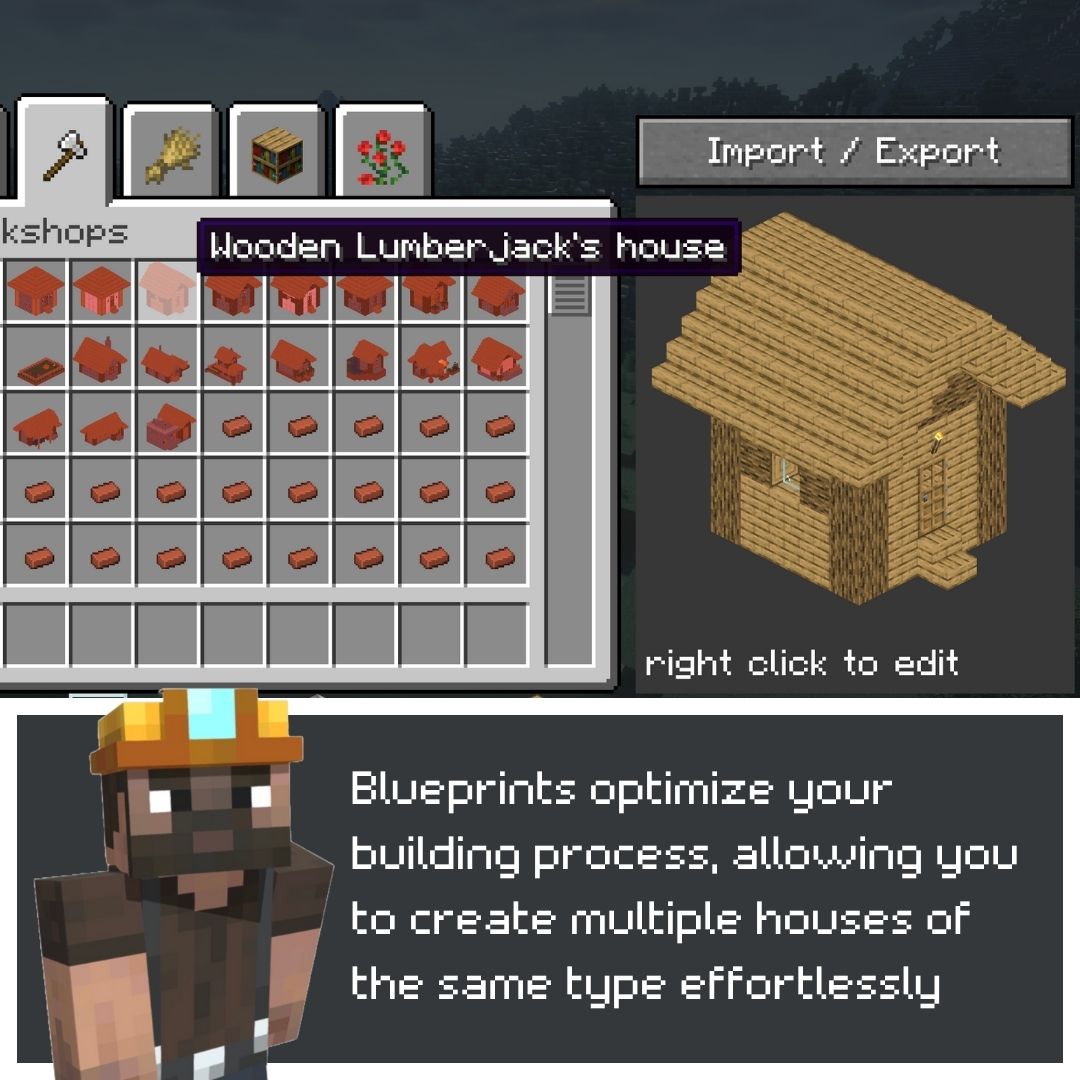 Blueprints 2
 -
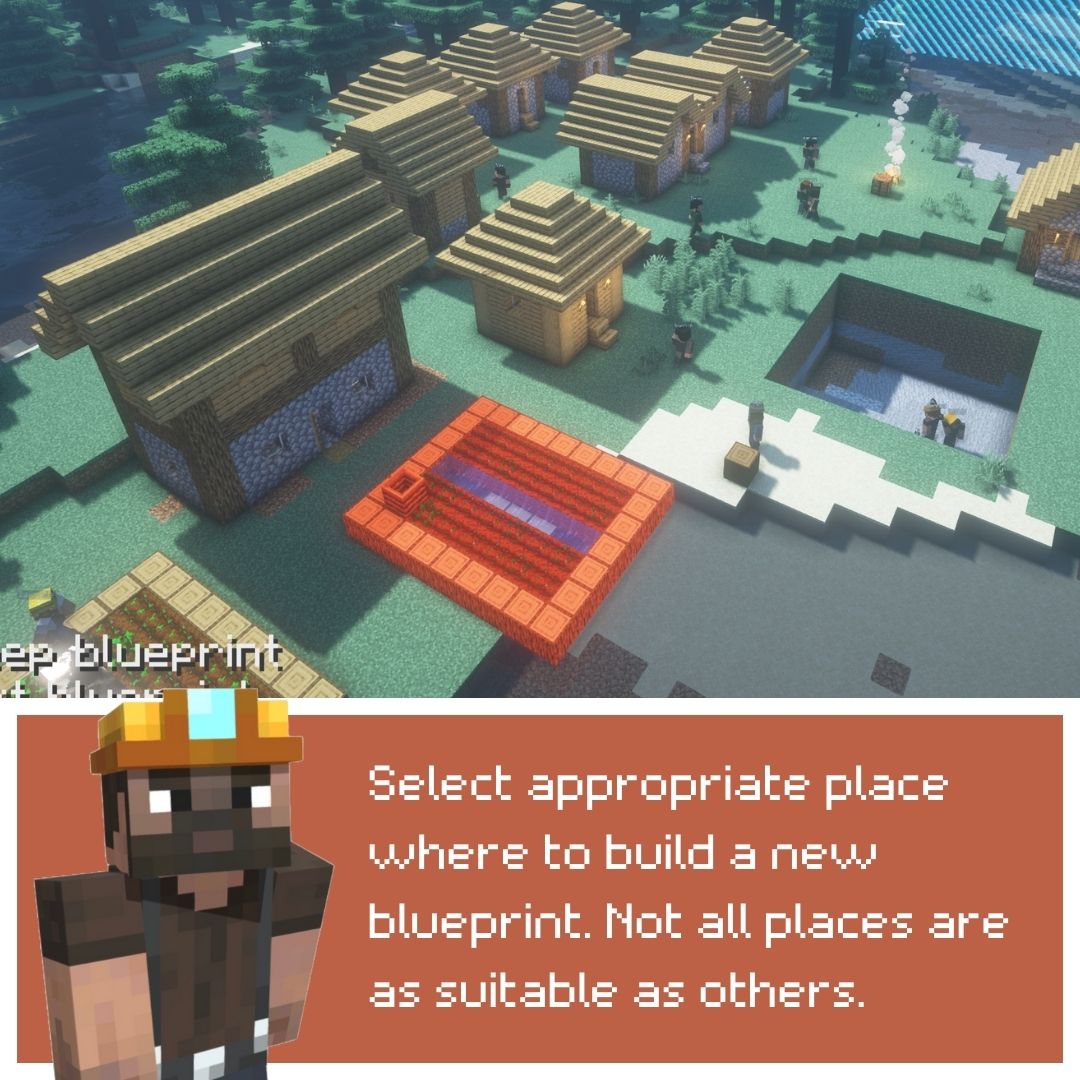 Blueprints 3
 -
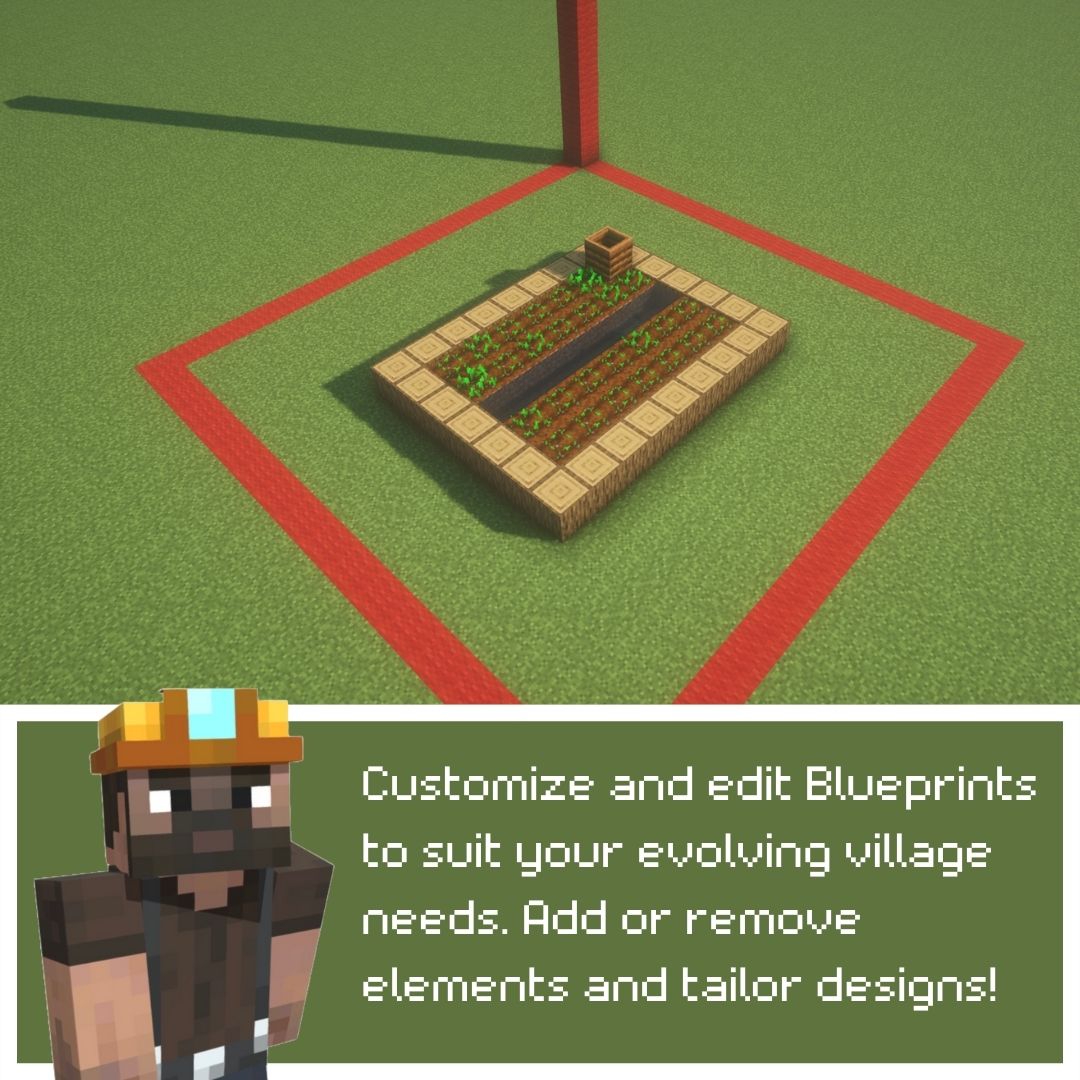 Blueprints 4
 -
 Blueprints 5
Versions
Files
Relations
Project Relations
More like this
Similar Mods
Suggestions use data such as tags, dependencies, dependents, descriptions, titles, and more to rank how much they overlap with this mod.
On ModDex
Community snapshot
By the numbers
Statistics
Want to reach Minecraft players?
We're looking for a server hosting partner to feature here and other parts of the site. Interested? Send us a message!
Get in touchGet it on
Available Platforms
On ModDex
Community snapshot
By the numbers