
Miner Overview
No reviews yet
A simple hud that shows coordinates, biome, fps, lightlevel and more. Shows durability and stack size of items in the inventory and armor. Highlights blocks where to place torches and other light sources.
Fabric is a mod loader for versions 1.14+ of Minecraft, particularly popular for client side and optimization mods.
Community voices
Reviews
Click once to include, again to exclude, again to clear
No reviews yet. Be the first to review this project!
Get it on
Available Platforms
 Modrinth
Compatibility
Supported Environments
About
Project Details
For authors
Embed Badge
If you're the author of this project, you can embed a live badge anywhere that supports HTML or Markdown. It updates automatically whenever ratings change.
Use HTML for any page that supports it, or Markdown for README files and Markdown-based descriptions.
Identifiers
Platform IDs
About
Description
WARNING The current light algorithm is not implemented correctly which causes crashes after some time
NOTE The mod is still in alpha please report any issues or feature requests in the issues tracker.
Miner Overview
A simple hud that shows coordinates, biome, fps, lightlevel and more. Shows durability and stack size of items in the inventory and armor. Highlights blocks where to place torches and other light sources.
Features
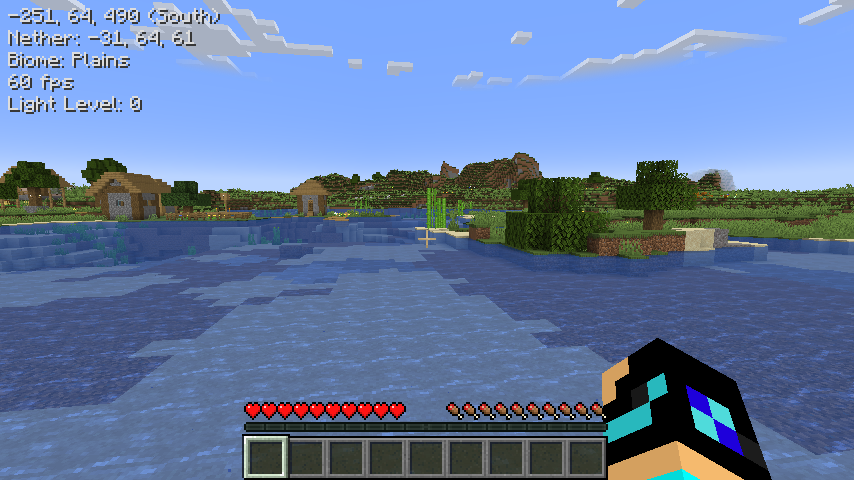
Info Overview
Shows information about the world on the top left side of the screen. The visibility of these can be changed in the mod menu settings or in the config file.
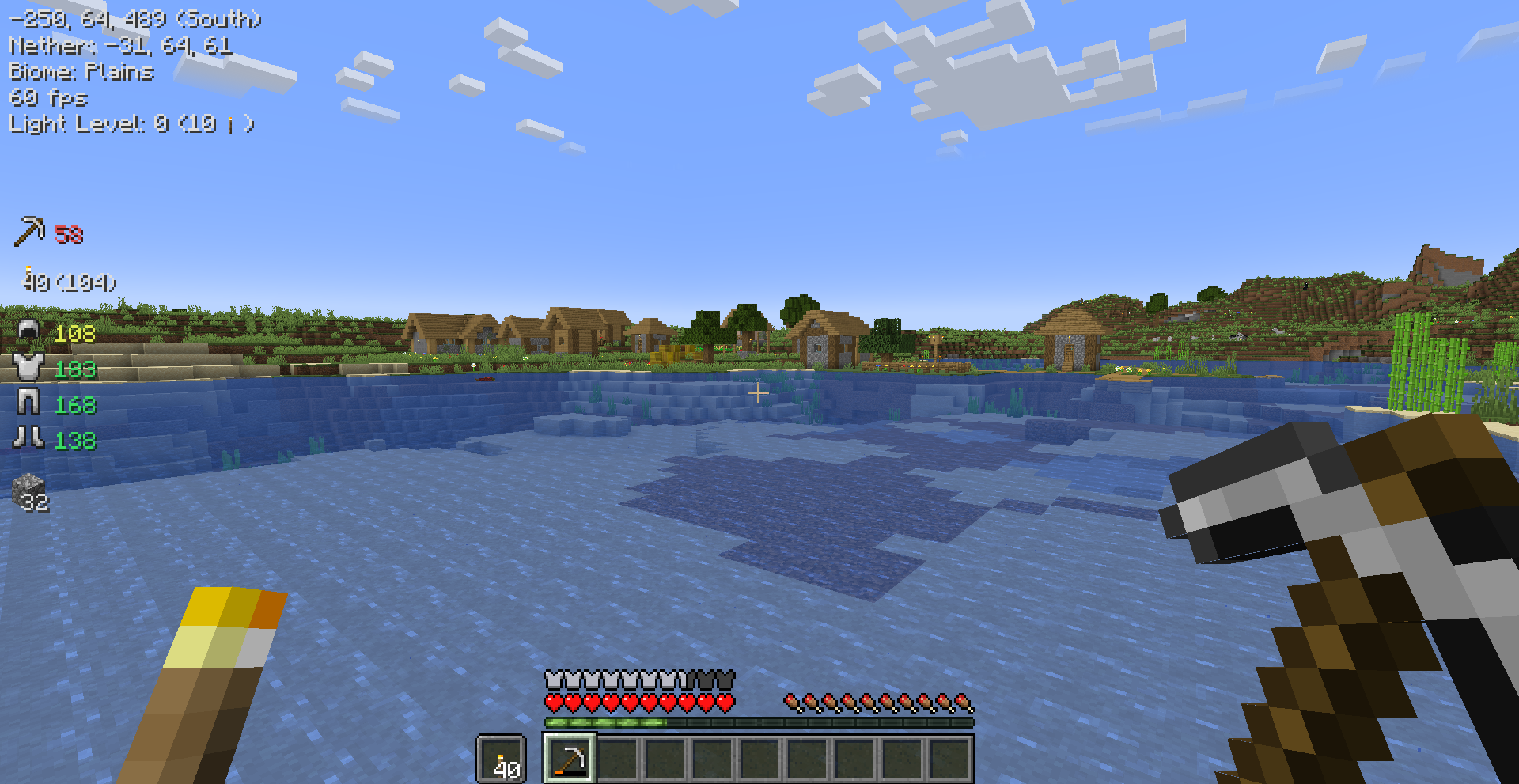
Item Overview
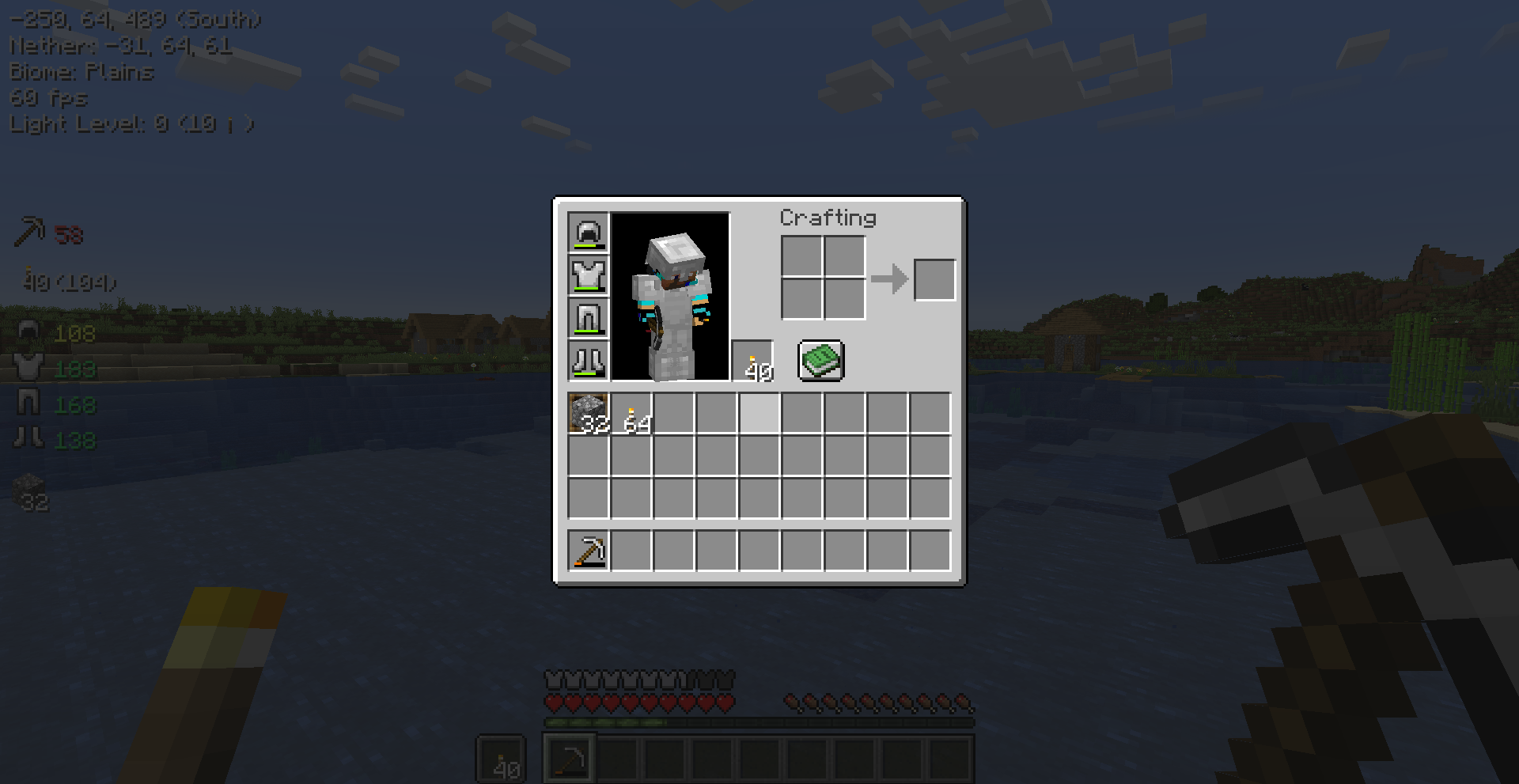
Shows information about items in the inventory. This includes the mainhand, offhand, armor and custom inventory slots. The slots can by added by clicking on it + holding the toggle slot keybind.
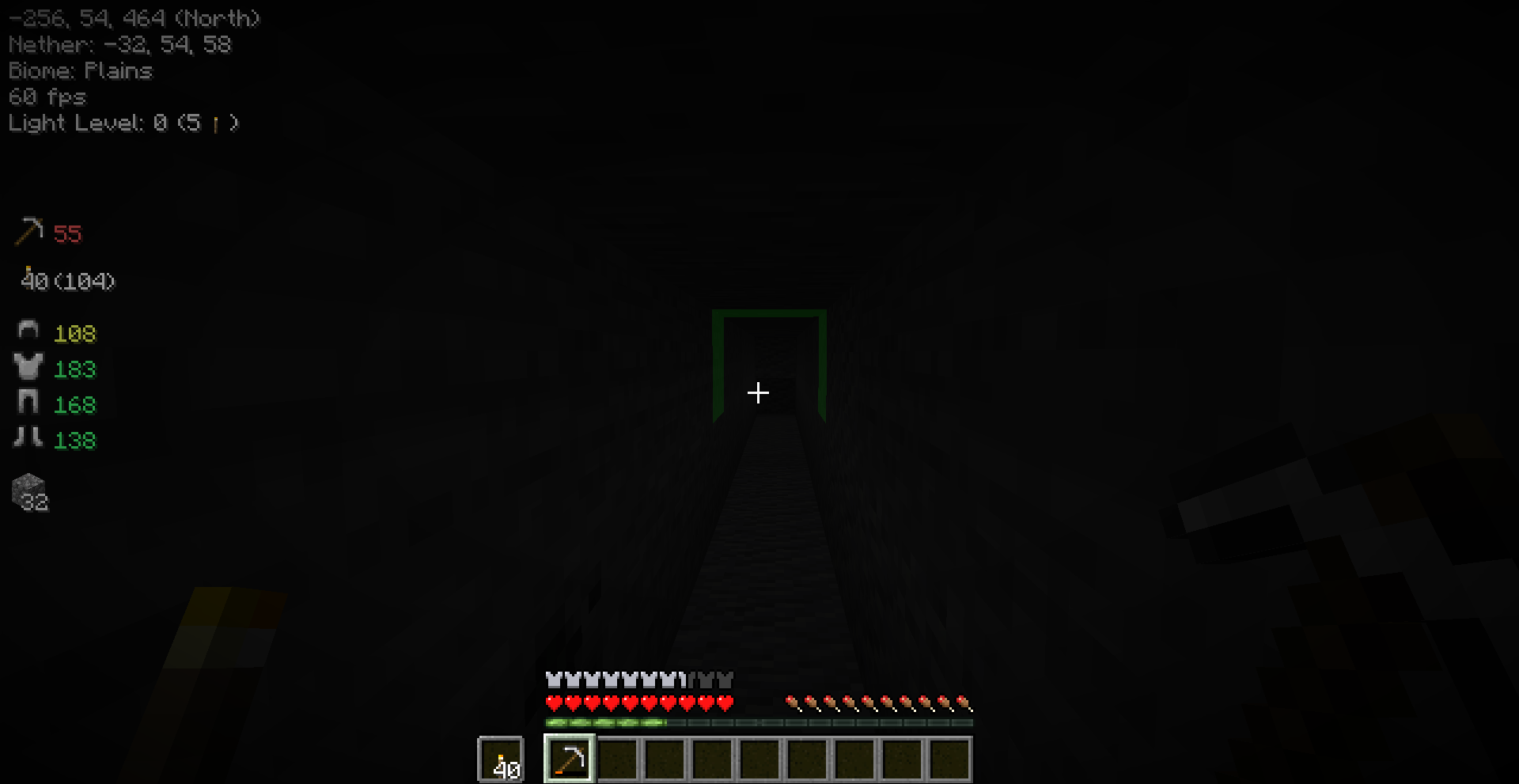
Light Levels
The light levels is shown in the info texts. You can also enable Light Level Distance. When this is enabled it will show highlights on blocks and in the info text where to place the next light source. This is very handy while strip mining to make sure no mobs spawn. The minimum light level and height of the light source can be changed in the settings.
Key Bindings
| Name | Default Key | Description |
|---|---|---|
| Toggle Overview | M |
Toggles the visibility of the overview hud. |
| Toggle Slot For Item Overview | LEFT ALT |
The key to hold when adding/removing a slot for the item overview. |
You can change every key binding in the Minecraft key binding settings.
Screenshots
Gallery
-
Light Level Highlight
-
Item Overview
-
Item Overview: Inventory Slot
-
Info Overview
Versions
Files
Relations
Project Relations
More like this
Similar Mods
Suggestions use data such as tags, dependencies, dependents, descriptions, titles, and more to rank how much they overlap with this mod.
On ModDex
Community snapshot
By the numbers
Statistics

Want to reach Minecraft players?
We're looking for a server hosting partner to feature here and other parts of the site. Interested? Send us a message!
Get in touchGet it on
Available Platforms
On ModDex
Community snapshot
By the numbers