
Community listing page, reviews here may not be monitored by the author.
Minerunner 2077

No reviews yet
A mod based on the game Cyberpunk 2077. Install unique cyberware and become unkillable!
Community voices
Reviews
No reviews yet. Be the first to review this project!
Get it on
Available Platforms
About
Project Details
For authors
Embed Badge
If you're the author of this project, you can embed a live badge anywhere that supports HTML or Markdown. It updates automatically whenever ratings change.
Use HTML for any page that supports it, or Markdown for README files and Markdown-based descriptions.
Identifiers
Platform IDs
Resources
External Links
About
Description
Minerunner 2077 - A Cyberpunk 2077 Inspired Mod
"Would you rather live in peace as Mr. Nobody? Or go down for all times in a blaze of glory?"
Minerunner adds the world of Cyberpunk 2077 into Minecraft. With this mod, you can install different cyberware to enhance your body and gain new abilities.
=====================================================================
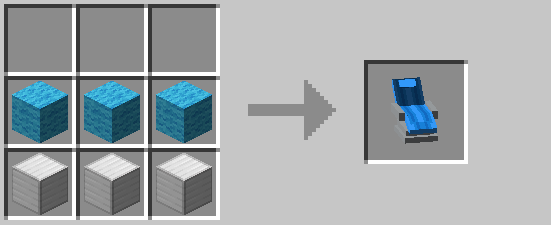
Crafting recipes:
Ripperdoc Chair
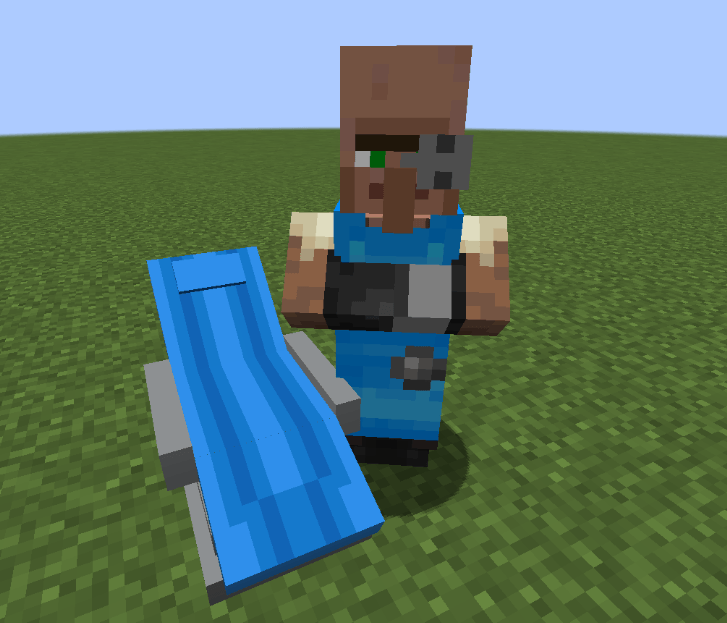
Ripperdoc Villager:
Placing a ripperdoc chair next to a villager (with no profession) will turn them into a ripperdoc.
Buying cyberware:
Right click the ripperdoc villager to open the cyberware store.
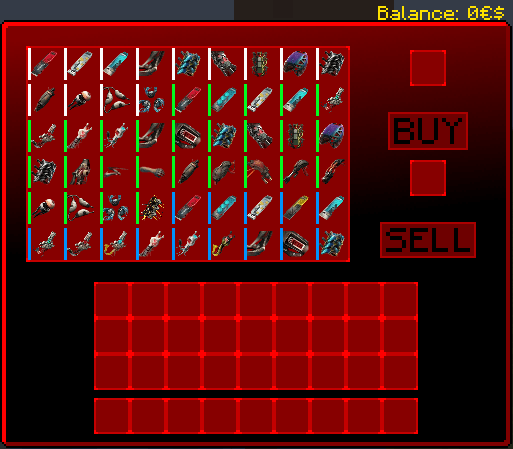
Each ripperdoc has unique (but in similar range) prices. Cyberware are sold in tiers based on the player's level.
- Level 1-10 -> Tier 1
- Level 11-20 -> Tier 2
- Level 21-30 -> Tier 3
- Level 31-40 -> Tier 4
- Level 41-60 -> Tier 5
To buy cyberware, click on it and press the buy button (assuming the player has the sufficient balance).
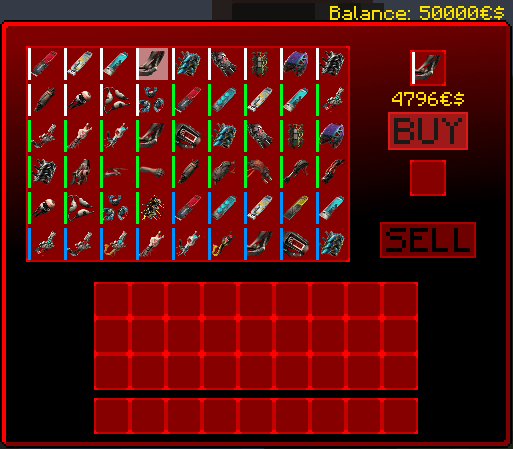
Selling cyberware and items to ripperdoc:
In the ripperdoc store menu, place the cyberware or items you want to sell in the slot above the sell button and press the sell button.
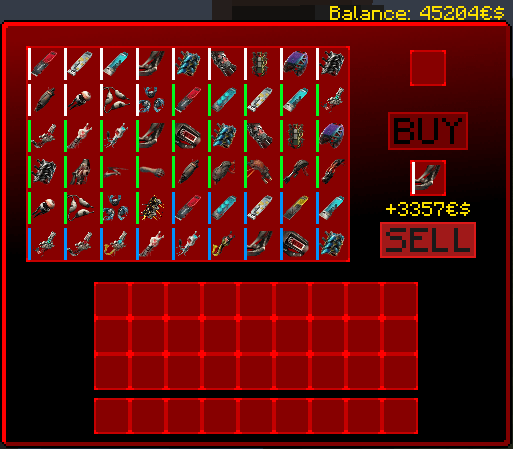
All cyberware will be sold back to the ripperdoc at a discount.
Currently, only some items can be sold to the ripperdoc.
- Copper Ingot -> 5€$
- Gold Ingot -> 20€$
- Iron Ingot -> 50€$
- Diamond ->1000€$
- Netherite Ingot -> 5000€$
Equipping Cyberware:
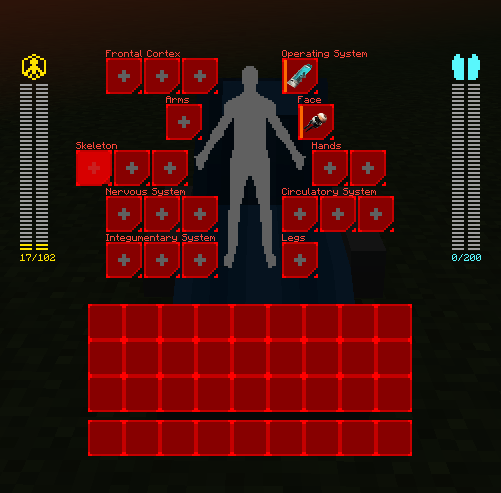
Right click the ripperdoc chair to equip cyberware.
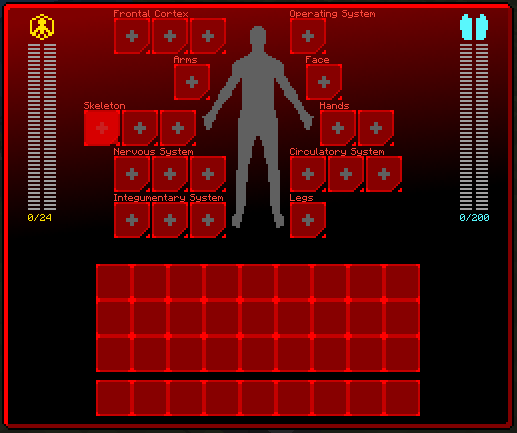
The bar under the yellow symbol is the player's cyberware capacity bar. As seen in the image above, [0/24] represents the player's cyberware capacity. The 0 is the player's current capacity usage and the 24 is the player's current capacity cap (There is a hard max cap of 450).
The capacity cap can be raised from the following:
- Leveling up
- Cyberware capacity shards
- Perks (the specific perk is not implemented yet)
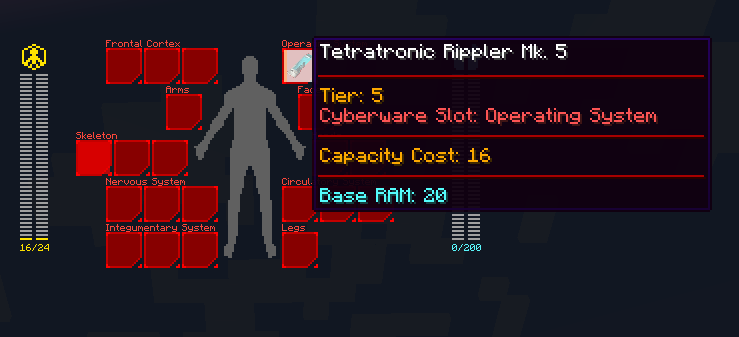
Each cyberware has a capacity cost, this determines whether the player is able to equip the cyberware.
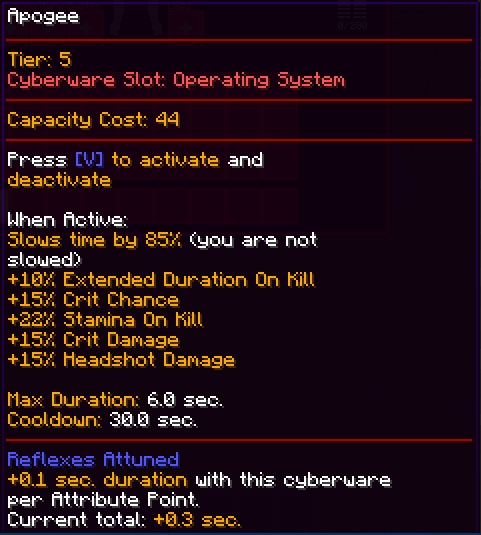
For example, the Apogee has a capacity cost of 44. This means the player must have a capacity cap of 44 or higher to equip it.
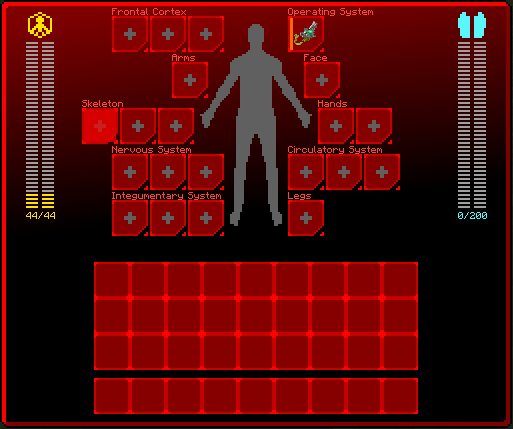
Some slots will require the player to unlock perks in order to open the slot (Like the first skeleton slot).
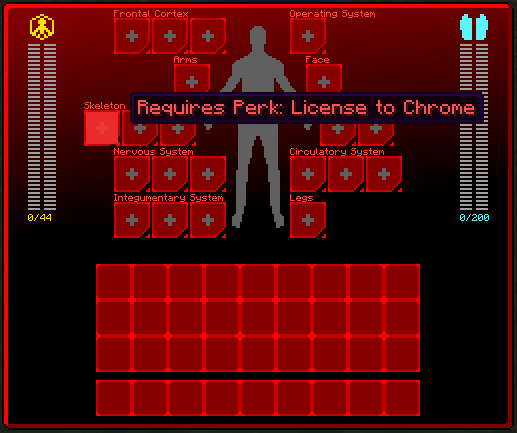
Equipping Quickhacks:
Right click the ripperdoc chair and equip a cyberdeck in the operating system slot.
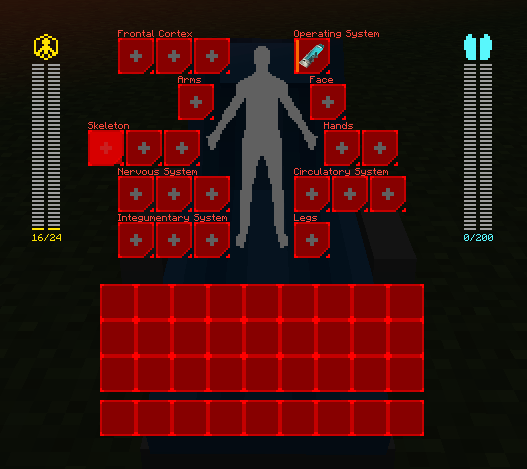
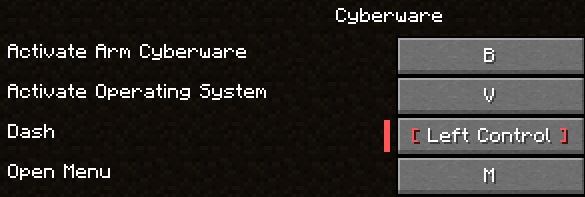
Open the menu by pressing the "Open Menu keybind" and a new gui will appear.
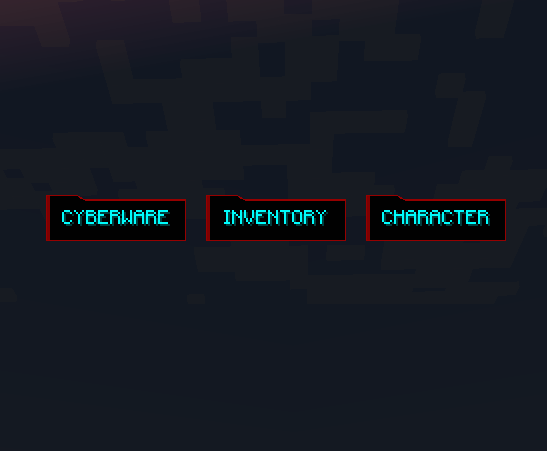
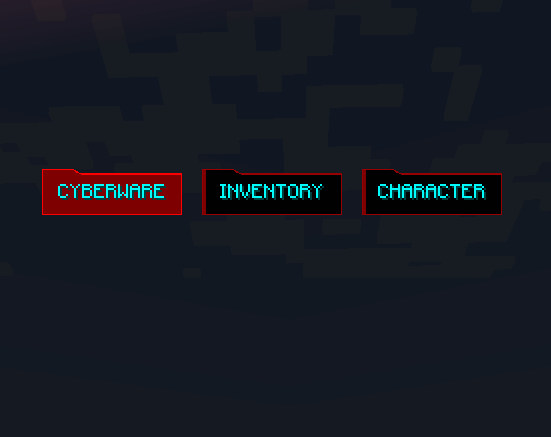
Press on the "CYBERWARE" button to view the player's currently equipped cyberware.
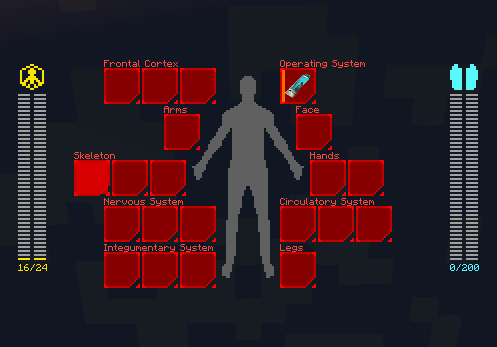
Hover over the cyberdeck and click on it to open the quickhack menu.
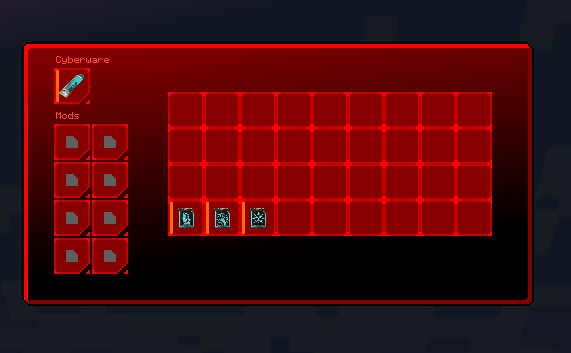
Move the quickhacks into the slots to equip them.
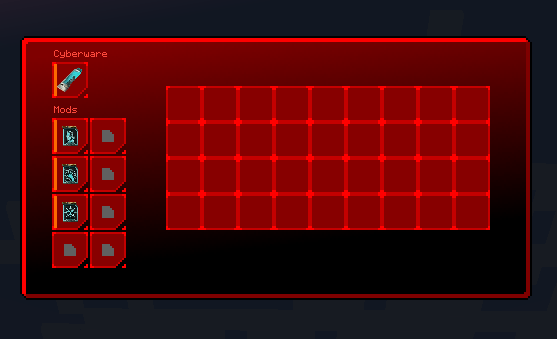
There are some restrictions to equipping quickhacks.
- Quickhacks much match the cyberdeck's tier (same tier or lower). This means a tier 3 quickhack cannot be equipped on a tier 2 cyberdeck, but it can be equipped on a tier 3 cyberdeck and above.
- Cannot equip the same quickhack more than once. For example, if a tier 3 overheat is equipped, the player cannot equip its tier 5, tier 4, tier 2, or tier 1 variants.
Using Quickhacks:
To use quickhacks, the player must have some kind of optics installed (along with the cyberdeck and quickhacks).
After installing the optics, the player can now hold the "Scan" keybind to open the quickhack hud (The hud only appears when looking at an entity).
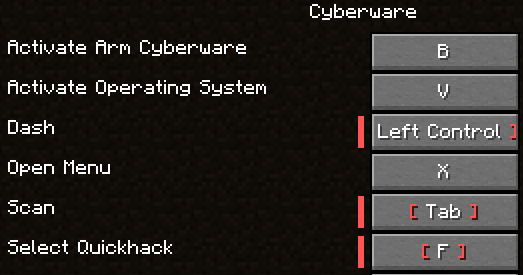
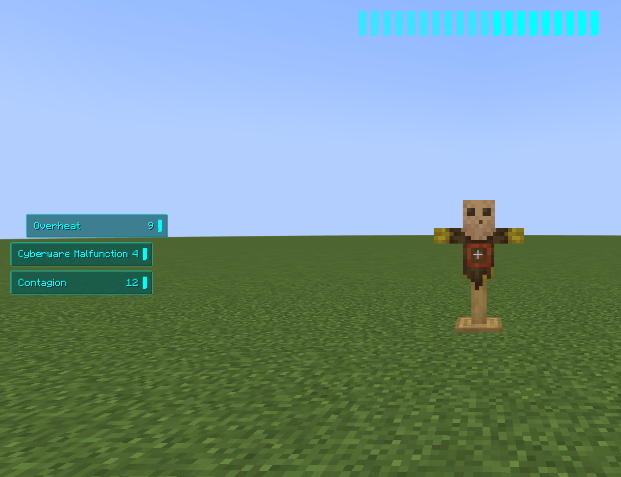
Scrolling while scanning will cycle through the equipped quickhacks and pressing the "Select Quickhack" key will upload the quickhack onto the entity the player is looking at (Assuming the player has enough ram).
Leveling Up:
Press the Open Menu Keybind to access the attribute menu.
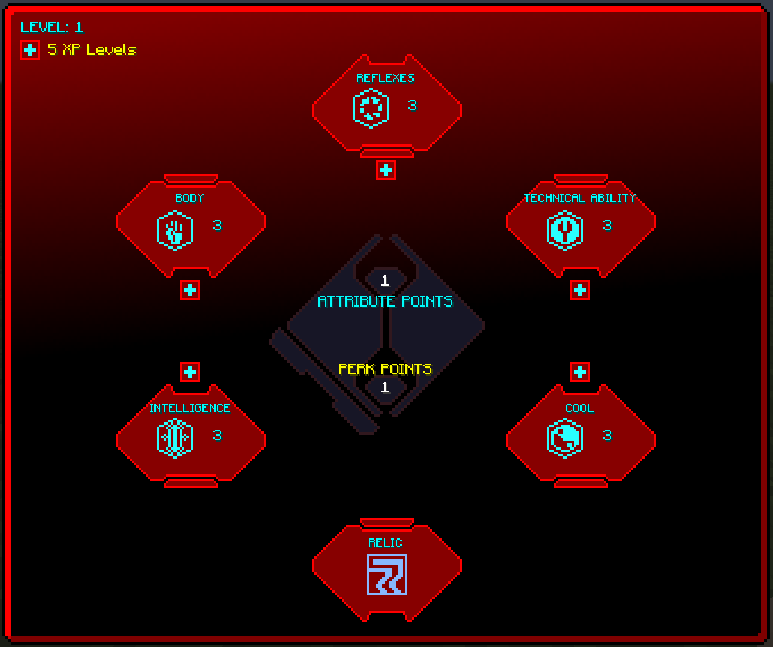
The player starts at level one with one attribute and perk point. Experience levels are required to level up. Leveling up grants the player 1 attribute and perk point.
There are 5 attributes the player can level with attribute points:
- Body (perks are not currently functional)
- Reflexes (perks are functional)
- Technical Ability (perks are functional)
- Intelligence (currently has no perks)
- Cool (currently has no perks)
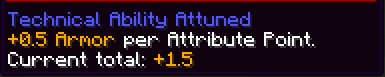
Certain cyberware are attuned to one of the 5 attributes. Attunements grant the player extra stats.
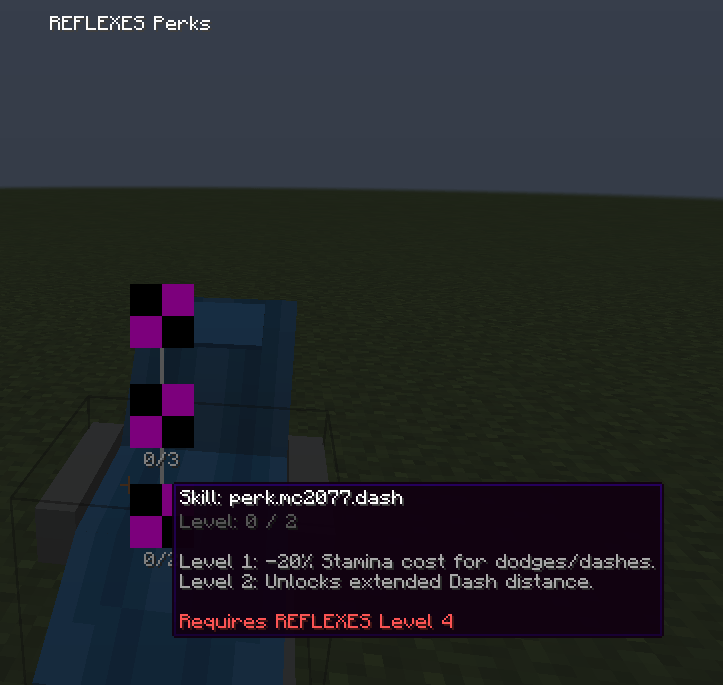
Clicking on the attributes opens their perk tree. Perks are unlocked using perk points (one perk point per perk level and are restricted based on the attribute level).
=====================================================================
This mod does not have any requirements unless it is played on forge. Since this mod is originally for 1.20.1 fabric, it requires sinytra connector to be played on forge.
Fabric Requirements:
- None
Forge Requirements:
- Sinytra connector
=====================================================================
Textures and models are not final.
Screenshots
Gallery
-
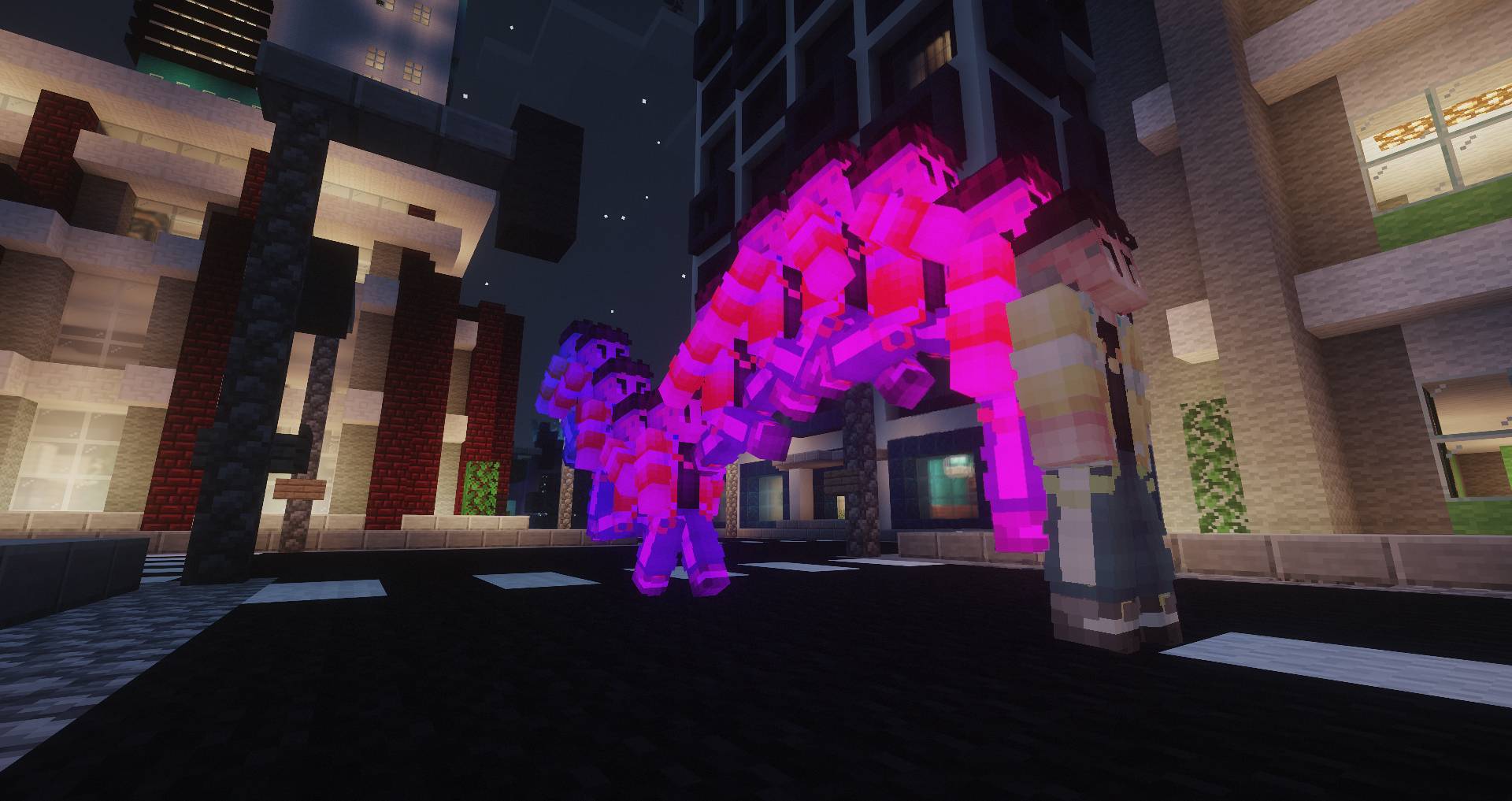 Sandevistan 1 Credits: Skin: fempilled on planetminecraft Map: Skyscrapers City (Lakeville)
 -
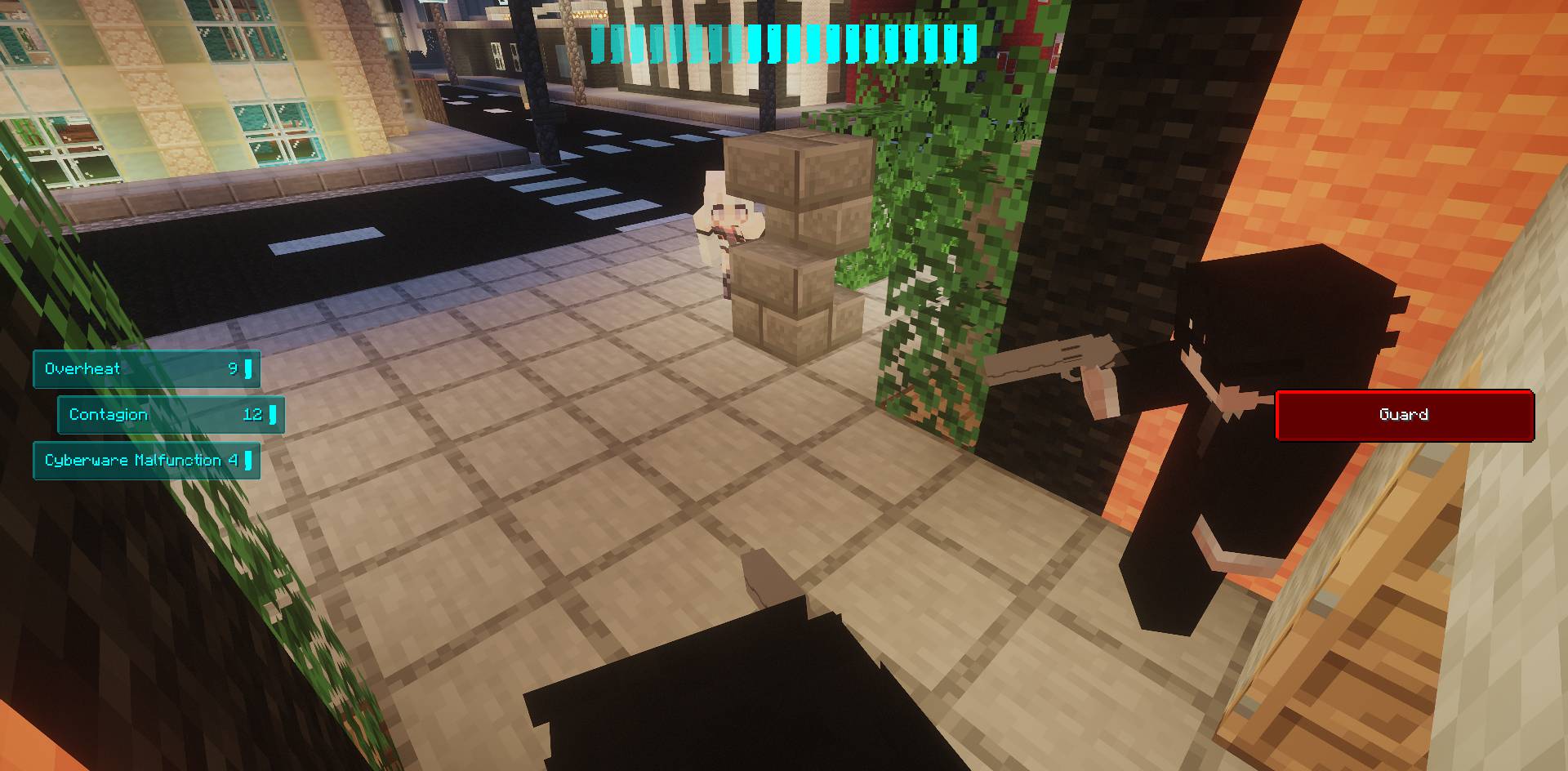 Quickhacks Credits: Skin: https://namemc.com/skin/34dc7d7e99cba652 Map: Skyscrapers City (Lakeville)
 -
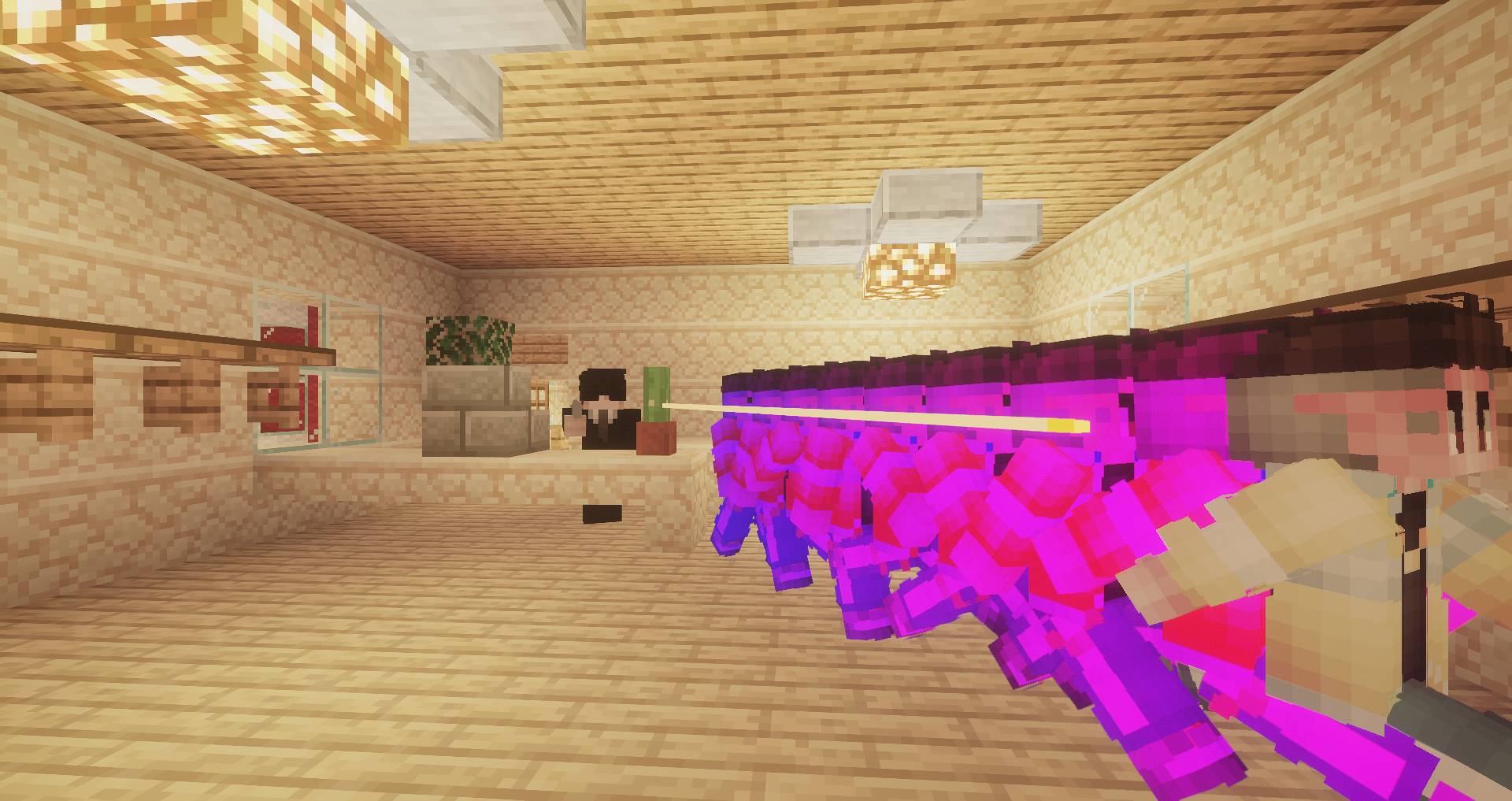 Sandevistan 2 Credits: Skin: fempilled on planetminecraft Skin: https://namemc.com/skin/06e5a30bc2e7daed Map: Skyscrapers City (Lakeville)
 -
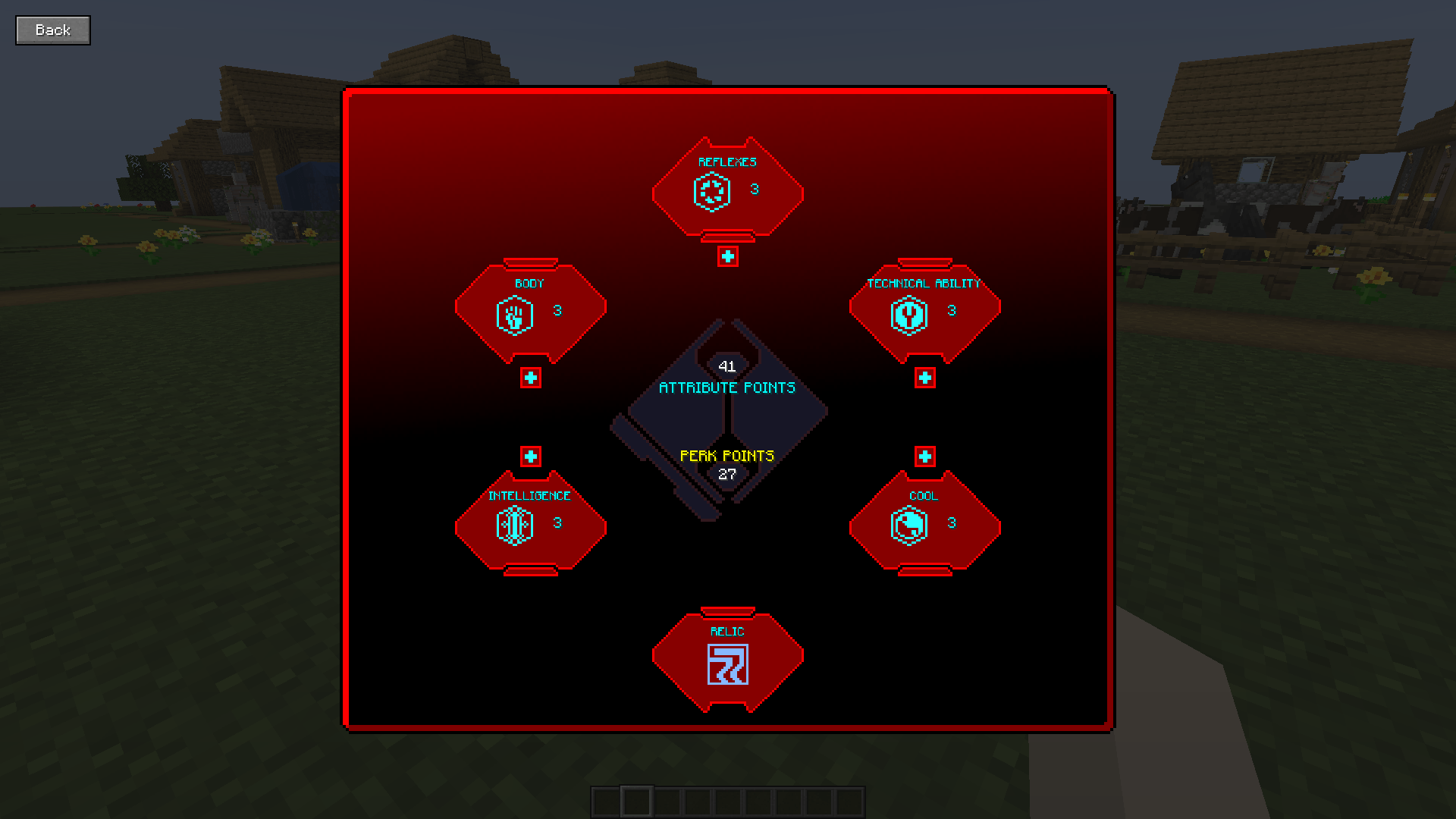 Attribute Menu
 -
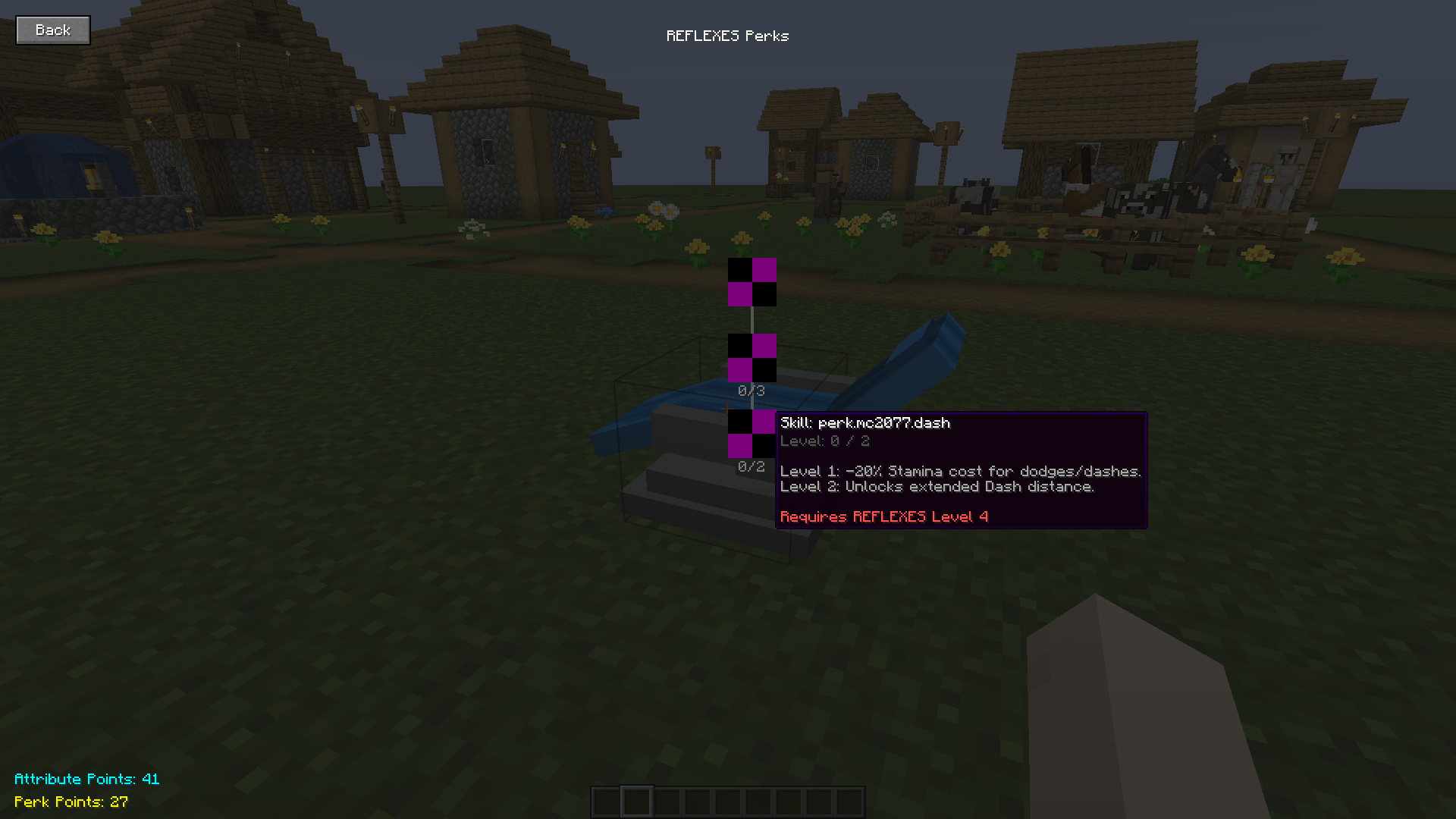 Reflex Tree
 -
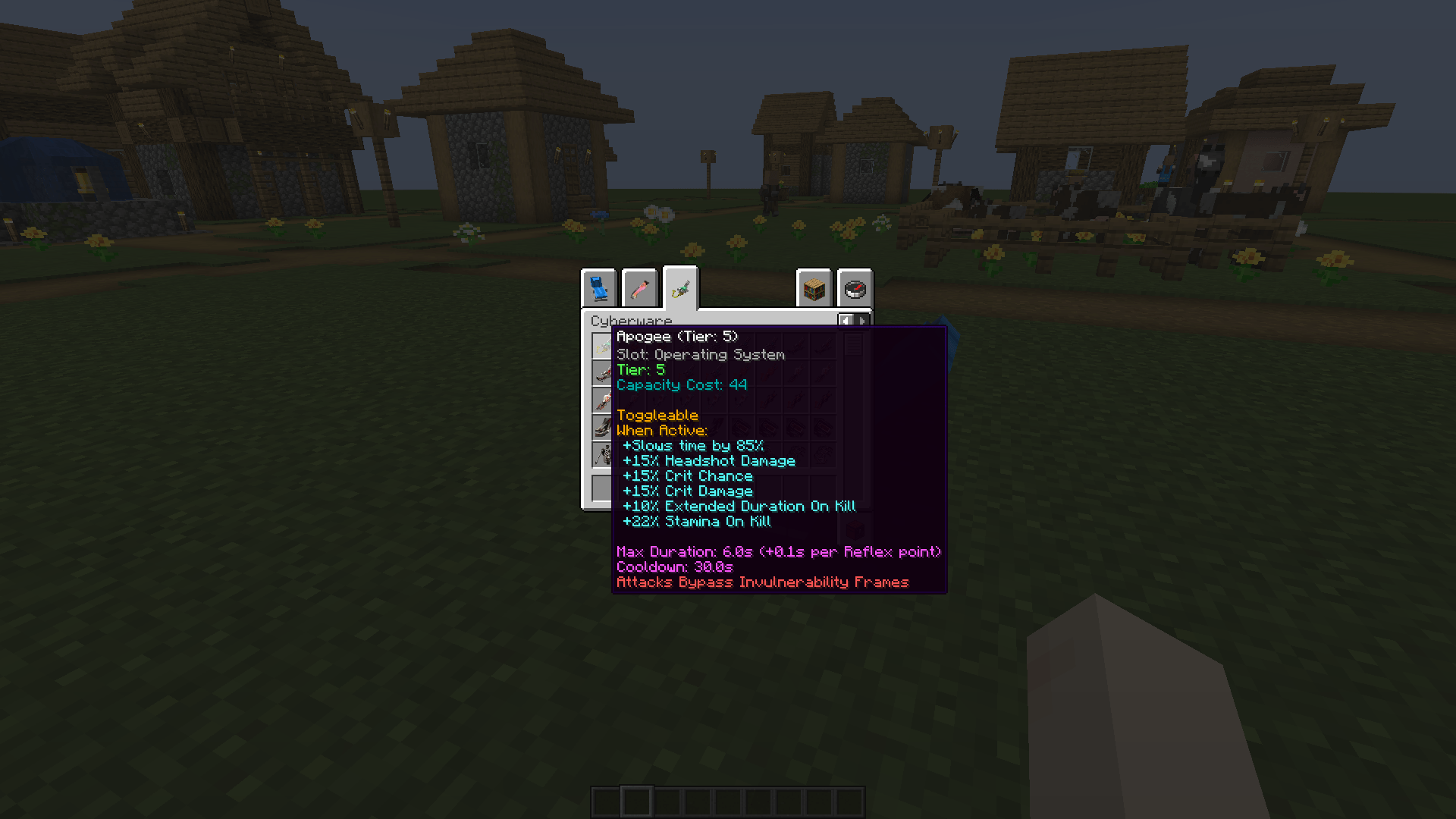 Apogee Sandevistan
 -
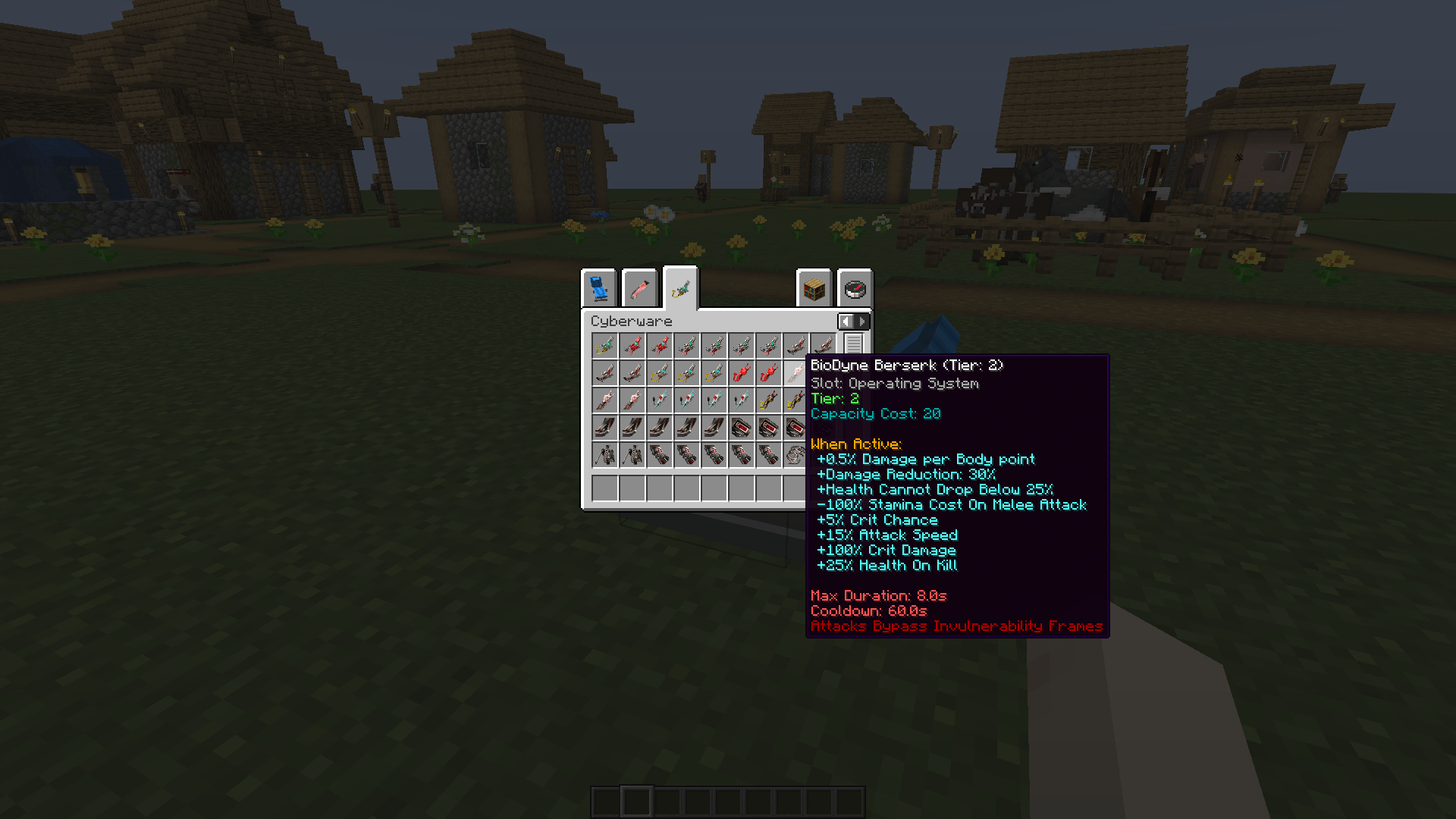 BioDyne Berserk
 -
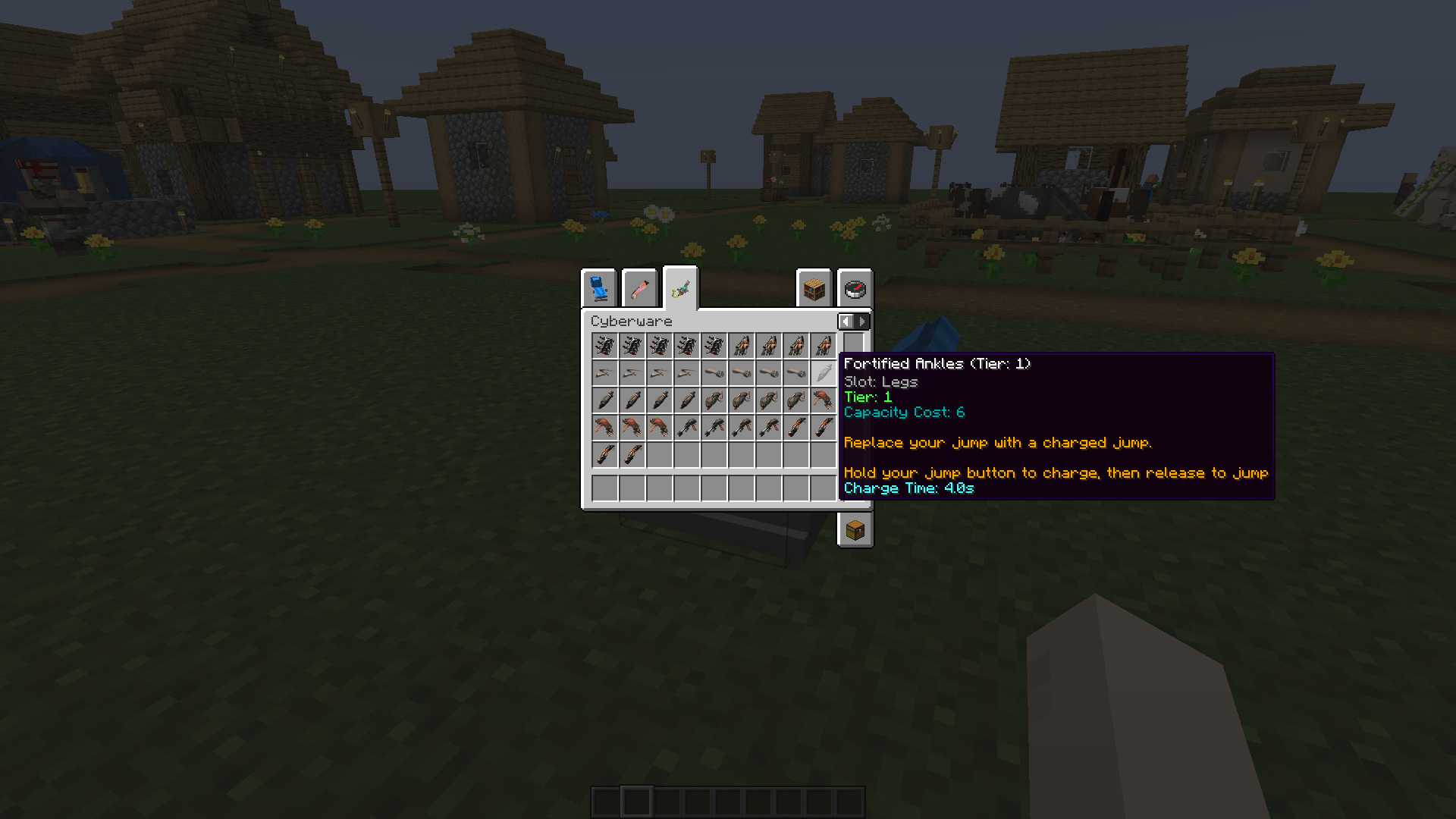 Fortified Ankles
 -
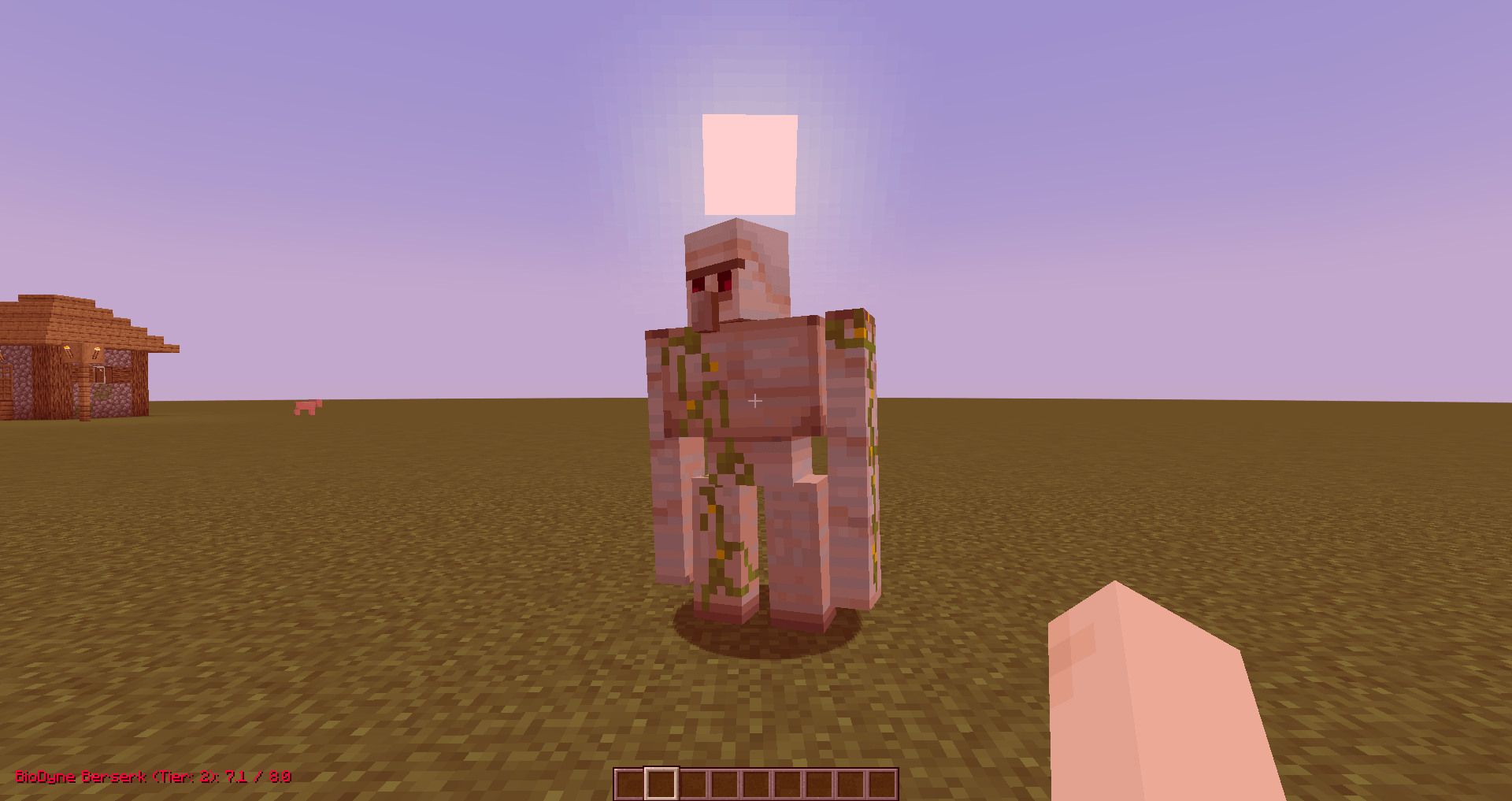 Berserk Active
 -
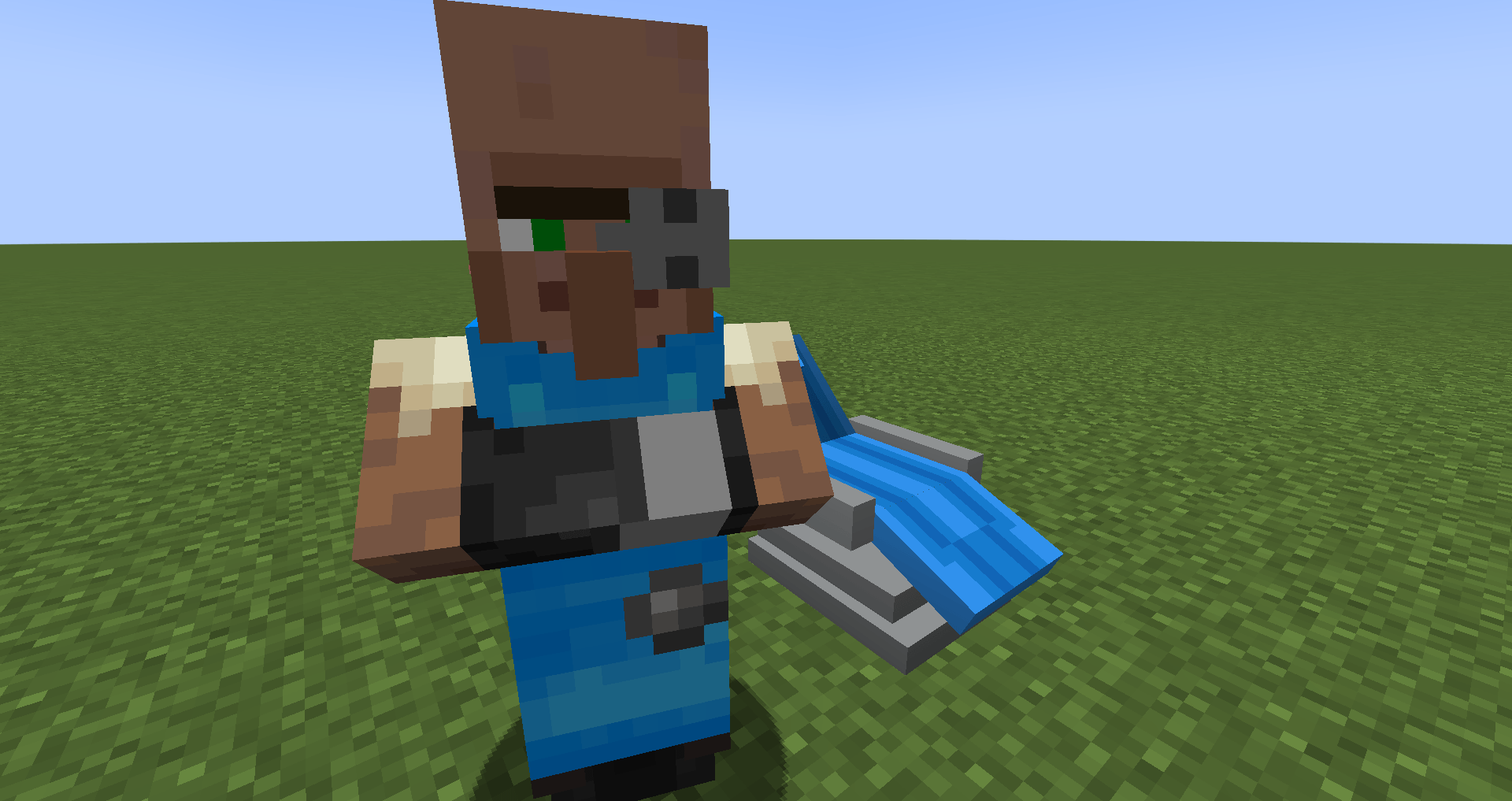 Ripperdoc & Chair
 -
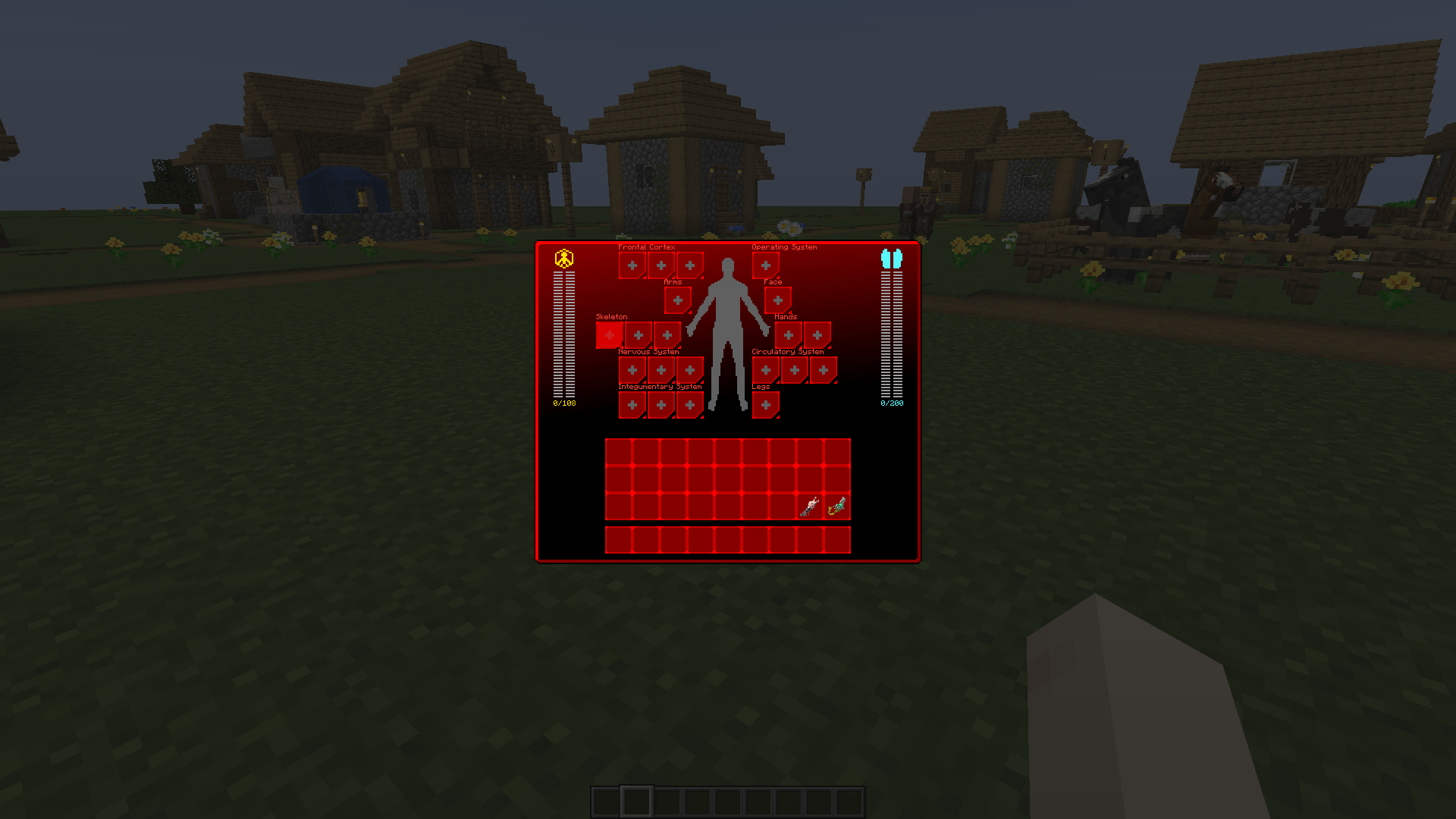 Ripperdoc Menu
 -
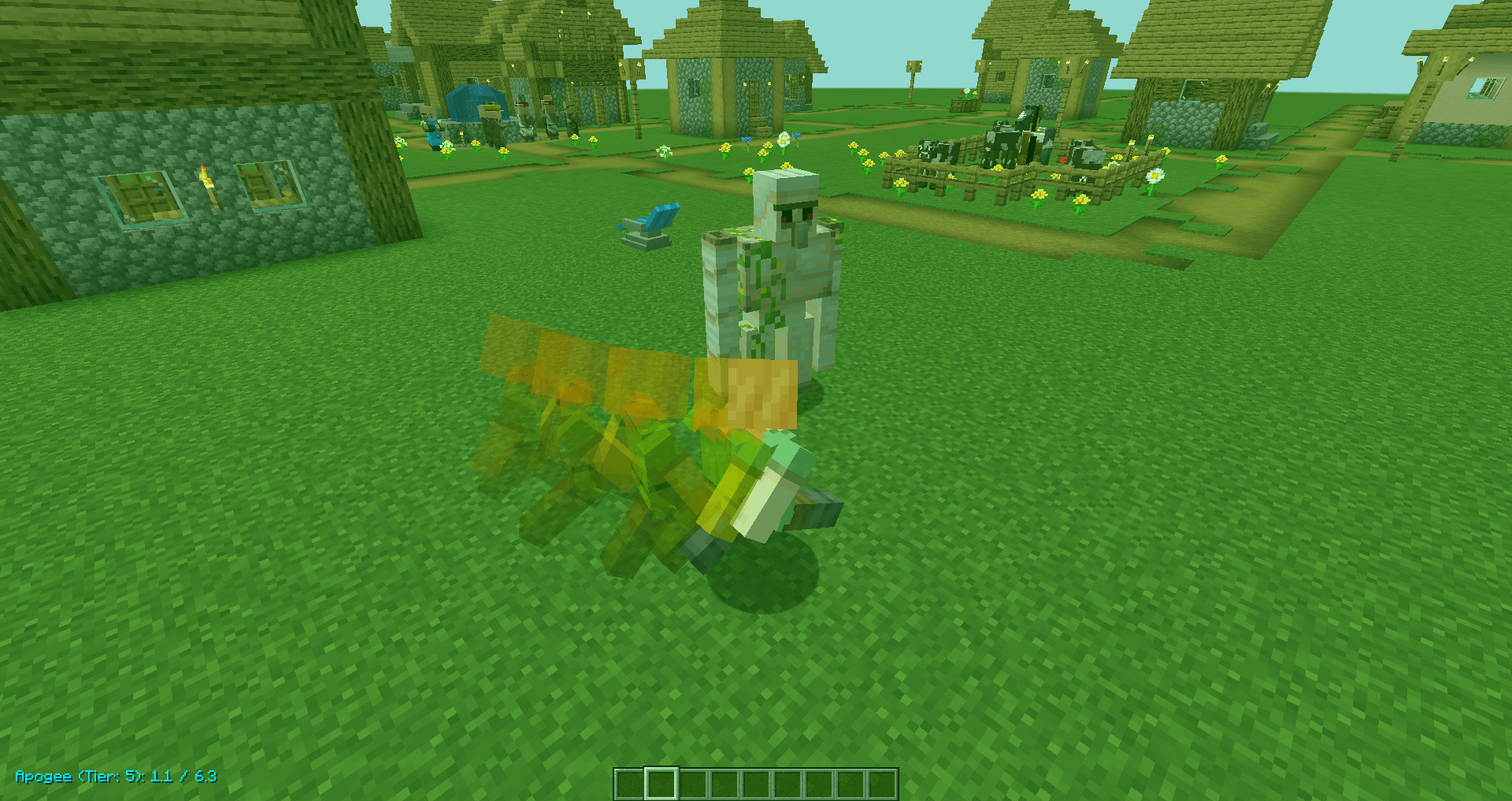 Sandevistan Active
Versions
Files
Relations
Project Relations
More like this
Similar Mods
Suggestions use data such as tags, dependencies, dependents, descriptions, titles, and more to rank how much they overlap with this mod.
On ModDex
Community snapshot
By the numbers
Statistics
Want to reach Minecraft players?
We're looking for a server hosting partner to feature here and other parts of the site. Interested? Send us a message!
Get in touchGet it on
Available Platforms
On ModDex
Community snapshot
By the numbers
Statistics
Resources