
Mini Blocks: Items Edition
No reviews yet
150+ Mini Blocks focused on Items! For decoration and sound design!
Data Packs were introduced to vanilla Minecraft in version 1.13 and allow the server to modify data about the game, or run commands. Data Packs are compatible with all mod loaders.
Community voices
Reviews
Click once to include, again to exclude, again to clear
No reviews yet. Be the first to review this project!
Get it on
Available Platforms
 Modrinth
Compatibility
Supported Environments
About
Project Details
For authors
Embed Badge
If you're the author of this project, you can embed a live badge anywhere that supports HTML or Markdown. It updates automatically whenever ratings change.
Use HTML for any page that supports it, or Markdown for README files and Markdown-based descriptions.
Identifiers
Platform IDs
Resources
External Links
About
Description
(Looking for the original? Get Mini Blocks here!)
(Looking for a better building experience? Check out Palette!)
Adds over 150 Mini Blocks focused on vanilla items, all obtainable in survival! Just place an item into a stonecutter to craft it into a Mini Block! Each Mini Block has a corresponding note block sound, just like mob heads!
Features:
- 156 obtainable Mini Blocks (as of v1.2.0 for MC 26.2)
- All Mini Blocks can be picked back up and stay stackable.
- All Mini Blocks have recipe toasts.
- All Mini Blocks have note block sounds.
- Most Mini Blocks use the vanilla translation keys for translatable names. Those that are not translatable can be given translation values using a resource pack.
All Mini Blocks and how to get them:
All Mini Blocks are cut from their respective item unless otherwise specified and yield 1 Mini Block. A spreadsheet is WIP.- Beetroot Crops (from Beetroot)
- Pitcher Pod
- Redstone Dust
- Minecart
- Minecart with Hopper
- Minecart with Chest
- Minecart with Furnace (Unlit and Lit) (2)
- Minecart with TNT
- Bucket
- Water Bucket (2 variants)
- Bucket of Cod
- Bucket of Salmon
- Bucket of Tropical Fish
- Bucket of Pufferfish
- Bucket of Axolotl
- Bucket of Tadpole
- Bucket of Sulfur Cube
- Lava Bucket (2 variants)
- Powder Snow Bucket (2 variants)
- Milk Bucket (2 variants)
- Bone Meal
- Brush
- All Bundles (17)
- Compass
- Recovery Compass
- Clock (2 variants)
- Map
- Buried Treasure Map (from Map)
- Book and Quill (2 variants)
- Wind Charge
- Firework Rocket
- Goat Horn
- All Nautilus Armors (5)
- Totem of Undying
- Apple (2 variants)
- Golden Apple (2 variants)
- Enchanted Golden Apple (2 variants)
- Sweet Berries
- Chorus Fruit
- Carrots (from Carrot)
- Potato
- Baked Potato
- Poisonous Potato
- Raw Chicken
- Cooked Chicken
- Raw Cod
- Raw Salmon
- Cooked Salmon
- Tropical Fish
- Pufferfish
- Bread
- Cookie
- Pumpkin Pie Slice (from Pumpkin Pie)
- Spider Eye
- Mushroom Stew
- Beetroot Soup
- Rabbit Stew
- Suspicious Stew
- Honey Bottle (2 variants)
- Ominous Bottle
- Water Bottle (2 variants)
- Coal
- Charcoal
- Raw Copper
- Raw Iron
- Raw Gold
- Emerald
- Lapis Lazuli
- Diamond
- Nether Quartz
- Amethyst Shard
- Copper Ingots (from Copper Ingot)
- Iron Ingots (from Iron Ingot)
- Gold Ingots (from Gold Ingot)
- Netherite Ingots (from Netherite Ingot)
- Iron Nugget
- Gold Nugget
- Wheat
- Snowball
- All Eggs (3)
- Clay Ball
- Slime Ball
- Nautilus Shell
- Heart of the Sea (2 variants)
- Fire Charge
- Nether Star
- Ender Pearl (2 variants)
- Eye of Ender (4 variants)
- Popped Chorus Fruit
- Bowl
- Book (2 variants)
- Written Book (4 variants)
- Glass Bottle (2 variants)
- Glowstone Dust
- Gunpowder
- Dragon's Breath (2 variants)
- Fermented Spider Eye
- Blaze Powder
- Sugar
- Magma Cream
- Phantom Membrane
- Bottle o' Enchanting (2 variants)
- Enchanted Book (4 variants)
- Dragon Fireball (from Dragon's Breath)
- Knowledge Book (2 variants)
What to do if a Mini Block texture looks incorrect:
If a texture looks incorrect (it looks like a random player head), follow these steps:
- Close Minecraft.
- Navigate to your ".minecraft" folder (if you don't know how, there are many tutorials online for how to do this for different machines)
- Open "assets" and then delete the folder "skins".
- This will force your Minecraft installation to re-download all player skins and should solve the problem.
Known Issues (these cannot be fixed):
Internet connection is required to download each Mini Block texture initially. Once a texture is downloaded (you have seen it in-game), it can be seen while offline. This is a limitation of how datapacks utilizing player heads work.
Cracked clients might not be able to reach the Minecraft skin server at all, which means that they will not be able to download any of the textures.
Credits:
Thanks to all those who created textures (or parts of textures) used in this pack! Many were created by myself, but many were also created by members of the community!
Stridey + The Vanilla Tweaks team: https://vanillatweaks.net/
Minecraft-Heads: https://minecraft-heads.com/
CrazyGamer_
DorkOrc
Fipoki
Hunfoglalo
Kiaria
LordRazen
Marjory_
PandaClod
UltimateJager
0736
Mojang (of course)
MintRefresh:
YouTube | Planet Minecraft | Modrinth
TikTok | Twitter | Bluesky | Reddit
Join my Discord server here!
Screenshots
Gallery
-
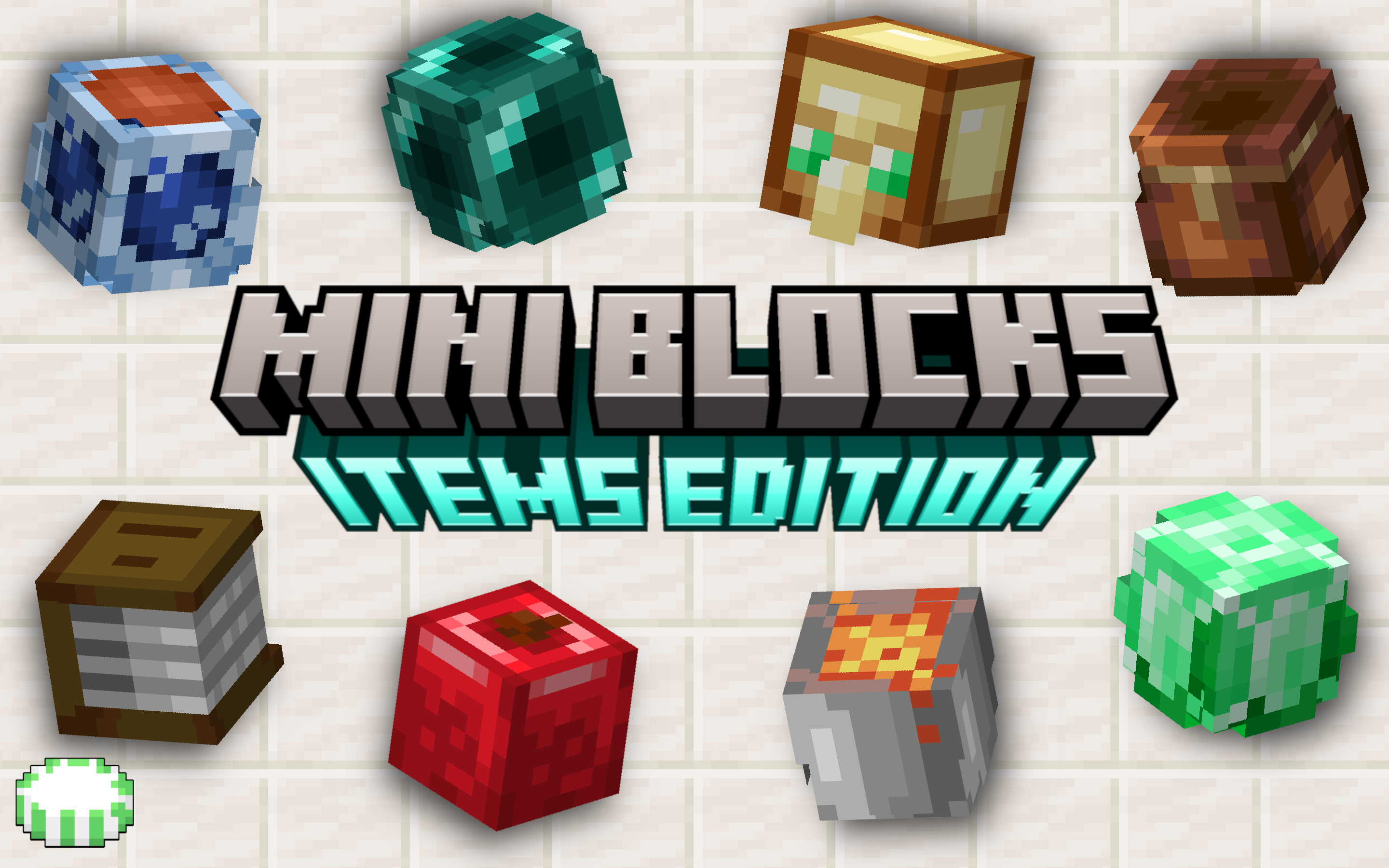 Mini Blocks: Items Edition
 -
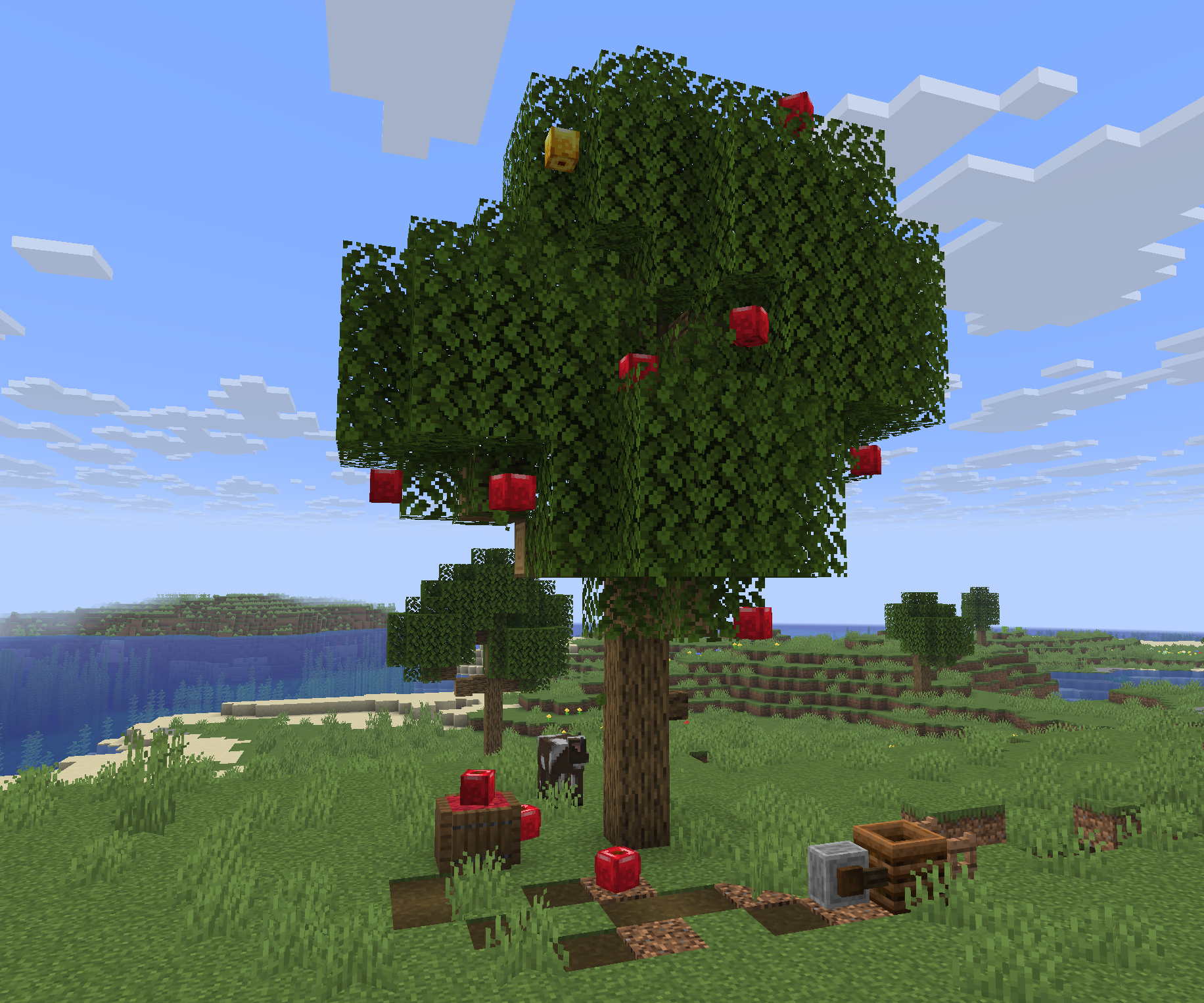 More images coming in the future, but here's a small build I threw together the night before release.
Versions
Files
Relations
Project Relations
More like this
Similar Mods
Suggestions use data such as tags, dependencies, dependents, descriptions, titles, and more to rank how much they overlap with this mod.
On ModDex
Community snapshot
By the numbers
Statistics

Want to reach Minecraft players?
We're looking for a server hosting partner to feature here and other parts of the site. Interested? Send us a message!
Get in touchGet it on
Available Platforms
On ModDex
Community snapshot
By the numbers
Statistics
Resources