
Community voices
Reviews
Click once to include, again to exclude, again to clear
No reviews yet. Be the first to review this project!
Get it on
Available Platforms
 Modrinth
Compatibility
Supported Environments
About
Project Details
For authors
Embed Badge
If you're the author of this project, you can embed a live badge anywhere that supports HTML or Markdown. It updates automatically whenever ratings change.
Use HTML for any page that supports it, or Markdown for README files and Markdown-based descriptions.
Identifiers
Platform IDs
About
Description
Minimap CE
A faithful, lightweight minimap mod for Better Than Wolves CE 3.0.0 and above (Minecraft 1.6.4).
Minimap CE provides all the classic minimap functionality you need, themed to feel right at home with old-school Minecraft and BTW. It runs client-side only.
Features
Classic Minimap
- Texture-sampled block colors — reads Minecraft's terrain atlas for accurate per-block colors.
- Topographic shading — height-based lighting for terrain depth.
- Circular map with a premium beveled frame and compass labels (N/E/S/W).
- Zoom — scroll to zoom in/out, entities and waypoints track at all zoom levels.
- Dynamic HUD Proportions — Minimap text automatically scales based on the size/zoom of your minimap for a perfectly clean look.
- Chunk grid overlay (toggleable).
- Biome tinting for grass, leaves, and foliage.
Full-Screen Topography
- Full-Screen Map — A scalable, draggable full-screen map interface.
- Persistent Terrain — Explored areas save to disk and display on the full-screen map even when far away, with intelligent silent patching if a chunk is loaded with missing data.
- Cross-Dimension Viewing — Seamlessly browse map data from the Nether, End, or Overworld via UI tabs, without needing to travel there.
- Unpaused Journeys — The settings menu allows you to leave the game unpaused while viewing the fullscreen map, perfect for long journeys or AFKing.
Waypoint Management
- Minimalist Map Markers — Half-size clean square markers designed to reduce visual clutter against any terrain.
- Hoverable Labels — To avoid map clutter, waypoint titles on the fullscreen map are hidden by default and appear seamlessly when hovered over!
- Add/Edit/Delete classic waypoint markers.
- Cross-Dimension Waypoint List — Access, manage, and toggle waypoints for any dimension natively from the waypoint GUI.
- Rei's "Add New" button layout inside the waypoint manager.
- Death Waypoints — Automatically saves your coordinates upon death and natively numbers subsequent deaths (e.g., Death, Death 2).
- In-world beacons — Translucent beams with waypoint icons visible from any distance.
- Teleport directly to any waypoint (lands you safely above ground).
- Per-world saving — separates waypoint lists automatically based on the singleplayer world or multiplayer server.
Entity Radar
- Mob arrows visible on the minimap — categorized by color: Red (hostile), Green (passive), Yellow (neutral).
- Player chevron in a distinctive gold colour.
Info HUD
- Tracks Time — Day count, HH:MM, Day/Night indicator.
- Tracks Coordinates — (x, z, y).
- Displays current Biome name.
Controls
| Key | Action |
|---|---|
J |
Open full-screen map |
O |
Open minimap settings |
B |
Open waypoint manager |
F |
Toggle entity radar |
] |
Increase minimap size |
[ |
Decrease minimap size |
Scroll |
Zoom in/out |
Installation
- Install Better Than Wolves CE 3.0.x and the Fabric Loader (0.14.19 or later recommended).
- Download the
minimap-ce-3.5.0.jarfrom the versions tab. - Drop the
.jarinto your Minecraft.minecraft/mods/folder. - Launch the game!
Screenshots
Gallery
-
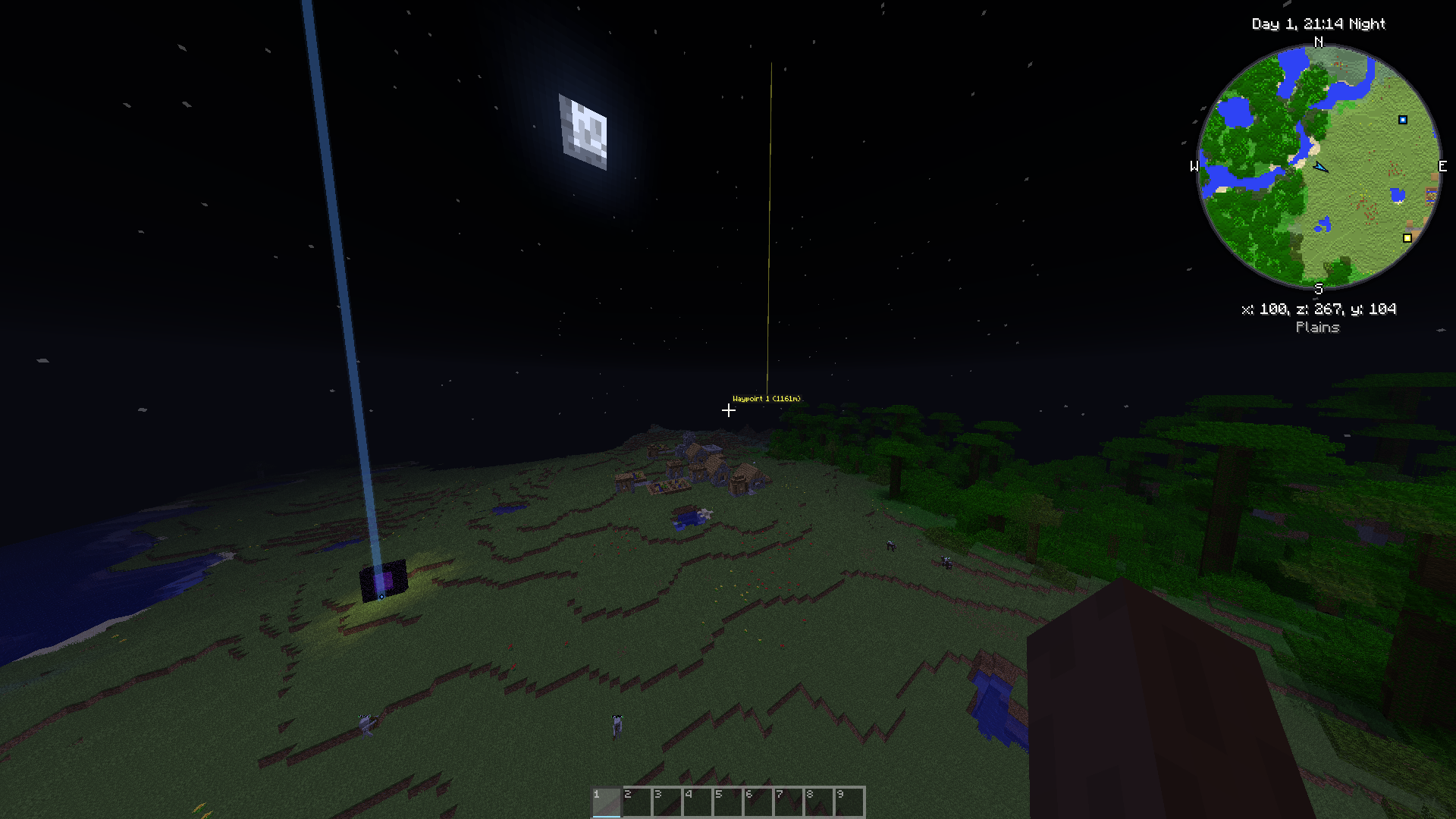 Mod preview in-game
 -
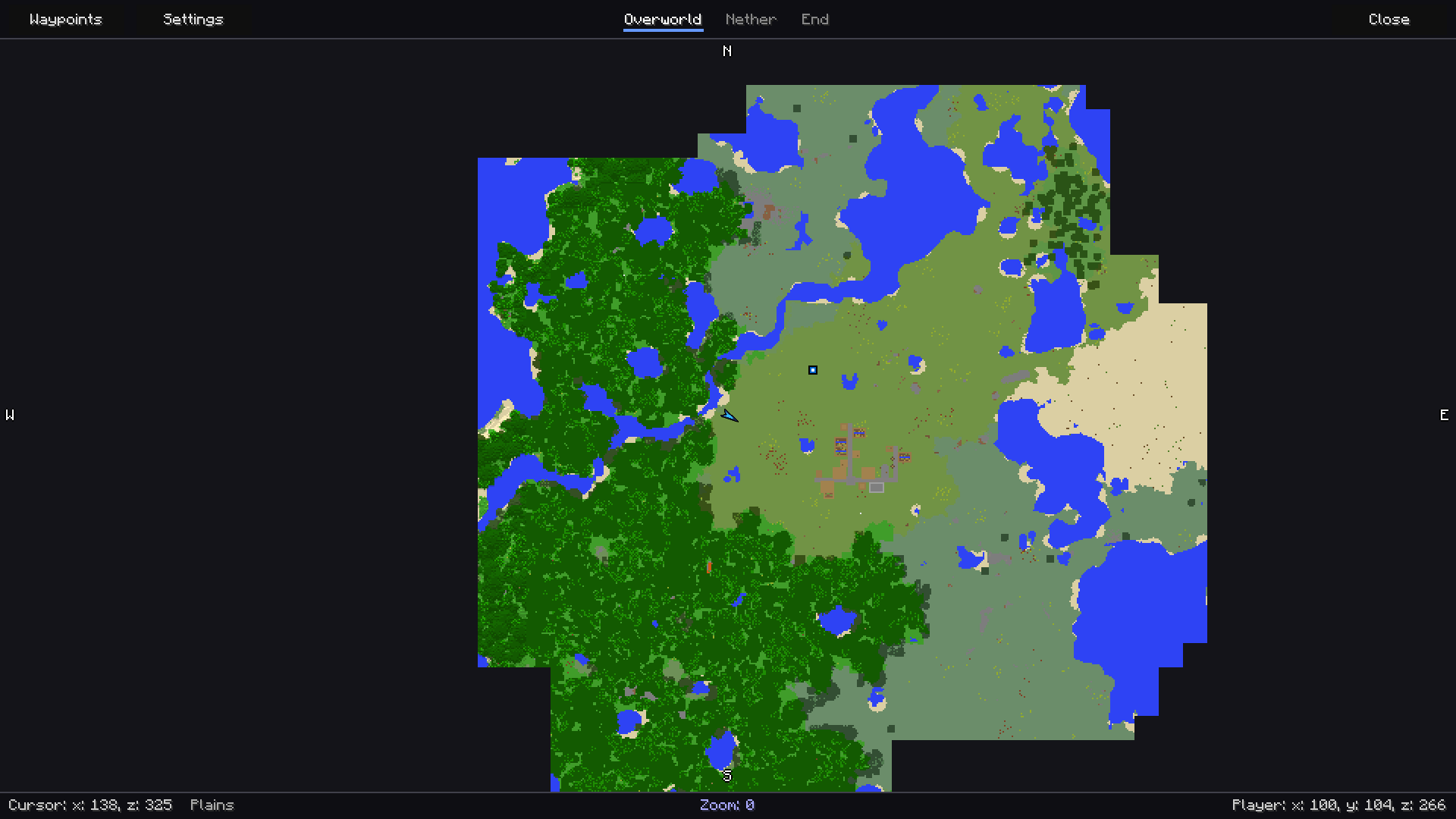 Full-screen map menu
 -
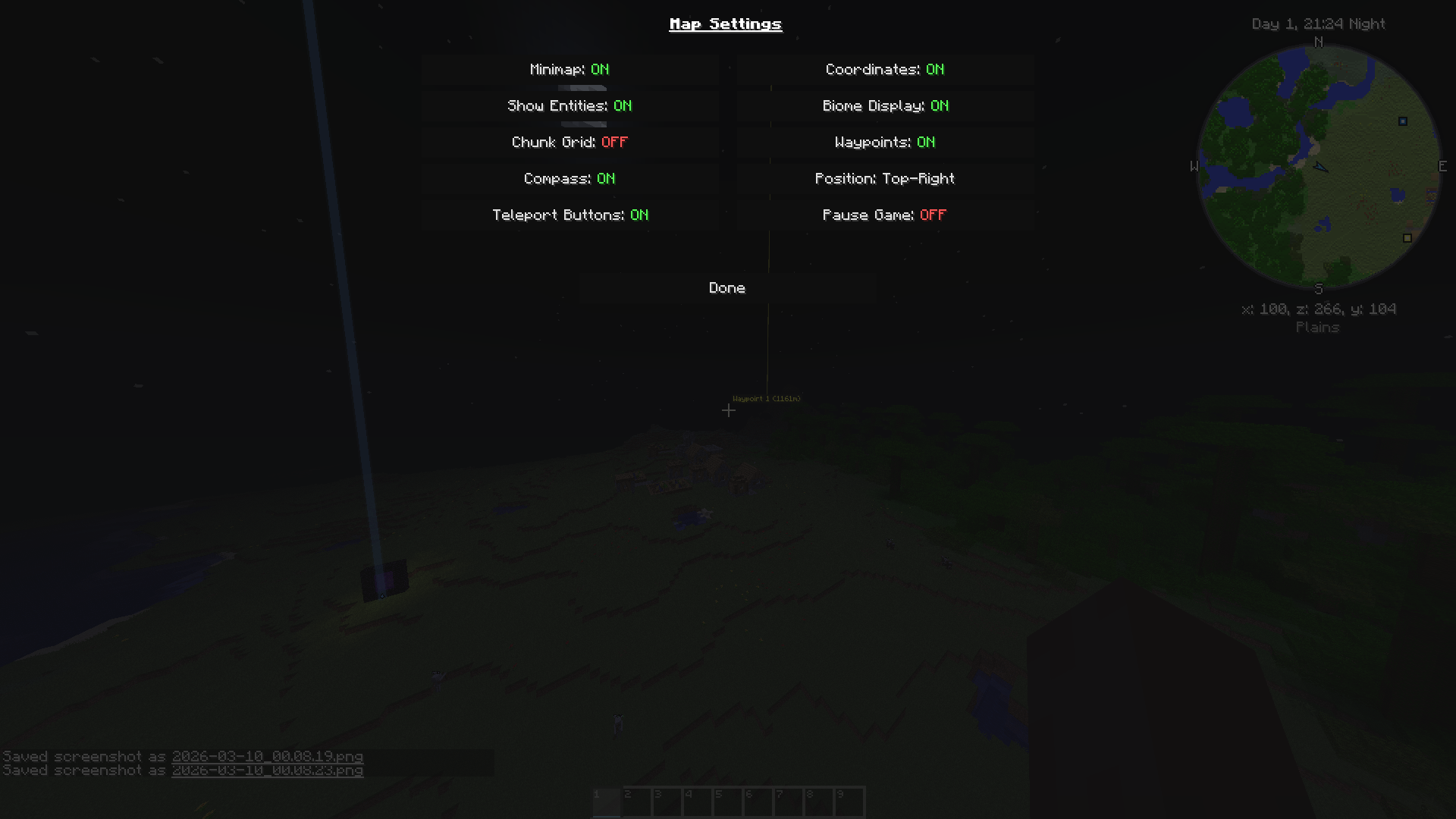 Settings Manager
 -
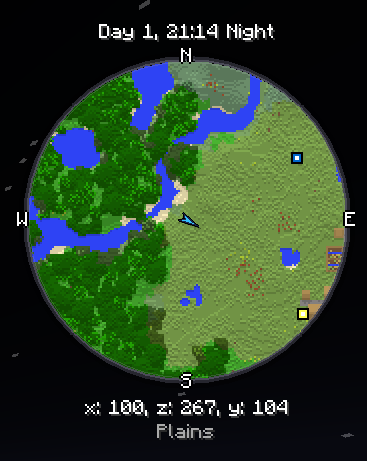 Close-up of Minimap
 -
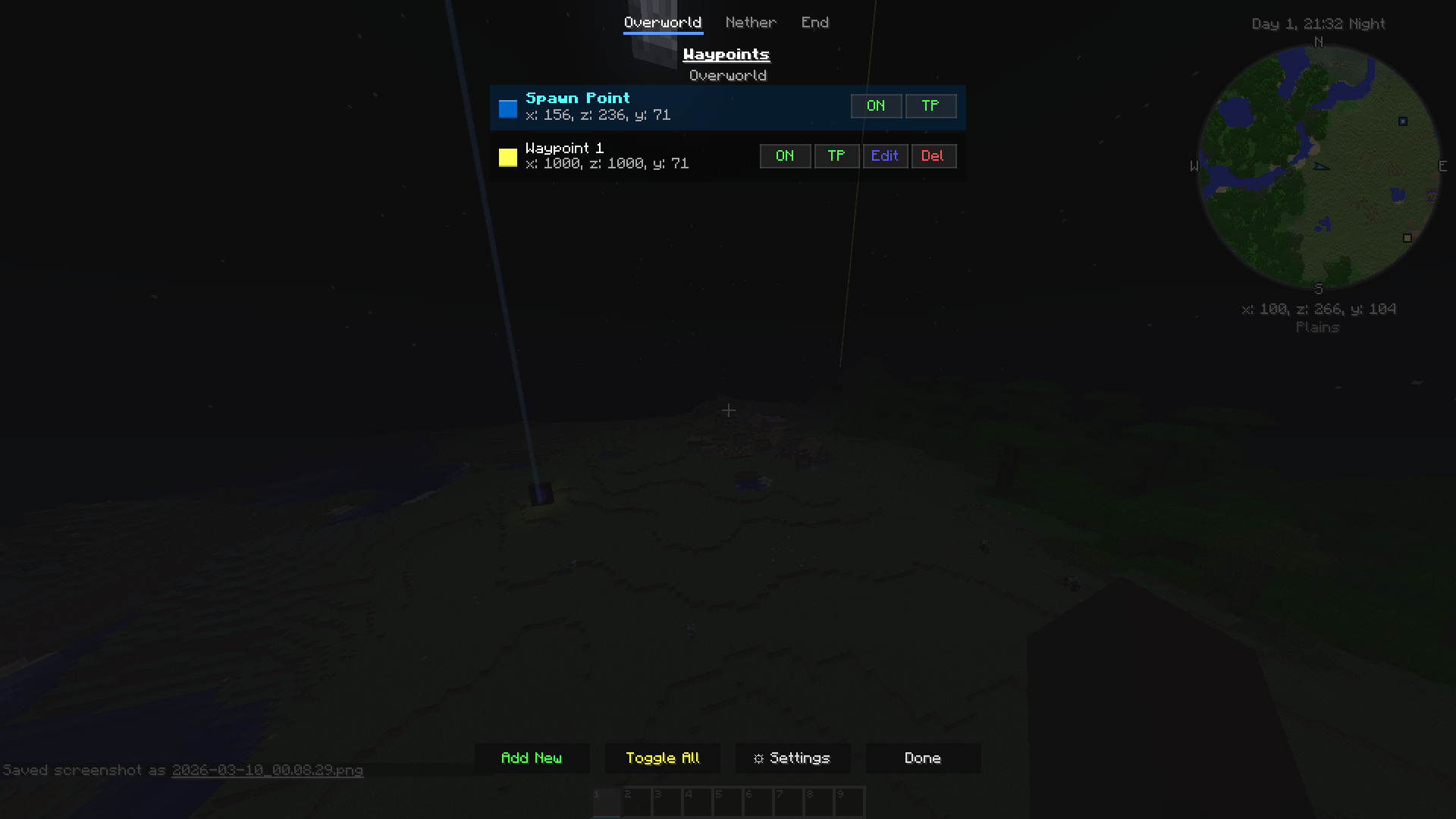 Waypoint Manager
Versions
Files
Relations
Project Relations
More like this
Similar Mods
Suggestions use data such as tags, dependencies, dependents, descriptions, titles, and more to rank how much they overlap with this mod.
On ModDex
Community snapshot
By the numbers
Statistics

Want to reach Minecraft players?
We're looking for a server hosting partner to feature here and other parts of the site. Interested? Send us a message!
Get in touchGet it on
Available Platforms
On ModDex
Community snapshot
By the numbers