
Community listing page, reviews may not be monitored by the author.
Minimap Shapes Core

No reviews yet
Shared minimap shapes, selection screens, and separate saved preferences for map add-ons.

Community voices
Reviews
No reviews yet. Be the first to review this project!
Get it on
Available Platforms
About
Project Details
For authors
Embed Badge
If you're the author of this project, you can embed a live badge anywhere that supports HTML or Markdown. It updates automatically whenever ratings change.
Use HTML for any page that supports it, or Markdown for README files and Markdown-based descriptions.
Identifiers
Platform IDs
Resources
External Links
About
Description
Build minimap shape add-ons with shared contour geometry, a selection screen, and a separate saved preference for each map.
Minimap Shapes Core is the library used by the JourneyMap and Xaero shape add-ons. Install it when an add-on requires it. Each add-on connects Core to its map's renderer and registers the shapes that renderer supports.
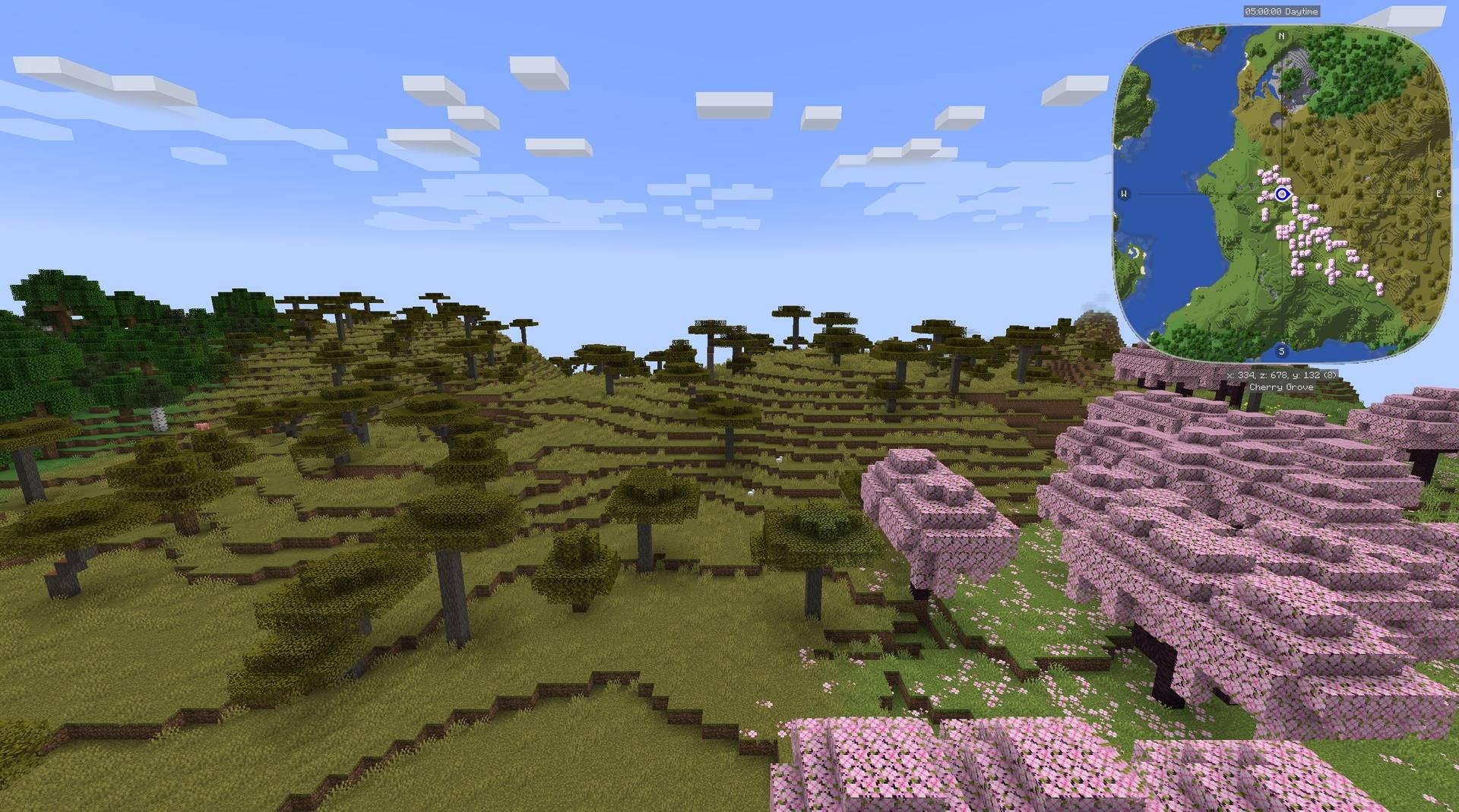
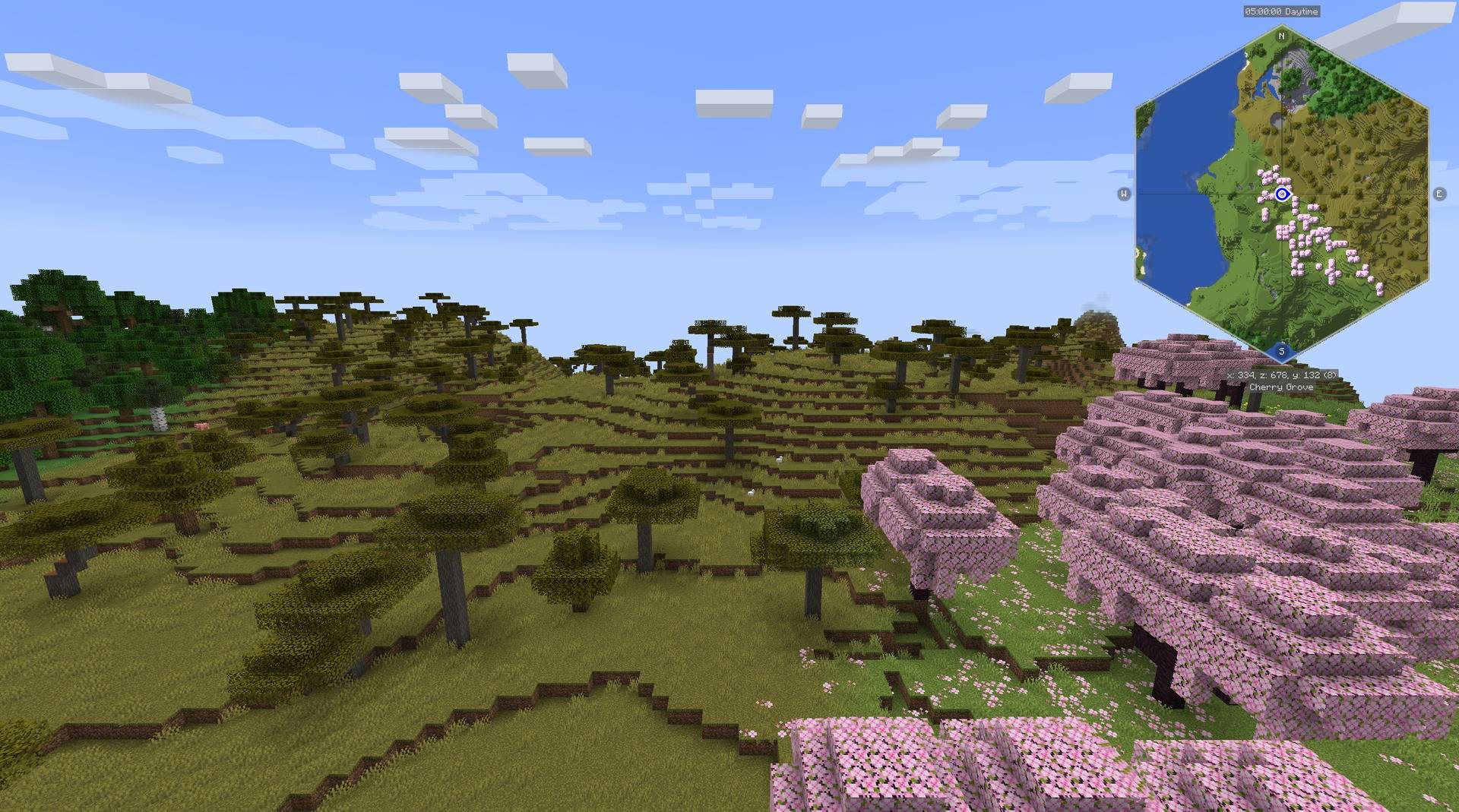
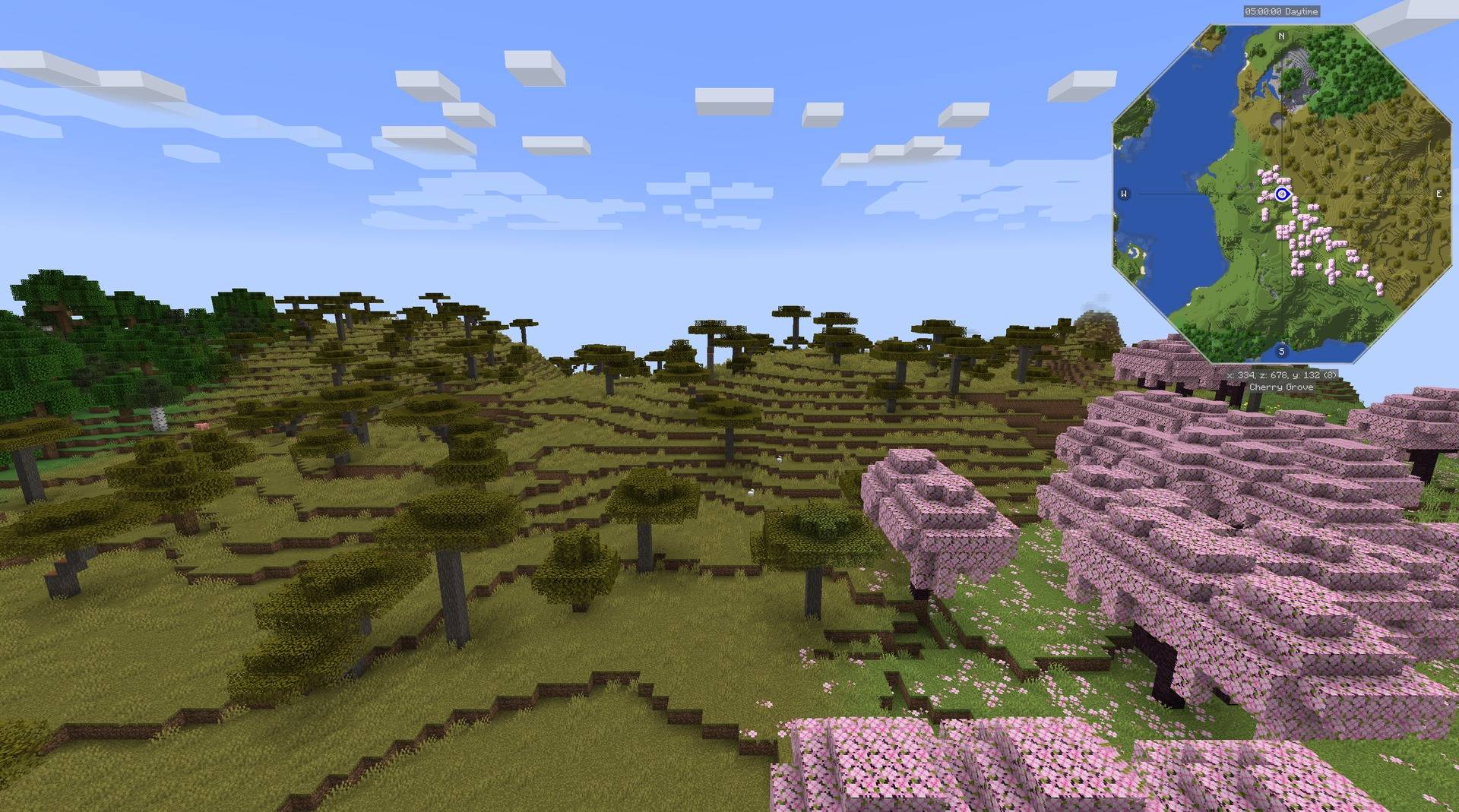
Core alone does not change a minimap. With the JourneyMap add-on installed, the minimap can use these outlines:
Geometry
The shared shapes are a rounded square, hexagon, octagon, horizontal rectangle, and vertical rectangle. A Default selection delegates rendering to the map's native shape. Geometry is expressed in a centered unit square, so an integration can apply the same contour to a terrain mask, frame, and marker boundary.
A minimal radius query uses the public Java API:
import com.kuronami.minimapshapes.Shape;
import com.kuronami.minimapshapes.ShapeGeometry;

double angle = Math.PI / 4;
double radius = ShapeGeometry.radius(Shape.HEXAGON, angle);
The rectangle overload accepts an aspect ratio and crops the short axis while keeping the map texture's scale. Integrations provide their own coordinate transformations and offscreen projection.
Selection and saved preferences
Register a stable map ID, a list of supported shapes, and an apply callback through ClientShapes.register. The add-on registers its key binding and calls ClientShapes.tick from its client tick handler. Core opens the selector, saves the chosen enum value, and requests application when it changes.
Preferences are separate for each registered map. The JourneyMap and Xaero integrations can therefore share one Core installation while retaining independent selections. A new integration supplies its screen-title translation and connects the contour to its host's rendering, rotation, and marker rules.
API scope
Core provides these shared building blocks. Map-specific rendering hooks, host dependencies, texture ownership, and version compatibility remain the integration's responsibility. The source includes API documentation and a small geometry consumer example.




Paid commissions for videos, streams and servers. Send me your idea: [email protected]

MIT licensed. Free to use, modify, and distribute under the terms of the MIT license.
Bugs and questions: comment on the CurseForge page, or DM @kuronami333 on X.
Source: Minimap Shapes.
Screenshots
Gallery
-
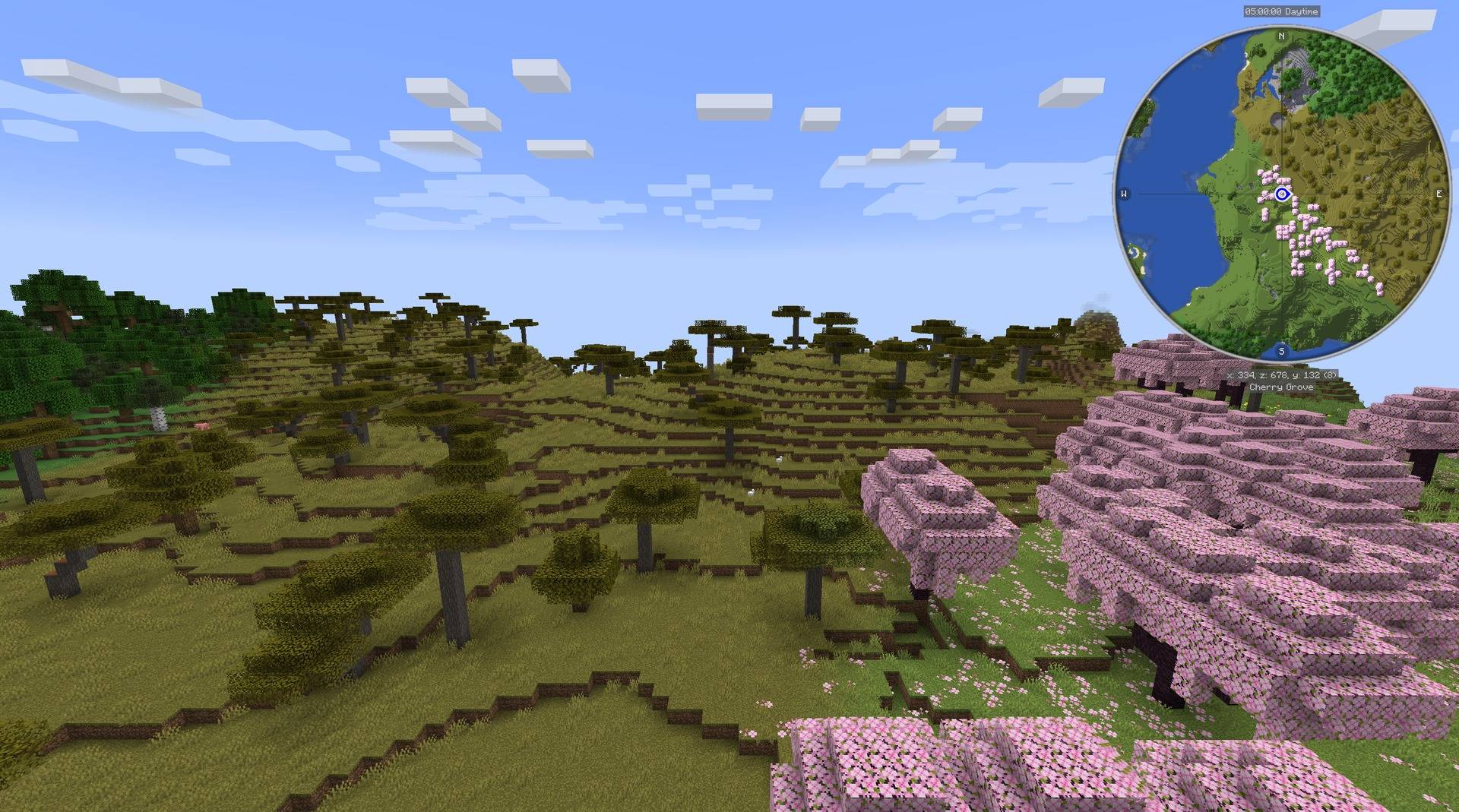 Default circle minimap JourneyMap with no add-on shape selected: its own circular minimap, shown over a cherry grove coastline.
 -
Rounded square minimap The same view with the rounded square shape selected in JourneyMap.
-
Hexagon minimap The same view with the hexagon shape selected in JourneyMap.
-
Octagon minimap The same view with the octagon shape selected in JourneyMap.
Versions
Files
Relations
Project Relations
More like this
Similar Mods
Suggestions use data such as tags, dependencies, dependents, descriptions, titles, and more to rank how much they overlap with this mod.
- Xaero's Drawings
- Antique Atlas Overlay - Minimap
- Minimap Control
- Minimap | Jack's Minimap
- Minimap Sync
- Improper's 3D Minimap
- Minimap CE
- Custom Minimap Mod
- Xaero's Minimap
- Xaero's Minimap & World Map - Waystones Compatibility [Forge & NeoForge]
- Xaero's Minimap (Fair-play Edition)
- Apocalypse Minimap Hud
On ModDex
Community snapshot
By the numbers
Statistics

Get it on
Available Platforms
On ModDex
Community snapshot
By the numbers
Statistics
Resources