
Community listing page, reviews here may not be monitored by the author.


Community voices
Reviews
No reviews yet. Be the first to review this project!
Get it on
Available Platforms
Compatibility
Supported Environments
Runs entirely on the client. Works on vanilla servers.
About
Project Details
For authors
Embed Badge
If you're the author of this project, you can embed a live badge anywhere that supports HTML or Markdown. It updates automatically whenever ratings change.
Use HTML for any page that supports it, or Markdown for README files and Markdown-based descriptions.
Identifiers
Platform IDs
About
Description
Minor Audio Inconvenience
Set volume for individual sounds.
Usage
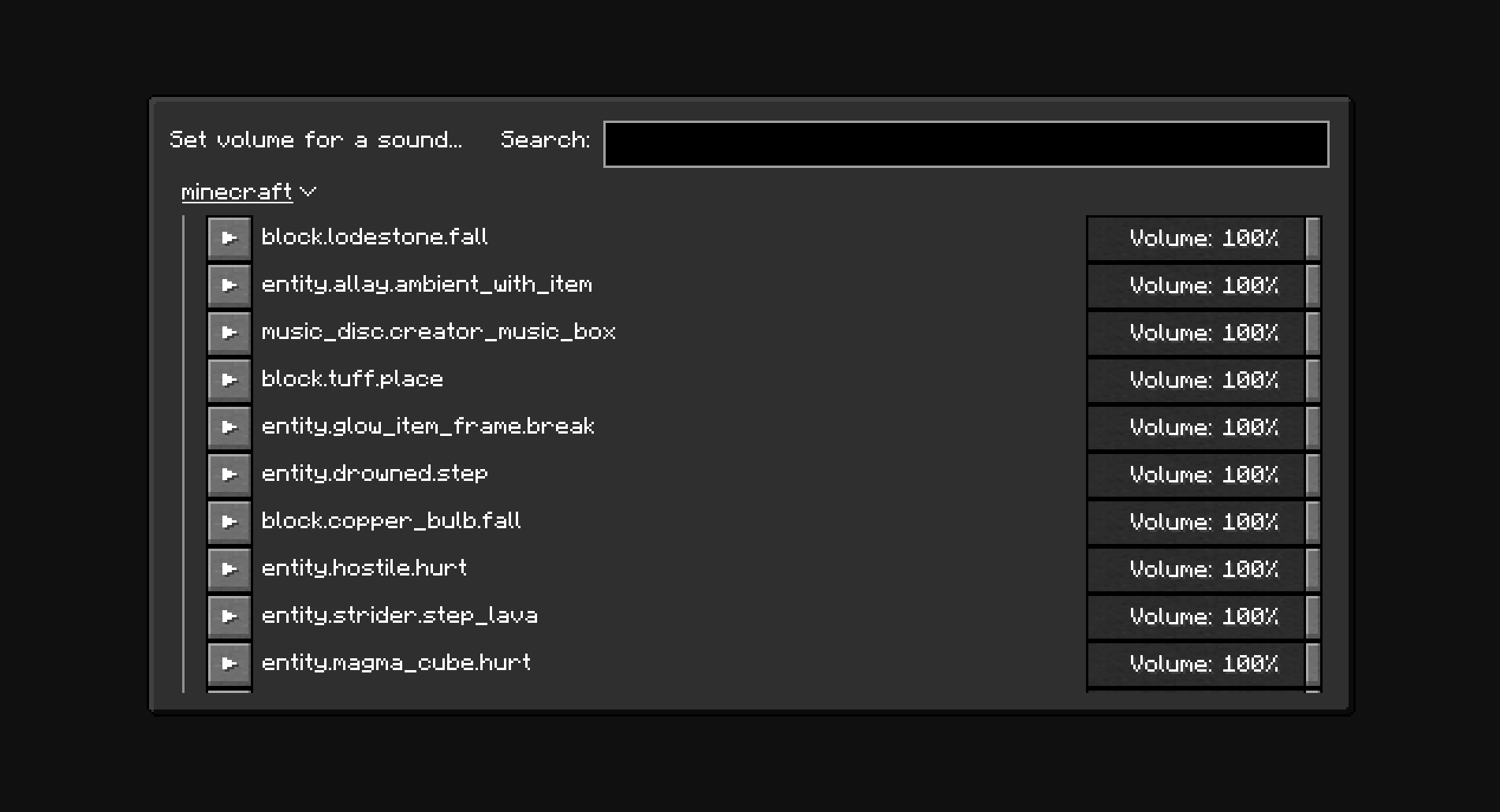
The minecraft:weather.rain sound is disabled by default. New sounds can be added to the configuration manually through the config screen (With Mod Menu: Mods -> Minor Audio Inconvenience, Without Mod Menu: /owo-config minor-audio-inconvenience) or using the "Set volume for a sound..." menu (Options... -> Music & Sounds... -> Set sound volume)
Note
The NeoForge version of the mod only works in Singleplayer.
Screenshots
Dependencies
The mod depends on owo-lib for configuration and UI. If you don't have the library already installed, you will be prompted to install it automatically. You will still need to install owo-lib manually on NeoForge.
Screenshots
Gallery
-
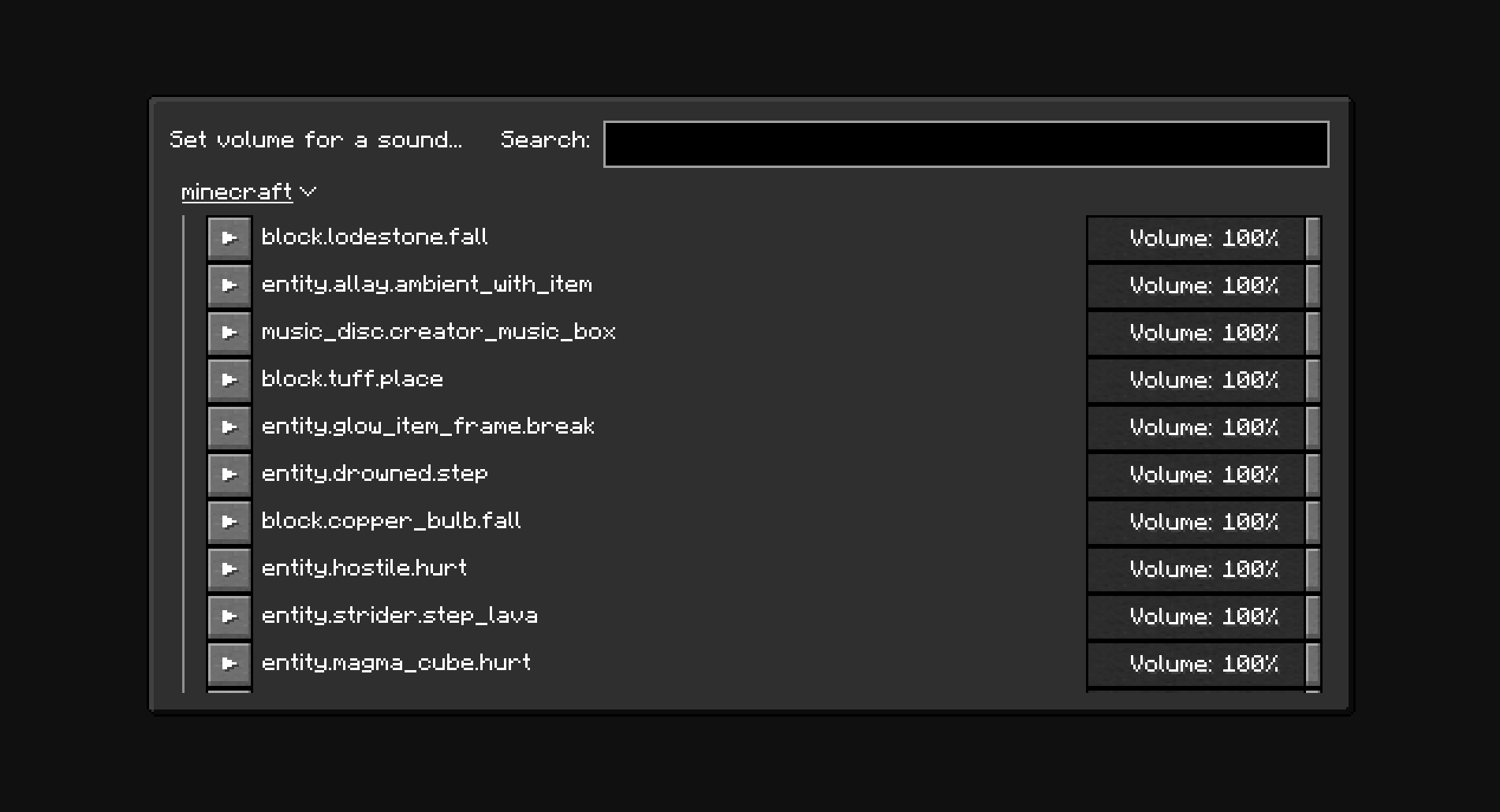 "Set volume for a sound" menu. Menu for searching and adding new sounds to the configuration.
 -
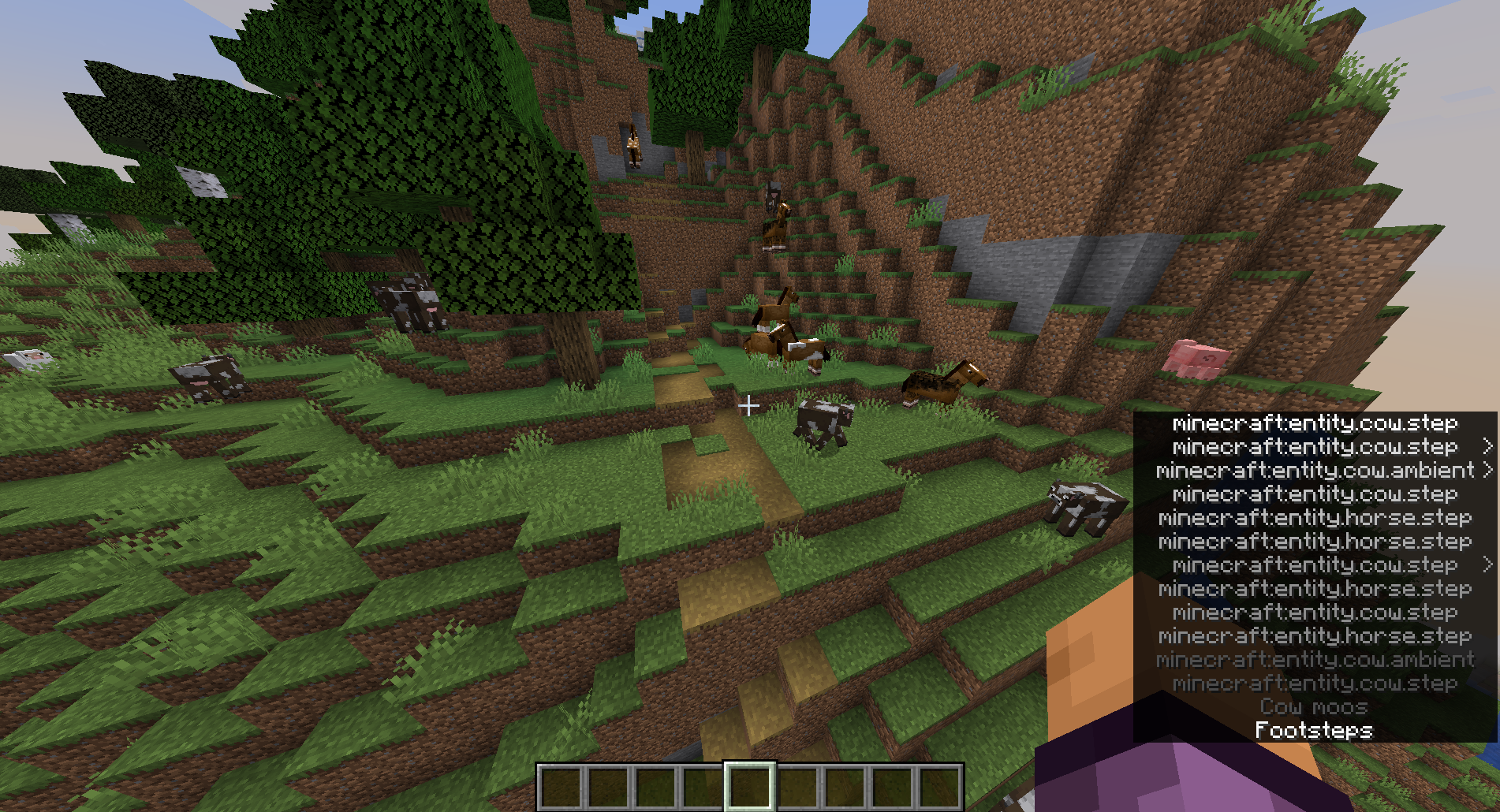
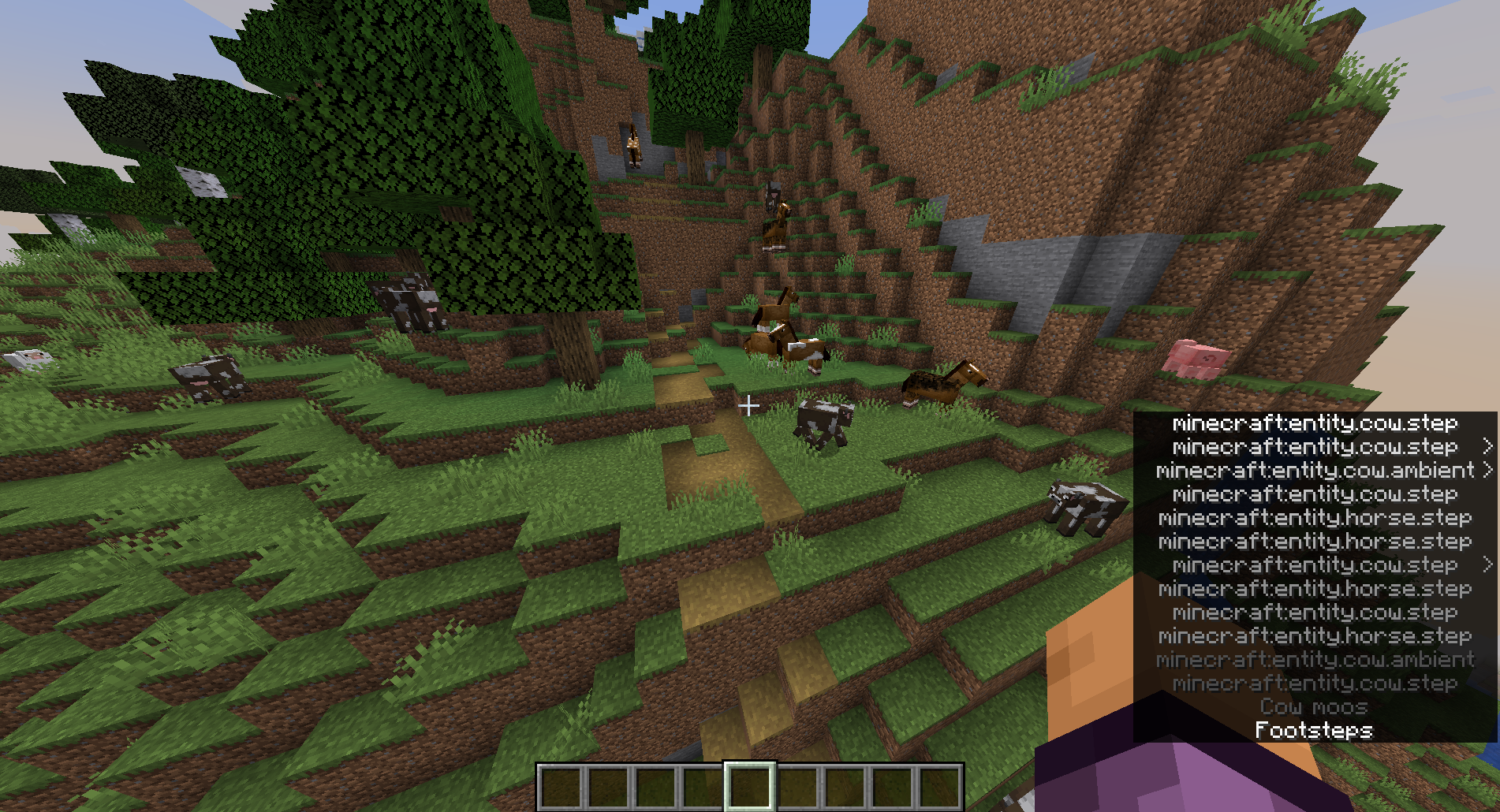 Subtitles with "Show all sounds in subtitles" option enabled. The "Show all sounds in subtitles" option shows all playing sounds with their respective IDs in the subtitles.
Versions
Files
Relations
Project Relations
More like this
Similar Mods
Suggestions use data such as tags, dependencies, dependents, descriptions, titles, and more to rank how much they overlap with this mod.
On ModDex
Community snapshot
By the numbers
Statistics

 (opens in a new tab)
Get it on
Available Platforms
On ModDex
Community snapshot
By the numbers