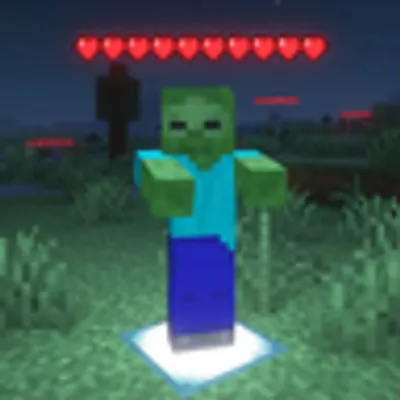
Community listing page, reviews here may not be monitored by the author.
Mob Health Indicators

No reviews yet
Mob Health Indicators renders a health bar above every mob and player, fully client-side with customizable blacklist, whitelist, and light level-based rendering options!
Community voices
Reviews
No reviews yet. Be the first to review this project!
Get it on
Available Platforms
 Modrinth
Compatibility
Supported Environments
Runs entirely on the client. Works on vanilla servers.
About
Project Details
For authors
Embed Badge
If you're the author of this project, you can embed a live badge anywhere that supports HTML or Markdown. It updates automatically whenever ratings change.
Use HTML for any page that supports it, or Markdown for README files and Markdown-based descriptions.
Identifiers
Platform IDs
About
Description
Overview
MobHealthIndicators displays a health bar above every mob and player in the game, giving you real-time health information at a glance. Fully client-side — no server installation needed!
Features
- ❤️ Health bars rendered above all mobs and players
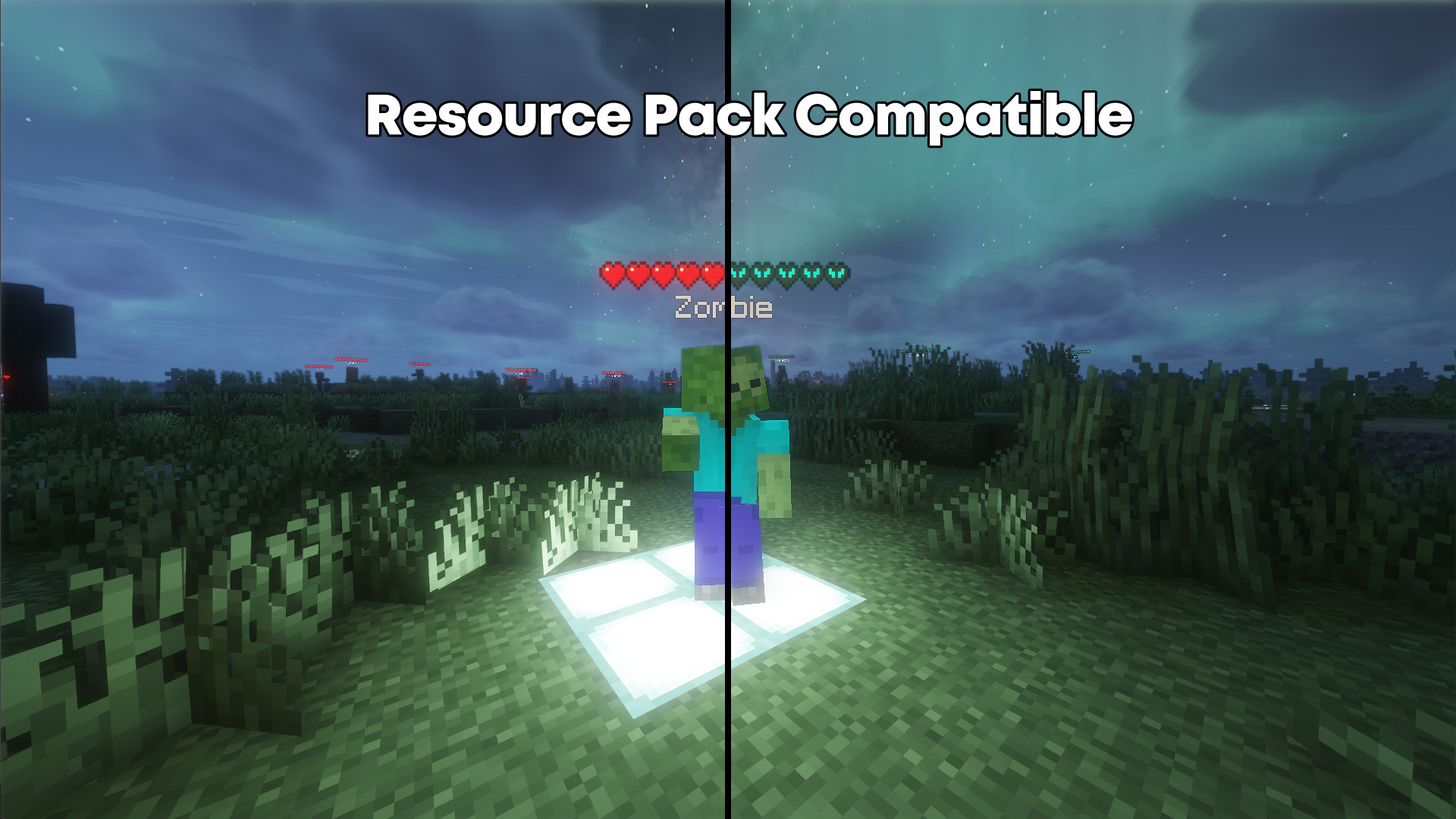
- 🎨 Uses your resource pack's heart texture for consistency
- 🌑 Light level-based rendering — health bars match the mob's light level
- ✅ Blacklist & whitelist support for full control over which mobs display bars
- ⚙️ Fully configurable and can be disabled at any time
- 🪶 100% client-side, works on any server
Configuration
You can configure the mod through any of the following:
- In-game command:
/MobHealthIndicatorsor/mhifor short - Config screen accessible from the mod menu
- Keybind for quick toggling
Typing a command without a suffix displays the current value of that setting.
Compatibility
- ✅ Works on any server without server-side installation
- ✅ Compatible with resource packs
- ❌ Installing on the server has no effect
MobHealthIndicators Mod
This mod renders a health bar on top of all mobs and players. It works fully client-side, with options to enable blacklist, whitelist, light level-based rendering (renders the health bar at the same light level as the mob) and more. The mod can also be fully disabled using the settings accessible via the /MobHealthIndicators in-game command, configuration screen or keybind.
This mod is fully client-side, even on servers; however, installing it on the server will not have any effect. aside from this, it is also compatible with resource packs, meaning it will use the heart texture from your resource pack for consistency.
MobHealthIndicators Configuration Commands
Use /MobHealthIndicators or /mhi for short to list all settings and their current values. Typing a command without the suffix shows the current value.
Commands
config
Opens the config menu, also accessible through mod menu.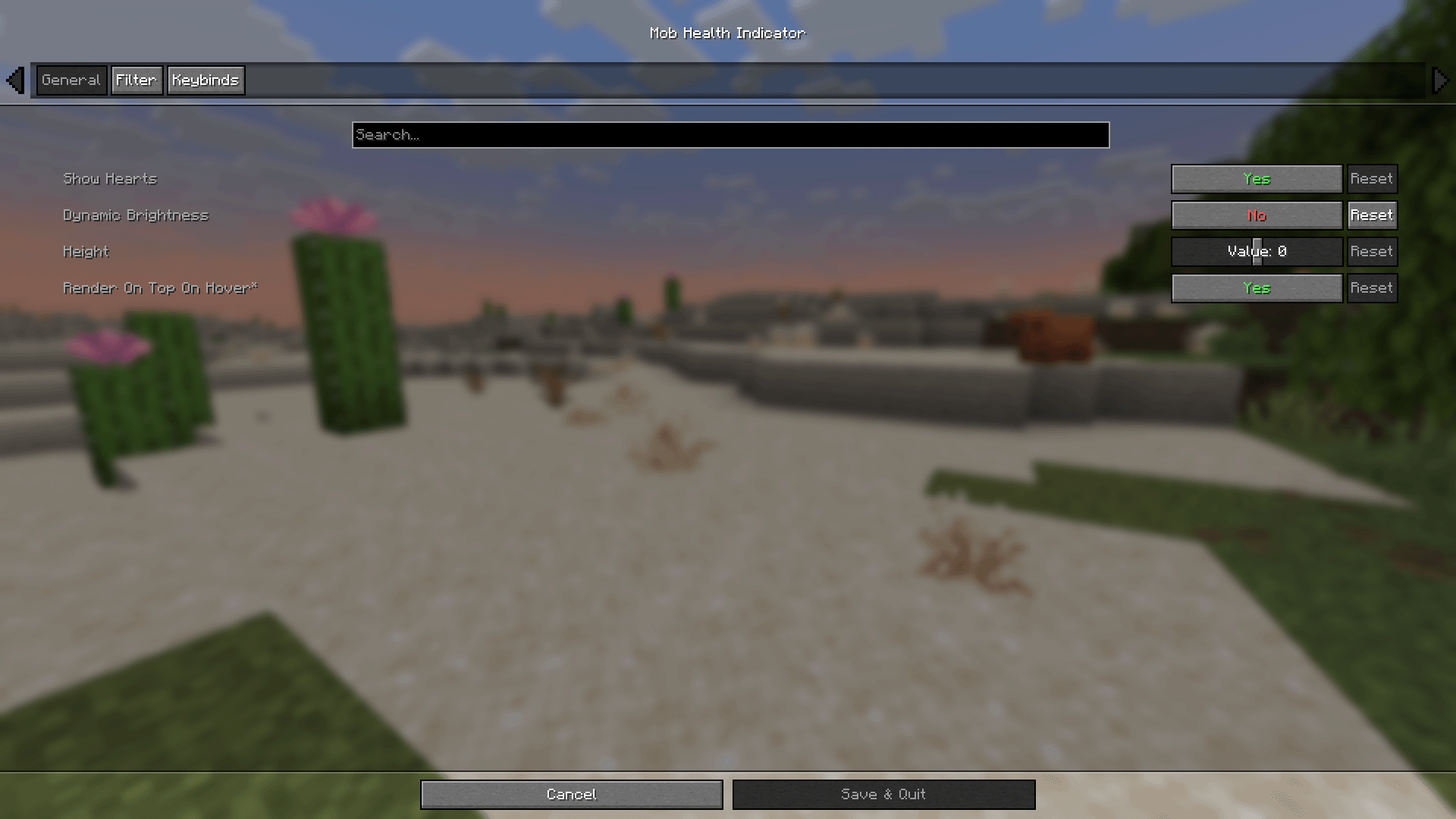
showHearts [true/false]
Toggles whether the healthbar is rendered.dynamicBrightness [true/false]
Controls if health bar brightness matches mob's brightness.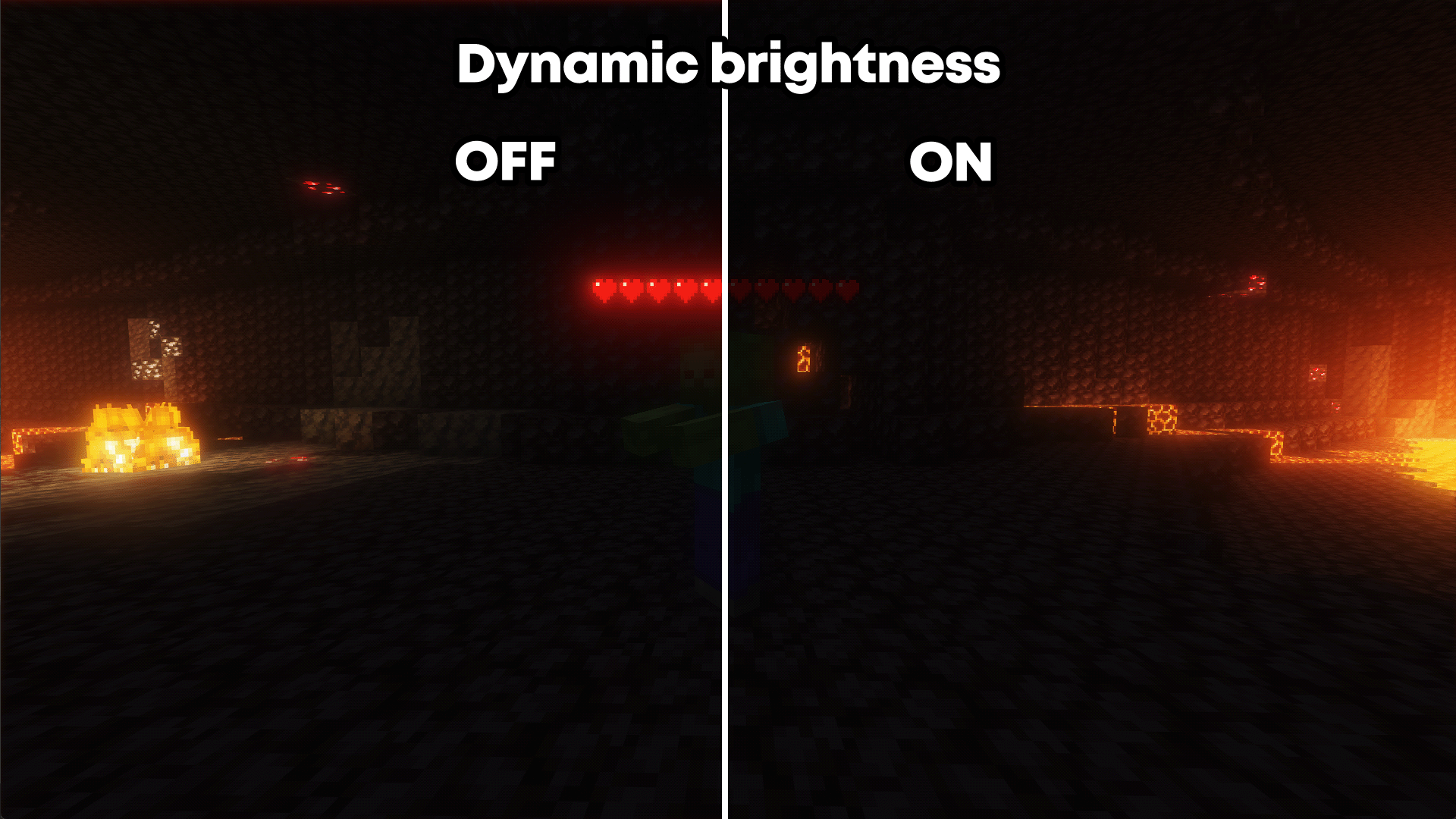
height [number]
Adjusts the vertical position of the health bar above mobs.renderOnTopOnHover [true/false]
Makes the healthbar render over obtrusions if the entity is aimed at and within reach.infiniteHoverRange [true/false]
Extends hover range from 3–4 blocks to unlimited.blackList [enable/disable]
Toggles blacklist filtering of entities.blackList add/remove [entity type]
Adds or removes an entity from the blacklist.whiteList [enable/disable]
Toggles whitelist filtering of entities.whiteList add/remove [entity type]
Adds or removes an entity from the whitelist.showHostile [true/false]
Toggles health bar visibility for hostile mobs.showPassive [true/false]
Toggles health bar visibility for passive mobs.showSelf [true/false]
Toggles whether your own health bar is shown.onlyShowDamaged [true/false]
Only shows health bars for damaged entities.onlyShowOnHover [true/false]
Only displays healthbar when the mob is hovered over.Screenshots
Gallery
Versions
Files
Relations
Project Relations
More like this
Similar Mods
Suggestions use data such as tags, dependencies, dependents, descriptions, titles, and more to rank how much they overlap with this mod.
On ModDex
Community snapshot
By the numbers
Statistics
Want to reach Minecraft players?
We're looking for a server hosting partner to feature here and other parts of the site. Interested? Send us a message!
Get in touchGet it on
Available Platforms
Modrinth
On ModDex
Community snapshot
By the numbers