Community listing page, reviews may not be monitored by the author.
Mobcrafter


No reviews yet
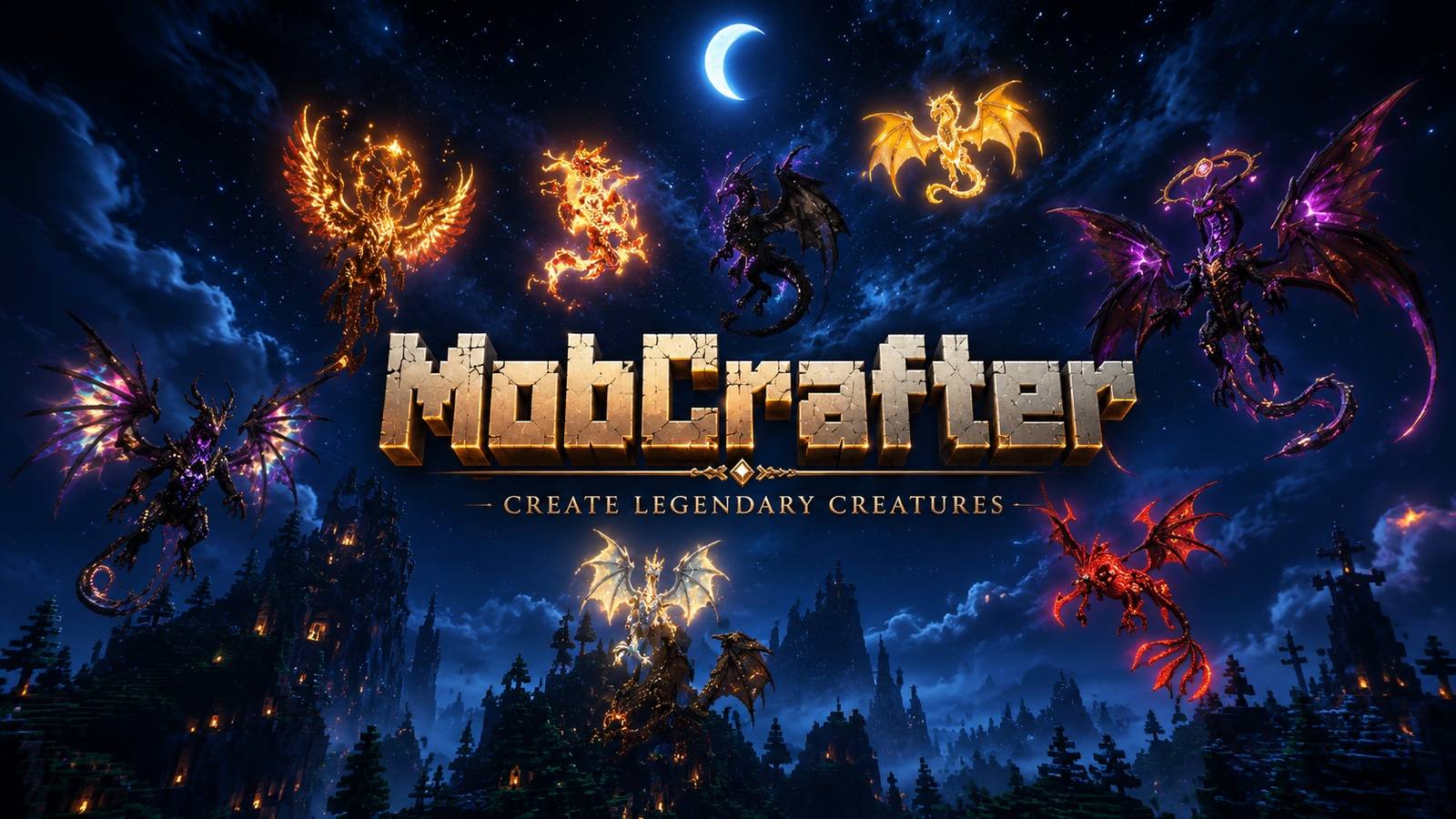
Turn your block creations into controllable units. Build structures, capture them, and command them like an RTS army in Minecraft.

Community voices
Reviews
No reviews yet. Be the first to review this project!
Get it on
Available Platforms
Compatibility
Supported Environments
Must be installed on both the client and the server.
About
Project Details
For authors
Embed Badge
If you're the author of this project, you can embed a live badge anywhere that supports HTML or Markdown. It updates automatically whenever ratings change.
Use HTML for any page that supports it, or Markdown for README files and Markdown-based descriptions.
Identifiers
Platform IDs
Resources
External Links
About
Description
Description
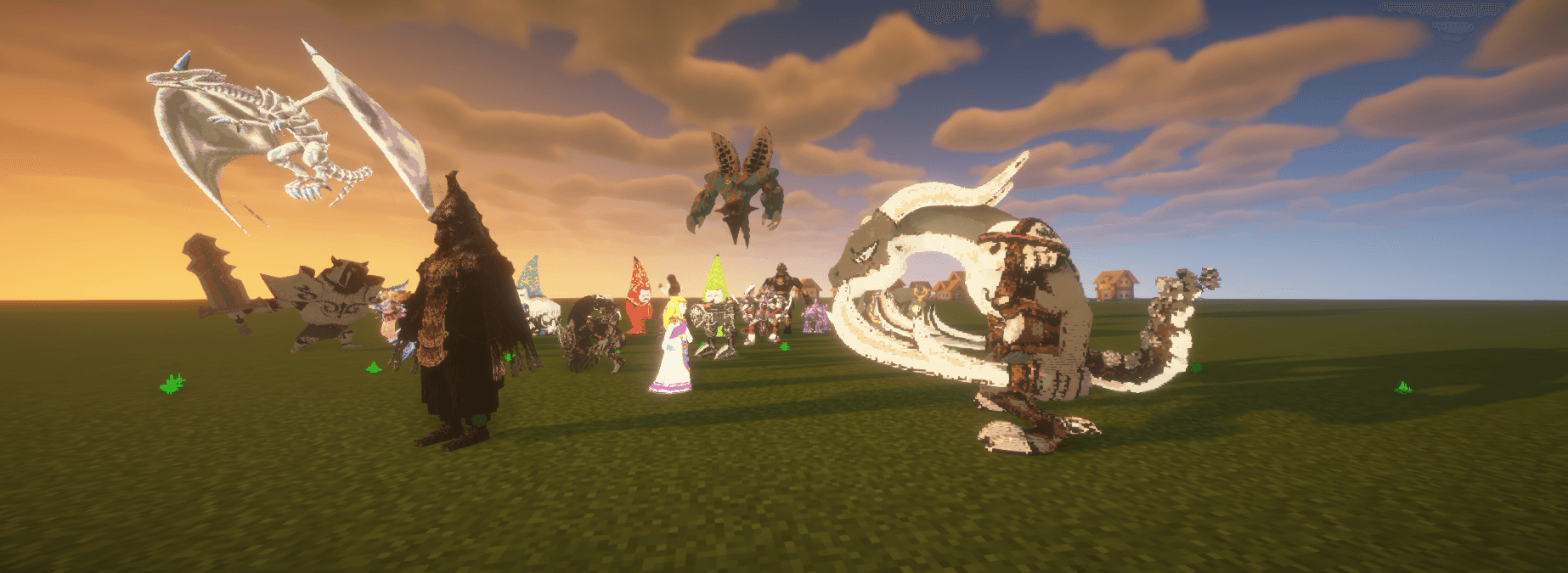
Turn your block creations into controllable pets or units!
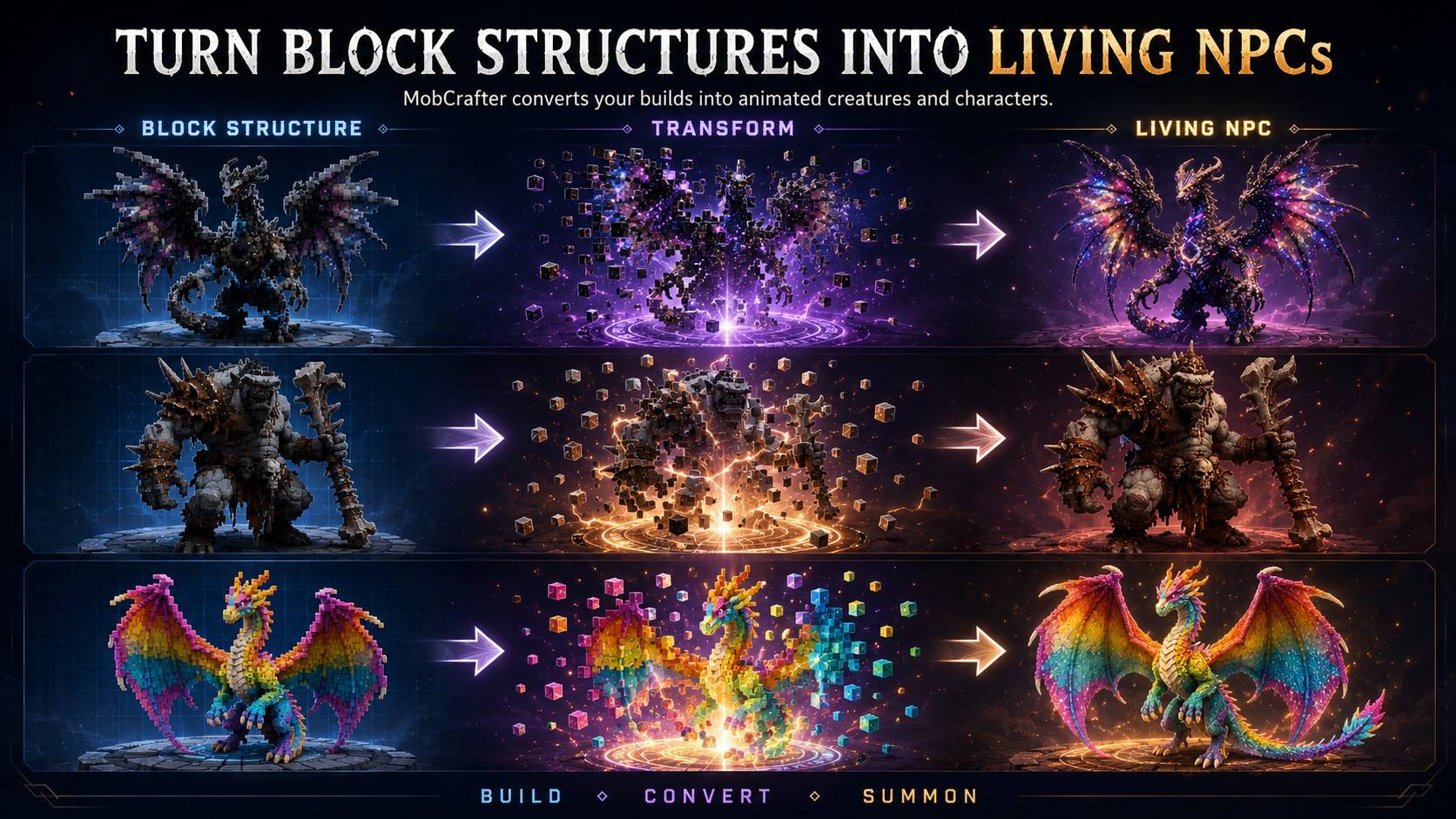


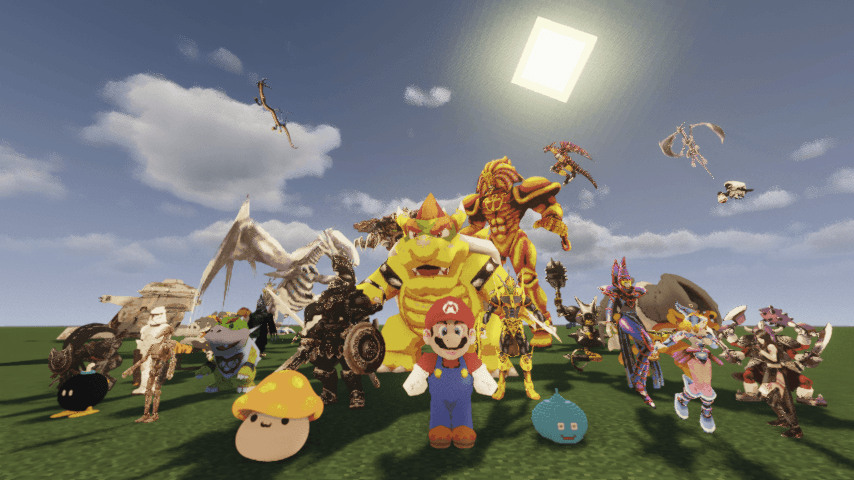
Build structures, capture them, and command them for pets or like an RTS army in Minecraft.
🚀 Community Units are available here:
Mobcrafter Unit Portal | 3D models for mobcrafter MOD | Patreon
What is MobCrafter?
MobCrafter is an experimental Forge mod that lets you turn block-built structures into a single controllable unit entity.
Instead of placing mobs, you build units yourself using blocks — then capture, summon, and command them in the world.
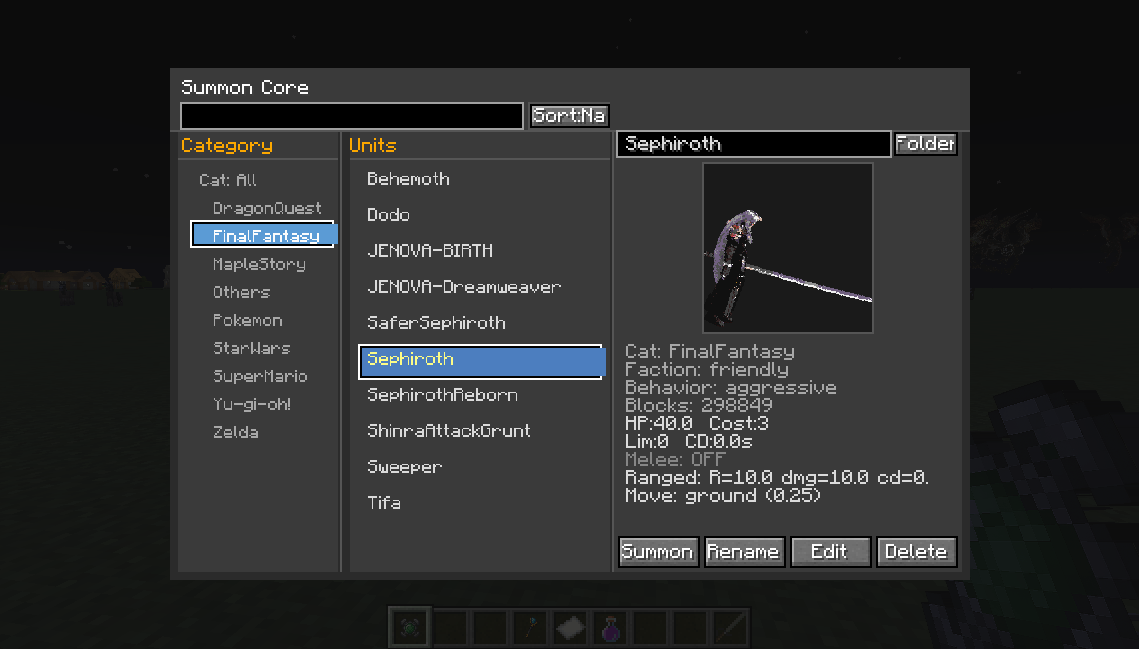
Players can build a structure using vanilla blocks, capture it, and spawn it as a unit entity in the world. Each unit can be edited through in-game GUI screens, allowing players to adjust basic settings and behavior for testing and experimentation.
Unit Sharing Portal
MobCrafter includes no pre-made units by default —
because the real fun comes from community creations.
Official Unit Portal:
https://mobcrafter.net/
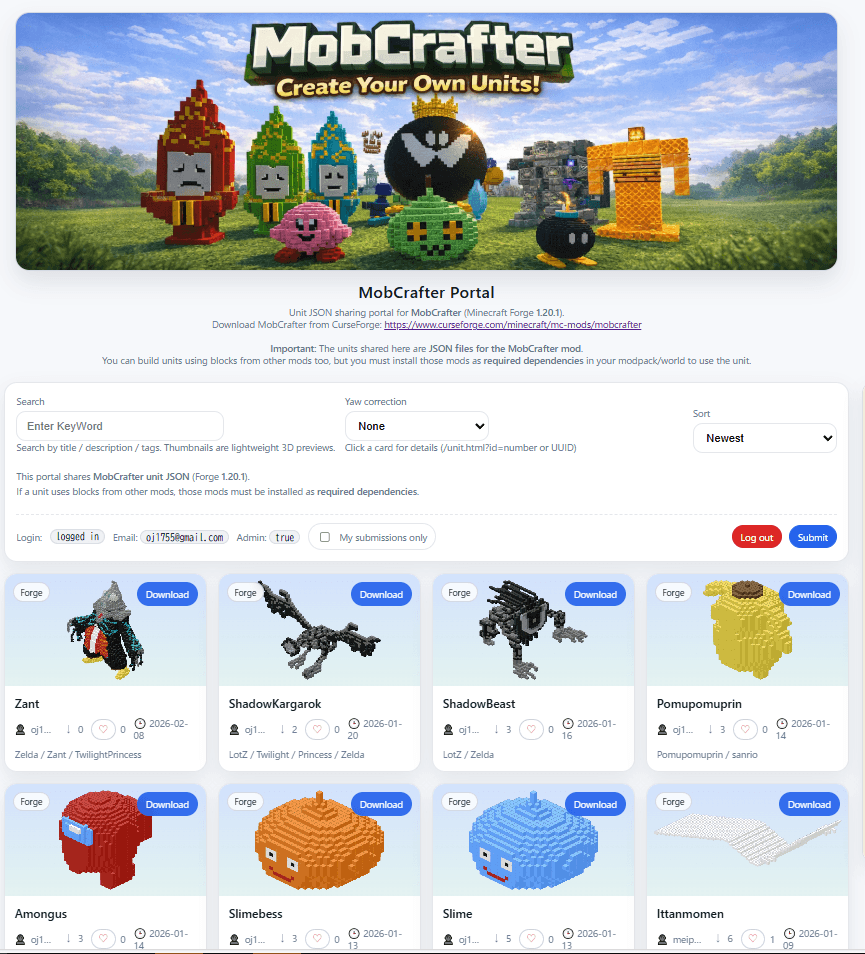
・Download community-made unit JSON files
・Reuse or modify units for your own worlds
・Share your creations with others
Unit JSON files are loaded from
config/mob_crafter/units/
New units can be added at runtime without restarting.
In multiplayer, server-side JSON files are used and synced to all clients.
MobCrafter is designed for prototyping and experimentation rather than large-scale or fully optimized gameplay. Performance, balance, and features may change as development continues.
How to Use
MobCrafter lets you turn block-built structures into RTS-like units.
No modeling tools required – just build, capture, and summon!
① Build a Structure
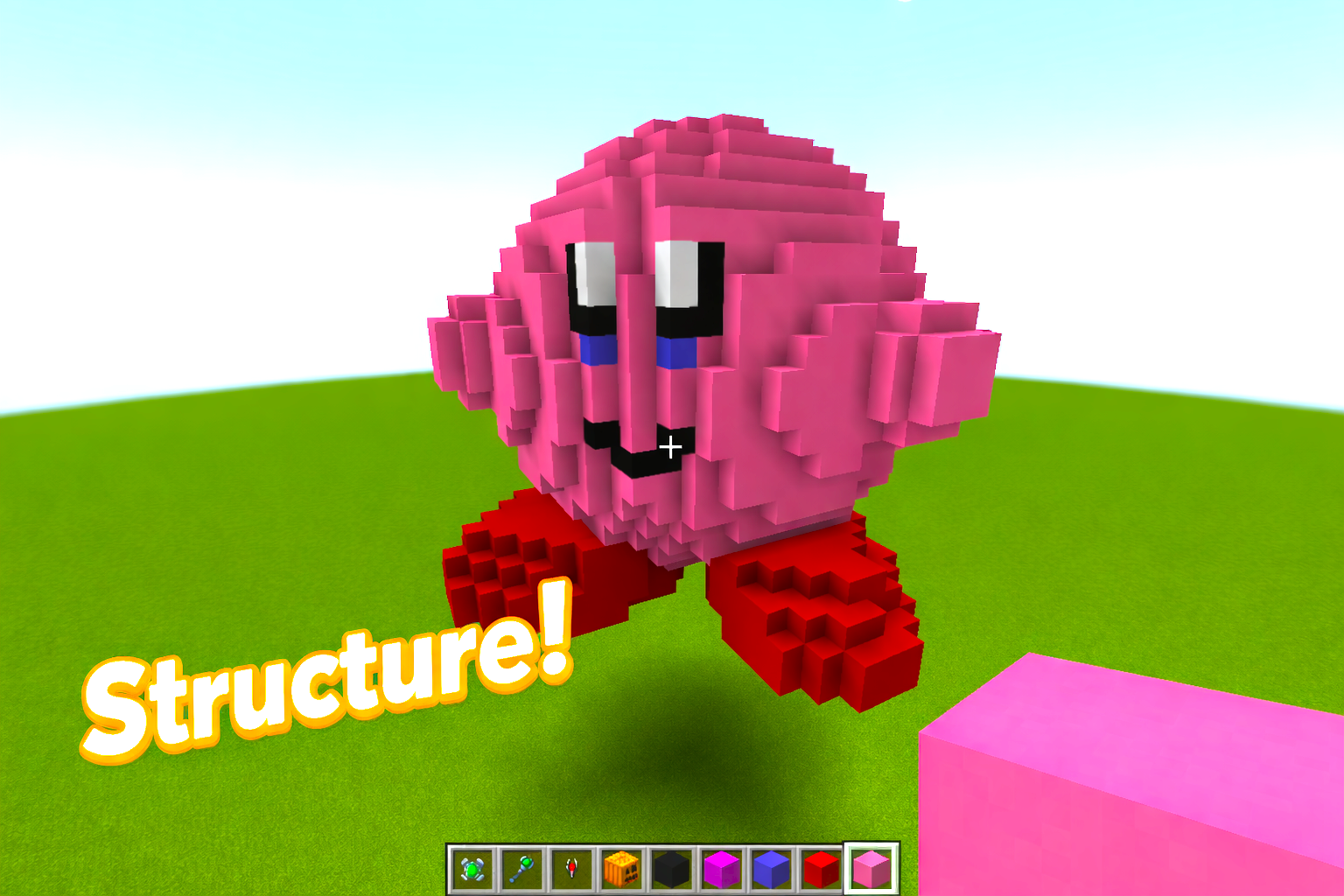
Build any structure you like using normal Minecraft blocks.
The shape, size, and design are entirely up to you.
② Place a Bone Block
Attach a Bone Block to your structure.
This block acts as the core / pivot of the unit and is required for capture.
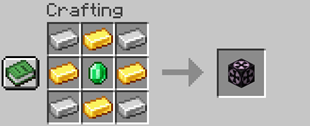 Bone Block Recipe
③ Capture the Structure
Use the Capture Tool on the Bone Block.
The entire connected structure will be saved as unit data.(Effect is only image)
Capture Tool Recipe
This tool is used only for capturing structures and does not consume the structure itself.
④ Summon the Unit
Once captured, the structure can be summoned as a unit.
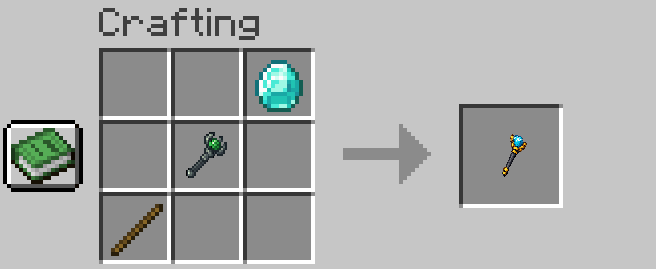
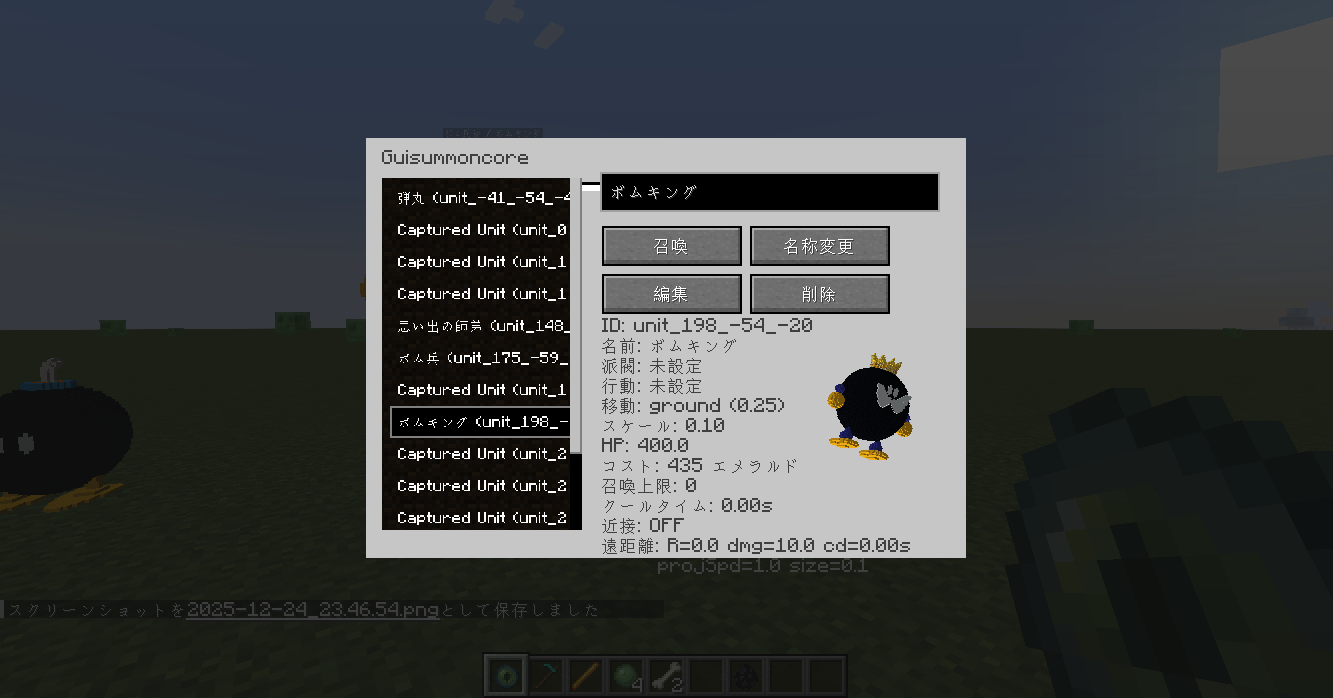
The unit appears in the world and behaves as a controllable entity.Summon Core Recipe Summon Core Menu
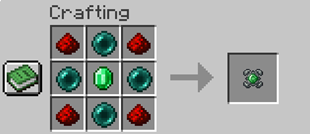
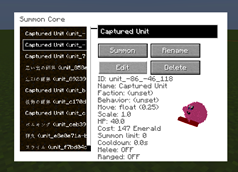
Unit Control Tools
MobCrafter provides two wands for controlling units after they are summoned.
These tools are optional, but make it easier to manage multiple units during testing and experimentation.
Commander Wand
The Commander Wand is used to issue commands to multiple nearby units at once.
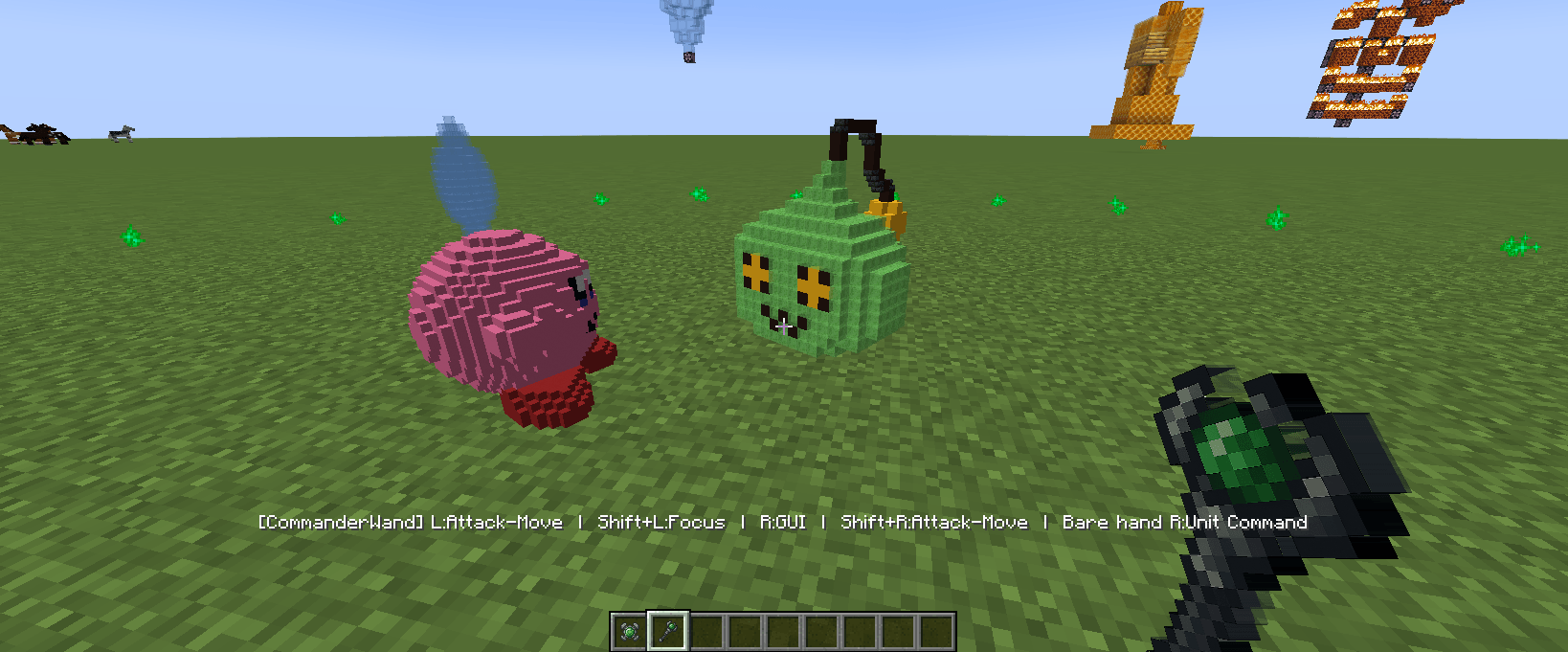
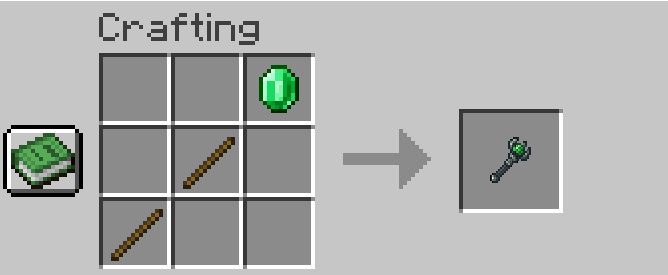
While holding the Commander Wand, green sparkle particles appear around the player.
These particles indicate the command range and are centered on you, not on the units.
Only units inside this range will respond to commands.
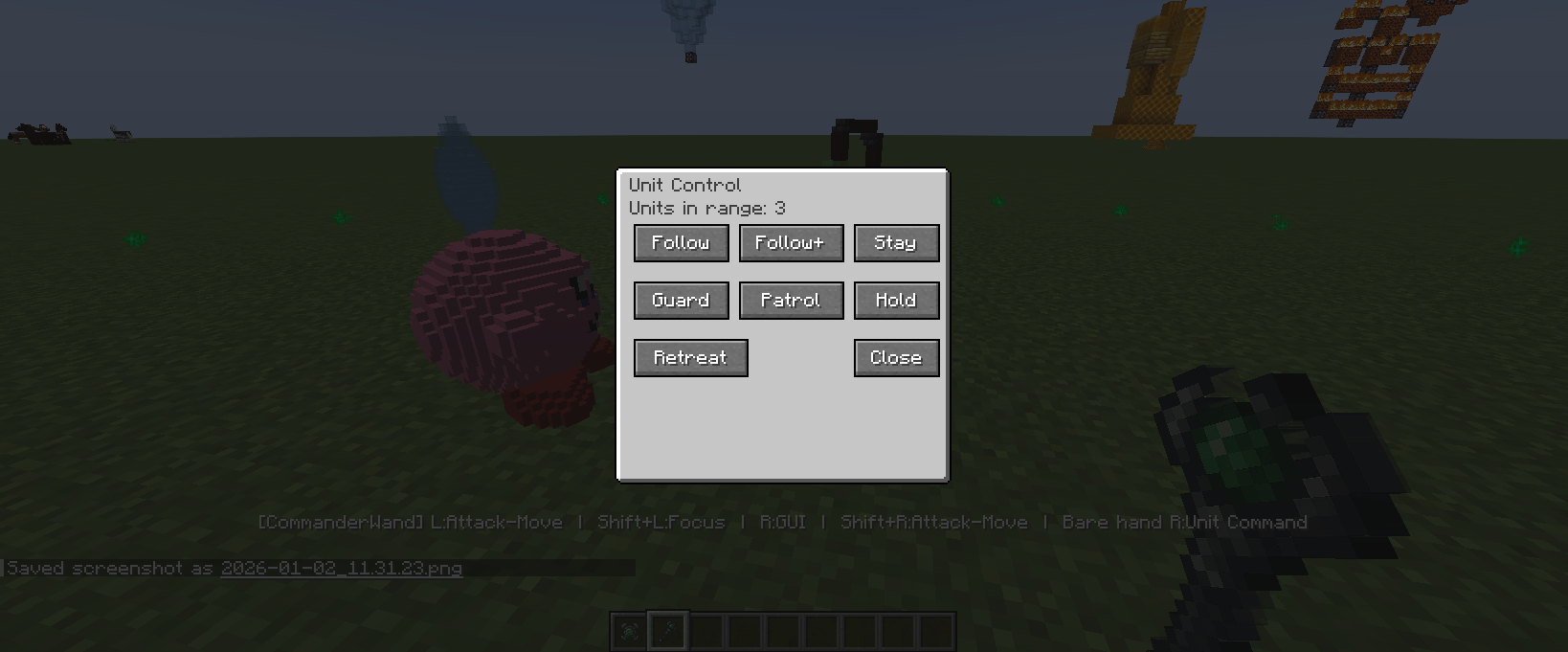
・Right-click to open the unit command menu
・Choose actions such as Follow, Guard, Patrol, Hold, or Retreat
When Follow is selected, all units in range will move together and follow the player.
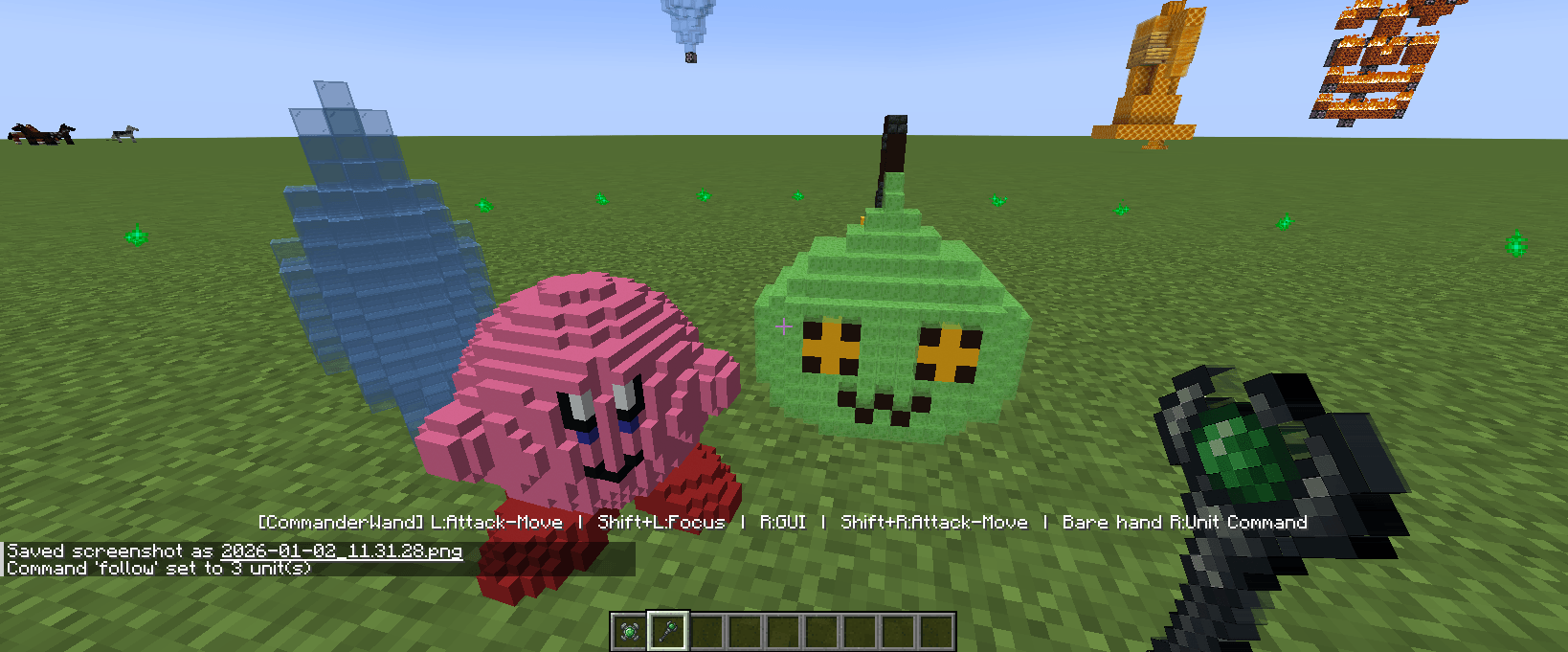
・Left-click can be used to give an attack direction
(Units will move toward the clicked direction and engage targets they encounter)
Marshal Wand
The Marshal Wand is used for squad-level control.
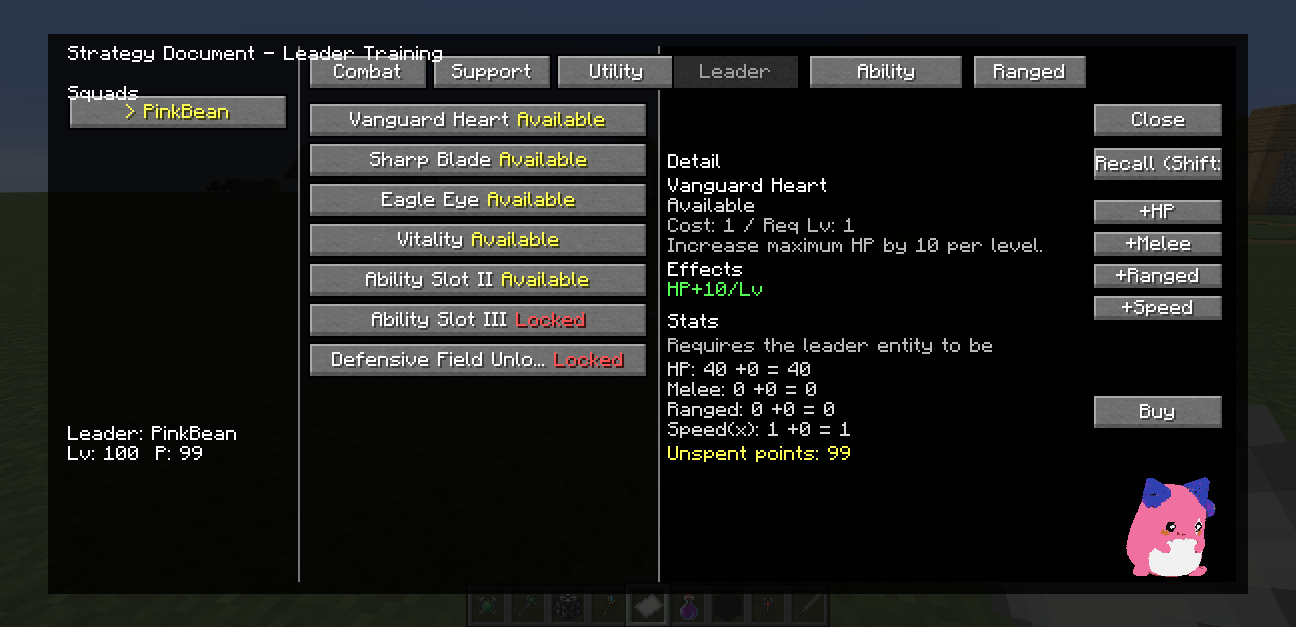
With this wand, units can be grouped under a squad name and a commander name.
・Assign a squad name from Shift + R-click
・Assign a commander name
・Units in the same squad act together as a group
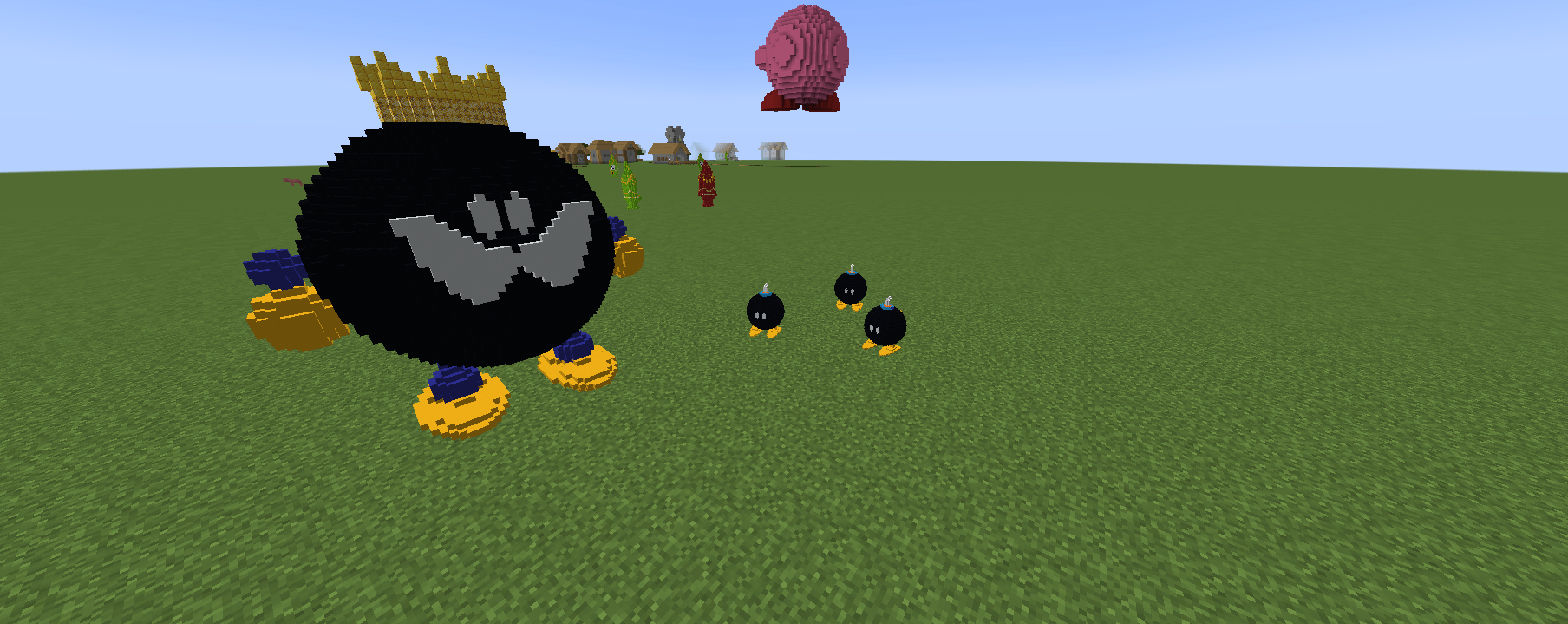
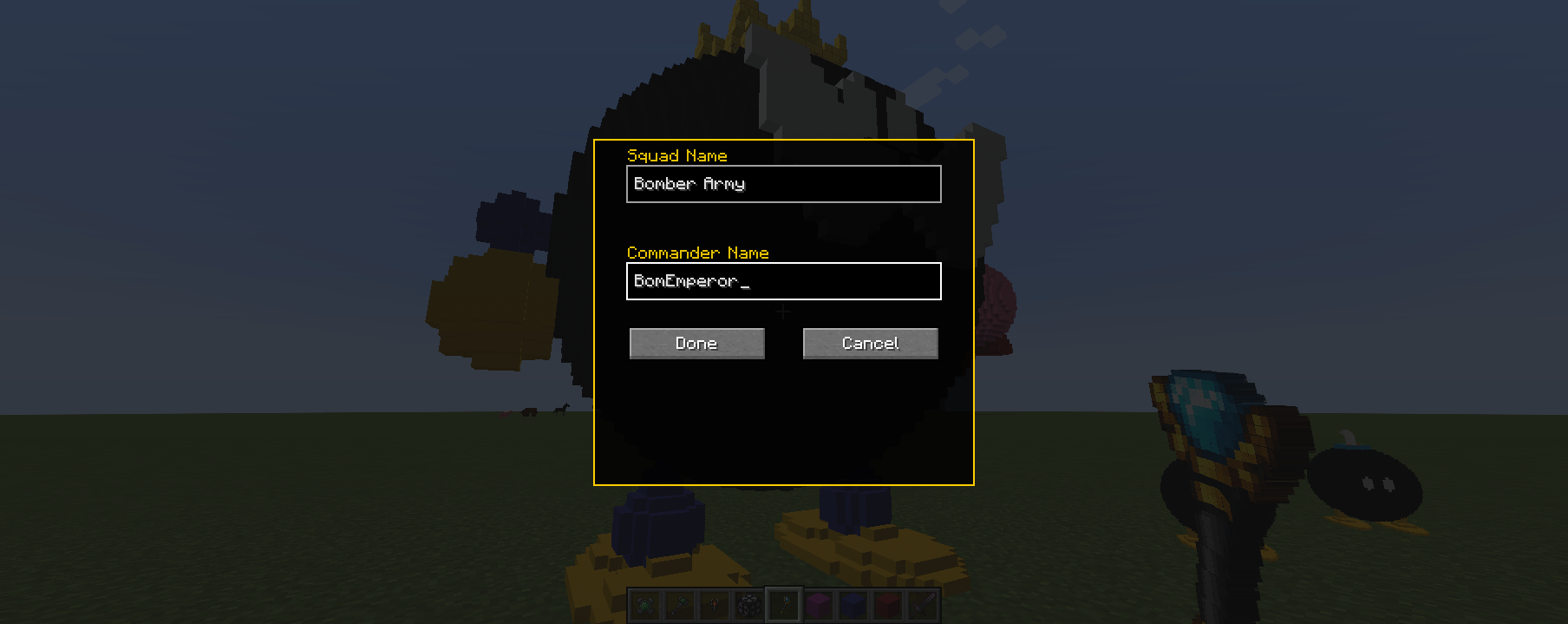
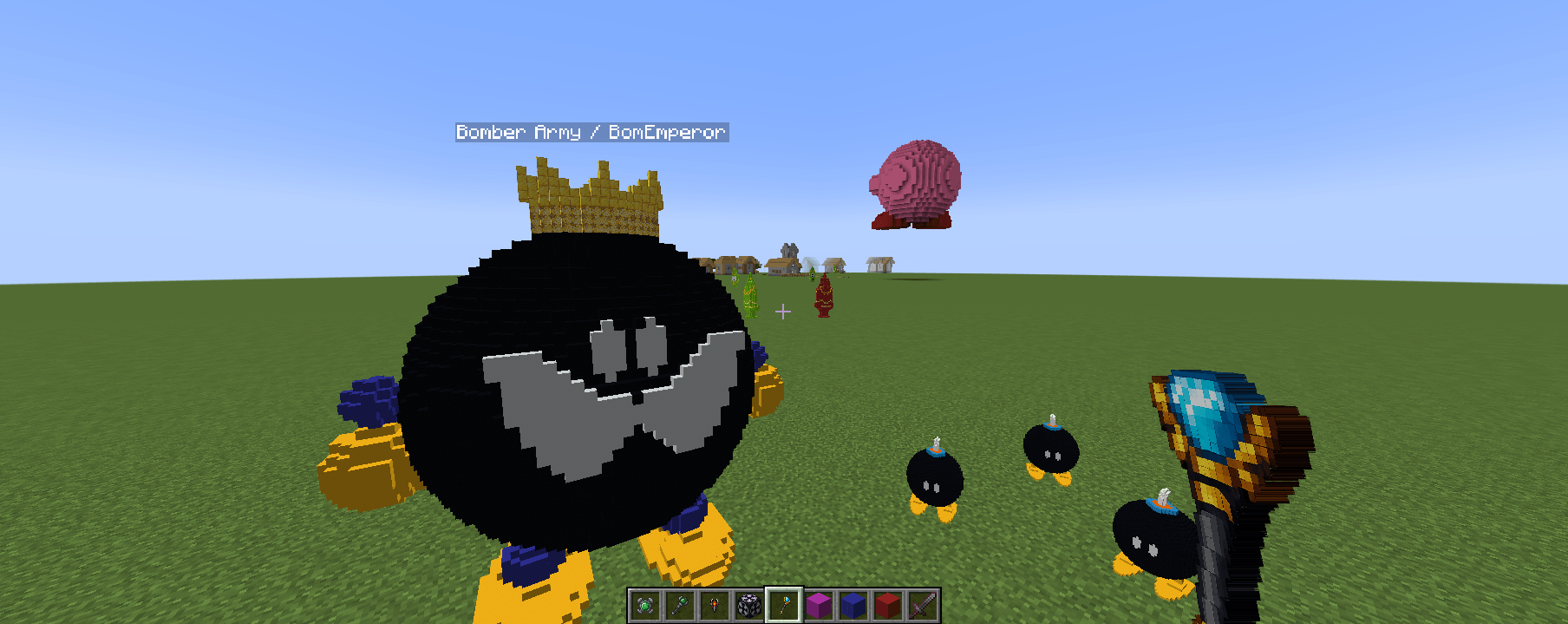
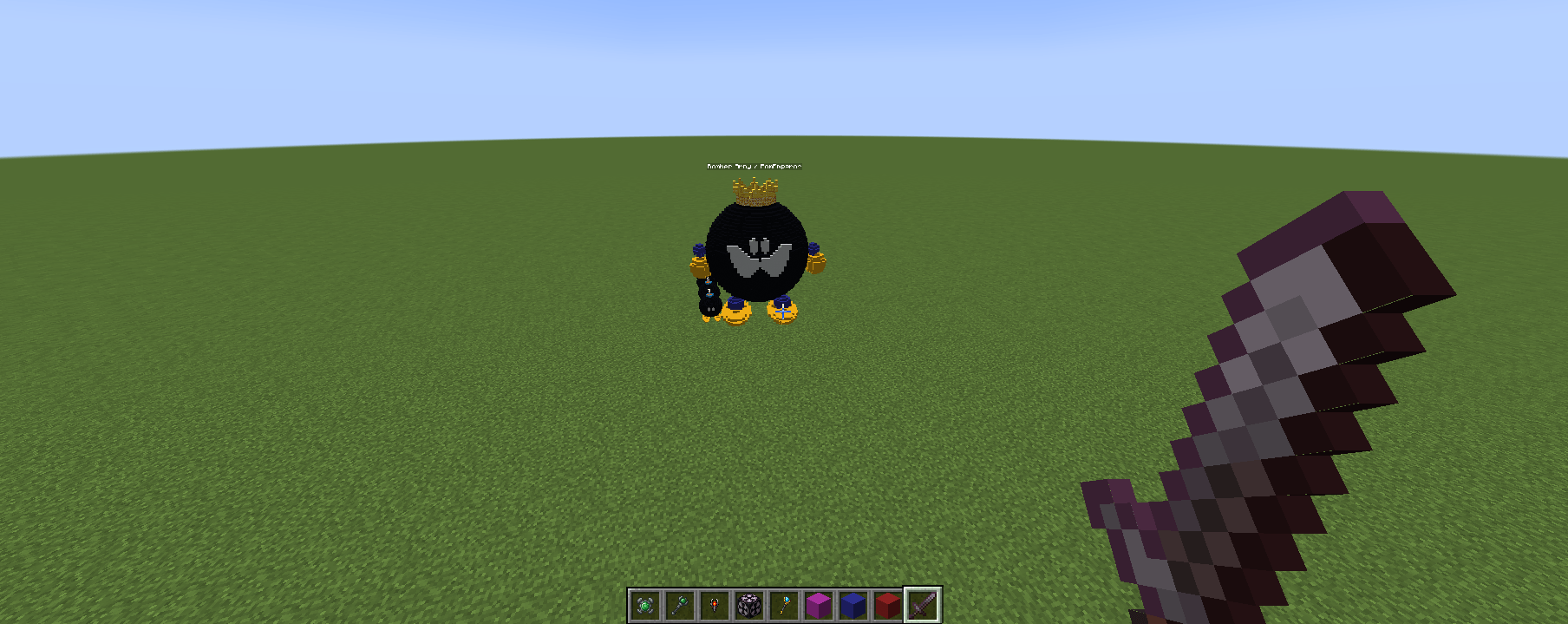
Squad information is displayed above the commander unit, making it easier to identify and manage groups during play.
The Marshal Wand focuses on organization and grouping, while the Commander Wand focuses on issuing commands.
Editing & Customization (Optional)
MobCrafter works without any editing, but you can customize units if you want.
This section explains only what is possible, without requiring advanced knowledge.
In-Game Editing (GUI)
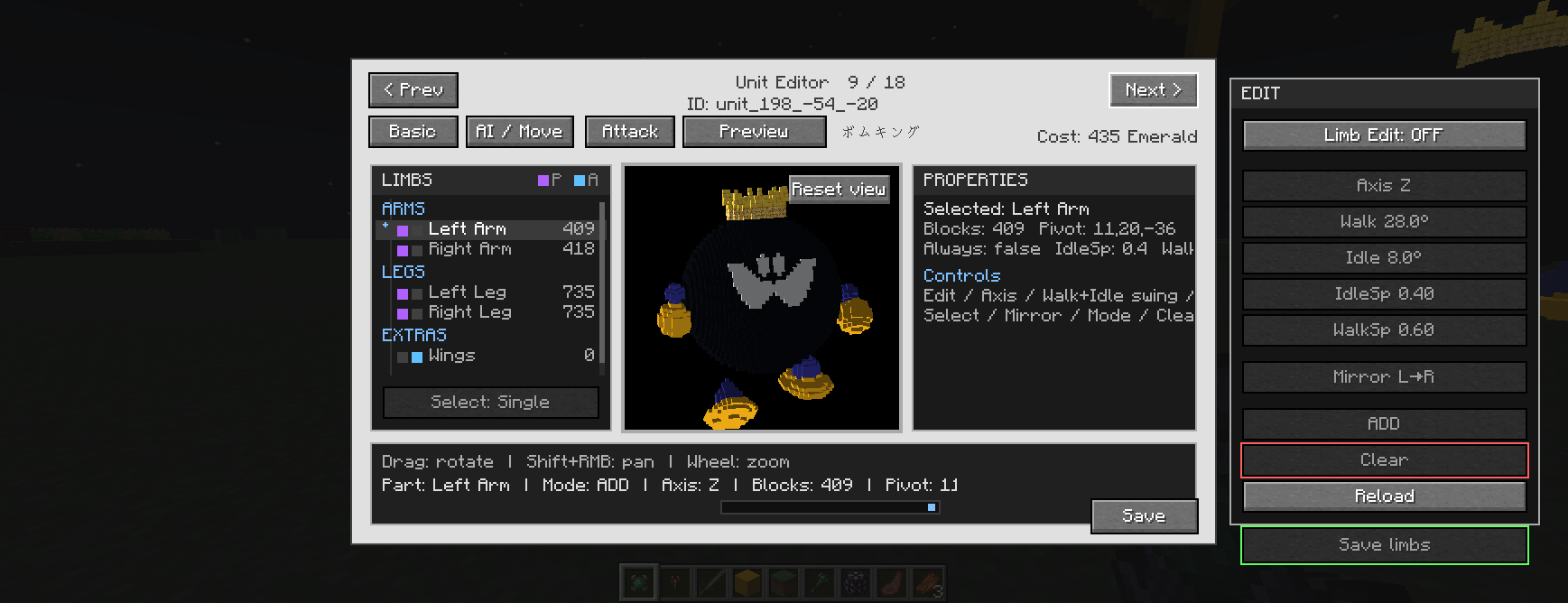
Some unit properties can be edited using in-game GUI screens.
・Change the unit name
・Adjust basic behavior settings
・Modify simple combat values
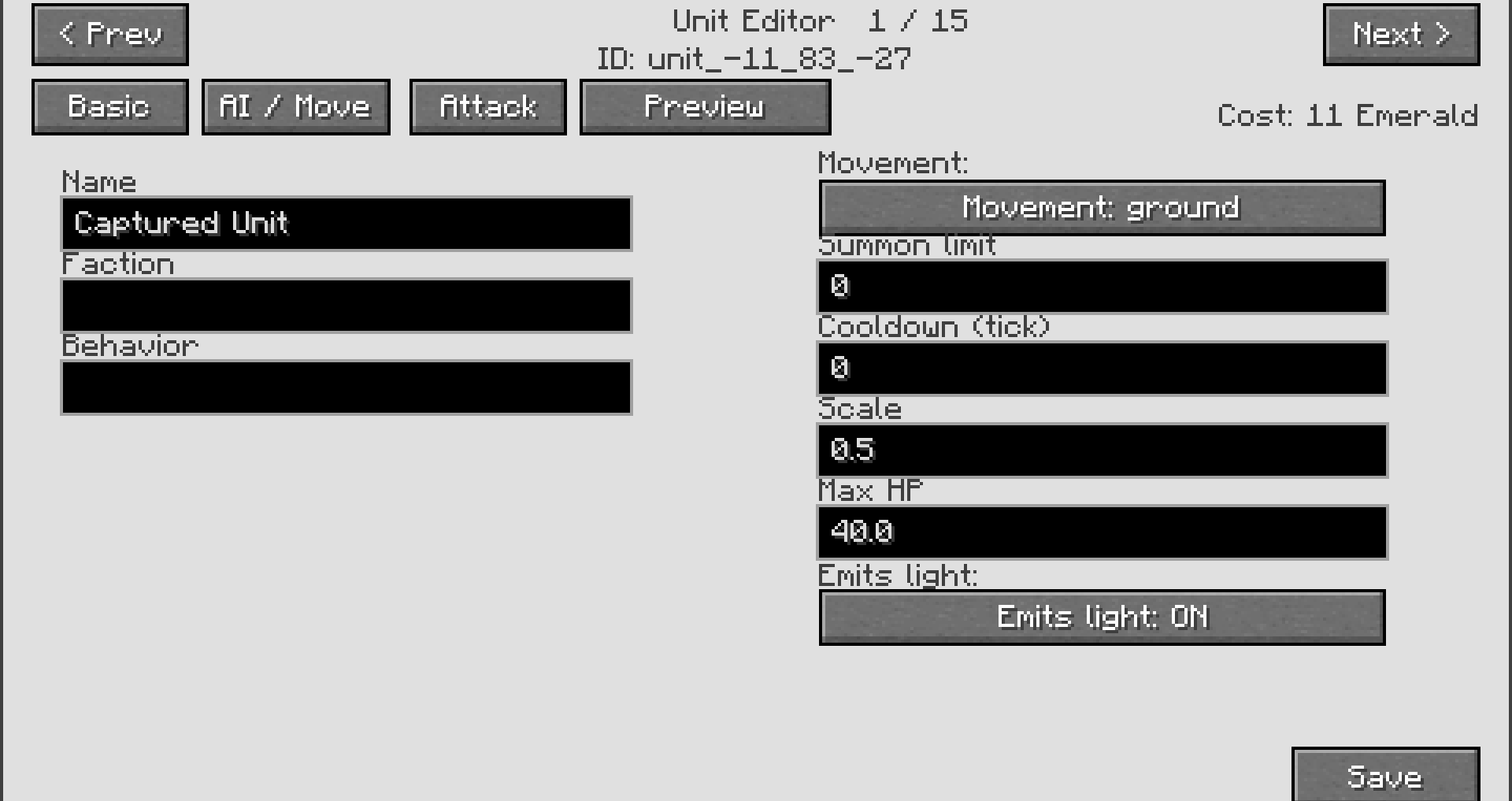
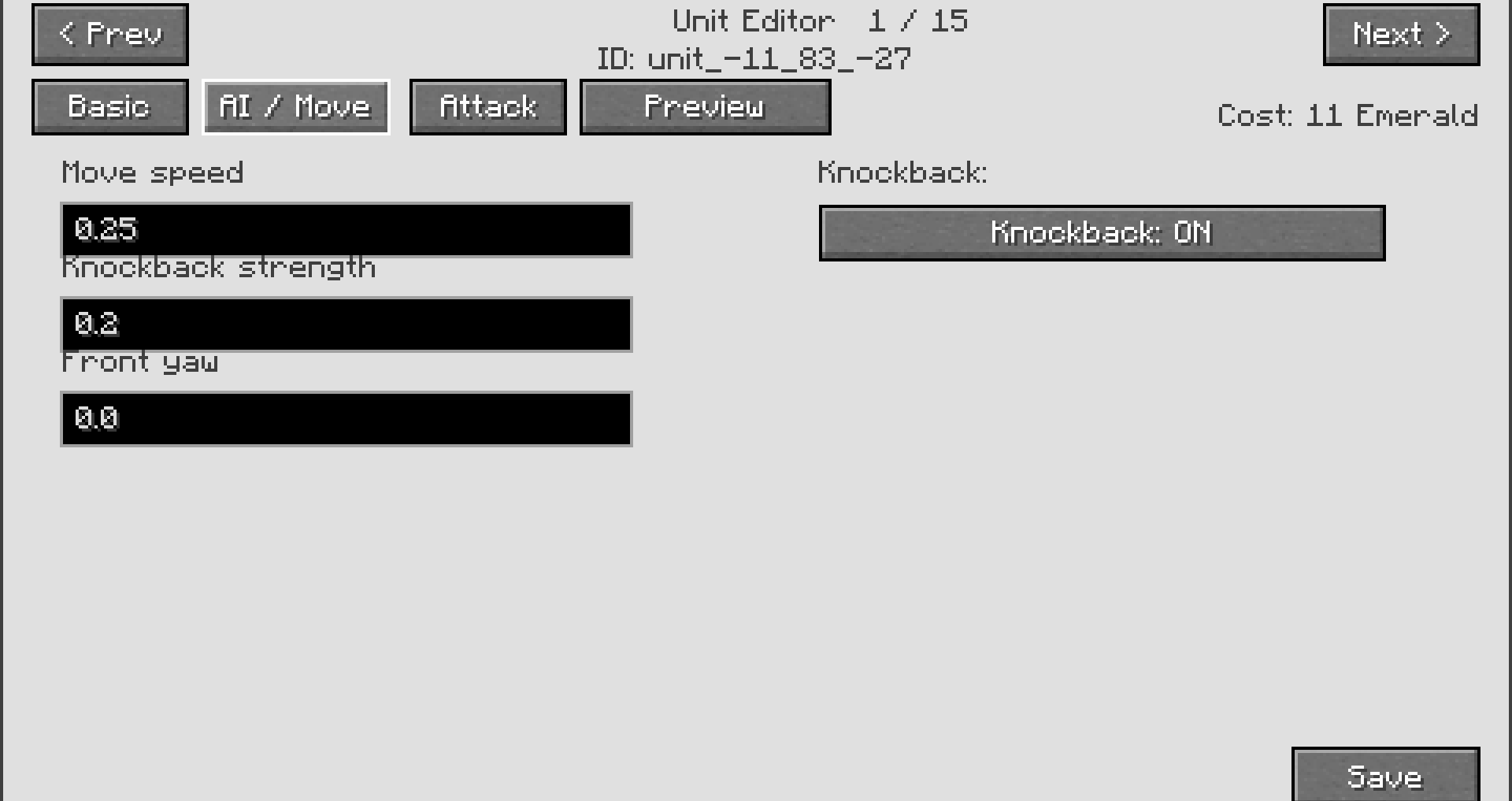
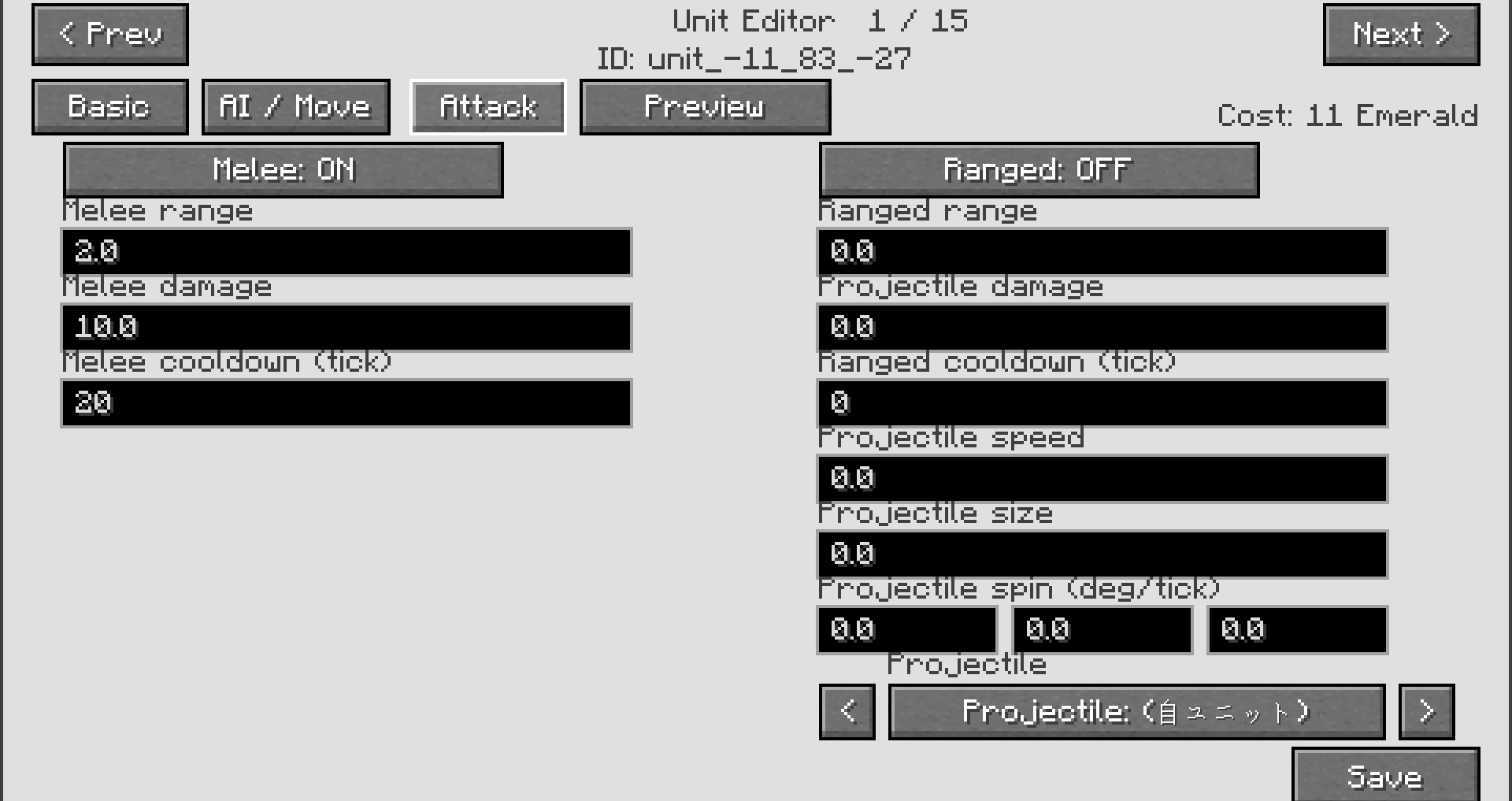
These changes are applied directly in-game and do not require external tools.
Advanced Editing (JSON)
Each captured unit is stored as a JSON file.
Editing this file allows for deeper customization.
・Adjust stats (health, attack, cost, etc.)
・Change behavior parameters
・Share unit files with other players
・JSON editing is optional.
・You can enjoy MobCrafter fully without touching these files.
Unit Sharing Portal
MobCrafter supports sharing units through a dedicated portal.
MobCrafter Unit Portal
https://mobcrafter.net/
・Download units made by other players
・Share your own creations
・Discover new ideas and designs
Tips
・Simple shapes work best for beginners
・Large structures are supported, but may require more resources
・Experiment freely – captured structures are not destroyed
Summary
Build → Set → Capture → Summon
MobCrafter turns your imagination into playable units.
Start simple, experiment, and create your own army!
Supported Version
Minecraft Forge 1.20.1
Turn your block creations into controllable units
Build structures, capture them, and command them like an RTS army in Minecraft.
What is MobCrafter?
MobCrafter is a Forge mod that lets you
turn block-built structures into a single controllable unit entity.
Instead of spawning mobs, you create units yourself using blocks —
then capture, summon, and command them in the world.
You can:
- Build any structure using vanilla blocks
- Capture it as unit data
- Summon it as a living entity
- Control it using commands and tools
No modeling tools. No external editors. Just building.
Unit Sharing Portal
MobCrafter includes no pre-made units by default.
Instead, units are shared through the official portal:
👉 https://mobcrafter.net/ and https://www.patreon.com/c/omro500?vanity=user
You can:
- Download community-made unit JSON files
- Reuse or modify units for your own worlds
- Share your creations with others
Unit files are loaded from: config/mob_crafter/units/
New units can be added at runtime without restarting.
In multiplayer, server-side units are synced to all clients.
MobCrafter is under active development.
Features, balance, and performance may evolve over time.
How to Use
MobCrafter lets you turn block-built structures into RTS-like units.
No modeling tools required — just build, capture, and summon.
1. Build a Structure
Build any structure you like using normal Minecraft blocks.
The shape, size, and design are entirely up to you.
2. Place a Bone Block
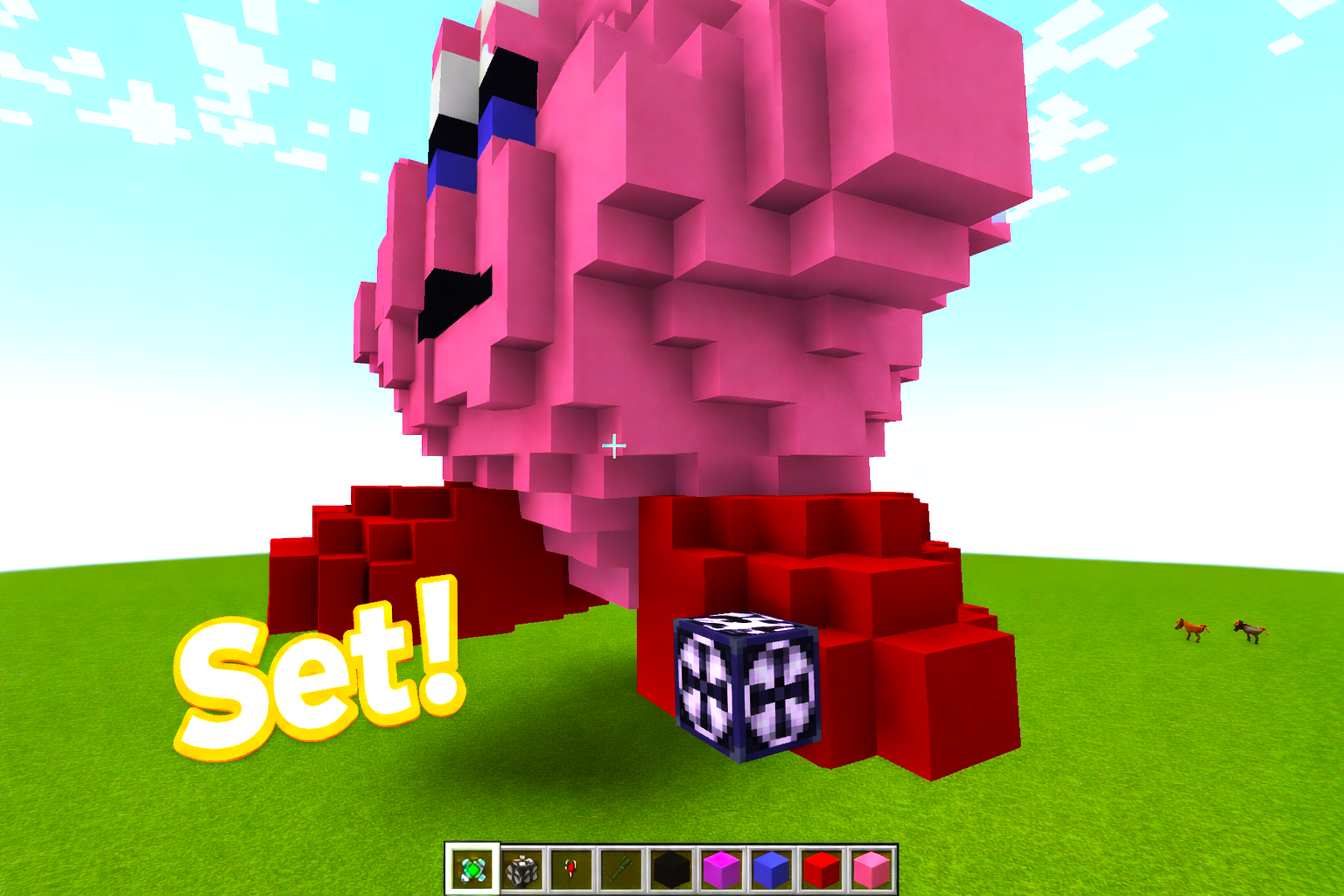
Attach a Bone Block to your structure.
This block acts as the core / pivot of the unit and is required for capture.
3. Capture the Structure
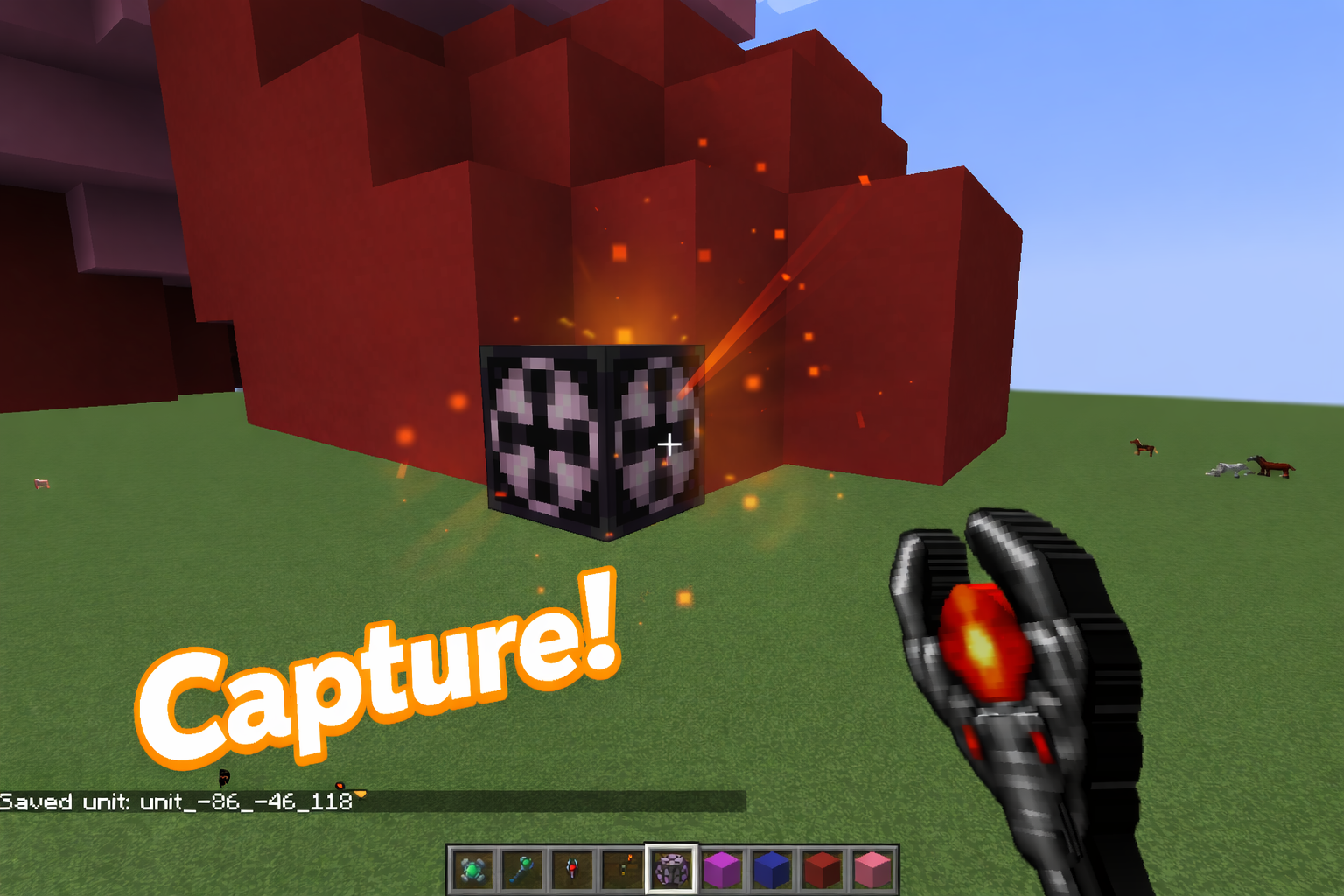
Use the Capture Tool on the Bone Block.
The entire connected structure will be saved as unit data.
Capturing does not destroy the original structure.
4. Summon the Unit
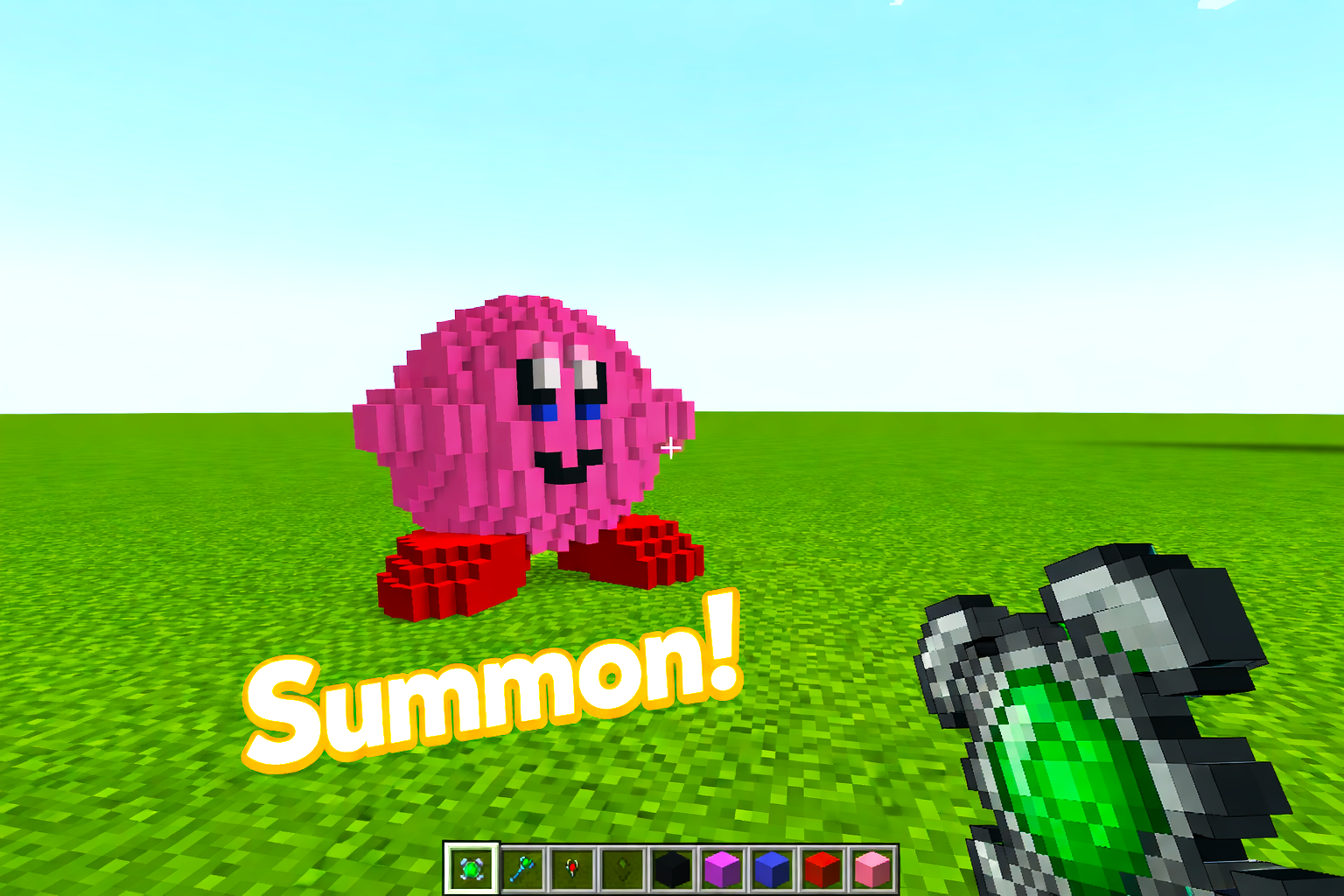
Once captured, the structure can be summoned as a unit.
Consider it a living entity you can control.
Unit Control Tools
MobCrafter provides tools for commanding your units.
Commander Wand (Area Command)
- Controls multiple nearby units
- Right-click: open command menu
- Left-click: give attack direction
- Commands include: Follow, Guard, Patrol, Hold, Retreat
Units inside your command range will respond together.
Marshal Wand (Squad Control)
- Assign units into squads
- Units in the same squad move and act together
- Useful for managing formations and organization
Commander Wand = issuing orders
Marshal Wand = structuring your army
Editing & Customization (Optional)
MobCrafter works without any editing,
but offers deeper customization if you want.
In-Game Editing (GUI)
- Rename units
- Adjust behavior
- Modify basic combat values
Advanced Editing (JSON)
Each unit is stored as a JSON file.
You can edit:
- Stats (health, attack, cost, etc.)
- Behavior parameters
- Custom balancing
JSON editing is optional.
You can enjoy MobCrafter without touching any files.
Tips
- Simple shapes work best for beginners
- Large structures are supported
- Captured structures are not destroyed
- Experiment freely and creatively
Summary
Build → Set → Capture → Summon
MobCrafter turns your imagination into playable units.
Create your own army — from blocks.
Supported Version
- Minecraft Forge 1.20.1
Screenshots
Gallery
-
Mobcrafter_Banner.jpg Mobcrafter_Banner.jpg
-
HowtoUse.jpg HowtoUse.jpg
-
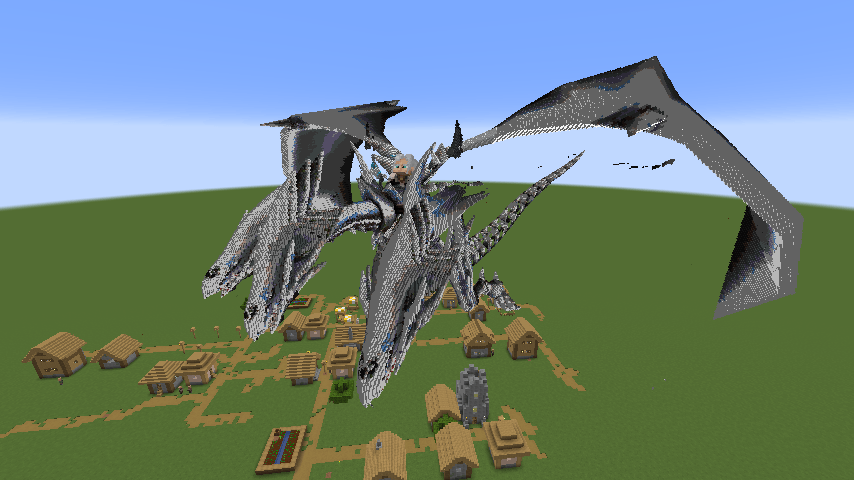 image-attachment_cb86ebcc-b257-4667-a34b-dfc0c9619b77.png
 -
 2026-04-05_01.10.09.png 2026-04-05_01.10.09.png
 -
 2026-04-05_19.02.07.png 2026-04-05_19.02.07.png
 -
 Charactors.png 2026-02-28_00.47.40.png
 -
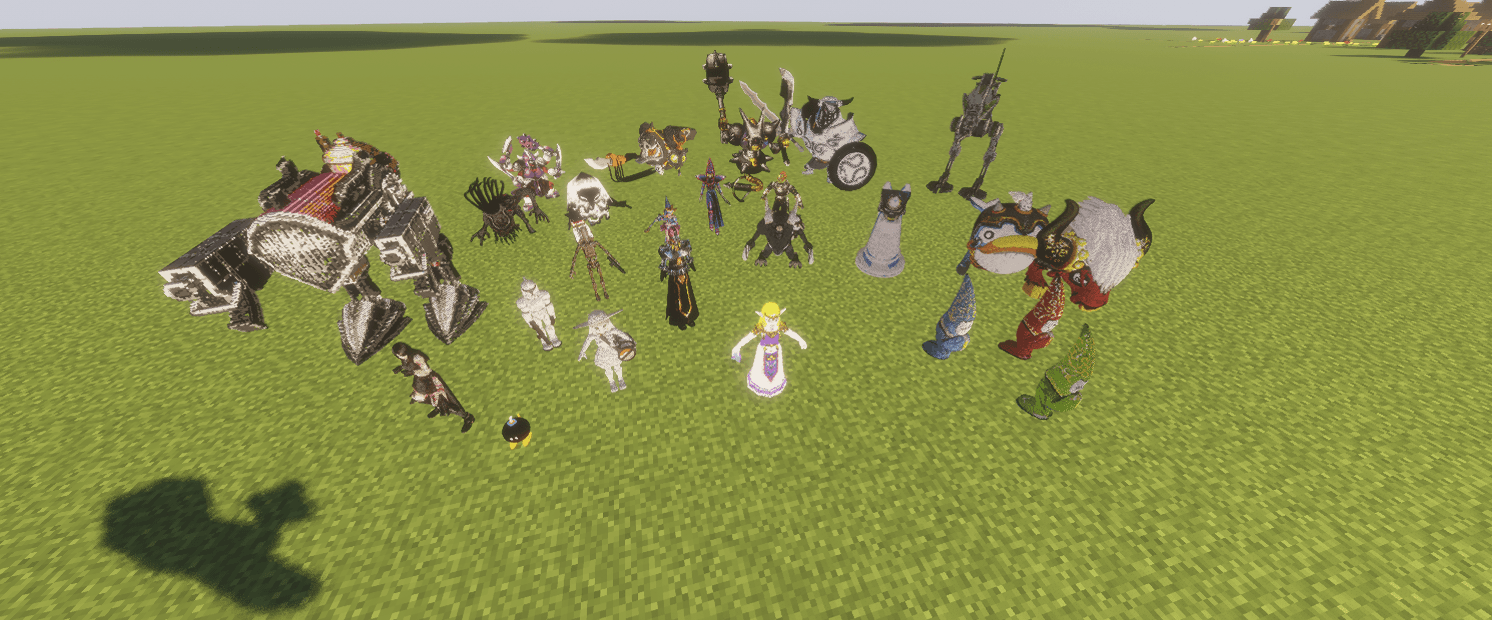 2026-03-07_21.51.10.png Pets
 -
2026-03-16_10.13.30.png Top2
-
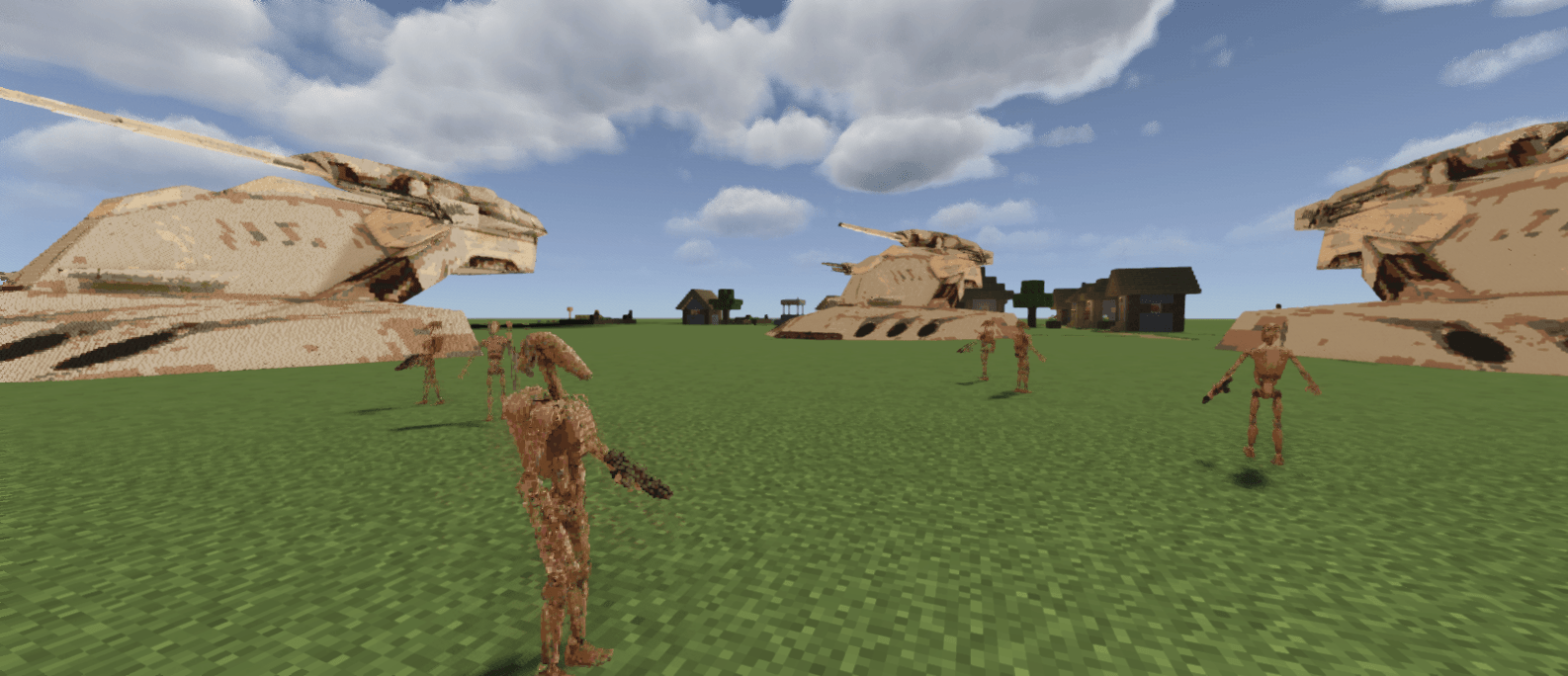 2026-03-07_19.29.24.png Droid Army
 -
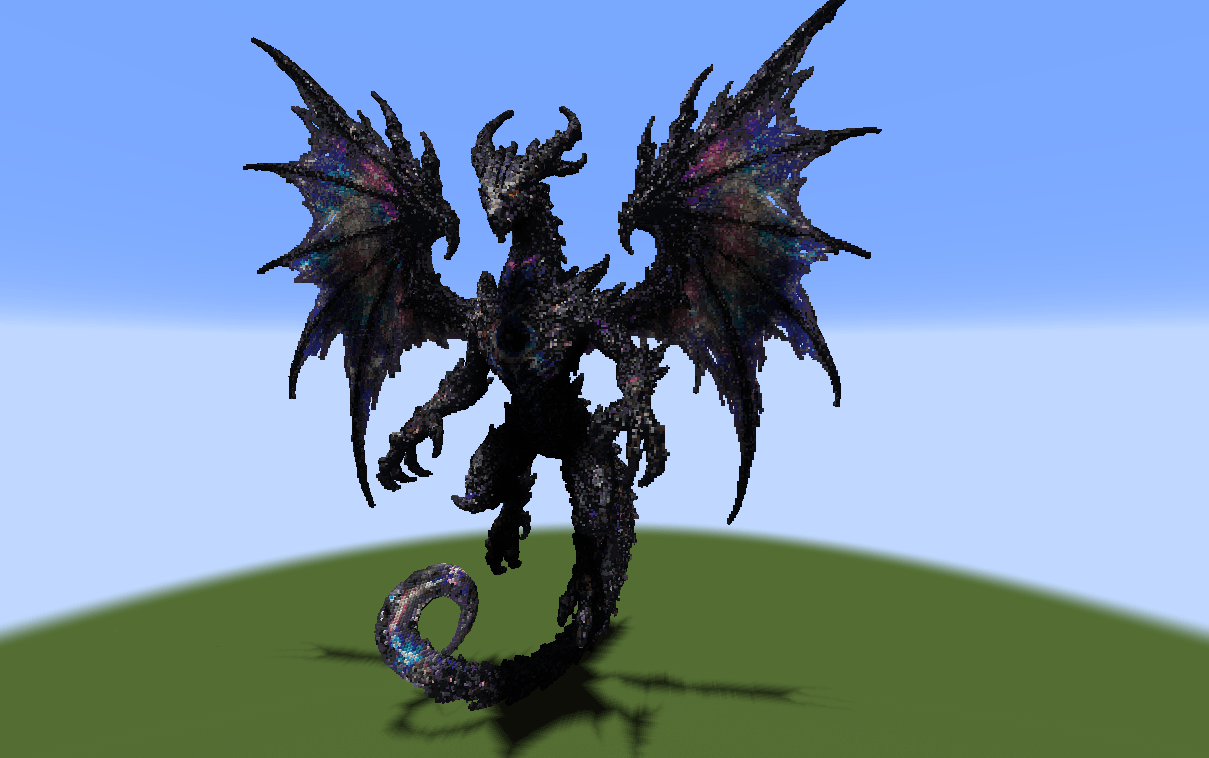 2026-06-03_01.13.43.png 2026-06-03_01.13.43.png
 -
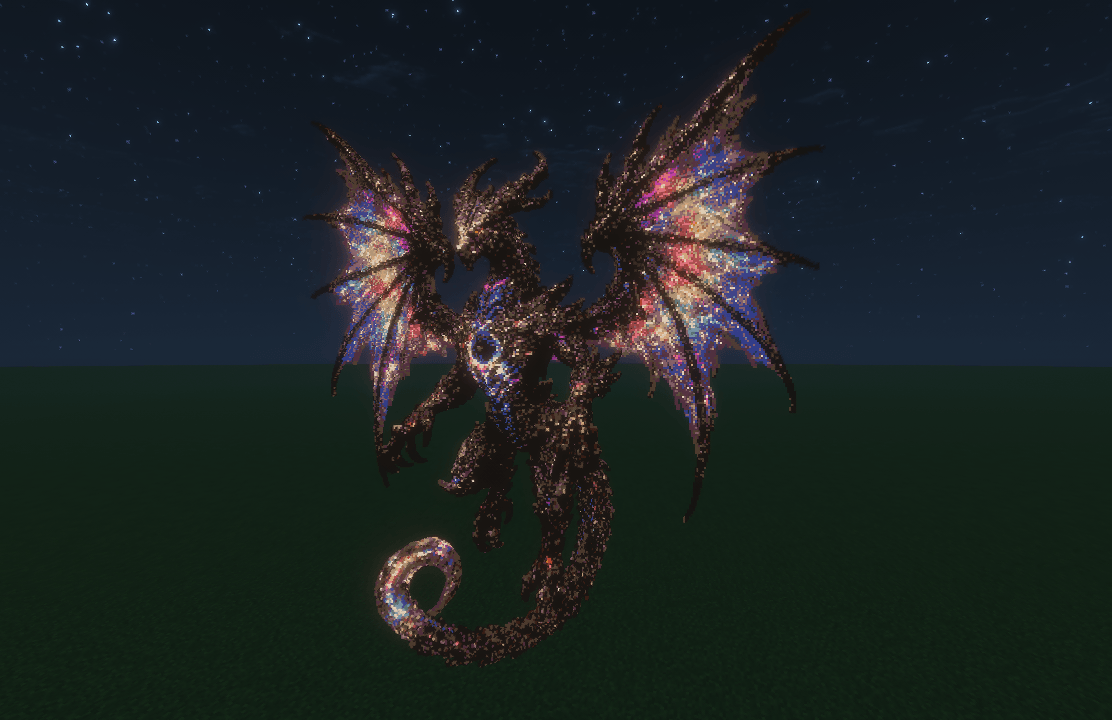 2026-06-03_00.55.28.png 2026-06-03_00.55.28.png
 -
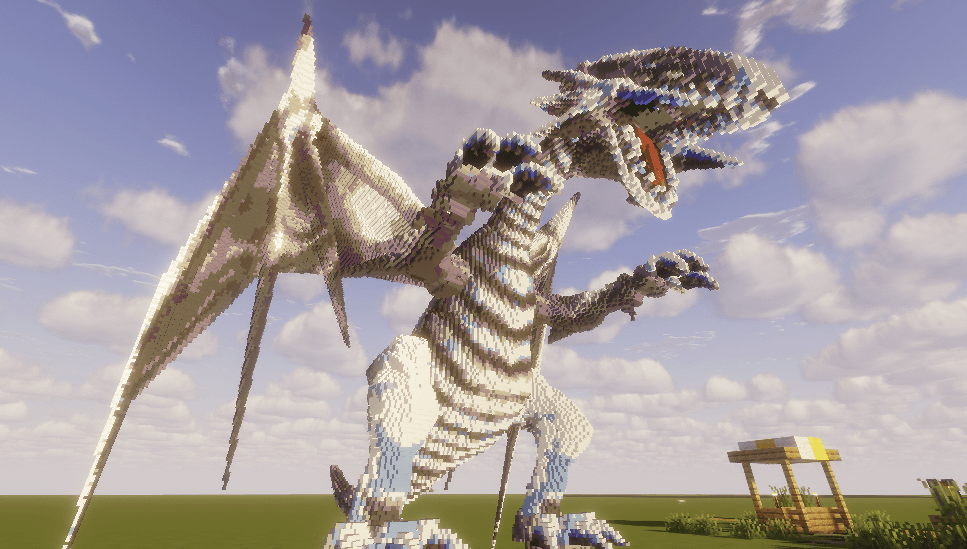 2026-03-01_18.50.35.png Blue-Eyes White Dragon
 -
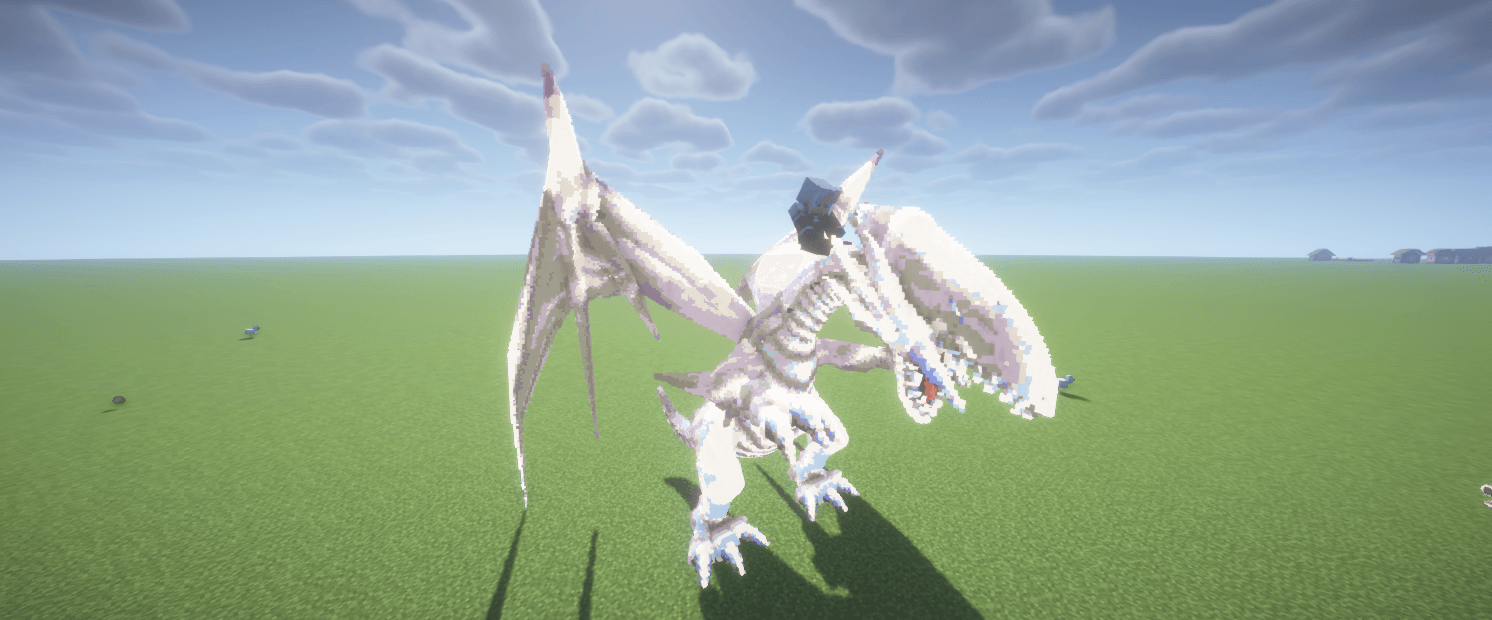 2026-03-07_22.02.36.png Mounting Dragon
 -
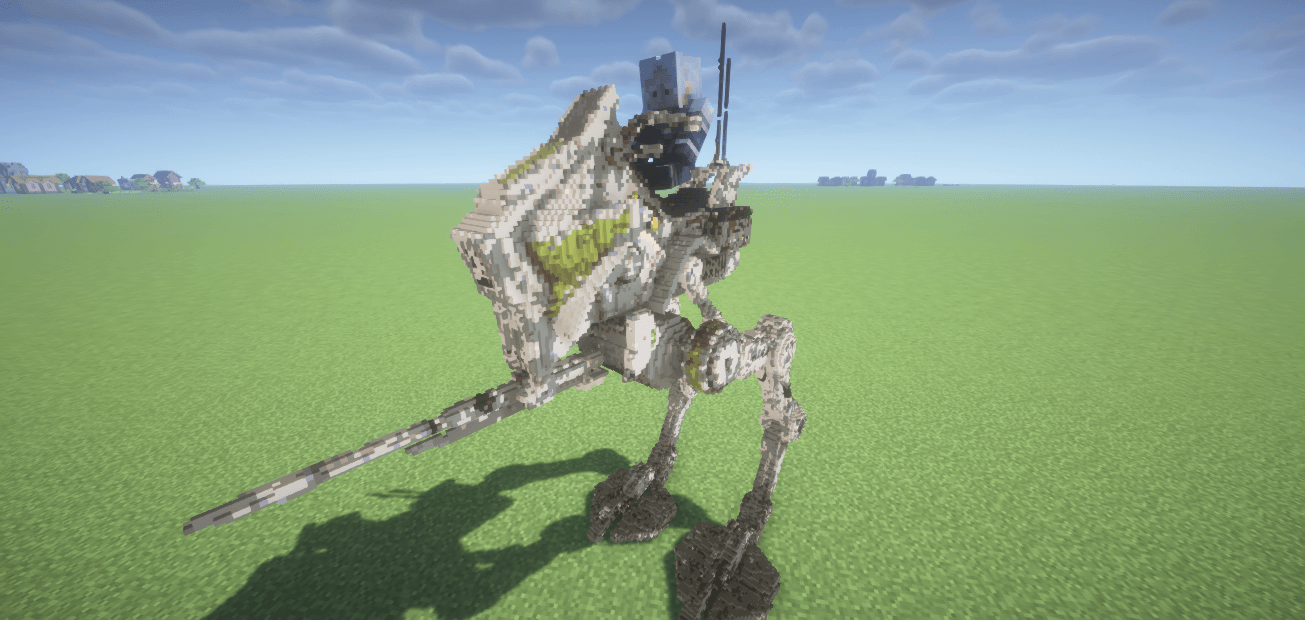 2026-03-07_22.08.05.png Mounting AT-RT
 -
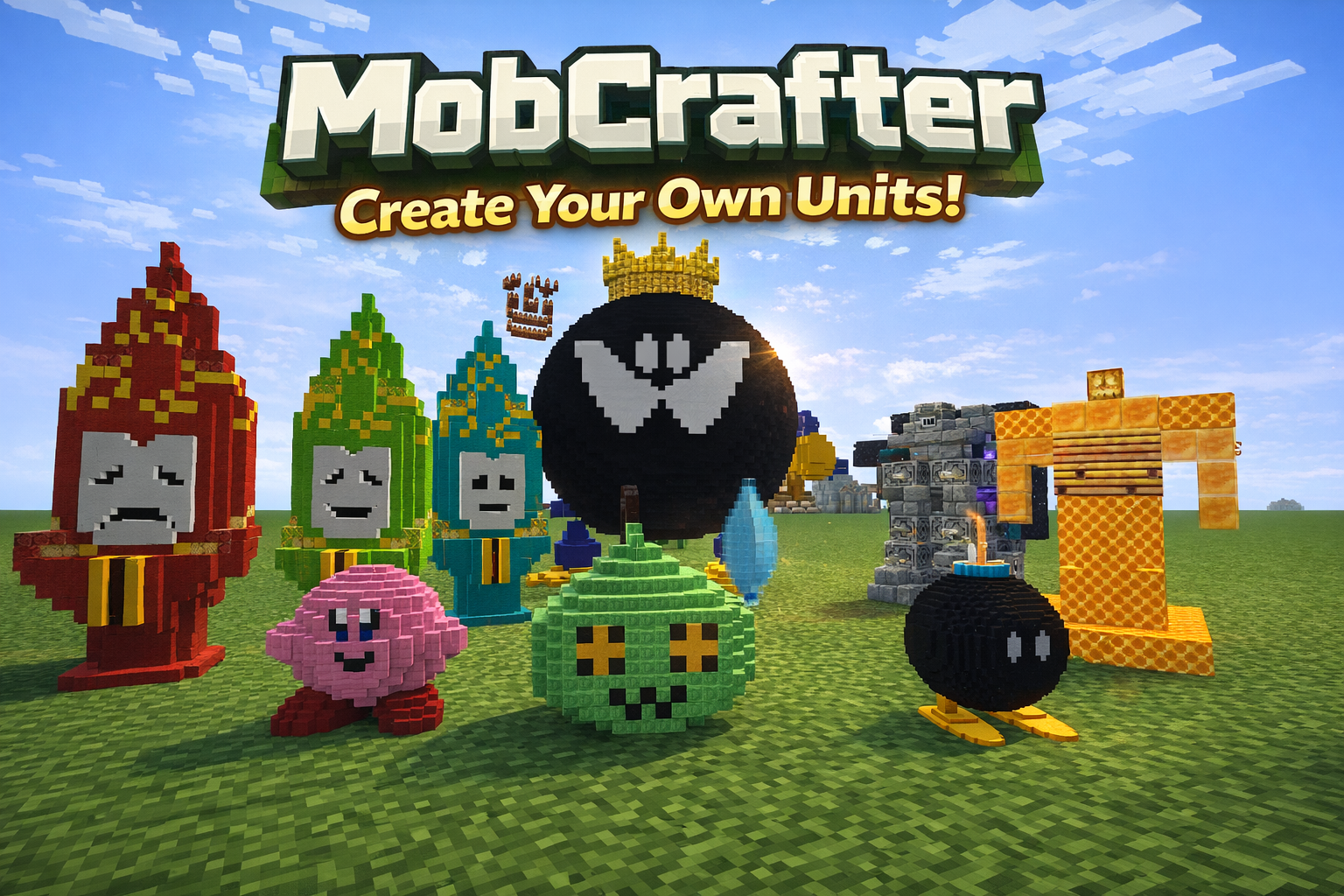 Top
Top -
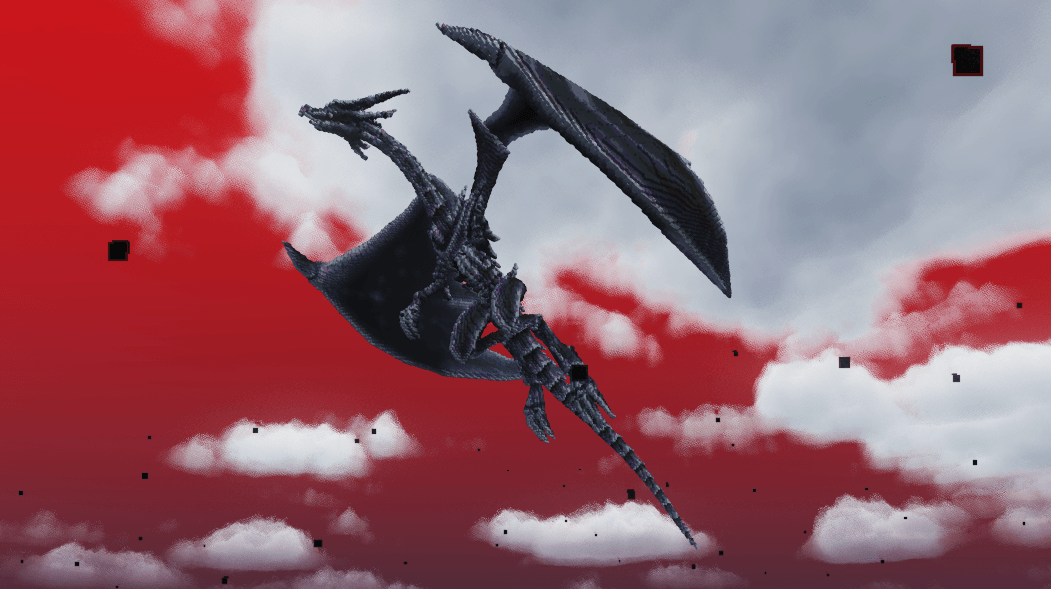 Redeyes.png Redeyes.png
 -
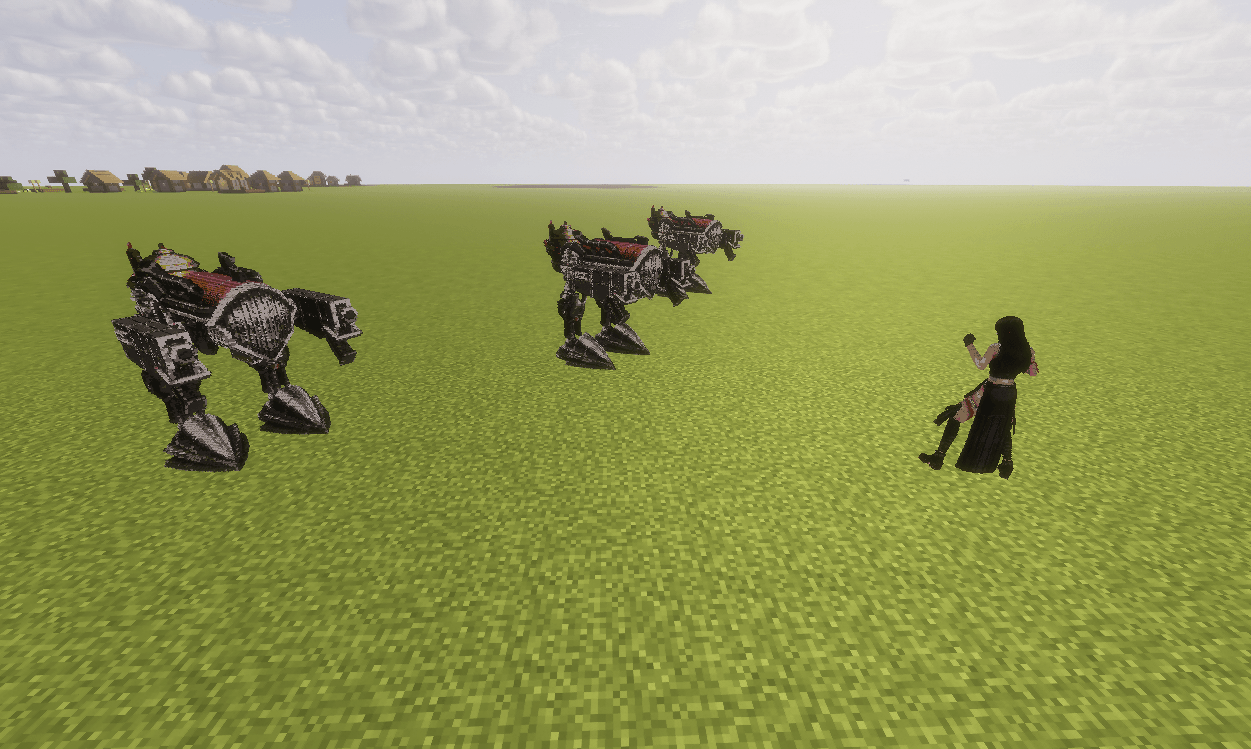 2026-03-01_11.06.59.png FF7 Battle
 -
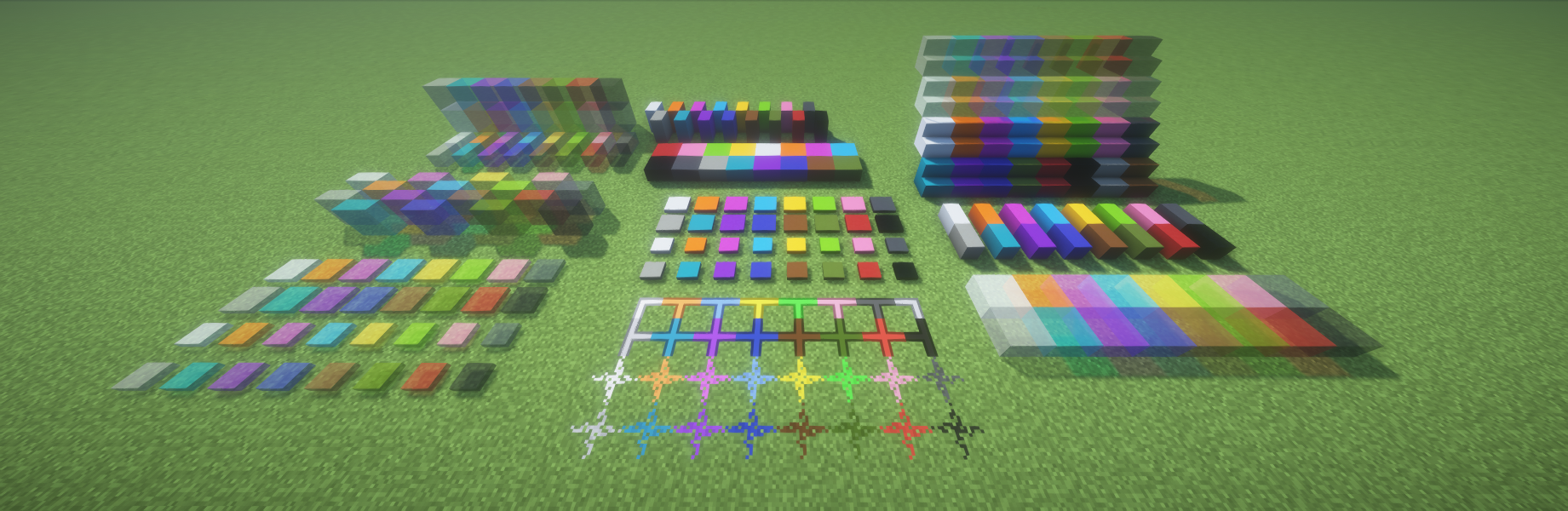
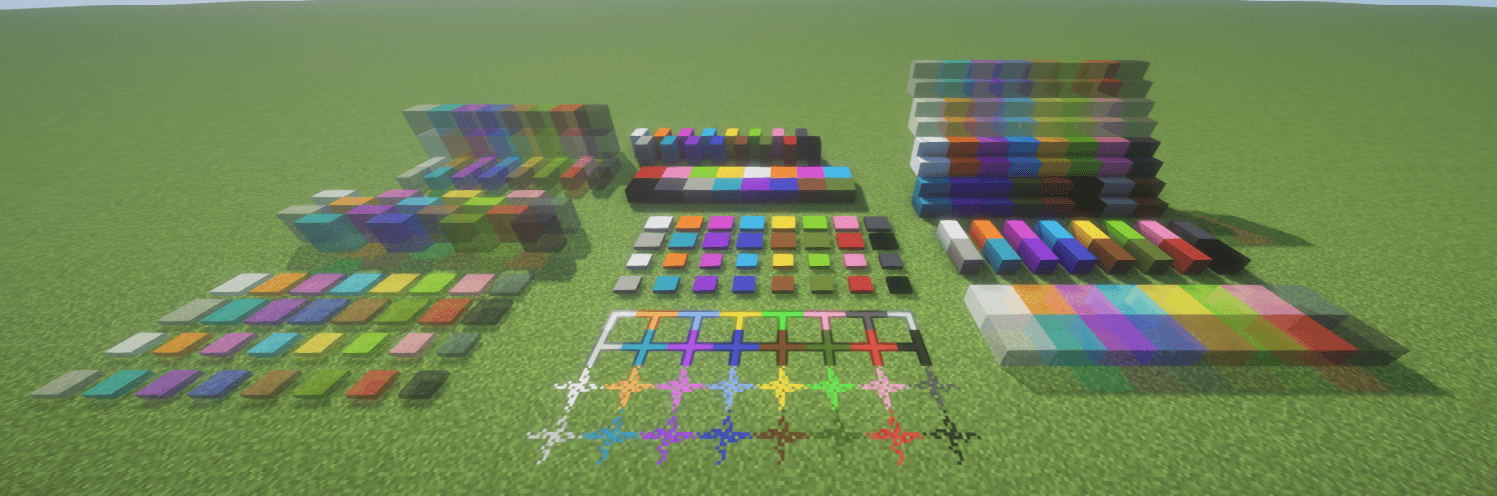 ColorBlocks.png ColorBlocks.png
 -
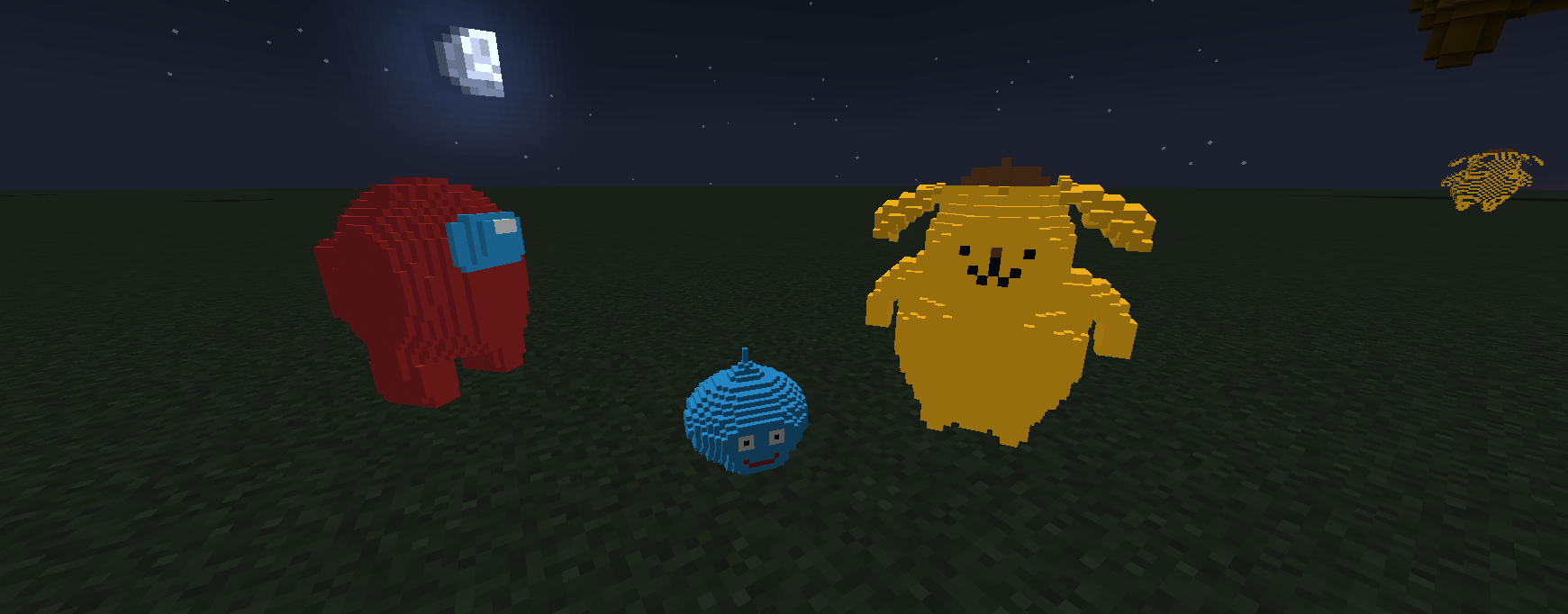
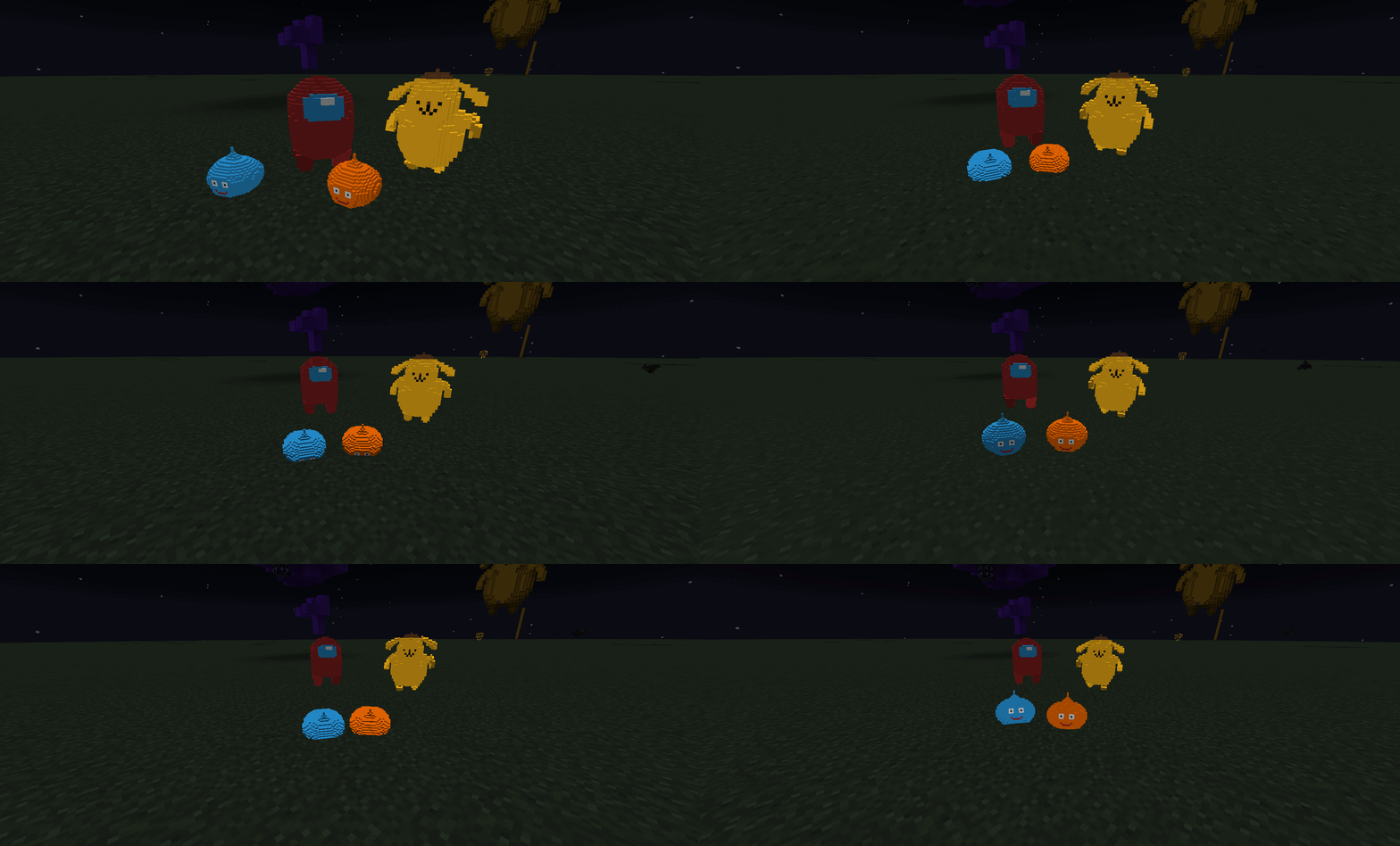 Amongus,Slime,Sanrio.gif 2fKng7XnTY03ztfnzDq31768487581-1768487722.gif
 -
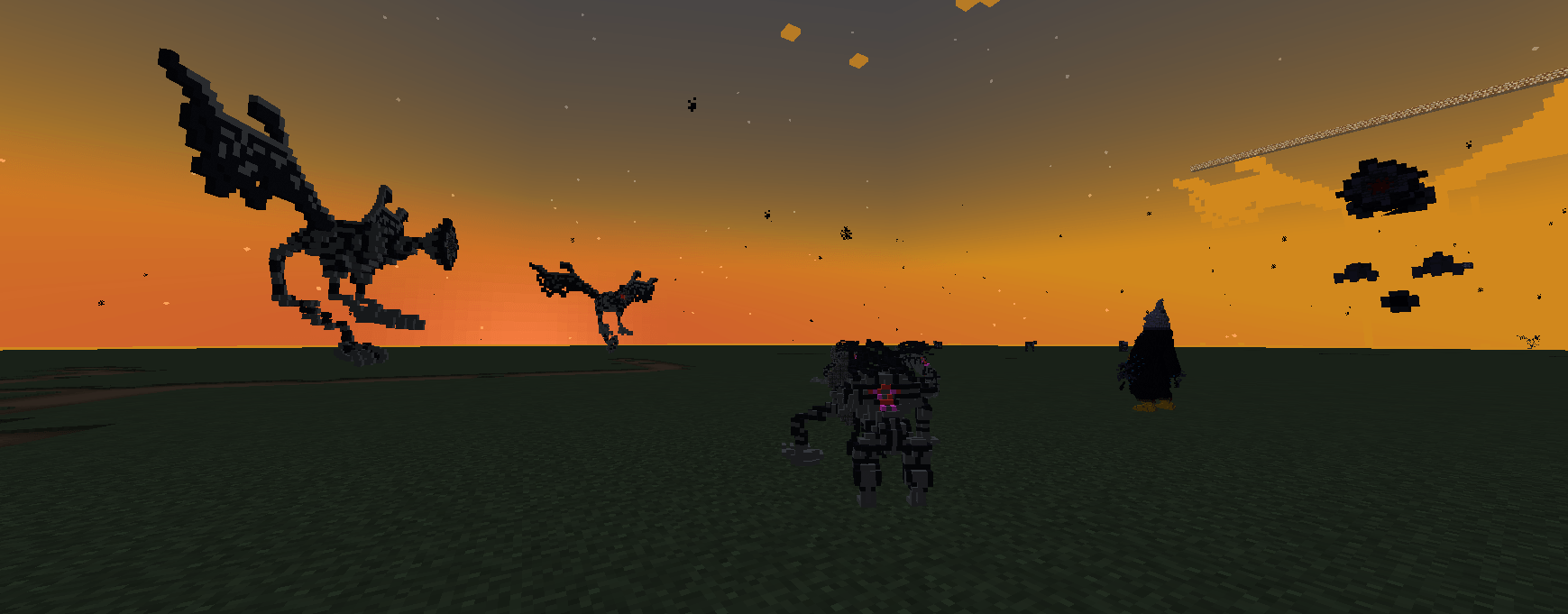 2026-01-22_22.21.47.png 2026-01-22_22.21.47.png
-
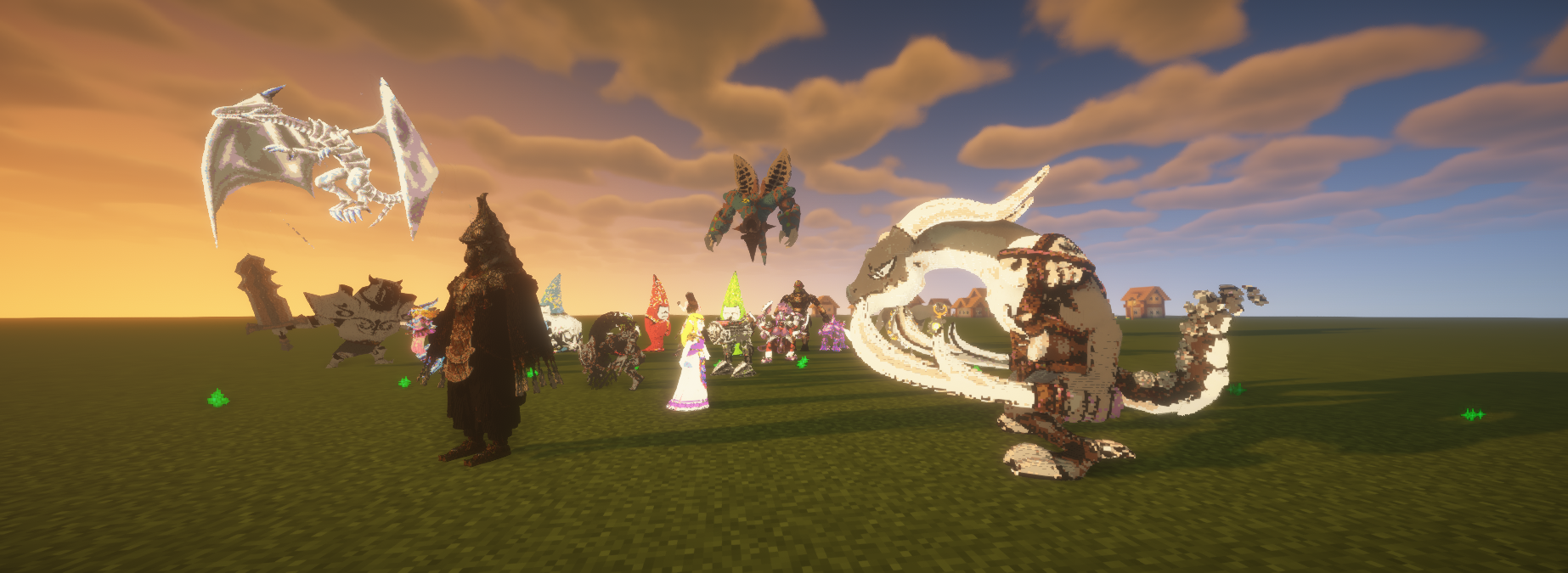
-
-
-
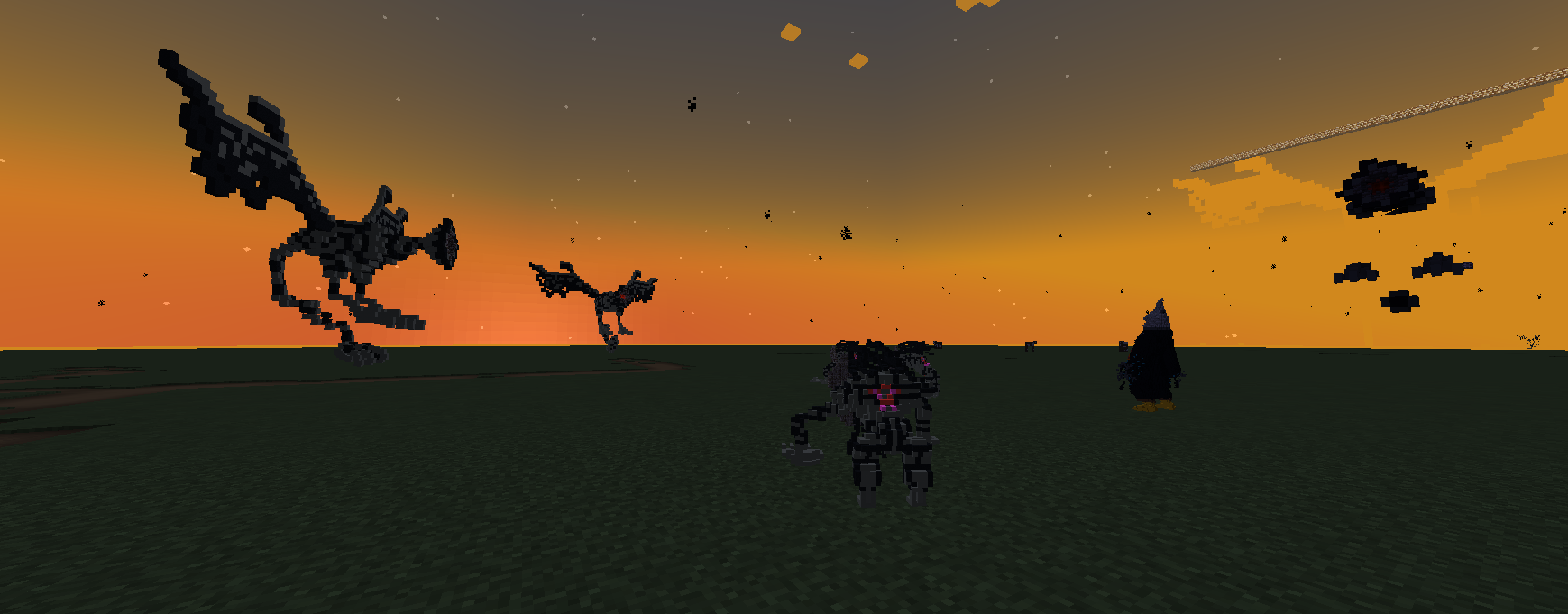 Twilight Beasts
 -
-
-
-
Versions
Files
Relations
Project Relations
More like this
Similar Mods
Suggestions use data such as tags, dependencies, dependents, descriptions, titles, and more to rank how much they overlap with this mod.
On ModDex
Community snapshot
By the numbers
Statistics

Get it on
Available Platforms
On ModDex
Community snapshot
By the numbers
Statistics
Resources