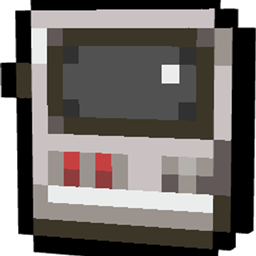
Community listing page, reviews here may not be monitored by the author.
MobDex

No reviews yet
Capture, catalog, and manage any living mob in a Pokédex-style handheld device with live 3D preview and deployable cartridges.
Community voices
Reviews
No reviews yet. Be the first to review this project!
Get it on
Available Platforms
About
Project Details
For authors
Embed Badge
If you're the author of this project, you can embed a live badge anywhere that supports HTML or Markdown. It updates automatically whenever ratings change.
Use HTML for any page that supports it, or Markdown for README files and Markdown-based descriptions.
Identifiers
Platform IDs
Resources
External Links
About
Description
# 📱 MobDex
**MobDex** is an interactive, Pokédex-inspired handheld device for Minecraft that lets you capture, catalog, inspect, and store any living mob directly into your inventory.
Featuring a sleek custom user interface, real-time 3D entity rendering, and deployable cartridges, MobDex brings the ultimate creature-collecting experience to your world!
---
## ✨ Features
* 🎯 **Universal Capture with 100% NBT Preservation**
* Right-click any living entity in the world (passive animals, villagers, hostile mobs, modded creatures, and bosses).
* Preserves exact health, custom nametags, villager professions & trades, sheep wool colors, gear, and adult/baby states.
* Capturing triggers native audiovisual cues (Enderman teleport sound & portal particles) with zero screen spam.
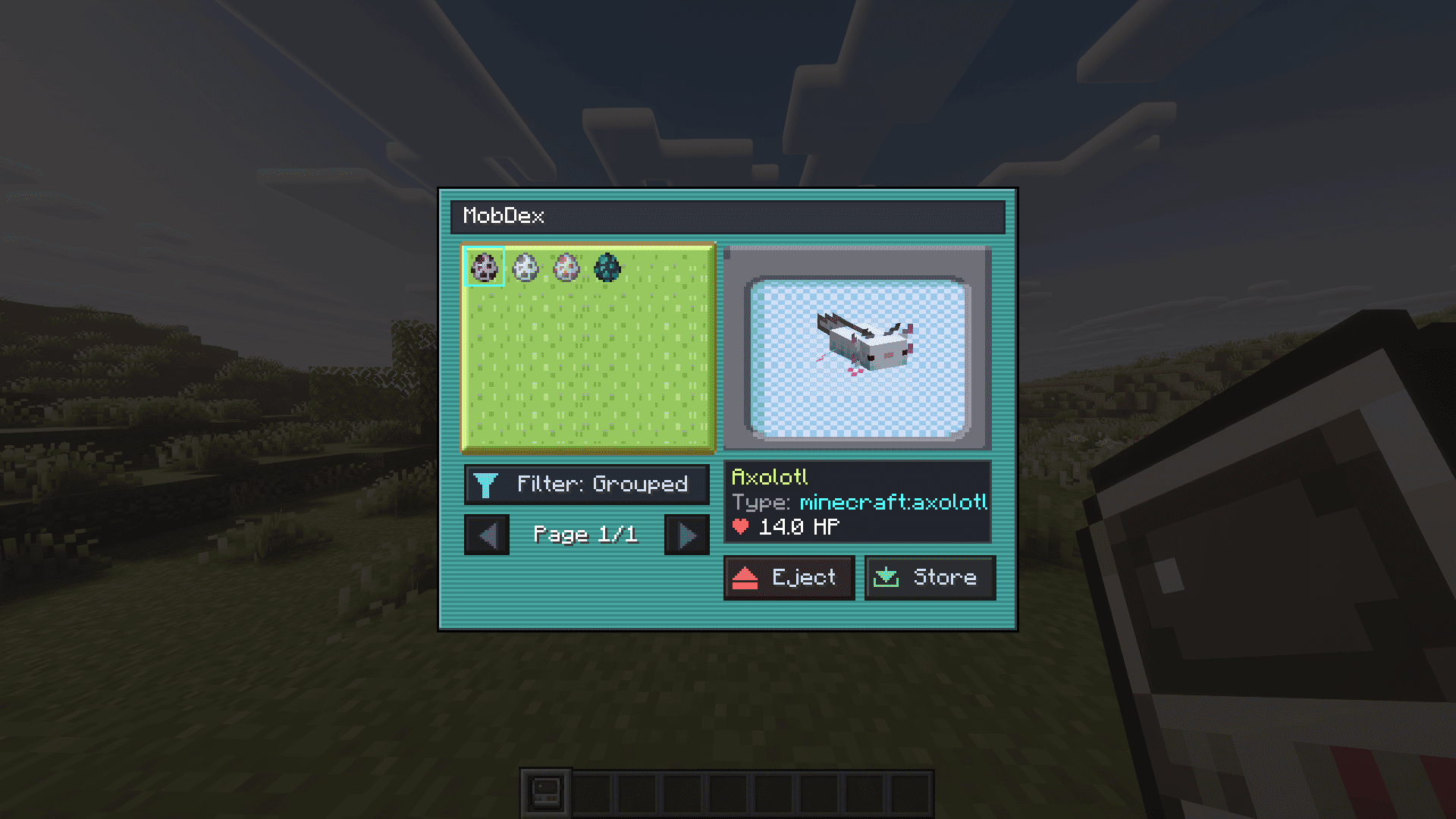
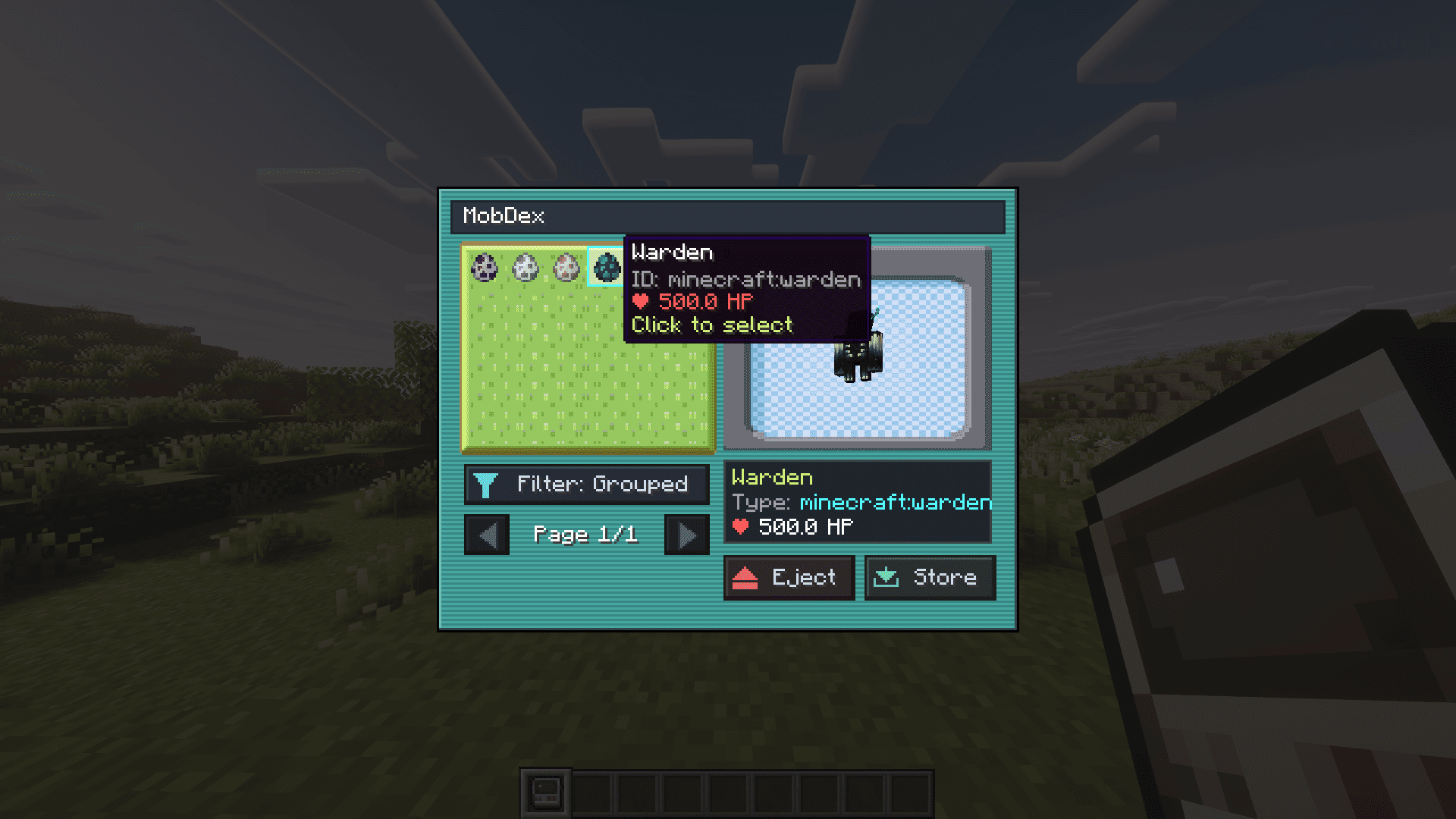
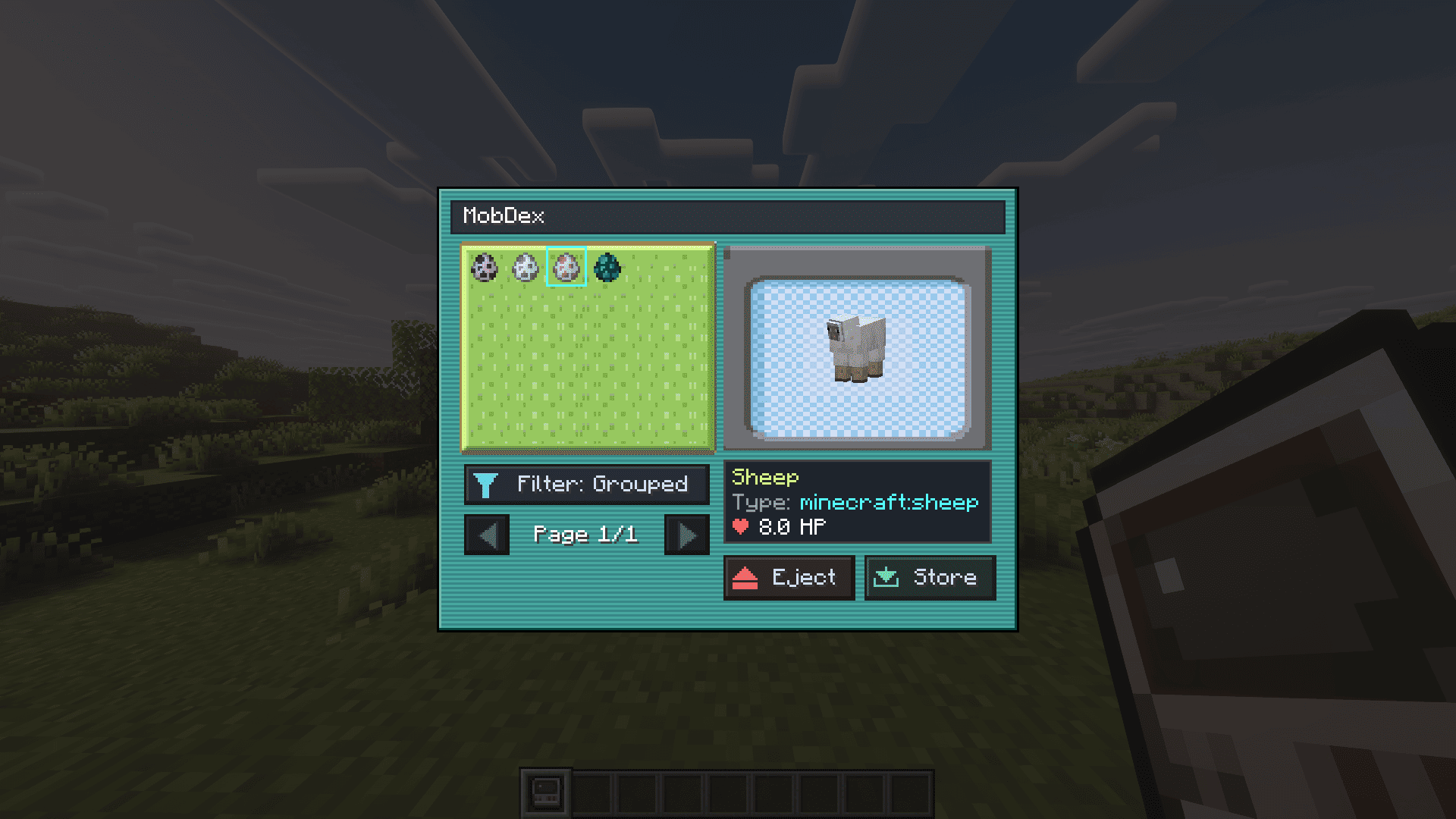
* 🖥️ **Interactive Digital Catalog (GUI)**
* **Shift + Right-Click** with the MobDex to open your digital catalog.
* **30 Mobs per Page** with pagination arrows.
* **Filter Modes:** Toggle between **Grouped (A-Z)** (groups identical mob types together) and **Order** (exact chronological capture order).
* 🔮 **Live 3D Entity Preview**
* Select any creature in your catalog to view a live, animated 3D model that smoothly tracks your mouse cursor.
* Displays the entity's custom/native name, entity ID (e.g. `minecraft:fox`), and current HP.
* 💾 **Deployable Mob Cartridges**
* **Eject to Cartridge:** Click the **Eject** button in the MobDex GUI to extract any selected mob into a physical **Mob Cartridge**.
* **Release into the World:** Right-click the ground with a Mob Cartridge to summon the exact mob back into the world.
* **Reabsorb Anytime:**
* Click the **Store** button inside the MobDex GUI to absorb cartridges from your inventory back into digital storage.
* Or simply **Right-Click in the air** (or Shift + Right-Click) while holding a cartridge to reinsert it directly into your MobDex.
---
## 🛠️ Crafting Recipes
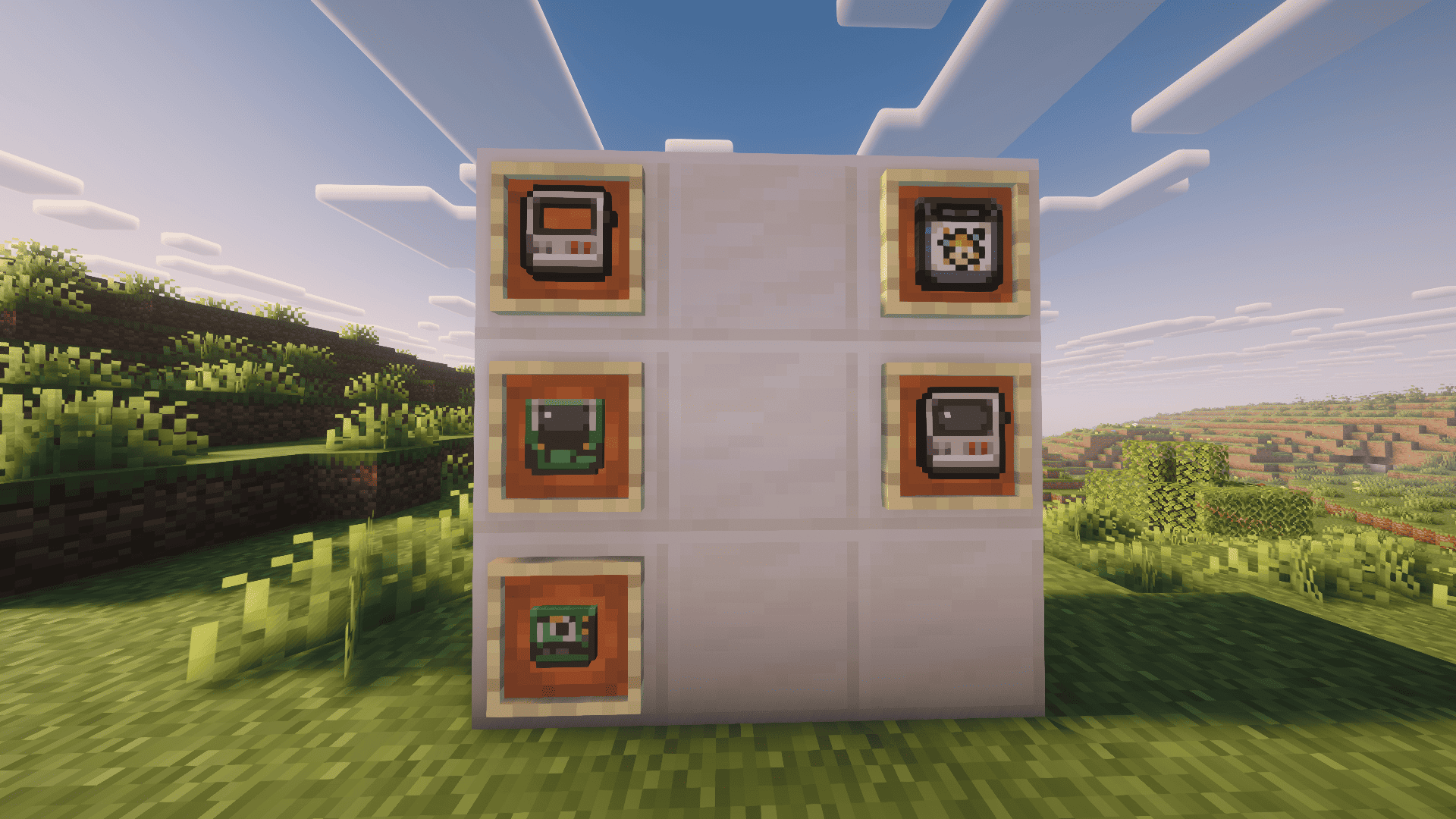
Crafting a MobDex is divided into 4 progressive tiers:
### 1. MobDex Plate (Base Casing)
* `Iron Ingot` | `Iron Ingot` | `Iron Ingot`
* `Iron Ingot` | *(Empty)* | `White Dye`
* `Iron Ingot` | `Iron Ingot` | `Red Dye`
### 2. MobDex Circuit (Circuit Board)
* `Green Dye` | `Tinted Glass` | `Lime Dye`
* `Copper Ingot` | `Amethyst Shard` | `Iron Ingot`
* `Copper Ingot` | `Copper Ingot` | `Copper Ingot`
### 3. MobDex Core (Processing Module)
* *(Empty)* | *(Empty)* | *(Empty)*
* `Green Dye` | `Totem of Undying` | `Lime Dye`
* `Copper Ingot` | `Copper Ingot` | `Copper Ingot`
### 4. MobDex Assembly
* *(Empty)* | `MobDex Plate` | *(Empty)*
* *(Empty)* | `MobDex Circuit` | *(Empty)*
* *(Empty)* | `MobDex Core` | *(Empty)*
---
## 📋 Requirements & Compatibility
* **Minecraft Version:** `1.21.1`
* **Modloader:** `NeoForge` (version `21.1.232` or higher)
* **Java:** `Java 21`
* **Multiplayer:** Fully compatible with dedicated servers and LAN.
* **Mod Compatibility:** Works out-of-the-box with living entities added by other mods!
Screenshots
Gallery
-
 Captura de tela de 2026-09-22 16-08-36.png Captura de tela de 2026-09-22 16-08-36.png
 -
 Captura de tela de 2026-09-22 16-10-31.png Captura de tela de 2026-09-22 16-10-31.png
 -
 Captura de tela de 2026-09-22 16-10-37.png Captura de tela de 2026-09-22 16-10-37.png
 -
 Captura de tela de 2026-09-22 16-10-45.png Captura de tela de 2026-09-22 16-10-45.png
Versions
Files
Relations
Project Relations
More like this
Similar Mods
Suggestions use data such as tags, dependencies, dependents, descriptions, titles, and more to rank how much they overlap with this mod.
On ModDex
Community snapshot
By the numbers
Statistics
Want to reach Minecraft players?
We're looking for a server hosting partner to feature here and other parts of the site. Interested? Send us a message!
Get in touchGet it on
Available Platforms
On ModDex
Community snapshot
By the numbers
Statistics
Resources