Community listing page, reviews here may not be monitored by the author.
Mod Pouches

No reviews yet
A Minecraft mod that adds many Pouches!

Community voices
Reviews
No reviews yet. Be the first to review this project!
Get it on
Available Platforms
About
Project Details
For authors
Embed Badge
If you're the author of this project, you can embed a live badge anywhere that supports HTML or Markdown. It updates automatically whenever ratings change.
Use HTML for any page that supports it, or Markdown for README files and Markdown-based descriptions.
Identifiers
Platform IDs
About
Description
Mod Pouches is a Minecraft mod that adds two items to the game, the Pouch and the Crafting Pouch.
Feature overview:
The Pouch is an item capable of storing a double-chest worth of content.
The Crafting Pouch can store a single chest worth of content, but has a crafting grid inside of its GUI.
However, both of them can only store items from a single mod and its children mods (if enabled in the config file).
To assign a mod to a Pouch or a Crafting Pouch, simply place the Pouch item in the left side of an anvil, and any item or block from the mod you wish to assign on the right, along with 1 level of experience, and ta-da!
The item placed in the right slot will not be consumed.
The pouch takes by default, a random color associated to the mod you assigned it. You can change that!
Simply rename a Name Tag with a Hex Color Code, and place the Pouch on the left and the Name Tag on the right in an anvil.
For 1 more level of experience, the output will be a pouch, with the color corresponding to the Hex Code provided by the Name Tag.
Any item present in the Pouch before the coloring will be preserved.
To upgrade from a Pouch to a Crafting Pouch, just surround a regular Pouch with 8 Crafting Tables in a crafting grid.
All settings will be preserved when you upgrade, but the last 3 rows of the Pouch will be dropped on the floor, as they don't exist in the Crafting Pouch.
If for some reason you want to get a regular Pouch back from a Crafting Pouch, simply surround it with 8 pieces of leather in a crafting grid. All items will be preserved.
The different Pouches have the ability to place the items you've picked up inside of their inventory automatically. To enable this, simply shift-right click with the Pouch in your hand.
Images:
For images of the mod, go there
Credits:
- BBoldt who made the Pouch texture!
- Sarge who gave me the idea to create the mod without being aware he did!
- TehNut who created a 1.8 version of the mod (not released yet), and gave me access to his Jenkins!
Screenshots
Gallery
-
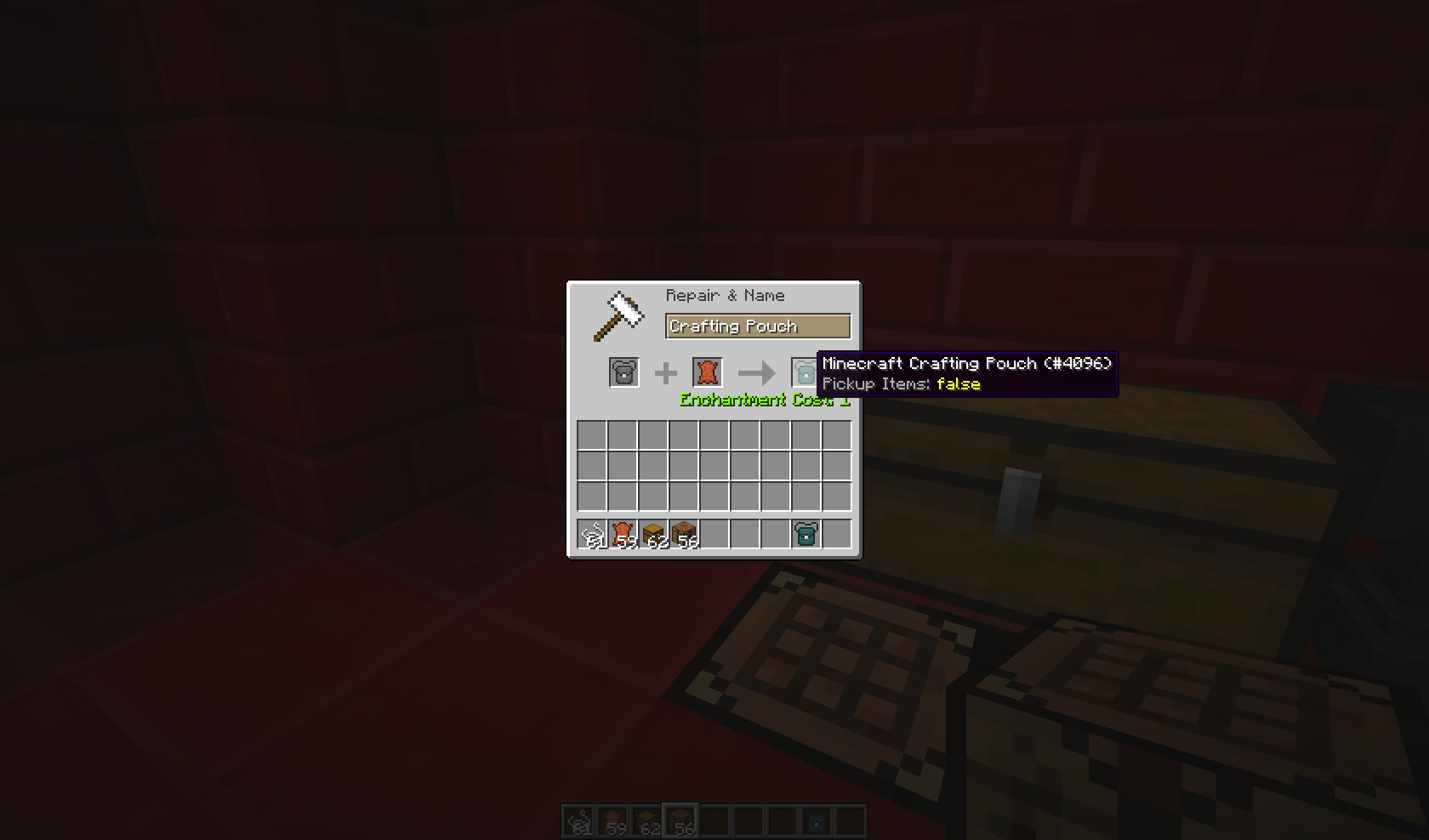 Mod Assignment to Crafting Pouch
 -
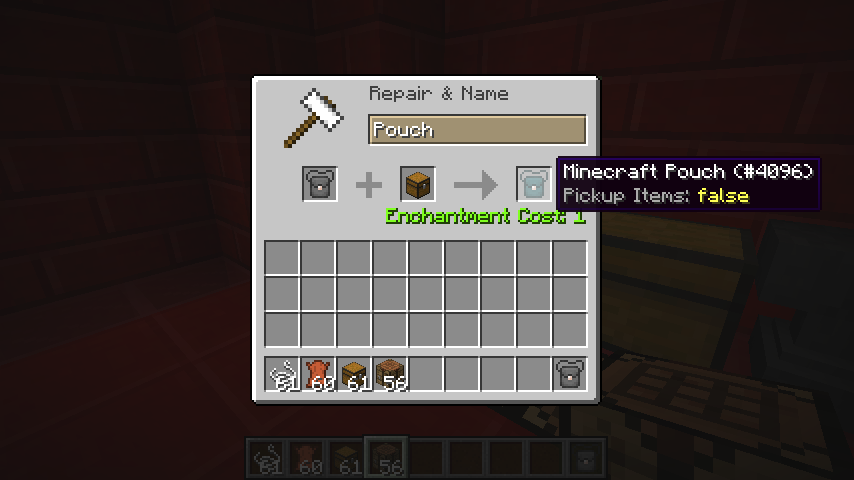 Mod Assignment to Pouch
 -
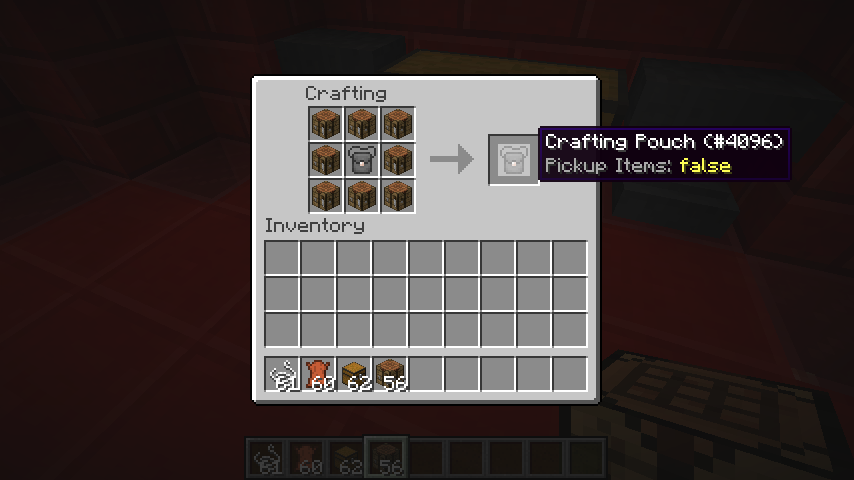 Crafting Pouch Crafting
 -
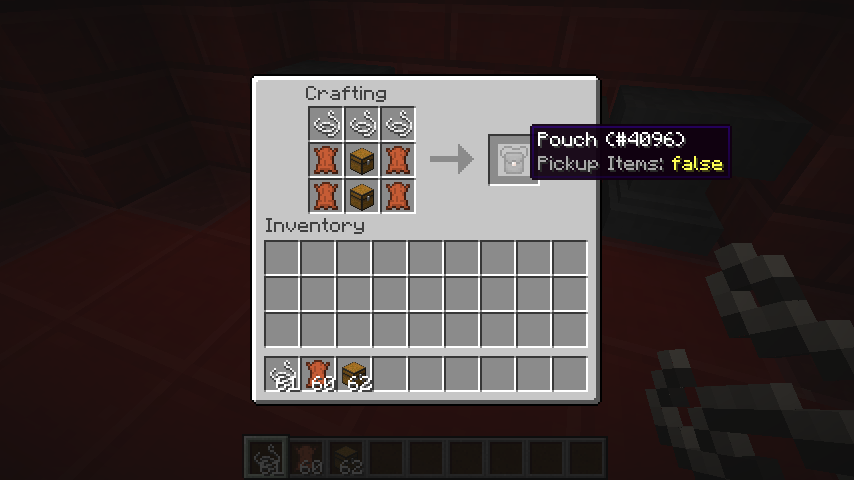 Pouch Crafting
 -
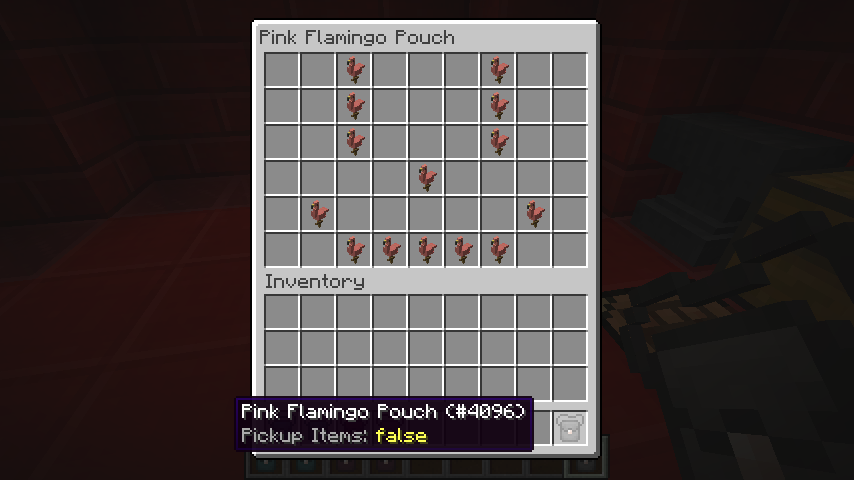 Pink Flamingo Pouch!
 -
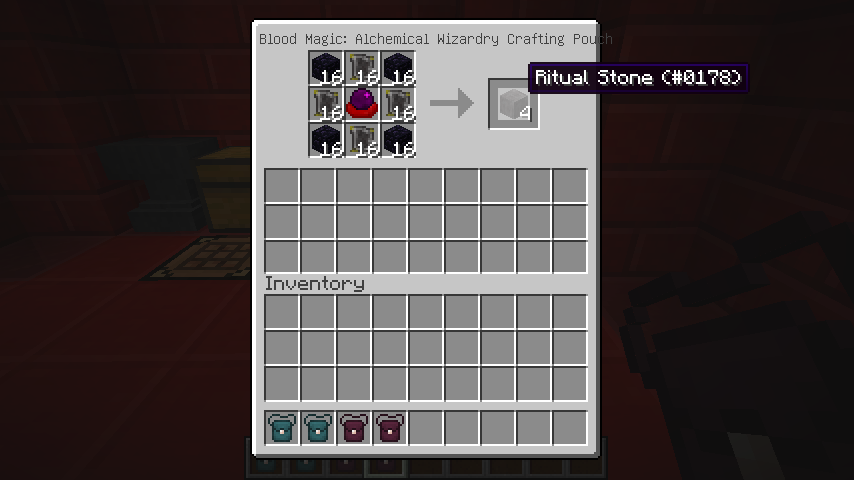 Blood Magic Crafting Pouch
 -
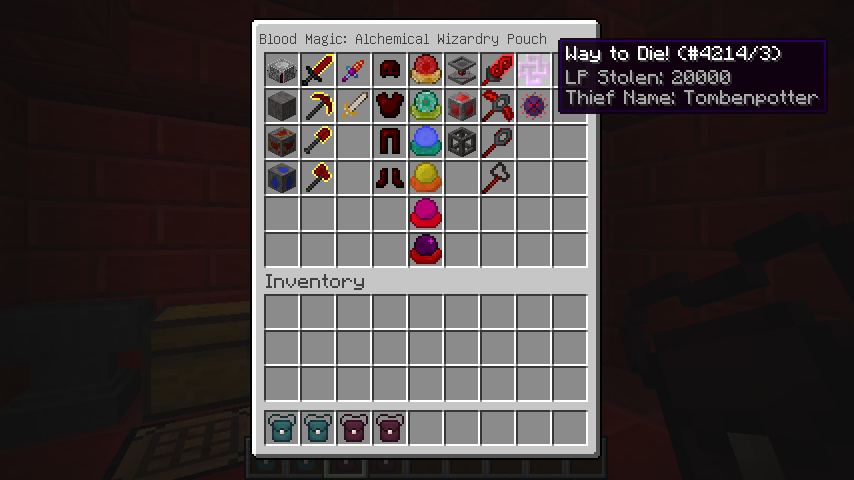 Blood Magic Pouch
 -
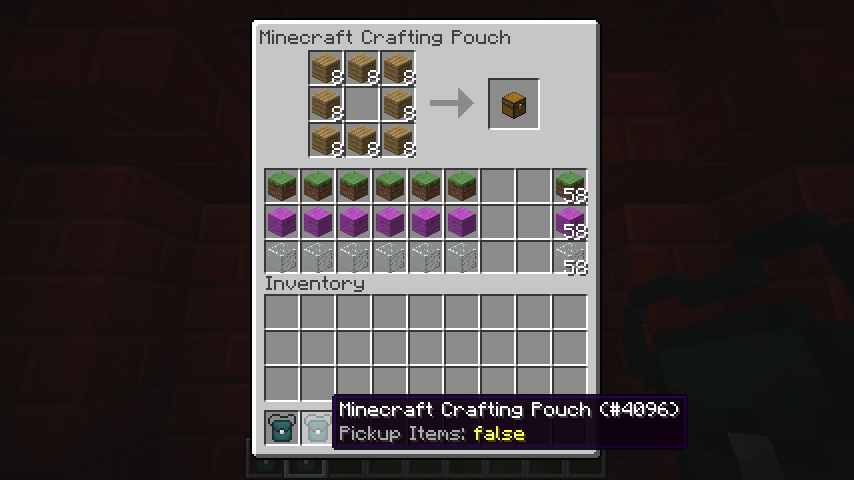 Minecraft Crafting Pouch
 -
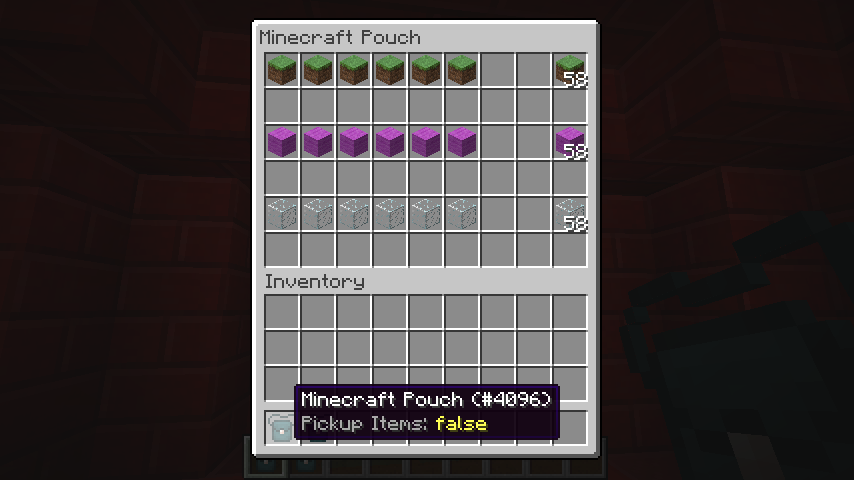 Minecraft Pouch
 -
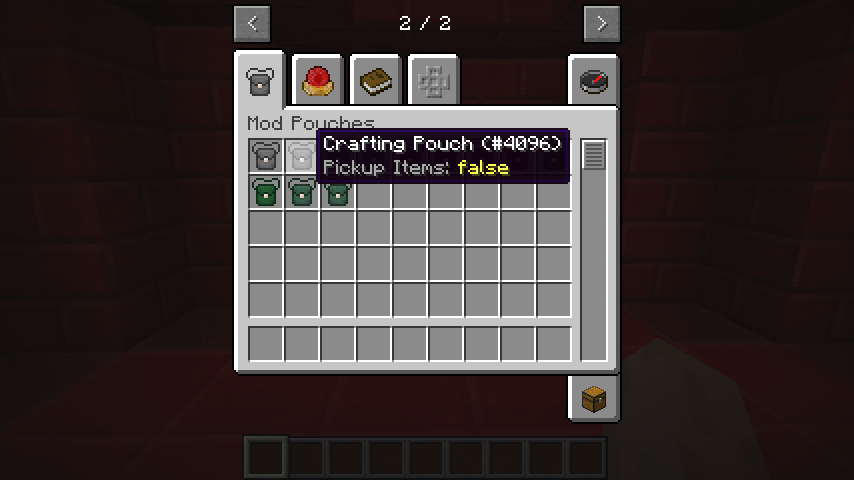 Crafting Pouch
 -
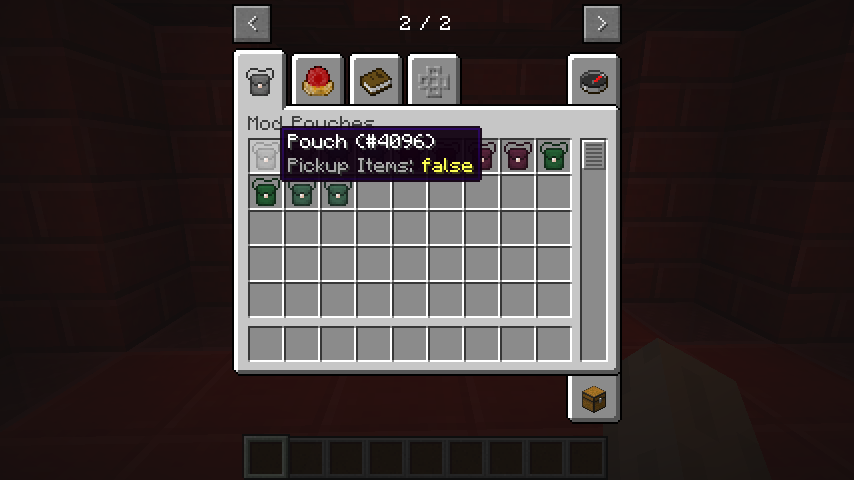 Pouch
Pouch
Versions
Files
Relations
Project Relations
More like this
Similar Mods
Suggestions use data such as tags, dependencies, dependents, descriptions, titles, and more to rank how much they overlap with this mod.
On ModDex
Community snapshot
By the numbers
Statistics
 (opens in a new tab)
Get it on
Available Platforms
On ModDex
Community snapshot
By the numbers