
Community listing page, reviews may not be monitored by the author.
Mod Recipe Book


No reviews yet
Adds a customizable, progression-based, vanilla-friendly recipe book for modded Minecraft.

Community voices
Reviews
No reviews yet. Be the first to review this project!
Get it on
Available Platforms
Compatibility
Supported Environments
Must be installed on both the client and the server.
About
Project Details
For authors
Embed Badge
If you're the author of this project, you can embed a live badge anywhere that supports HTML or Markdown. It updates automatically whenever ratings change.
Use HTML for any page that supports it, or Markdown for README files and Markdown-based descriptions.
Identifiers
Platform IDs
About
Description
A progression-based recipe book with items from mods. Discover items, unlock recipes, and learn mods as you play. Every recipe opens in a detailed layout that shows exactly how it is made, including recipes that go beyond crafting and smelting.
Recipe layouts come from JEI.
Features
Learn mods by playing
- Recipes unlock as you explore. Pick up the ingredients and the recipe appears in the book. Finding an item also shows you how to craft it.
- Find the station first. A recipe unlocks once you also have what it is made on: a crafting table, a furnace, or a crafting station added by a mod.
- Your rules. Unlock recipes after one ingredient or after all of them, with or without the crafting method.
Categories your way
- Auto categories. Every recipe from every mod is sorted into six clear tabs: Blocks, Functional Blocks, Equipment & Utilities, Food & Drinks, Ingredients, and Redstone. No setup needed, and you can reorder the tabs.
- Custom categories. Want more control? Build your own tabs from any mix of mods and switch to them in the settings.
A recipe book that does much more
- Replaces the vanilla book. Works in the inventory, crafting table, and furnaces, and adds a recipe book to the brewing stand.
- Any recipe type. Shows recipes from any mod, not just crafting and smelting, each in its own detailed layout.
- Potions and fluids. Potion recipes are included. Fluid recipes appear in recipe layouts.
- Bookmarks. Keep the items you need close at hand.
Quick to use
- Left click a recipe to place it in the grid, Shift + left click to place as many as possible.
- Right click an item to see a detailed layout with all of its recipes.
- Middle click an item to add it to bookmarks.
A progression-based recipe book with items from mods. Discover items, unlock recipes, and learn mods as you play. Every recipe opens in a detailed layout that shows exactly how it is made, including recipes that go beyond crafting and smelting.
Recipe layouts come from JEI.
Features
Learn mods by playing
- Recipes unlock as you explore. Pick up the ingredients and the recipe appears in the book. Finding an item also shows you how to craft it.
- Find the station first. A recipe unlocks once you also have what it is made on: a crafting table, a furnace, or a crafting station added by a mod.
- Your rules. Unlock recipes after one ingredient or after all of them, with or without the crafting method.
Categories your way
- Auto categories. Every recipe from every mod is sorted into six clear tabs: Blocks, Functional Blocks, Equipment & Utilities, Food & Drinks, Ingredients, and Redstone. No setup needed, and you can reorder the tabs.
- Custom categories. Want more control? Build your own tabs from any mix of mods and switch to them in the settings.
A recipe book that does much more
- Replaces the vanilla book. Works in the inventory, crafting table, and furnaces, and adds a recipe book to the brewing stand.
- Any recipe type. Shows recipes from any mod, not just crafting and smelting, each in its own detailed layout.
- Potions and fluids. Potion recipes are included. Fluid recipes appear in recipe layouts.
- Bookmarks. Keep the items you need close at hand.
Quick to use
- Left click a recipe to place it in the grid, Shift + left click to place as many as possible.
- Right click an item to see a detailed layout with all of its recipes.
- Middle click an item to add it to bookmarks.


Screenshots
Gallery
-
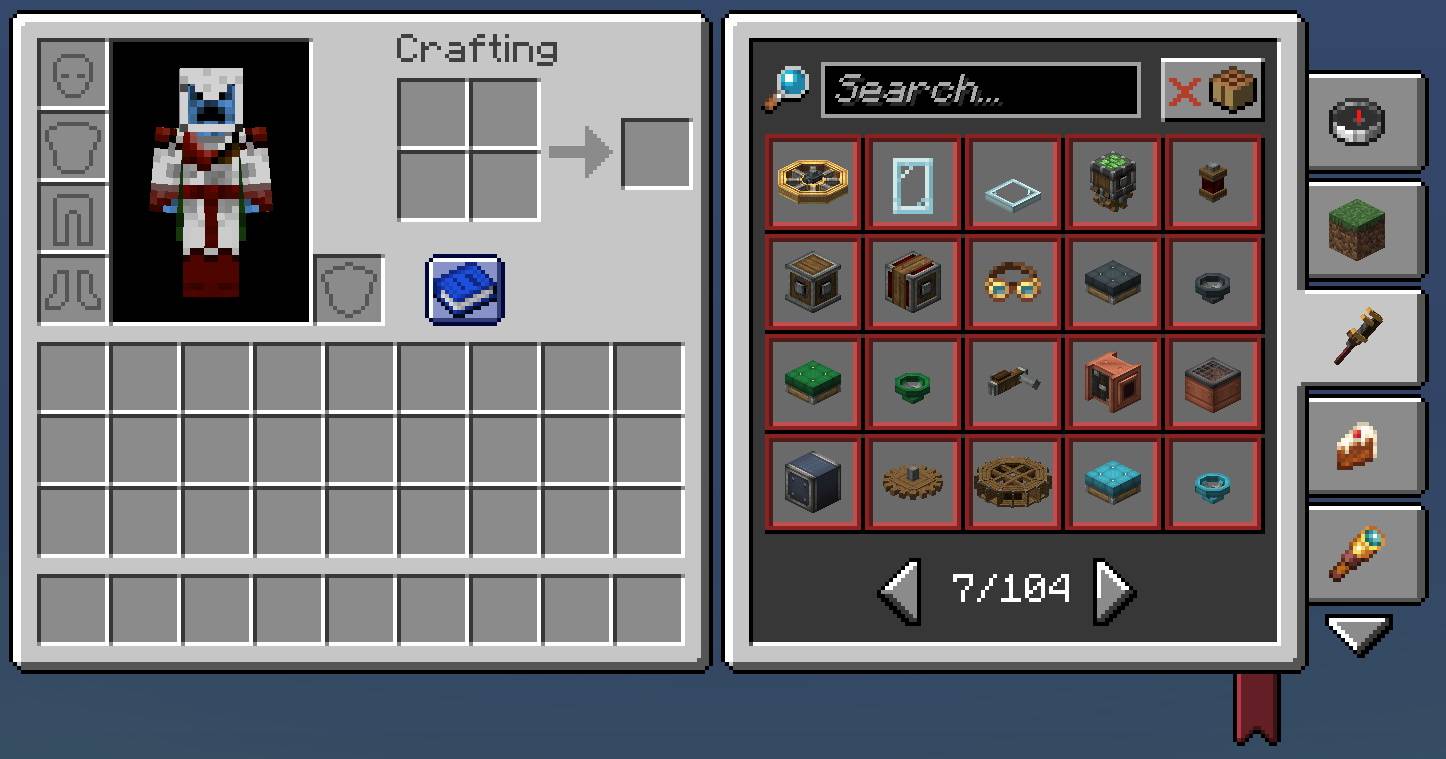 Recipe book in inventory Recipe book in inventory
-
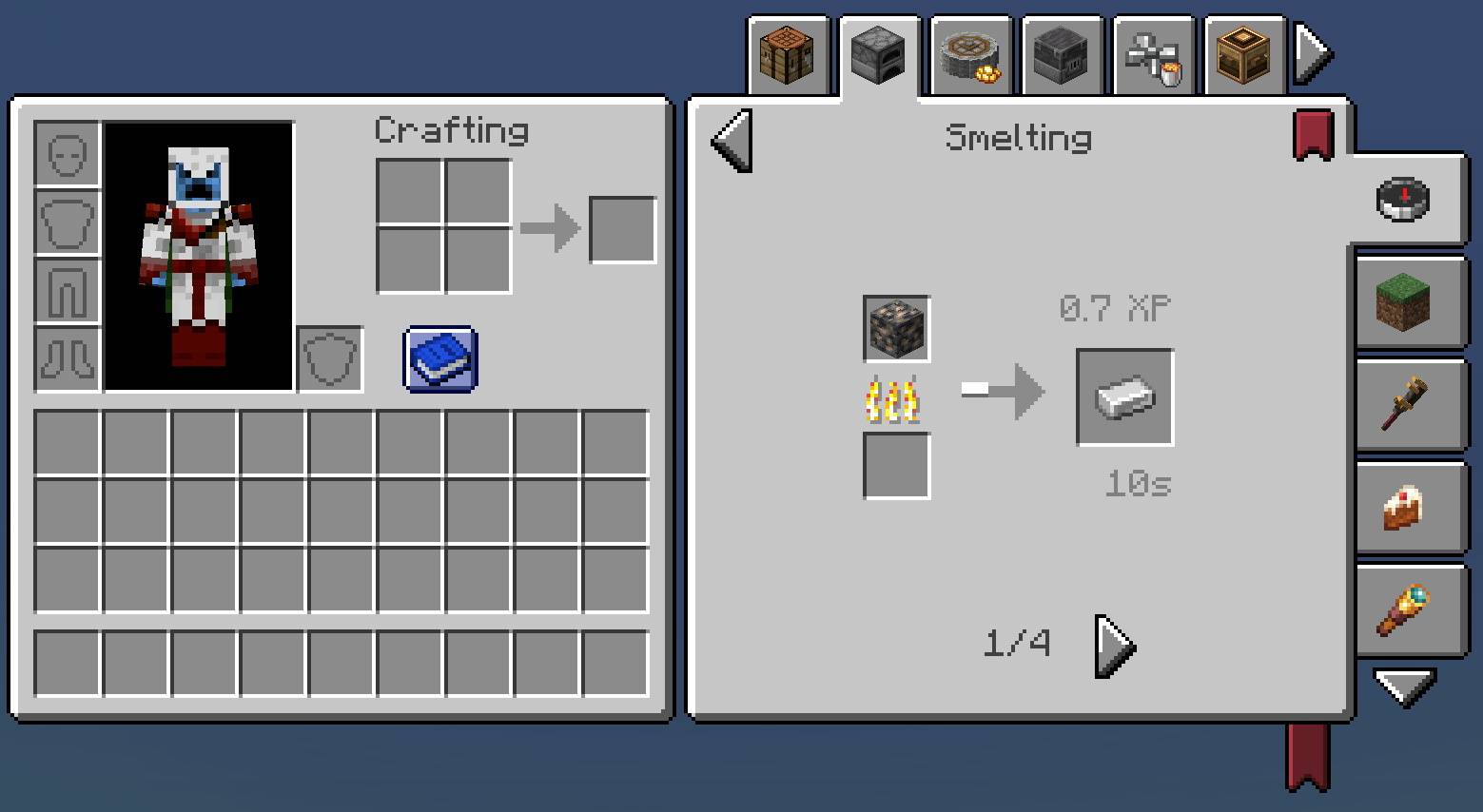 Detailed crafting information Detailed crafting information
-
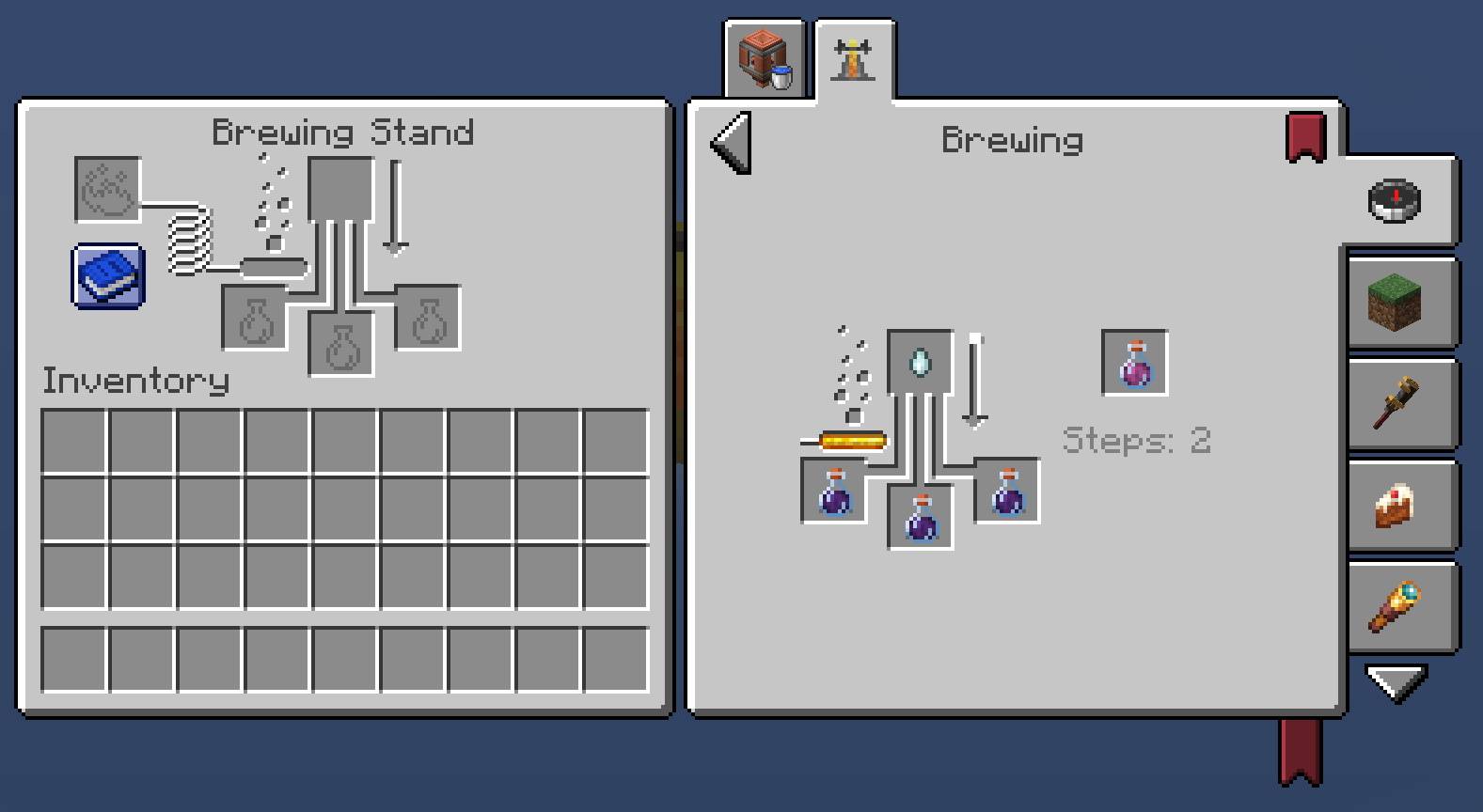 Potions crafting supported Potions crafting supported
-
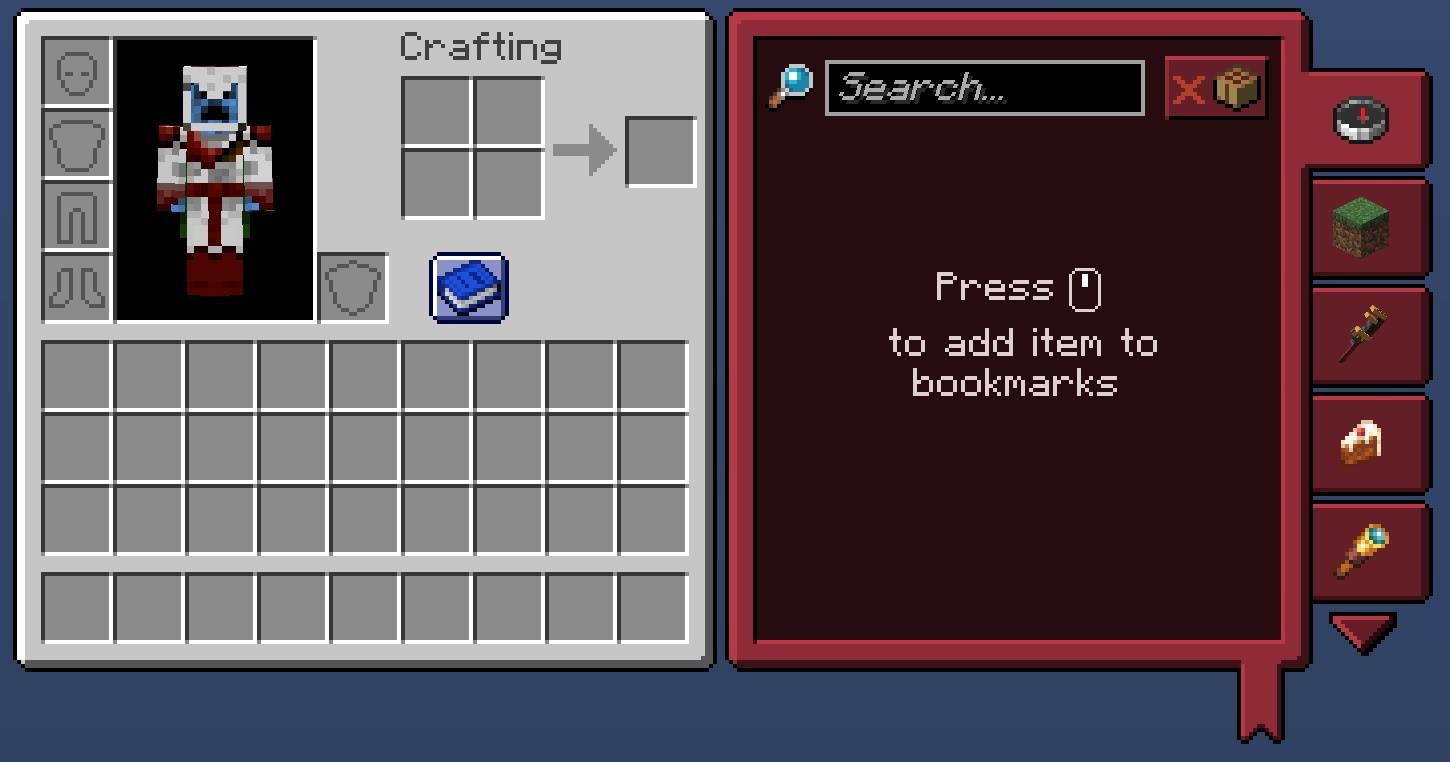 Bookmarks Bookmarks
-
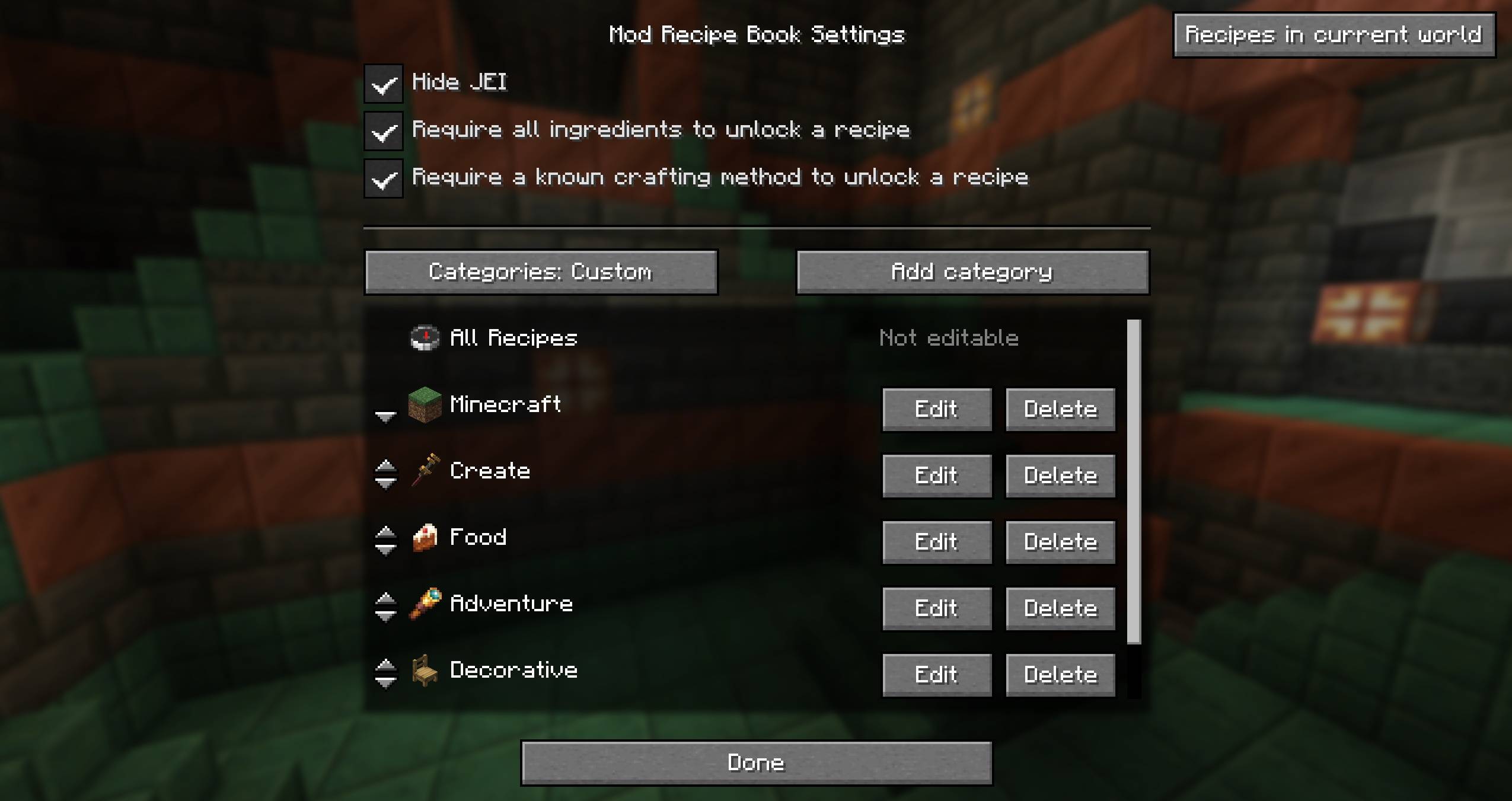 Mod settings
-
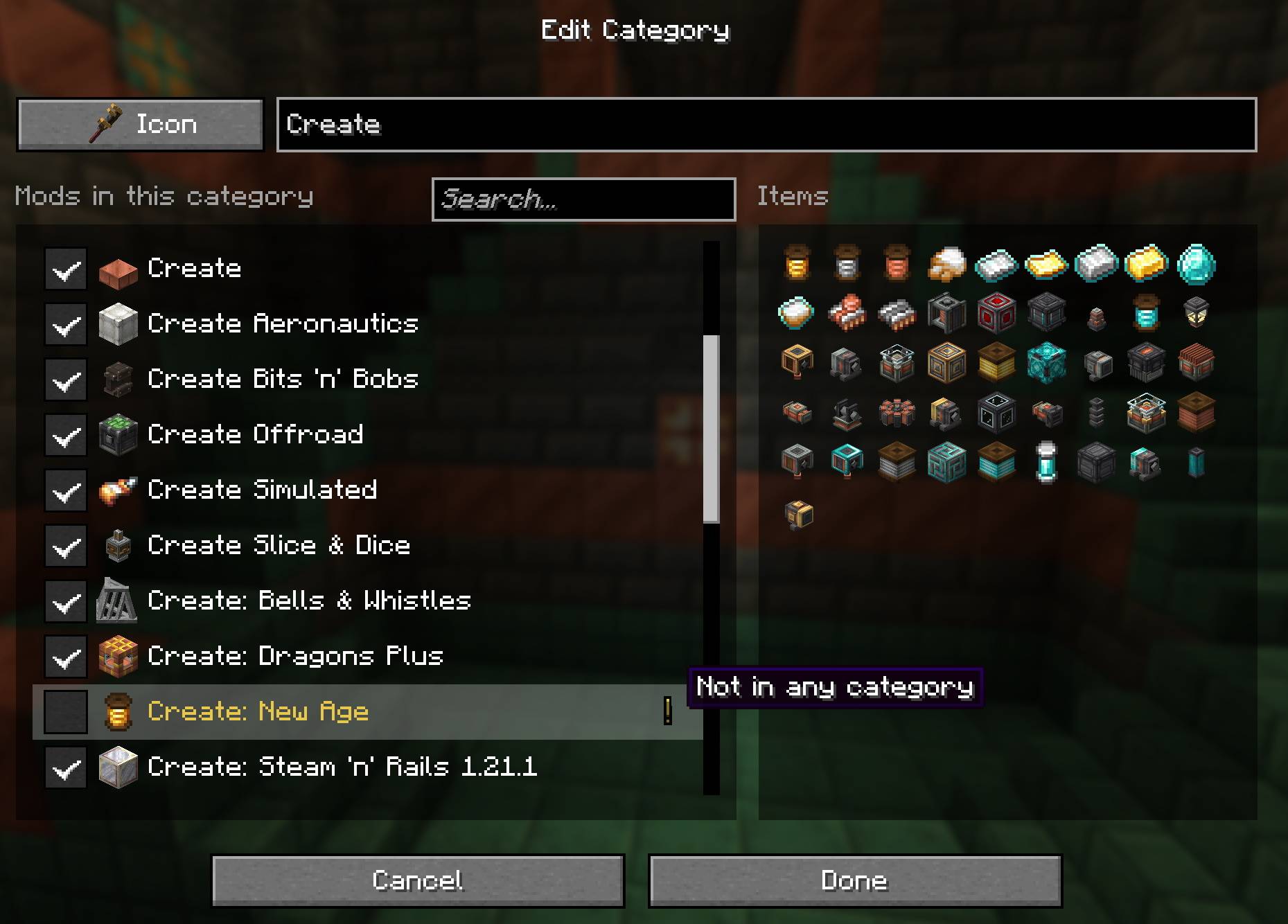 Category customization Category customization
-
Recipe book in inventory
-
Detailed crafting information
-
Potions crafting supported
-
Bookmarks
-
Mod settings
-
Category customization
Versions
Files
Relations
Project Relations
More like this
Similar Mods
Suggestions use data such as tags, dependencies, dependents, descriptions, titles, and more to rank how much they overlap with this mod.
On ModDex
Community snapshot
By the numbers
Statistics

Get it on
Available Platforms
On ModDex
Community snapshot
By the numbers