
Community listing page, reviews here may not be monitored by the author.
Modify Utils

No reviews yet
Makes specific custom items render bigger on the ground — with item locking, multiple render modes, and full in-game configuration!
Community voices
Reviews
No reviews yet. Be the first to review this project!
Get it on
Available Platforms
Compatibility
Supported Environments
Runs entirely on the client. Works on vanilla servers.
About
Project Details
For authors
Embed Badge
If you're the author of this project, you can embed a live badge anywhere that supports HTML or Markdown. It updates automatically whenever ratings change.
Use HTML for any page that supports it, or Markdown for README files and Markdown-based descriptions.
Identifiers
Platform IDs
Resources
External Links
About
Description
Modify Utils
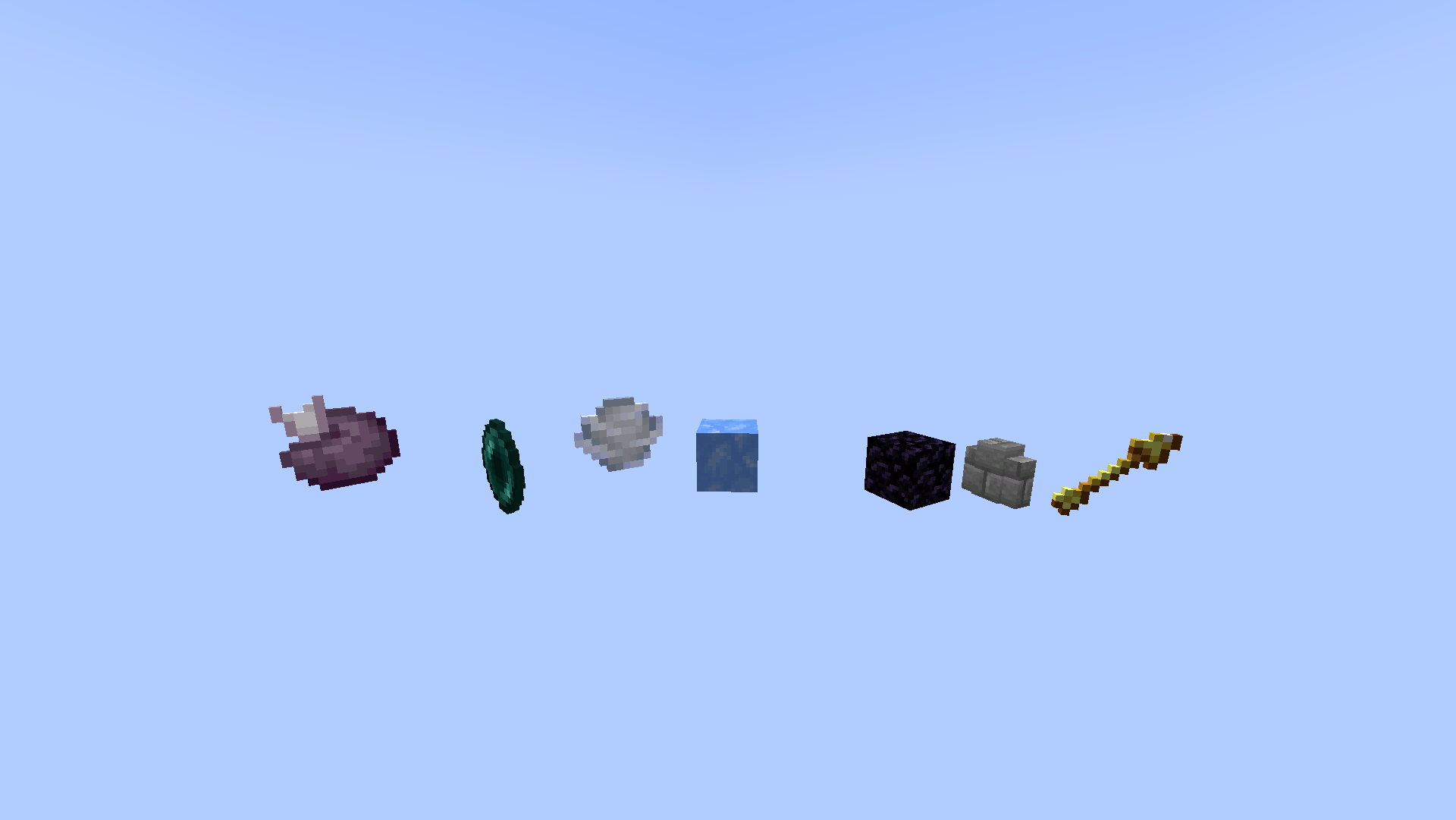
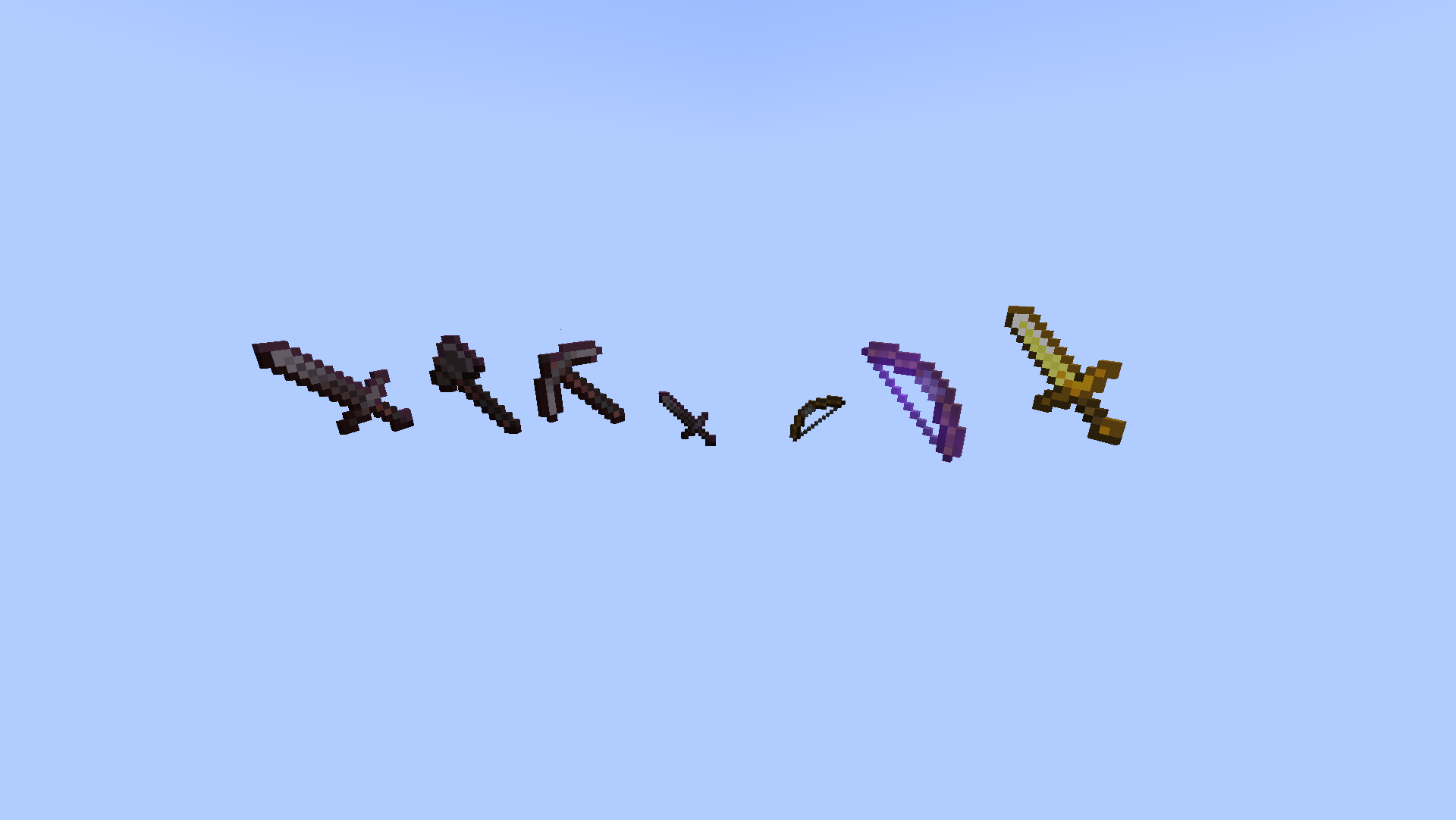
Modify Utils makes valuable dropped items render larger on the ground — so you never lose track of important items on a custom server again!
✨ Features
- Valuable dropped items render visually larger on the ground
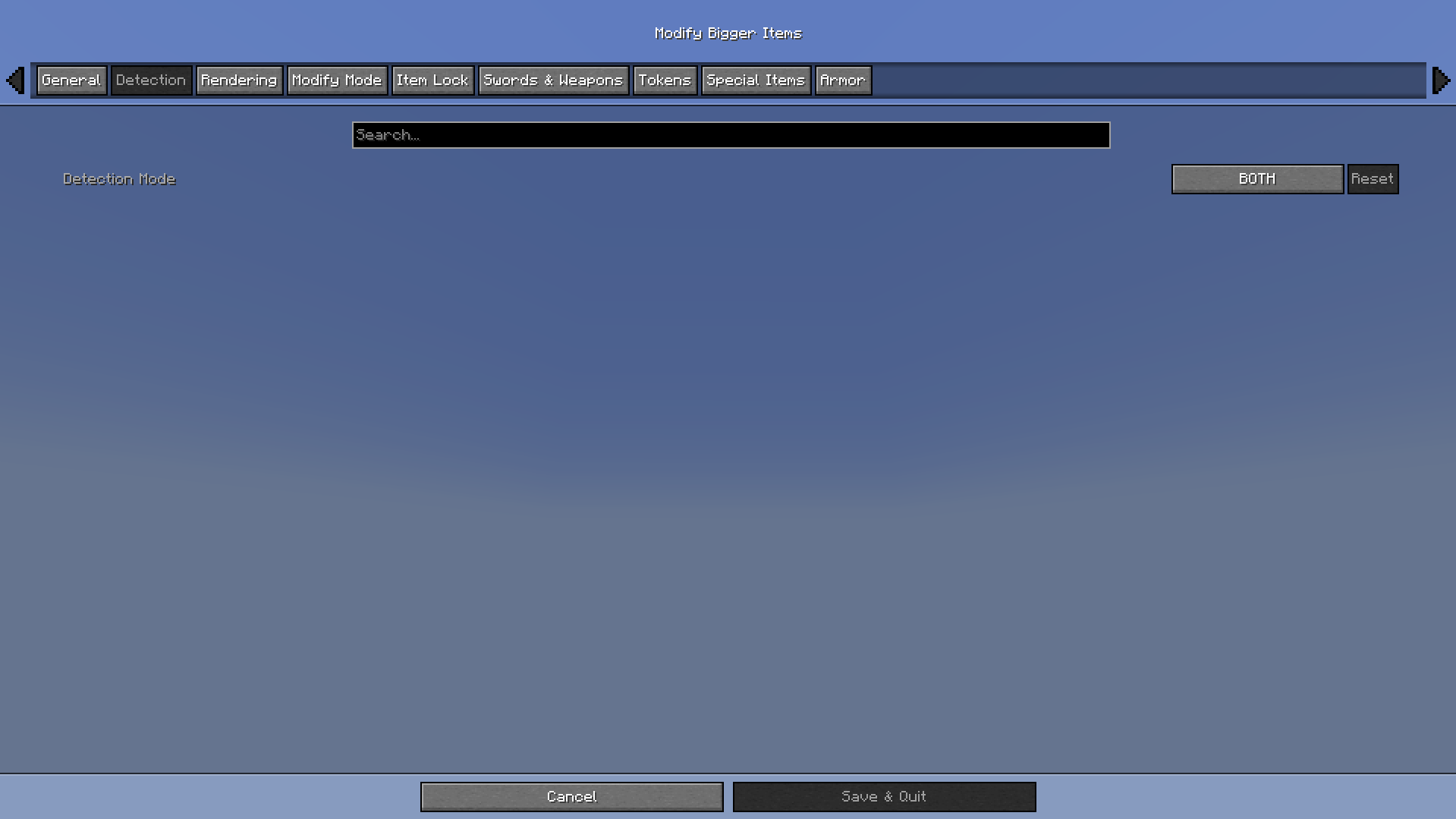
- Detects items by custom name, item type, or both
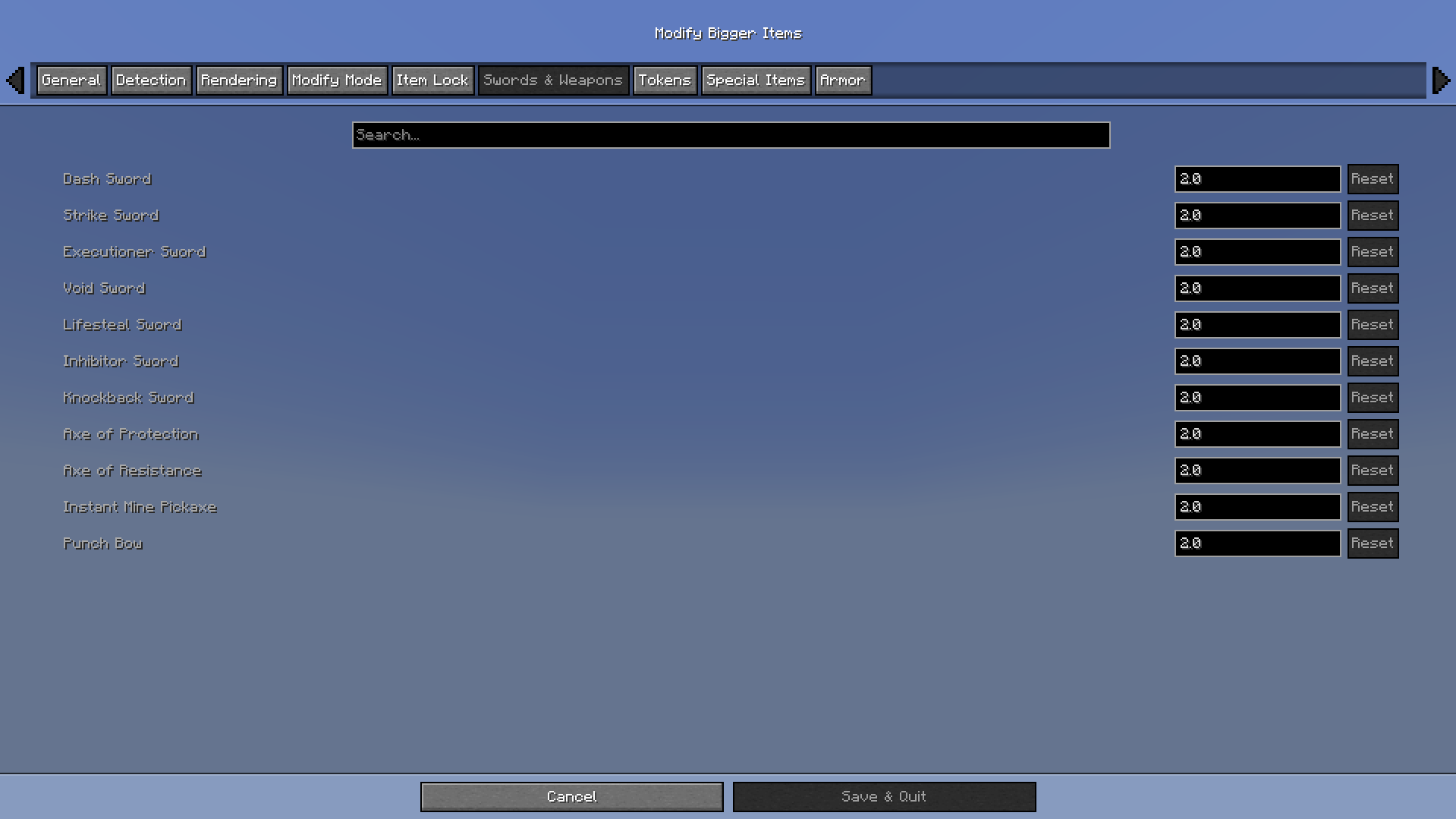
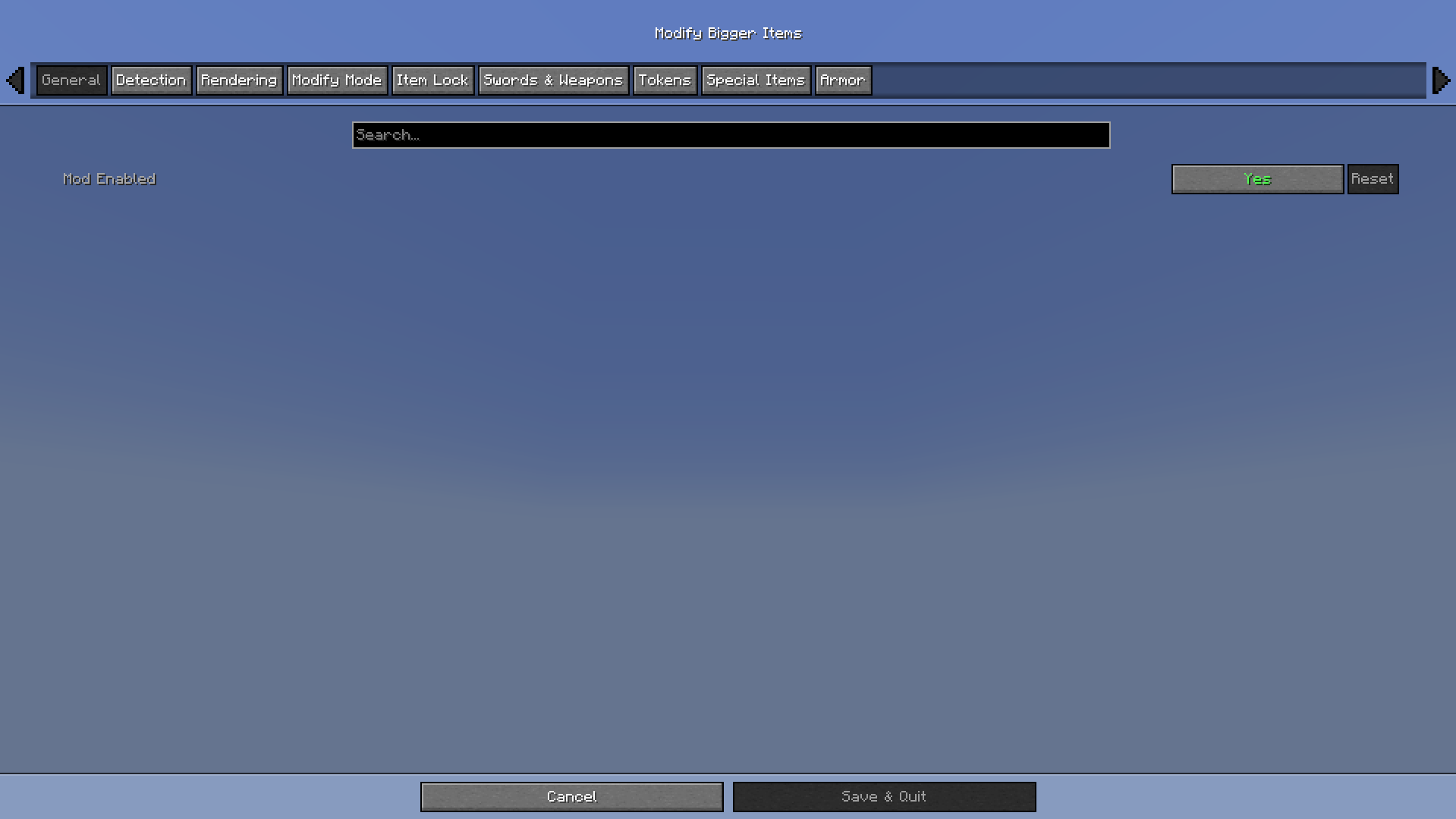
- Fully configurable scales from 0.1x to 4.0x per item
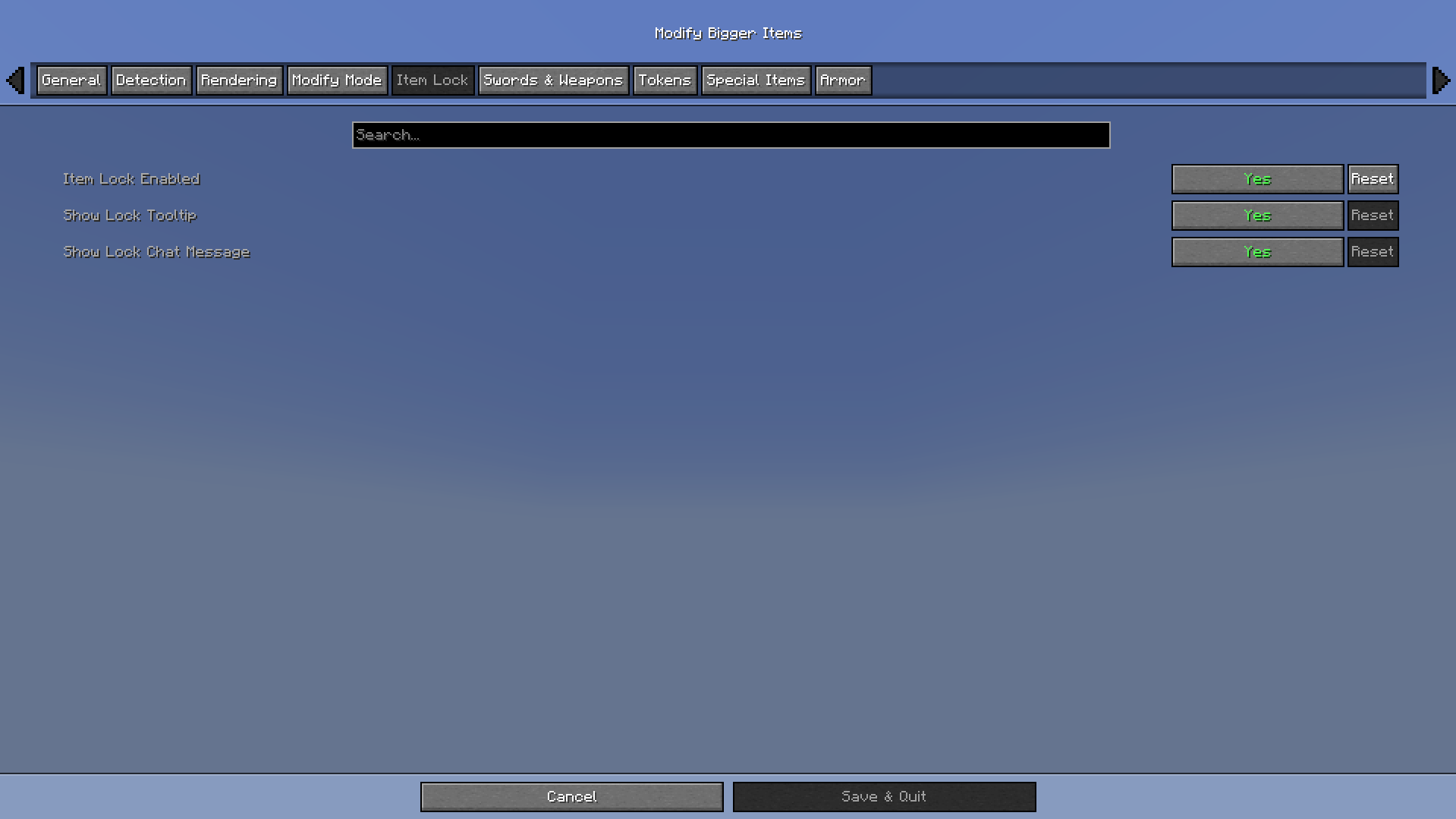
- Item Lock — prevents protected items from being accidentally dropped
- Multiple render modes for balancing visibility and performance
- Custom item rules using item ID, item path, or display-name matching
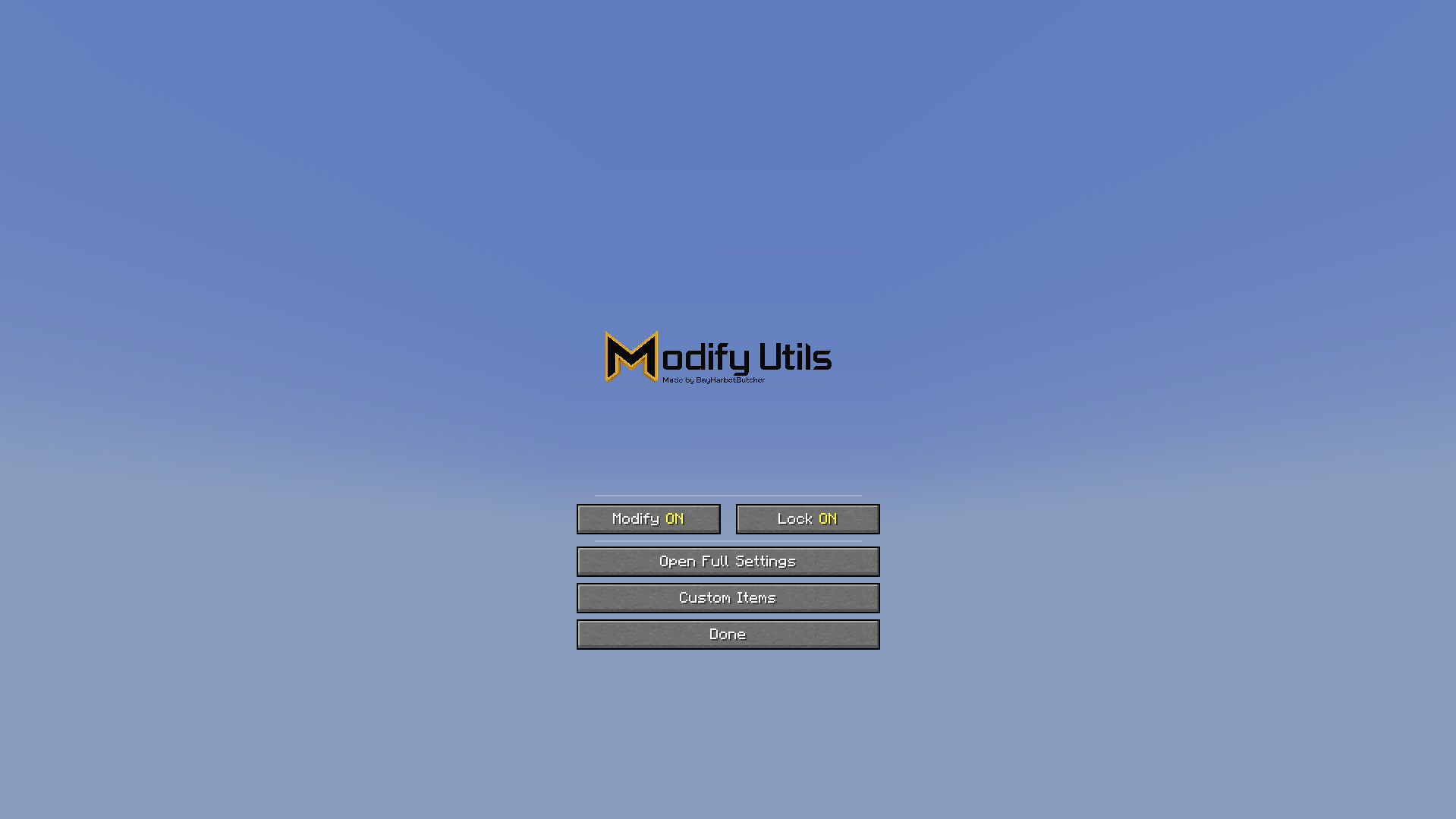
- In-game settings screen with quick hotkeys
- Lightweight client-side only — no server installation needed
🗡️ Supported Items
Swords & Weapons
- Dash Sword, Strike Sword, Executioner Sword
- Void Sword, Lifesteal Sword, Inhibitor Sword
- Knockback Sword, Axe of Protection, Axe of Resistance
Tools
- Instant Mine Pickaxe, Punch Bow
Tokens
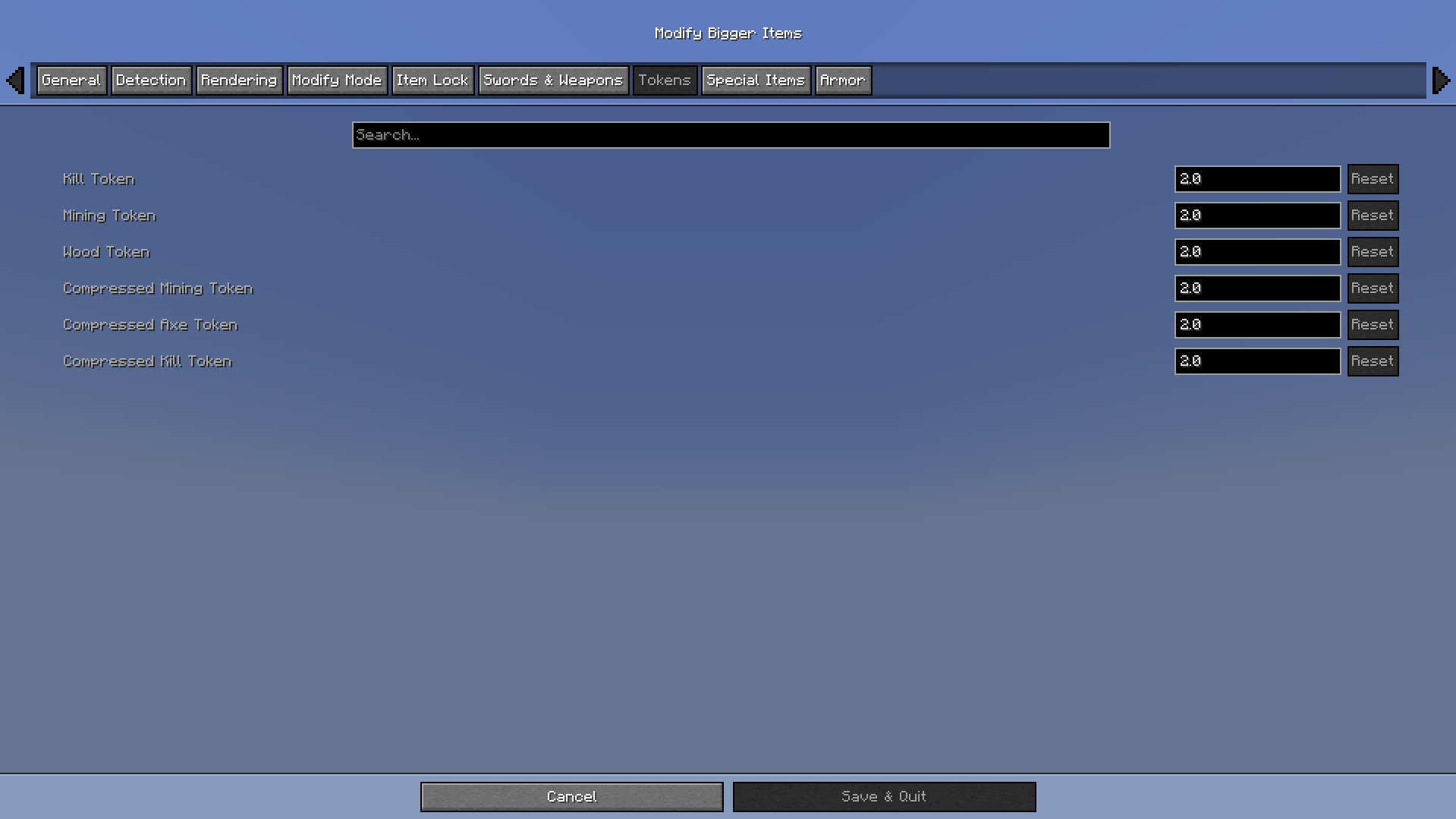
- Kill Token, Mining Token, Wood Token
- Compressed Mining Token, Compressed Axe Token, Compressed Kill Token
Special Items
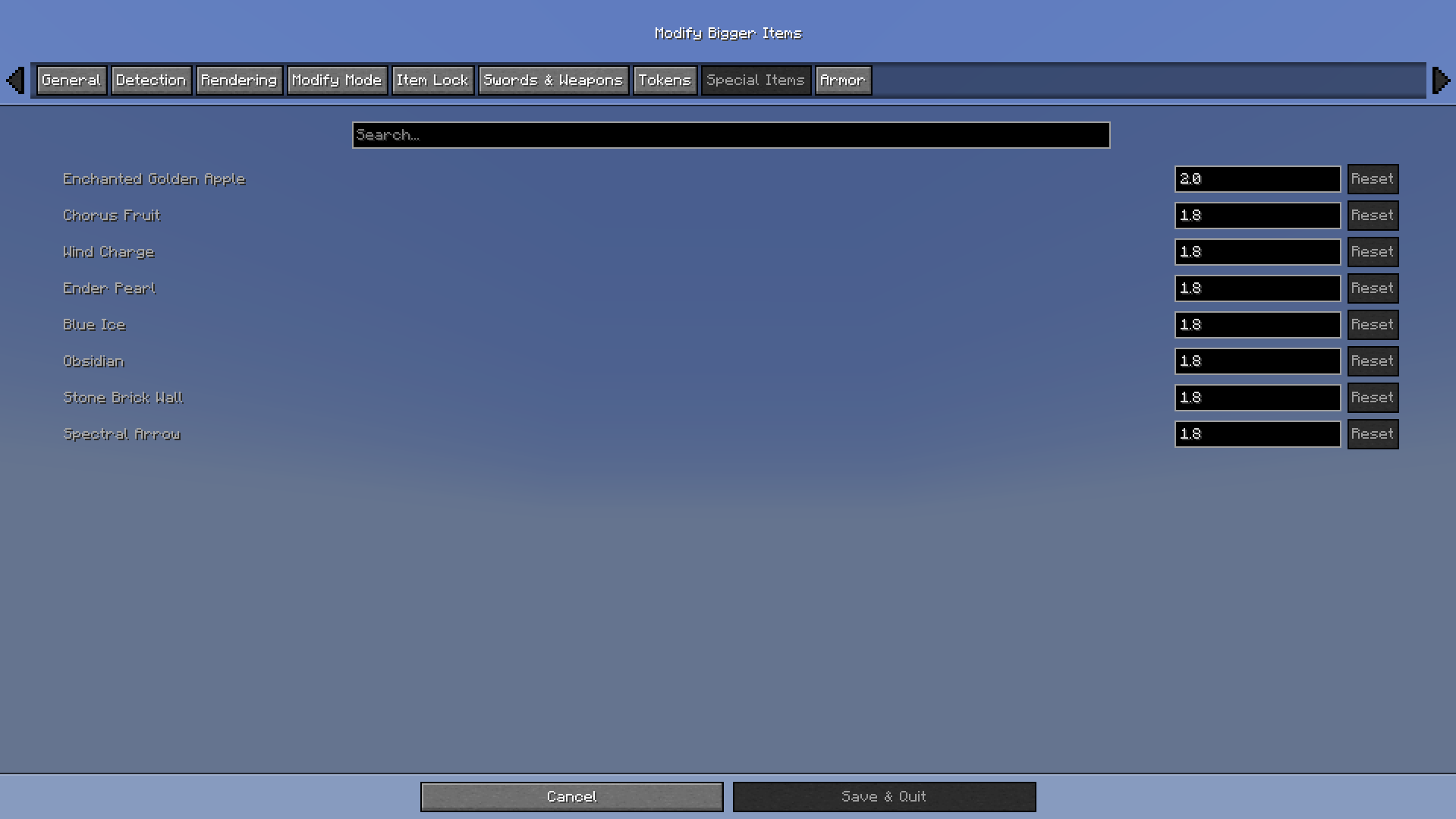
- Enchanted Golden Apple, Chorus Fruit, Wind Charge
- Ender Pearl, Blue Ice, Obsidian, Stone Brick Wall
- Spectral Arrow
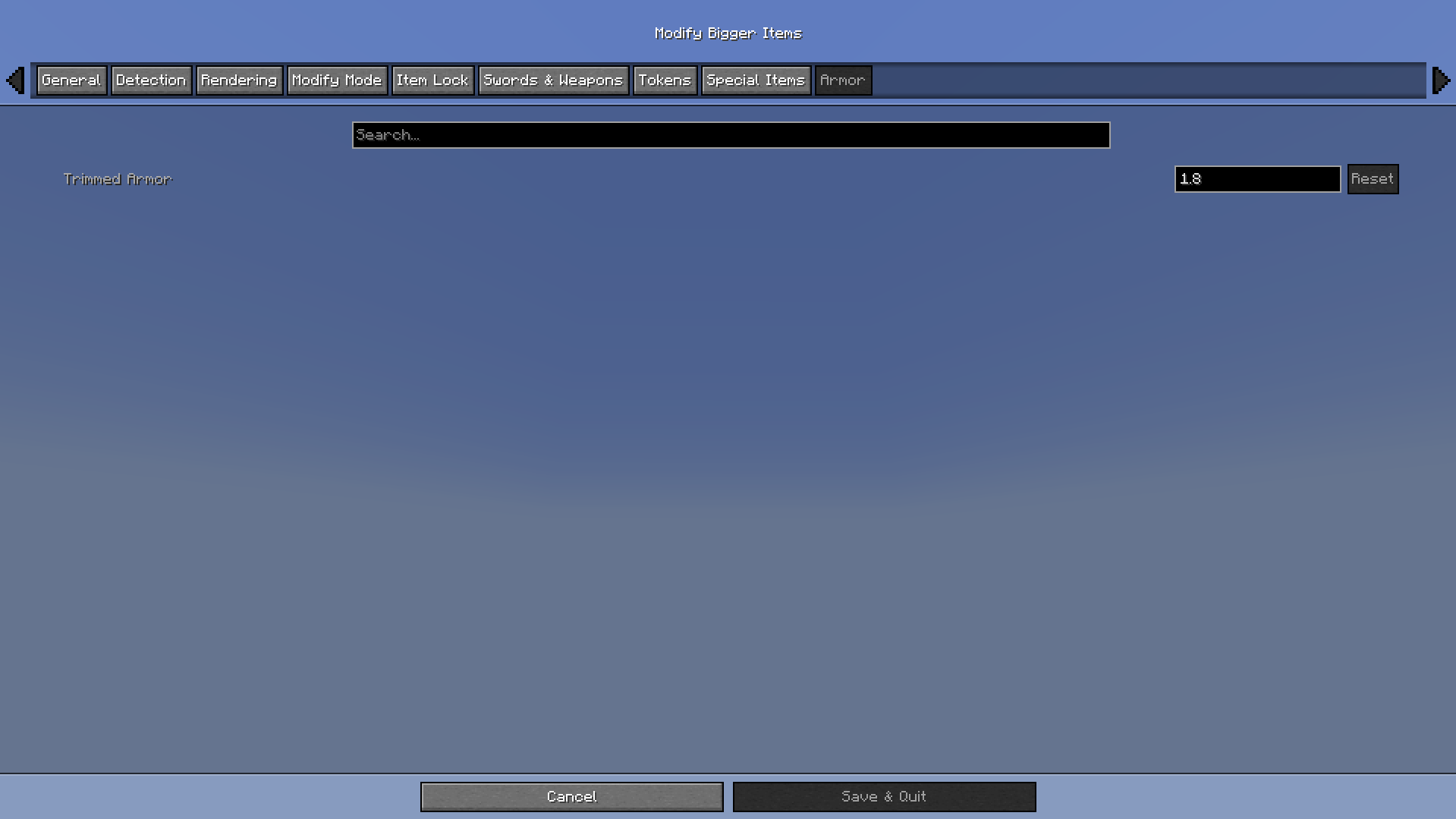
Armor
- All trimmed armor pieces
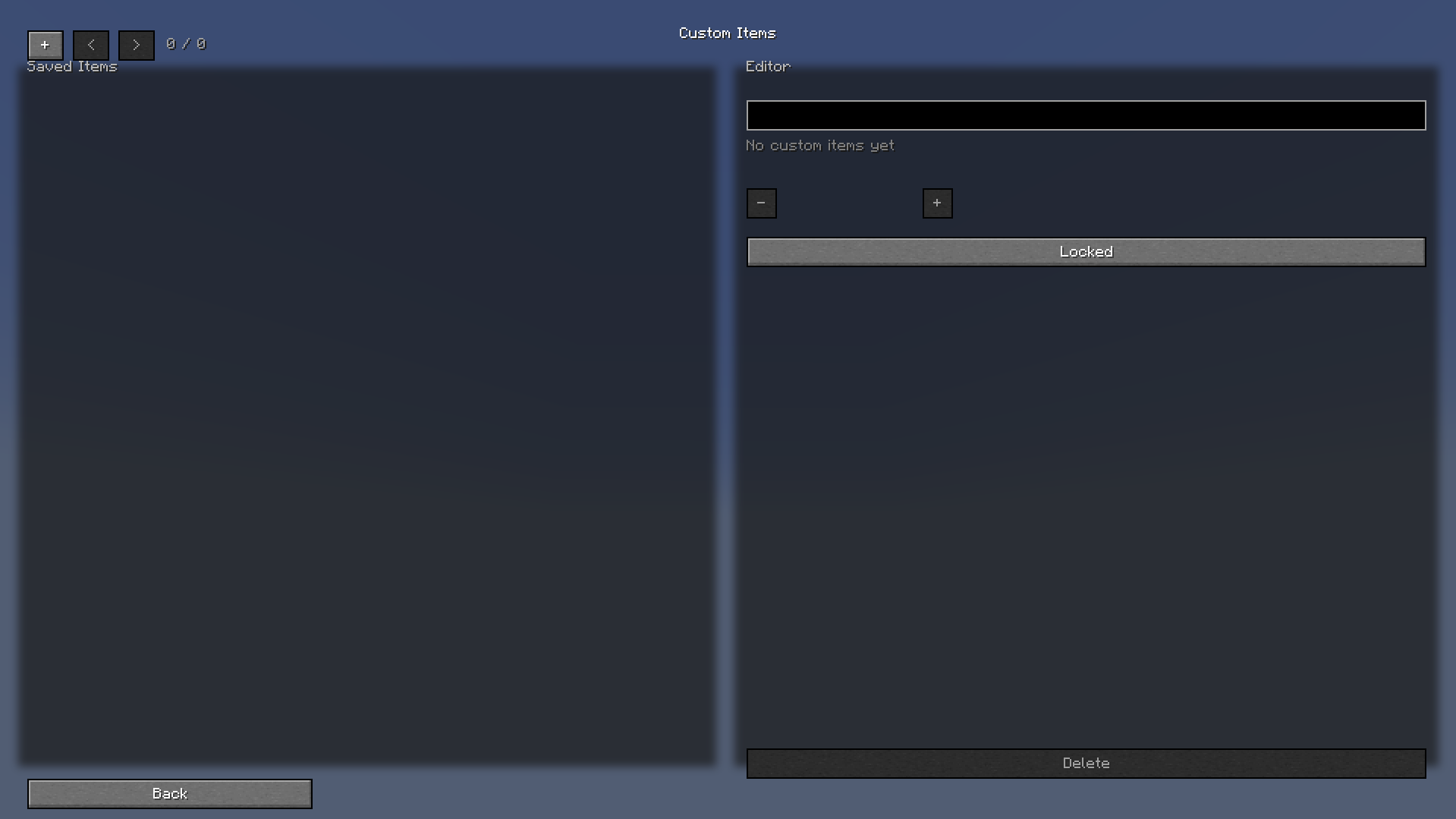
Custom Items
- Any item you define yourself via the config!
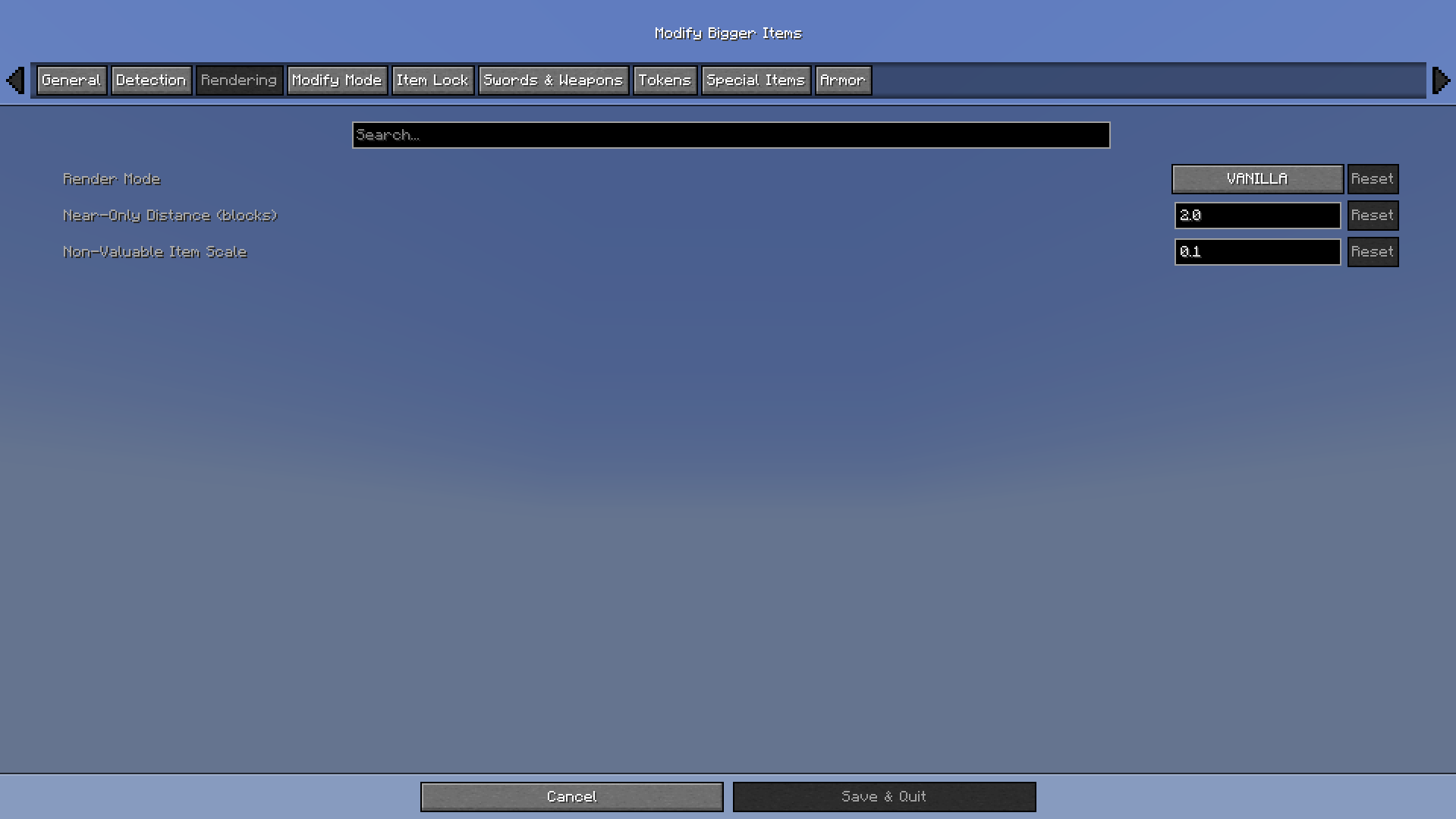
🎨 Render Modes
| Mode | Behavior |
|---|---|
| Vanilla | Normal rendering unless a valuable item is modified |
| Performance | Non-valuable items render tiny |
| Ultra Performance | Non-valuable items are hidden entirely |
| Near Only | Non-valuable items only render close to the player |
⌨️ Hotkeys
| Key | Action |
|---|---|
| L | Toggle Item Lock |
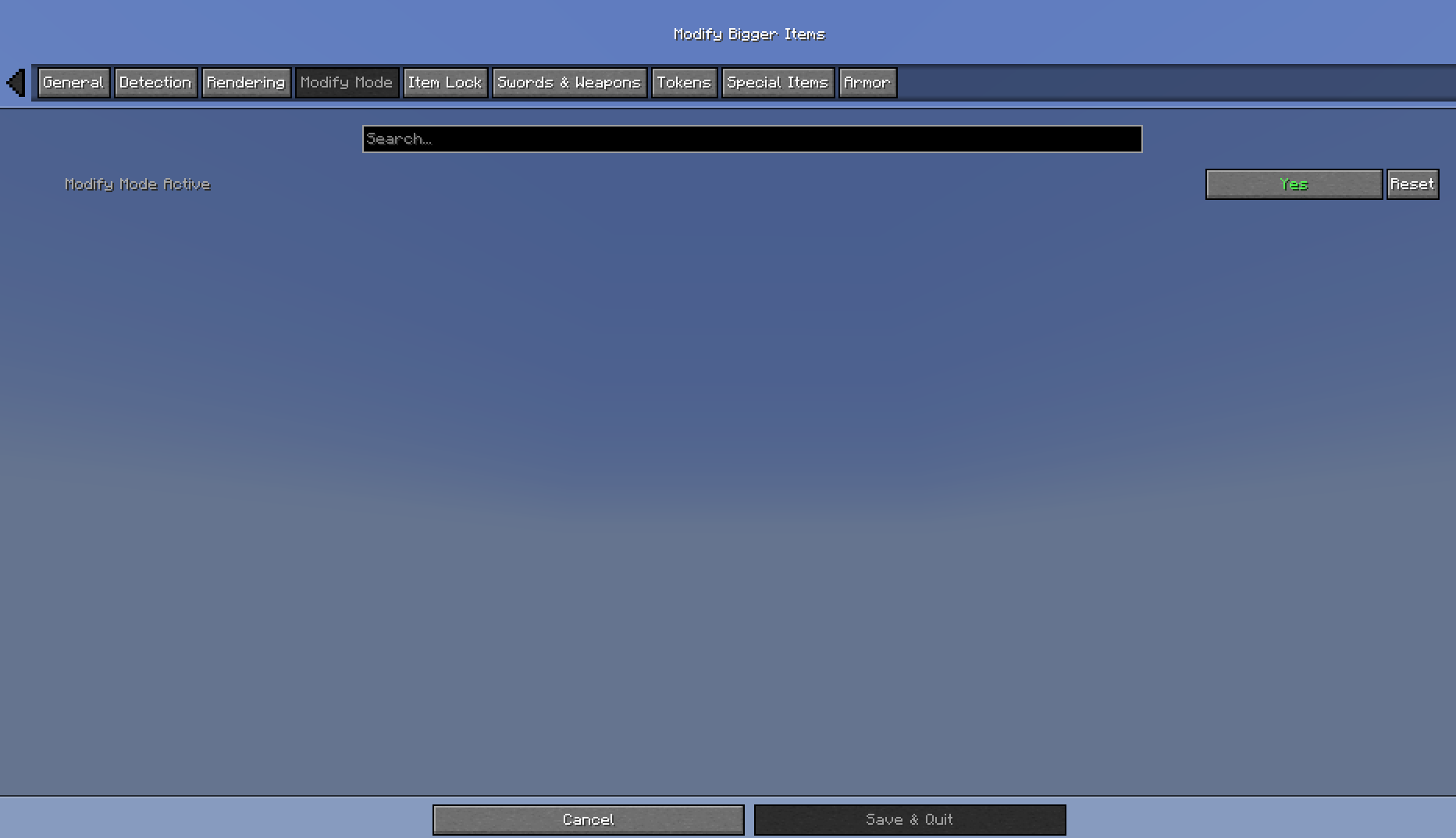
| M | Toggle Modify Mode |
| N | Cycle Render Mode |
| B | Cycle Detection Mode |
| O | Open Settings |
⚙️ Configuration
Open Mod Menu in-game and click on Modify Utils to adjust scales, detection modes, render modes, and custom item rules — all without leaving the game.
📦 Requirements
- Fabric Loader 0.16.0+
- Fabric API
- Cloth Config
- Mod Menu
- Java 21+
Screenshots
Gallery

Versions
Files
Relations
Project Relations
More like this
Similar Mods
Suggestions use data such as tags, dependencies, dependents, descriptions, titles, and more to rank how much they overlap with this mod.
On ModDex
Community snapshot
By the numbers
Statistics

Want to reach Minecraft players?
We're looking for a server hosting partner to feature here and other parts of the site. Interested? Send us a message!
Get in touchGet it on
Available Platforms
On ModDex
Community snapshot
By the numbers
Statistics
Resources