
Community listing page, reviews here may not be monitored by the author.

Community voices
Reviews
No reviews yet. Be the first to review this project!
Get it on
Available Platforms
Compatibility
Supported Environments
Must be installed on both the client and the server.
About
Project Details
For authors
Embed Badge
If you're the author of this project, you can embed a live badge anywhere that supports HTML or Markdown. It updates automatically whenever ratings change.
Use HTML for any page that supports it, or Markdown for README files and Markdown-based descriptions.
Identifiers
Platform IDs
About
Description
Monday Night Minin'
Or "Monimi" for short

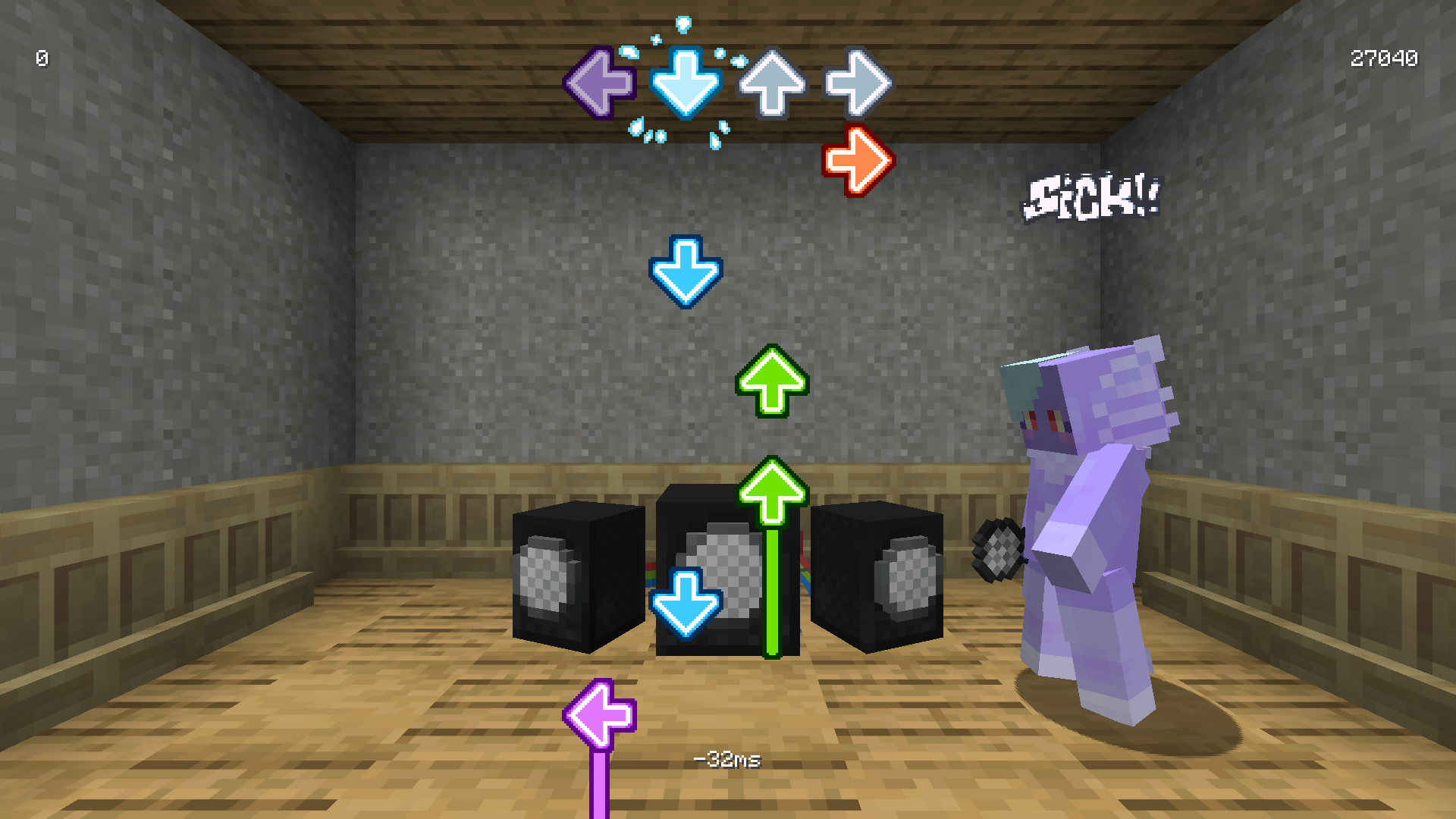
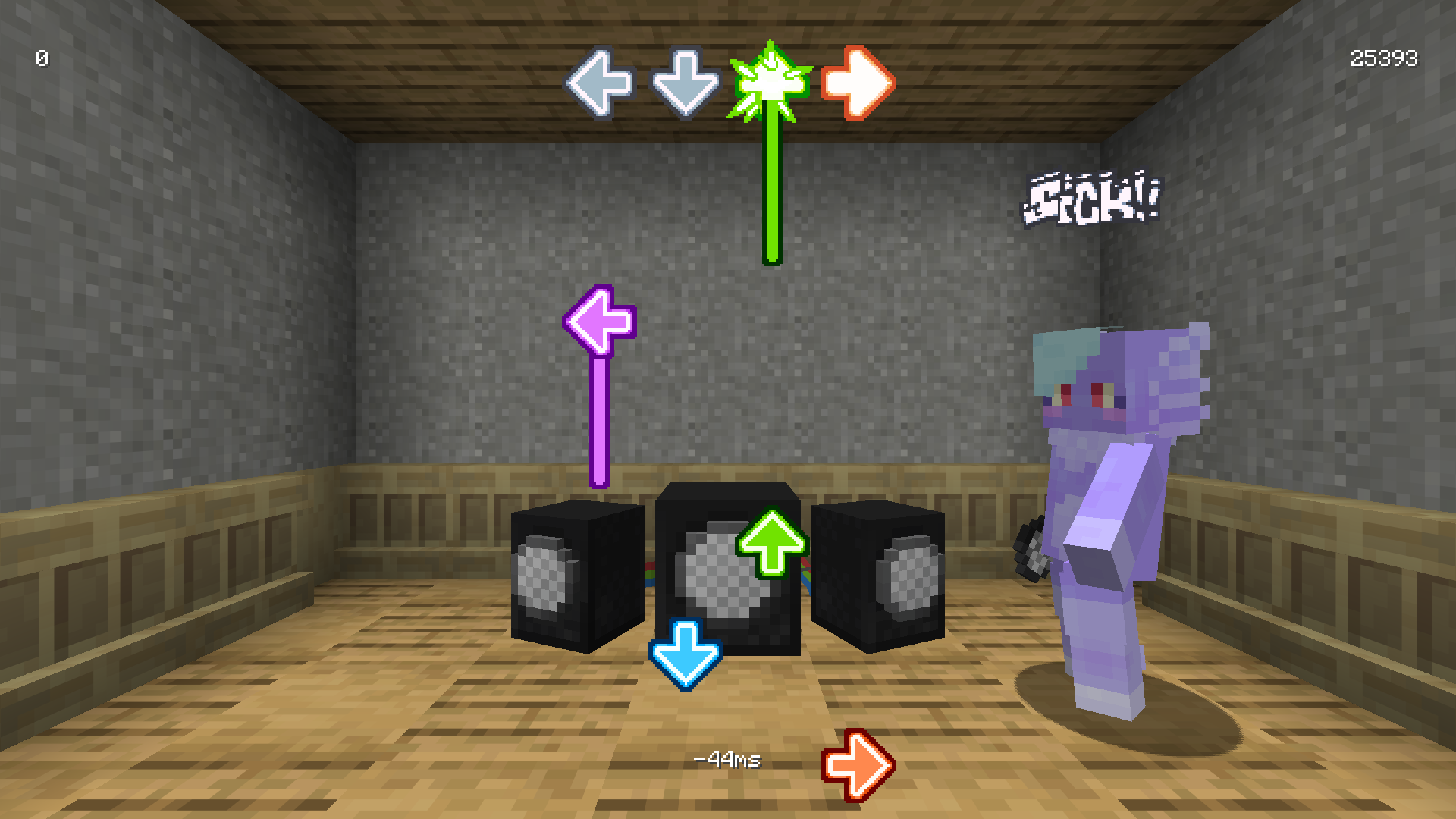
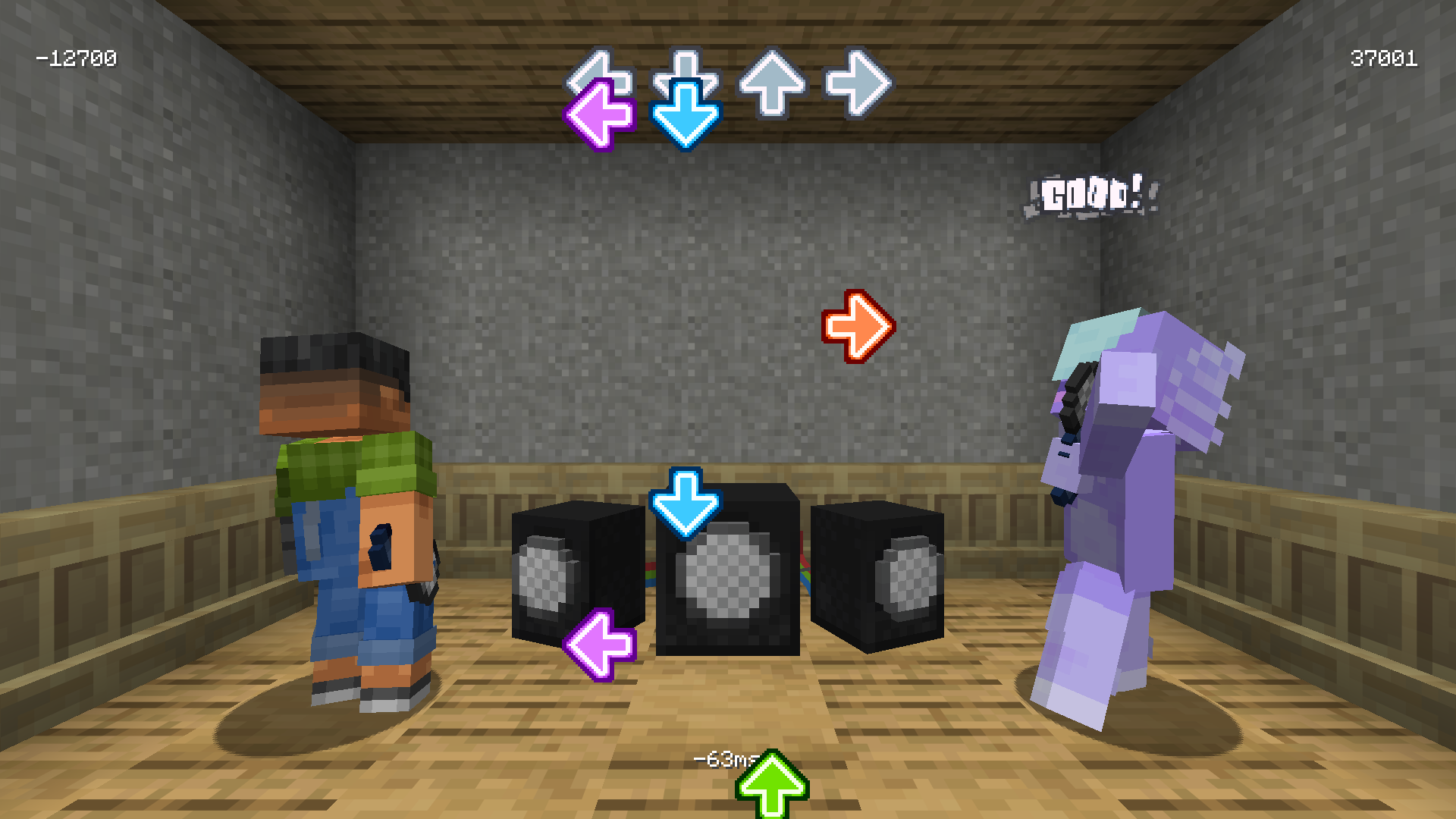
A Friday Night Funkin' inspired rhythm versus mod; play by yourself or against an opponent for the highest score!
🛈 Note
No charts are included in the mod!
You will need to download them separately (for licensing reasons).
Features
- Speakers, where you can check out and play charts
- Microphones, can't rap without one!!
- Solo and versus play
- Data-driven charts and player animations
- Swaggy note splashes and judgement text
- Configurable scroll speed and toggleable down scroll
Where to Get Charts
Here are some released charts which can be played with Monimi:
Making Your Own Charts
There is no official chart editor, meaning you will have to use FNF's chart editor and convert it to the following format yourself:
{
  "song": {
    "name": "ROT FOR CLOUT",
    "artist": "Jamie Paige",
    "file": "monimi:music/rot_for_clout",
    "cover": "monimi:textures/cover/rot_for_clout.png",
    "length": 150,
    "bpm": 172
  },
  "charter": "Blex",
  "scrollSpeed": 2.8,
  "notes": [
    [ 200, 0 ],
    [ 400, 1 ],
    [ 600, 2 ],
    [ 800, 3 ],
    [ 1000, 0, 500 ],
    [ 1200, 1, 500 ],
    [ 1400, 2, 500 ],
    [ 1600, 3, 500 ]
    ...
  ]
}
Each note is 2 or 3 numbers, representing the time, direction, and length respectively. Time and length are both in milliseconds, and the directions are 0 - left, 1 - down, 2 - up, 3 - right.
Making Your Own Animations
Animations are bound to the microphone item and are completely data-driven. In order to create a new animation, ensure the following things are setup first:
- Get Blockbench
- Install the GeckoLib plugin inside Blockbench
- Download this player model
Animating
Inside Blockbench, open the player and switch to the animations tab. Then, either modify the existing five animations or create a new group and make your own animations inside there. (If doing so, ensure to keep the animation names the same).
When finished animating, export the JSON file, rename it and move it inside the appropiate location inside an resource pack (assets/<namespace>/animations/<your_json_file_here>).
🛈 Hints
- The animations are supposed to feel snappy! Try to work with instant poses and keep movement down to a few frames, though, the animations can be made as long as needed.
- Right-clicking on an animation shows their properties. Looping behavior can be adjusted there. Use the
Loop Delayfield to determine where the next loop starts (the label is missleading)
Loading the Animation In-Game
Inside Minecraft, an item needs to be modified to be recognized as a microphone with our new animation. This is done through Item Components.
The following command can be used as an quick start:
/give @s copper_axe[monimi:microphone="<namespace>:<your_animation_name_here>"]
It can be extended and modified to your liking by either changing the base item (copper_axe) and adding more components that also change its name and appearance.
Additionally, recipes can be modified to contain these components too.
Screenshots
Gallery
Versions
Files
Relations
Project Relations
More like this
Similar Mods
Suggestions use data such as tags, dependencies, dependents, descriptions, titles, and more to rank how much they overlap with this mod.
On ModDex
Community snapshot
By the numbers
Statistics

Want to reach Minecraft players?
We're looking for a server hosting partner to feature here and other parts of the site. Interested? Send us a message!
Get in touchGet it on
Available Platforms
On ModDex
Community snapshot
By the numbers