
Community listing page, reviews here may not be monitored by the author.
User Interface For Motion Capture (Add-on)

No reviews yet
A Simple User Interface for Motion Capture (mocap), using the Built-in Dialog System.
Community voices
Reviews
No reviews yet. Be the first to review this project!
Get it on
Available Platforms
Compatibility
Supported Environments
Runs entirely on the server. Also works in singleplayer.
About
Project Details
For authors
Embed Badge
If you're the author of this project, you can embed a live badge anywhere that supports HTML or Markdown. It updates automatically whenever ratings change.
Use HTML for any page that supports it, or Markdown for README files and Markdown-based descriptions.
Identifiers
Platform IDs
Resources
External Links
About
Description
This datapack was made to give Motion Capture a user interface when using Start, Stop, Discard, and Save.
Press "G" to start using.
Why make this?
I made this because my finger's really hurt when using Motion Capture for a long time, I figured why not share this in-case there are also other people who use the mod but found it tiring to type the commands over and over again.
This still needs the Motion Capture mod in order to use this, and No A.I was used on the making of this pack.
Disclaimer
The command for Recordings, Scenes, and Settings is not here because they have a lot of commands and sub commands some of which I dont fully understand because I never used them, But I will add them still.
This may not work fully with flashback if your doing your creation inside a finished recording of flashback it's not gonna work you must first record the player/yourself then record the scene with flashback.
Planned Update:
- Store the file name player used.
- Show a list of those file name.
- Add a player speed and size option (u can do this using player attributes this is not ground breaking)
- Better implementation of Scene, Recording, and Settings.
Credit:
Thankyou to the People in the "Minecraft Command" discord server for helping me with errors.
Bonus
I recommend using the following to use along side mocap.
Screenshots
Gallery
-
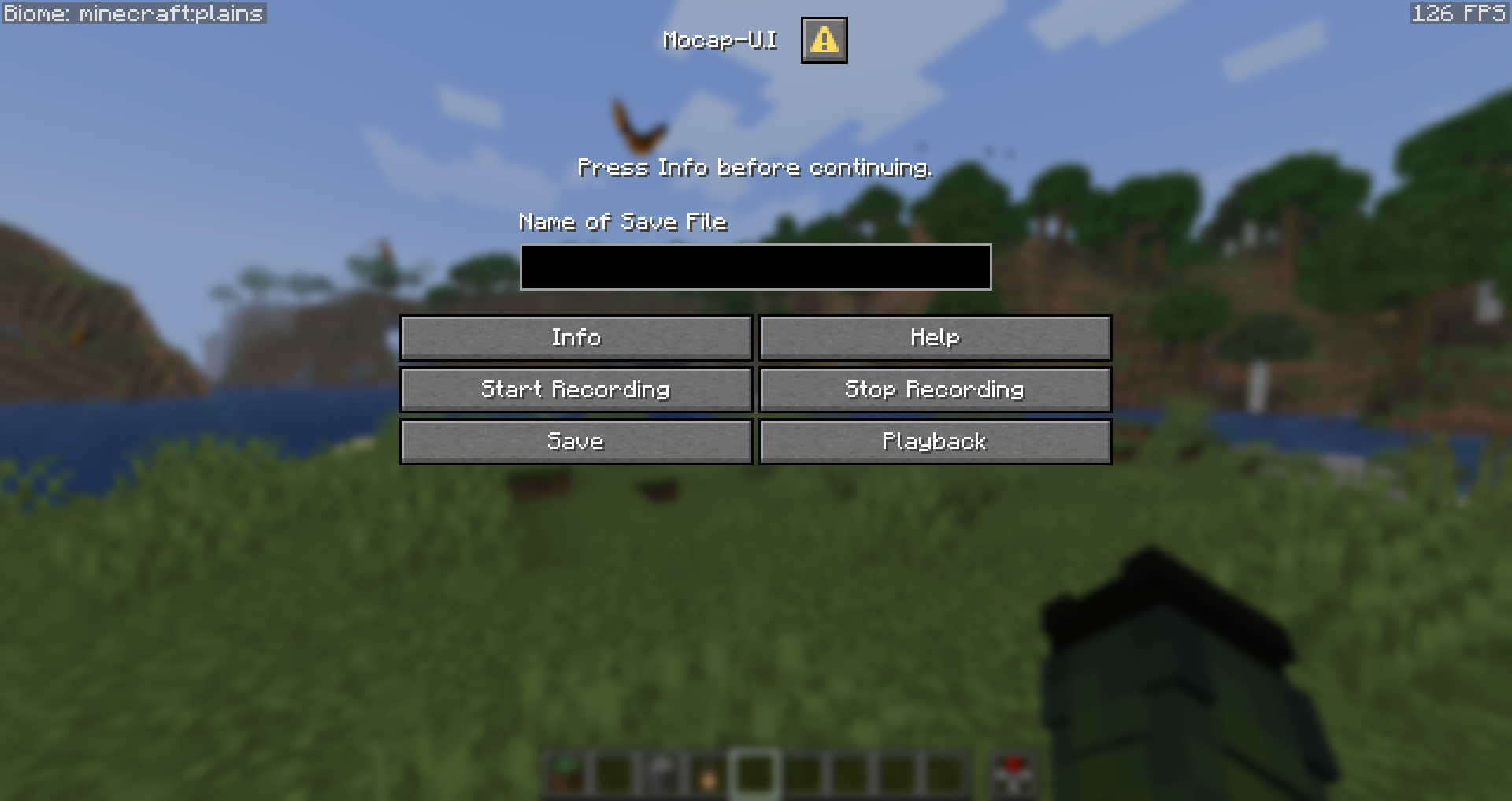 Main_menu what you see when opening first
 -
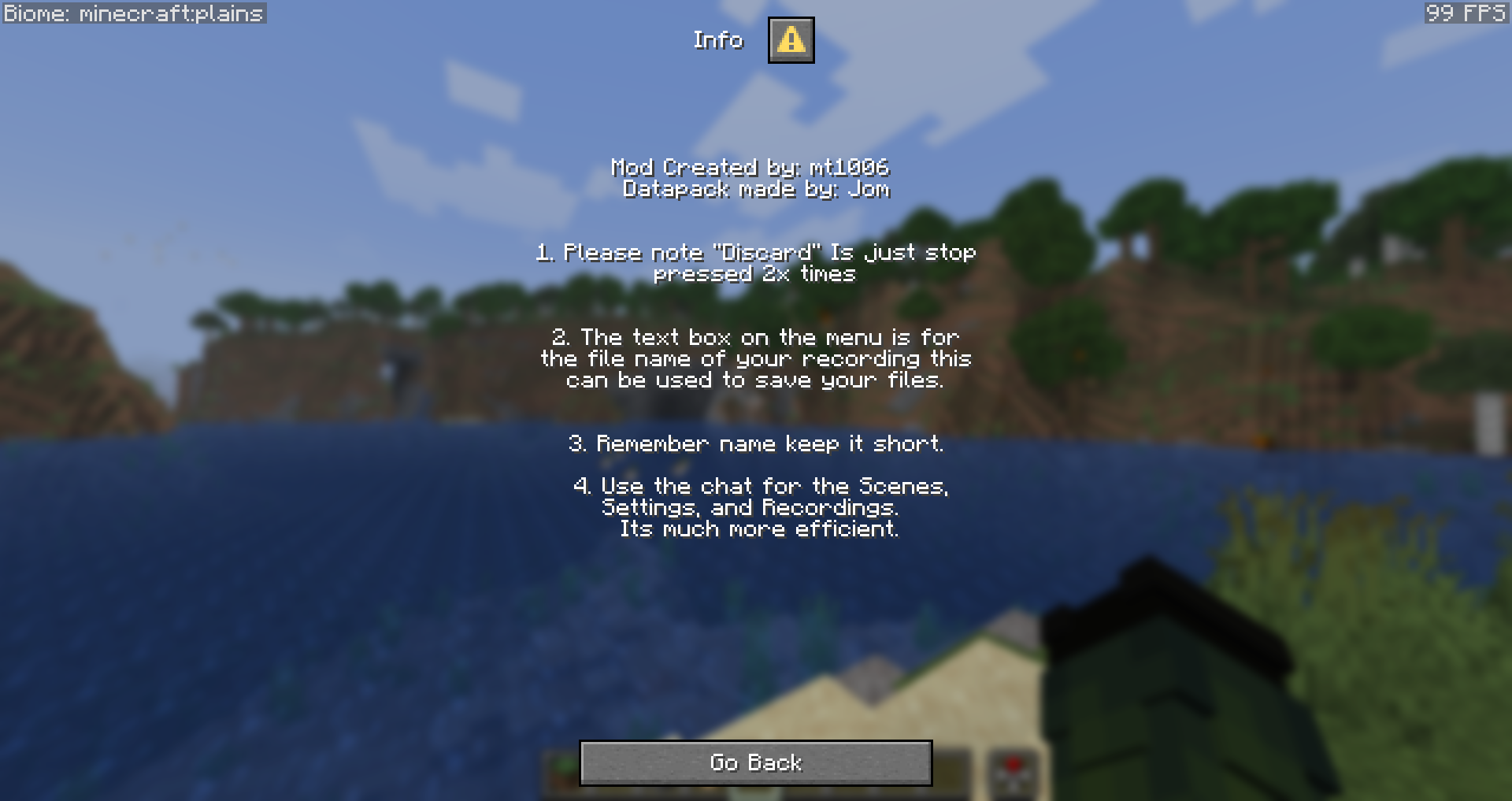 Info_section what info section contains
Versions
Files
Relations
Project Relations
More like this
Similar Mods
Suggestions use data such as tags, dependencies, dependents, descriptions, titles, and more to rank how much they overlap with this mod.
On ModDex
Community snapshot
By the numbers
Statistics

Want to reach Minecraft players?
We're looking for a server hosting partner to feature here and other parts of the site. Interested? Send us a message!
Get in touchGet it on
Available Platforms
On ModDex
Community snapshot
By the numbers
Statistics
Resources