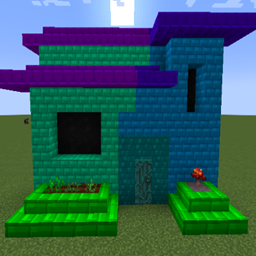
Community listing page, reviews here may not be monitored by the author.
Mow's Crystal Blocks

No reviews yet
Colored Blocks Mod, Makes Building Fun and Enjoyable, even for Non-Builder Type Players.
Community voices
Reviews
No reviews yet. Be the first to review this project!
Get it on
Available Platforms
About
Project Details
For authors
Embed Badge
If you're the author of this project, you can embed a live badge anywhere that supports HTML or Markdown. It updates automatically whenever ratings change.
Use HTML for any page that supports it, or Markdown for README files and Markdown-based descriptions.
Identifiers
Platform IDs
About
Description
Crystal Blocks for Minecraft 1.19+ Now Requires MowLib
Link Here
Crystal Blocks
64 Colors and A few Block Options (More to come later)
Make Crystal Stone using Amethyst surrounded by 8 of any 'Stone'
Make the Color Applicator by surrounding a piece of paper with 8 Crystal Stone
The Applicator can hold up to 8 colors at a time.
Ways to apply color to the applicator:
1. Apply colors to the Applicator by dropping red green or blue dye on the ground (up to 3 of each) and right clicking.
2. Crouch + Right Click the applicator from either hand onto a Crystal Blocks Block, and it'll remember that color.
3. Cycle between the (Up to 8) stored colors in the Applicator, crouch + right click with either hand in the air, or on any non crystal blocks block.
How to color Crystal Blocks:
1. Place the blocks, then with the Applicator in either hand, while the other hand is empty, right click on the blocks to apply the color.
2. With the Applicator in your offhand, while placing blocks with your main hand, the blocks placed will have the color automatically applied.
3. Similar to #1, you can re-color blocks by right clicking the applicator on it.
Screenshots
Gallery
-
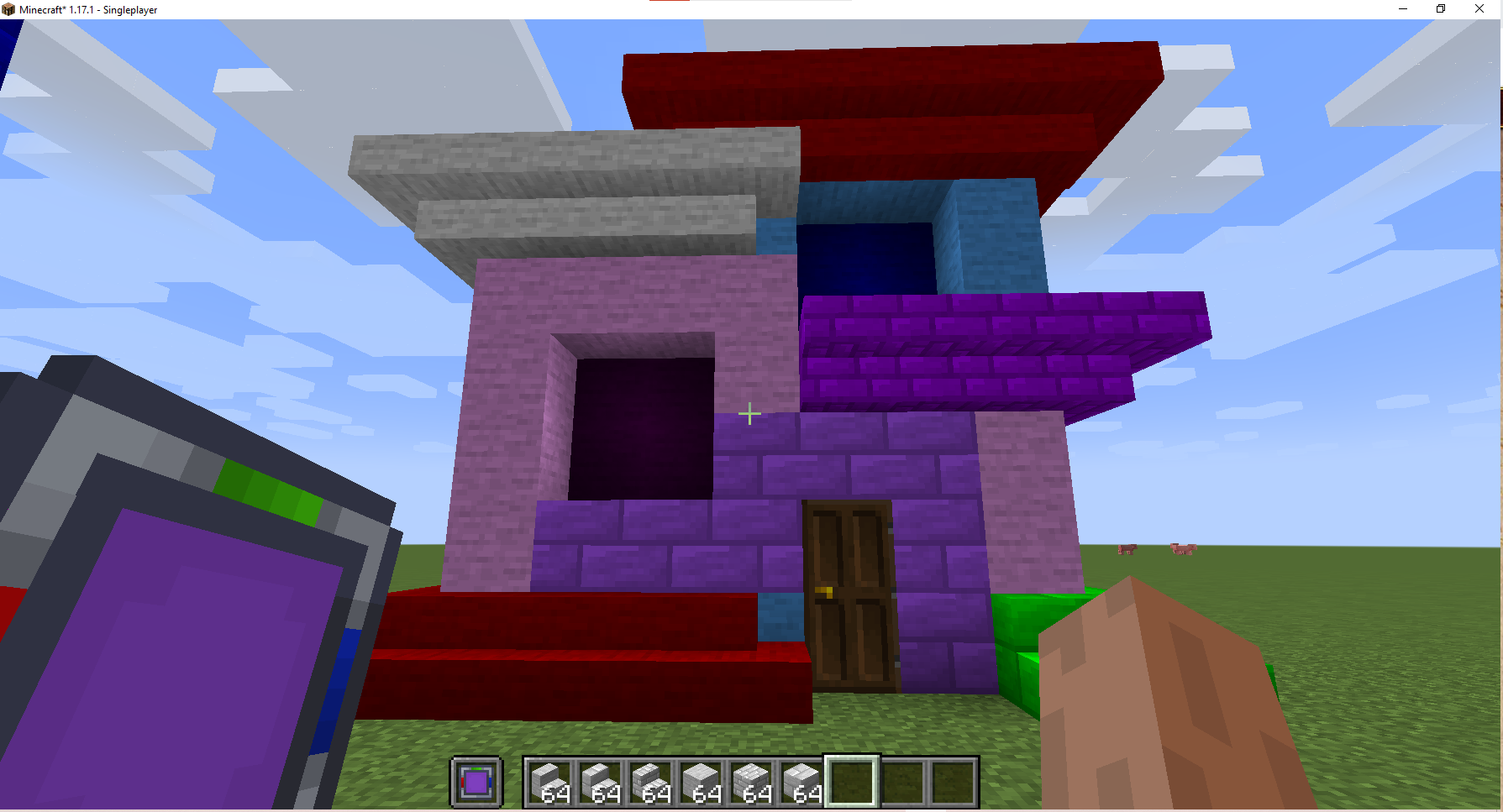 Colored House Cant decide which color would look best? Never fear, with the Color Applicator you can pick a color from some blocks you like, or switch to a previously used color and then change up the color of the blocks on the fly!
 -
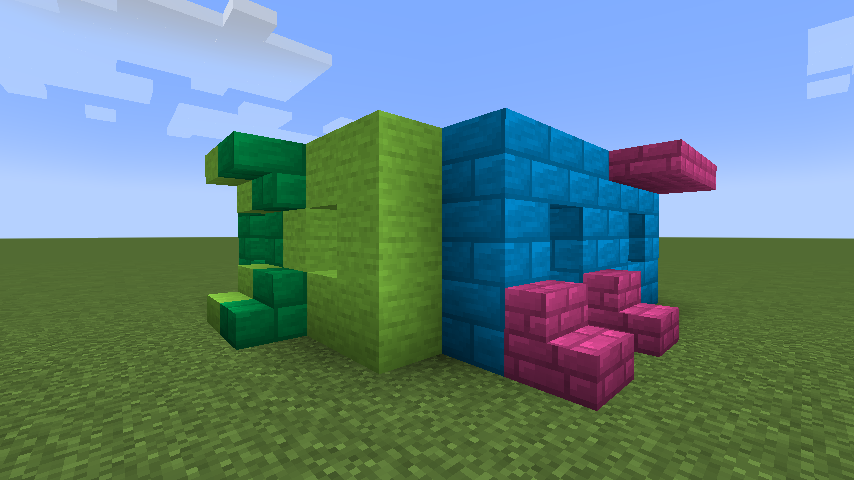 Colored Brick House Crystal Chisel allows you to change up the texture of the blocks on the fly, Want to see how stone would look, then brick, without needing to break the blocks? Crystal Chisel has you covered!
Versions
Files
Relations
Project Relations
More like this
Similar Mods
Suggestions use data such as tags, dependencies, dependents, descriptions, titles, and more to rank how much they overlap with this mod.
On ModDex
Community snapshot
By the numbers
Statistics
Want to reach Minecraft players?
We're looking for a server hosting partner to feature here and other parts of the site. Interested? Send us a message!
Get in touchGet it on
Available Platforms
On ModDex
Community snapshot
By the numbers