
mpdCraft
No reviews yet
Control MPD (Music Player Daemon) inside of Minecraft!
Fabric is a mod loader for versions 1.14+ of Minecraft, particularly popular for client side and optimization mods.
Community voices
Reviews
Click once to include, again to exclude, again to clear
No reviews yet. Be the first to review this project!
Get it on
Available Platforms
 Modrinth
Compatibility
Supported Environments
About
Project Details
For authors
Embed Badge
If you're the author of this project, you can embed a live badge anywhere that supports HTML or Markdown. It updates automatically whenever ratings change.
Use HTML for any page that supports it, or Markdown for README files and Markdown-based descriptions.
Identifiers
Platform IDs
About
Description
MPDCraft 🎵
Ever wanted to control your music without Alt-Tabbing out of Minecraft? Me too.
MPDCraft is a simple mod for Fabric that connects to your Music Player Daemon (MPD) instance. It shows you what's currently playing, displays album art right in your HUD, and adds keybinds for pretty much everything you'd need during a mining session.
Features
- HUD Overlay: Shows track name, artist, and playback status.
- Album Art: Fetches and displays cover art directly from MPD.
- Configurable Connection: Change your MPD host and port via ModMenu (defaulting to localhost:6600).
- In-game Controls: Standard keybinds for Play/Pause, Skip, and Previous track.
⚙️ How to Configure
Everything is configurable through ModMenu!
- Go to the "Mods" screen in Minecraft.
- Find MPDCraft.
- Click the "Configure" button.
- From here, you can set your MPD Host (e.g.,
127.0.0.1) and Port (e.g.,6600).
⌨️ Keybindings
The mod adds a new category called MPDCraft in the standard Minecraft controls menu.
- Play/Pause:
Numpad 5(default) - Next Track:
Numpad 6(default) - Previous Track:
Numpad 4(default) - Cycle Overlay Position:
Numpad 8(default)
Note: You can rebind these to whatever keys you prefer in Options > Controls > Key Binds.
Why did I make this?
Mostly because I use MPD for everything and wanted a "cleaner" way to skip tracks while playing. It's still a work in progress, but it works for me!
Feel free to open an issue or a PR if you have ideas on how to make it better.
License: CC0
Screenshots
Gallery
-
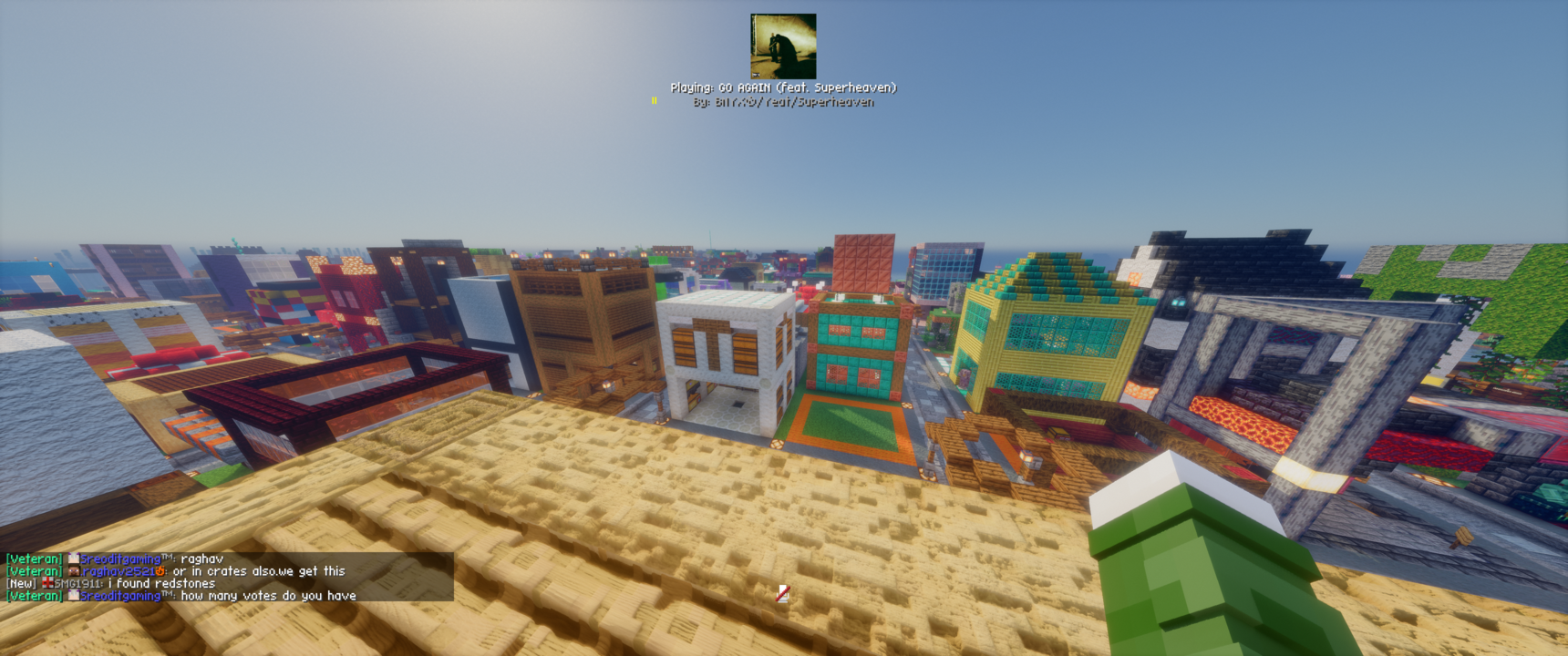 Song HUD Displays current playing song with album art
 -
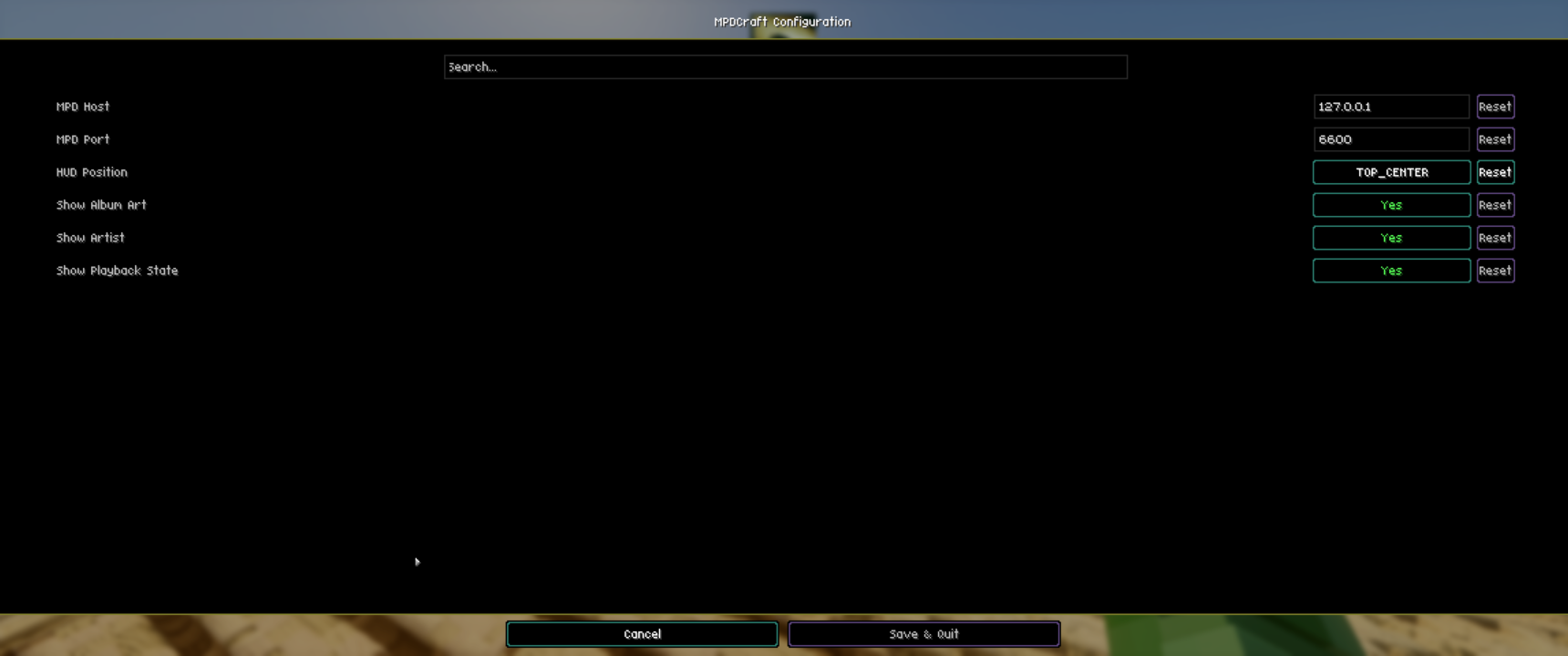 Mod Options Options for the mod - Change position, whether to show artist, album art, or playback state, and change the host and port for the MPD server.
Versions
Files
Relations
Project Relations
More like this
Similar Mods
Suggestions use data such as tags, dependencies, dependents, descriptions, titles, and more to rank how much they overlap with this mod.
On ModDex
Community snapshot
By the numbers
Statistics

Want to reach Minecraft players?
We're looking for a server hosting partner to feature here and other parts of the site. Interested? Send us a message!
Get in touchGet it on
Available Platforms
On ModDex
Community snapshot
By the numbers