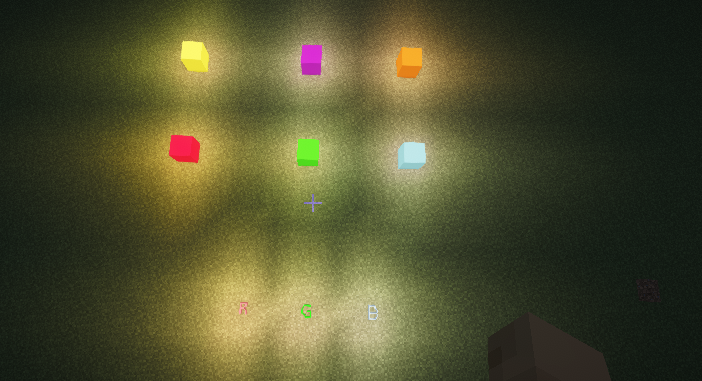

RGB blocks
No reviews yet
Massive RGB building block palette for NeoForge/Fabric.
Neoforge is a fork of the Minecraft Forge available for versions 1.20.1+ of Minecraft. Many Forge mods are compatible with Neoforge and vice versa.
Fabric is a mod loader for versions 1.14+ of Minecraft, particularly popular for client side and optimization mods.
Community voices
Reviews
Click once to include, again to exclude, again to clear
No reviews yet. Be the first to review this project!
Get it on
Available Platforms
 Modrinth
Compatibility
Supported Environments
About
Project Details
For authors
Embed Badge
If you're the author of this project, you can embed a live badge anywhere that supports HTML or Markdown. It updates automatically whenever ratings change.
Use HTML for any page that supports it, or Markdown for README files and Markdown-based descriptions.
Identifiers
Platform IDs
Resources
External Links
About
Description
RGBBlocks
RGBBlocks is a structured RGB building palette mod for Minecraft
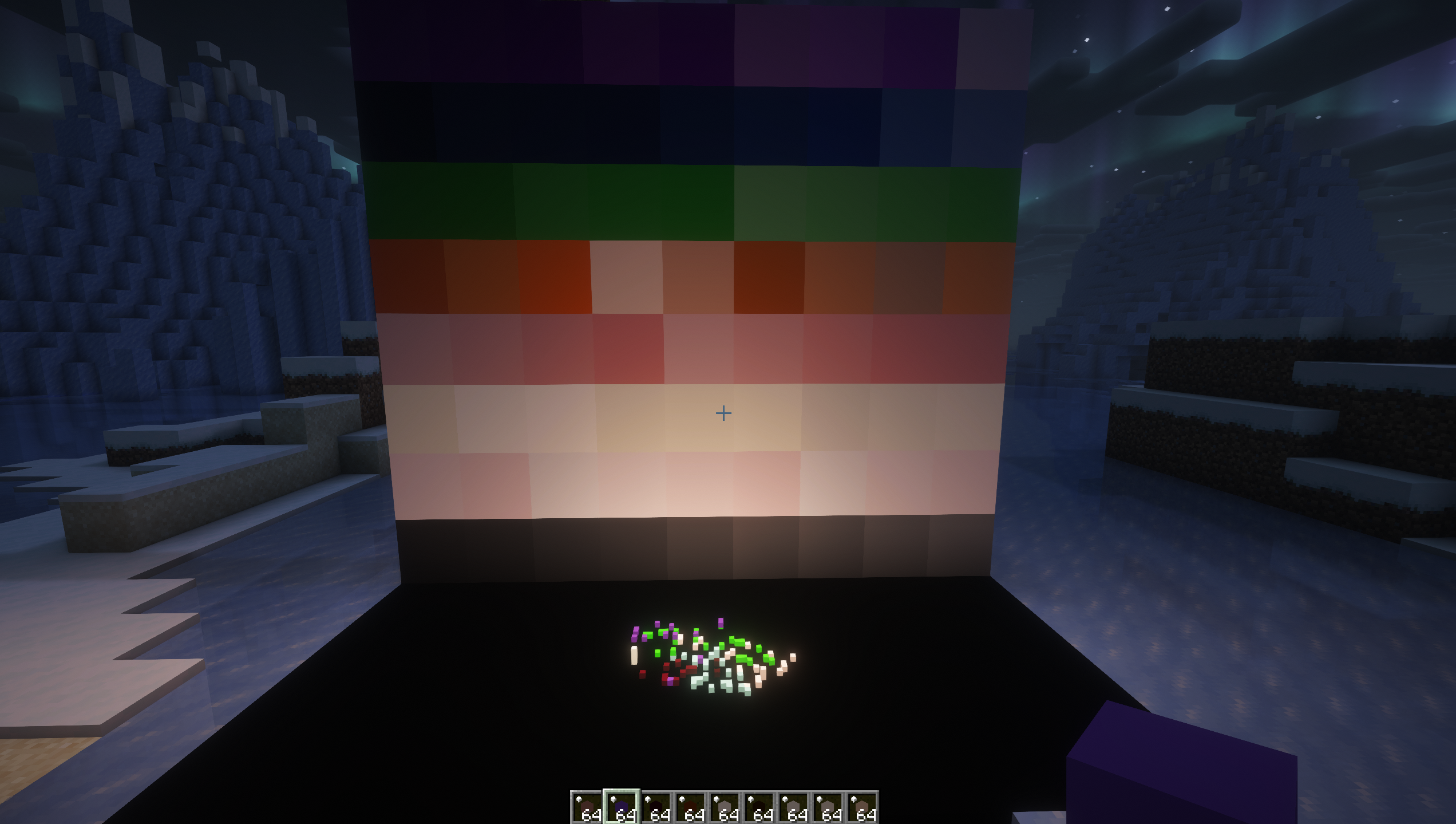
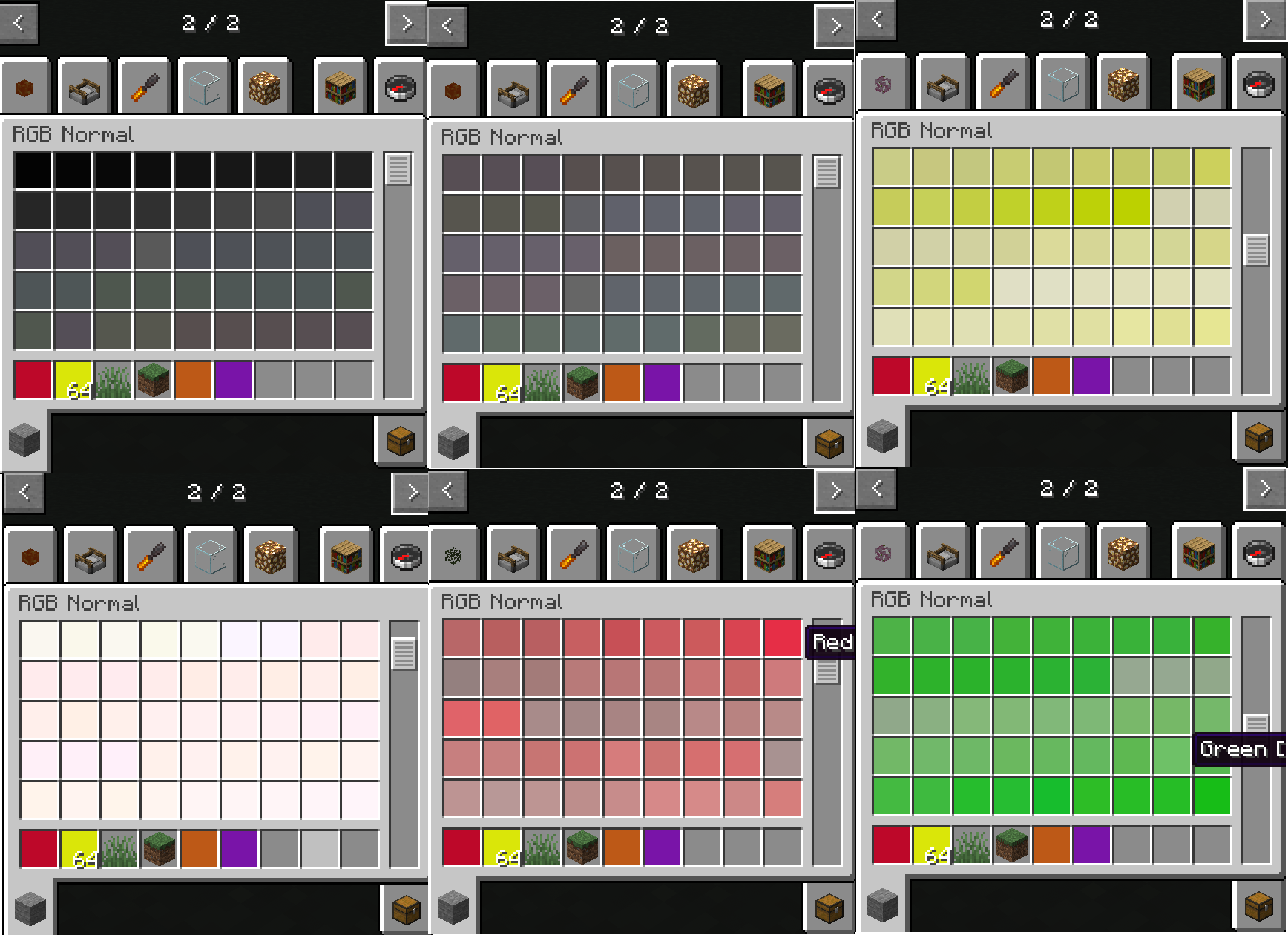
The mod adds over 16,600 carefully generated building colors with a focus on smooth gradients, pastel tones, neutral materials, and architectural usability.
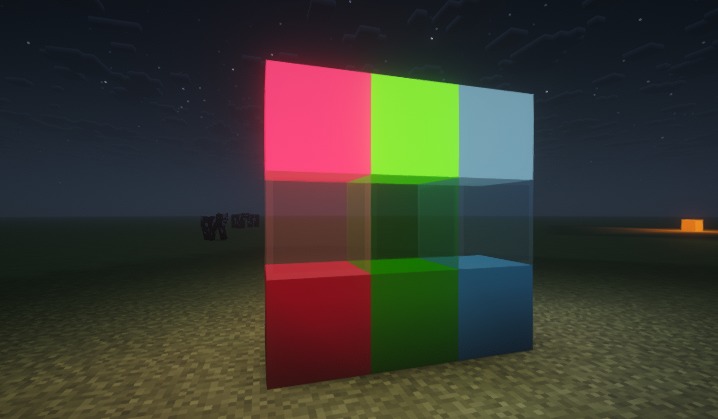
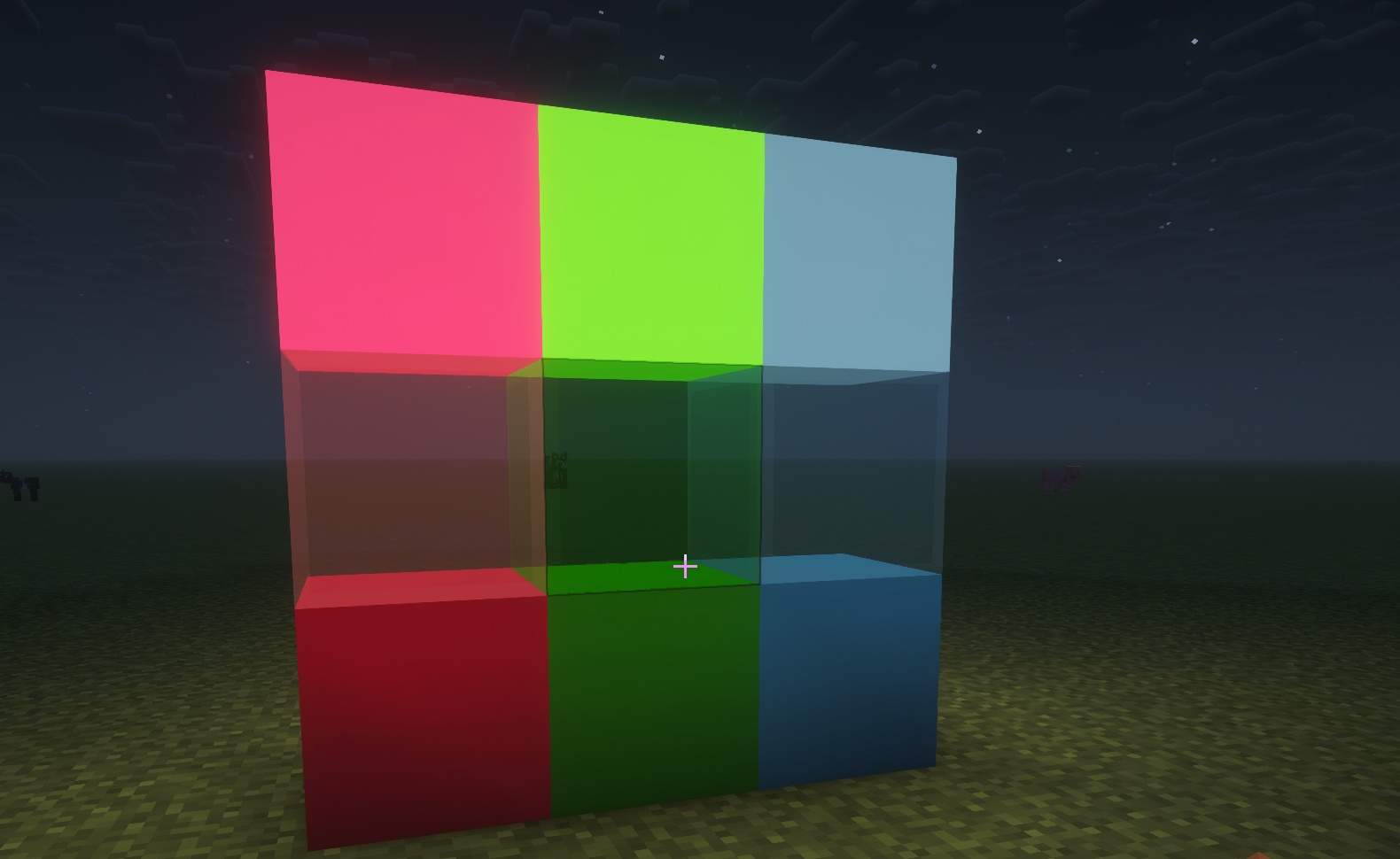
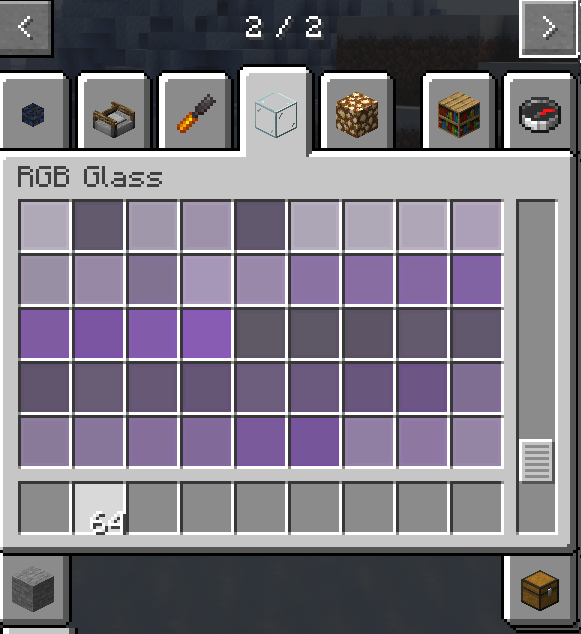
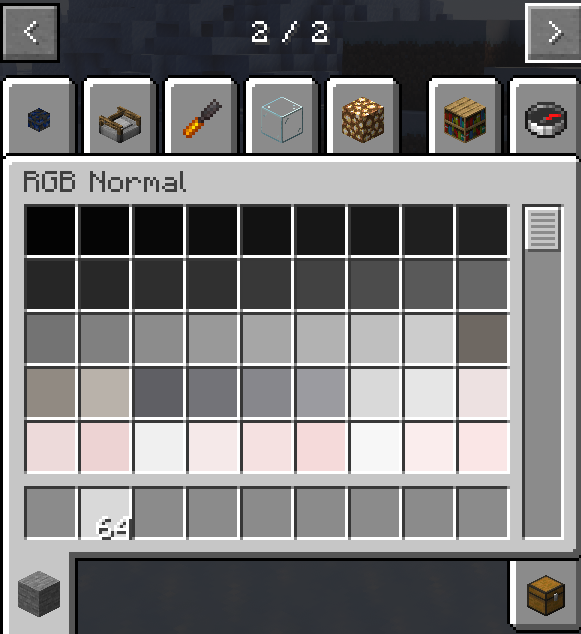
Each color includes three block variants:
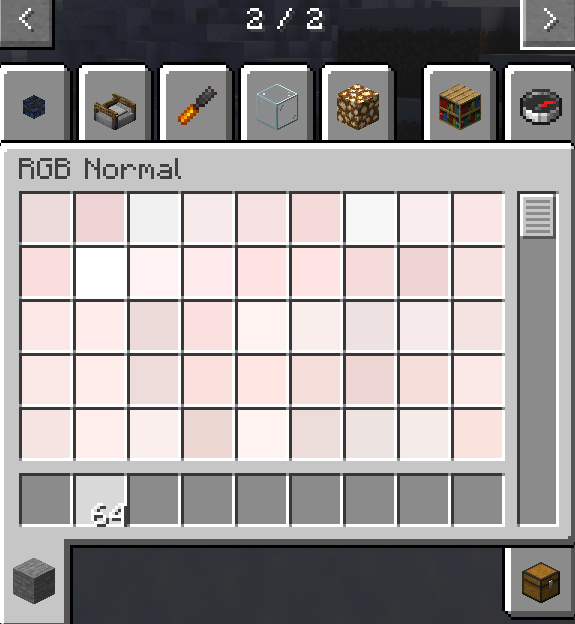
- Normal
- Glow
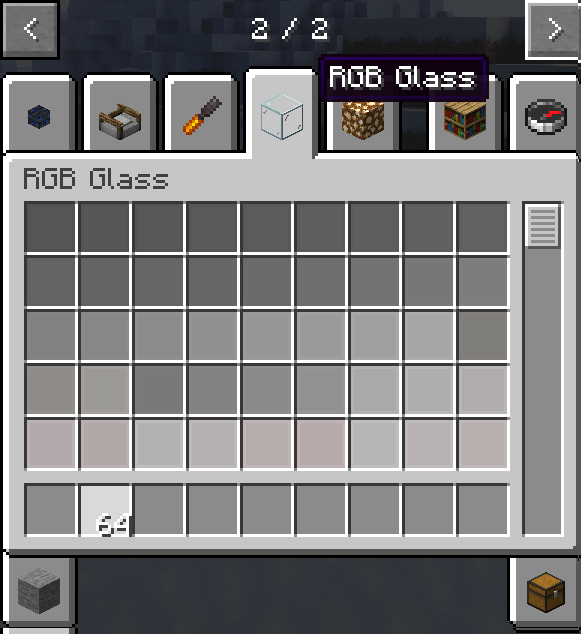
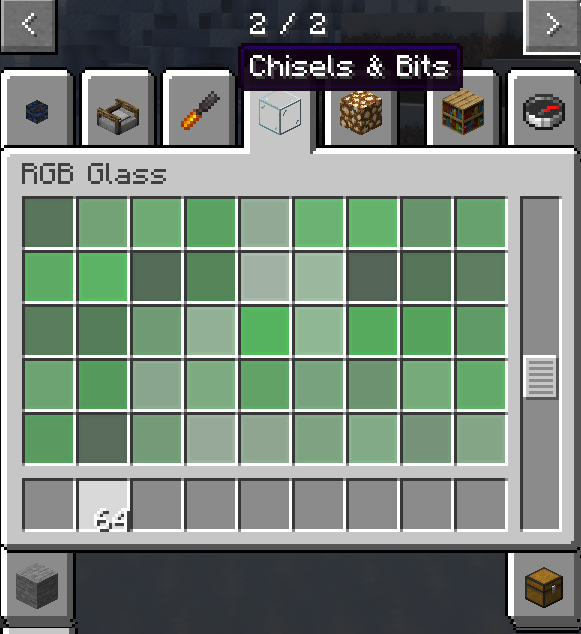
- Glass
RGBBlocks keeps its color palette as static full blocks rather than dynamically colored block entities. A separate RGB lighting layer provides colored illumination while preserving compatibility, stability, shader behavior, and mod interaction.
Features
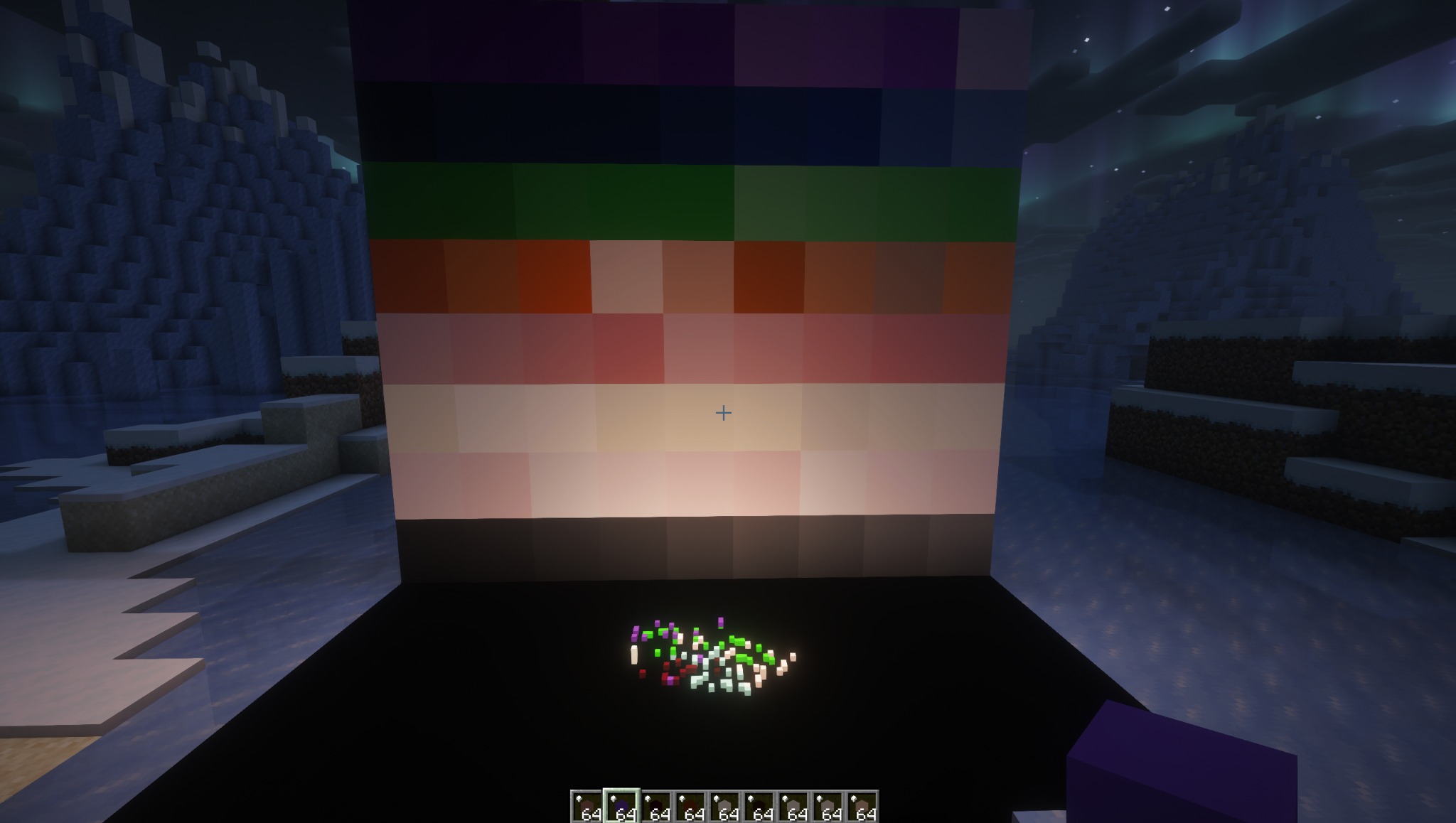
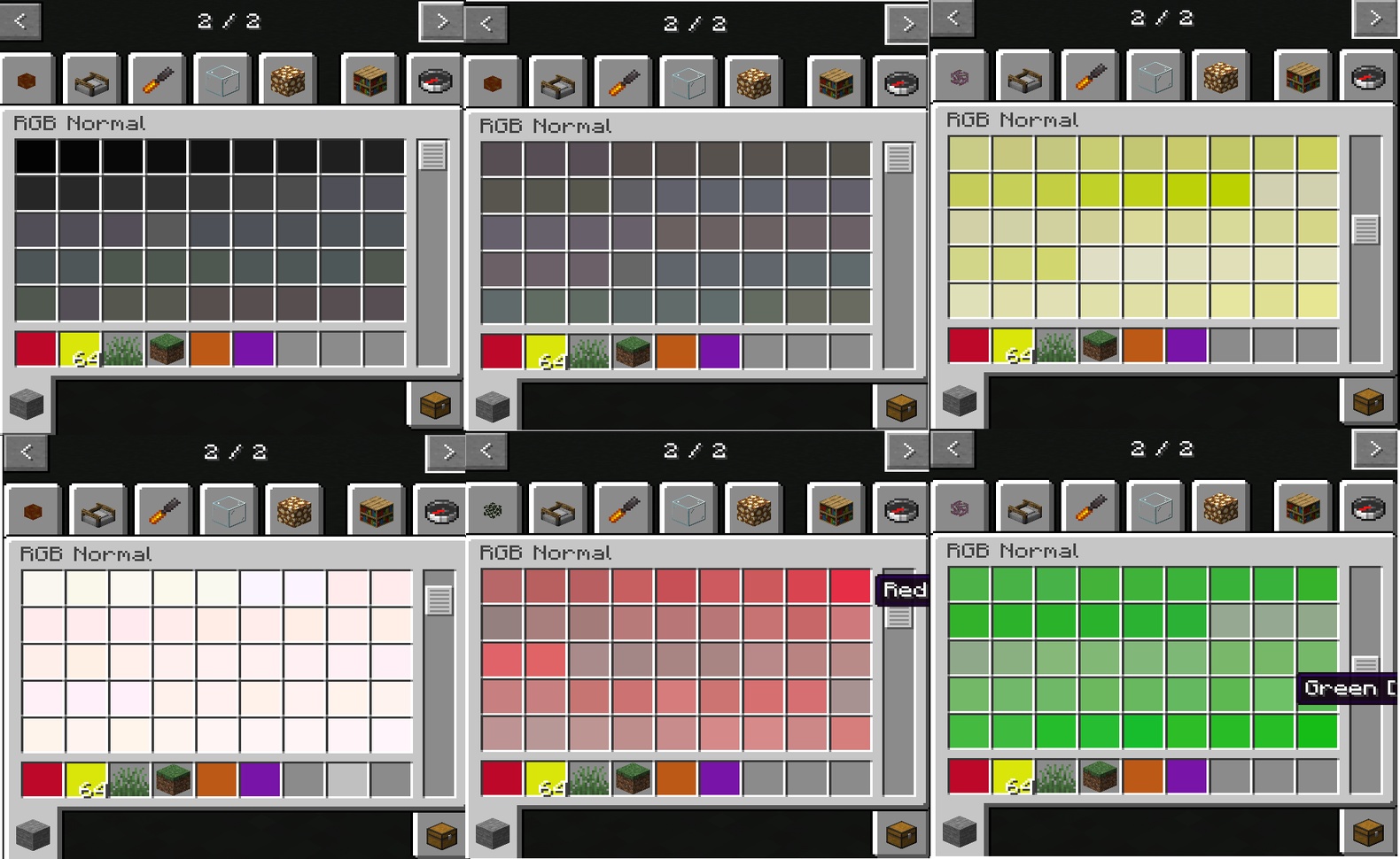
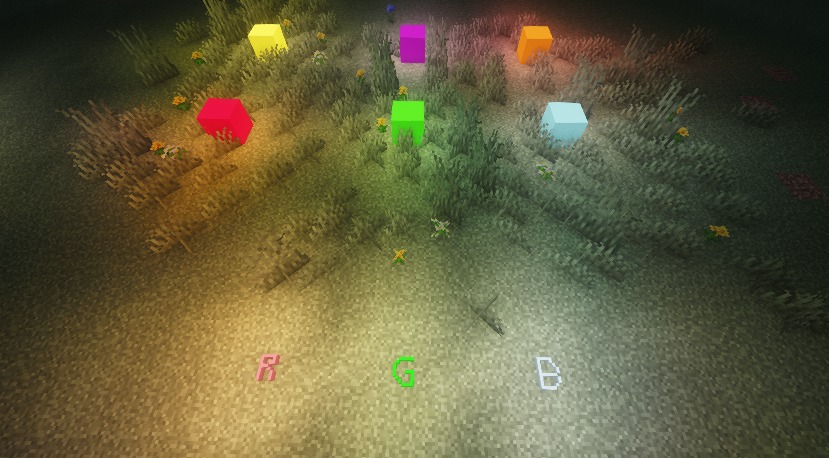
- Over 16,600 structured building colors
- Pastel and neutral optimized palette generation
- Smooth gradient-focused color organization
- Normal, Glow, and Glass variants
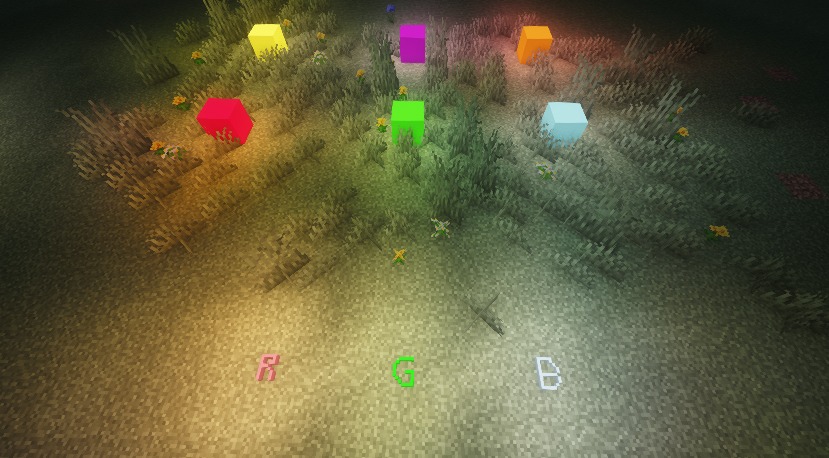
- Subtle RGB colored lighting(Glow variant)
- Lightweight static block architecture
- Designed for high compatibility
- Chisels & Bits friendly
RGB Lighting Modes
RGBBlocks supports two RGB lighting update modes:
MANUAL Mode is intended for large or lighting-intensive builds, reducing continuous RGB lighting recalculation during construction and allowing creators to apply accumulated changes at a chosen time.
- AUTO Mode updates RGB lighting automatically when RGB Glow blocks or Chisels & Bits Glow bits are placed, changed, or removed.
- MANUAL Mode records changed RGB light source positions without immediately rebuilding the RGB light field. Lighting is updated when a Bake is executed.
- The default mode is AUTO.
- The default Bake radius is 32 blocks.
- Bake radius can be configured from 4 to 256 blocks around the player.
- ALL Bake processes every recorded dirty position in the current dimension. It does not scan every block in the world.
- Changes made while a Bake is already running remain pending for the next Bake instead of extending the current operation.
- Dirty positions in unloaded chunks remain recorded and can be processed after those chunks are loaded.
Commands
Commands require operator or gamemaster permission.
/rgb auto- Enables automatic RGB lighting updates./rgb manual- Enables manual RGB lighting updates./rgb bake- Bakes RGB lighting using the currently selected scope./rgb setbake <4-256>- Sets a player-centered Bake radius./rgb setbake all- Selects all recorded dirty positions in the current dimension./rgb get- Displays the current RGB mode, Bake scope, and world ID./rgb bake get- Displays the same RGB runtime status.
RGB Tools
A new RGB Tools creative tab contains:
- RGB Light Switch - Right-click to toggle between AUTO and MANUAL modes.
- RGB Light Baker - Right-click to execute a Bake using the currently selected scope.
Lighting Persistence
The selected RGB mode and Bake scope are saved with the world and synchronized to connected players.
RGB light sections, full-block RGB source positions, Chisels & Bits RGB source data, and unbaked dirty positions are stored per world and dimension on the client. This allows baked RGB lighting and pending Manual changes to survive chunk unloading, reconnecting, and server restarts.
Compatibility
RGBBlocks is designed around standard full-block behavior to maximize compatibility with shaders, building tools, and other mods.
The mod has been tested in both singleplayer and multiplayer environments.
Recommended Usage
RGBBlocks works especially well for:
- Architectural builds
- Gradient detailing
- Modern and pastel builds
- Chisels & Bits creations
- Pixel art
- Builds requiring precise color expression
Tested Environment
RGBBlocks has been tested in the following environments.
NeoForge
- Minecraft NeoForge 26.1.2.41-beta
- Chisels & Bits 26.1.2.33
- Iris 1.10.9
- Sodium 0.8.11
Fabric
- Minecraft Fabric Loader 26.1.2
- Fabric API 0.155.2+26.1.2
- Chisels & Bits 26.1.2.33
- Iris 1.10.9+26.1.1
- Sodium 0.8.12+26.1.2
Common
- Complementary Shaders
- Singleplayer
- Multiplayer
The mod is designed around standard static full-block behavior for broad compatibility with shaders, building tools, and other mods.
Design Philosophy
RGBBlocks focuses on stability, simplicity, and large-scale color availability. The palette remains based on predictable static full blocks, while RGB illumination is handled by a separate lighting layer with both automatic and manual-bake workflows.
The mod intentionally avoids dynamically colored block entities and per-block custom color rendering. This preserves broad compatibility with shaders, building tools, Chisels & Bits, and the Minecraft modding ecosystem.
Built for Minecraft NeoForge.
Known Issue
-If a “Lost Connection” error occurs after updating RGB blocks while using Chisels & Bits, delete the clipboard .dat files inside:
.minecraft/chiselsandbits
Screenshots
Gallery
Versions
Files
Relations
Project Relations
More like this
Similar Mods
Suggestions use data such as tags, dependencies, dependents, descriptions, titles, and more to rank how much they overlap with this mod.
On ModDex
Community snapshot
By the numbers
Statistics

Want to reach Minecraft players?
We're looking for a server hosting partner to feature here and other parts of the site. Interested? Send us a message!
Get in touchGet it on
Available Platforms
On ModDex
Community snapshot
By the numbers
Statistics
Resources