
Sound Tweaks
No reviews yet
Per-sound and per-block volume control. Silence, or fine-tune any Minecraft sound individually. Create presets and bind shortcuts.
Neoforge is a fork of the Minecraft Forge available for versions 1.20.1+ of Minecraft. Many Forge mods are compatible with Neoforge and vice versa.
Fabric is a mod loader for versions 1.14+ of Minecraft, particularly popular for client side and optimization mods.
Spigot is a popular software for running dedicated servers that can load Plugins created with the Bukkit API.
Community voices
Reviews
Click once to include, again to exclude, again to clear
No reviews yet. Be the first to review this project!
Get it on
Available Platforms
 Modrinth
Compatibility
Supported Environments
About
Project Details
For authors
Embed Badge
If you're the author of this project, you can embed a live badge anywhere that supports HTML or Markdown. It updates automatically whenever ratings change.
Use HTML for any page that supports it, or Markdown for README files and Markdown-based descriptions.
Identifiers
Platform IDs
About
Description
SoundTweaks
A client-side Fabric mod for adjusting the volume of individual sounds and blocks, independent of each other and the game's master volume.
What it does
Per-sound volume control
Every sound event gets its own volume slider, from 0% (silent) to 100% (default). Changing one sound doesn't affect anything else.
Per-block volume control
Some blocks make sounds that Minecraft's built-in categories can't separate — pistons, dispensers, note blocks, observers, and others. SoundTweaks adds its own volume layer for those. Block volumes run from 0% to 100%.
Category and object filtering
The main screen has two dropdown filters: Category (Block, Entity, Item, Ambient, Music, Music Disc, UI, Weather, Enchant, Event, Redstone, Others) and Object (the specific entity, item, or block within that category). There's a text search bar too.
Redstone is a cross-cutting category — it groups sounds from redstone-adjacent blocks (pistons, comparators, levers, note blocks, dispensers, sculk sensors, etc.) regardless of their base sound prefix.
Simple View / Detail View
Two ways to browse the list:
- Simple View — one entry per sound event
- Detail View — the individual
.oggfiles within each event, so you can target the exact sounds that play
Mute button
The speaker icon in the top-left mutes everything currently visible (based on your active filters). Click again to restore. Nothing gets written to your saved config — it's a temporary layer.
Presets
A preset stores a set of sound and block volume overrides. When active, its values take priority over the base config. If multiple presets are active and both define a value for the same sound, whichever deviates most from 100% wins.
Creating a preset: go to the Presets screen and click "New Preset". It starts as a copy of your current base config — only entries that aren't at 100% get carried over.
Editing a preset: select it from the list to open the detail panel. Available tabs:- Open Config Folder (Presets screen footer): opens the .minecraft/config/ folder in the system file manager.
Config files
All config is stored in .minecraft/config/ as plain JSON:
| File | Contents |
|---|---|
soundtweaks.json |
Base sound volumes (key: sound event ID, value: float 0–1) |
soundtweaks_blocks.json |
Base block volumes (key: block ID, value: float 0–1) |
soundtweaks_presets.json |
All presets, active state, and favorites list |
Config is saved automatically ~300ms after the last change. You can also edit the JSON files directly while the game is closed.
Volume resolution order
For any given sound, the effective volume is determined in this order:
- Volatile mute layer — set by the mute button; cleared when toggled off or the game restarts
- Active presets — if multiple presets define the same sound, the one with the biggest deviation from 100% wins
- Base config —
soundtweaks.json/soundtweaks_blocks.json - Default — 100% (no change)
How to open the UI
Press K (default keybind, rebindable in Minecraft's controls settings) to open the SoundTweaks screen.
Compatibility
- Client-side only — the server doesn't need the mod installed
- Fabric loader only
- Minecraft 26.1.2
- Does not replace or wrap the sound engine — intercepts volume at playback time via mixin
Screenshots
Gallery
-
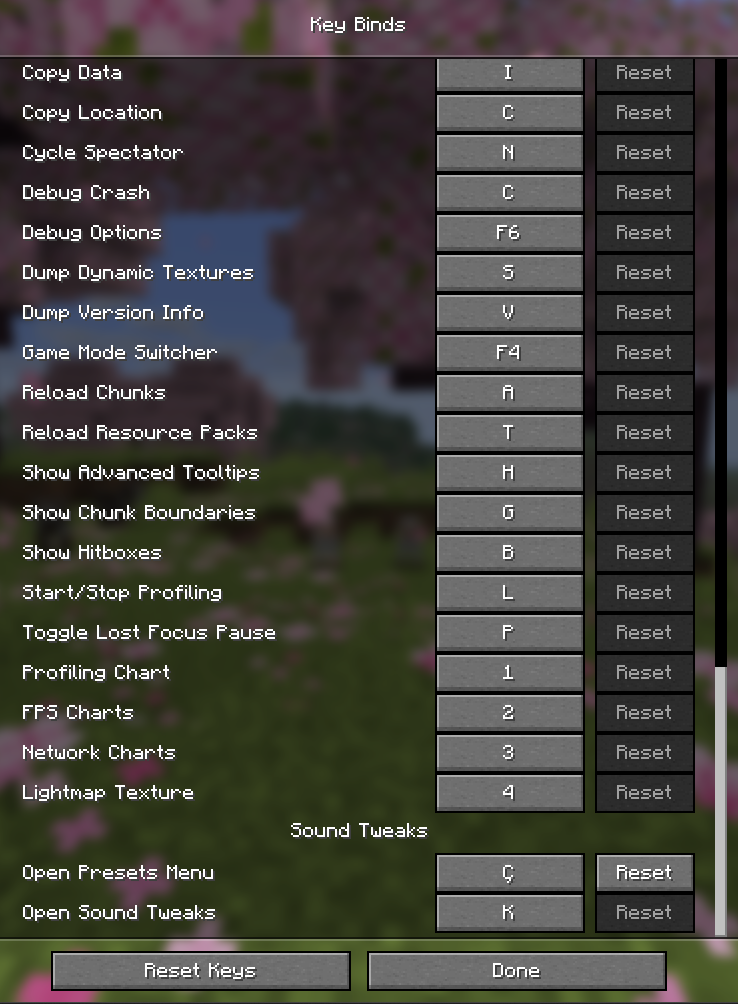 Keybind Configuration The default keybind to open SoundTweaks is K. Fully remappable in the vanilla controls menu.
 -
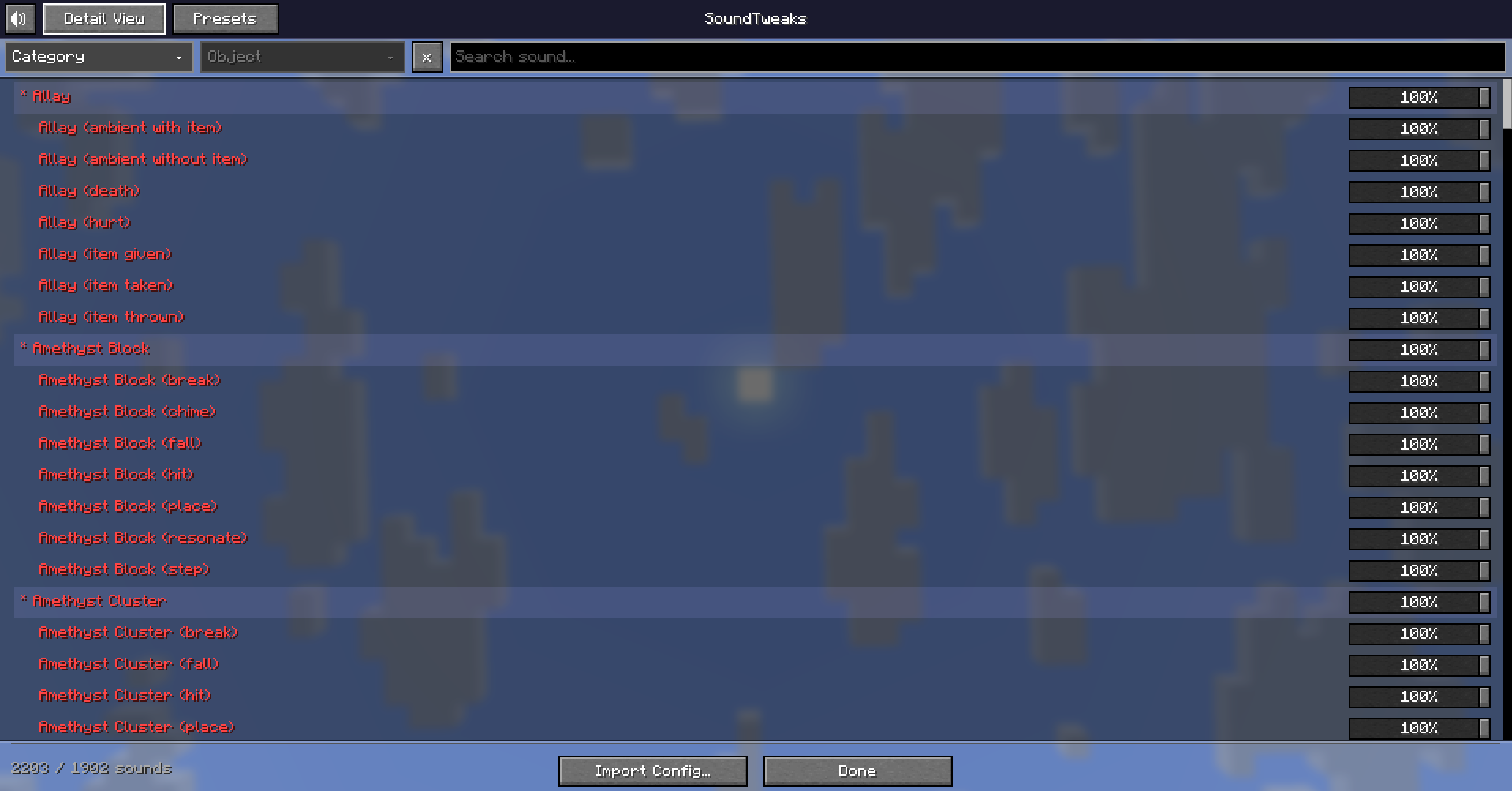 Main Screen — Full Sound List Every Minecraft sound in one scrollable list. Filter, search, and adjust.
 -
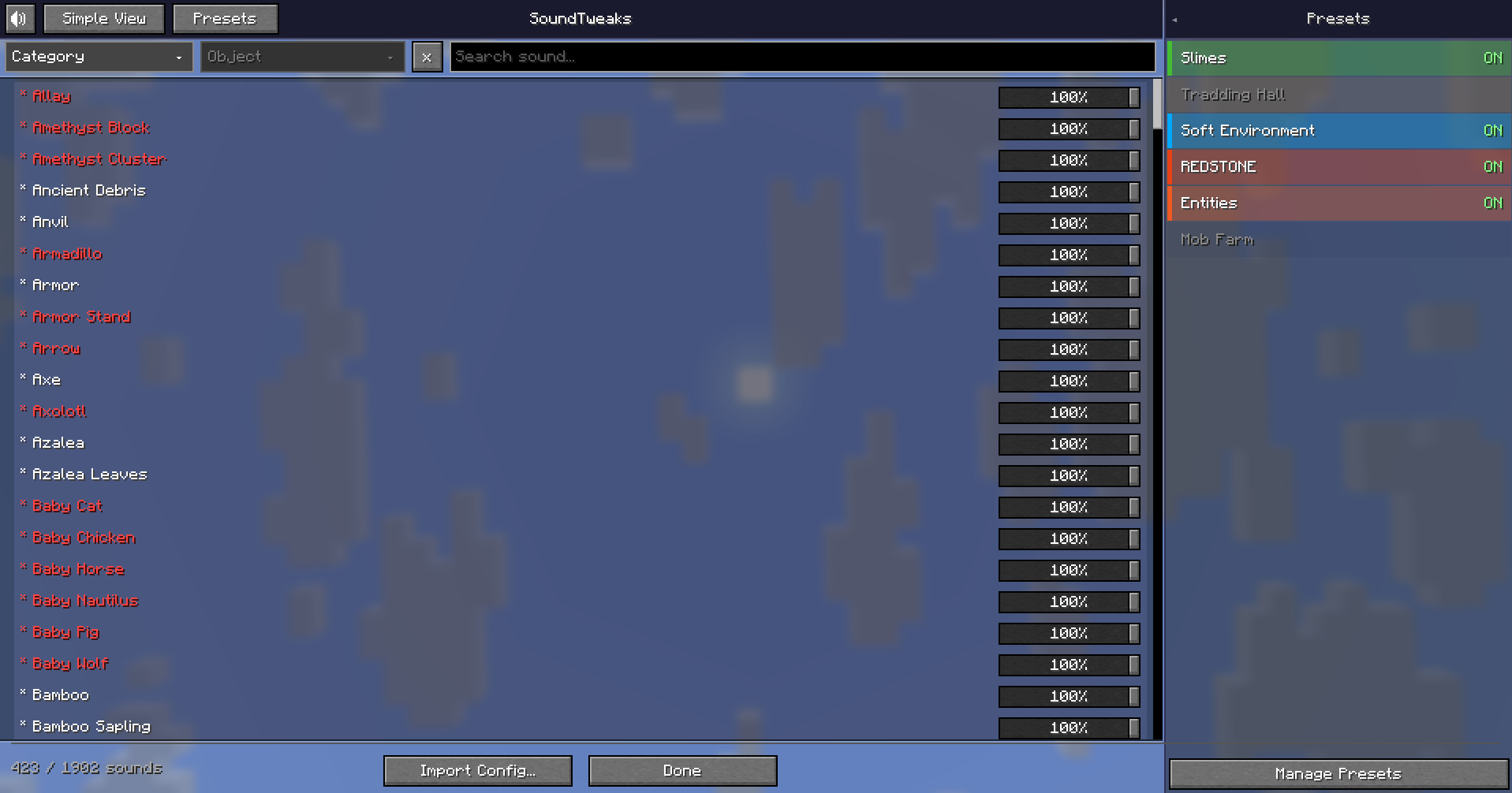 Sound Control + Presets Sidebar Adjust any sound individually. The presets sidebar gives you one-click access to your favourite sound profiles.
 -
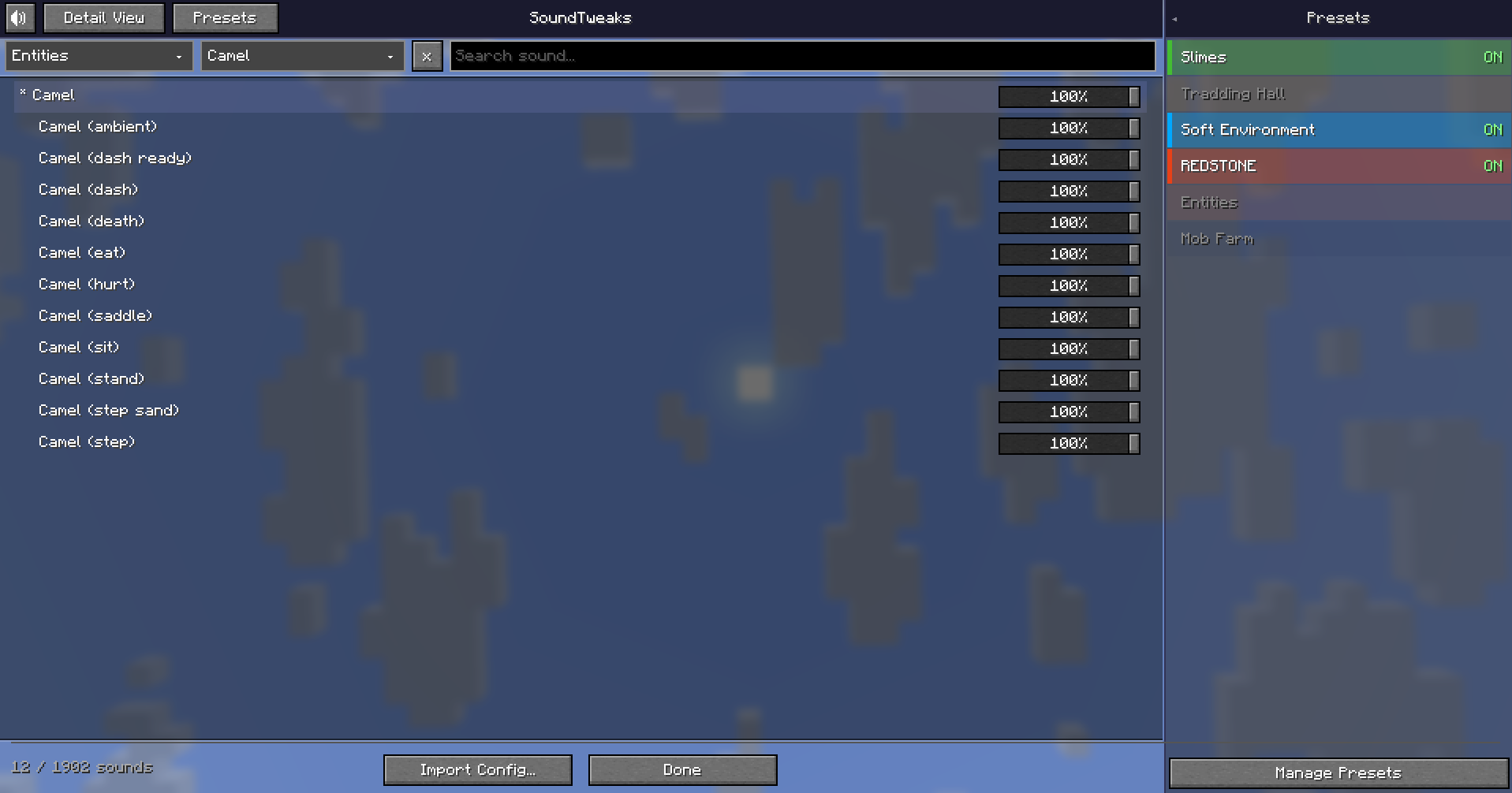 Filter by Category and Entity Narrow down the list by category and object — useful when you know exactly which sound you want to control.
 -
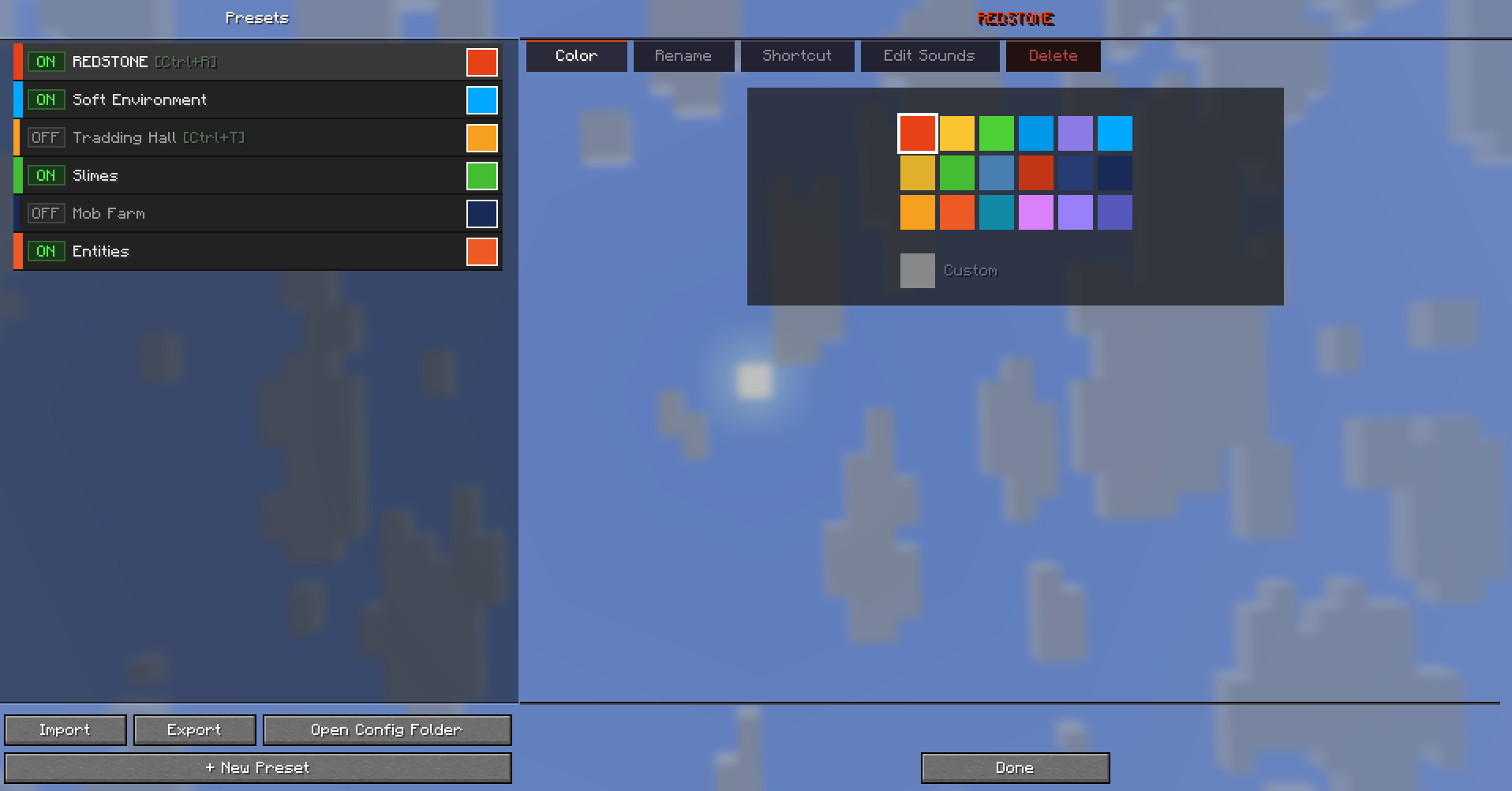 Preset Customization — Color Assign a color to each preset for quick visual identification.
 -
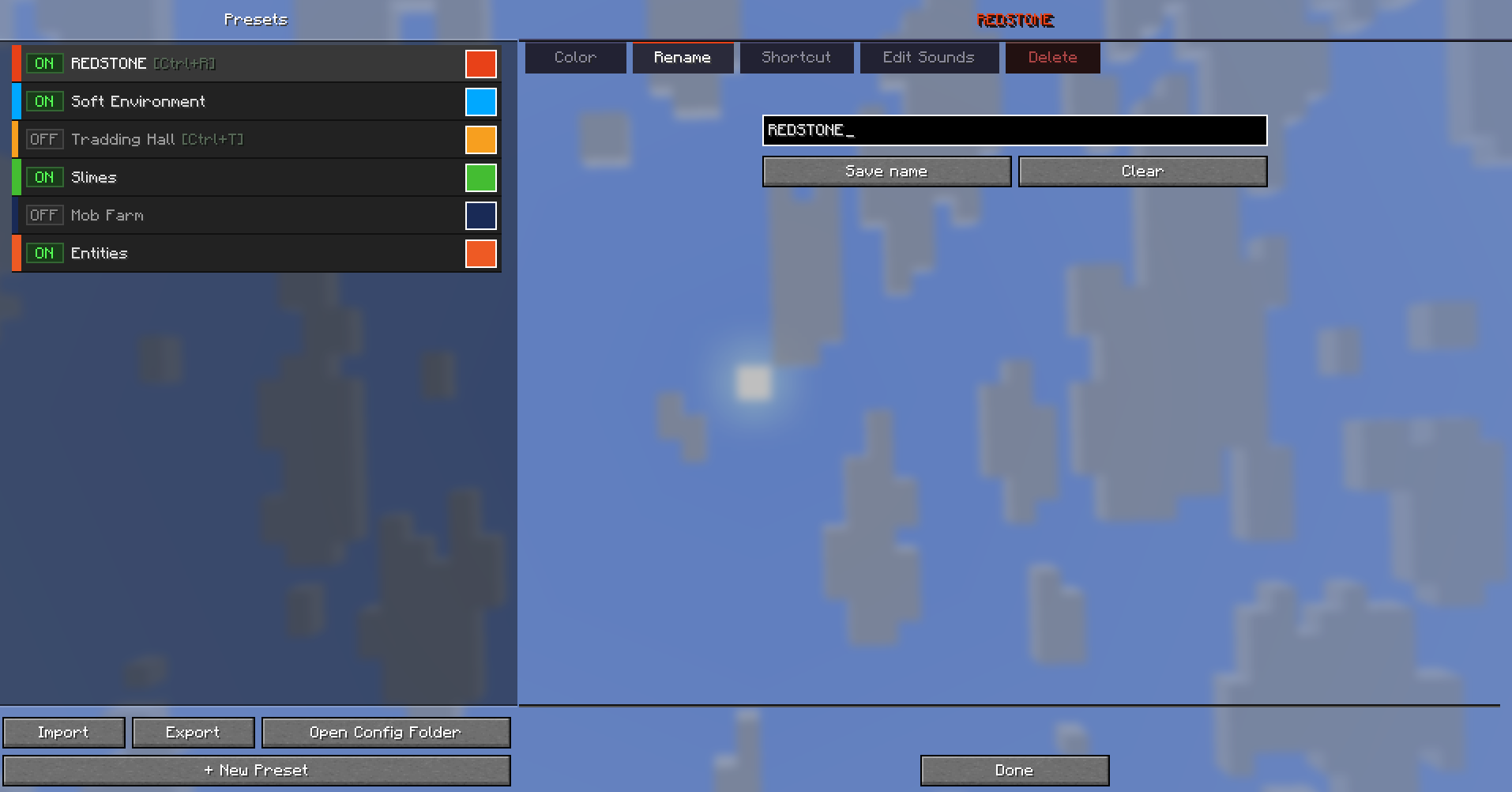 Preset Management — Rename Rename the current preset.
 -
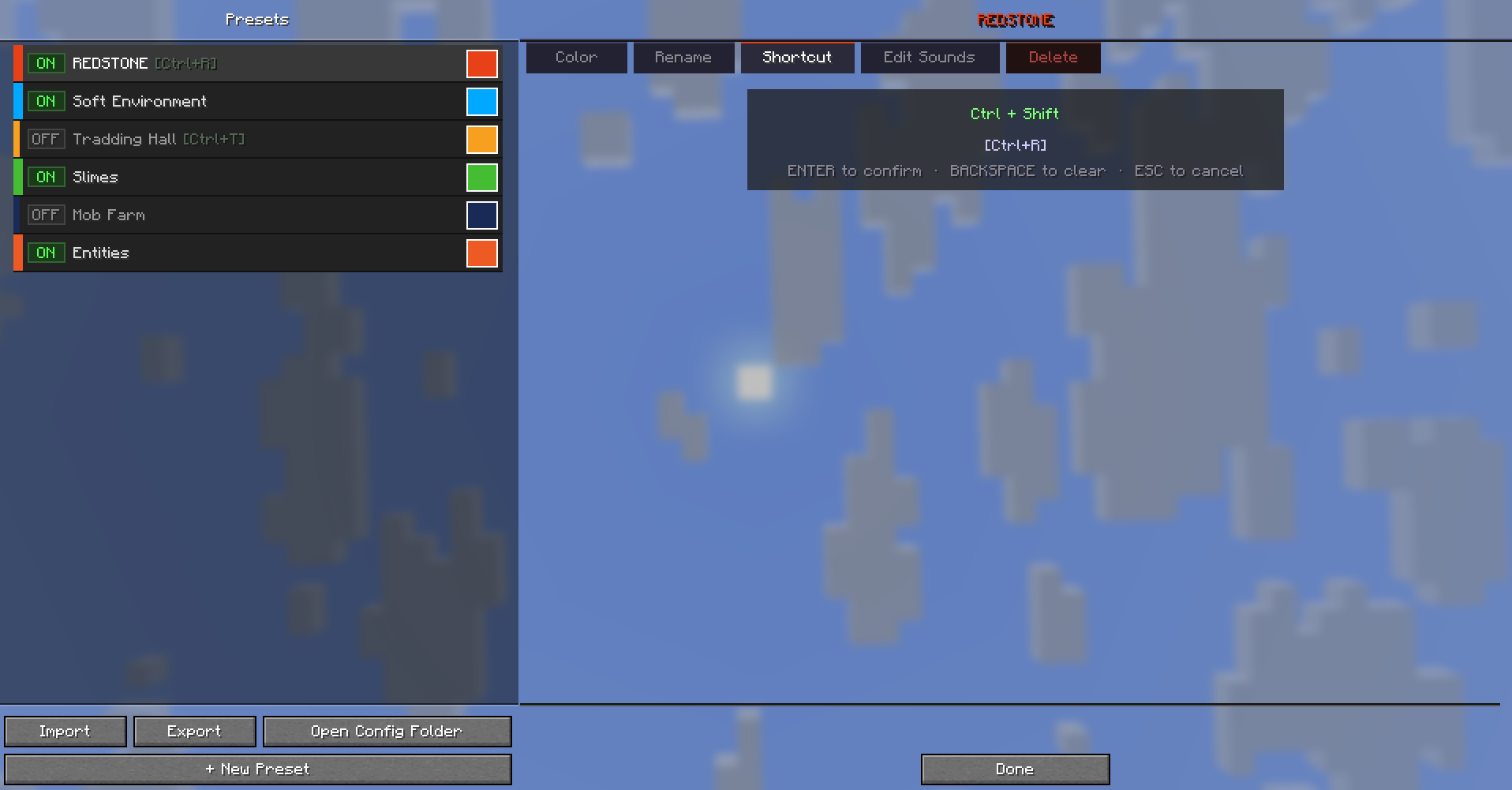 Preset Customization — Shortcut Bind up to 3-key combos to toggle any preset instantly without opening the UI.
 -
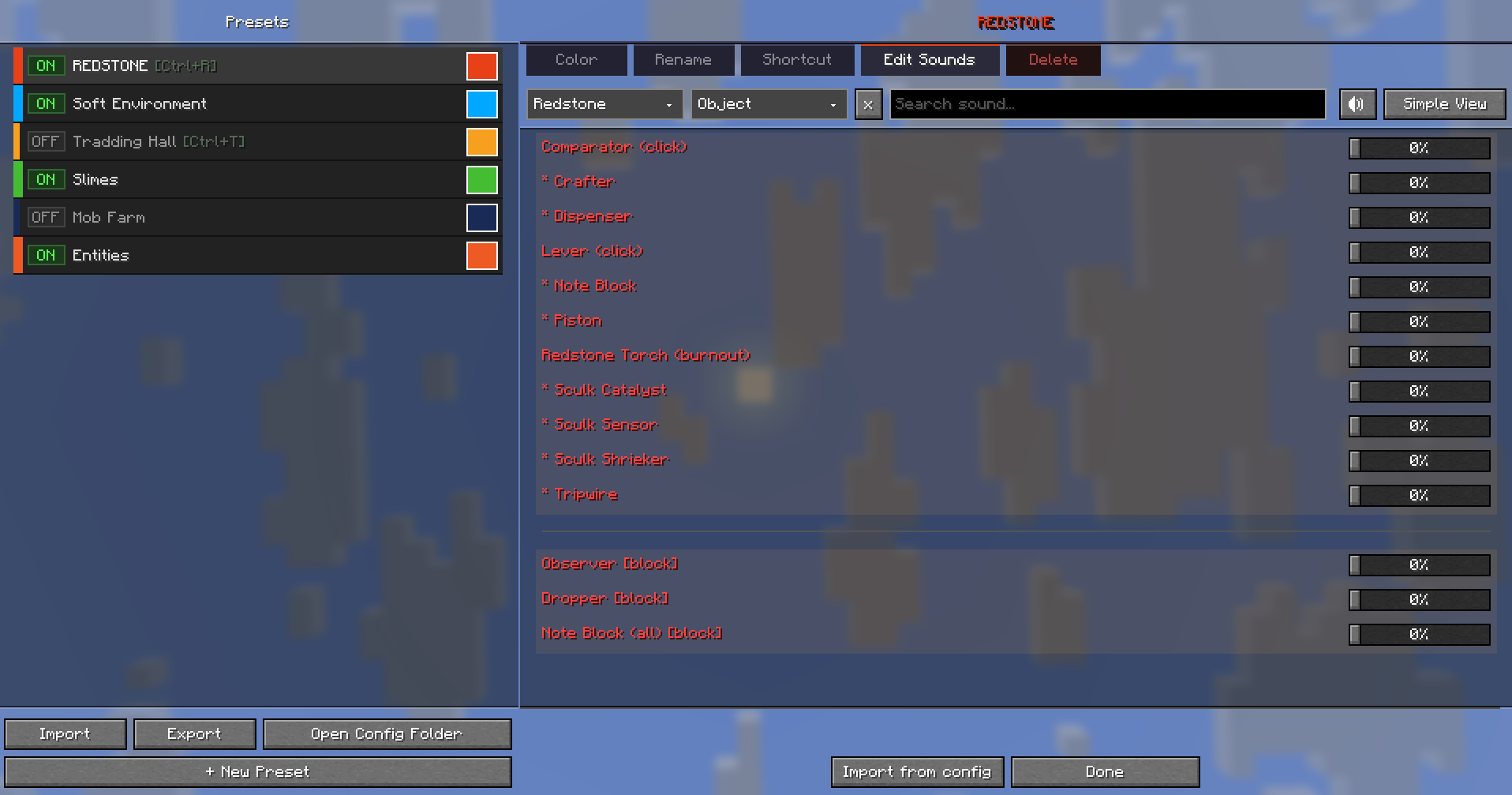 Preset Sound Editor Define exactly which sounds each preset overrides and by how much. Set any sound to 0% to silence it completely within that preset.
 -
 Banner
Versions
Files
Relations
Project Relations
More like this
Similar Mods
Suggestions use data such as tags, dependencies, dependents, descriptions, titles, and more to rank how much they overlap with this mod.
On ModDex
Community snapshot
By the numbers
Statistics

Want to reach Minecraft players?
We're looking for a server hosting partner to feature here and other parts of the site. Interested? Send us a message!
Get in touchGet it on
Available Platforms
On ModDex
Community snapshot
By the numbers