
Custom Crosshair
No reviews yet
A simple yet powerful mod to customize your crosshair.
Forge is a popular mod loader for versions 1.1+ of Minecraft.
Community voices
Reviews
Click once to include, again to exclude, again to clear
No reviews yet. Be the first to review this project!
Get it on
Available Platforms
 Modrinth
Compatibility
Supported Environments
About
Project Details
For authors
Embed Badge
If you're the author of this project, you can embed a live badge anywhere that supports HTML or Markdown. It updates automatically whenever ratings change.
Use HTML for any page that supports it, or Markdown for README files and Markdown-based descriptions.
Identifiers
Platform IDs
About
Description
Robotix's Custom Crosshair Mod!


Enhance your Minecraft experience with the Custom Crosshair mod! This Forge 1.8.9 modification allows you to personalize your crosshair, providing a variety of elements and dynamic features to suit your gameplay style. The mod offers a seamless integration with your favorite version of Minecraft, giving you the power to configure and customize your crosshair to perfection.
Crosshair Elements
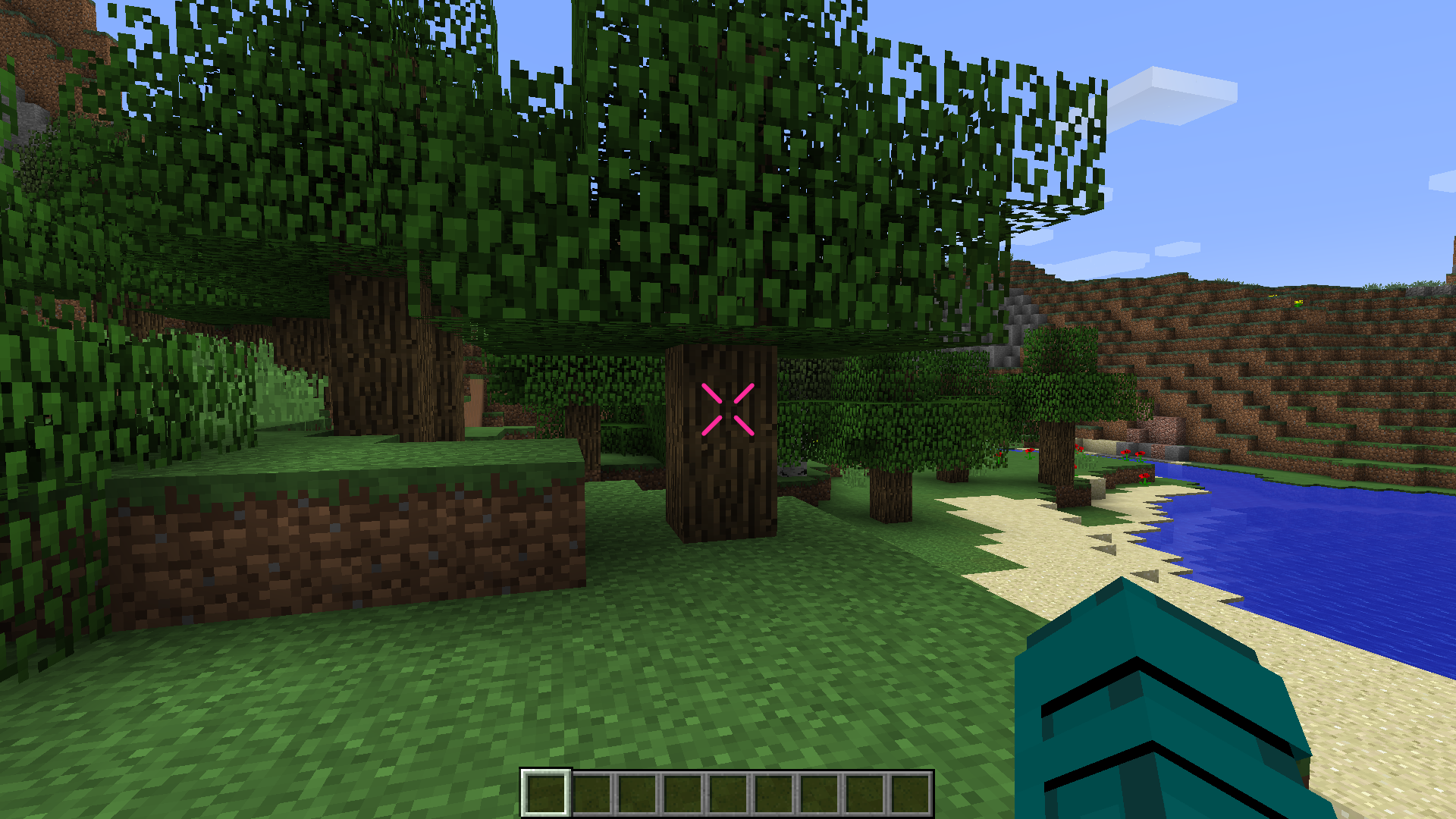
1. Cross Element
Add a classic touch to your targeting with the cross element. Choose your preferred color and customize its outline to make it stand out.
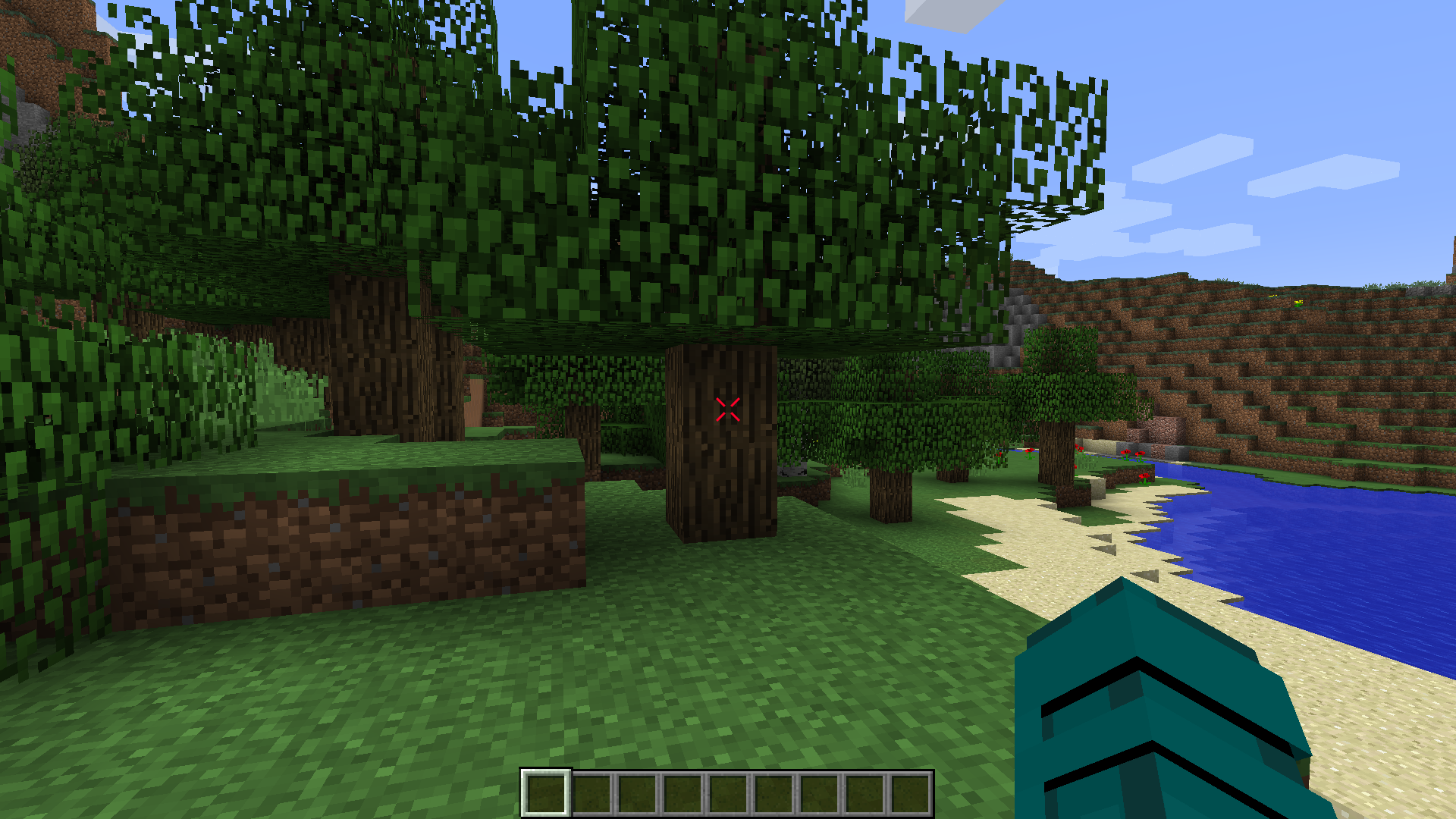
Configuration:
- Outline: Yes/No
- Width
- Height
- Gap
- Thickness
- Rounding
- Rotation
- Lines: Top, Bottom, Left, Right
- Dynamic Bow Configuration
- Color Configuration
2. Square Element
For a clean and modern look, opt for the square element. Tailor its color and outline settings to match your visual preferences.
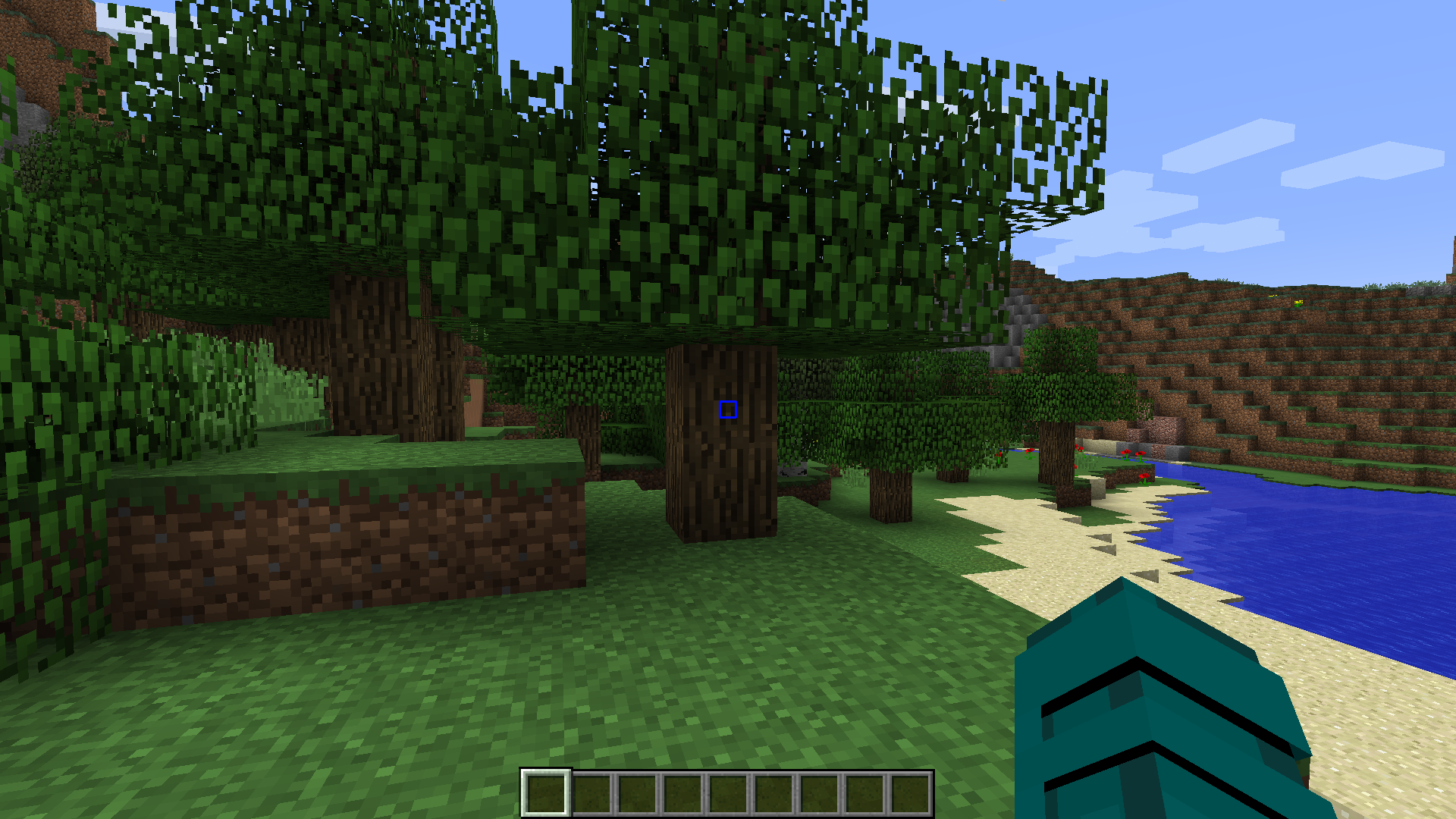
Configuration:
- Outline: Yes/No
- Width
- Height
- Gap
- Thickness
- Rounding
- Rotation
- Lines: Top, Bottom, Left, Right
- Dynamic Bow Configuration
- Color Configuration
3. Dot Element
Keep it minimalistic with the dot element. Configure its color and outline settings for a subtle yet effective crosshair design.
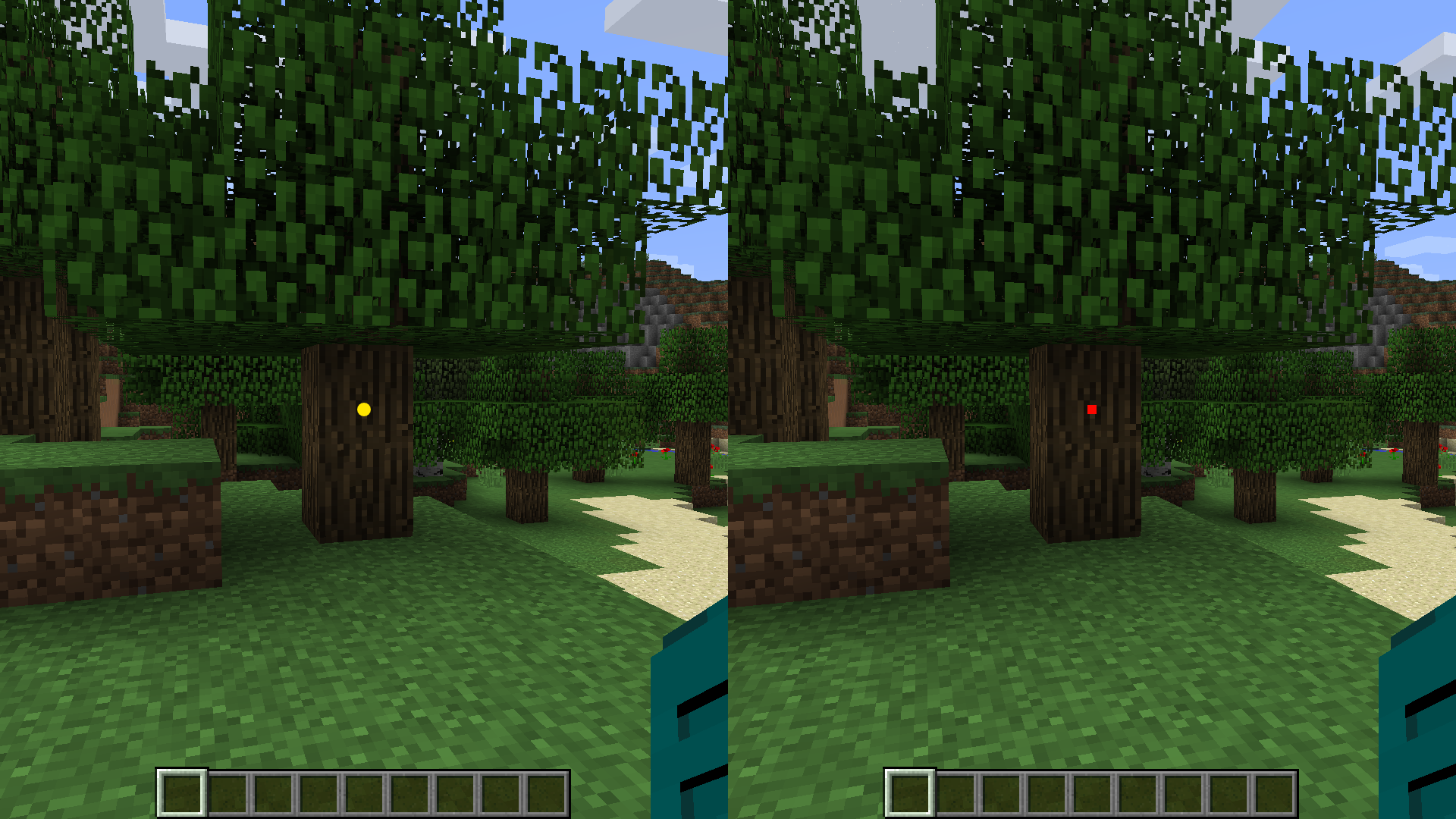
Configuration:
- Outline: Yes/No
- Type: Circle/Square
- Size
- Rotation
- Color Configuration
4. Circle Element
Embrace a circular crosshair design for a unique aesthetic. Adjust color and outline options to make it visually appealing.
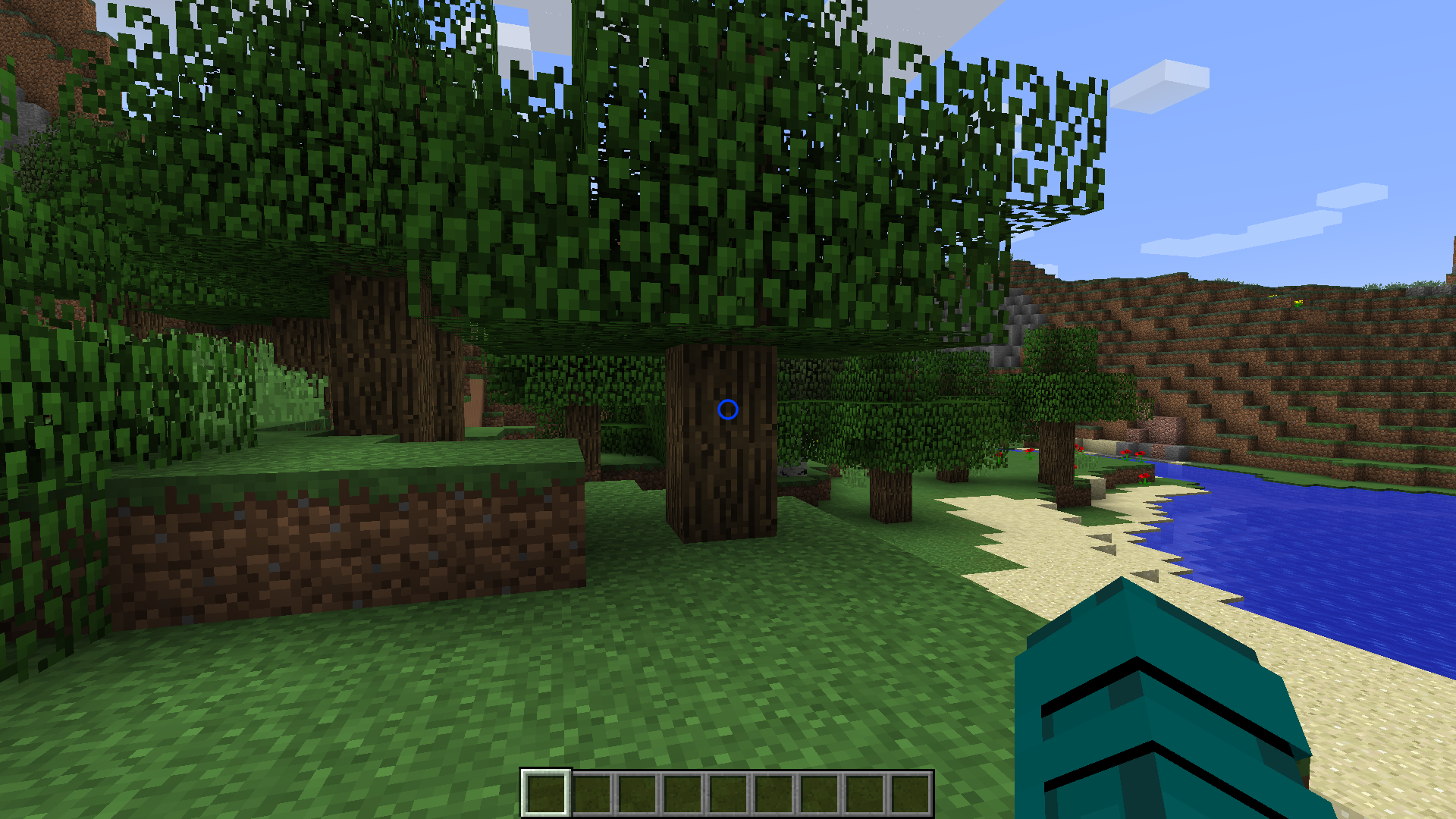
Configuration:
- Outline: Yes/No
- X Radius
- Y Radius
- Thickness
- Rotation
- Dynamic Bow Configuration
- Color Configuration
Dynamic Features
Color Configuration
Customize the color of each crosshair element individually. Whether you prefer a consistent color scheme or a dynamic rainbow effect, the choice is yours. Enable dynamic color changes based on the type of entities in your hit range. Set distinct colors for players, hostile entities, and passive entities.
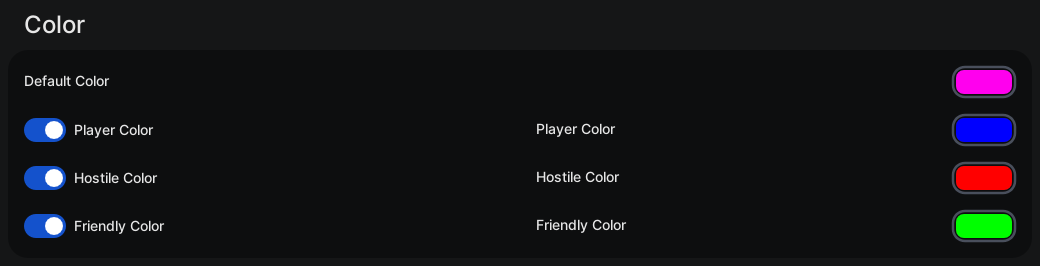
Configuration
- Default Color: #RRGGBB / Chroma (Rainbow)
- Player Color: Yes/No
- Player Color: #RRGGBB / Chroma (Rainbow)
- Hostile Color: Yes/No
- Hostile Color: #RRGGBB / Chroma (Rainbow)
- Friendly Color: Yes/No
- Friendly Color: #RRGGBB / Chroma (Rainbow)
Outline
Add a distinctive outline to your crosshair elements. Adjust the outline width and color to enhance visibility.
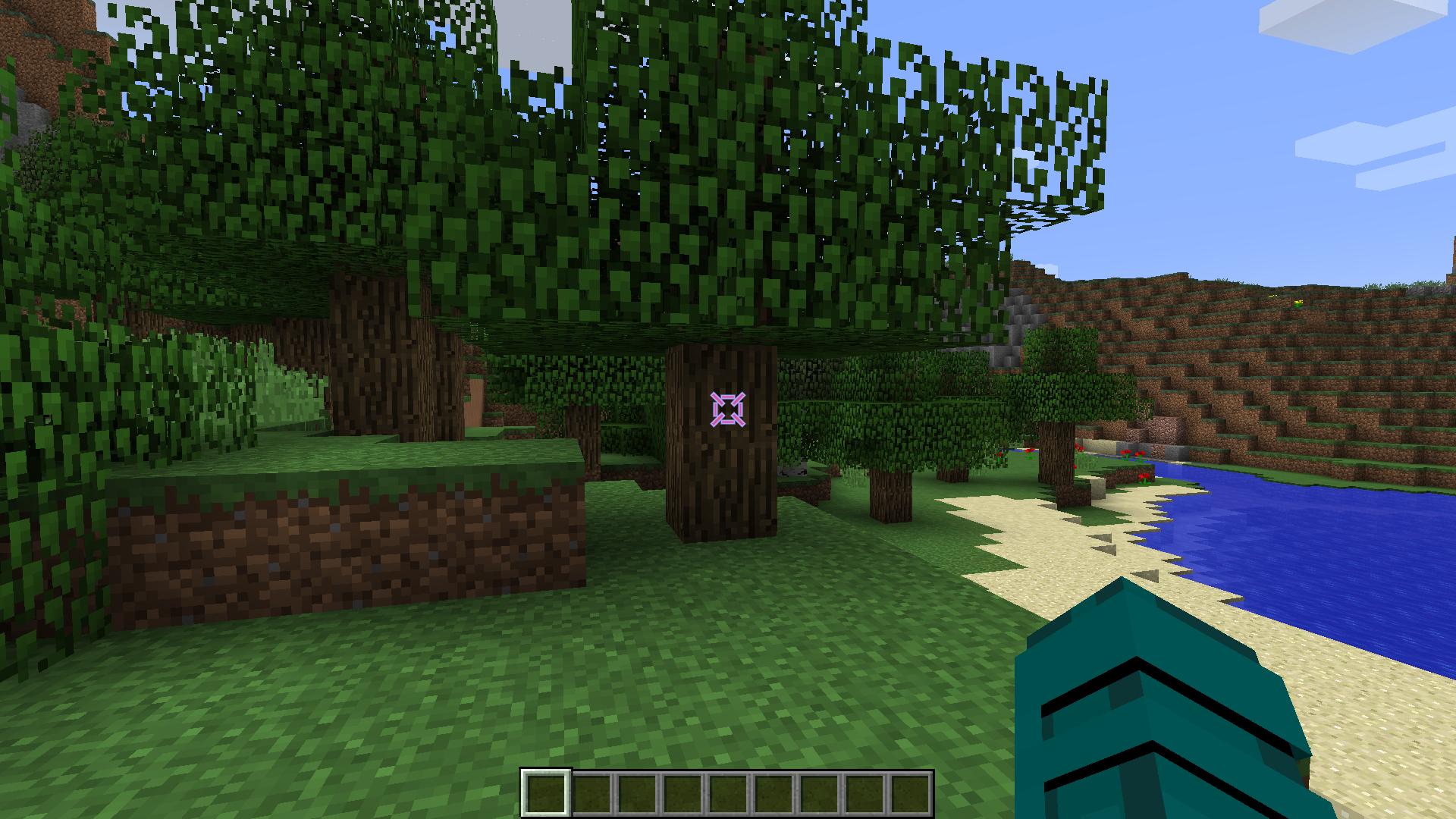 Configuration
- Outline Enabled: Yes/No
- Outline Width
- Color Configuration
Dynamic Bow
Experience immersive bow mechanics with a crosshair that dynamically changes size when a bow is being pulled back. Witness the visual feedback as you prepare for your shot.
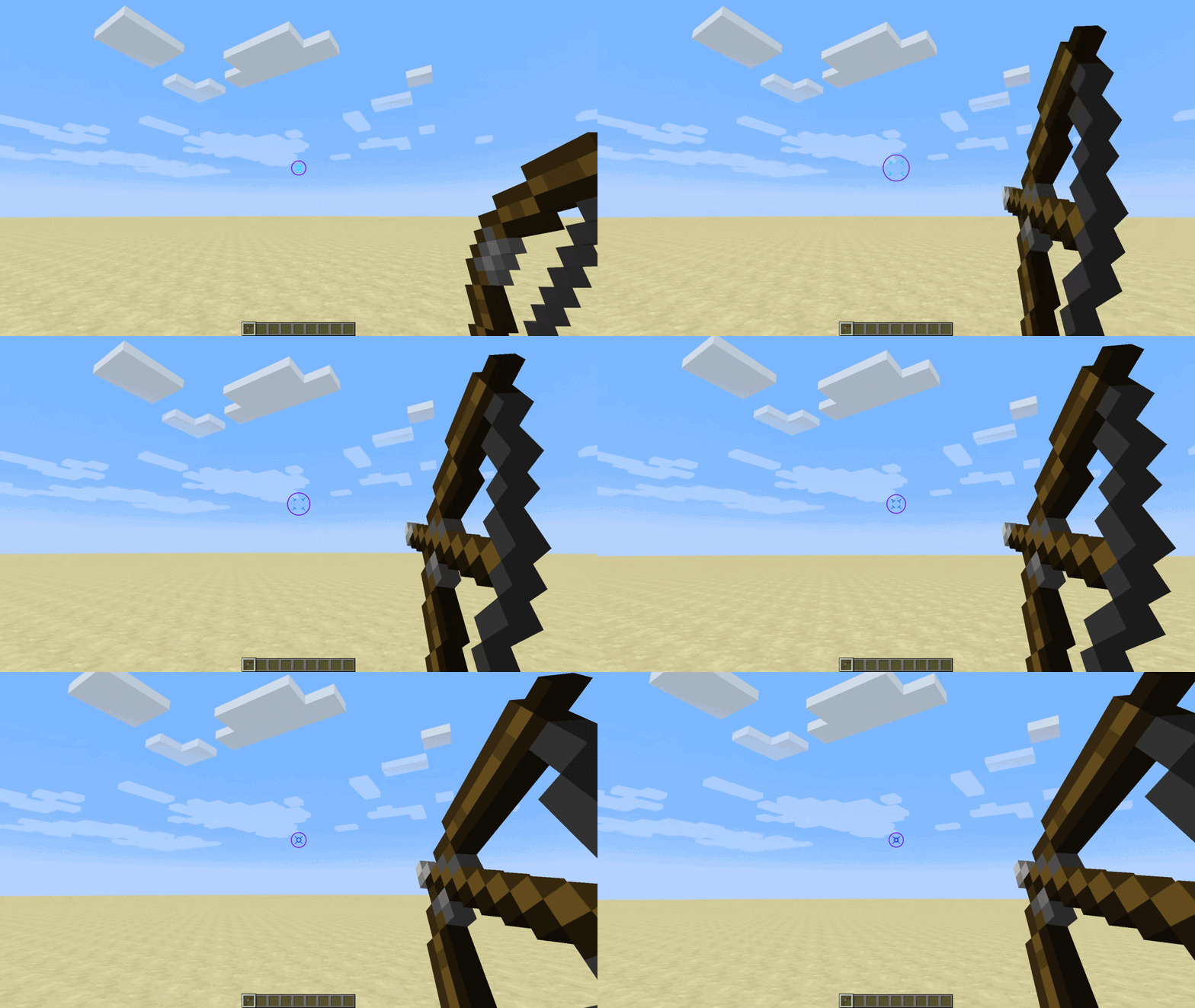
Configuration
- Dynamic Bow: Yes/No
- Dynamic Bow Multiplier
Upgrade your Minecraft visuals and precision with the Custom Crosshair mod. Dive into a world of customization and dynamic features, enhancing your gameplay like never before!
Screenshots
Gallery
-
Square Element
-
Dot Element
-
Circle Element
-
Color Configuration
-
Outline
-
 Modrinth Project Card
 -
Dynamic Bow
-
Cross Element
Versions
Files
Relations
Project Relations
More like this
Similar Mods
Suggestions use data such as tags, dependencies, dependents, descriptions, titles, and more to rank how much they overlap with this mod.
On ModDex
Community snapshot
By the numbers
Statistics

Want to reach Minecraft players?
We're looking for a server hosting partner to feature here and other parts of the site. Interested? Send us a message!
Get in touchGet it on
Available Platforms
On ModDex
Community snapshot
By the numbers