
Kill Switch
No reviews yet
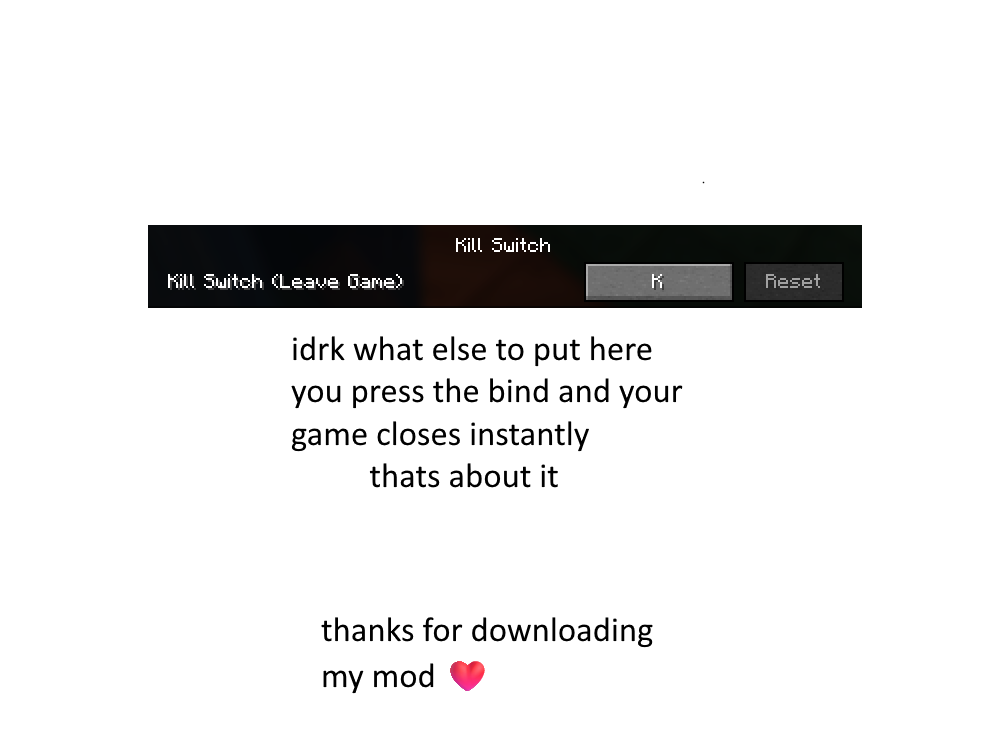
The first ever kill (public?) switch in Minecraft. Default Bind is K. Be careful since its instant exit.
Fabric is a mod loader for versions 1.14+ of Minecraft, particularly popular for client side and optimization mods.
Community voices
Reviews
Click once to include, again to exclude, again to clear
No reviews yet. Be the first to review this project!
Get it on
Available Platforms
 Modrinth
Compatibility
Supported Environments
About
Project Details
For authors
Embed Badge
If you're the author of this project, you can embed a live badge anywhere that supports HTML or Markdown. It updates automatically whenever ratings change.
Use HTML for any page that supports it, or Markdown for README files and Markdown-based descriptions.
Identifiers
Platform IDs
About
Description
🚨 Minecraft Kill Switch 🚨
🧨 Overview
The Minecraft Kill Switch is a simple yet powerful mod that lets you instantly kill the game with a single keystroke. Whether you're stuck in a tight spot, want to quit without waiting for the game to close normally, or just need a quick "emergency exit," this mod does the job. The default keybinding for this action is the K key.
⚡ Instant Shutdown: Press the K key to instantly close your Minecraft game, no questions asked.
🛠️ Features
- One-Press Shutdown: Simply press the K key to terminate Minecraft immediately.
- No Confirmation Required: This is an emergency switch; there's no "Are you sure?" prompt—just a quick exit.
🎮 How It Works
The Minecraft Kill Switch works by intercepting the game's input and detecting the press of the K key. When the key is pressed, the game is forcibly closed without any delay.
Default Keybind
- Key:
K(Can be customized in Minecraft's control settings)
⚙️ Installation Guide
Follow these steps to install the Minecraft Kill Switch Mod:
-
Download the Mod:
-
Install Fabric (or Forge):
- You’ll need either Fabric or Forge installed to run this mod. You can get Fabric from here.
- Follow the installation instructions on their website for your version of Minecraft.
-
Add the Mod:
- Move the downloaded mod
.jarfile into your Minecraft mods folder:- On Windows:
AppData > Roaming > .minecraft > mods - On macOS:
~/Library/Application Support/minecraft/mods
- On Windows:
- Move the downloaded mod
-
Launch Minecraft:
- Open your Minecraft Launcher, select the correct profile (Fabric/Forge), and click Play.
🖱️ Customizing the Keybind
If you want to change the default K key to something else:
- Open Minecraft and go to Options > Controls.
- Look for the section labeled Kill Switch Mod.
- Change the key to your preferred button.
- Hit Done and you're set!
🧳 Troubleshooting
- The mod isn't working: Ensure you're using the correct version of Fabric/Forge. Double-check that the mod file is in the correct mods folder.
- The key doesn't work: Make sure no other mods are conflicting with the keybind. Try resetting your controls.
- Accidentally pressing K: Change the key to something less accessible.
🔐 Safety Warning
This mod is designed to terminate the game instantly when the key is pressed. While useful, please use responsibly—accidentally pressing the key could cause you to lose unsaved progress.
⚙️ Requirements
- Loader: Fabric 0.16.10
- Fabric API: Recommended
Screenshots
Gallery
Versions
Files
Relations
Project Relations
More like this
Similar Mods
Suggestions use data such as tags, dependencies, dependents, descriptions, titles, and more to rank how much they overlap with this mod.
On ModDex
Community snapshot
By the numbers
Statistics

Want to reach Minecraft players?
We're looking for a server hosting partner to feature here and other parts of the site. Interested? Send us a message!
Get in touchGet it on
Available Platforms
On ModDex
Community snapshot
By the numbers