
Cutscene API
No reviews yet
A mod for making cutscenes
Provides a framework or library for other mods to use.
Forge is a popular mod loader for versions 1.1+ of Minecraft.
Neoforge is a fork of the Minecraft Forge available for versions 1.20.1+ of Minecraft. Many Forge mods are compatible with Neoforge and vice versa.
Fabric is a mod loader for versions 1.14+ of Minecraft, particularly popular for client side and optimization mods.
Quilt is a fork of the Fabric mod loader. Many Fabric mods are compatible with Quilt and vice versa.
Community voices
Reviews
Click once to include, again to exclude, again to clear
No reviews yet. Be the first to review this project!
Get it on
Available Platforms
 Modrinth
Compatibility
Supported Environments
About
Project Details
For authors
Embed Badge
If you're the author of this project, you can embed a live badge anywhere that supports HTML or Markdown. It updates automatically whenever ratings change.
Use HTML for any page that supports it, or Markdown for README files and Markdown-based descriptions.
Identifiers
Platform IDs
About
Description
Cutscene API is a mod that allows you to make cutscenes with camera movement and optional effects, and play them in-game in real time. It is intended to be used by map and mod makers to make their projects more beautiful.
Feature overview
The thing that defines what a player sees is a cutscene type, or simply a cutscene, defined in a data pack. Cutscenes have a length (in ticks), a path for the camera, a list of actions that a player is allowed to do when watching a cutscene, a start and end transition, as well as some special effects. All of these are optional, but when combined, they allow for making beautiful cutscenes.
You can find more details in the spoiler boxes below:
Path
The player's camera may follow a certain path during a cutscene. This path is defined by a set of segments, each of which can be either a simple line, a Bézier curve, a Catmull-Rom spline, a static point, or a special point, whose coordinates are defined by math functions.The camera's rotation is defined using the same kinds of segments, as well as a special one that lets you look at a specific point from where you are.
Transitions
The player doesn't have to snap into a cutscene - you can specify a transition to make it look more beautiful. Currently implemented transitions are "smooth ease" that makes you smoothly enter or leave the path of a cutscene and "fade", which fades the screen to a color (not necessarily one, or constant) and then starts or ends the cutscene.Action toggles
During a cutscene, you can prevent the player from moving, turning their head, breaking blocks, using items, taking damage, or make them a spectator so that mobs don't target them. This is a bit unstable at the time.Effects
Besides a camera path, you may want the player to see some text or images in a cutscene. Effects allow you to do that. Currently implemented effects include "appearing text" that slowly appears over time, "triangle strip" that can be used to draw simple geometry with triangles, "rectangle" that draws a rectangle, as well as "texture blit", which draws a texture on a specified position.Commands
/cutscene start <player> <type> [at_preview | position] [start_camera_rotation] [path_rotation] - starts a cutscene at the specified position, with the camera initially facing start_camera_rotation and the path rotated by path_rotation around the starting position
/cutscene stop [player] - stops a cutscene for a player
/cutscene preview set <type> [start_pos] [path_rotation] - previews a cutscene path from a certain point, rotated around that point
/cutscene preview hide - hides a preview
See it yourself
In the source repository, there is folder named "Example Cutscenes", which is a datapack with a bunch of cutscenes I use for testing out new features and that you can use to see what the mod has to offer. They're a little weird sometimes, but they get the job done.
Compatibility
I try to make the mod as compatible with other mods out there as possible. There should be no problems.
Most versions I release are typically backwards-compatible, especially format-wise.
Screenshots
Gallery
-
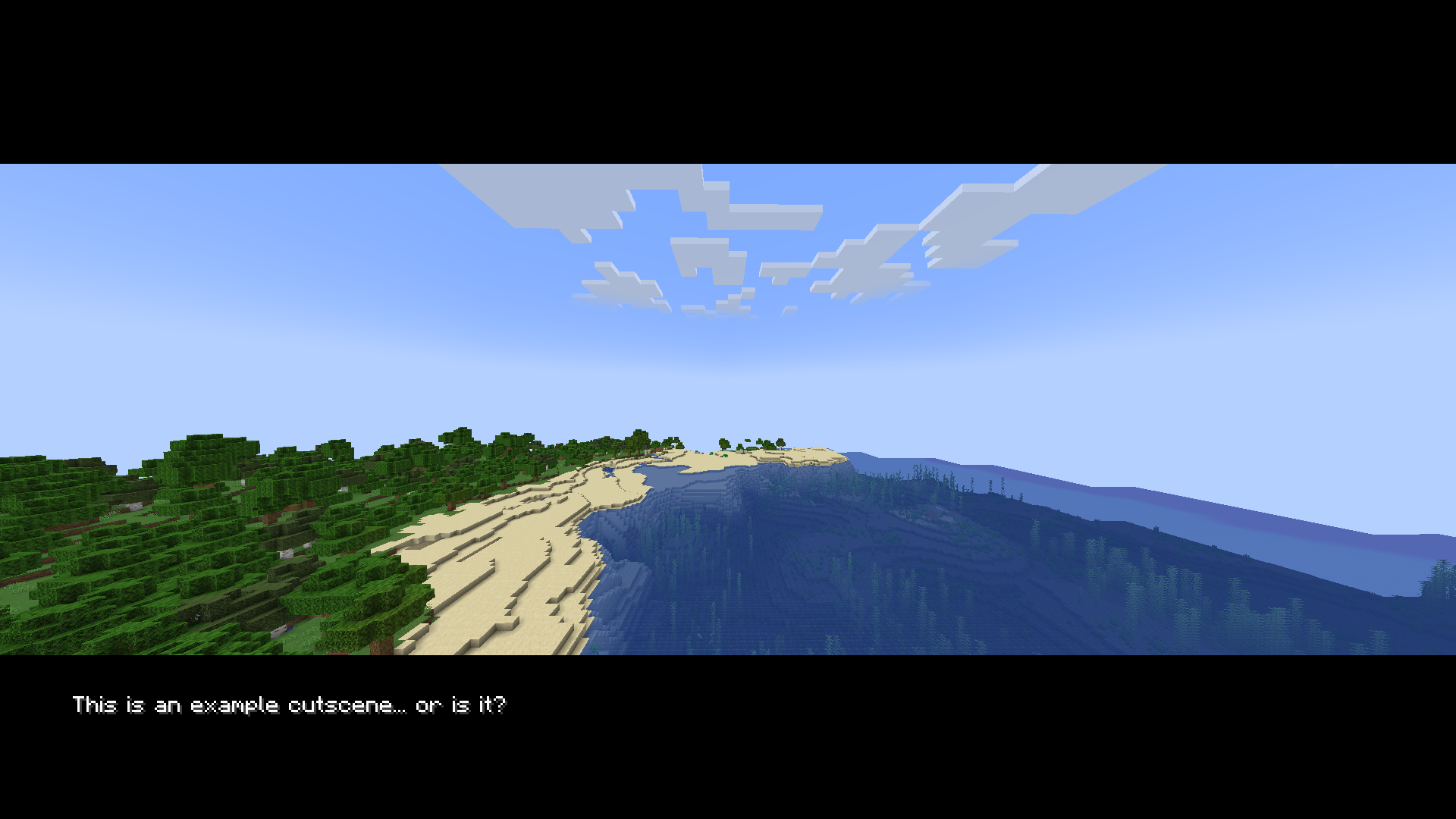 Example Cutscene? Features a cutscene with two black rectangles on top and bottom, as well as a text at the bottom saying: "This is an example cutscene... or is it?"
 -
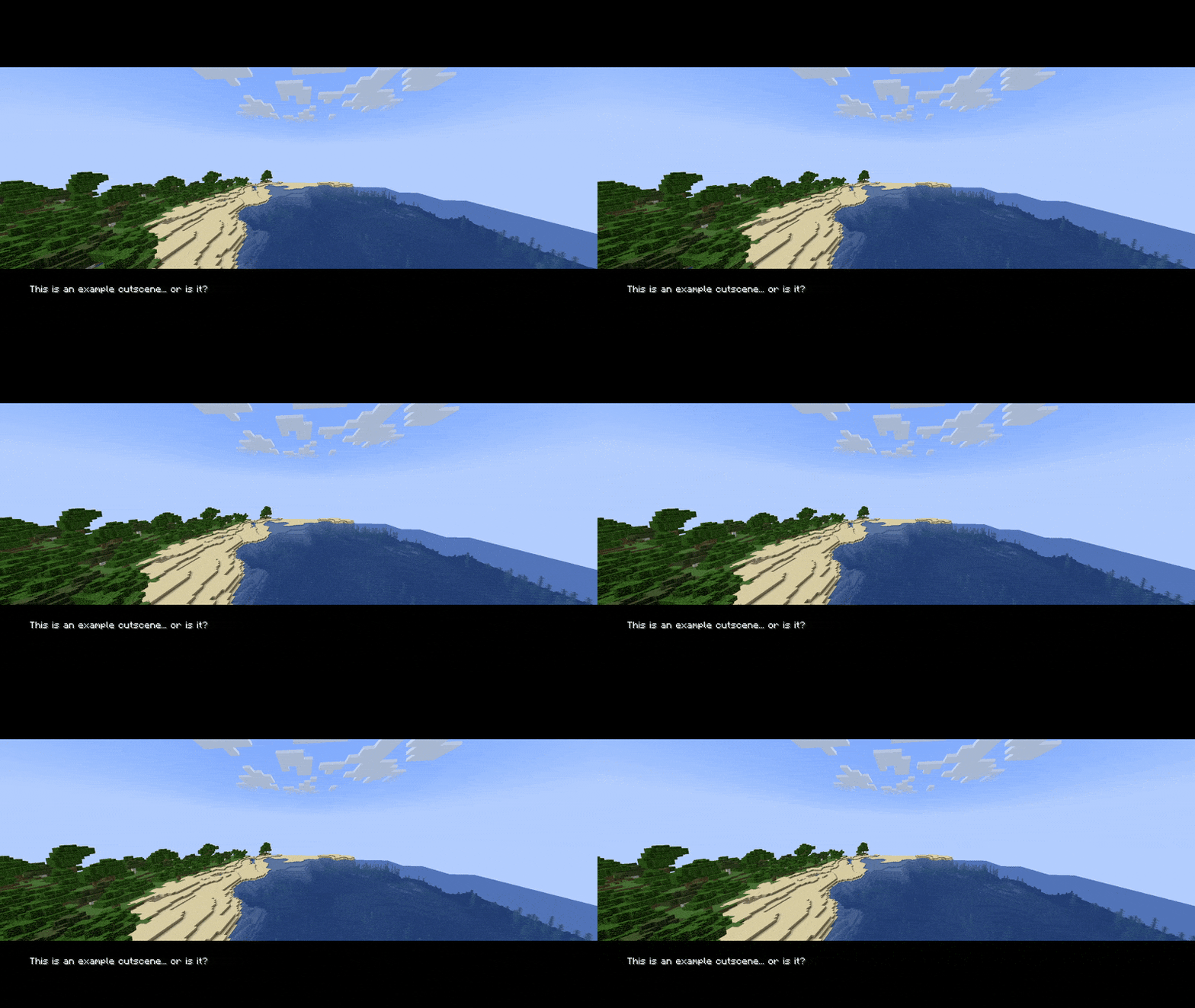 Example Cutscene (gif) The example cutscene, but a gif
Versions
Files
Relations
Project Relations
More like this
Similar Mods
Suggestions use data such as tags, dependencies, dependents, descriptions, titles, and more to rank how much they overlap with this mod.
On ModDex
Community snapshot
By the numbers
Statistics

Want to reach Minecraft players?
We're looking for a server hosting partner to feature here and other parts of the site. Interested? Send us a message!
Get in touchGet it on
Available Platforms
On ModDex
Community snapshot
By the numbers