
Colorly
No reviews yet
Real-time display color grading — tune Hue, Saturation, Brightness & Contrast for the whole game.
Provides a framework or library for other mods to use.
Fabric is a mod loader for versions 1.14+ of Minecraft, particularly popular for client side and optimization mods.
Community voices
Reviews
Click once to include, again to exclude, again to clear
No reviews yet. Be the first to review this project!
Get it on
Available Platforms
 Modrinth
Compatibility
Supported Environments
About
Project Details
For authors
Embed Badge
If you're the author of this project, you can embed a live badge anywhere that supports HTML or Markdown. It updates automatically whenever ratings change.
Use HTML for any page that supports it, or Markdown for README files and Markdown-based descriptions.
Identifiers
Platform IDs
Resources
External Links
About
Description
Colorly
Colorly gives you a clean, real-time color-grading panel for Minecraft — adjust the look of the entire game on the fly, the same way you would in a video editor.
Tweak Hue, Saturation, Brightness and Contrast and watch the whole screen update instantly. Warm up your world, cool it down, crank the saturation for a vivid look, or pull it back for a cinematic, washed-out feel — it's all up to you.
✨ Features
- 🎨 Four live sliders — Hue, Saturation, Brightness, Contrast
- ⚡ Instant preview — every change is applied to the screen in real time
- 🖥️ Whole-game grading — affects the world, not just one element
- 🪶 Lightweight & client-side — a single full-screen shader pass, no performance baggage
- 🔄 One-click reset — back to neutral whenever you want
- 💾 Saved automatically — your look is remembered between sessions
🎛️ How to use
Open the settings panel through Mod Menu, or bind a key in Options → Controls → Colormatic. Drag the sliders, enjoy the live preview, and hit Reset Settings to start over.
📦 Requirements
- Fabric Loader + Fabric API
- Mod Menu (optional, recommended — adds a config button)
Client-side only — safe to use on any server.
Made with ♥ by x1eqn.
Screenshots
Gallery
-
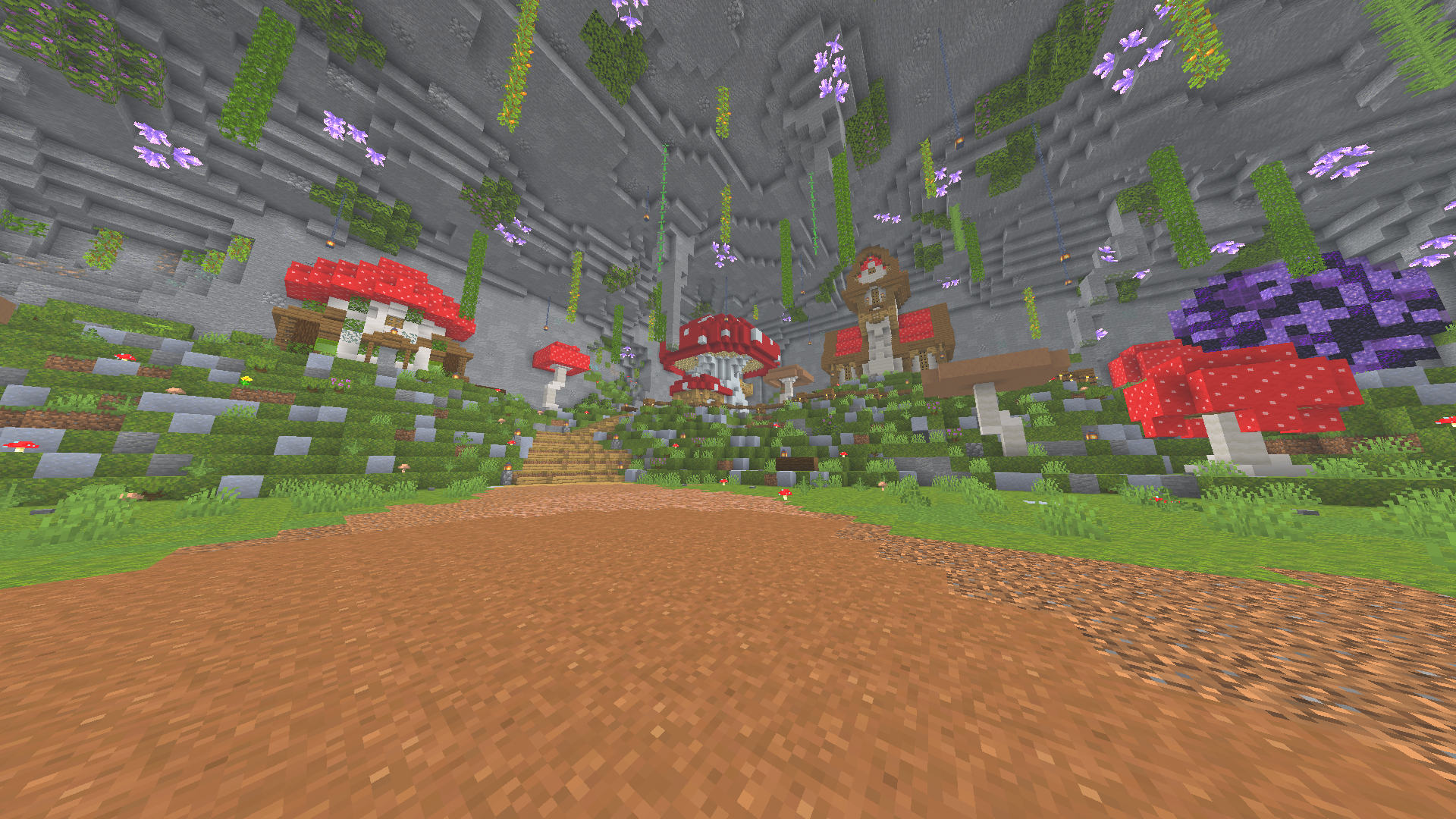 looks in game
 -
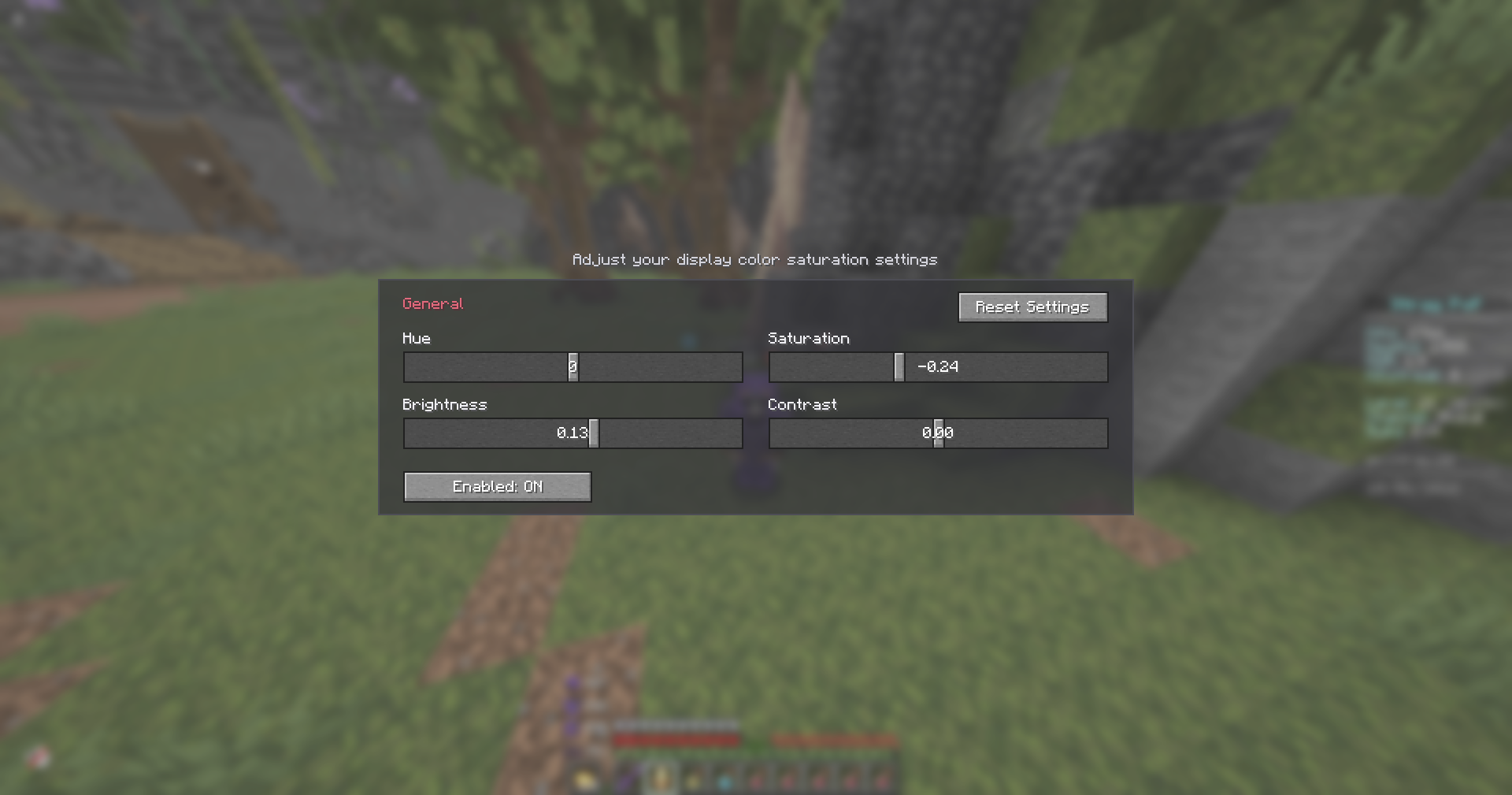 Settings Settings of mod
Versions
Files
Relations
Project Relations
More like this
Similar Mods
Suggestions use data such as tags, dependencies, dependents, descriptions, titles, and more to rank how much they overlap with this mod.
On ModDex
Community snapshot
By the numbers
Statistics

Want to reach Minecraft players?
We're looking for a server hosting partner to feature here and other parts of the site. Interested? Send us a message!
Get in touchGet it on
Available Platforms
On ModDex
Community snapshot
By the numbers
Statistics
Resources