
Community listing page, reviews here may not be monitored by the author.
Katanas

No reviews yet
Adds various katanas to minecraft.
Community voices
Reviews
No reviews yet. Be the first to review this project!
Get it on
Available Platforms
About
Project Details
For authors
Embed Badge
If you're the author of this project, you can embed a live badge anywhere that supports HTML or Markdown. It updates automatically whenever ratings change.
Use HTML for any page that supports it, or Markdown for README files and Markdown-based descriptions.
Identifiers
Platform IDs
About
Description
News:
- Discord server now fixed! (You can join now)
- Commands and config coming very soon - beta on my discord!
Summary:
More info: Wiki, Discord server
This plugin adds katanas (list can be seen below). Katanas are split in two versions:
- Light - craftable just with 2 of material and a stick (visit gallery for more info)
- Strong (normal) - craftable with 1 material, 1 material block and 1 stick (visit gallery for more info) Katanas are faster that axes, but slower than swords.
List of added items:
- Diamond Katana (8.5, light 7.5 Attack damage)
- Iron Katana (7, light 6.5 Attack damage)
- Gold Katana (7, light 5.5 Attack damage)
- Copper Katana (8, light 7 Attack damage)
Compatibility:
It's fully compatible with almost any plugin for it's simplicity. The main problem can be texturepacks, because if one is overwritten by other, it doesn't understand that texturepack 'under' is actually using the custom model data, I'll try to cover all the problems and how to solve them below. Plugins that PERFECTLY fit to this:
Texturepack:
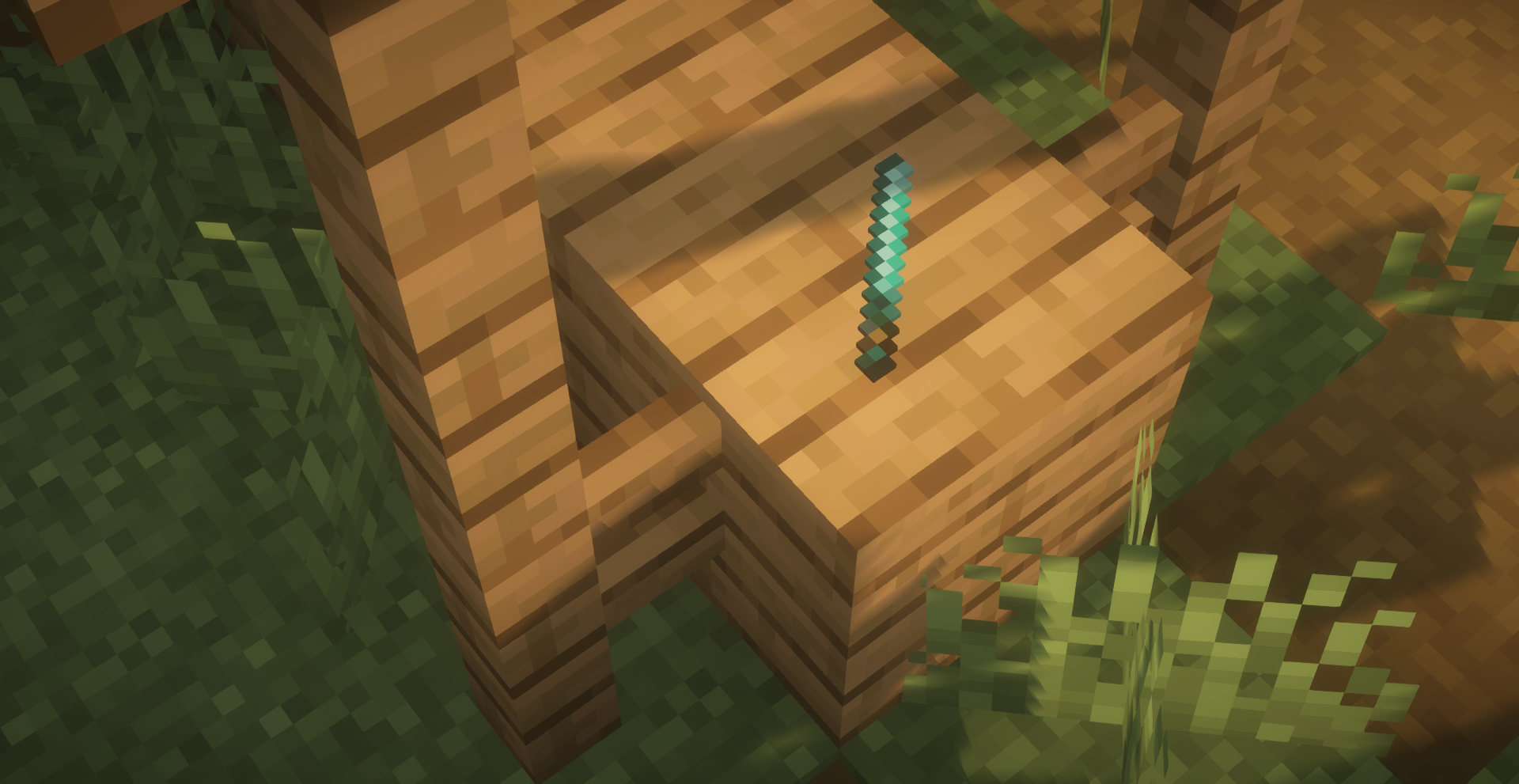
Installation guide:
- Get the .jar file in 'plugins' folder
- You're done!
- Check out the Wiki and Discord server
FAQ
- What about the texturepack?
- It's downloaded automatically, you don't have to worry about it!
Screenshots
Gallery
-
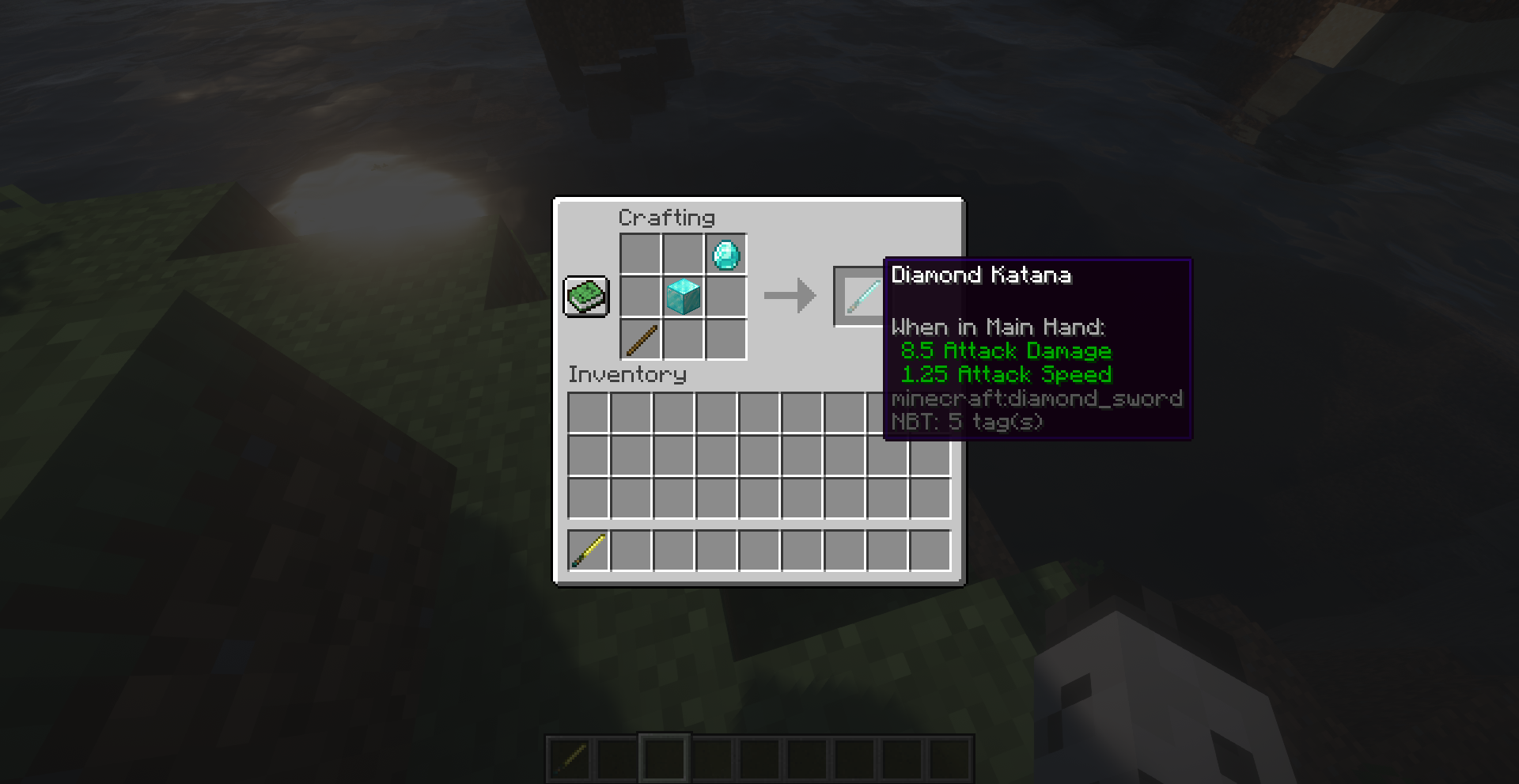 Crafting Strong katana crafting
 -
Item
-
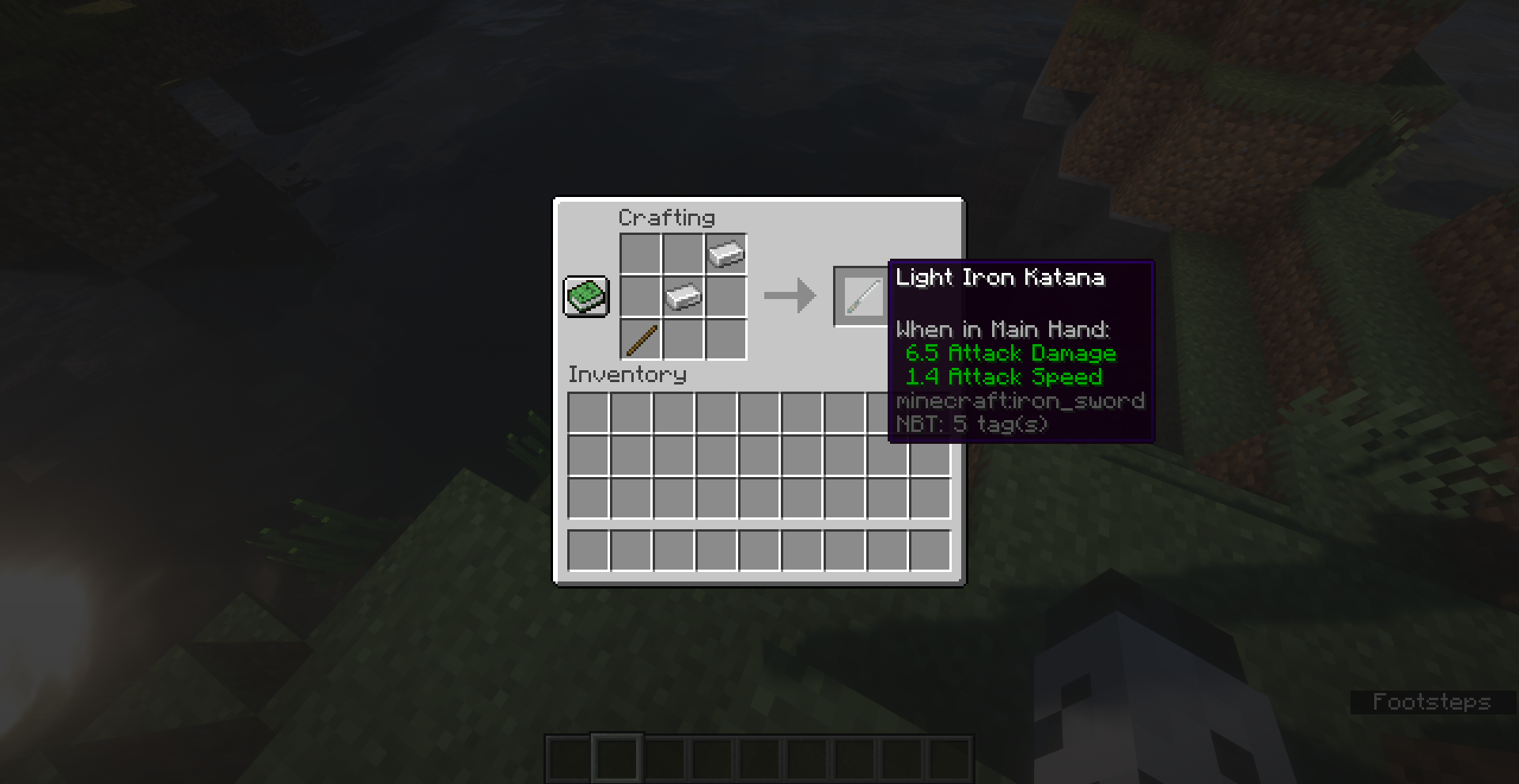 Crafting Light katana crafting
 -
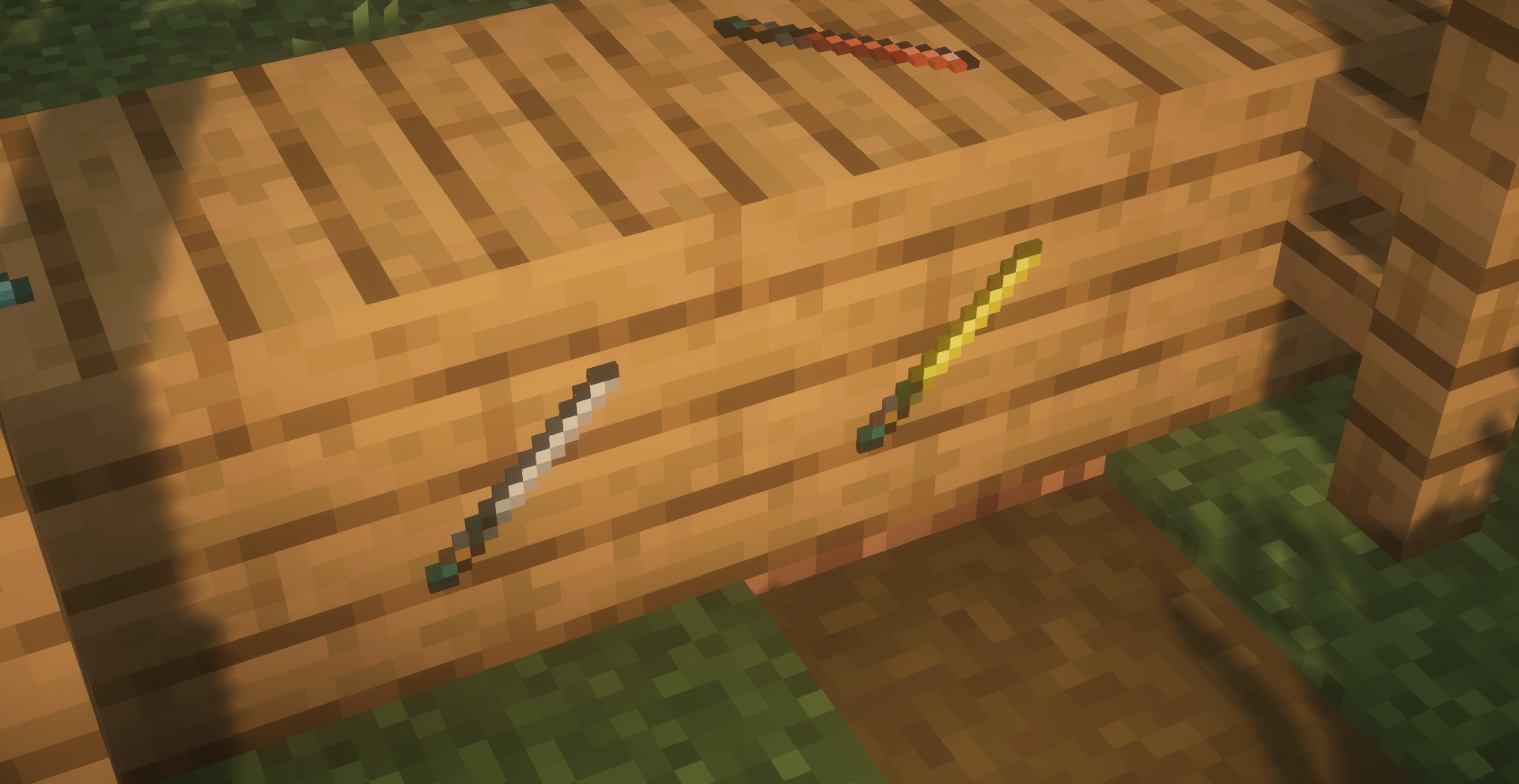 Item
Item -
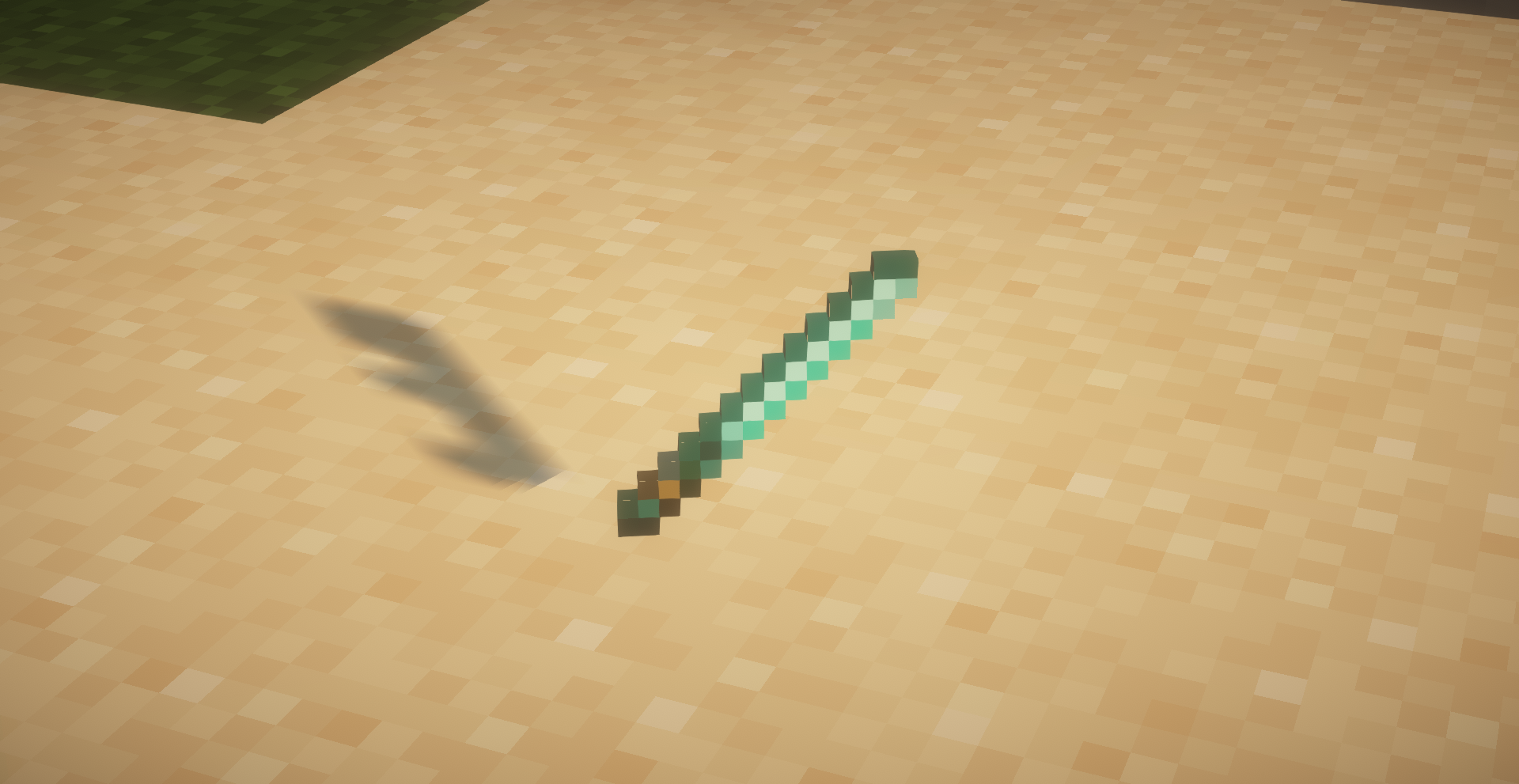 Item How katana item looks like
 -
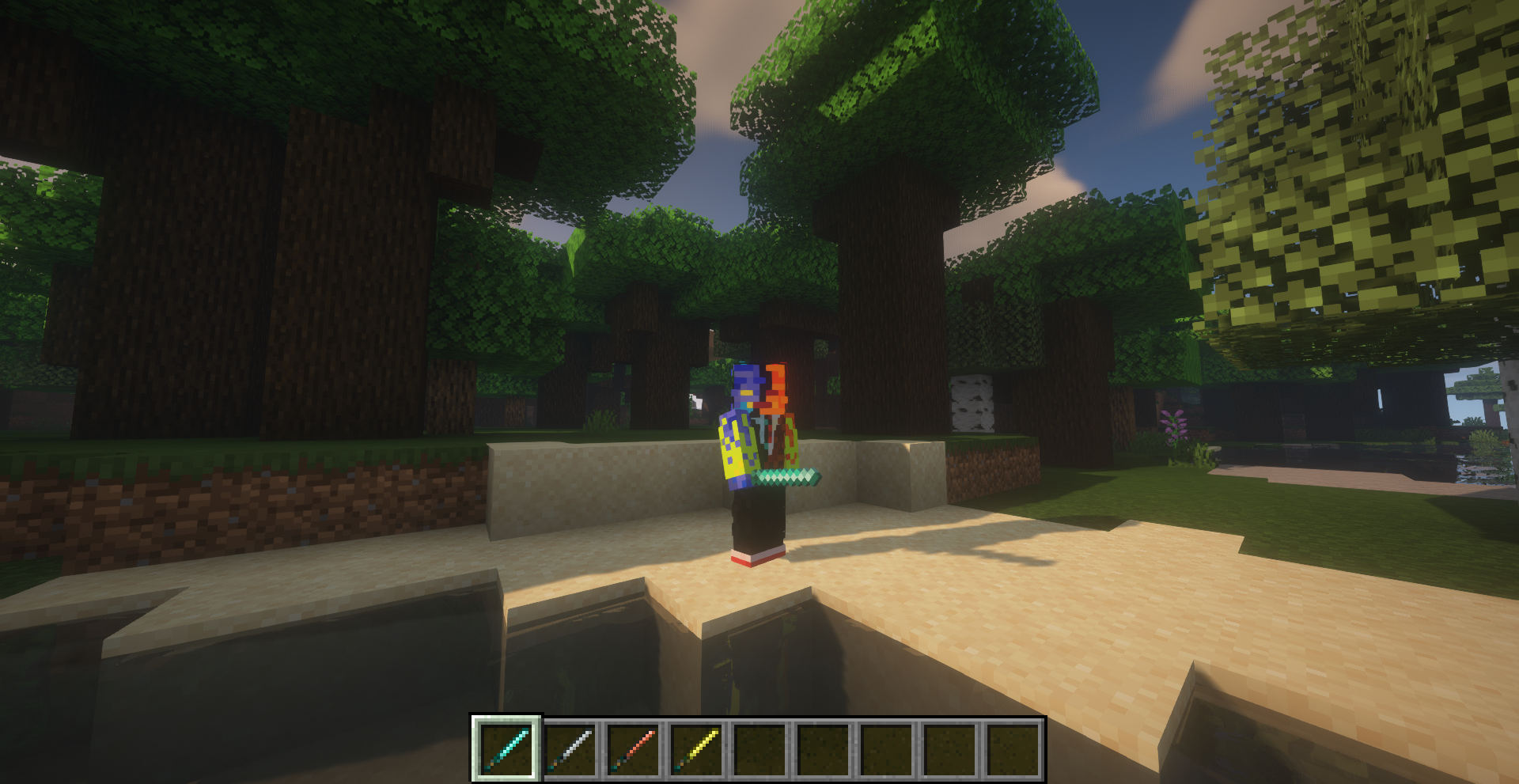 Katana How katana looks from perspective of others
 -
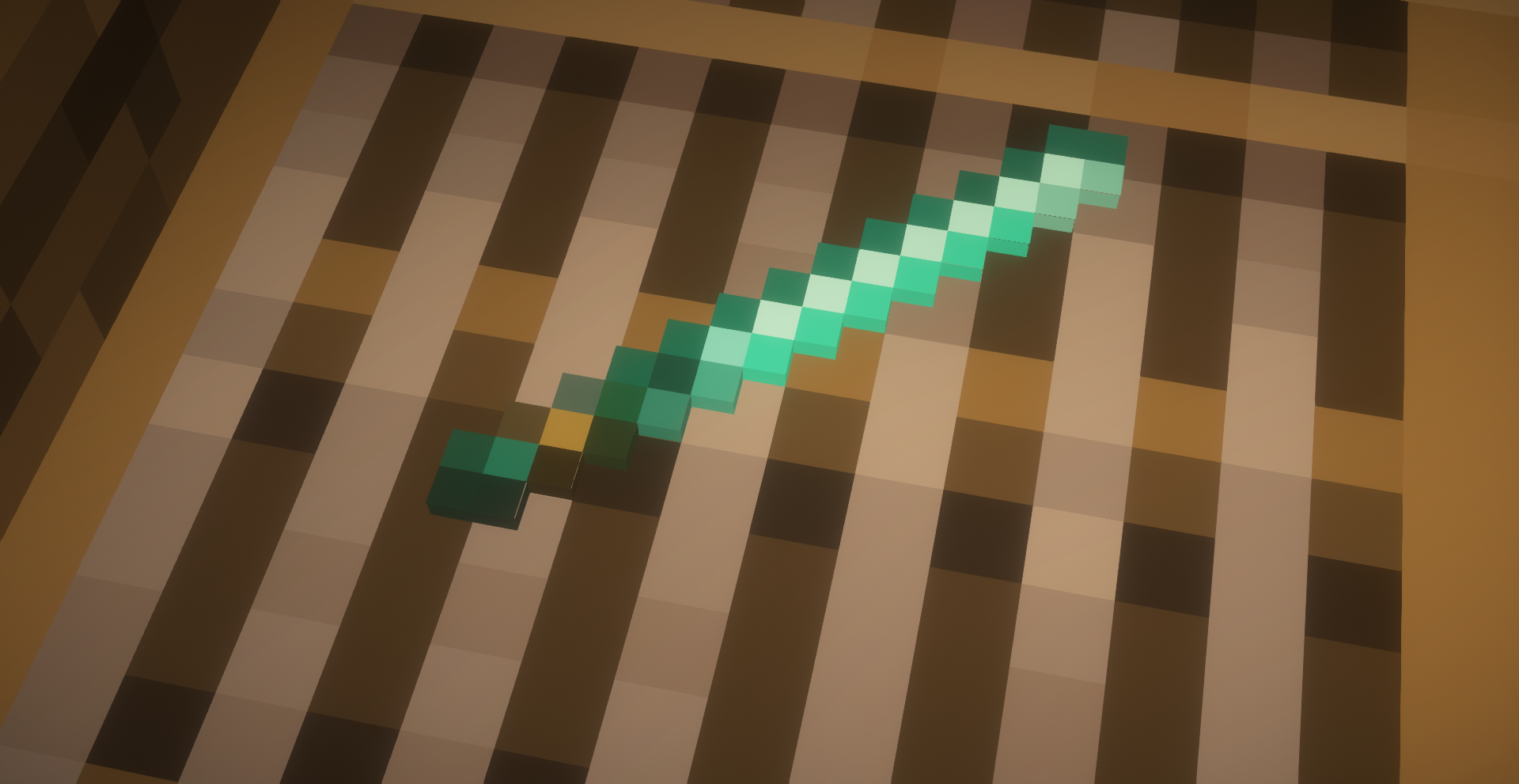 Item
Item
Versions
Files
Relations
Project Relations
More like this
Similar Mods
Suggestions use data such as tags, dependencies, dependents, descriptions, titles, and more to rank how much they overlap with this mod.
On ModDex
Community snapshot
By the numbers
Statistics

Want to reach Minecraft players?
We're looking for a server hosting partner to feature here and other parts of the site. Interested? Send us a message!
Get in touchGet it on
Available Platforms
On ModDex
Community snapshot
By the numbers