
Linked Chests
No reviews yet
Tired of endless trips between storage rooms? Synchronize your storage, save time, and manage your resources with ease!
Data Packs were introduced to vanilla Minecraft in version 1.13 and allow the server to modify data about the game, or run commands. Data Packs are compatible with all mod loaders.
Forge is a popular mod loader for versions 1.1+ of Minecraft.
Neoforge is a fork of the Minecraft Forge available for versions 1.20.1+ of Minecraft. Many Forge mods are compatible with Neoforge and vice versa.
Fabric is a mod loader for versions 1.14+ of Minecraft, particularly popular for client side and optimization mods.
Quilt is a fork of the Fabric mod loader. Many Fabric mods are compatible with Quilt and vice versa.
Community voices
Reviews
Click once to include, again to exclude, again to clear
No reviews yet. Be the first to review this project!
Get it on
Available Platforms
 Modrinth
Compatibility
Supported Environments
About
Project Details
For authors
Embed Badge
If you're the author of this project, you can embed a live badge anywhere that supports HTML or Markdown. It updates automatically whenever ratings change.
Use HTML for any page that supports it, or Markdown for README files and Markdown-based descriptions.
Identifiers
Platform IDs
Resources
External Links
About
Description
Linked Chests – Organize Your Storage Like Never Before!
Tired of endless trips between storage rooms? With Linked Chests, you can connect multiple chests across your world, keeping your loot organized and accessible from anywhere! Synchronize your storage, save time, and manage your resources with ease!
Linked Chest Creation
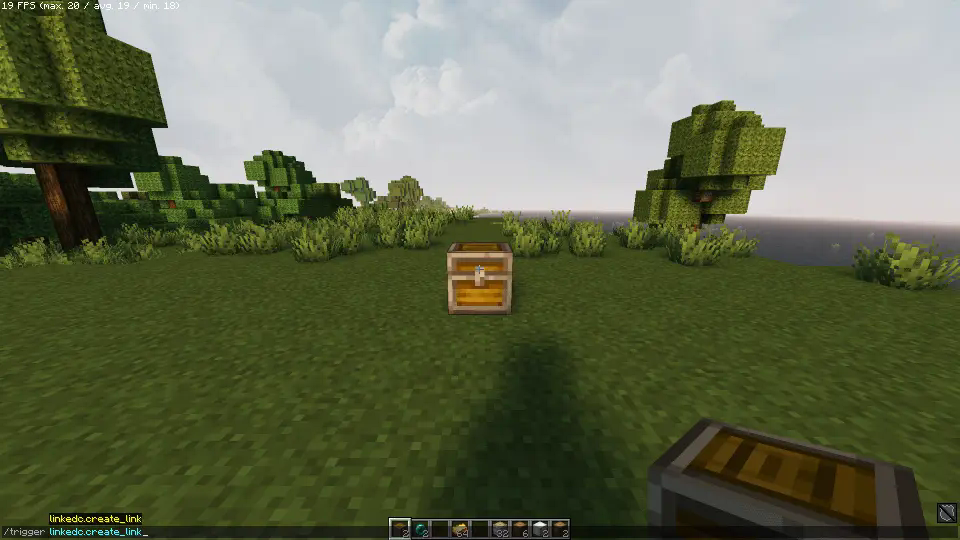
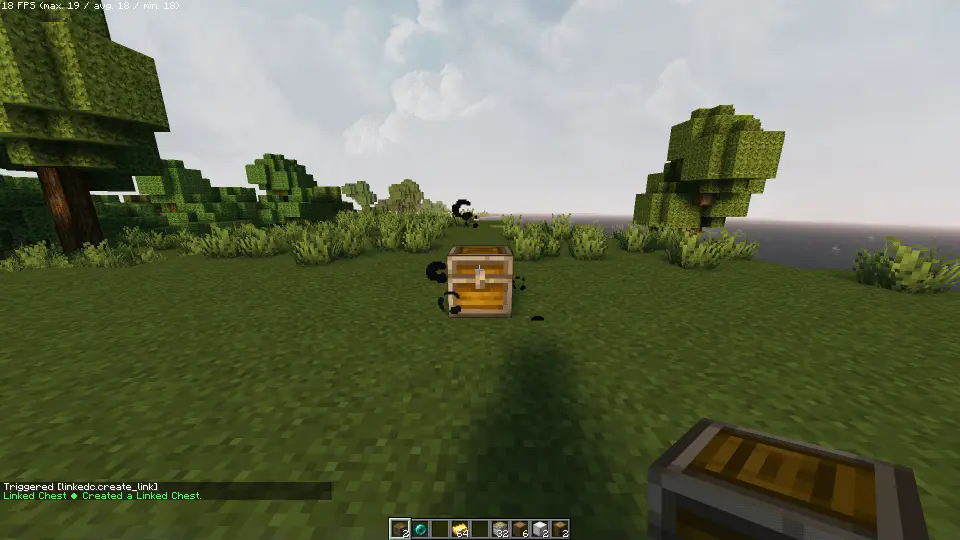
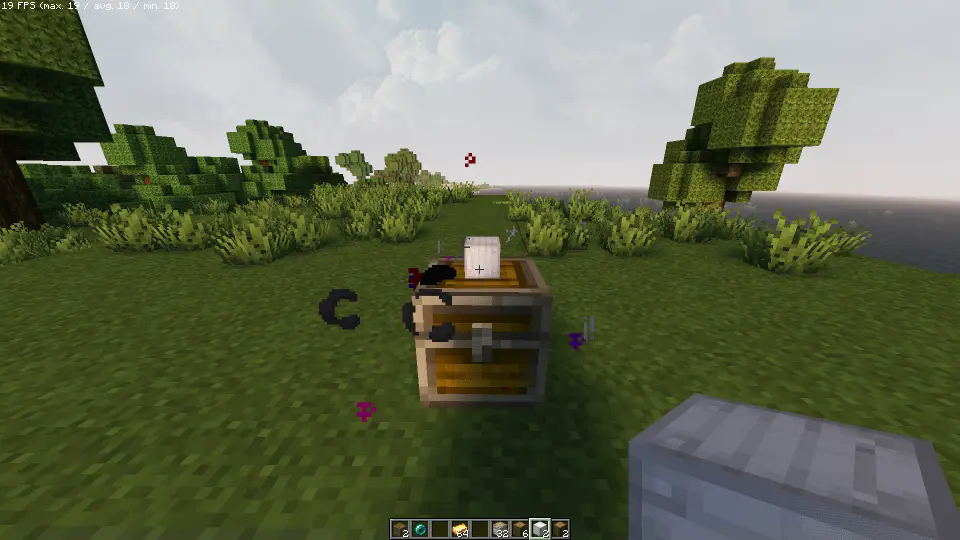
To begin, place a chest where you want and look directly at it. Execute the command /trigger linkedc.create_link while having an Ender Pearl in your inventory. Particles will appear to show the Linked Chest is created but not yet linked.
Spoiler
Linking Chests
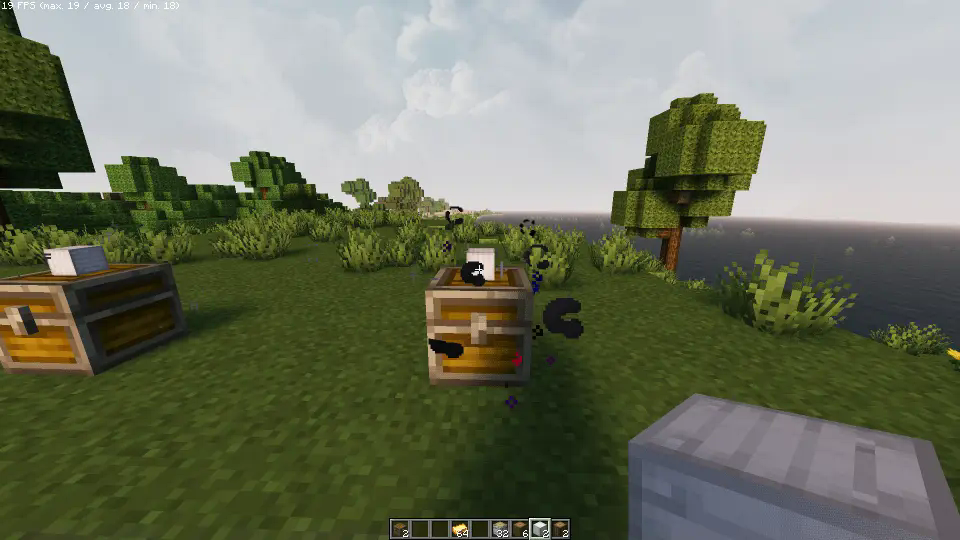
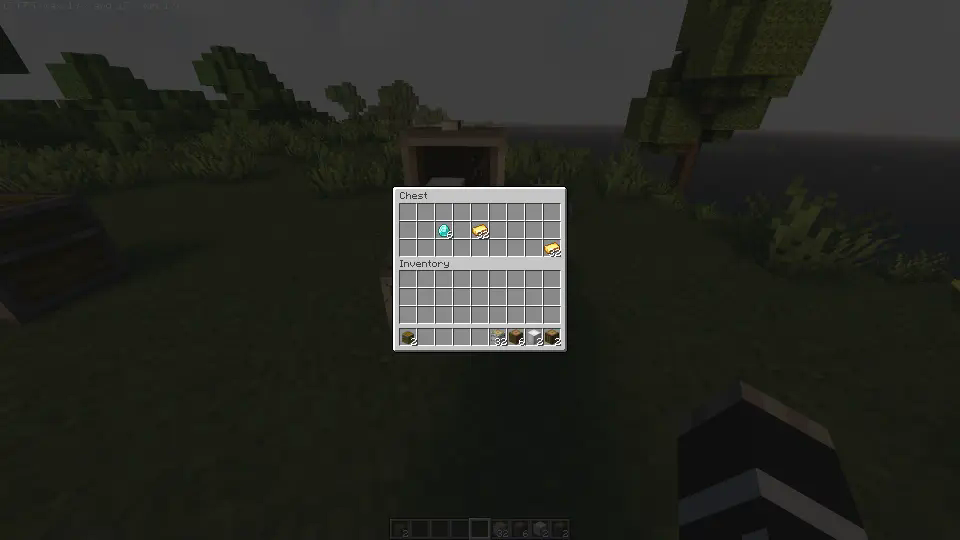
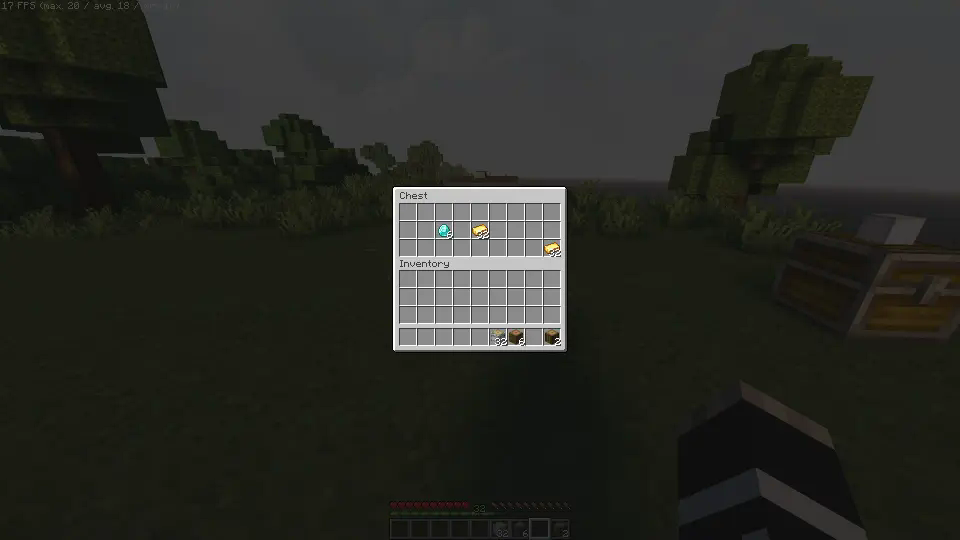
Each Linked Chest is synced using a special item. Simply right-click on top the chest while holding the item you want to link. All chests linked with the same item will now be synchronized, sharing their contents instantly.
Let's create 2 Linked Chests to see
Breaking Linked Chests
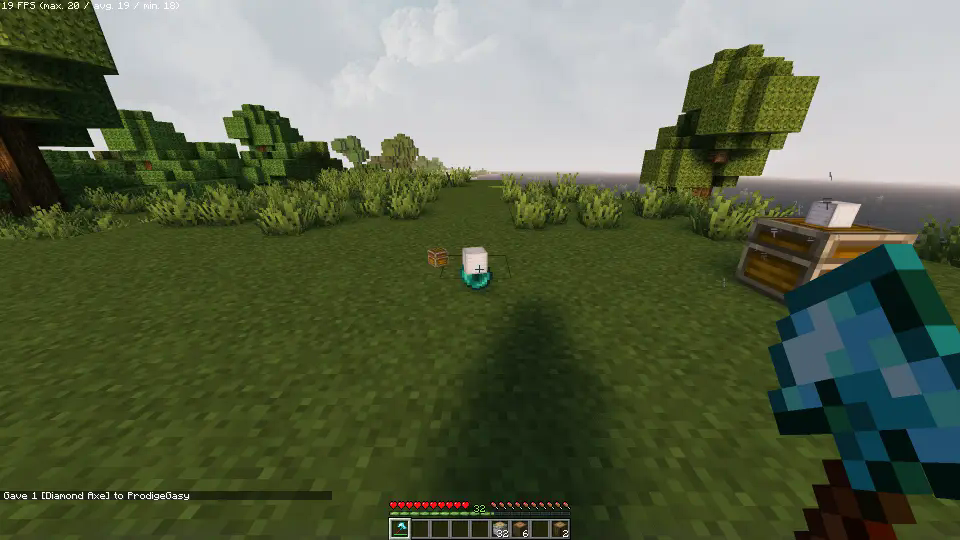
To remove a Linked Chest, break it. The Ender Pearl and linking item will be returned. Hold sneak while breaking the chest to drop the contents as well. If other Linked Chests still exist, items won’t drop unless it's the last chest linked to that item.
Spoiler
Uninstalling
Ready to say goodbye to the Datapack? No problem! Simply follow these simple steps:
- Access the Chat Window.
- Enter the Uninstall Command and press Enter:
/function linked_chests:uninstall
- You can now remove it safely from the Datapacks folder, every trace of the datapack has been removed.
Additional Notes
- Compatible with all other datapacks, following the standard conventions.
- This datapack was coded using JMC
Screenshots
Gallery
Versions
Files
Relations
Project Relations
More like this
Similar Mods
Suggestions use data such as tags, dependencies, dependents, descriptions, titles, and more to rank how much they overlap with this mod.
On ModDex
Community snapshot
By the numbers
Statistics

Want to reach Minecraft players?
We're looking for a server hosting partner to feature here and other parts of the site. Interested? Send us a message!
Get in touchGet it on
Available Platforms
On ModDex
Community snapshot
By the numbers
Statistics
Resources