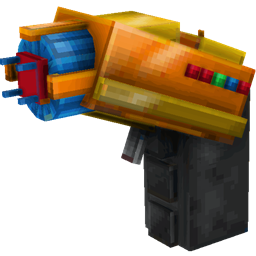
Community listing page, reviews may not be monitored by the author.
Multi Builder Tool


No reviews yet
Build Multiblocks with one click

Community voices
Reviews
No reviews yet. Be the first to review this project!
Get it on
Available Platforms
Compatibility
Supported Environments
Must be installed on both the client and the server.
About
Project Details
For authors
Embed Badge
If you're the author of this project, you can embed a live badge anywhere that supports HTML or Markdown. It updates automatically whenever ratings change.
Use HTML for any page that supports it, or Markdown for README files and Markdown-based descriptions.
Identifiers
Platform IDs
About
Description
Tired of building numerous structures by hand?
undefined
Use MBTool!
Structures included by default for mods:
- Mekanism
- Mekanism Generators
- NuclearCraft: Neoteric
- Tinkers Construct
- Immersive Engineering
- Blood Magic
- Extreme Reactors
Grouping structures:
If you like to group structures you can simply create a sub-folder in mbtool_structures folder eg. "reactors", and place all reactor structures inside. This also can be done with kubejs, see example below.
Kube JS support:
MbtoolKJSEvents.InitMbtoolStructures(event => {
    for(let i = 0; i < event.structures.length; i++) {
        console.log(event.structures[i].getId());
        console.log(event.structures[i].getName());
        console.log(event.structures[i].getStructureNbt());
        console.log(event.structures[i].getGroup());

        event.structures[i].setStructureNbt(CompoundTag.fromJSON({})); // set structure nbt (you can use this to change the structure, but be careful!)
        var nbt = event.structures[i].getStructureNbt(); // get structure nbt
        nbt.palette[0].Name = 'minecraft:iron_block'; // change first block in palette to iron block
        event.structures[i].setStructureNbt(nbt); // set structure nbt again
        //if you wish to remove structure, then set some non existing block
        nbt.palette[0].Name = 'minecraft:not_existing_block';
        event.structures[i].setStructureNbt(nbt); // set structure nbt again

        // Example if you wish to pack all reactors into Group
        if (event.structures[i].getId().toString().toLowerCase().includes('reactor')) {
            event.structures[i].setGroup('Reactors');
        }
    }
});

Description for 1.20+
-
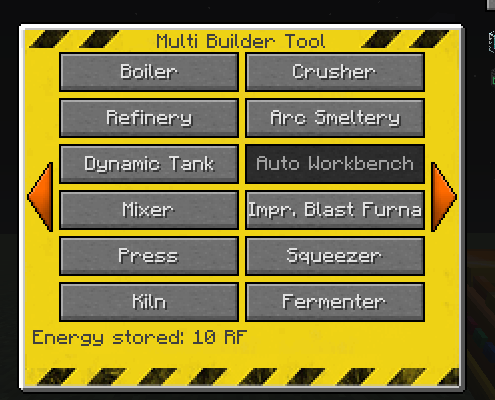
SHIFT+use to open GUI
-
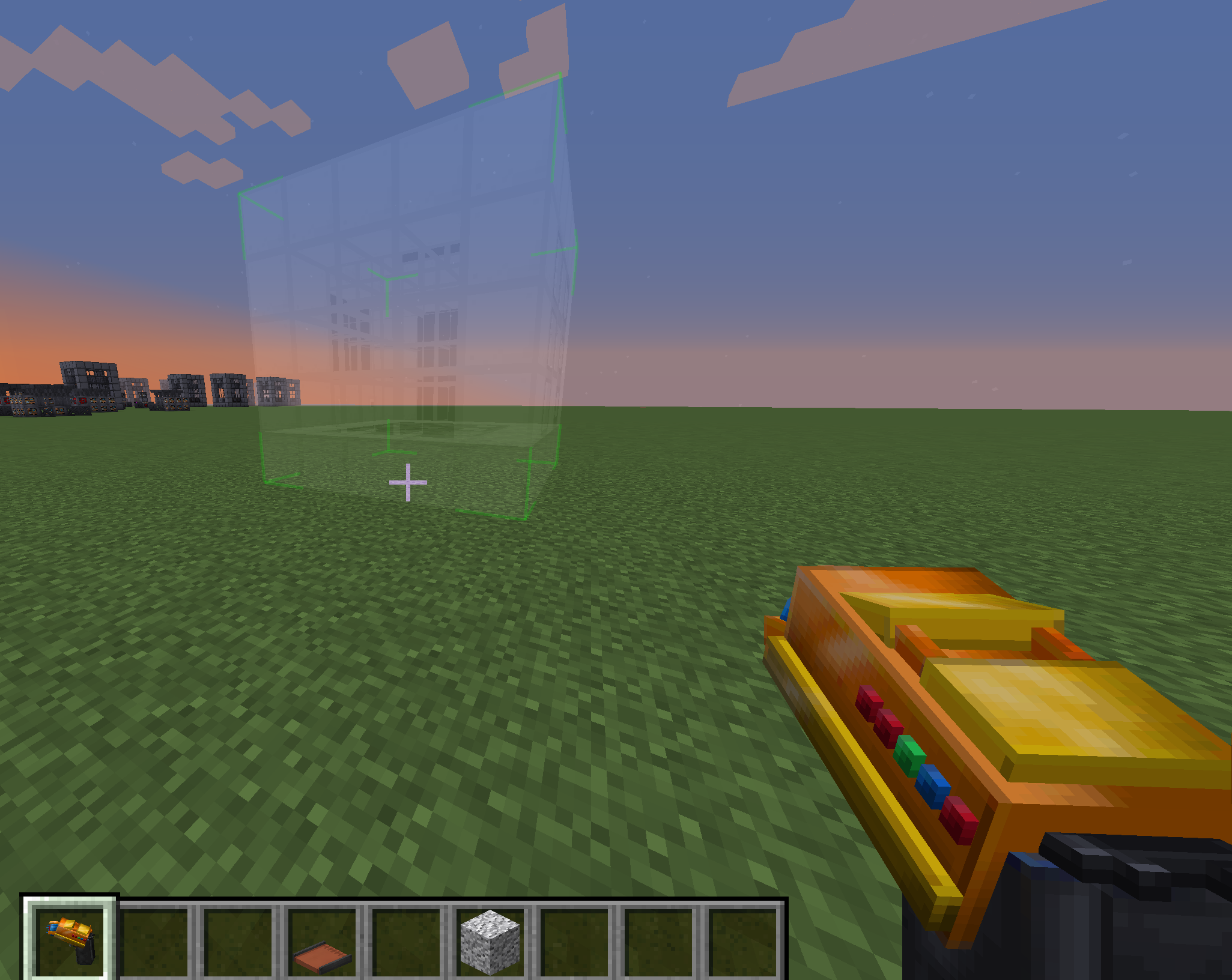
SHIFT+SCROLL to rotate structure before placement
-
Multibuilder Tool has own inventory where you store blocks needed for building
-
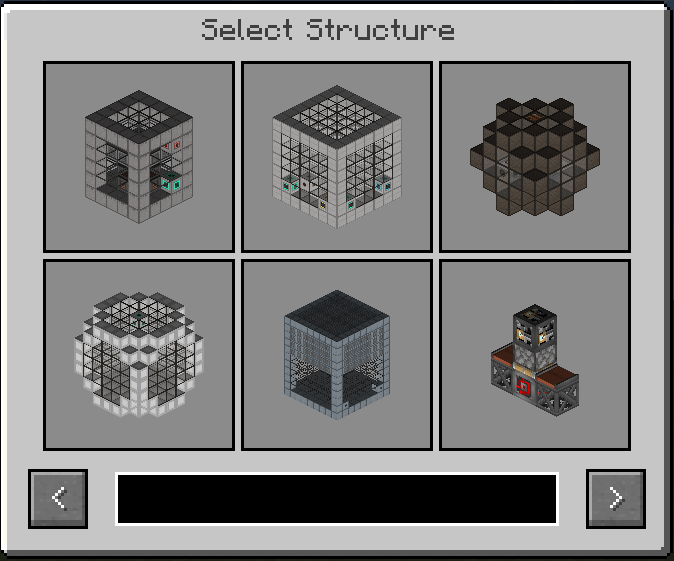
Better structure selection GUI with search field and multiblocks previews
-
Implemented server-client sync. When client joins the server, it will have only structures what server sent
-
Easy to add new structures. In your data pack locate NBT structure files in following path: data/mbtool/mbtool_structures/my_custom_structure.nbt
Add translations for your structure: "mbtool.structure.my_custom_structure": "Your structure name"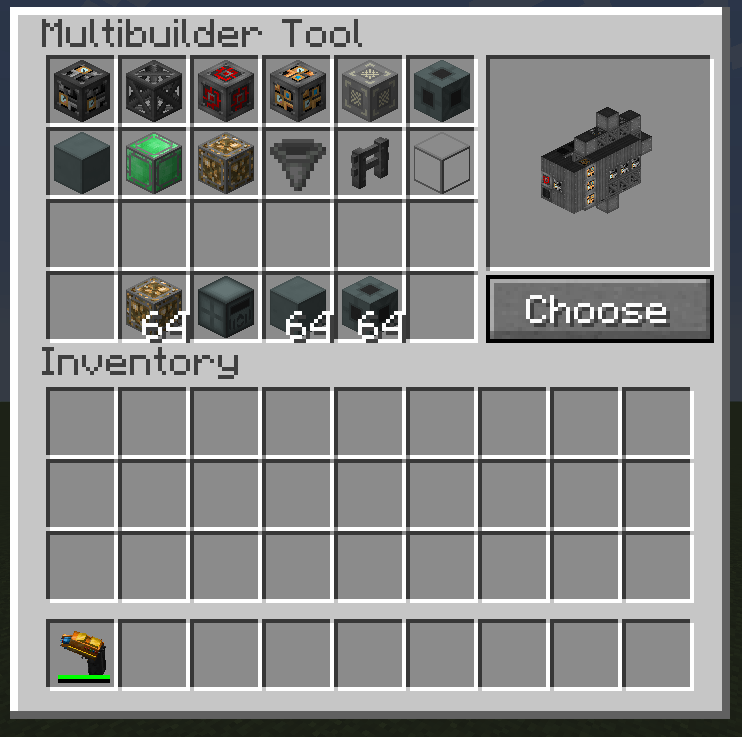
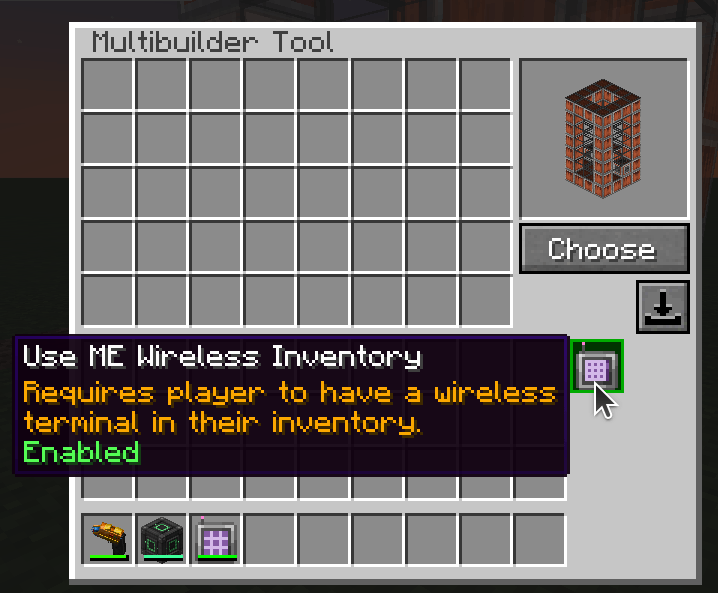
Allows to use AE2 ME storage for buildings if you have linked Wireless terminal in your inventory
Description for MC 1.12.2
Supports structures from: Mekanism, Immersive Engineering, Immersive Petroleum, NuclearCraft, QMD, IC2, TConstruct, Extreme Reactors, Draconic Evolution
Add your own multistructures.
undefined
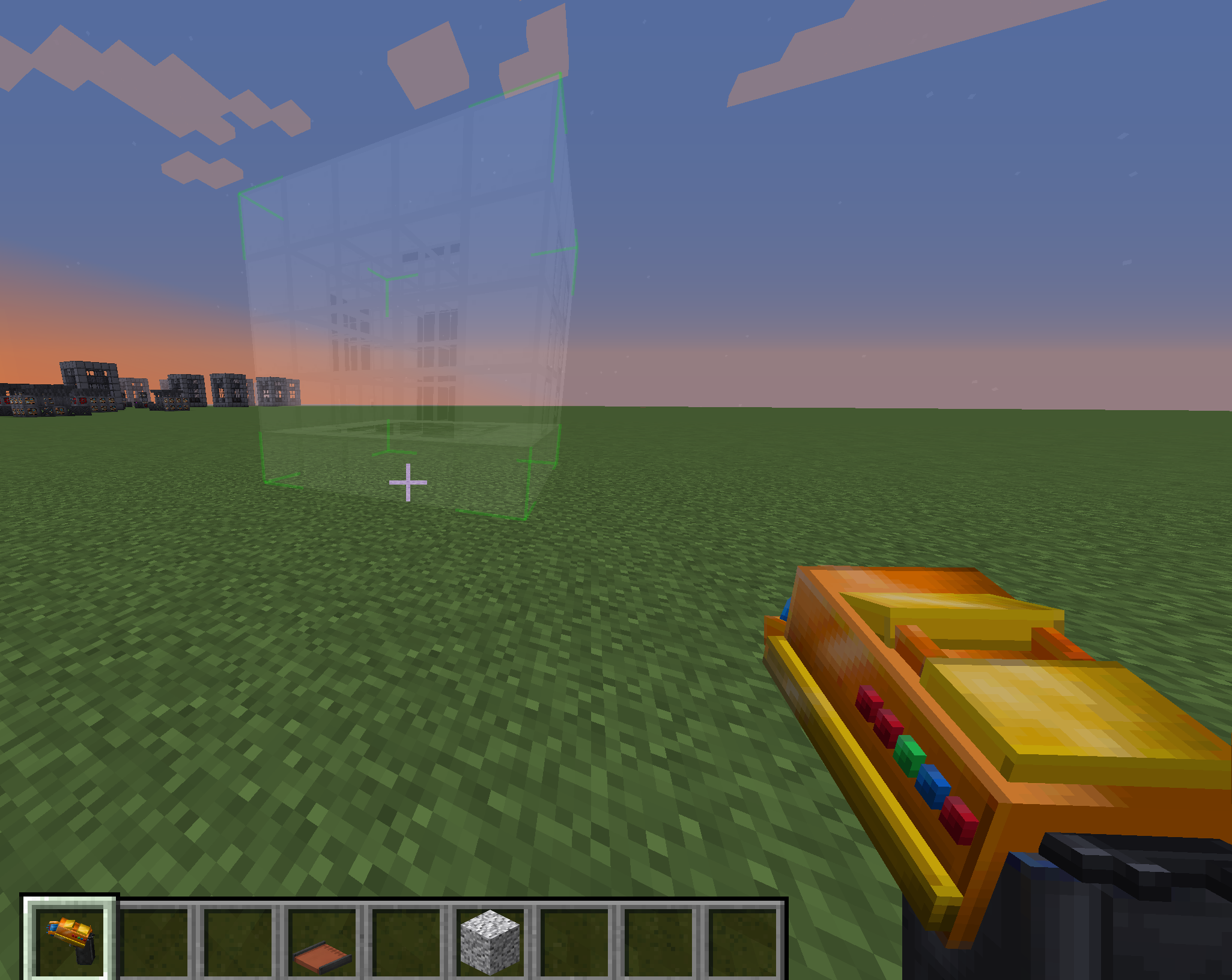
undefined
Tired of building numerous structures by hand?
Use MBTool!
Supports structures from: Mekanism, Immersive Engineering, Immersive Petroleum, NuclearCraft, QMD, IC2, TConstruct, Extreme Reactors, Draconic Evolution
Add your own multistructures in mod configs.
SHIFT+LBM to open GUI. Select structure and build.
Arrow keys to rotate.
In order to build you has to put required blocks in your inventory.
Requires RF/EU energy and players XP.
Increase hunger.
general {
How much energy cost to place one block (RF)
I:energy_per_block=10
RF
I:mbtool_energy_capacity=10000
How much saturation player loose per building
I:saturation_per_building=1
How much xp cost to place one block
I:xp_per_block=1 }
Screenshots
Gallery
-
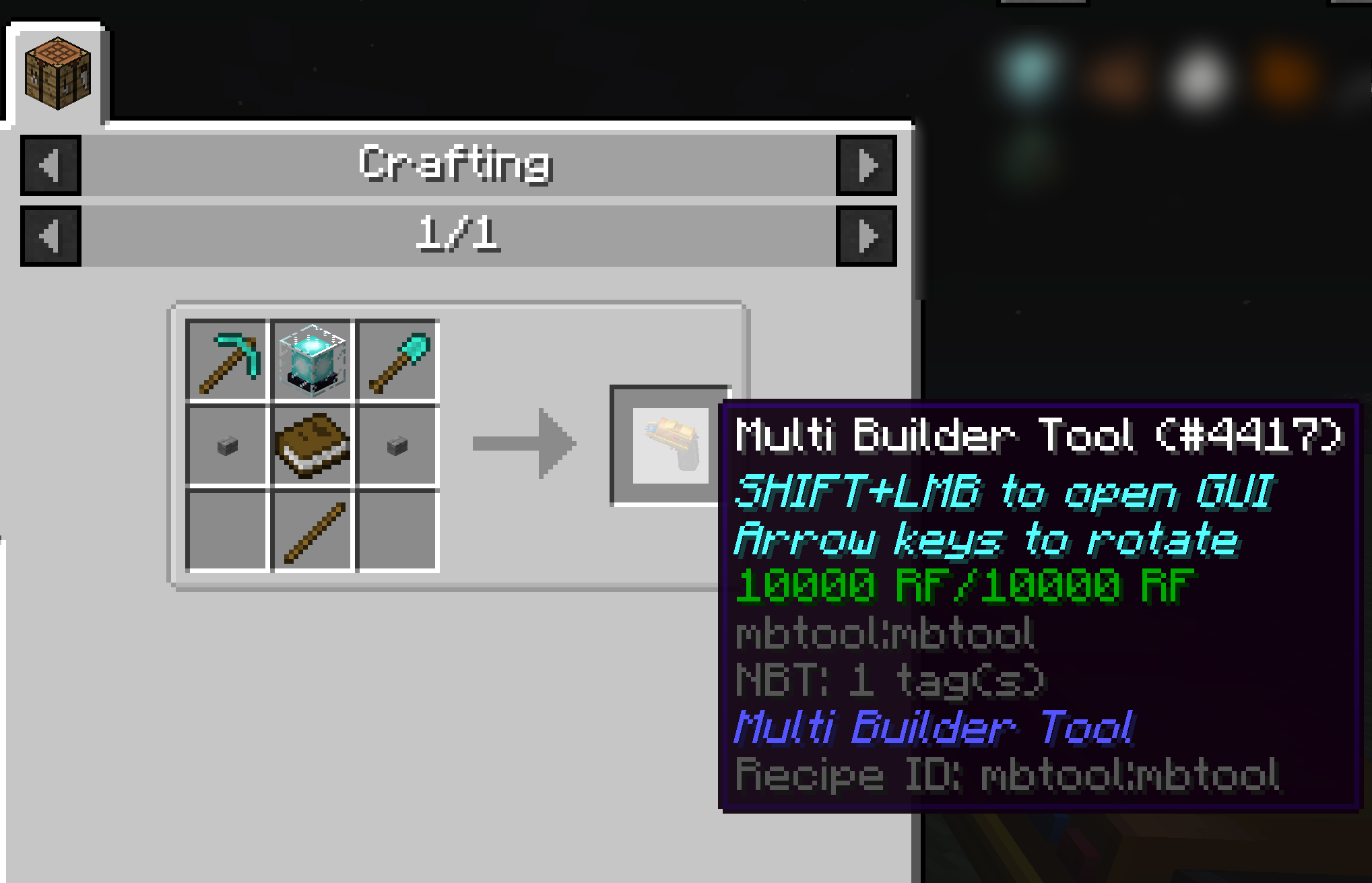 craft
craft -
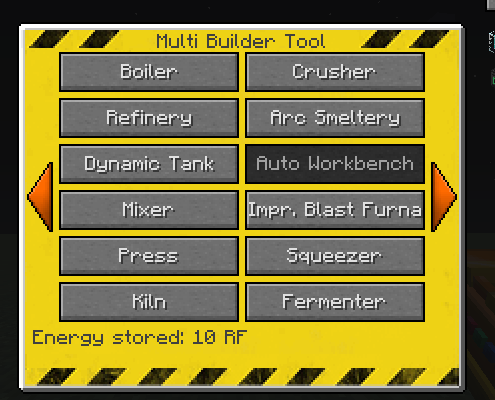 gui 1.12.2 version
 -
preview
-
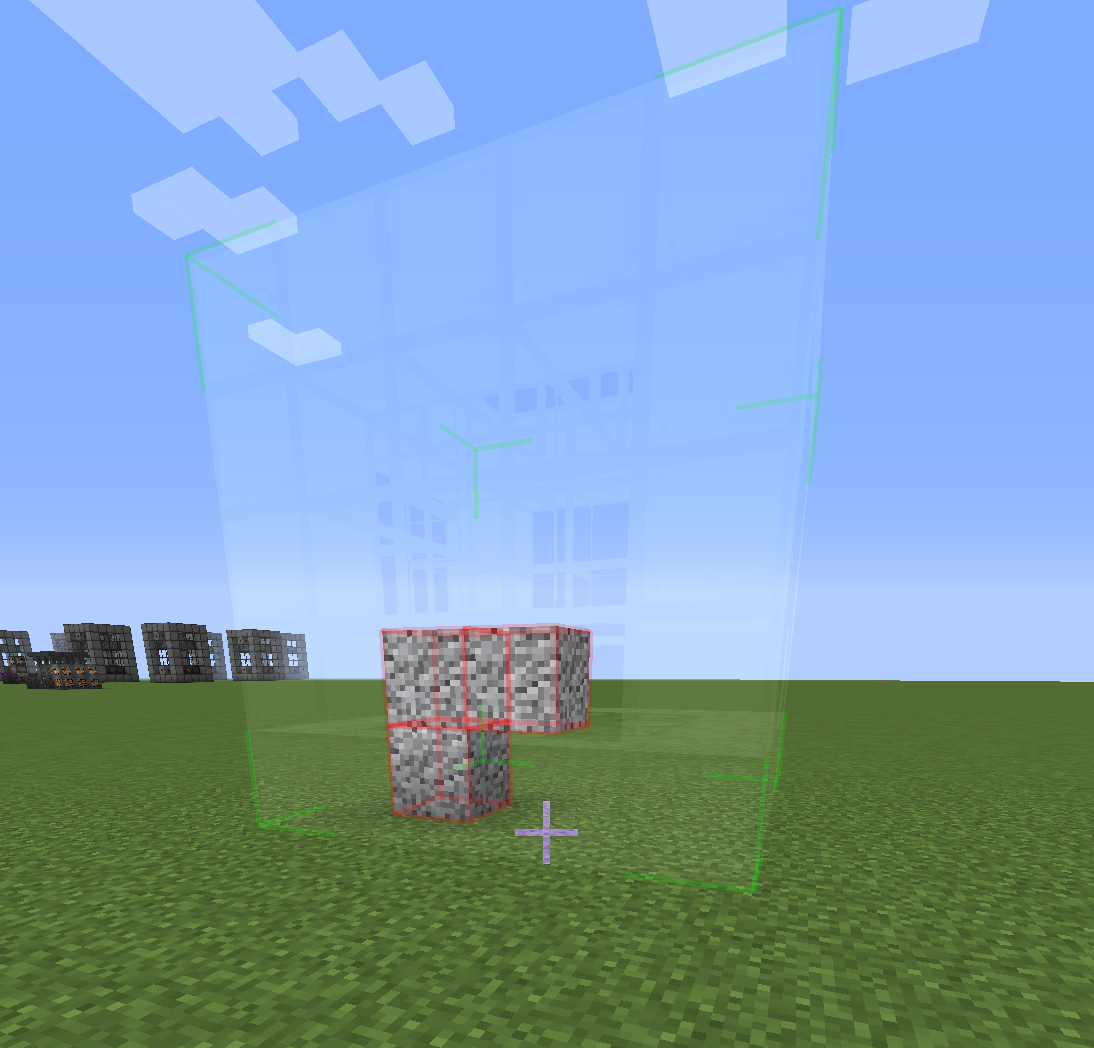 obstacles check
 -
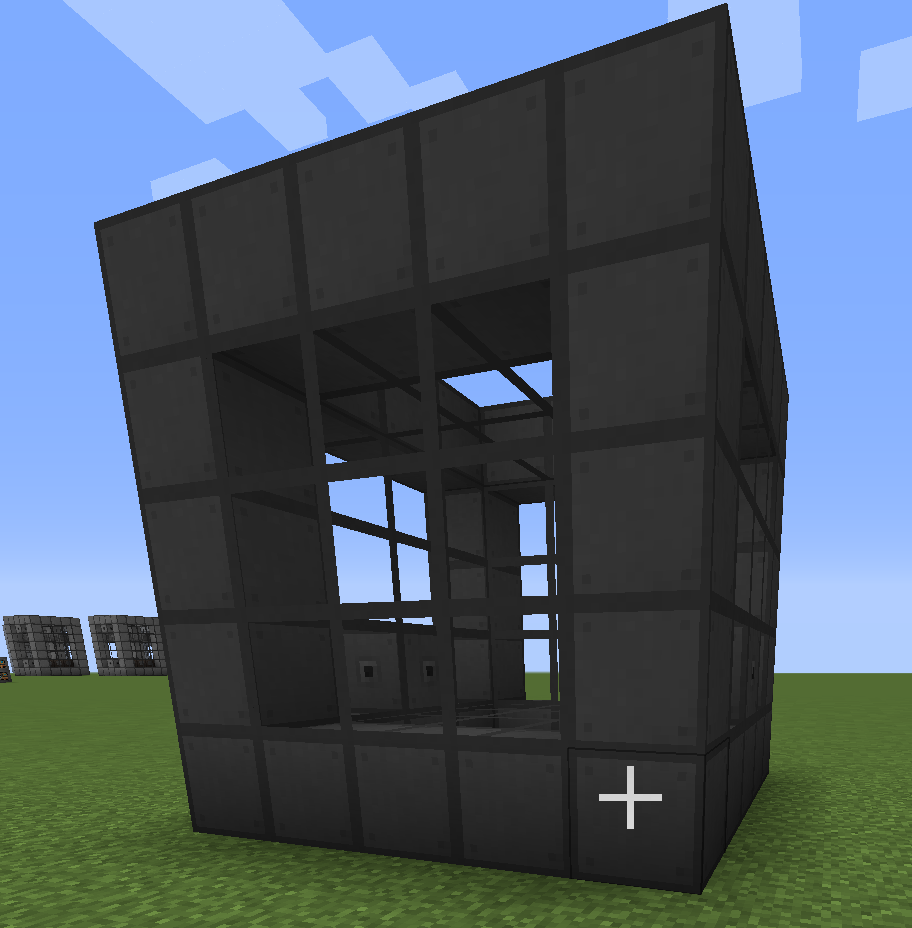 result
 -
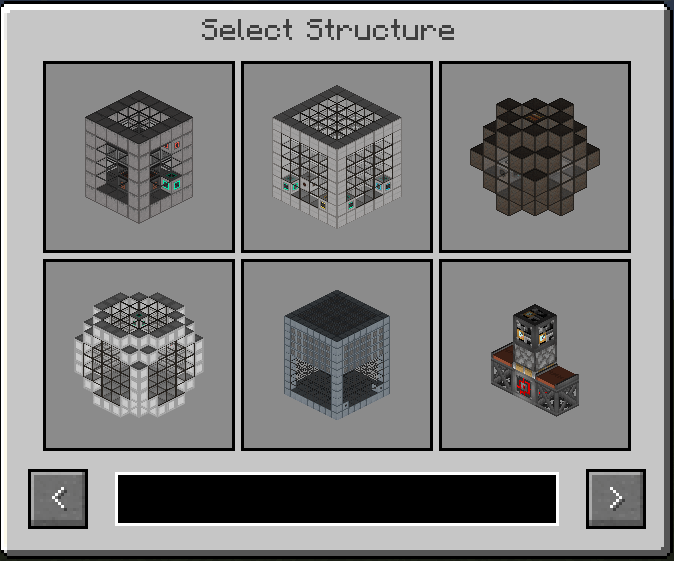 Gui 1.20+ version Screenshot from 2025-07-31 18-18-55.png
 -
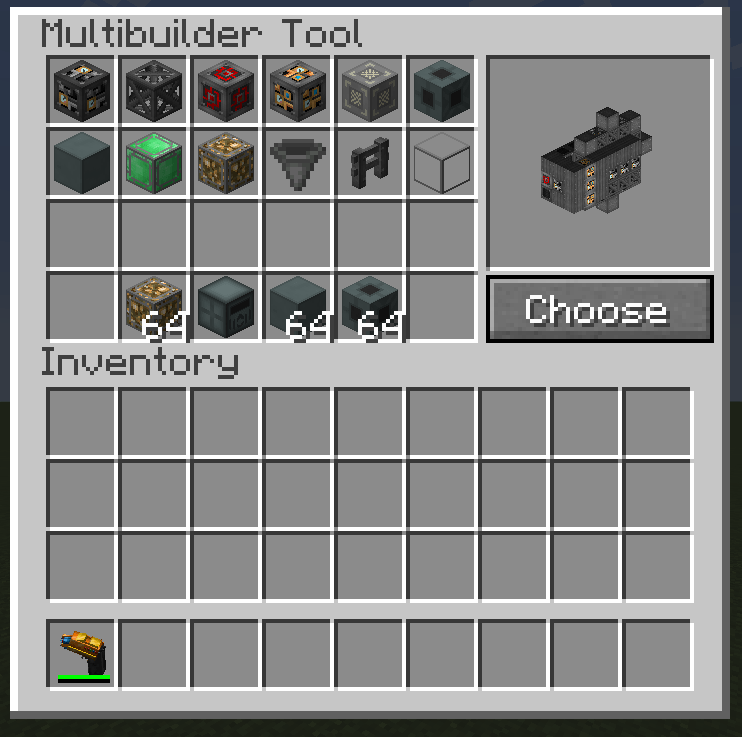 Gui 1.20+ version Screenshot from 2025-07-31 18-16-03.png
 -
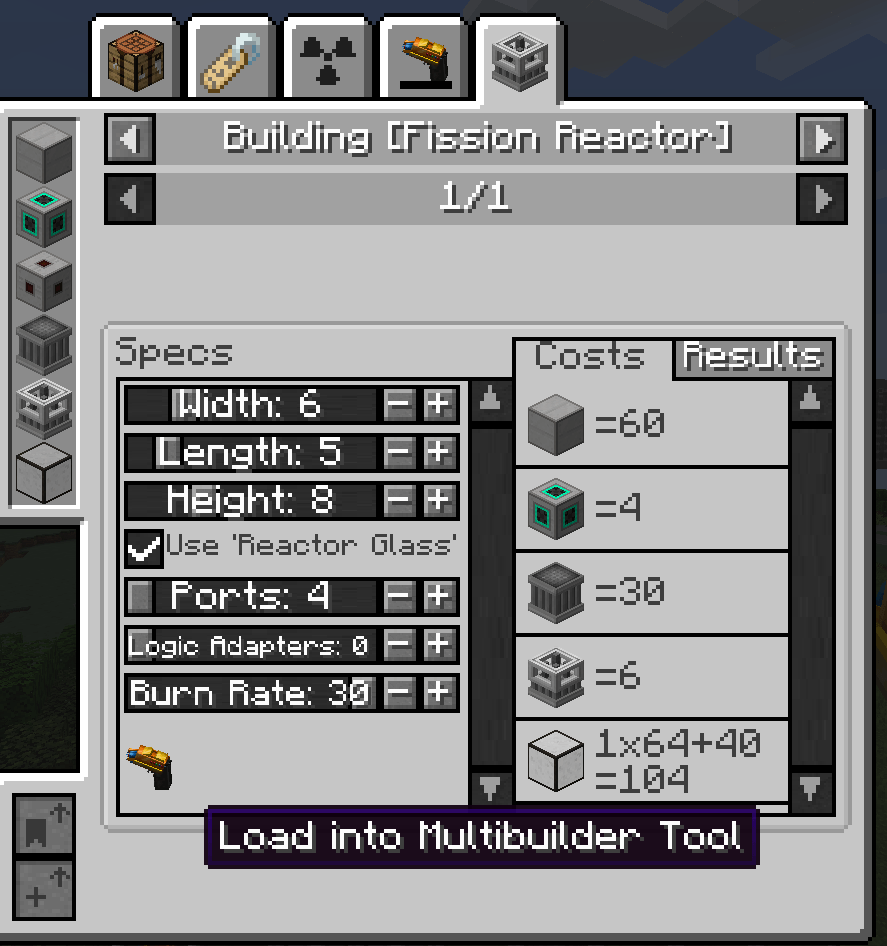 Screenshot from 2025-08-04 21-00-58.png Integration with Just Enough Mekanism Multiblocks


Versions
Files
Relations
Project Relations
More like this
Similar Mods
Suggestions use data such as tags, dependencies, dependents, descriptions, titles, and more to rank how much they overlap with this mod.
On ModDex
Community snapshot
By the numbers
Statistics
 (opens in a new tab)
Get it on
Available Platforms
On ModDex
Community snapshot
By the numbers