
Community listing page, reviews here may not be monitored by the author.
MusicPlayerMod

No reviews yet
A sleek, modern music player overlay for Minecraft that displays your currently playing media from Spotify, YouTube Music, and other Windows media sources directly in-game.
Community voices
Reviews
No reviews yet. Be the first to review this project!
Get it on
Available Platforms
Compatibility
Supported Environments
Runs entirely on the client. Works on vanilla servers.
About
Project Details
For authors
Embed Badge
If you're the author of this project, you can embed a live badge anywhere that supports HTML or Markdown. It updates automatically whenever ratings change.
Use HTML for any page that supports it, or Markdown for README files and Markdown-based descriptions.
Identifiers
Platform IDs
Resources
External Links
About
Description
Music Player Mod (HUD)
A sleek, modern music player overlay for Minecraft that displays your currently playing media from Spotify, YouTube Music, and other Windows media sources directly in-game.
✨ Features
- Real-time Media Display - Shows current song title, artist, album art, and playback progress
- Beautiful UI - Glassmorphism design with smooth animations, blur effects, and rounded corners
- Customizable Position - Drag the HUD anywhere on screen while chat is open
- Size Modes - Toggle between small and big display sizes
- Non-intrusive - Transparent overlay that doesn't pause your game
- Windows Media Integration - Works with any media player that uses Windows Media API (Spotify, YouTube Music, Apple Music, etc.)
- Smart Animations - Smooth progress bar transitions and playback state indicators
🎮 How to Use
- Press M (default keybind) to open the settings menu
- Click "Enable Player" to activate the HUD
- Open chat and click and drag the HUD to reposition it
- Toggle between small/big sizes in the settings menu
- The HUD automatically updates with your currently playing media
🎨 Design Features
- Frosted glass background with dynamic blur
- Smooth progress bar with animated thumb indicator
- "Now Playing" badge with pulse animation
- Dynamic accent colors - Green when playing, gray when paused
- Ambient glow effect around the panel
- Album art display with automatic cropping and fallback icon
📋 Requirements
- Fabric Loader
- Minecraft 1.21
- Windows OS (for media integration)
- Fabric API (if required by dependencies)
🔧 Configuration
- Position: Drag while chat is open
- Size: Toggle in settings menu (M key)
- Enable/Disable: Settings menu or keybind
📝 Notes
- This mod only displays media information and does not control playback
- It reads from Windows Media API to show what's currently playing on your system
- The HUD is draggable only when chat is open to prevent accidental movement during gameplay
- Position and settings are automatically saved when changed
🐛 Known Limitations
- Windows only - Media integration requires Windows Media API
- Display only - Cannot control playback (play/pause/skip)
- Media information depends on what the media player reports to Windows
💡 Tips
- If the HUD doesn't show media, make sure your media player is running and playing something
- The album art may take a moment to load when switching songs
- Long song titles will be automatically trimmed with "…"
Enjoy your music while playing Minecraft! 🎵
Screenshots
Gallery
-
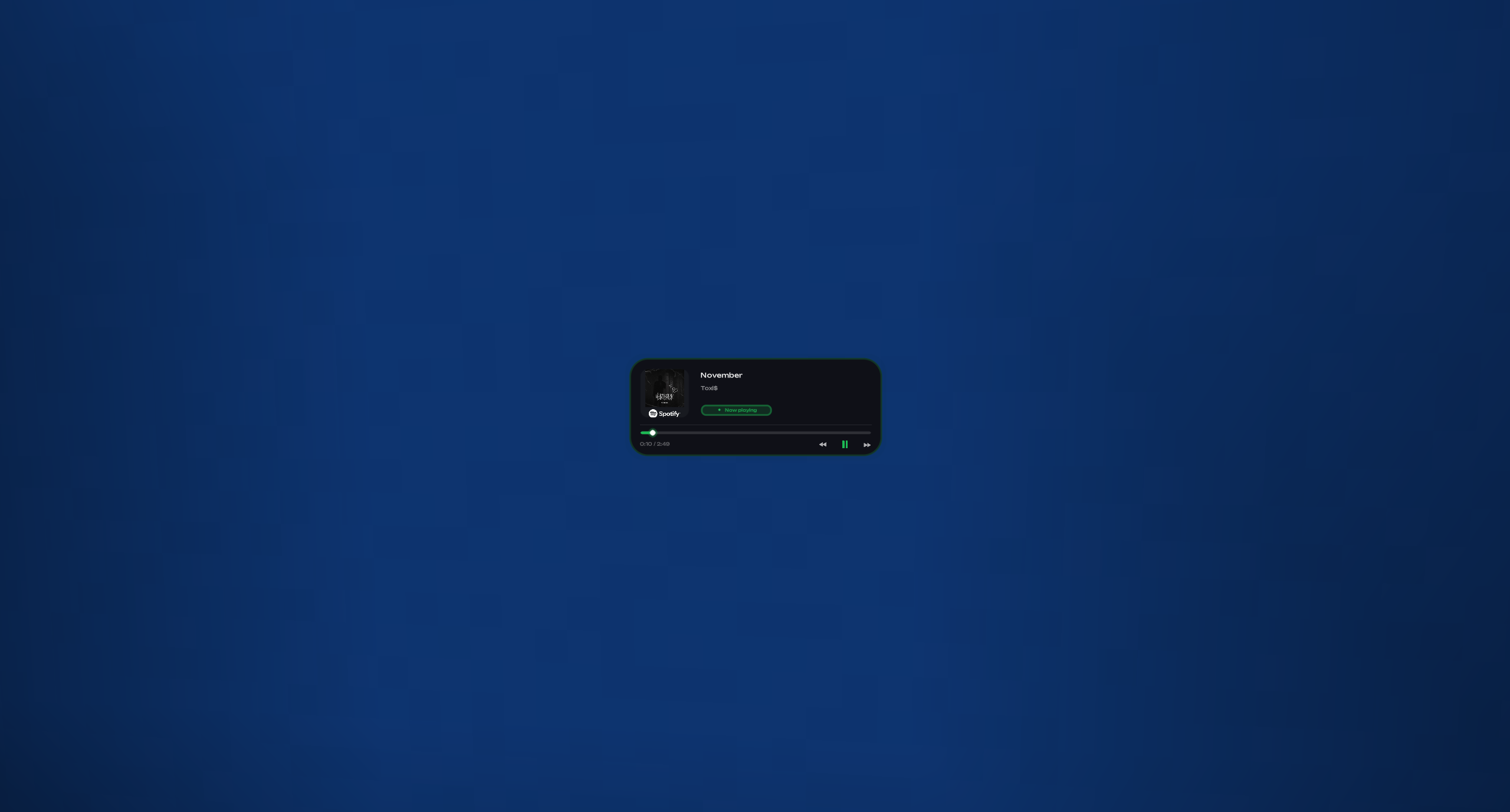 Small Size Spotify
 -
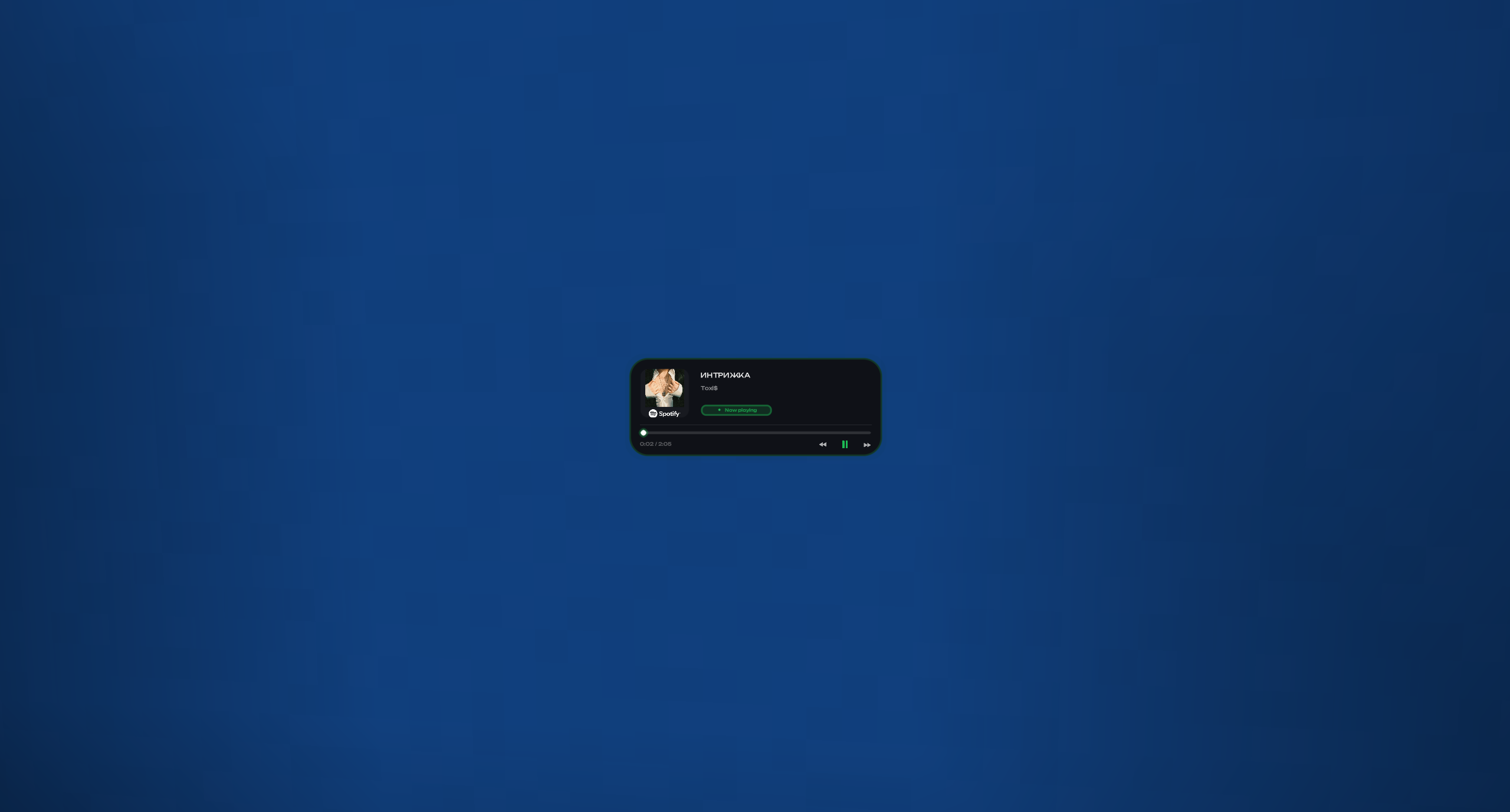 Small Size Spotify UTF8 Support Supports UTF8
 -
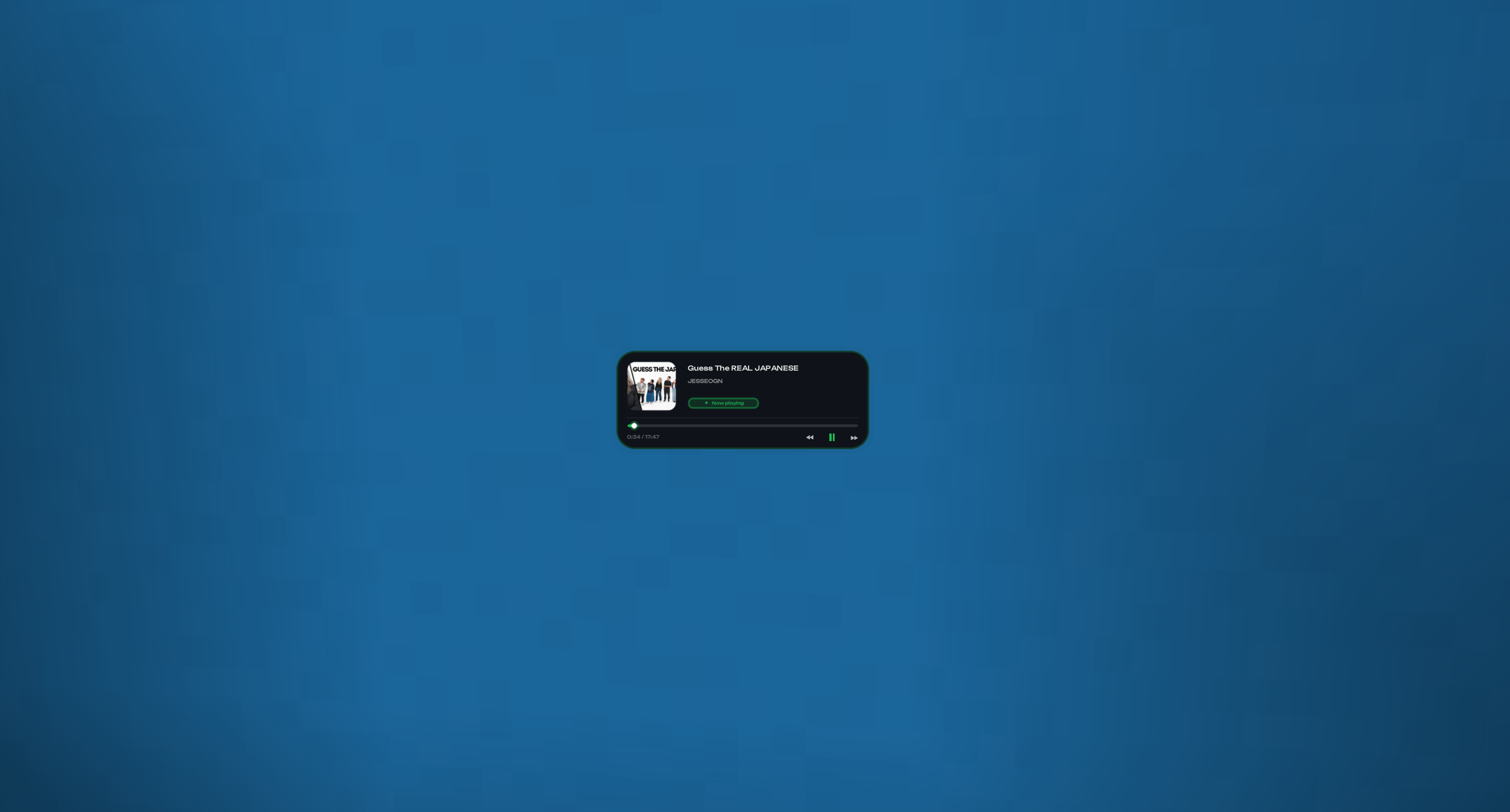 Small Size YouTube
 -
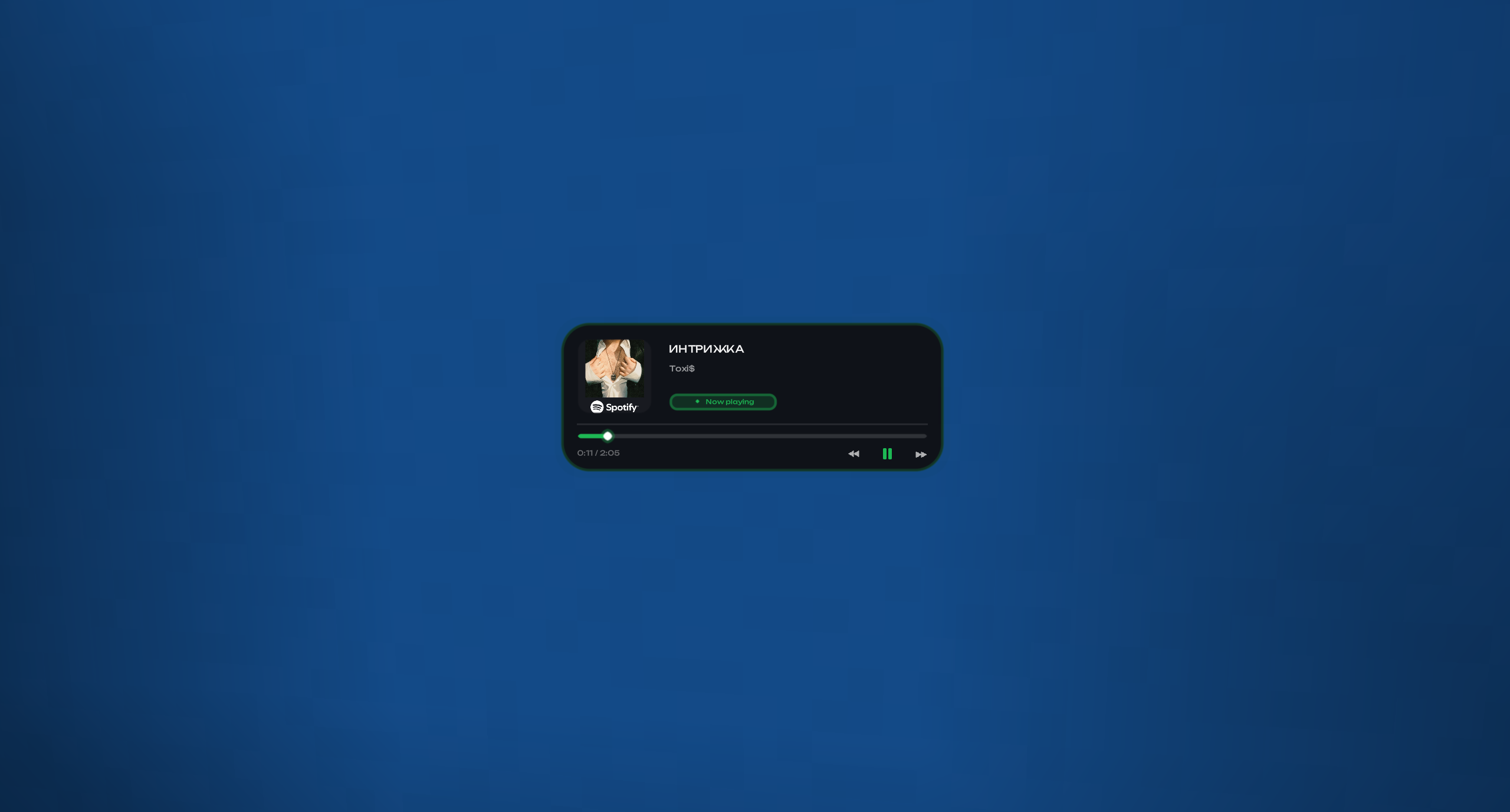 Big Size Spotify UTF8 Supports UTF8
 -
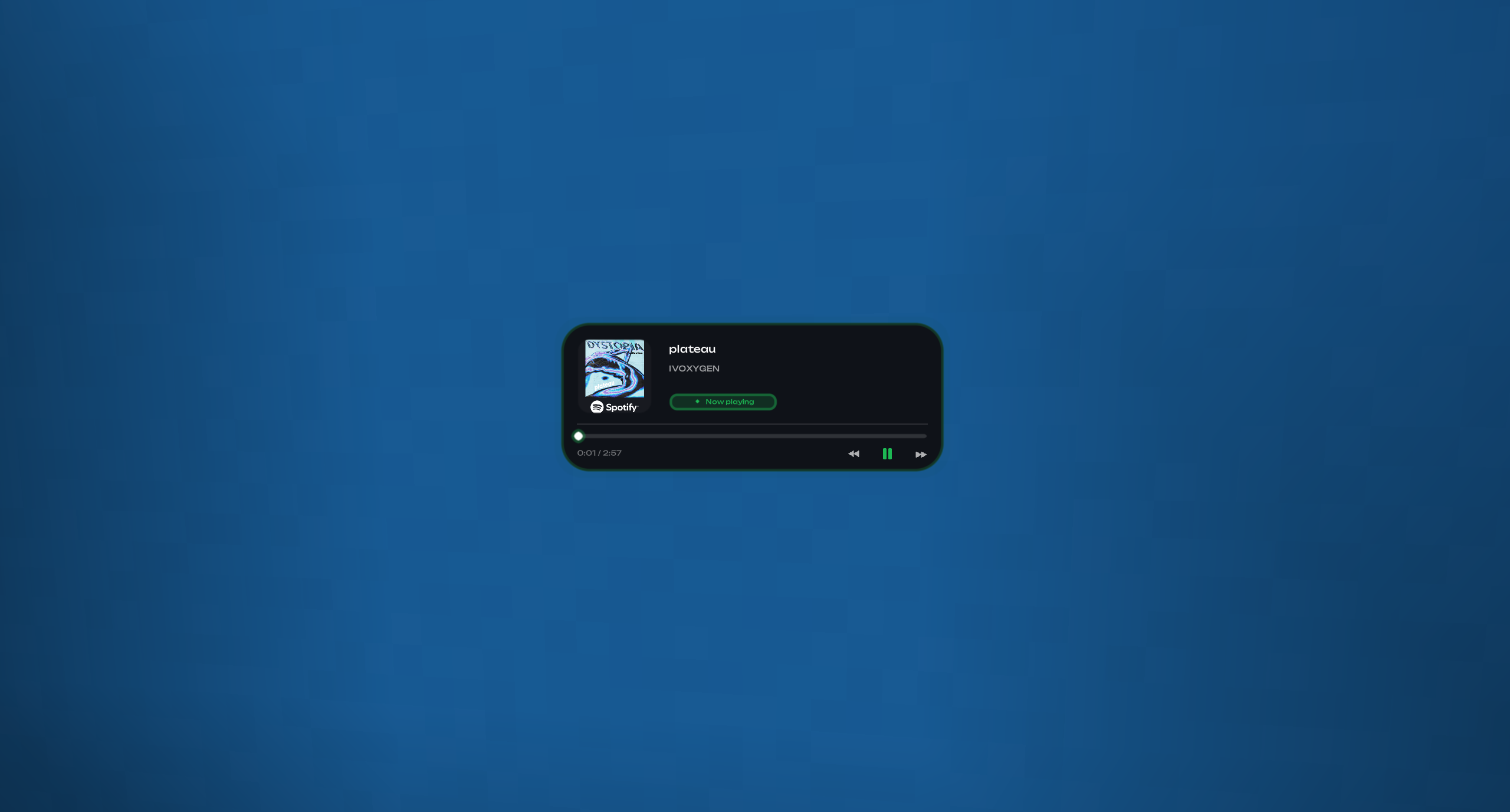 Big Size Spotify
 -
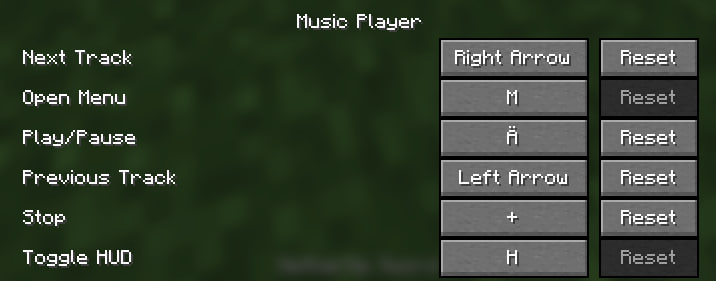 Music Player Binds in Options
 -
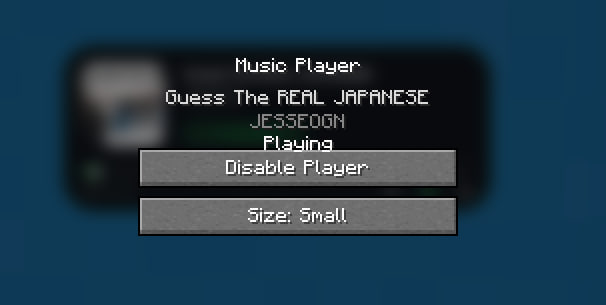 Music Player Menu
Versions
Files
Relations
Project Relations
More like this
Similar Mods
Suggestions use data such as tags, dependencies, dependents, descriptions, titles, and more to rank how much they overlap with this mod.
On ModDex
Community snapshot
By the numbers
Statistics

Want to reach Minecraft players?
We're looking for a server hosting partner to feature here and other parts of the site. Interested? Send us a message!
Get in touchGet it on
Available Platforms
On ModDex
Community snapshot
By the numbers
Statistics
Resources