
Community listing page, reviews here may not be monitored by the author.
NanoBuild

No reviews yet
Place Minecraft blocks at 1/2 and 1/4 scale, including mini slabs, stairs, connecting fences, interactive fence gates, torches and lanterns.
Community voices
Reviews
No reviews yet. Be the first to review this project!
Get it on
Available Platforms
Compatibility
Supported Environments
Must be installed on both the client and the server.
About
Project Details
For authors
Embed Badge
If you're the author of this project, you can embed a live badge anywhere that supports HTML or Markdown. It updates automatically whenever ratings change.
Use HTML for any page that supports it, or Markdown for README files and Markdown-based descriptions.
Identifiers
Platform IDs
Resources
External Links
About
Description
NaNo Blocks
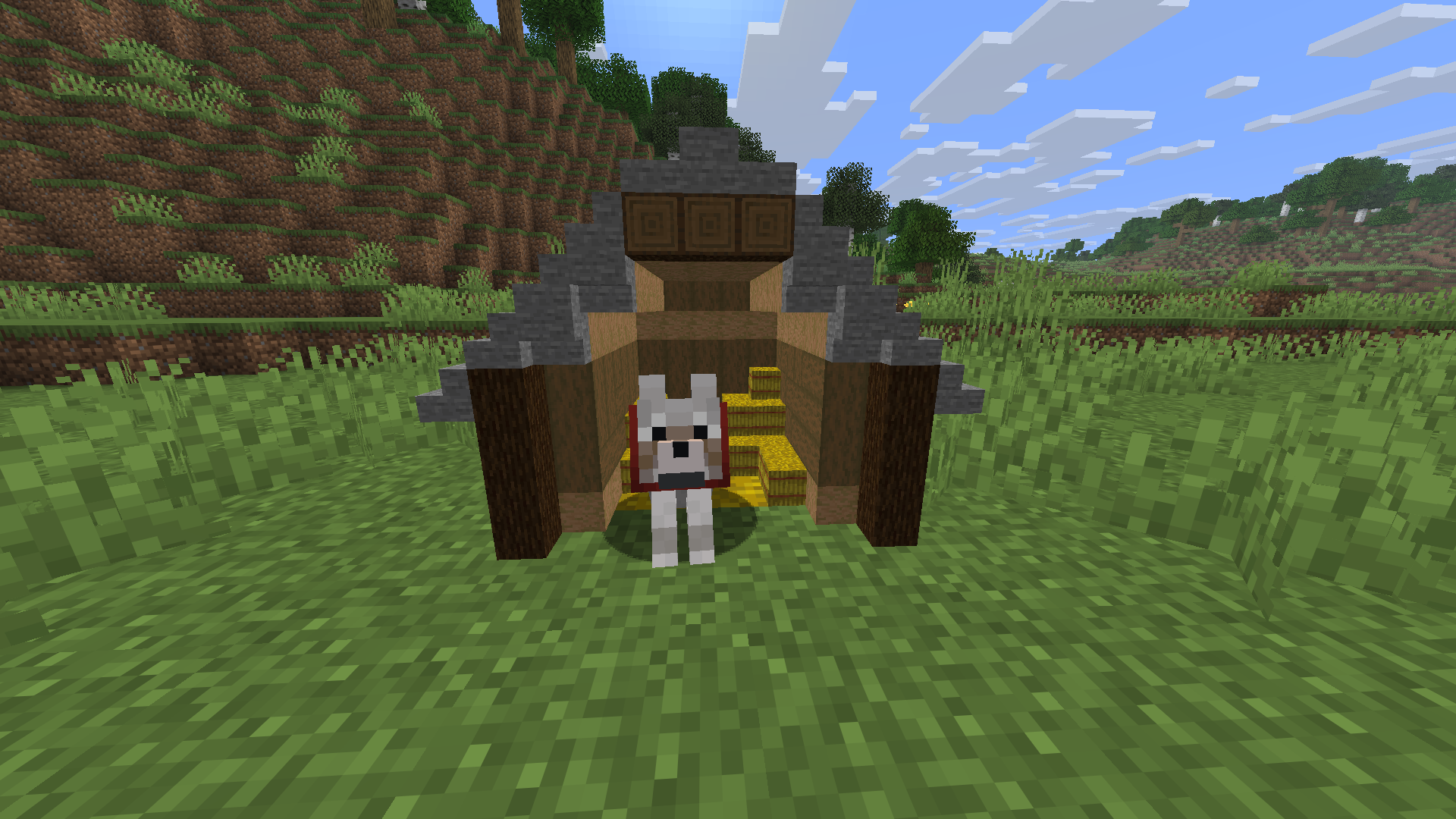
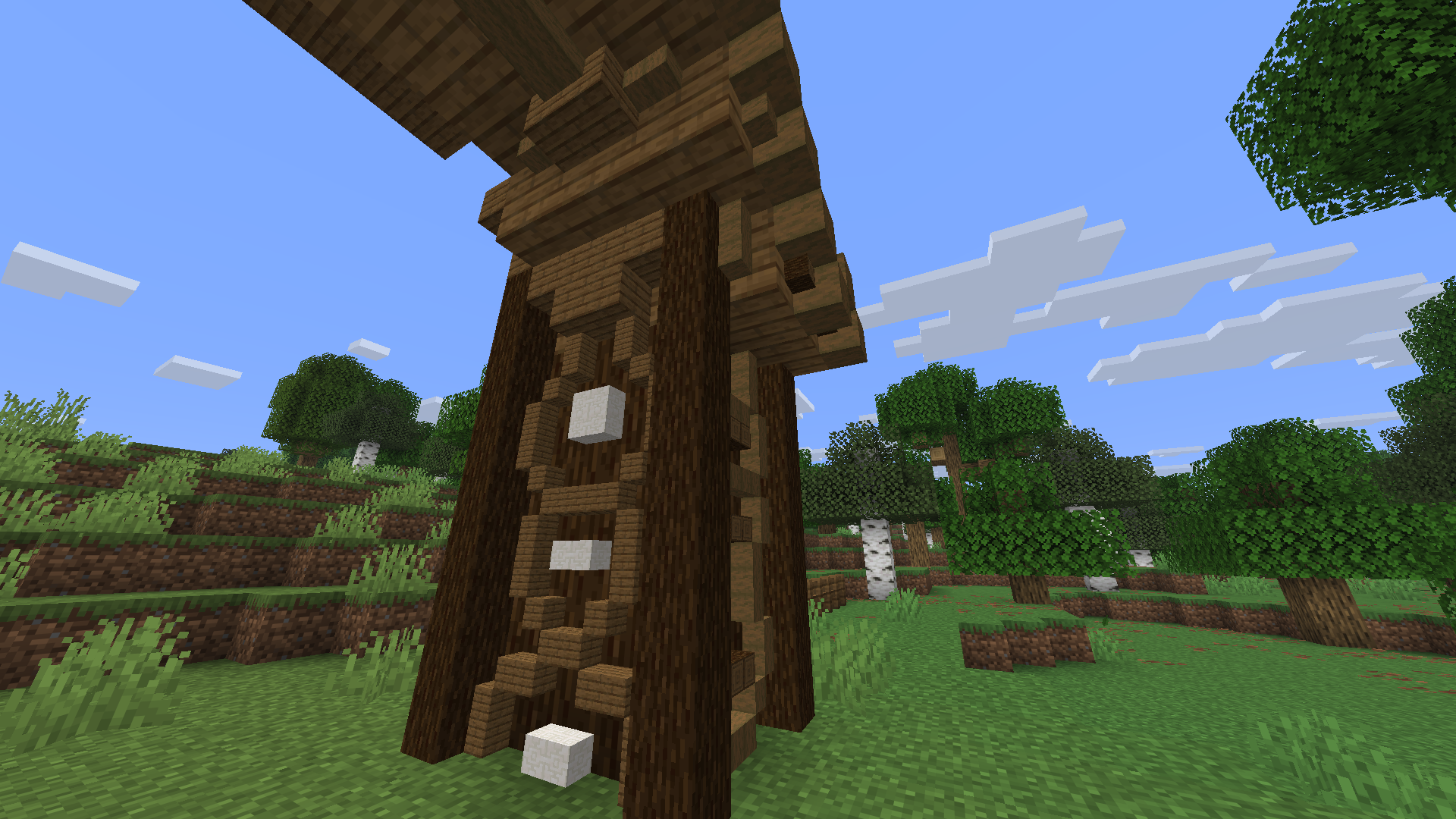
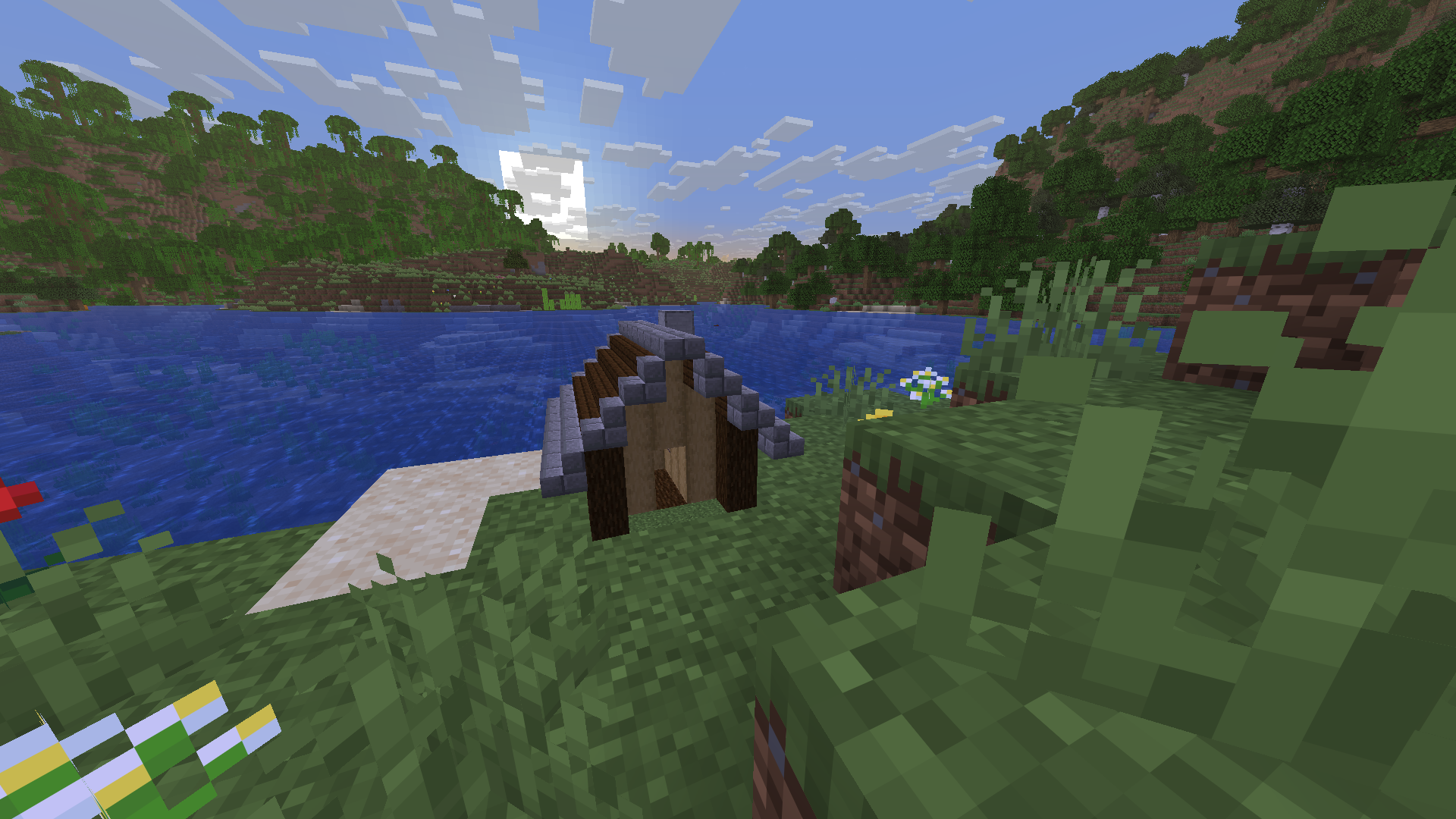
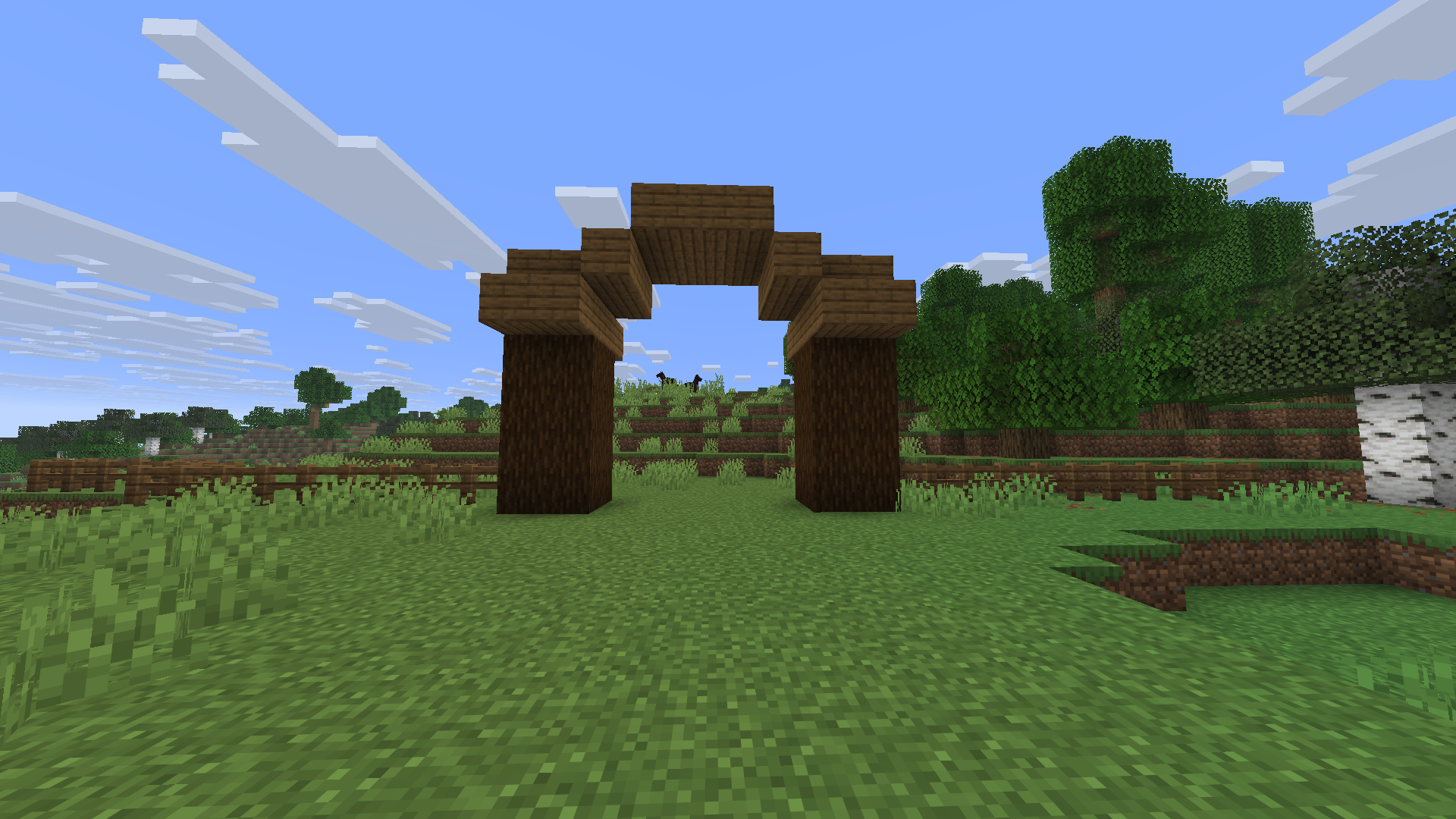
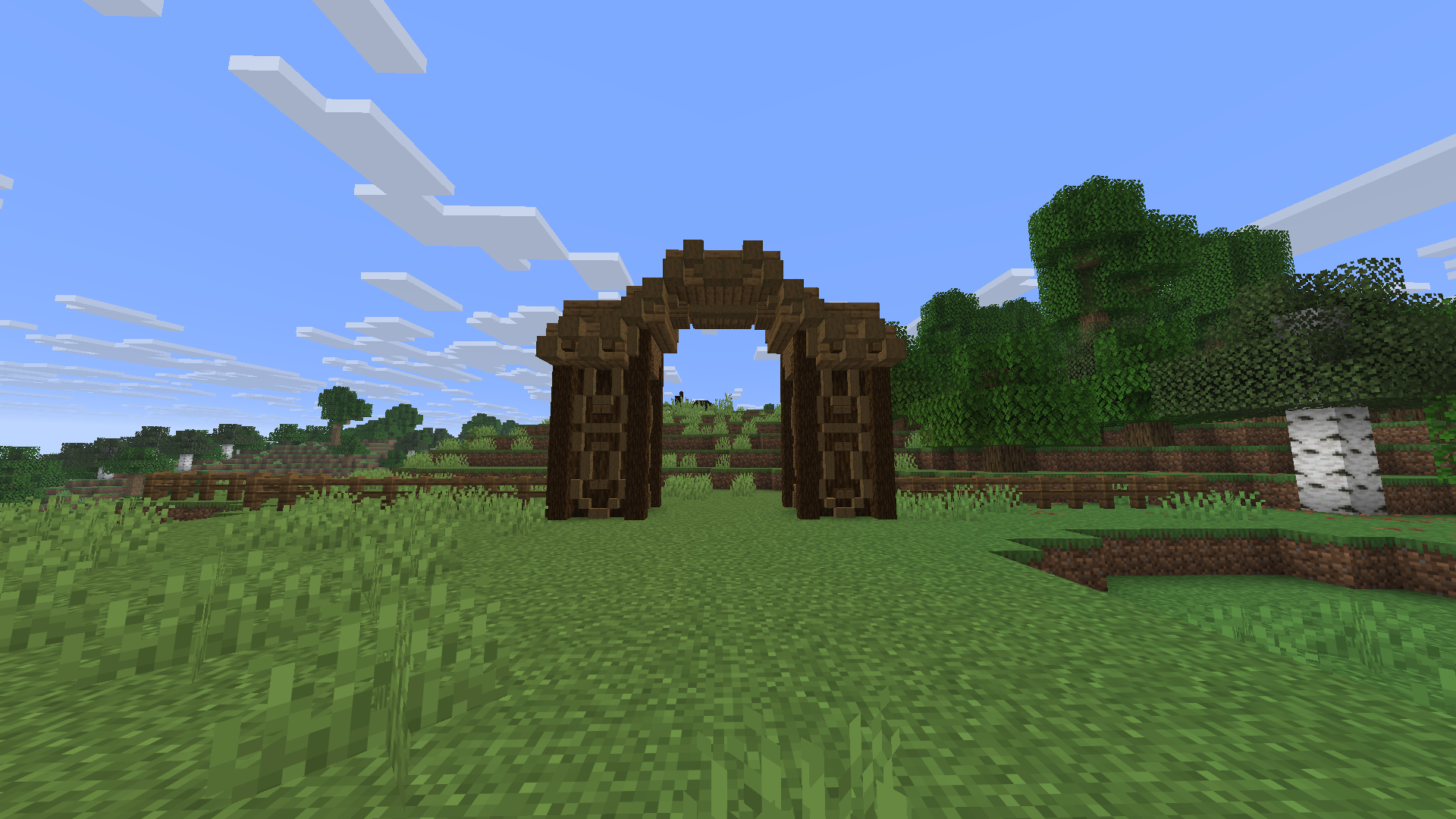
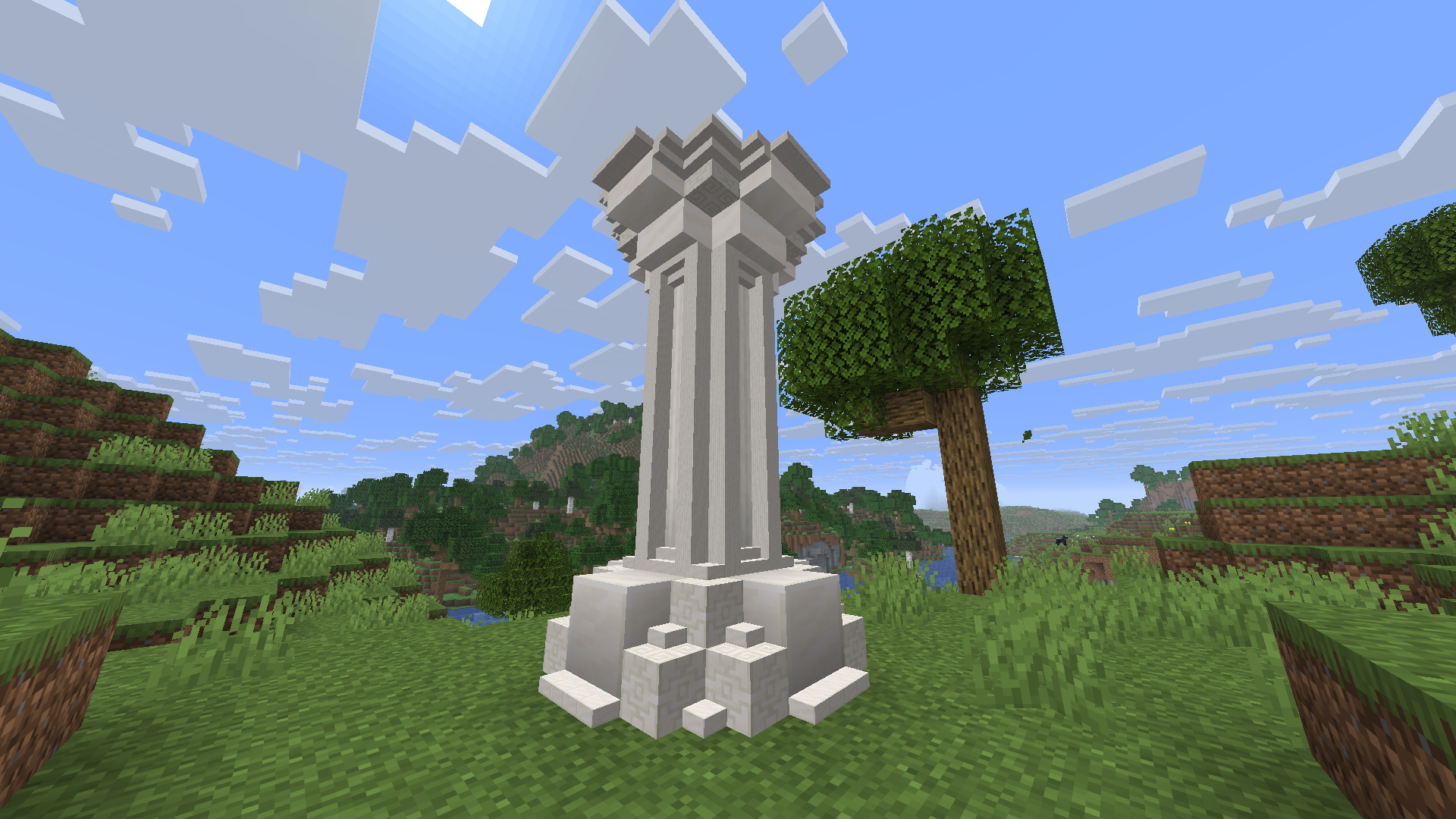
Mini Blocks allows you to place supported Minecraft blocks at 1/2 or 1/4 of their normal size.
Create detailed decorations and builds using miniature full blocks, slabs, stairs, fences, fence gates, torches and lanterns.
Controls
- V — cycle between normal placement, 1/2 size and 1/4 size
- H — show or hide the HUD size indicator
- Right Click — place a mini block
- Left Click — remove the mini block part targeted by the crosshair
- Middle Mouse Button / Pick Block — copy the selected mini block and its size
- Right Click on a mini fence gate — open or close the gate
- Shift + Right Click on a mini fence gate — place another mini block instead of opening the gate
Key bindings can be changed in:
Options → Controls → Key Binds → Mini Blocks
The selected mini-block size remains active after changing the held block and after restarting the game.
Features
- 1/2 and 1/4 scale placement
- Mini slabs with top, bottom and double variants
- Mini stairs with straight, inner and outer corners
- Connecting mini fences
- Interactive mini fence gates
- Mini torches and lanterns with light emission
- Correct block sounds, collision and biome colors
- Survival and Creative mode support
- Multiplayer support
Unsupported functional blocks use their normal vanilla behaviour instead of being converted into mini blocks.
Requirements
- Minecraft Java Edition 26.1.2
- Fabric Loader 0.19.3 or newer
- Fabric API 0.155.2+26.1.2 or newer
- Java 25 or newer
The mod and Fabric API must be installed on both the client and server when playing multiplayer.
Installation
- Install Fabric Loader for Minecraft 26.1.2.
- Download and install Fabric API.
- Place
miniblocks-1.4.1.jarin the Minecraftmodsfolder. - Start the game using the Fabric profile.
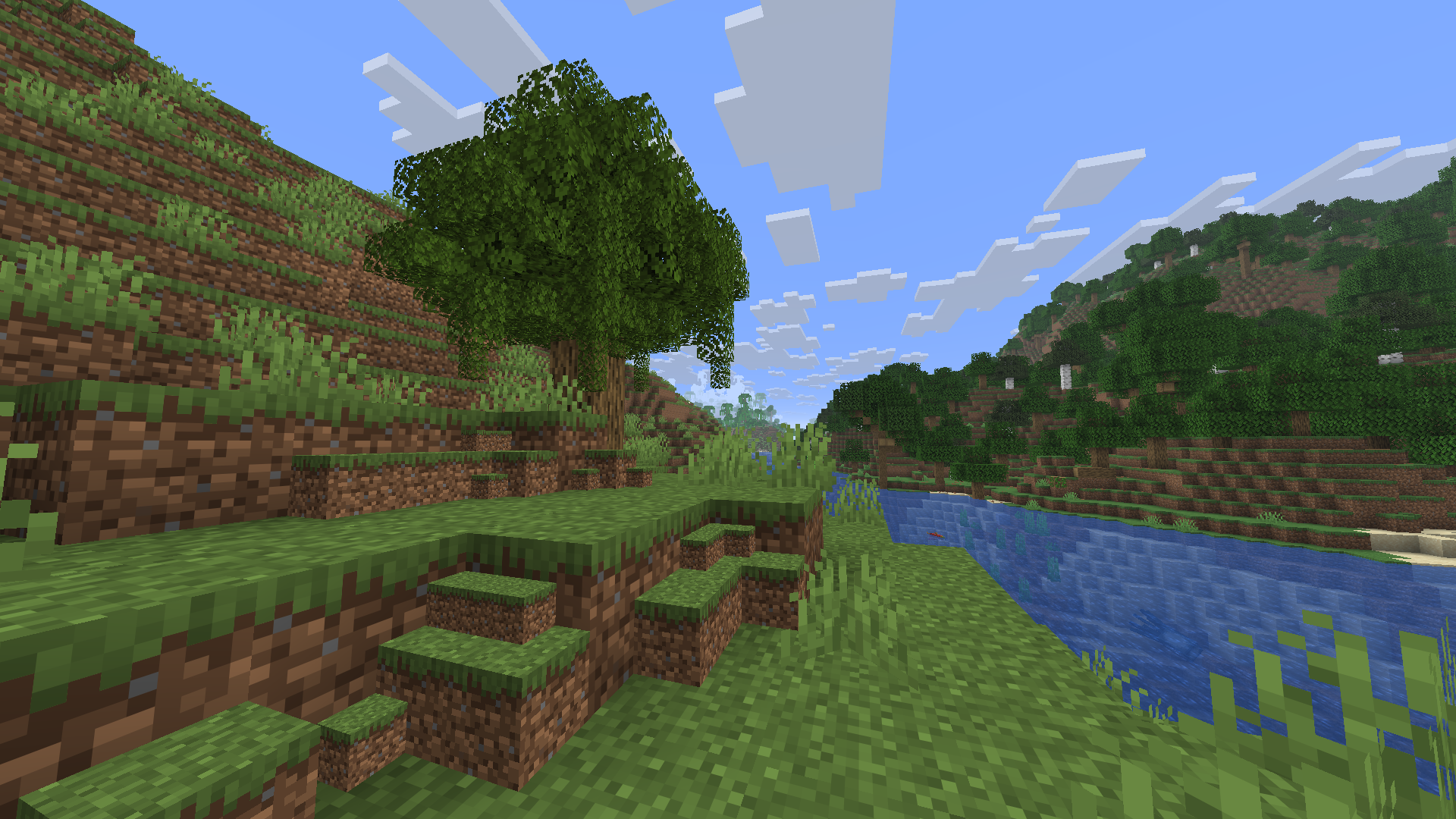
Screenshots
Gallery
Versions
Files
Relations
Project Relations
More like this
Similar Mods
Suggestions use data such as tags, dependencies, dependents, descriptions, titles, and more to rank how much they overlap with this mod.
On ModDex
Community snapshot
By the numbers
Statistics

Want to reach Minecraft players?
We're looking for a server hosting partner to feature here and other parts of the site. Interested? Send us a message!
Get in touchGet it on
Available Platforms
On ModDex
Community snapshot
By the numbers
Statistics
Resources