
Community listing page, reviews here may not be monitored by the author.
Nekoration


No reviews yet
A Decoration Mod For Minecraft
Community voices
Reviews
No reviews yet. Be the first to review this project!
Get it on
Available Platforms
Compatibility
Supported Environments
Must be installed on both the client and the server.
About
Project Details
For authors
Embed Badge
If you're the author of this project, you can embed a live badge anywhere that supports HTML or Markdown. It updates automatically whenever ratings change.
Use HTML for any page that supports it, or Markdown for README files and Markdown-based descriptions.
Identifiers
Platform IDs
Resources
External Links
About
Description
Nekoration 
A Decoration Mod for Minecraft
Upgrade Note
The development of Nekoration remained halted in the past few years, and there has not been new official releases for Minecraft 1.20 and later during the time period.
In the past few months, Nekoration has undergone a complete redesign and rewrite. The upgraded version will be known as v2, with revamped models and textures, new QoL features and more. Releases for Minecraft 1.21.1 are expected to be available in the upcoming months, and Minecraft 1.20.1 backport will soon follow.
Here's a quick lookup table for you to check which version you can use for your game:
| Minecraft Version | Nekoration Version |
|---|---|
| 1.16.5-1.19.2 Forge | v1 |
| 1.20.1 Forge | v1 unofficial port by Flechazo098; Planned v2 official backport, with built-in data upgrader for v1 worlds |
| 1.20.1 Fabric | Planned v2 official backport |
| 1.21.1 NeoForge | Upcoming v2, with built-in data upgrader for v1 worlds |
| 1.21.1 Fabric | Upcoming v2 |
Since v2 is a complete rewrite from scratch, many ids and data values have changed from the previous version. You can see here for a technical breakdown of what has changed. A world data upgrader is implemented in Nekoration v2 (Neo)Forge version to handle to data change automatically and you can just load in your old save with v1 mod and continue building. Do remember to backup your old save, just in case.
Introduction
Nekoration is a NeoForge & Fabric mod for Minecraft which adds lots of decorational stuff to the game, allowing players to have a wider choice when building & creating.
About Its Name
The name 'Nekoration' is a compound of 'cat' in Japanese(ねこ, neko) and 'decoration', suggesting that the mod is both ornamental and cats-friendly… ^._.^= ∫
Features
Dyeing
Many of Nekoration's blocks are dyeable using vanilla dyes, so that you can paint your build with your favorite tint!
Connected Models and Textures
Many blocks in Nekoration supports both model and texture connecting, to name a few, Half-Timber Pillars and Lamp Posts. When being placed by players, they'll automatically adapt to visually connect to adjacent blocks.
Custom Paintings
Painting is a feature with which you can draw your OWN paintings! You can pick colors with a palette item, and enjoy creating your art work on a custom painting! (Click here for tutorial)
Wallpaper
With Nekoration, you can turn any Banner into Wallpaper with exactly the same pattern, just the way you make Shields from Banners. Then you can place it on any wall surface(several pieces of wallpaper can fit into a 1x1x1 space, so don't worry about room corners).
Neko Brochure
Once you install the mod with Patchouli, you'll find a red brochure in 'Neko Tools' tab, which introduces all aspects of Nekoration, like recipes and mechanics. The book is still being written, and will be of more use as the mod updates.
Code Repository
This project is open-source at https://github.com/DevBobcorn/nekoration, where you can view the code or contribute to the mod.
Your feedback and suggestions are welcome!

Nekoration: A Decoration Mod for Minecraft
Introduction
Nekoration is a Forge mod for Minecraft which adds lots of decorational stuff to the game, allowing players to have a wider choice when building & creating.
About Its Name
The name Nekoration is a compound of cat in Japanese(ねこ, neko) and decoration, suggesting that the mod is both ornamental and cats-friendly... ^._.^= ∫
Features
-
Dyeing: Most of Nekoration's blocks are dyeable using vanilla dyes, so that you can turn almost everything in this mod to your favorite tint! Auto-Connecting Model (without Texture-connecting mods) Many blocks in Nekoration supports model auto connecting, to name a few, Half-Timber Pillars and Lamp Posts. When being placed by players, they'll automatically adapt to connect to adjacent blocks.
-
Painting: Painting is a feature with which you can draw your OWN paintings! You can pick colors with a palette item, and enjoy creating your art work on a custom painting!
-
Wallpaper: With Nekoration, you can turn any Banner into Wallpaper with exactly the same pattern, just the way you make Shields from Banners. Then you can place it on any wall surface(several pieces of wallpaper can fit into a 1x1x1 space, so don't worry about room corners).
-
Neko Brochure Once you install the mod along with Patchouli, you'll find a red brochure in 'Neko Tools' tab, which introduces all aspects of Nekoration, like recipes and mechanics. The book is still being written, and will be of more use as the mod updates.
Code Repository
This project is open-source on Gitee, where you can view the code or contribute to the mod.
Available Versions
Nekoration is currently available for Minecraft 1.16.5, 1.17.1 and 1.18.2~ Enjoy the mod in modern Minecraft! : )
Your feedback and suggestions are welcome!
Screenshots
Gallery
-
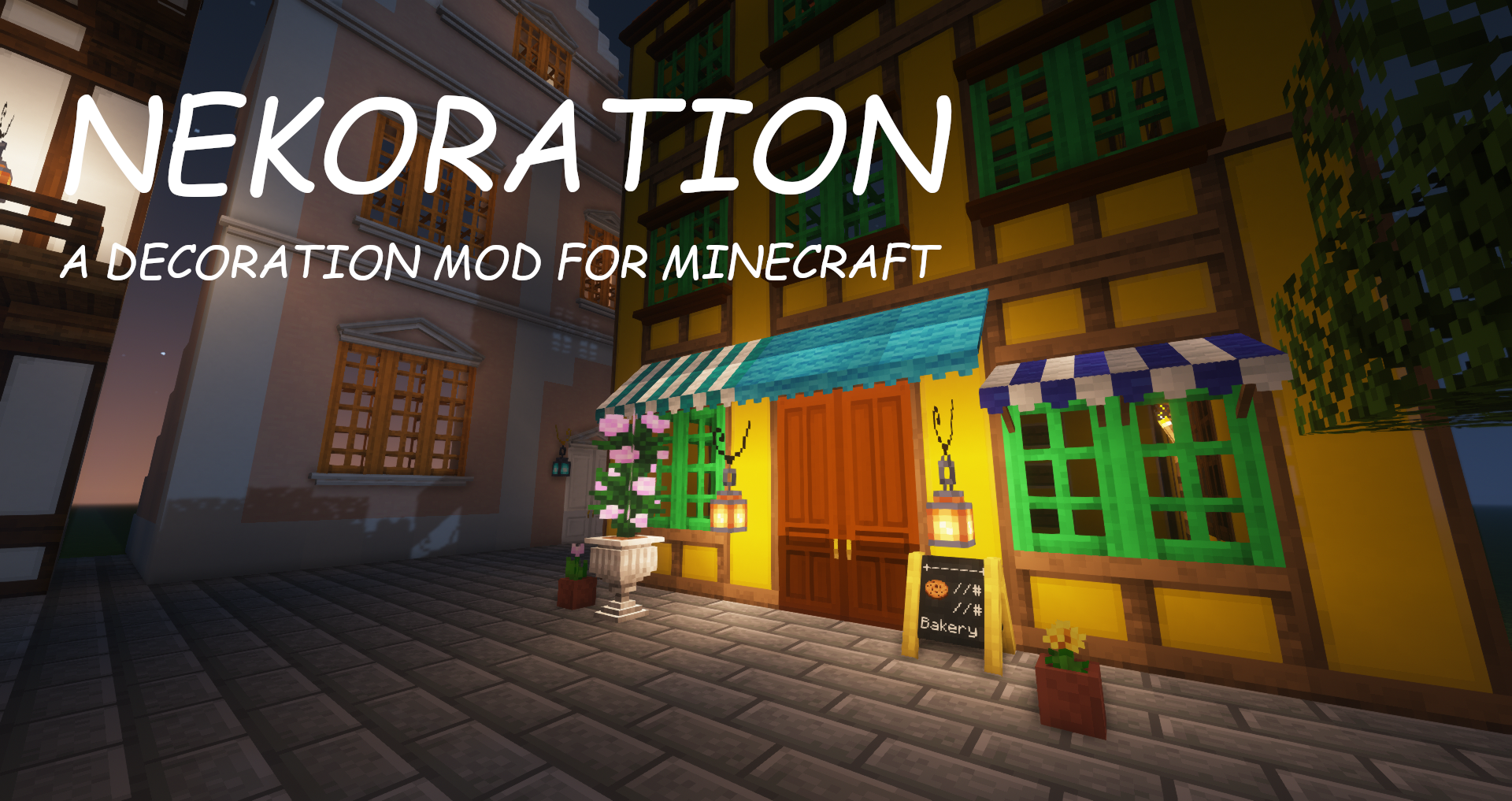 Poster A poster for Nekoration (screenshot taken with the mod's first release)
 -
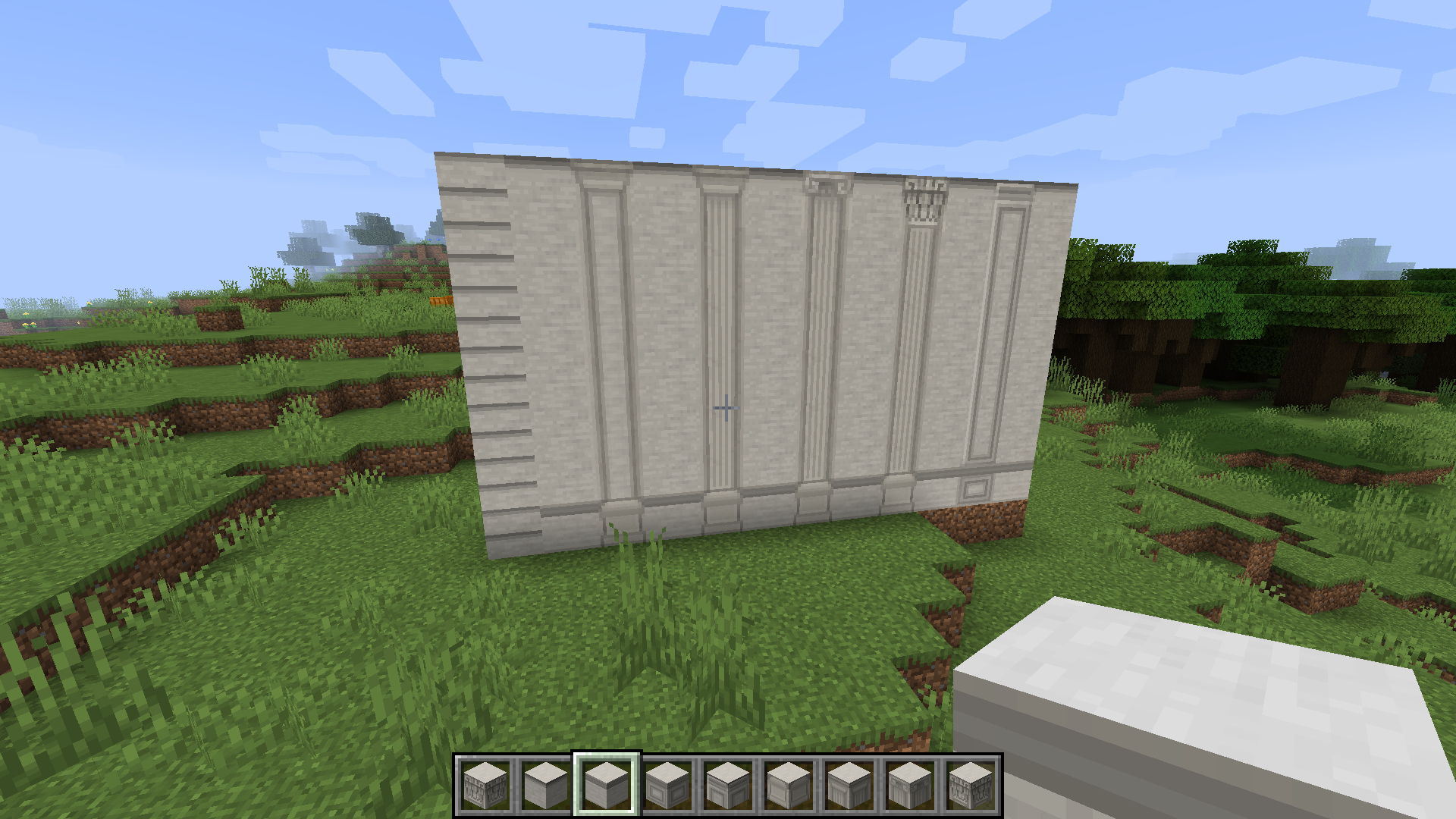 Stone Blocks A stone wall containing all variants of Nekoration's stone blocks
 -
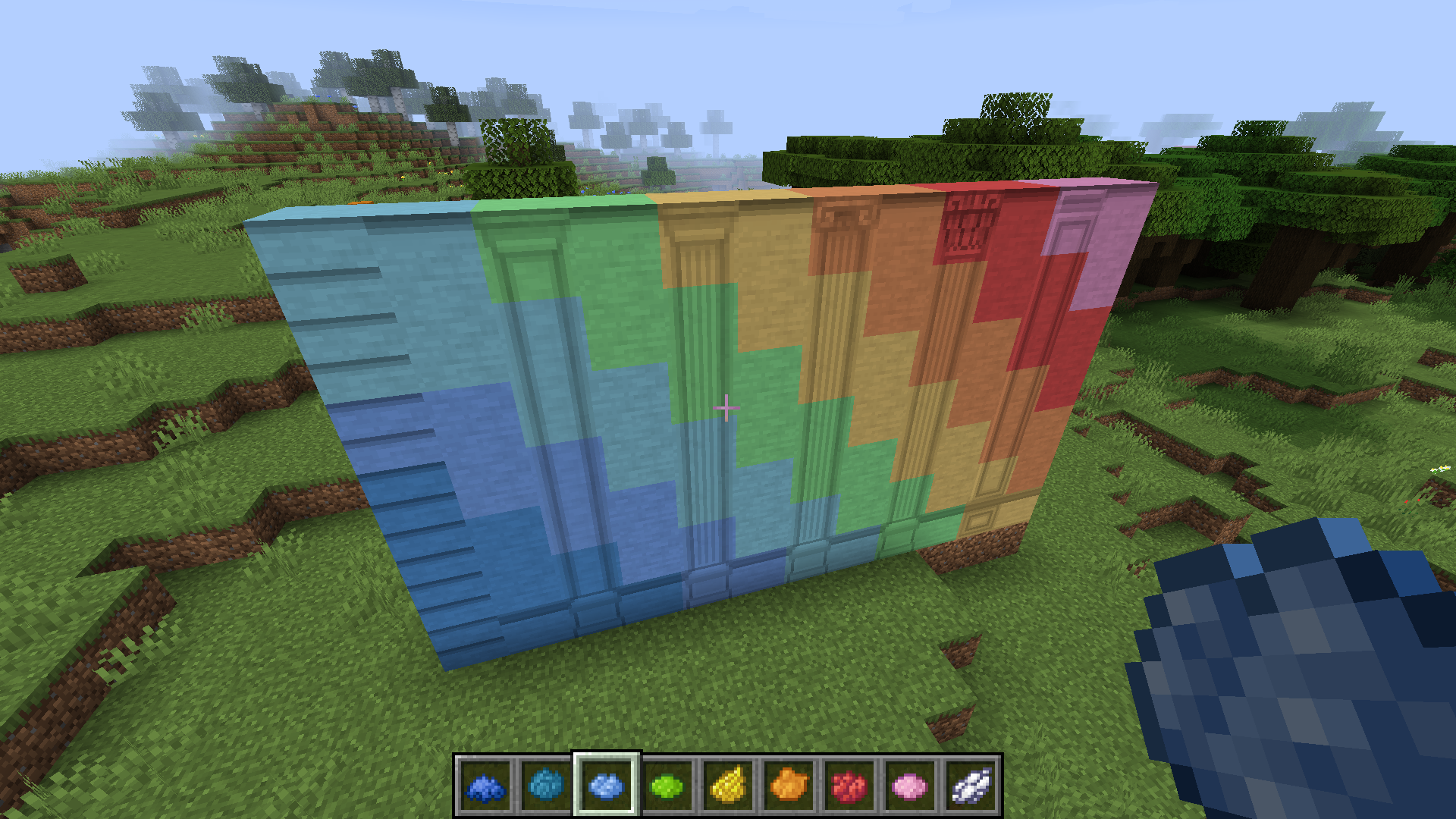 Colorful Stone Blocks You can tint any stone block with any vanilla dye, to make it colorful
 -
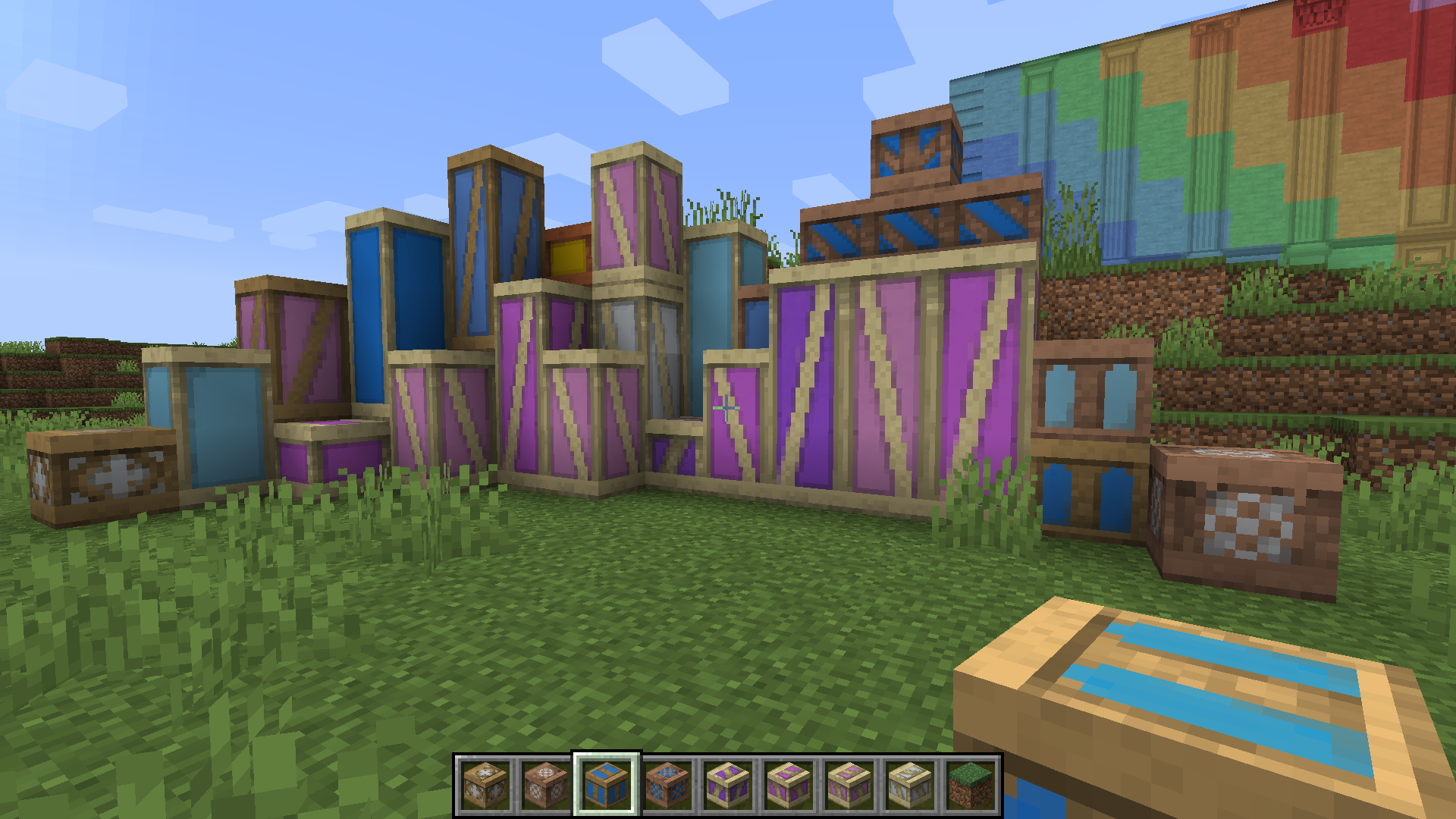 Half-Timber Blocks & Pillars The image here shows only a few examples. half-timber really has a looooot of variants since it can have different wood types, colors and patterns
 -
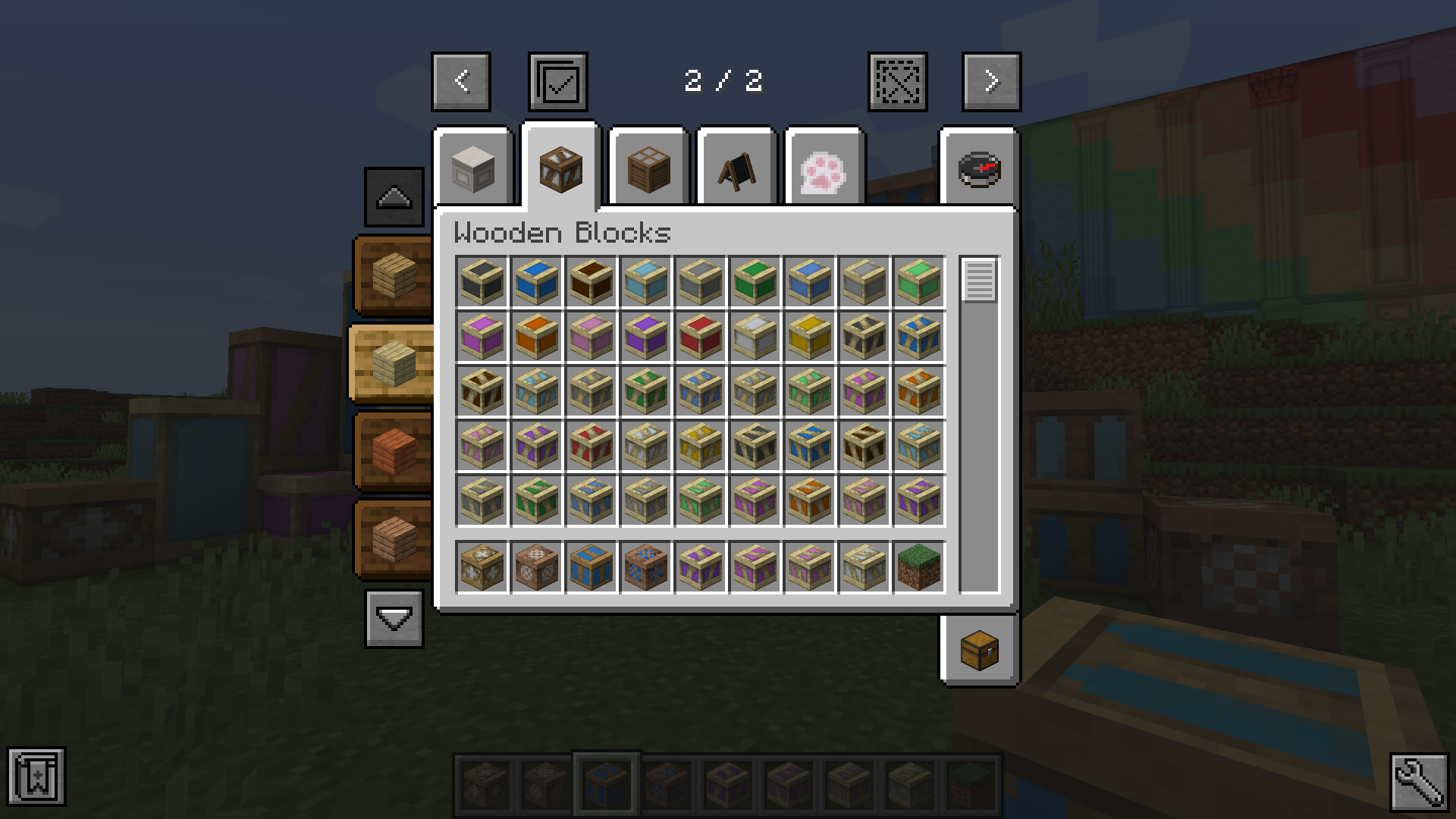 Half-Timber Selector The selector that will show up in 'Wooden Blocks' tab in Creative Inventory, helping you select block by wood types (Just ignore those 2 JEI buttons at the bottom XP)
 -
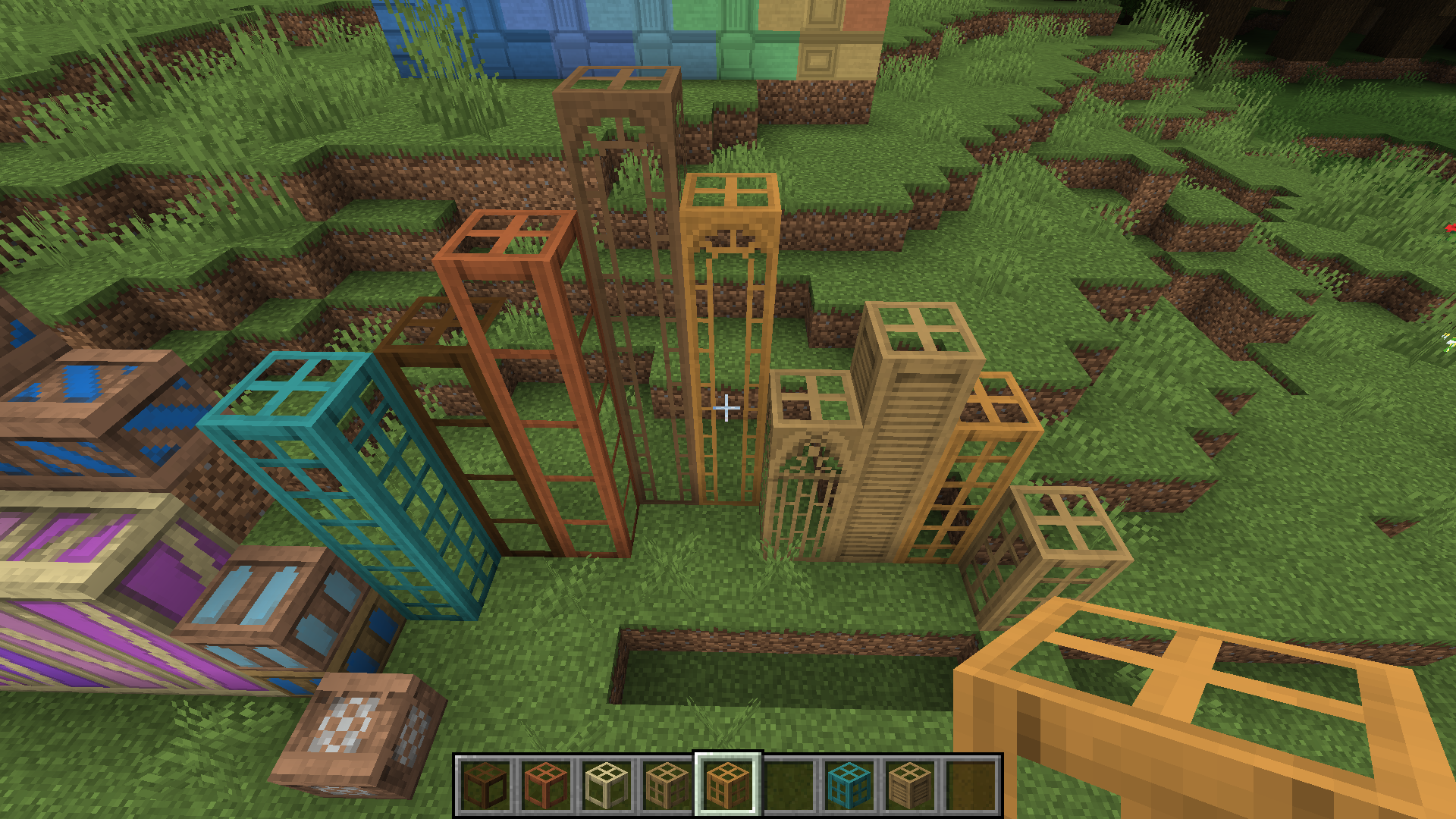 Window Blocks Many different types of window blocks, each with variants of different wood types
 -
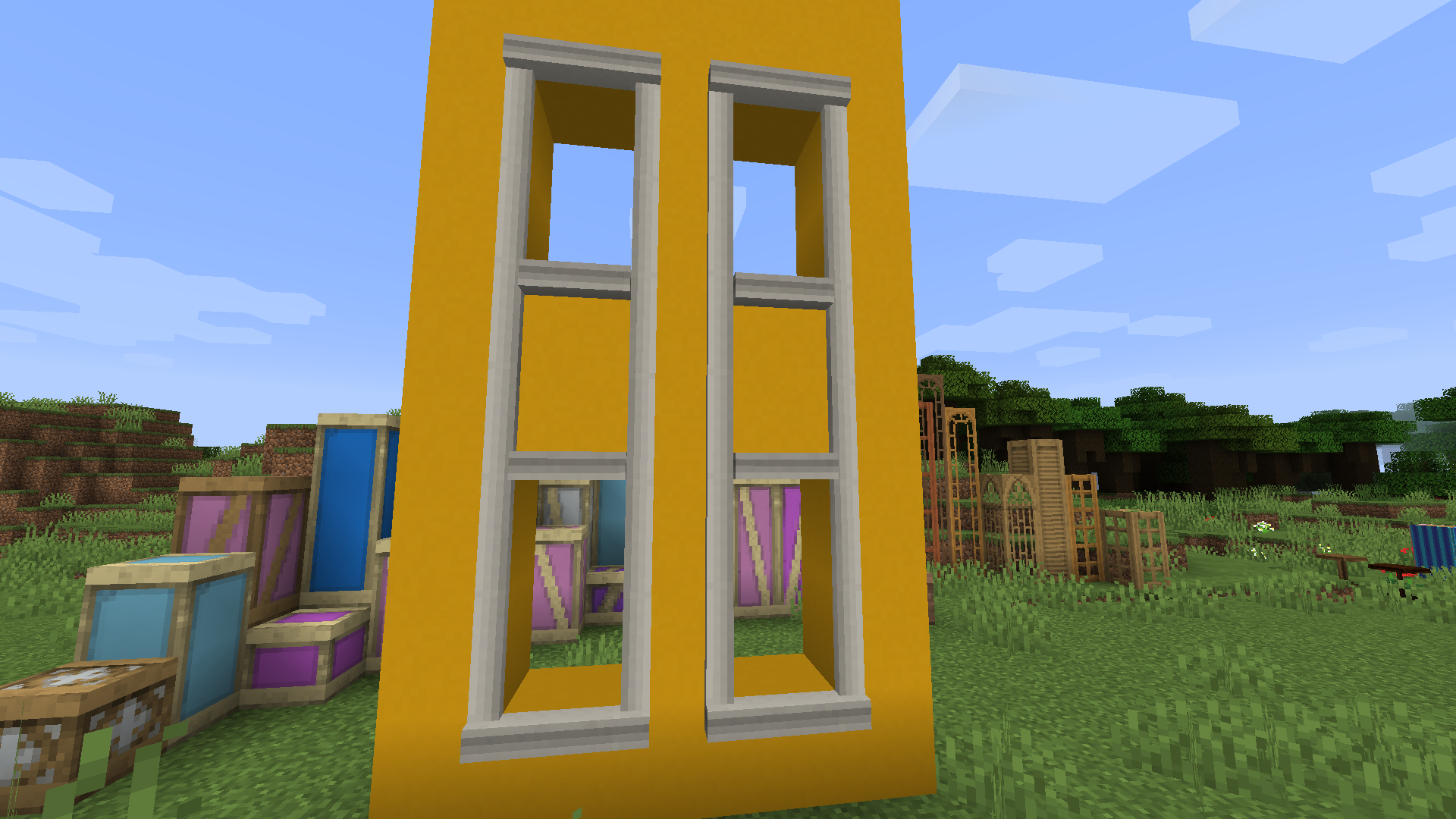 Window Frame You can make a frame around a window to make it look nicer
 -
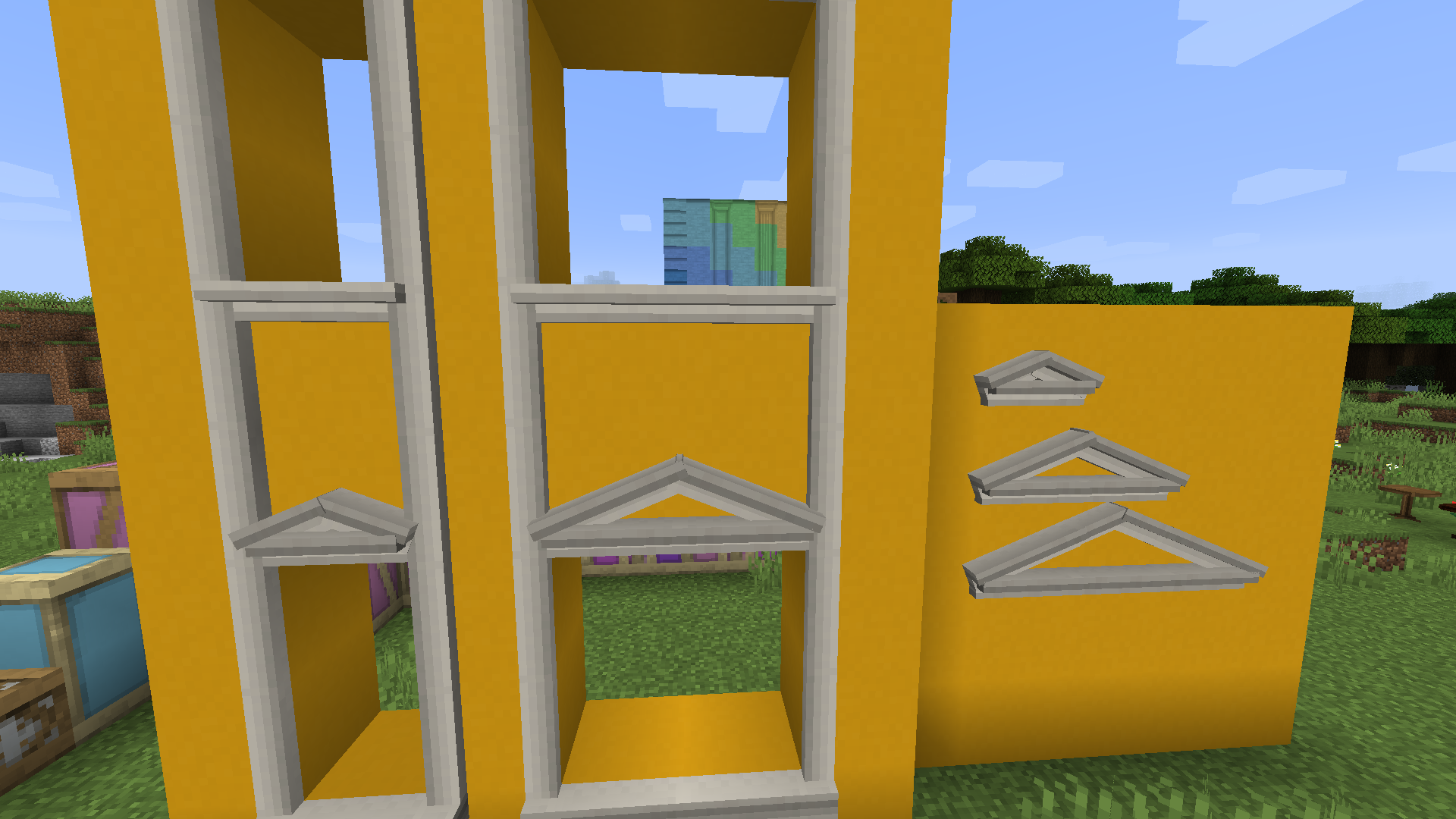 Window Top & Window Sill They can be used to replace the top and bottom parts of window frame, or can be used separately above or below windows as you like
 -
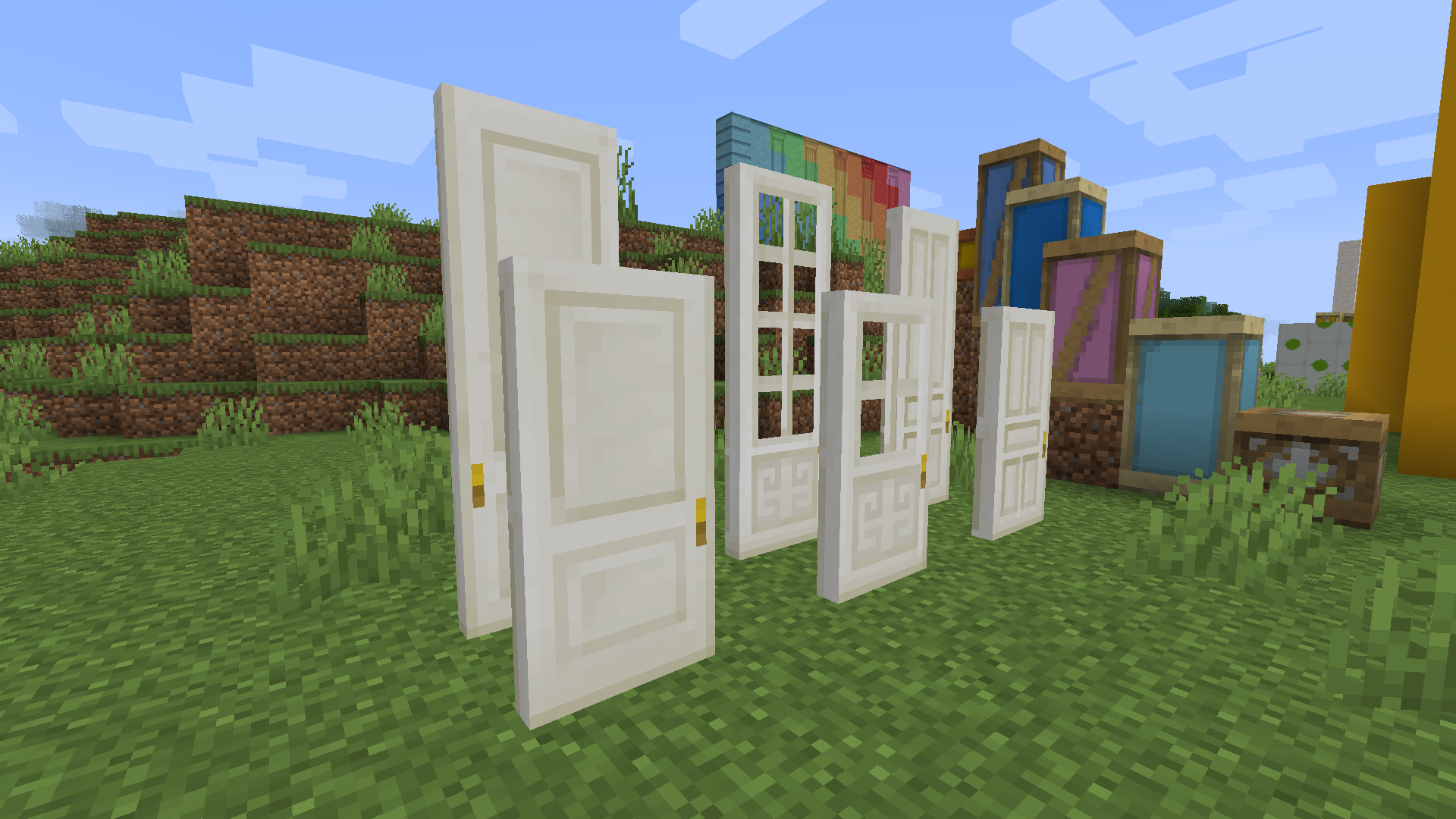 Quartz Doors Doors and taller doors made from quartz (they can also be colored with dyes)
 -
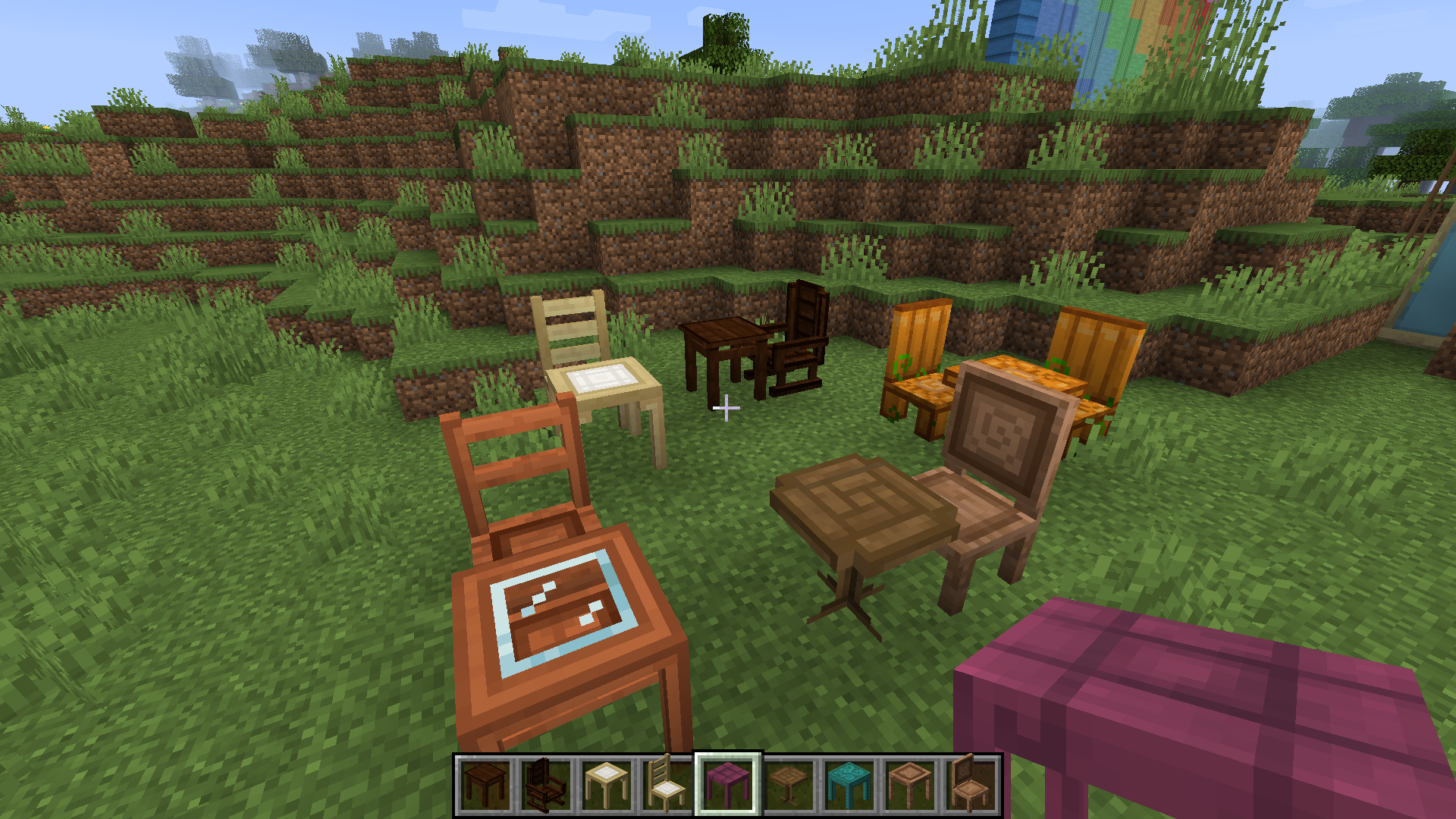 Furniture Square tables, round tables and sittable chairs, made from different types of planks(except pumpkin ones :P). Those recipes are not conflicting with most(probably all) other furniture mods, so you can feel free to put 'em together
 -
 Easel Menus Easel menus can be used to display both items and colorful texts
 -
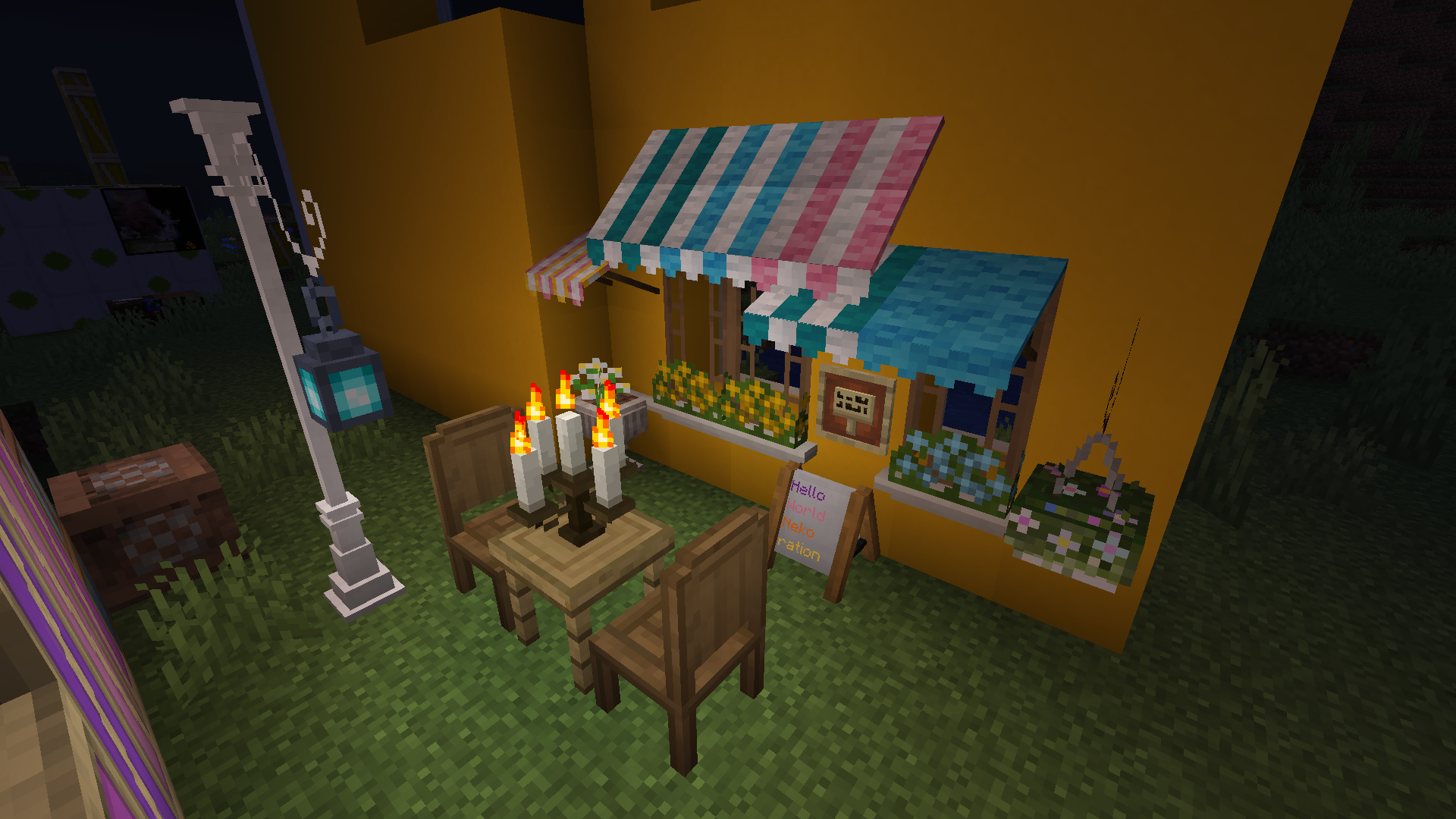 Small Decorations Other small decorations: flowering plants, candle holders, etc (you can light the candles with a torch or lantern, and use their 'soul' variants if you want the flame to be blue)
 -
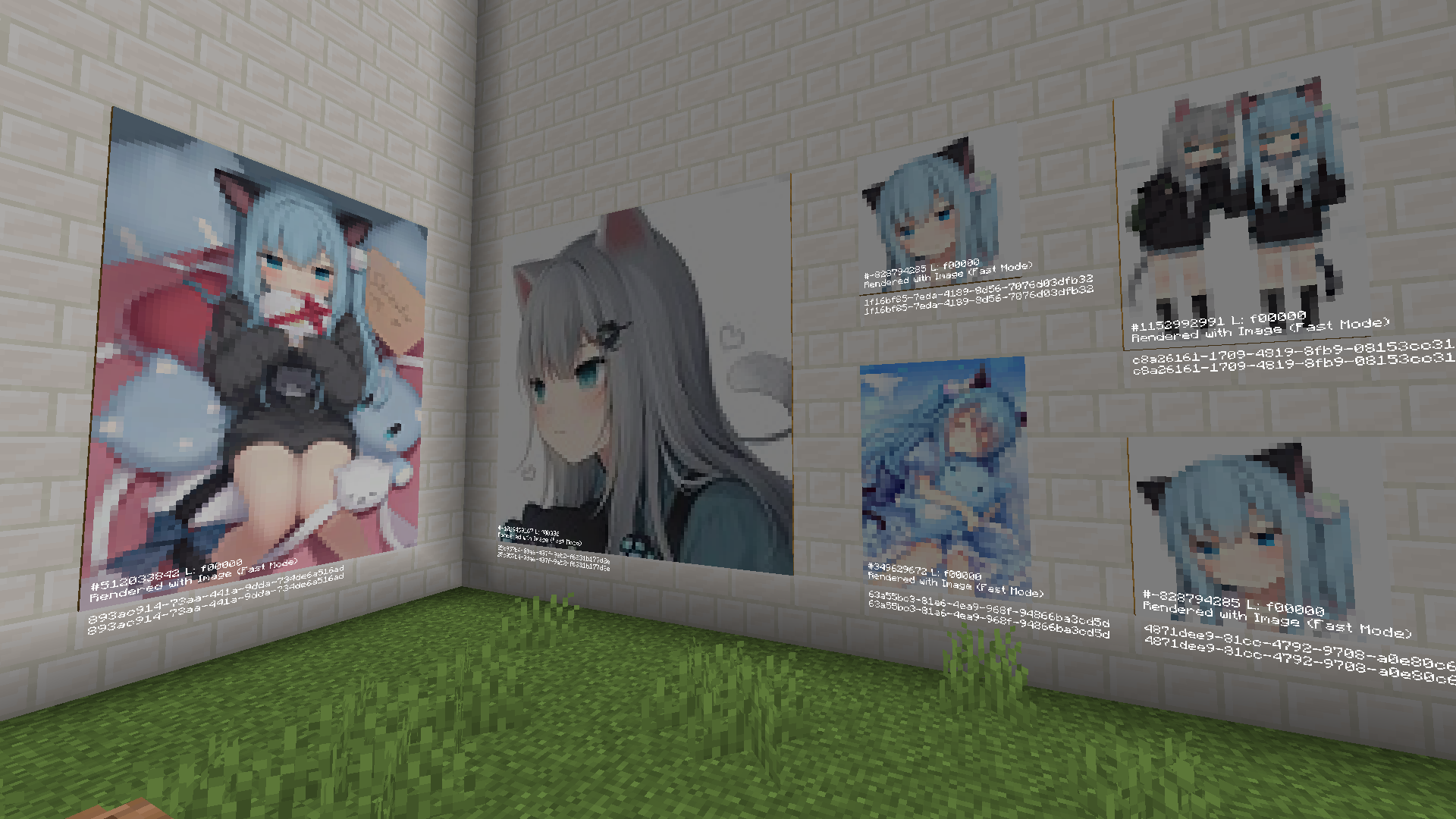 Paintings Through this painting system, you can draw pictures or load jpg/png images as your paintings, and share 'em with your friends!
 -
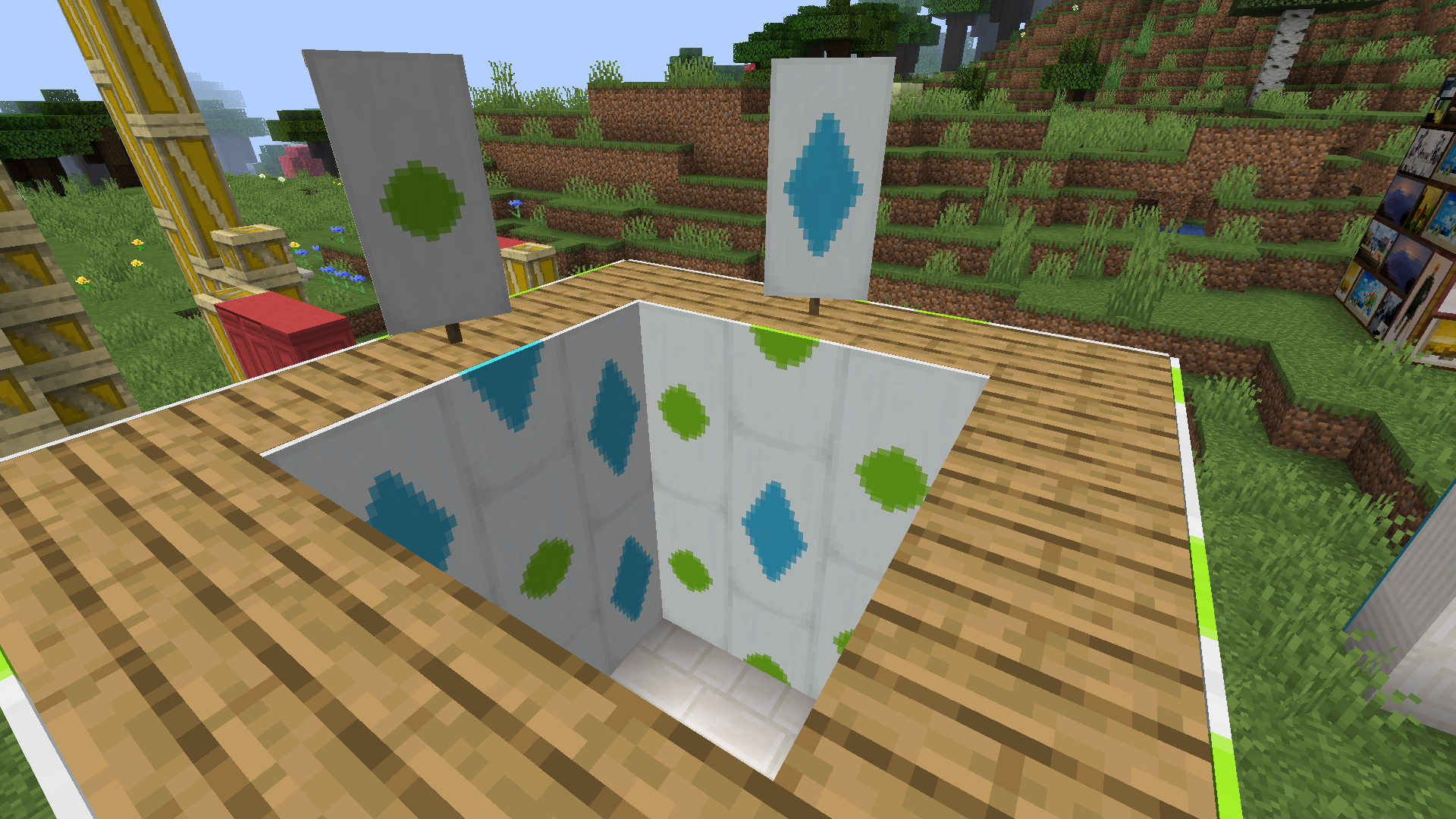 Wallpaper Any banner can be made into wallpaper, and can then be pasted onto your walls!
 -
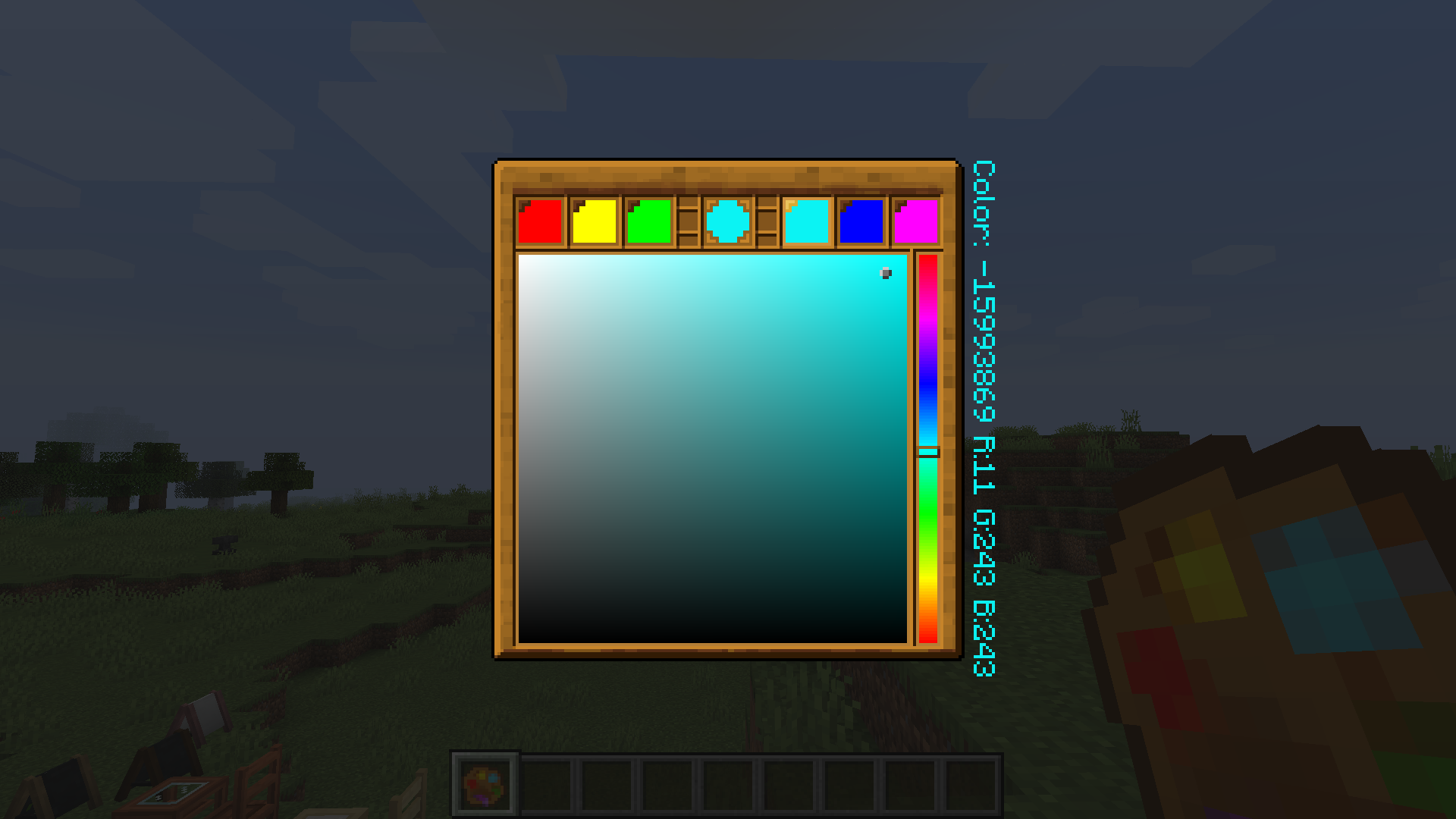 Palette Palette is necessary when you edit a painting and serves as a color picker
 -
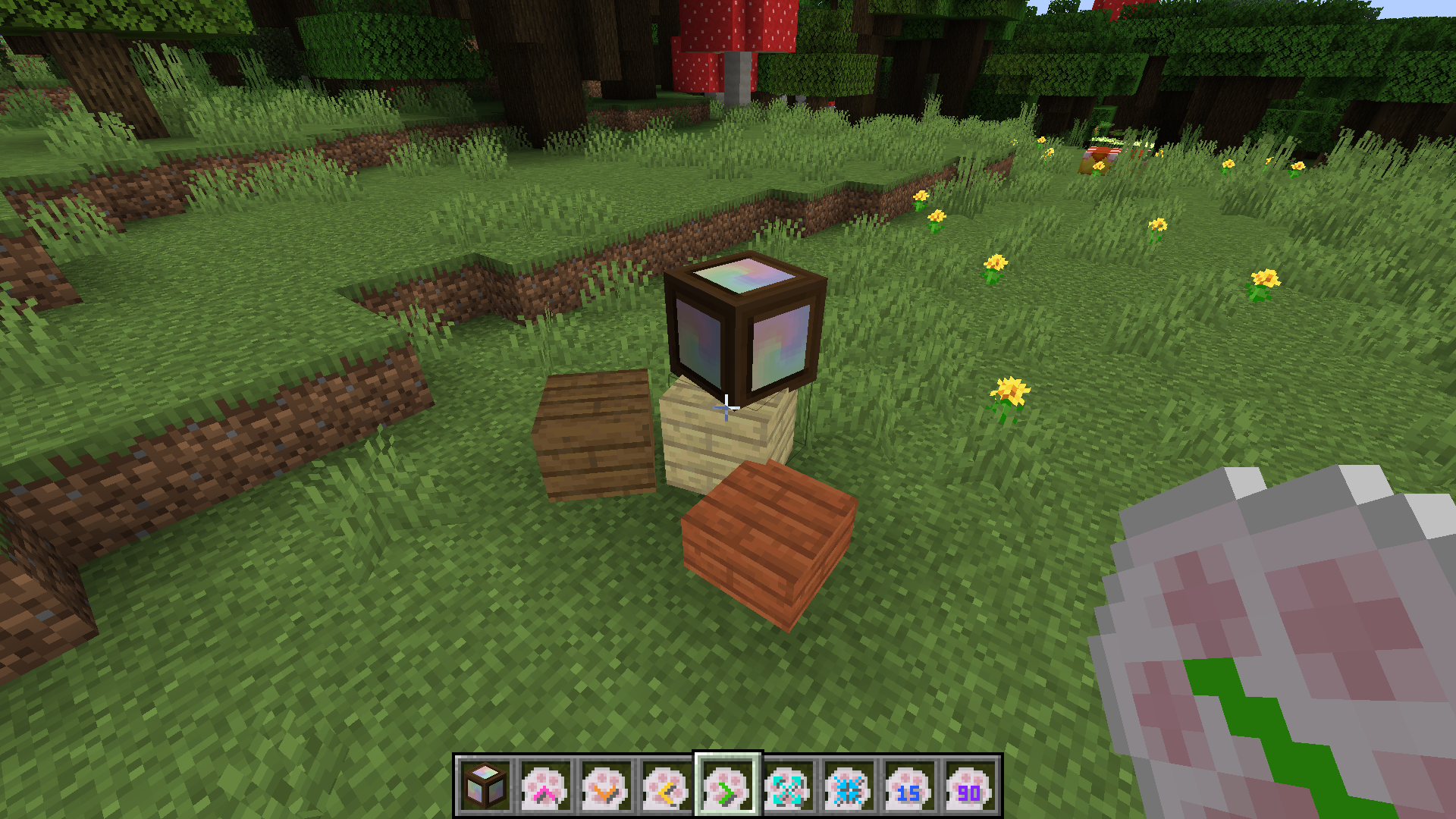 Custom Blocks They can be turned into other blocks by a right click with other blocks in your hand. And their rotation and position are adjustable using corresponding tools
 -
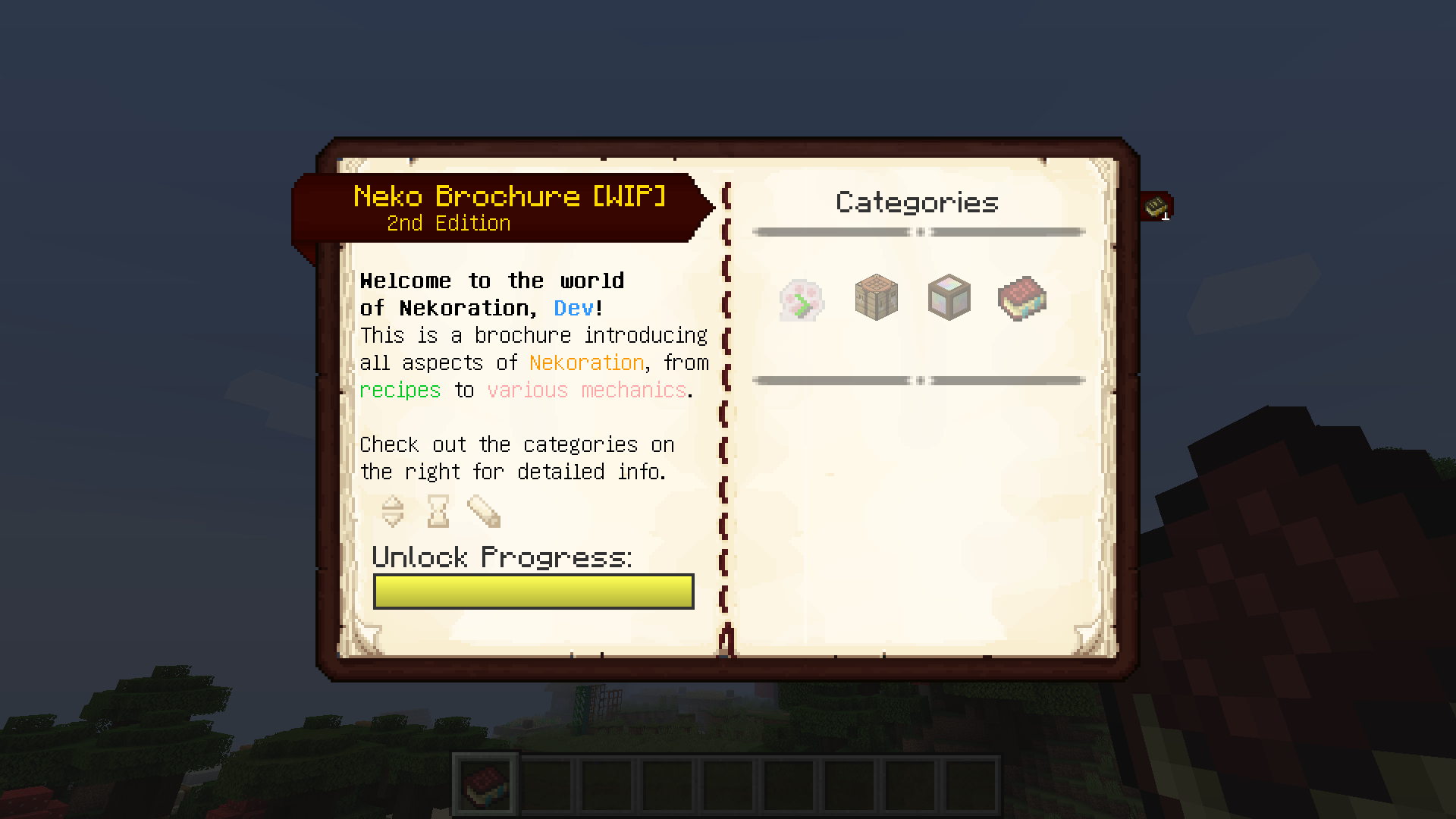 Neko Brochure A book describing and explaining all aspects of Nekoration, from recipes to mechanics.
 -
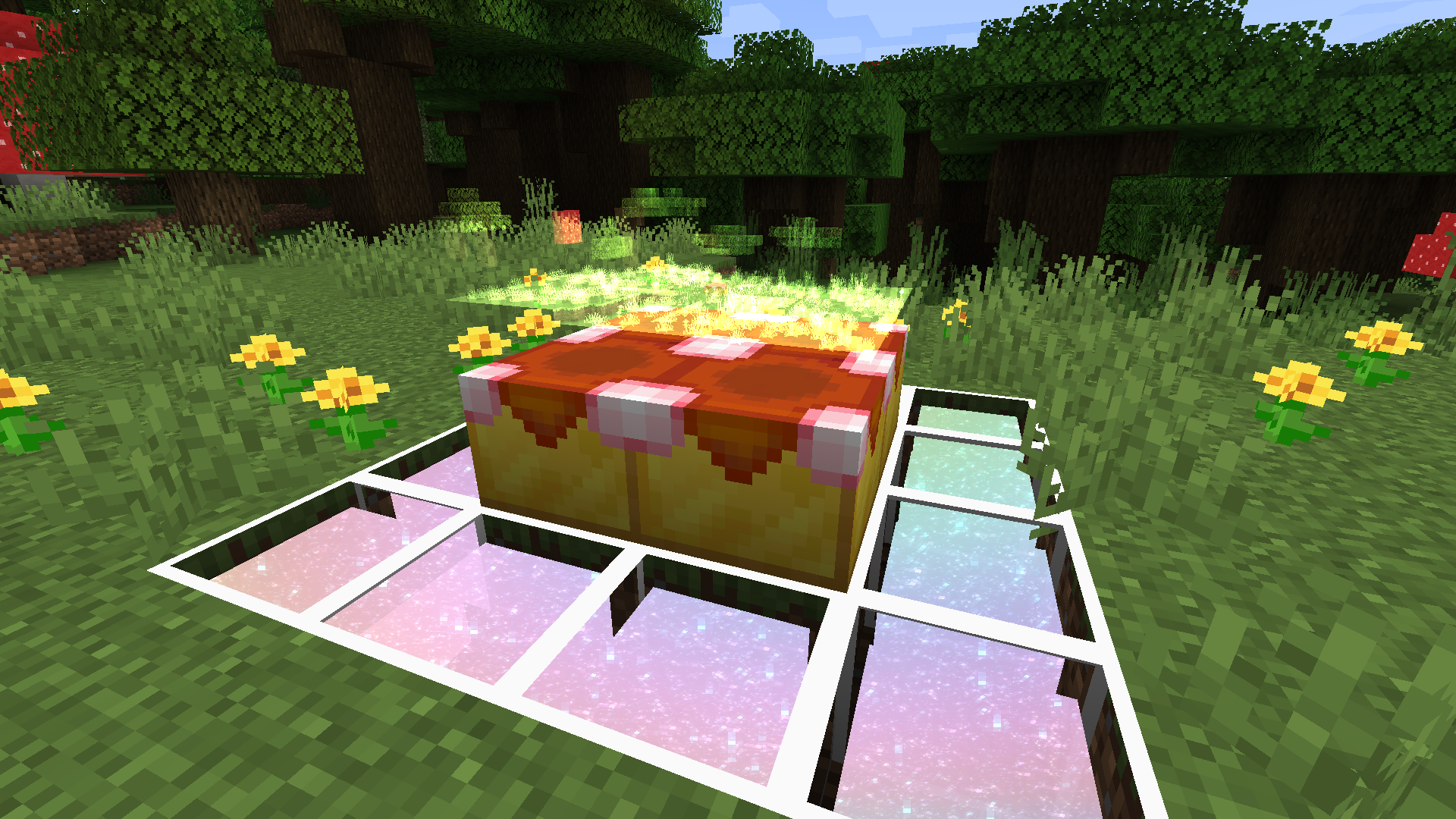 And... who knows what'll be the next update? Nekoration is still updating actively and will keep adding new stuff. So stay tuned, and always be ready for upcoming updates! : )
 -
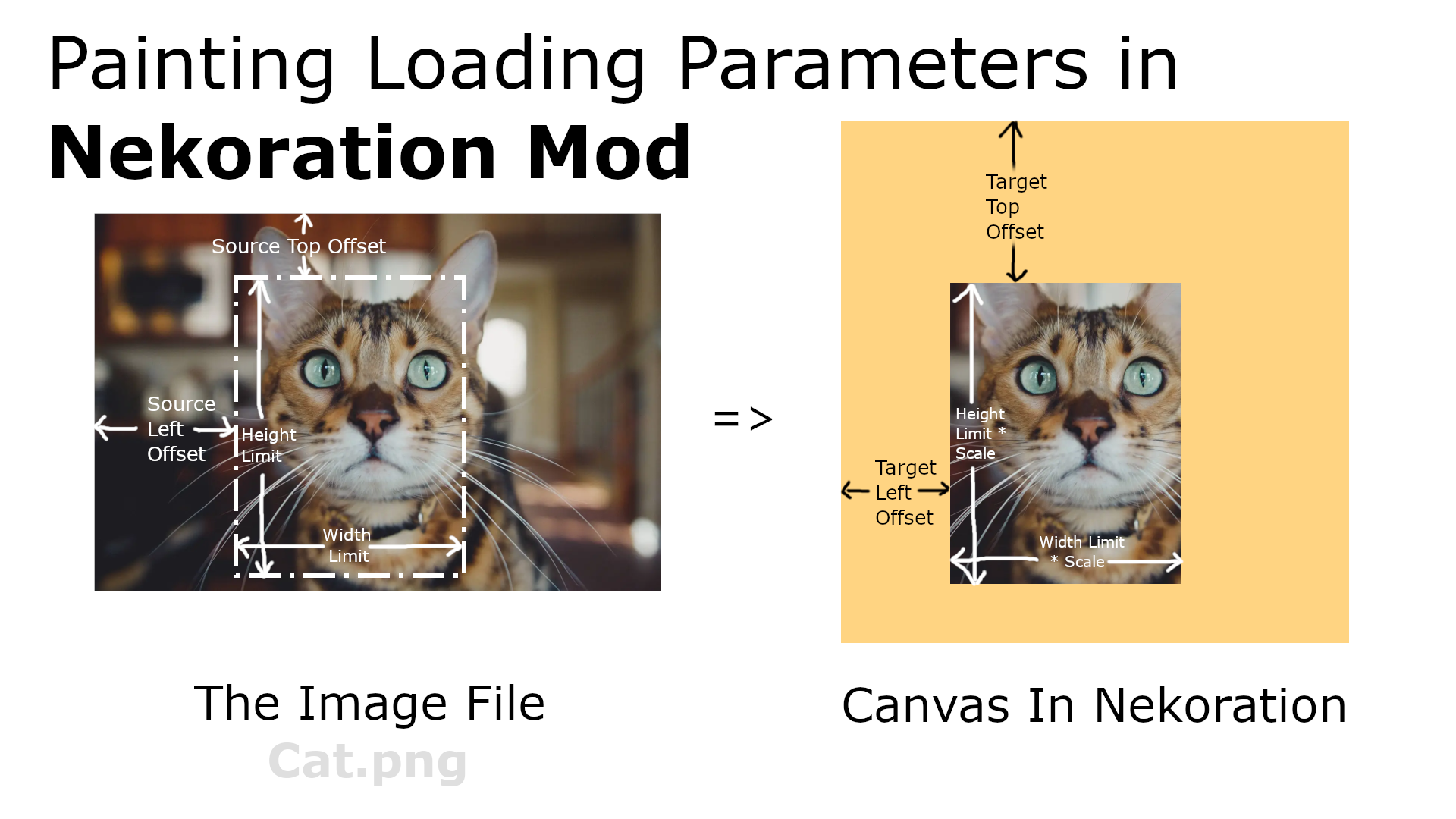 Painting Loading Params This image shows all parameters in painting loading and explains what they mean
Versions
Files
Relations
Project Relations
More like this
Similar Mods
Suggestions use data such as tags, dependencies, dependents, descriptions, titles, and more to rank how much they overlap with this mod.
On ModDex
Community snapshot
By the numbers
Statistics
Want to reach Minecraft players?
We're looking for a server hosting partner to feature here and other parts of the site. Interested? Send us a message!
Get in touchGet it on
Available Platforms
On ModDex
Community snapshot
By the numbers
Statistics
Resources