Community listing page, reviews here may not be monitored by the author.
Nek's Command Maker (Server Side Edition)

No reviews yet
A server-side only command maker that lets you add aliases to commands with custom arguments.
Community voices
Reviews
No reviews yet. Be the first to review this project!
Get it on
Available Platforms
 CurseForge
Modrinth
CurseForge
Modrinth
Compatibility
Supported Environments
Runs entirely on the server. Also works in singleplayer.
Runs on a dedicated server only; does not work in singleplayer.
Varies by version.
About
Project Details
For authors
Embed Badge
If you're the author of this project, you can embed a live badge anywhere that supports HTML or Markdown. It updates automatically whenever ratings change.
Use HTML for any page that supports it, or Markdown for README files and Markdown-based descriptions.
Identifiers
Platform IDs
About
Description
This is the server edition of Command Maker. Click here to see the Client Edition. (Currently being approved by moderators, visit here for CMDMaker Client Edition v2.3.1 if you got a 404 error for the other link.)
This mod will not be updated as regularly on CurseForge, Modrinth
📦 Nek's Command Generator Mod
A lightweight Minecraft mod that lets you define custom commands using aliases—perfect for server scripting, modpacks, or ritual triggers. No external files, no dependencies beyond Fabric API.
🔧 Features
- Add commands dynamically via in-game chat
- Reload config without restarting
- Fully JSON-driven and vanilla-compatible
📝 Usage
Use /addcommand to manage your custom commands:
/addcommand add <alias> <command>Adds a new alias that runs the specified command.
/addcommand del <alias>Deletes the alias and its associated command.
/addcommand reloadReloads the config file and updates all aliases. Visit the wiki for more information.
📁 Config Format
Commands are stored in a simple JSON file (modid_alieses.json) like:
{
  "crashme": "kill @s",
  "greet": "say Hello, world!"
}
🧪 Example
/addcommand add crashme kill @s
/addcommand add greet say Hello, world!
Then just run /crashme or /greet in chat!
🛠️ This is my first time making a Minecraft mod, so there may be bugs or quirks. If you find any issues, feel free to report them!
If you would like to make a feature request, please visit here.
If you would like to make a bug report, please visit here.
If you would like to otherwise make a comment please visit here


For some reason the icon is not loading
This is the server edition of Command Maker. Click here to see the Client Edition. ( visit legacy download page for CMDMaker Client Edition Download Page if you got a 404 error for the other link.)
If for some dumb reason you think curseforge is better than modrinth (its not) then you can find it here: ( I do not upload as often on CurseForge):
https://www.curseforge.com/minecraft/mc-mods/neks-command-maker-server-side-edition
📦 Nek's Command Maker Server Edition
A lightweight Minecraft mod that lets you define custom commands using aliases or a gui, perfect for server scripting, modpacks, or ritual triggers. No external files, no dependencies beyond Fabric API.
Luckperm Support added in v3.0.0!!!
How to download and install
https://commandmakerwiki.lucasgeitgey.com/install-video.html
🔧 Features
- Add commands dynamically via in-game chat
- Reload config without restarting
- Fully JSON-driven and vanilla-compatible
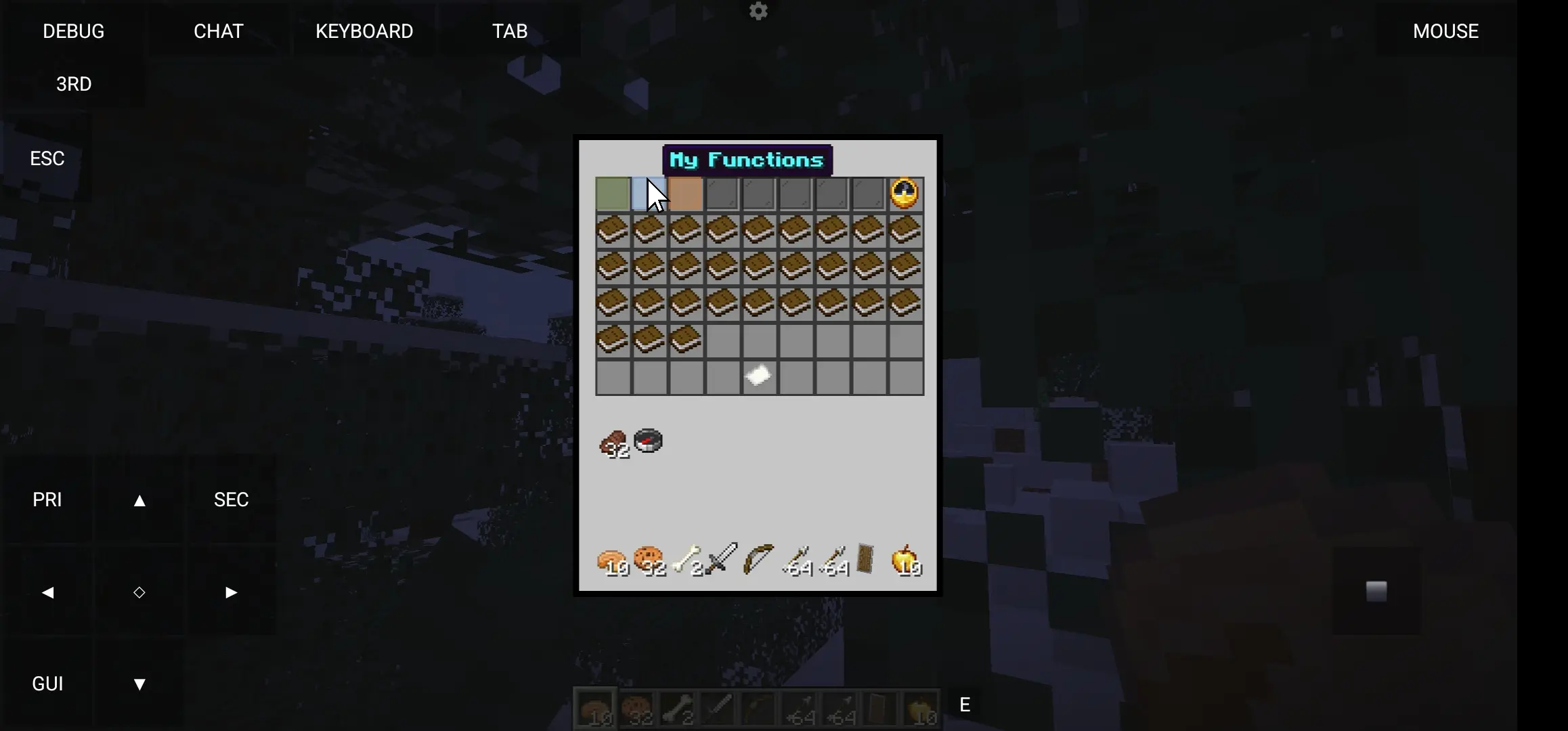
- GUI:
📝 Usage
Use /addcommand to manage your custom commands:
/addcommand add <alias> <command>
Adds a new alias that runs the specified command.
/addcommand del <alias>
Deletes the alias and its associated command.
/addcommand reload
Reloads the config file and updates all aliases. Visit the wiki for more information.
📁 Config Format
Commands are stored in a simple JSON file (modid_alieses.json) like:
{
  "crashme": "kill @s",
  "greet": "say Hello, world!"
}
🧪 Example
/addcommand add crashme kill @s
/addcommand add greet say Hello, world!
Then just run /crashme or /greet in chat!
Telemetry Data
Every time you start the game with the mod, a HTTP request is sent to commandmakerwiki.lucasgeitgey.com /redirects/telemetry.html. to Opt-Out, set 'send-telementry' to 'false' in telemetry.yml. The data sent is a HTTP GET request, to see how many people use the mod.
Note: Telementry Data has been removed in 2.3.5
Downloading Functions
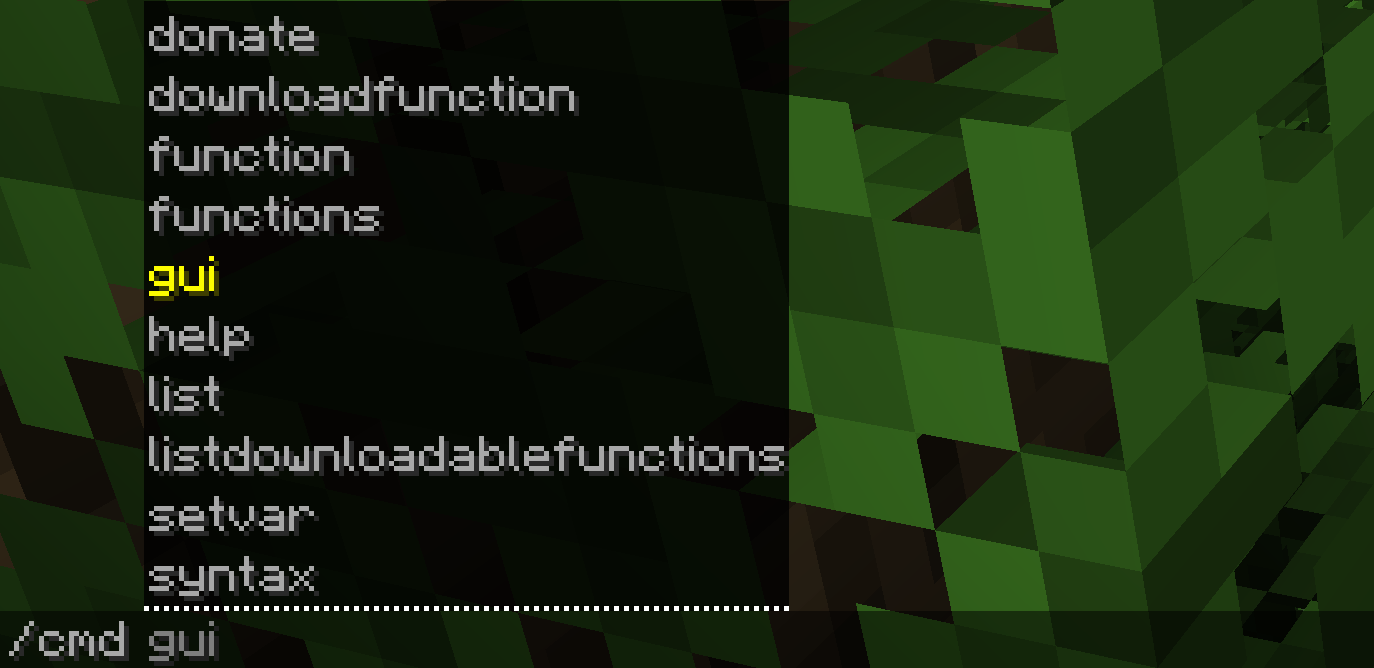
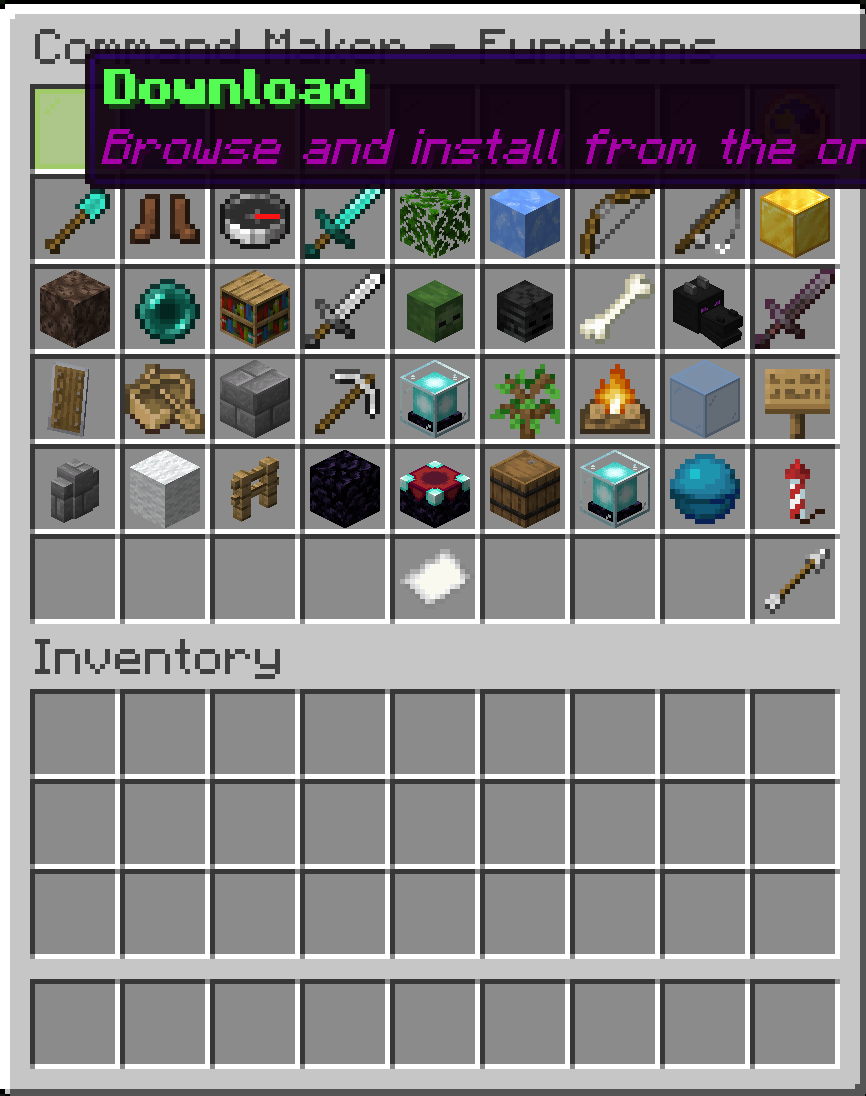
You can use /cmd downloadfunction to download functions. You can see the function list, and request to add new ones here.
🛠️ This is my first time making a Minecraft mod, so there may be bugs or quirks. If you find any issues, feel free to report them!
If you would like to make a feature request, please visit here.
If you would like to make a bug report, please visit here.
If you would like to otherwise make a comment please visit here
Screenshots
Gallery
-
 Banner image
 -
 Download page
 -
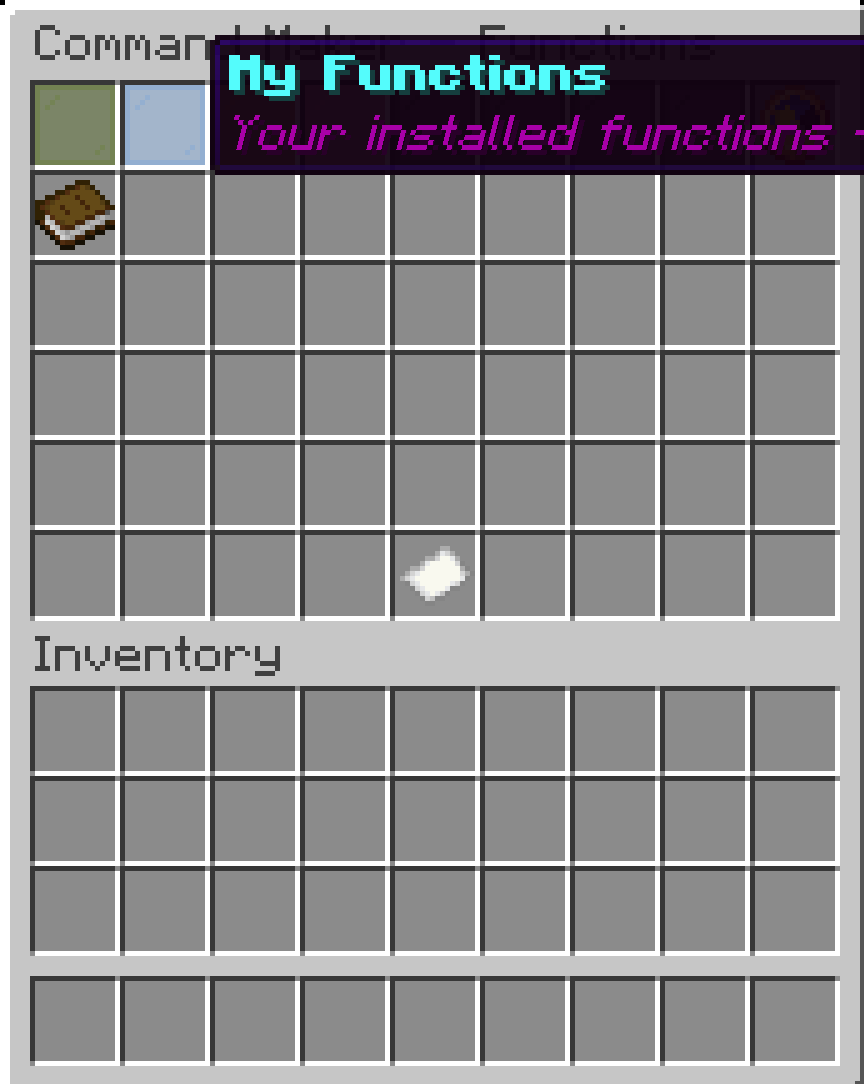 Installed
 -
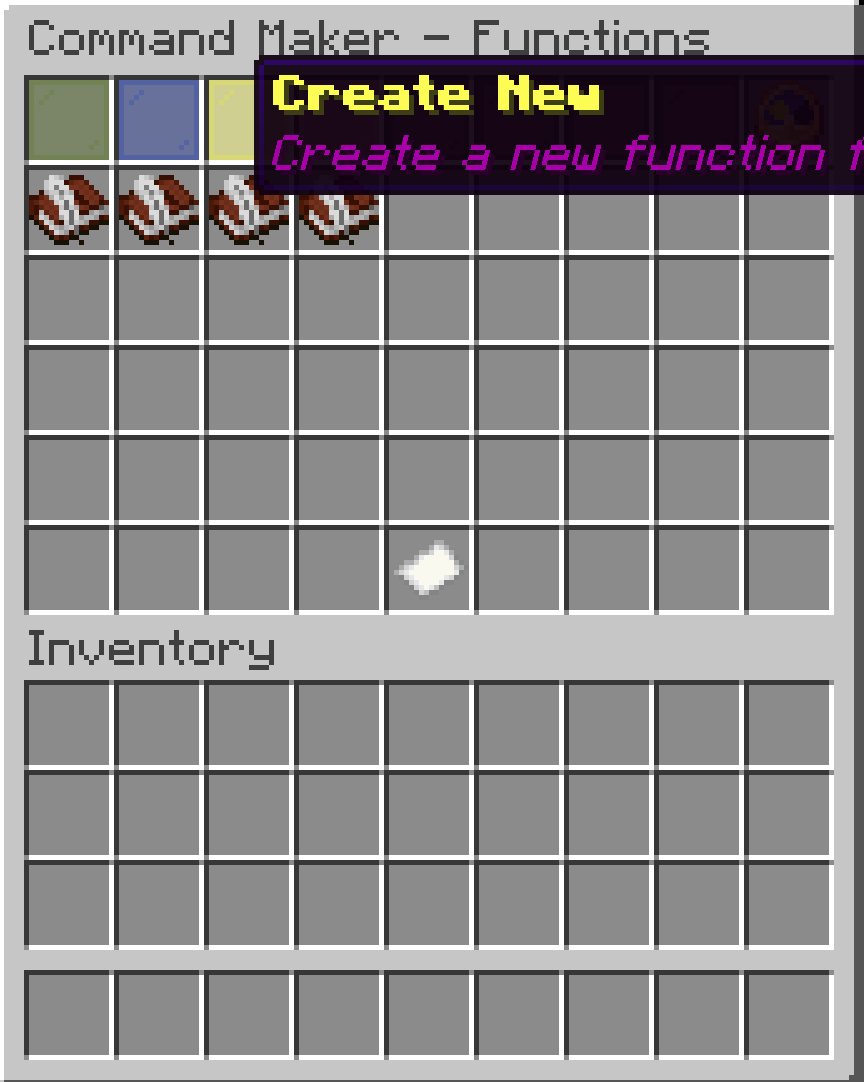 Create new
 -
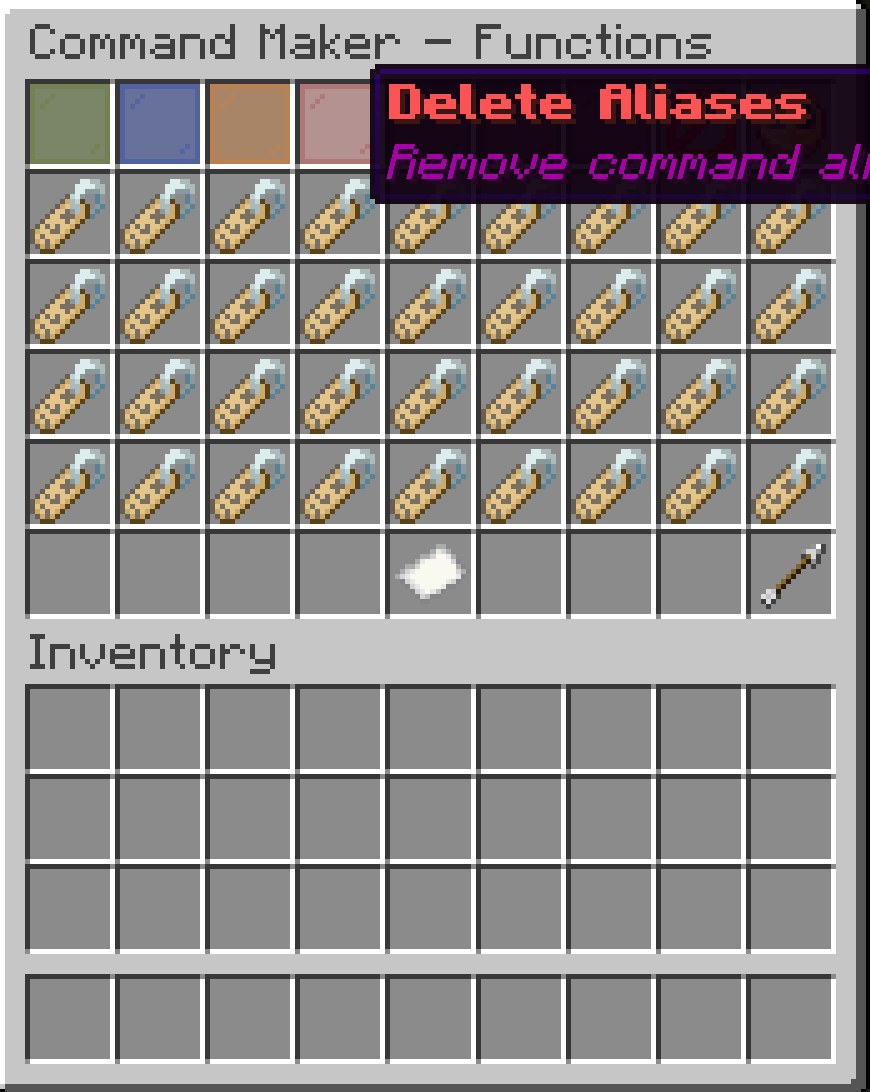 Delete
Versions
Files
Relations
Project Relations
More like this
Similar Mods
Suggestions use data such as tags, dependencies, dependents, descriptions, titles, and more to rank how much they overlap with this mod.
On ModDex
Community snapshot
By the numbers
Statistics
Want to reach Minecraft players?
We're looking for a server hosting partner to feature here and other parts of the site. Interested? Send us a message!
Get in touchGet it on
Available Platforms
CurseForge
Modrinth
On ModDex
Community snapshot
By the numbers