Community listing page, reviews may not be monitored by the author.
Nether Survival Improvement Mod (NSI)

No reviews yet
Improves survivability in the nether, without the overworld.

Community voices
Reviews
No reviews yet. Be the first to review this project!
Get it on
Available Platforms
About
Project Details
For authors
Embed Badge
If you're the author of this project, you can embed a live badge anywhere that supports HTML or Markdown. It updates automatically whenever ratings change.
Use HTML for any page that supports it, or Markdown for README files and Markdown-based descriptions.
Identifiers
Platform IDs
Resources
External Links
About
Description
The Nether Survival Improvement Mod (NSI) is a mod designed for survival upon "spawning in" the nether, also known as Nether Survival challenges. In a Nether Survival challenge, when you spawn in, you go to creative, build a nether portal, go to the nether, break the portal and (if you want to) add a respawn anchor. NSI's goal is to turn mainly cosmetic or completely useless items (like Crimson Roots) in the nether into something vital or very useful items (Crimson Bread). The mod is additionally designed to provide a goal for the player to reach for, as to give the player a reason to play the mod for a longer period of time, like for example the Nether Star Infused Netherite armor.
HOW TO DOWNLOAD/INSTALL (WINDOWS):
1. Install Java from here (skip this step if you have already done so) https://www.java.com/en/
2. Download Forge for the version of the mod you have downloaded from here https://files.minecraftforge.net/net/minecraftforge/forge (skip this step and step 3 if you have already done so)
3. Run the installer (open with Java), and install Forge.
4. Download the .jar file for this mod, and place it in the mods folder in the .minecraft folder.
The .minecraft folder can be found by typing %appdata% in the Windows search bar.
If you do not have a mods folder, just create a folder and title it "mods".
5. Open the Minecraft Launcher, pick the "forge" installation for the version you installed next to the "Play" button, and start the game.
6. Have fun with the mod!
Please leave any comments related to any features you'd like to see in the future!
Special thanks to:
u/Maskuttii for the texture for the Enhanced Fire Charge
This mod was created using MCreator. Please support the guys there!
Screenshots
Gallery
-
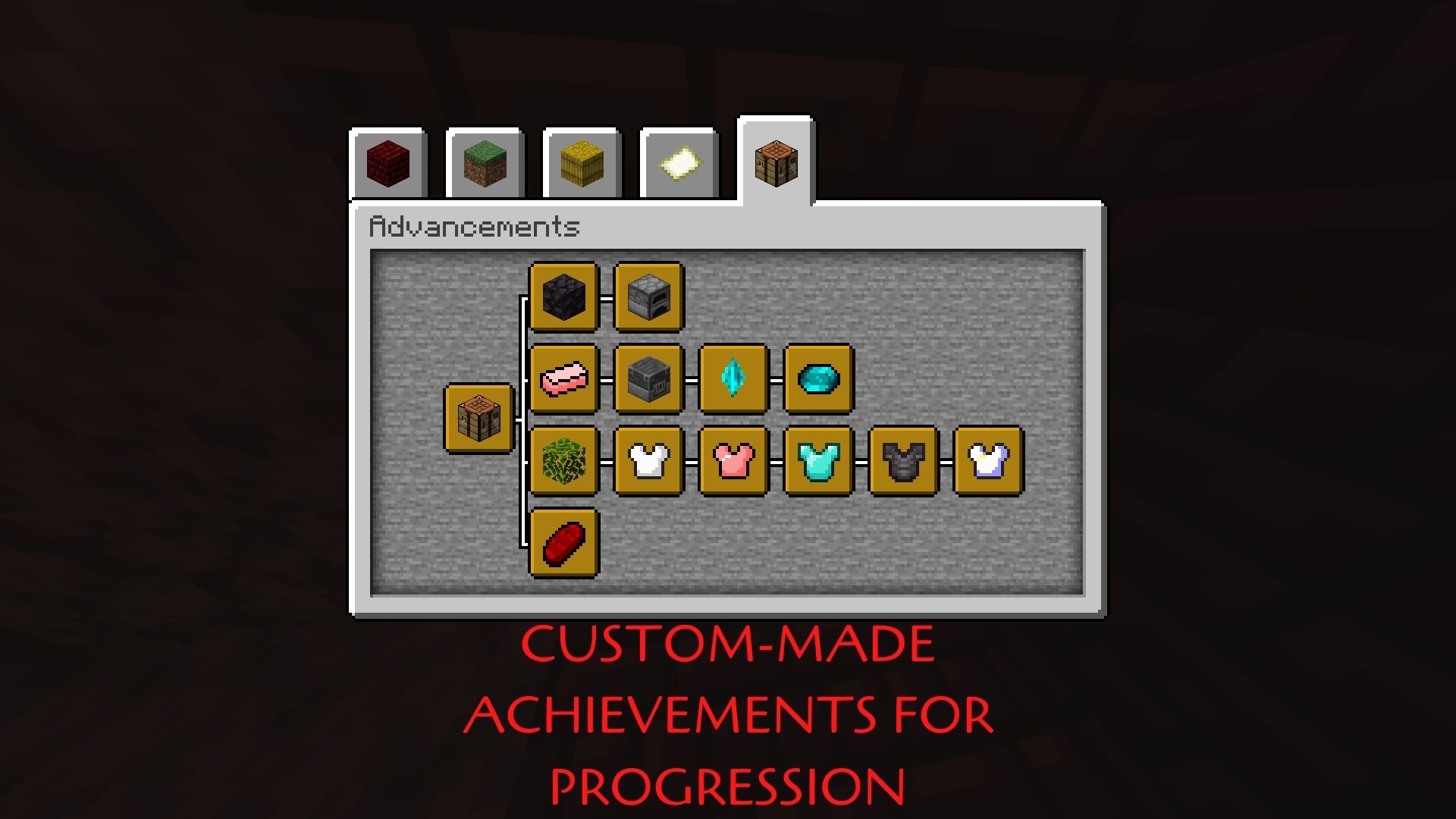 Advancements
 -
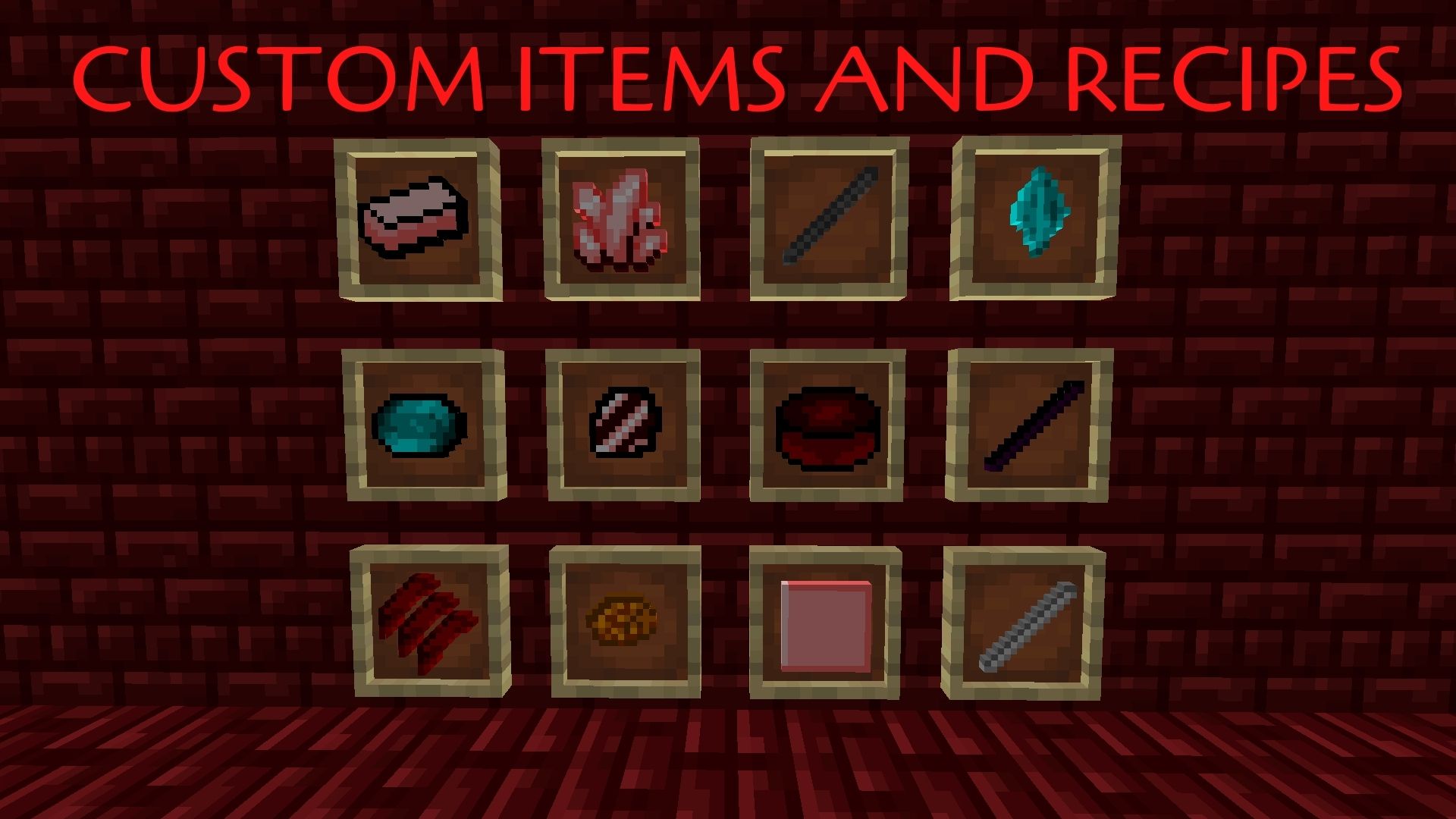 Custom Items and Recipes
 -
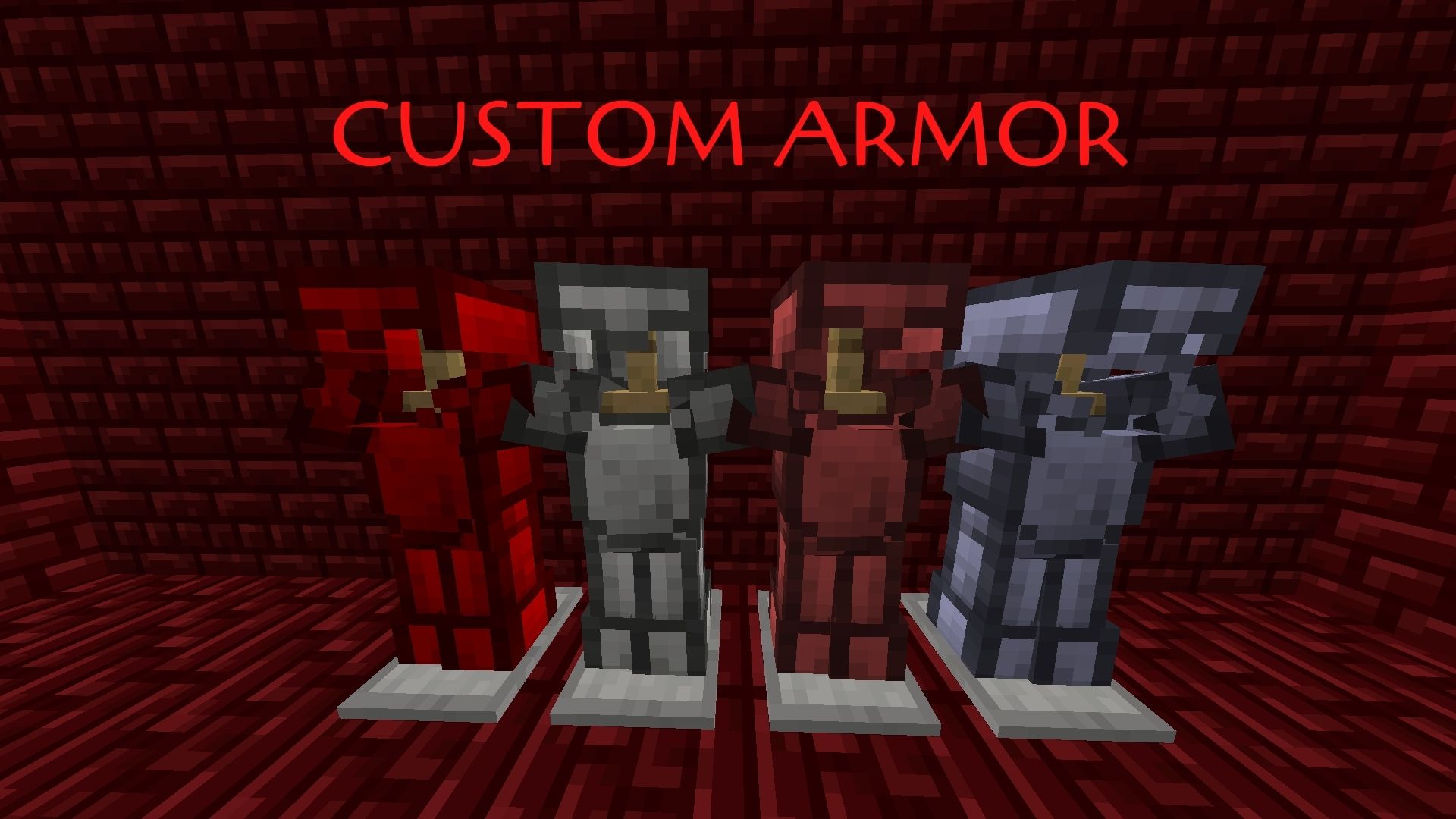 Custom Armor
Versions
Files
Relations
Project Relations
More like this
Similar Mods
Suggestions use data such as tags, dependencies, dependents, descriptions, titles, and more to rank how much they overlap with this mod.
On ModDex
Community snapshot
By the numbers
Statistics
 (opens in a new tab)
Get it on
Available Platforms
On ModDex
Community snapshot
By the numbers
Statistics
Resources