
Community listing page, reviews here may not be monitored by the author.
Netherite Vault

No reviews yet
Adds netherite items to the Ominous Vault reward pool without replacing standard nether exploration!
Community voices
Reviews
No reviews yet. Be the first to review this project!
Get it on
Available Platforms
Compatibility
Supported Environments
Runs entirely on the server. Also works in singleplayer.
About
Project Details
For authors
Embed Badge
If you're the author of this project, you can embed a live badge anywhere that supports HTML or Markdown. It updates automatically whenever ratings change.
Use HTML for any page that supports it, or Markdown for README files and Markdown-based descriptions.
Identifiers
Platform IDs
Resources
External Links
About
Description
Netherite Items in Ominous Vault
Enhance your Ominous Vault loot with a chance to obtain valuable Netherite items without replacing primary methods in the nether.
This datapack/mod adds a variety of Netherite-related loot—including Ancient Debris, Netherite Scraps, Netherite Ingots, Netherite equipment, and even the extremely rare Netherite Block—to the Ominous Vault loot table. Every item has its own independent drop chance, making every vault opening more exciting.
Drop Chances
Materials
| Item | Type | Chance | Weight |
|---|---|---|---|
| Ancient Debris | Material | 10.0% | 4 |
| Netherite Block | Material | 0.3% | 1 |
| Netherite Ingot | Material | 2.5% | 2 |
| Netherite Scrap | Material | 8.0% | 3 |
| Netherite Helmet | Armor | 2.0% | 1 |
| Netherite Chestplate | Armor | 1.5% | 2 |
| Netherite Leggings | Armor | 1.5% | 1 |
| Netherite Boots | Armor | 2.0% | 2 |
| Netherite Sword | Weapon | 1.5% | 1 |
| Netherite Axe | Tool & Weapon | 1.5% | 1 |
| Netherite Pickaxe | Tool | 2.0% | 1 |
| Netherite Spear | Weapon | 15.0% | 5 |
| Netherite Hoe | Tool | 20.0% | 5 |
| Netherite Shovel | Tool | 20.0% | 5 |
Weight determines how likely an item is to be selected relative to other items within the loot pool. Higher weights increase the probability of being chosen.
Installation
Windows
Datapack
- Press
Win + R. - Enter
%appdata%\.minecraftand press Enter. - Open
saves. - Open your world folder.
- Open the
datapacksfolder. - Place the datapack
.zipfile inside.
Mod
- Press
Win + R. - Enter
%appdata%\.minecraftand press Enter. - Open the
modsfolder. - Place the
.jarfile inside.
MacOS
Datapack
- Open Finder.
- Press
Cmd + Shift + G. - Enter
~/Library/Application Support/minecraft. - Open
saves→ your world folder →datapacks. - Place the datapack
.zipfile inside.
Mod
- Open Finder.
- Press
Cmd + Shift + G. - Enter
~/Library/Application Support/minecraft. - Open the
modsfolder. - Place the
.jarfile inside.
Linux
Datapack
- Open
~/.minecraft/saves/[Your World Name]/datapacks. - Place the datapack
.zipfile inside.
Mod
- Open
~/.minecraft/mods. - Place the
.jarfile inside.
Screenshots
Gallery
-
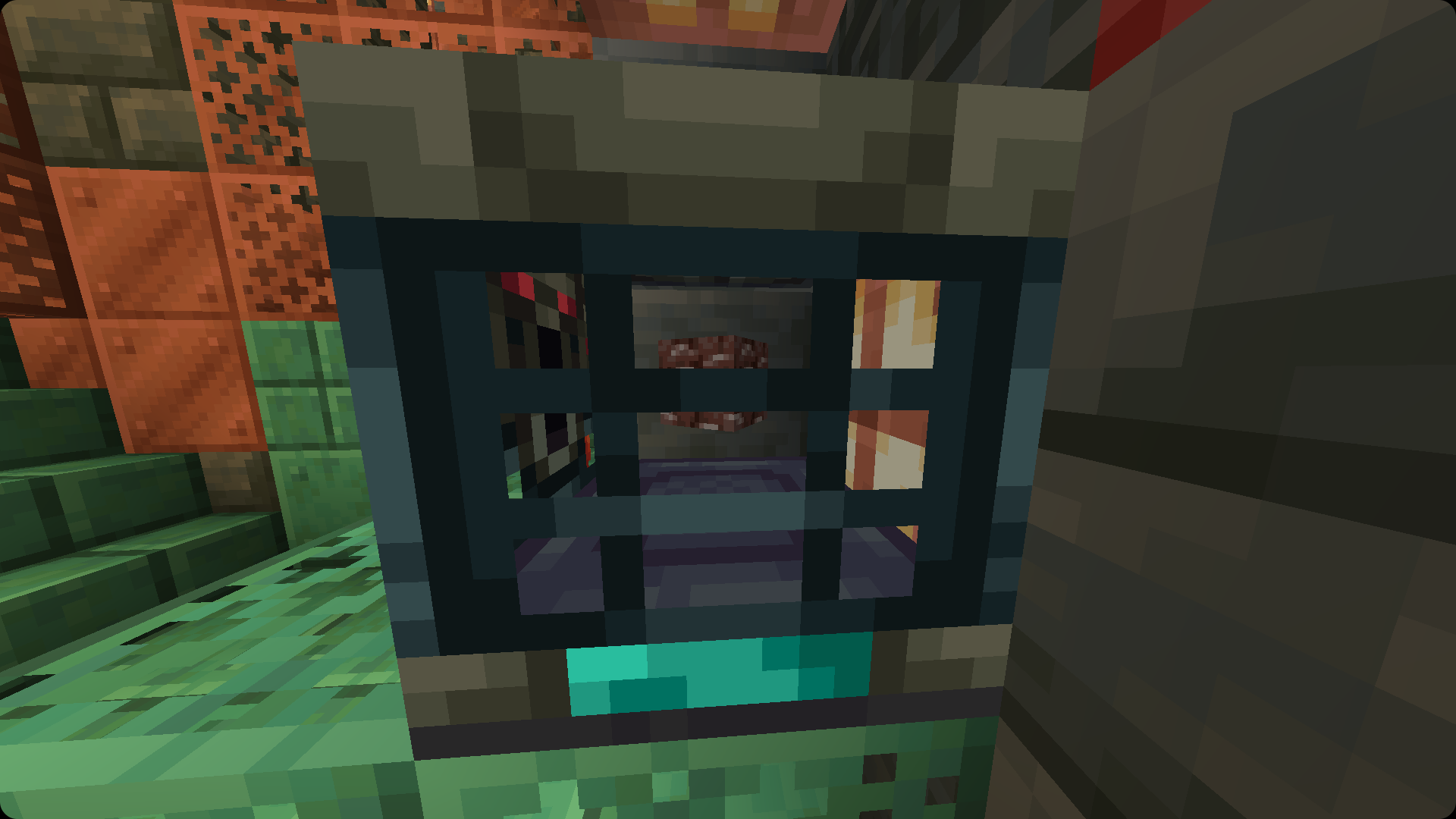 Ancient Debris 10% Base Chance
 -
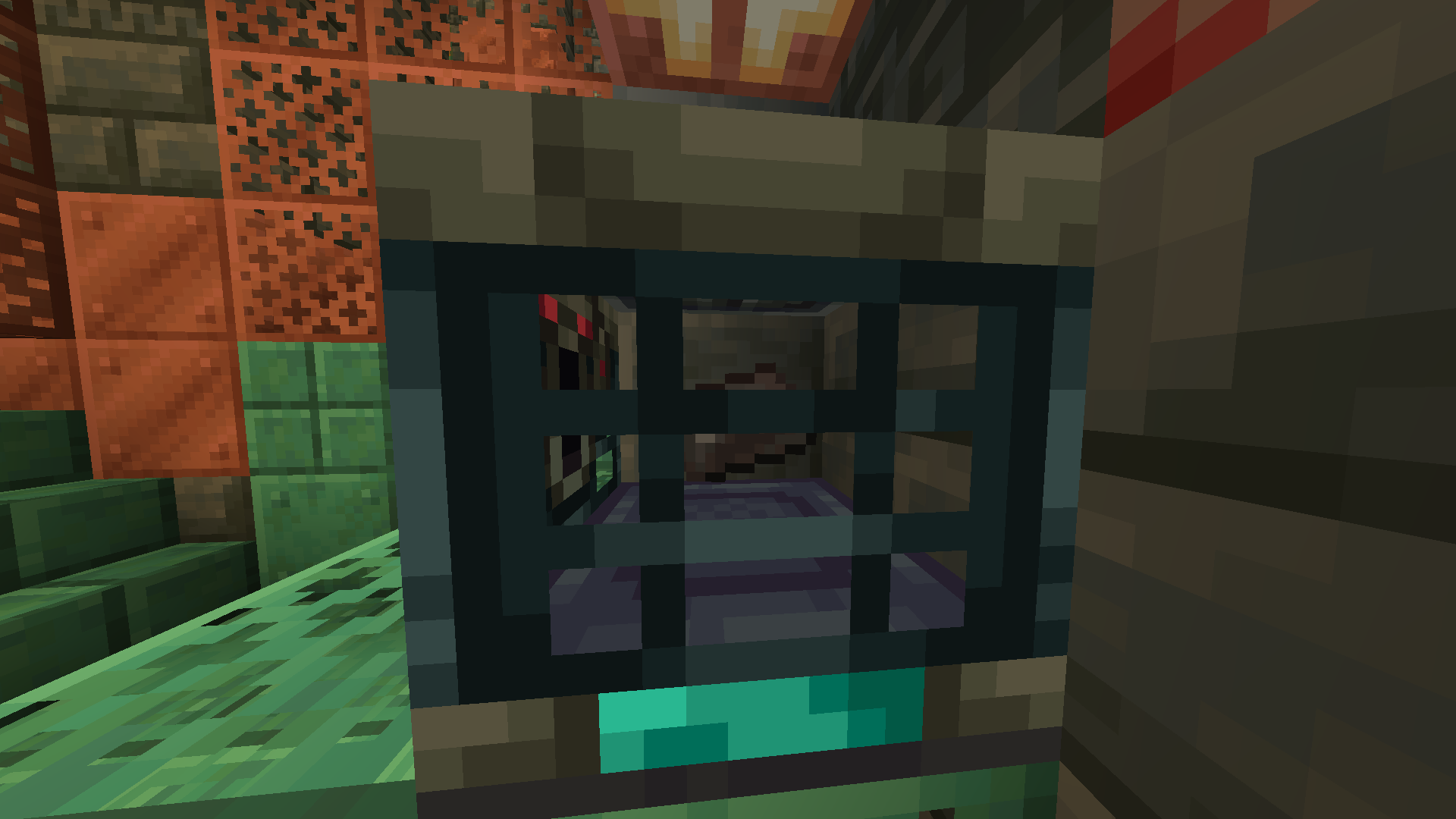 Netherite Ingot 2.5% Base chance
 -
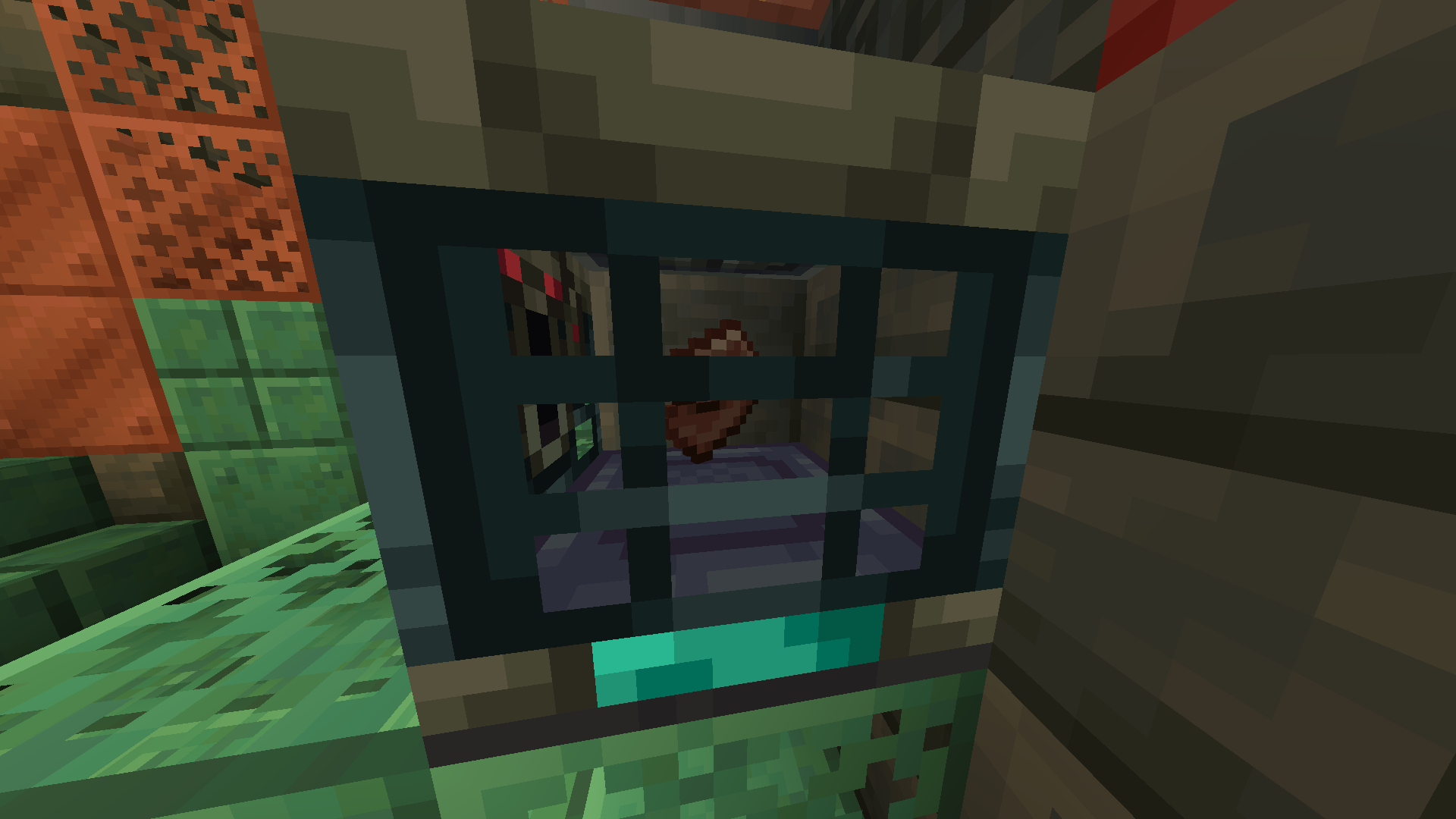 Netherite Scrap 8.0% Base chance
 -
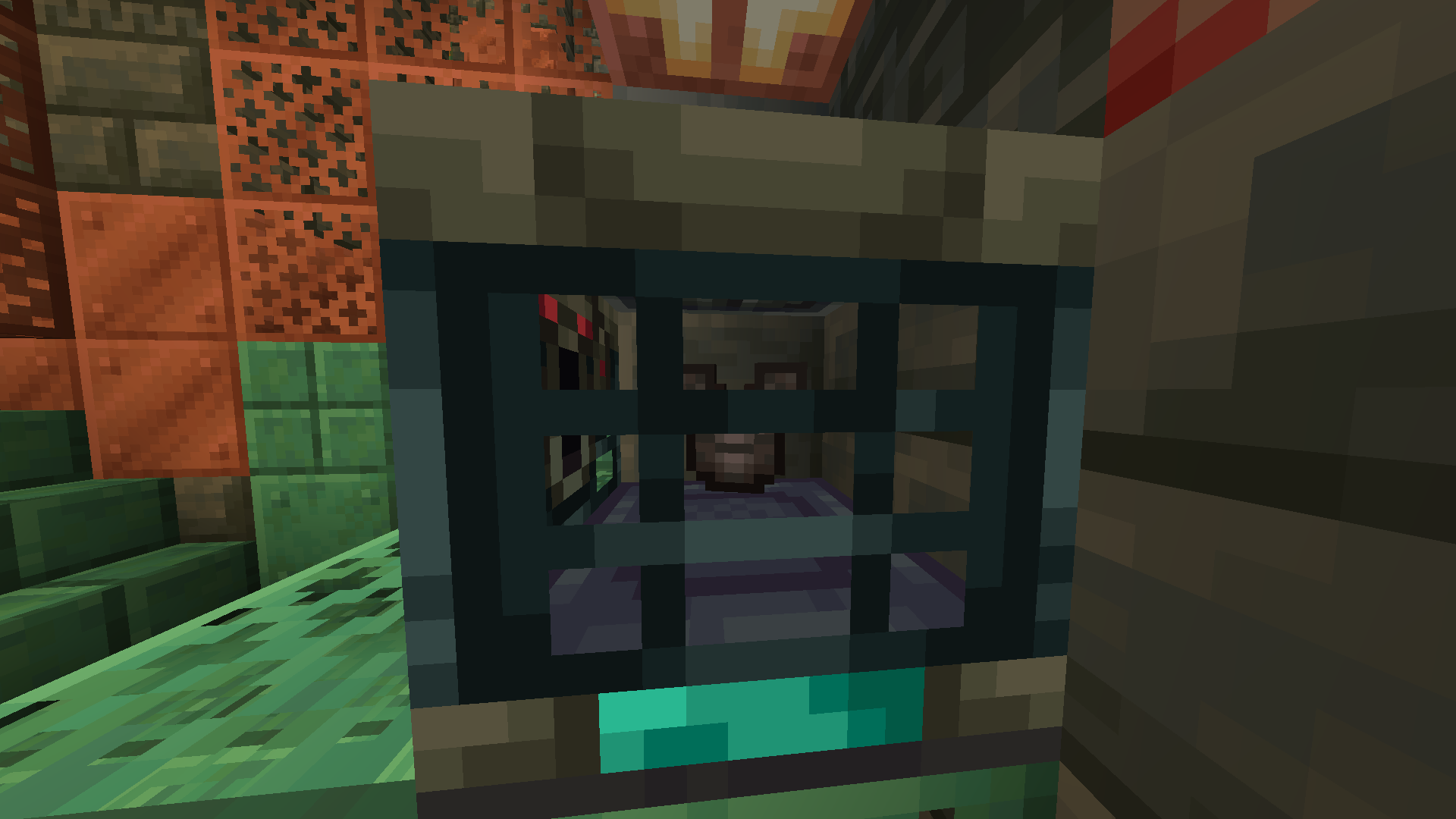 Netherite Armor 1.5% Base chance. Also helmet, leggings, and boots.
 -
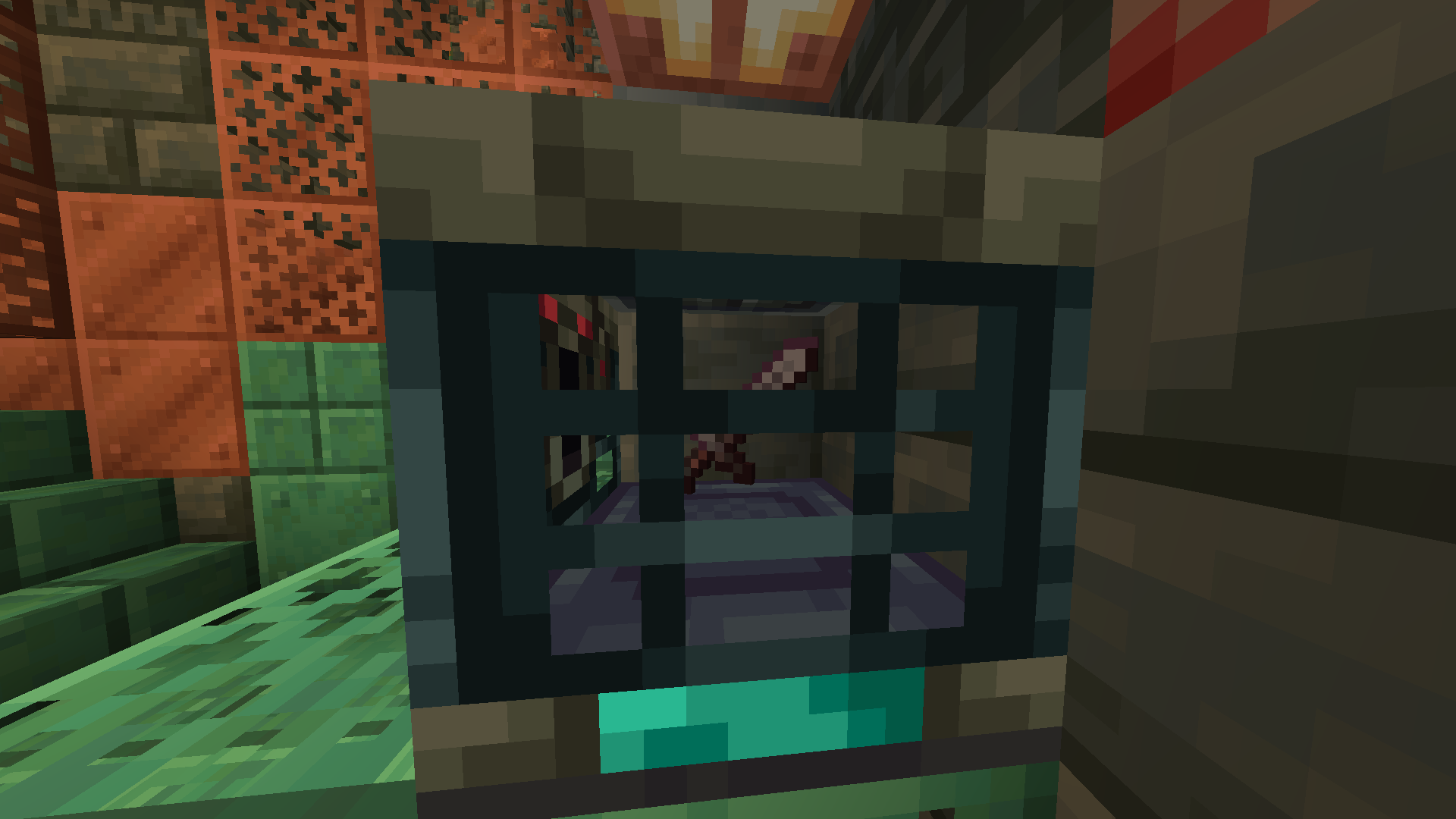 Netherite Sword 1.5% Base chance
 -
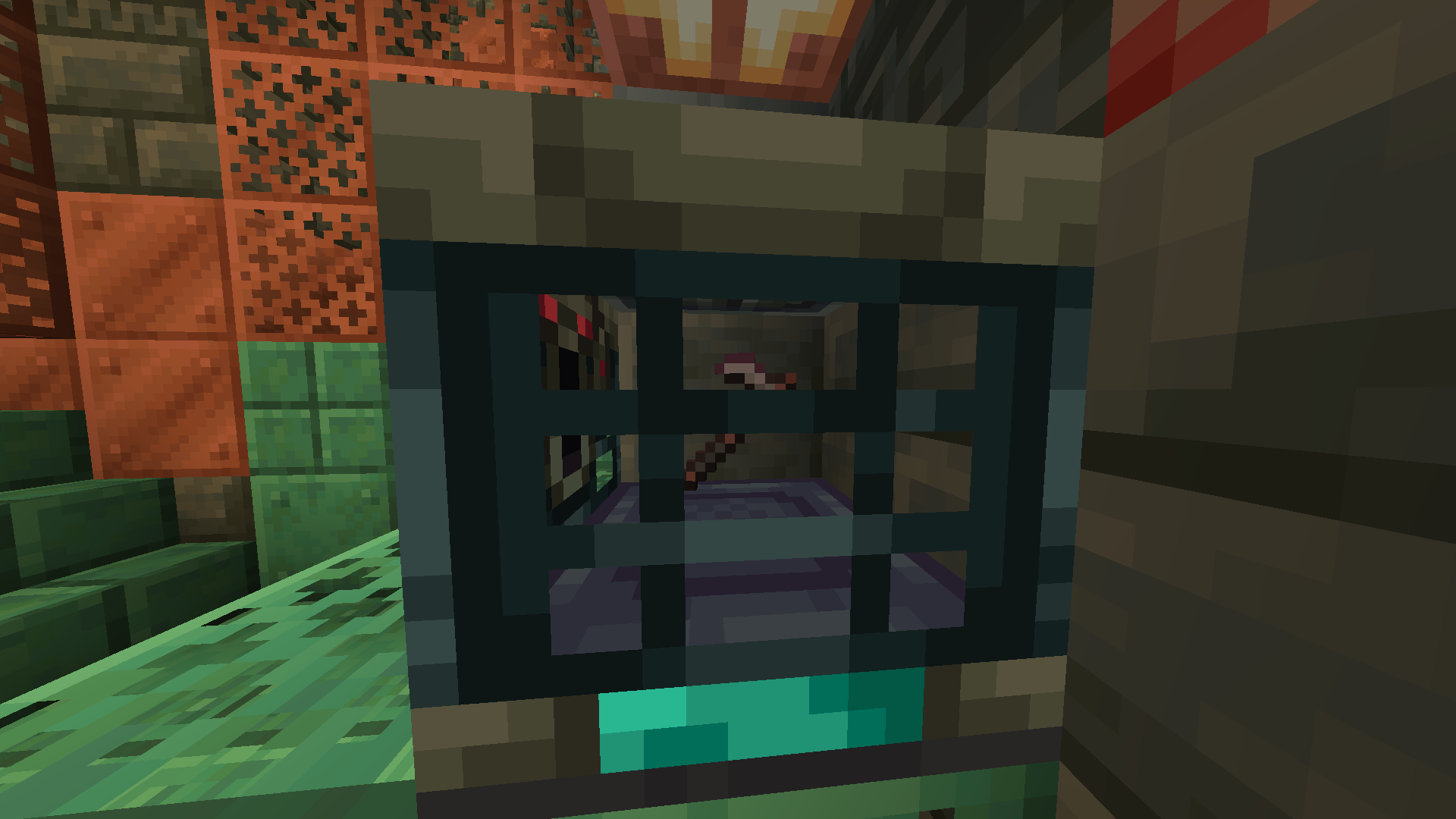 Netherite Hoe 20% Base chance
 -
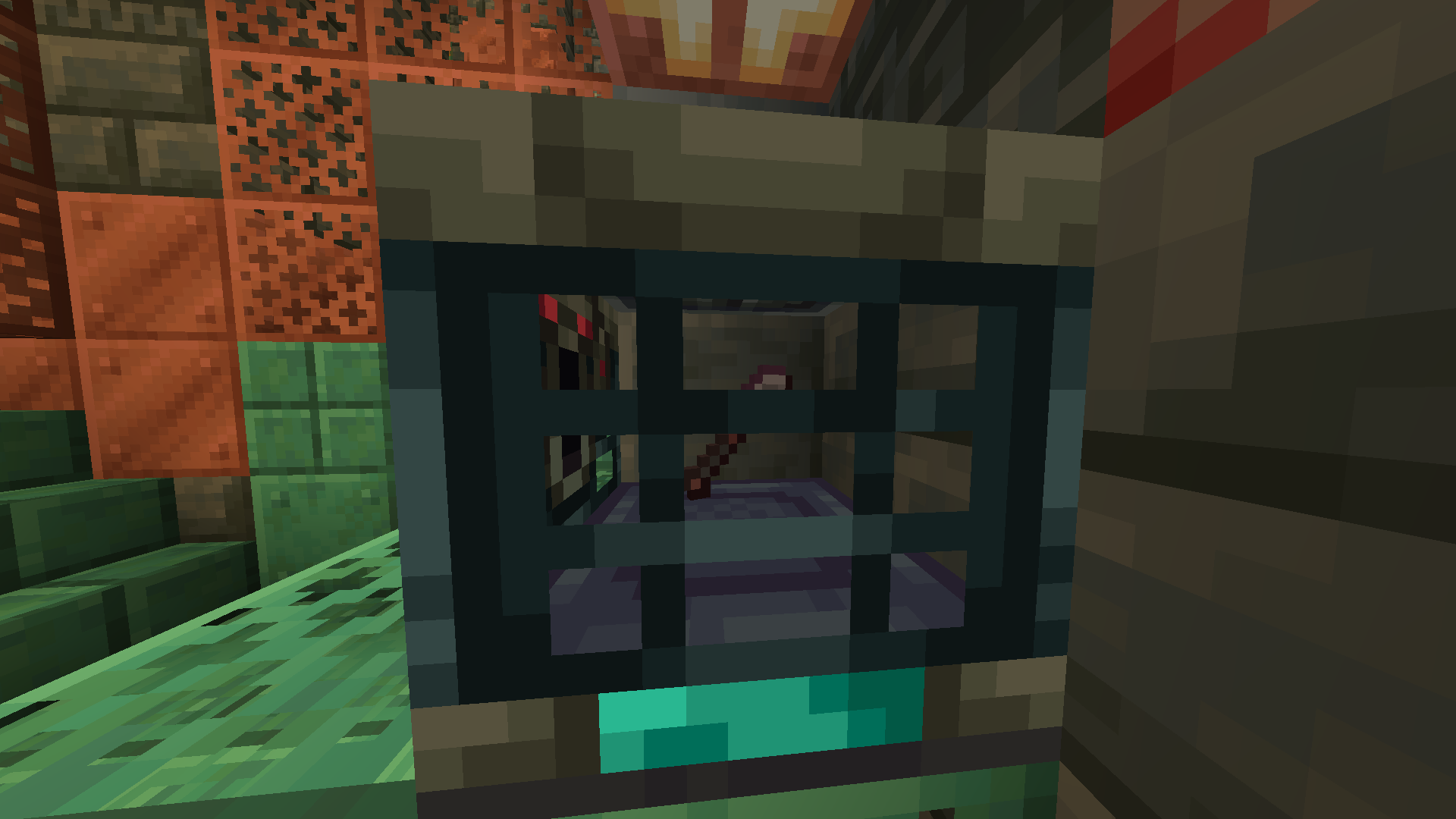 Netherite Shovel 20% Base chance
 -
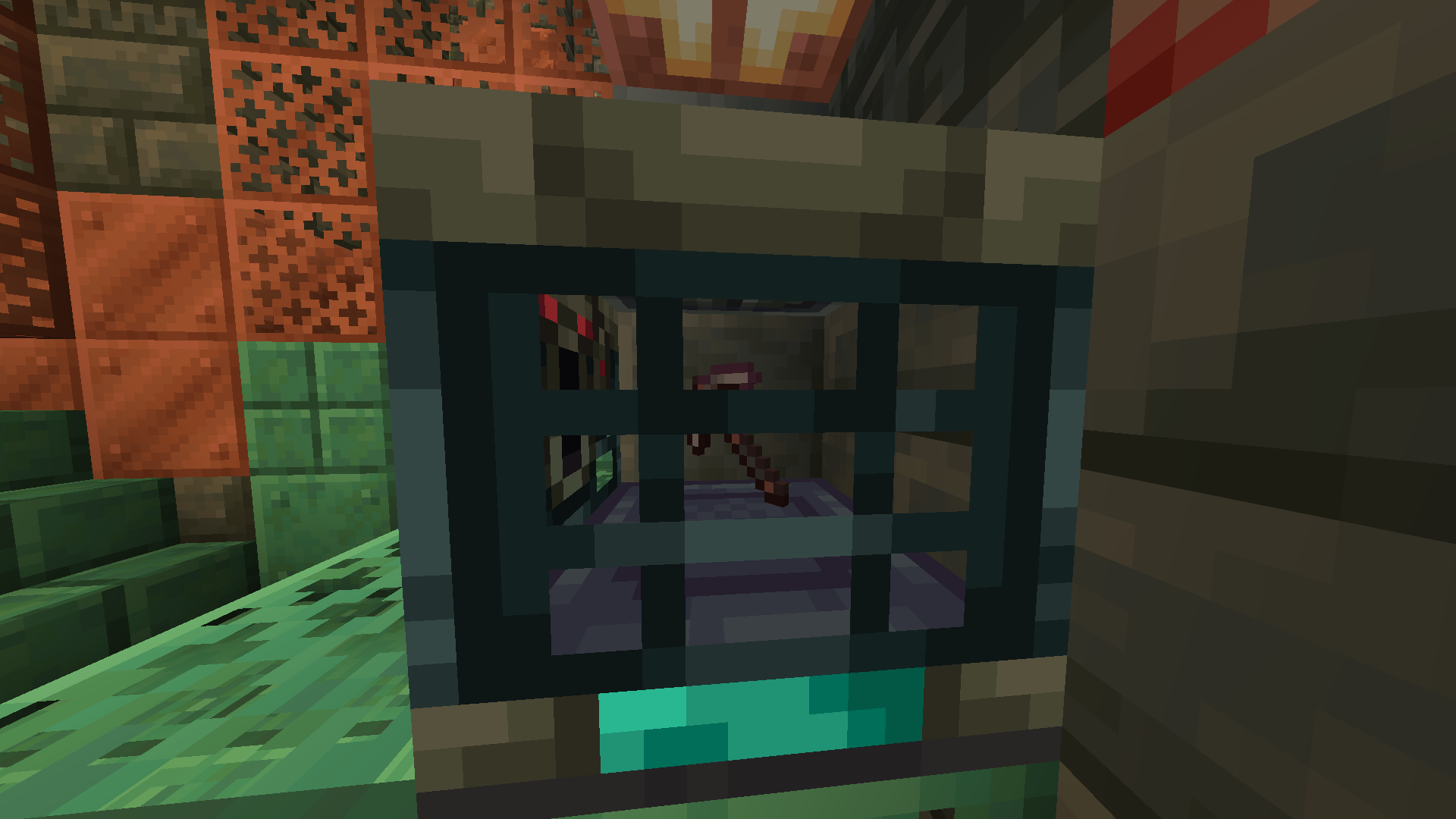 Netherite Pickaxe 2.0% Base chance
 -
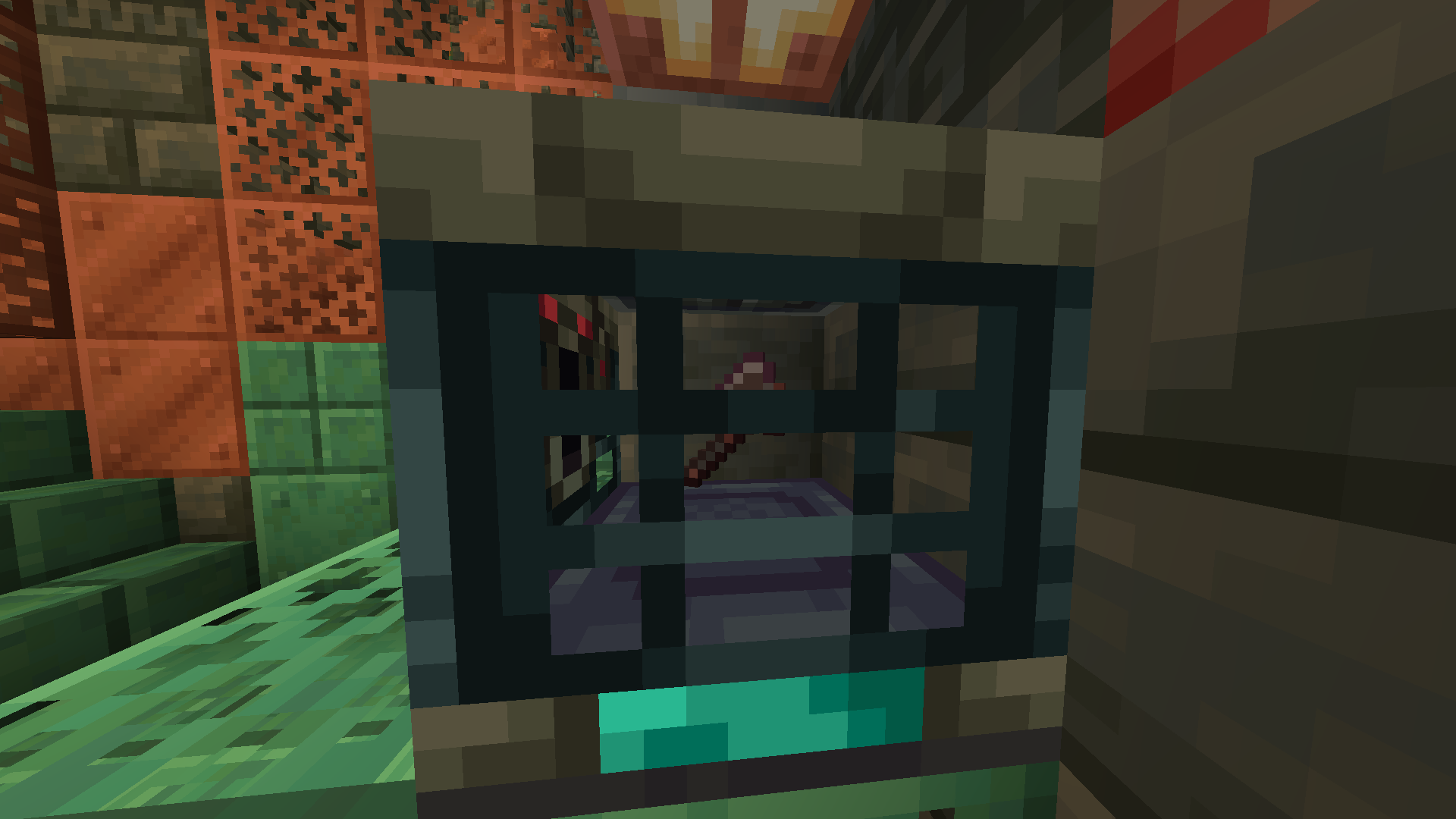 Netherite Axe 1.5% Base chance
 -
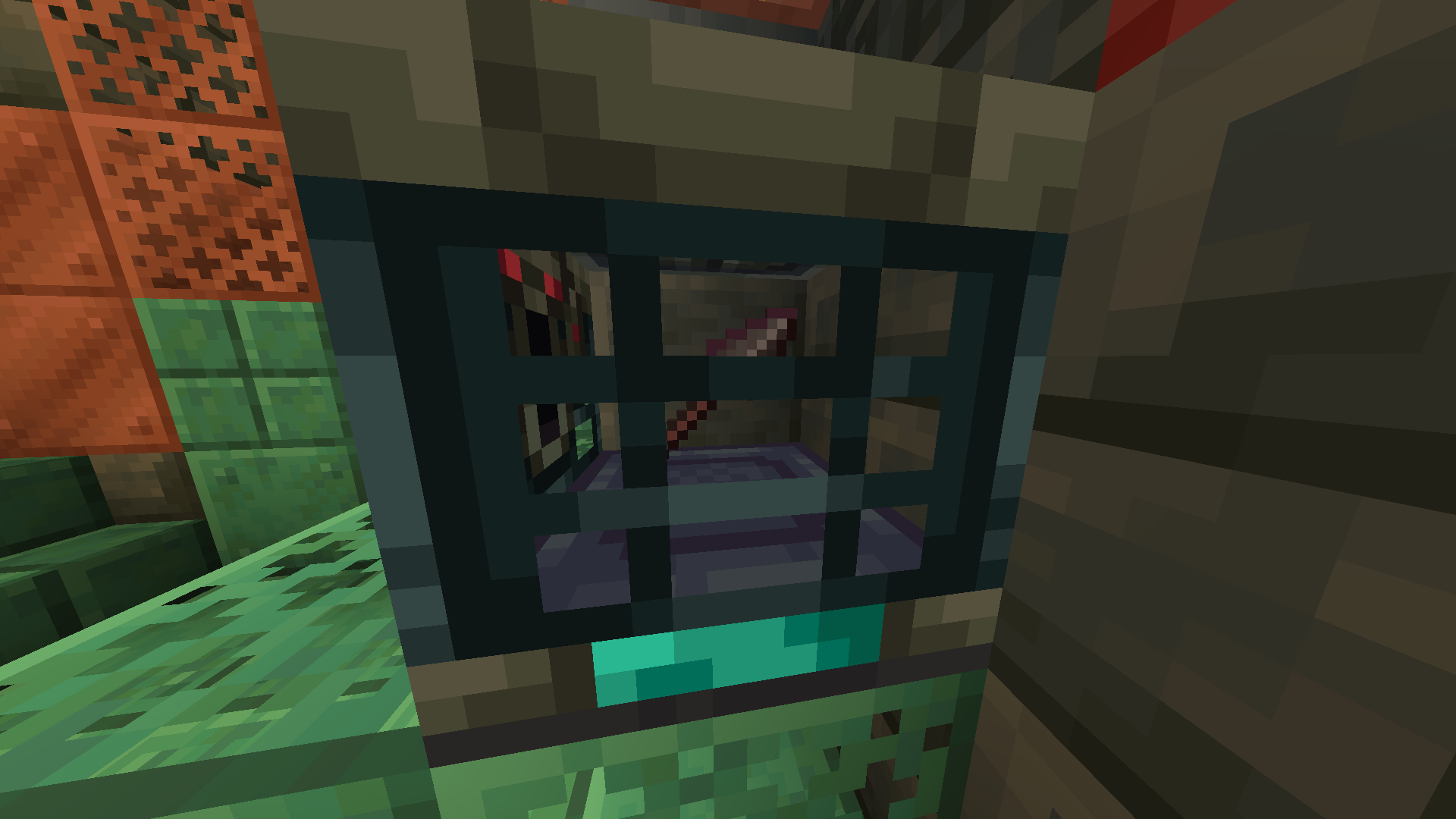 Netherite Spear 15% Base chance
 -
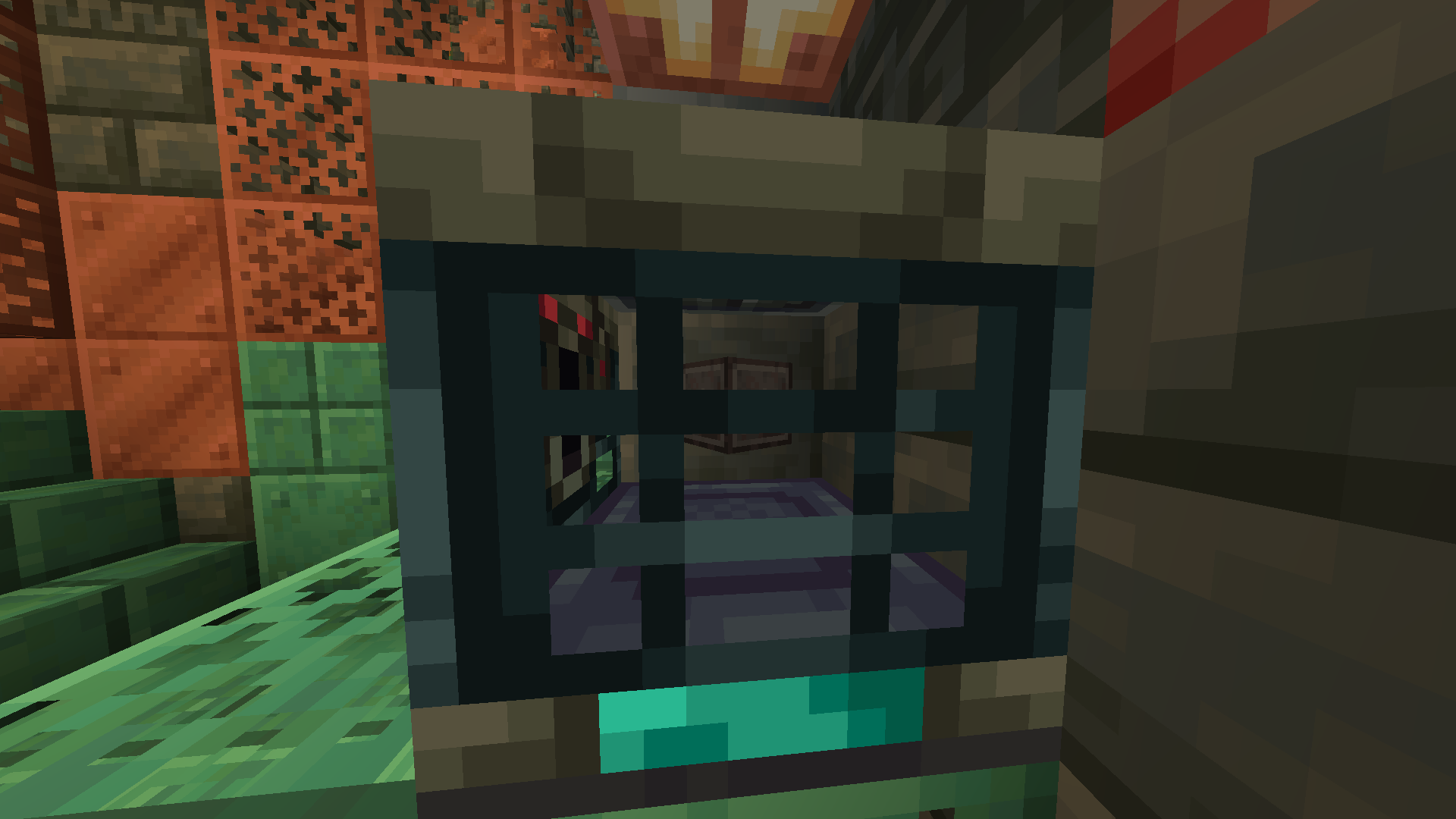 Netherite Block 0.3% Base chance
Versions
Files
Relations
Project Relations
More like this
Similar Mods
Suggestions use data such as tags, dependencies, dependents, descriptions, titles, and more to rank how much they overlap with this mod.
On ModDex
Community snapshot
By the numbers
Statistics

Want to reach Minecraft players?
We're looking for a server hosting partner to feature here and other parts of the site. Interested? Send us a message!
Get in touchGet it on
Available Platforms
On ModDex
Community snapshot
By the numbers
Statistics
Resources