
New Custom Music Client Side Player
No reviews yet
A client-side music player for playing and managing custom music from resource packs.
Fabric is a mod loader for versions 1.14+ of Minecraft, particularly popular for client side and optimization mods.
Community voices
Reviews
Click once to include, again to exclude, again to clear
No reviews yet. Be the first to review this project!
Get it on
Available Platforms
 Modrinth
Compatibility
Supported Environments
About
Project Details
For authors
Embed Badge
If you're the author of this project, you can embed a live badge anywhere that supports HTML or Markdown. It updates automatically whenever ratings change.
Use HTML for any page that supports it, or Markdown for README files and Markdown-based descriptions.
Identifiers
Platform IDs
About
Description
New Custom Music Client-Side Player
A client-side Minecraft music player for custom music from resource packs.
Play single tracks, build playlists, reorder songs, control playback with keybinds, and manage music with commands — all directly in-game!
This mod does not include any music by default. You must provide your own tracks through resource packs. Here is a resource pack if you want to try it.
Features
- Single-track playback with optional looping
- Playlist creation, editing, renaming, deletion, and playback
- Namespace-based track browsing
- Playlist preview and starting-track selection
- Keybinds for volume and track control
- Commands for playback and playlist management
- Client-side only
Screenshots & Feature Preview
Learn More
For setup instructions, command syntax, and detailed usage examples, please visit the project wiki.
Screenshots
Gallery
-
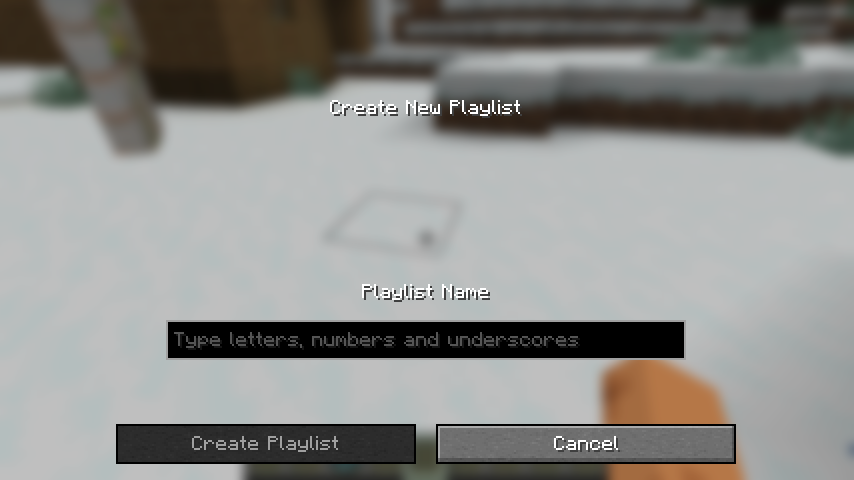 Create a New Playlist Although it says "Type letters, numbers and underscores", actually any unicode character is supported.
 -
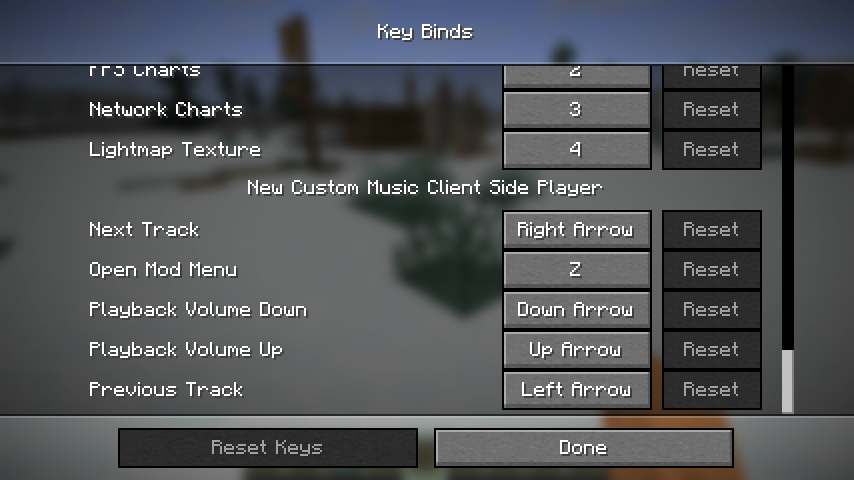 Default Key Mappings You can find and change your key binds about this mod here.
 -
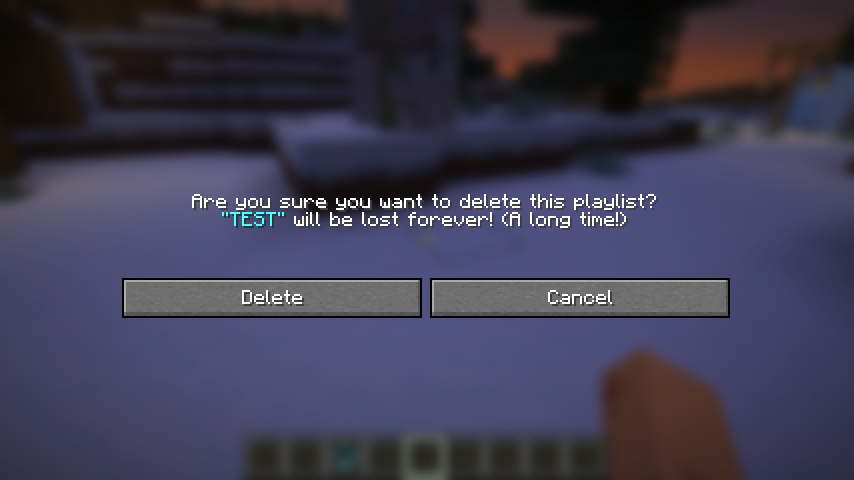 Delete a Playlist If you choose to delete, it will be lost forever! (A long time!)
 -
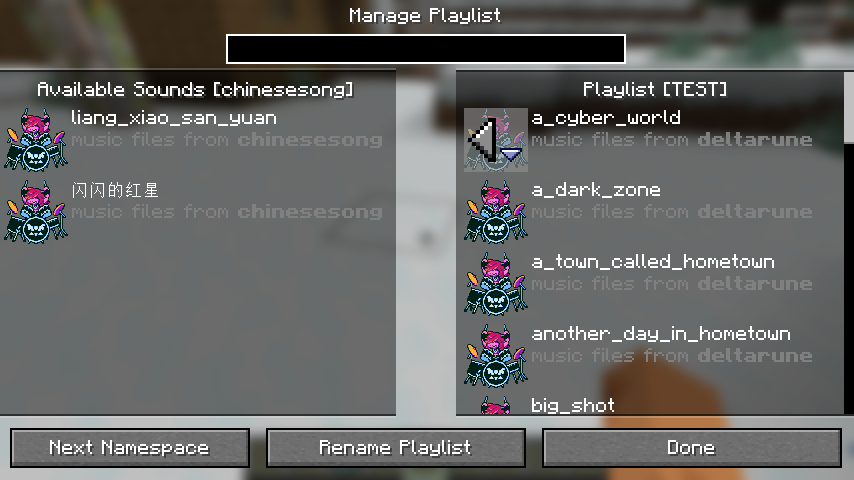 Edit Playlist Edit the existing music files just like you choose which resourcepacks to load.
 -
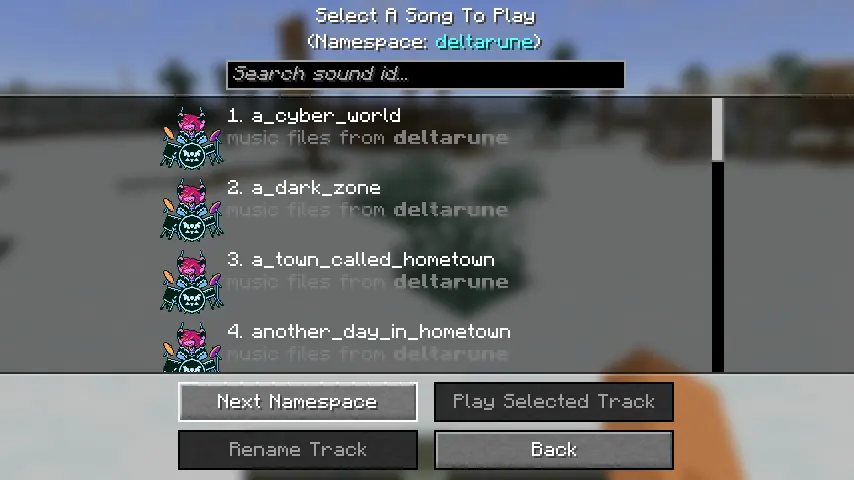
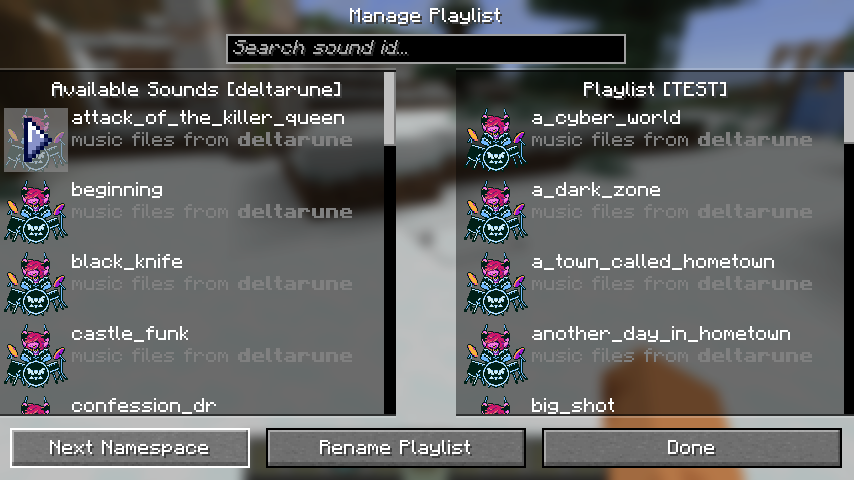 Change Namespace Use "Next Namespace" button to switch between different namespaces.
 -
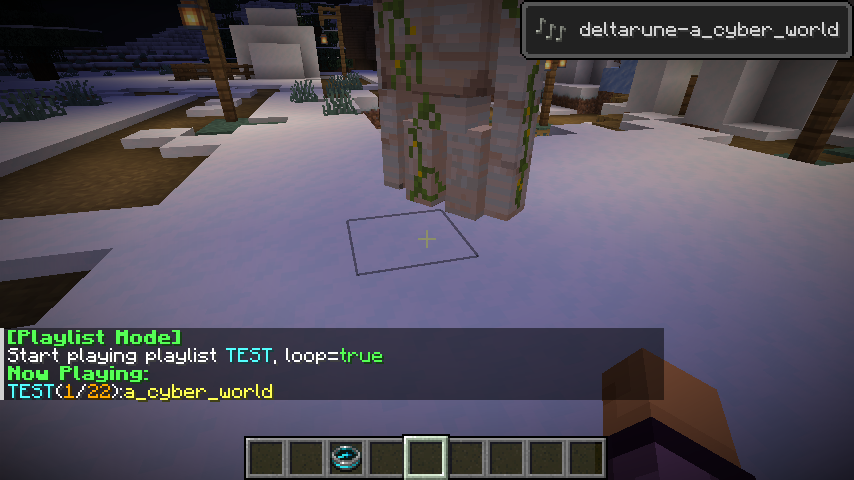 Play a Playlist When you play a playlist, a toast and a chat feedback will show.
 -
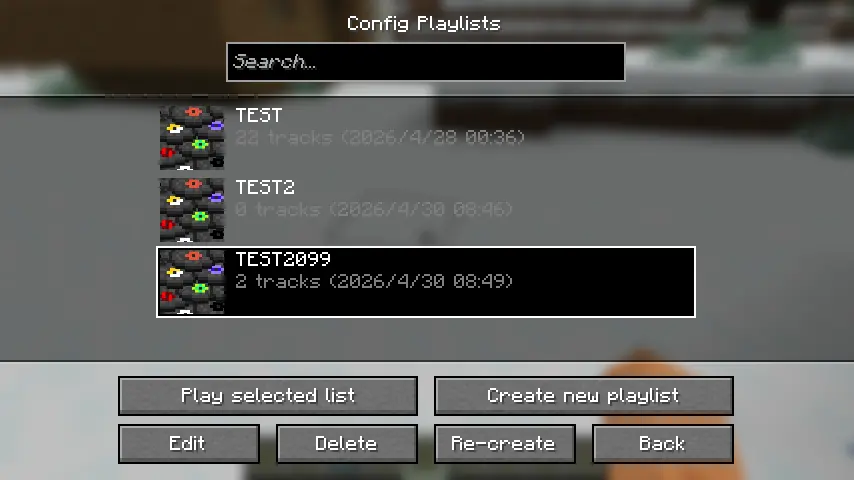
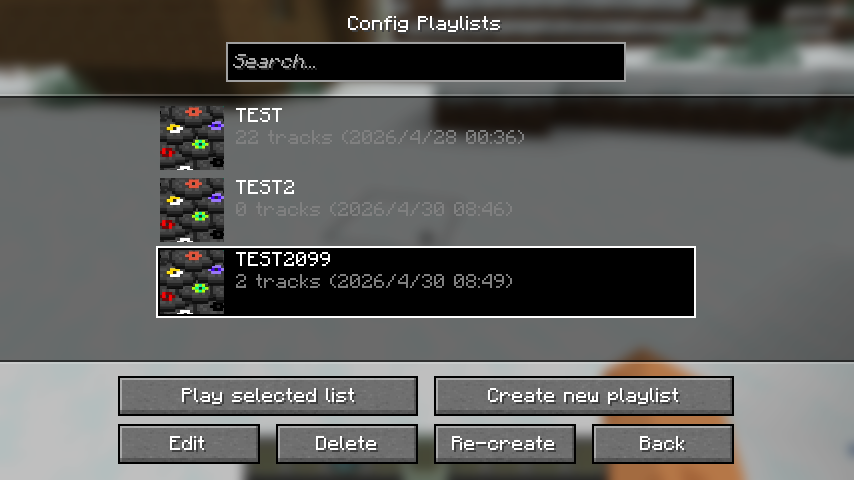 Configure Playlists Screen You can create, recreate, edit, delete or play your playlists here!
 -
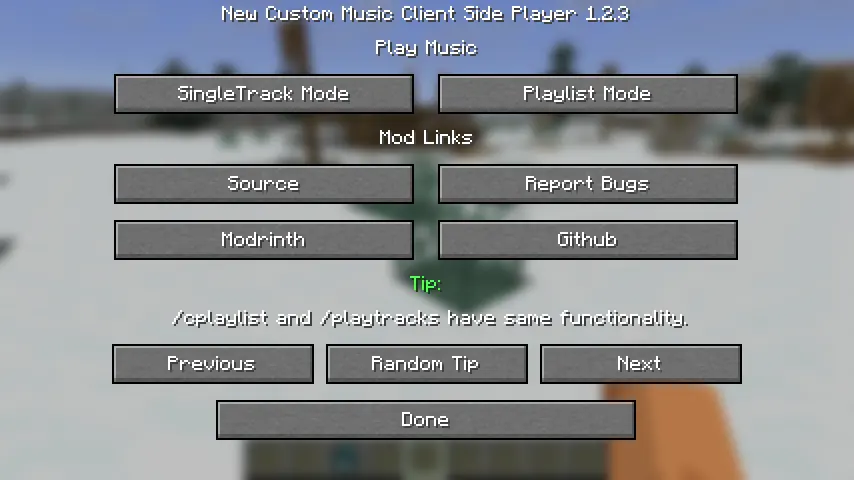
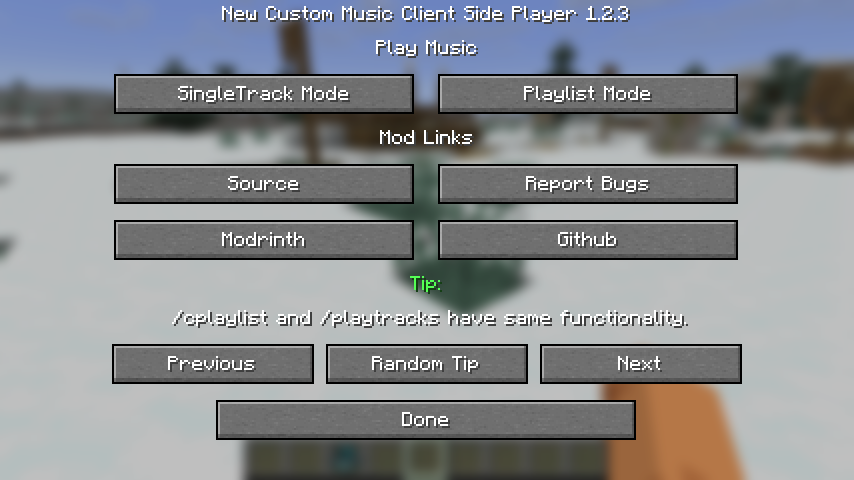 Mod Screen You can choose whether you want to play SingleTrack Mode or Playlist Mode, and view some useful tips here!
 -
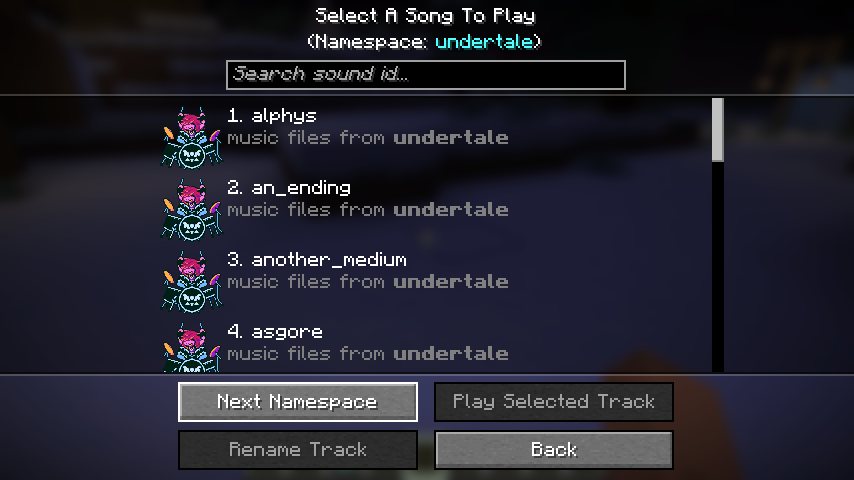 Namespace Showcase 1 This a namespace called "undertale" in my custom "UTDR Music Pack" resourcepack.
 -
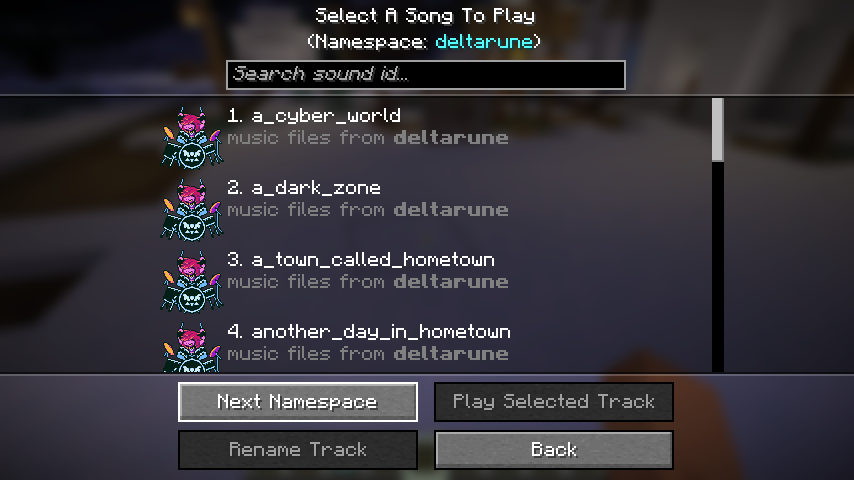 Namespace Showcase 2 This a namespace called "deltarune" in my custom "UTDR Music Pack" resourcepack.
 -
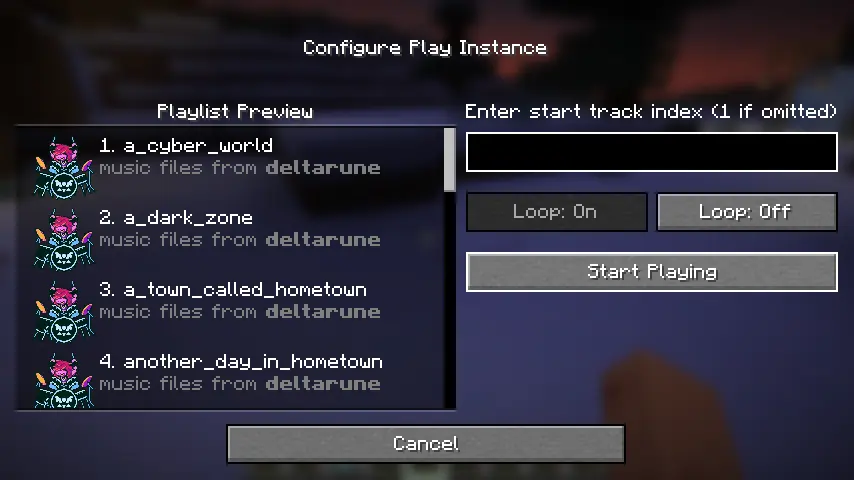
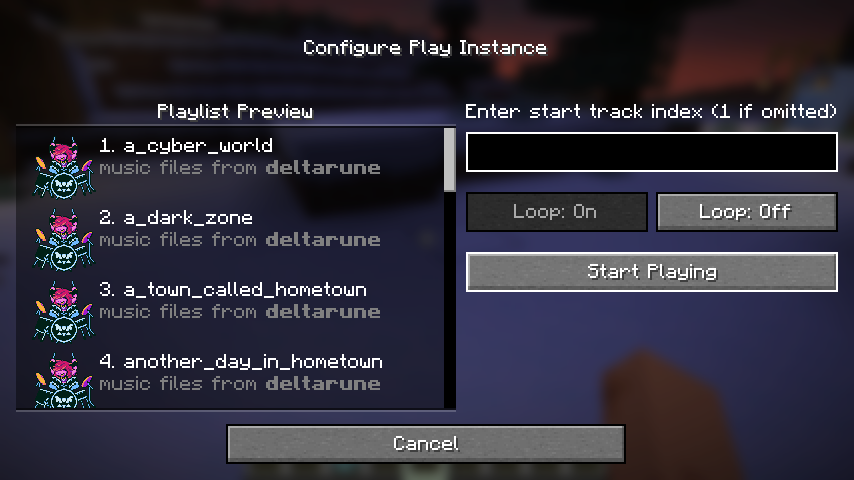 Play Your Playlist Preview your playlist, choose the start song index and the playmode( loop, not loop) here!
 -
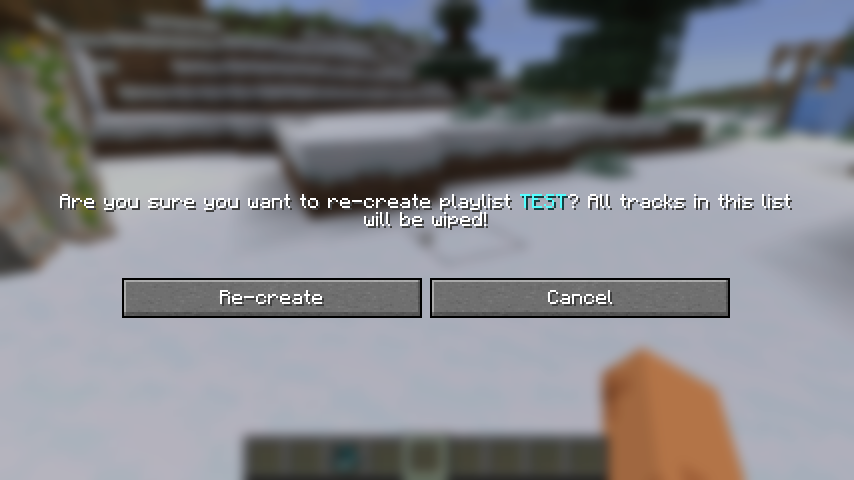 Recreate a Playlist It's just another name for "Clear all songs".
 -
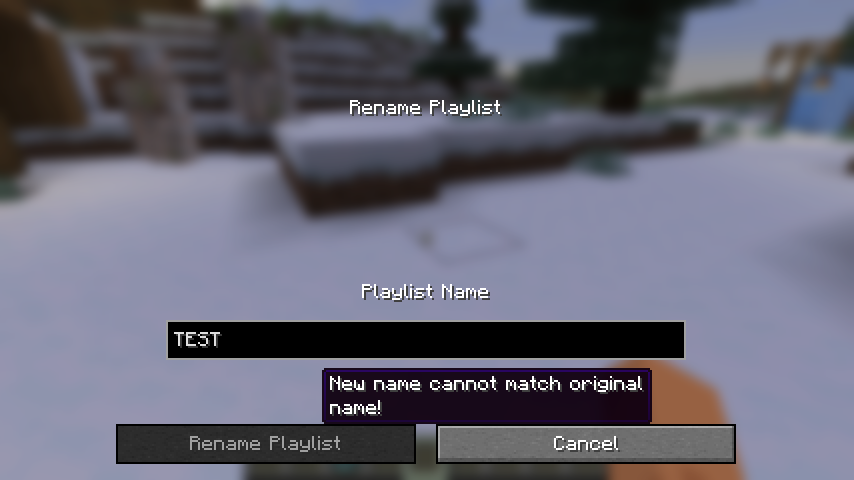 Rename a Playlist The new playlist name can't be empty, or match the original one. Feel free to use unicode characters.
 -
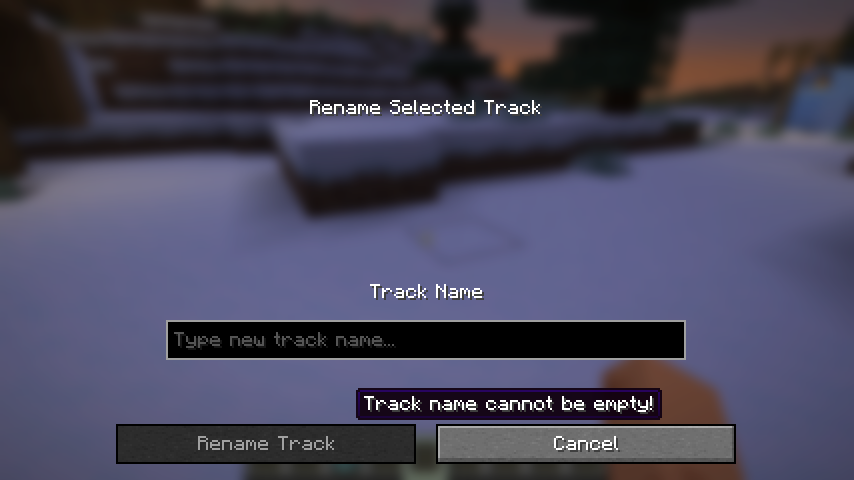 Rename a Track The new track name can't be empty or match with the original one, but you can use unicode characters. In the search box, you can search by both sound id which can't be changed or display name which you can modify here!
 -
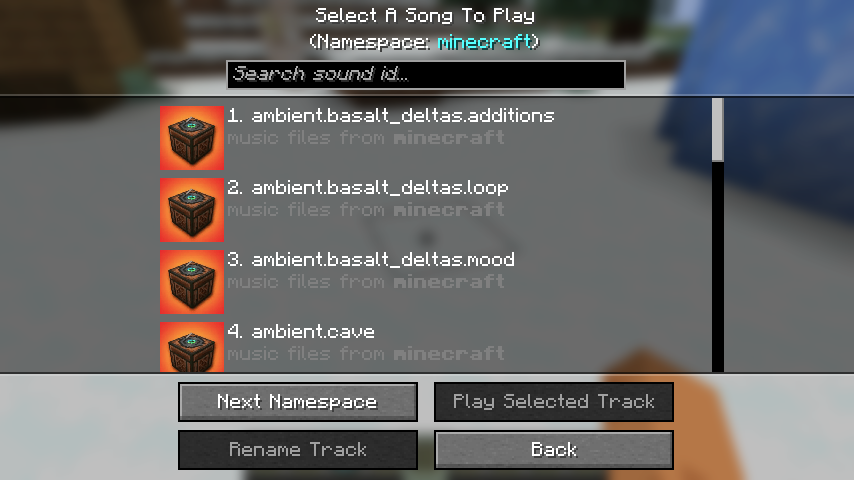 Minecraft Namespace Songs Icon This is how music files icon from minecraft namespace looks like.
 -
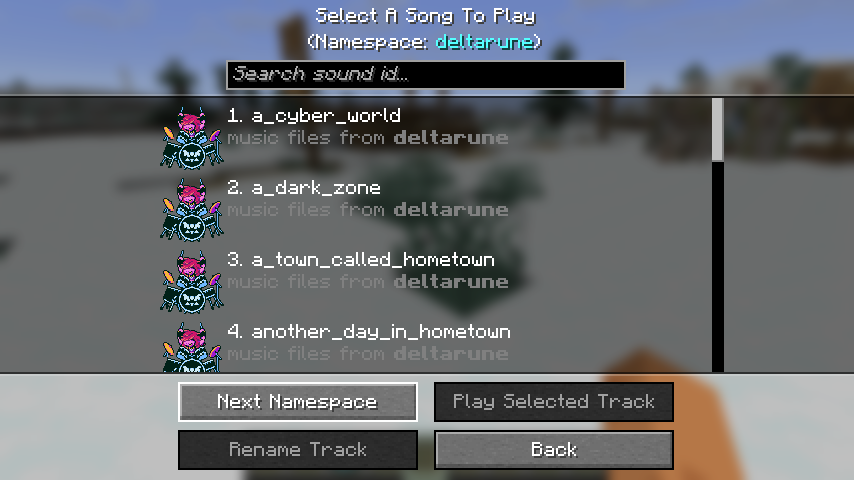 Non-Minecraft Namespace Songs Icon This is how music files icon not from minecraft namespace looks like.
 -
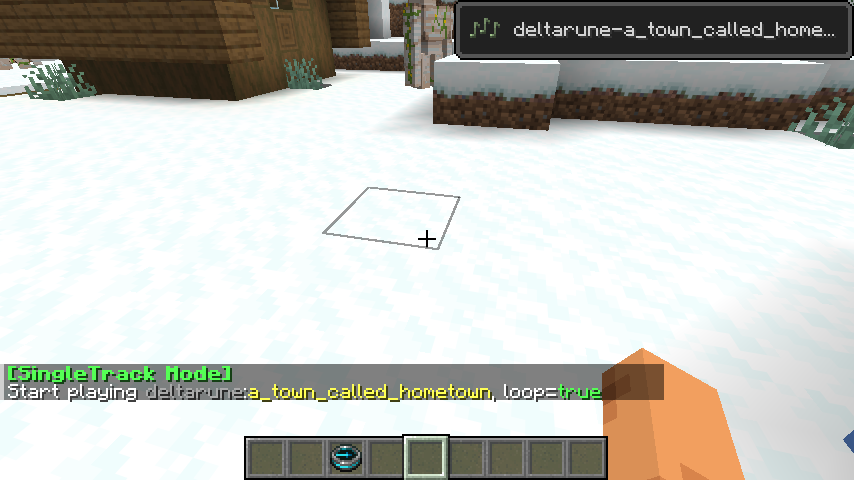 Play in SingleTrack Mode When you play in single track mode, a toast and a chat feedback will show.
Versions
Files
Relations
Project Relations
More like this
Similar Mods
Suggestions use data such as tags, dependencies, dependents, descriptions, titles, and more to rank how much they overlap with this mod.
On ModDex
Community snapshot
By the numbers
Statistics

Want to reach Minecraft players?
We're looking for a server hosting partner to feature here and other parts of the site. Interested? Send us a message!
Get in touchGet it on
Available Platforms
On ModDex
Community snapshot
By the numbers