
Community listing page, reviews here may not be monitored by the author.
No Gui Chest


No reviews yet
You can use a new chest and hopper without GUI!
Community voices
Reviews
No reviews yet. Be the first to review this project!
Get it on
Available Platforms
Compatibility
Supported Environments
Must be installed on both the client and the server.
About
Project Details
For authors
Embed Badge
If you're the author of this project, you can embed a live badge anywhere that supports HTML or Markdown. It updates automatically whenever ratings change.
Use HTML for any page that supports it, or Markdown for README files and Markdown-based descriptions.
Identifiers
Platform IDs
Resources
External Links
About
Description
Let's remove the GUI and see something more immersive!
When lid is not open, you can right-click the top of the chest to open the lid.
Items will appear in the chest!
Right click on the item in Chest to swap it with the item in your hand.
Right click on the other side to close the lid.
Of course, you can still use GUI
When Chest is not open, you can right-click on all faces of Chest to open the GUI,
except for the top, which is used to open the lid.
Some possible issues
If the model of the item is too large, it will block other items, such as the Dragon Head.
A regular Chest has 27 slots, but it's not easy to arrange them into long squares, so I only rendered 25, and I chose not to render the other two.
Other block?
Creating.
Completed:chest、hopper、brewing table、dropper、dispenser.
Let's remove the GUI and see something more immersive!
When lid is not open, you can right-click the top of the chest to open the lid. Items will appear in the chest! Right click on the item in Chest to swap it with the item in your hand. Right click on the other side to close the lid.
Of course, you can still use GUI
When Chest is not open, you can right-click on all faces of Chest to open the GUI, except for the top, which is used to open the lid.
Some possible issues
If the model of the item is too large, it will block other items, such as the Dragon Head.
A regular Chest has 27 slots, but it's not easy to arrange them into long squares, so I only rendered 25, and I chose not to render the other two.
Other block? Creating. Completed:chest、hopper、brewing table、dropper、dispenser.
Screenshots
Gallery
-
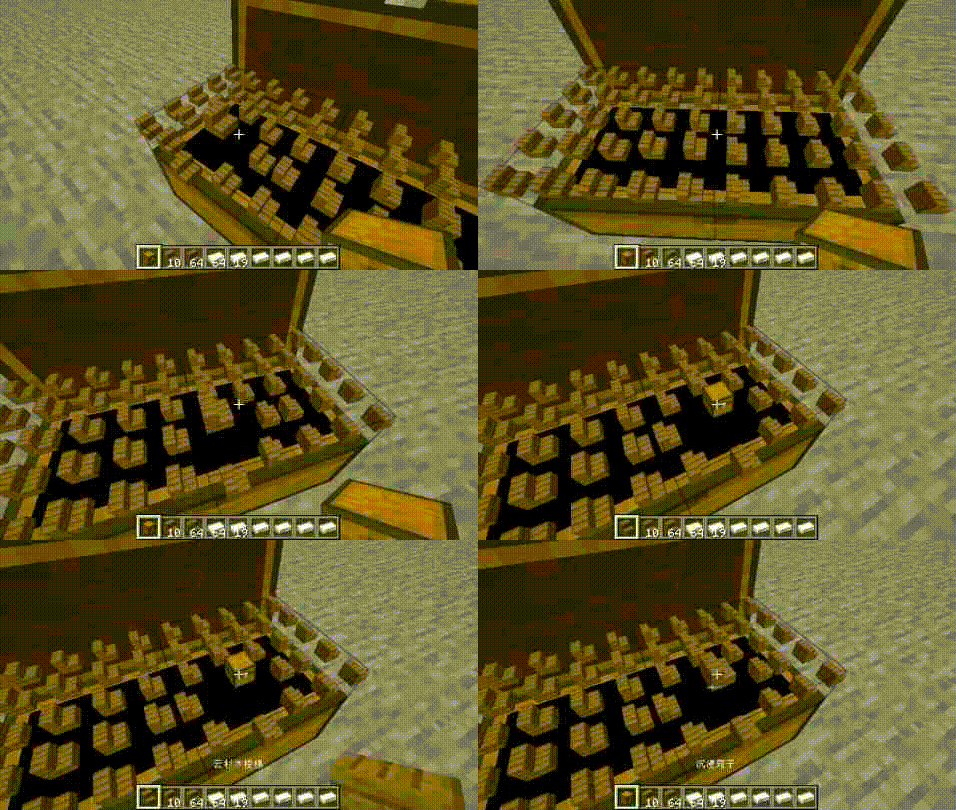 chest chest
 -
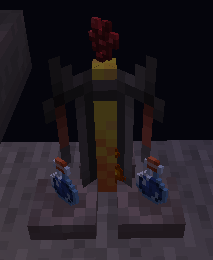 brewing table brewing table
 -
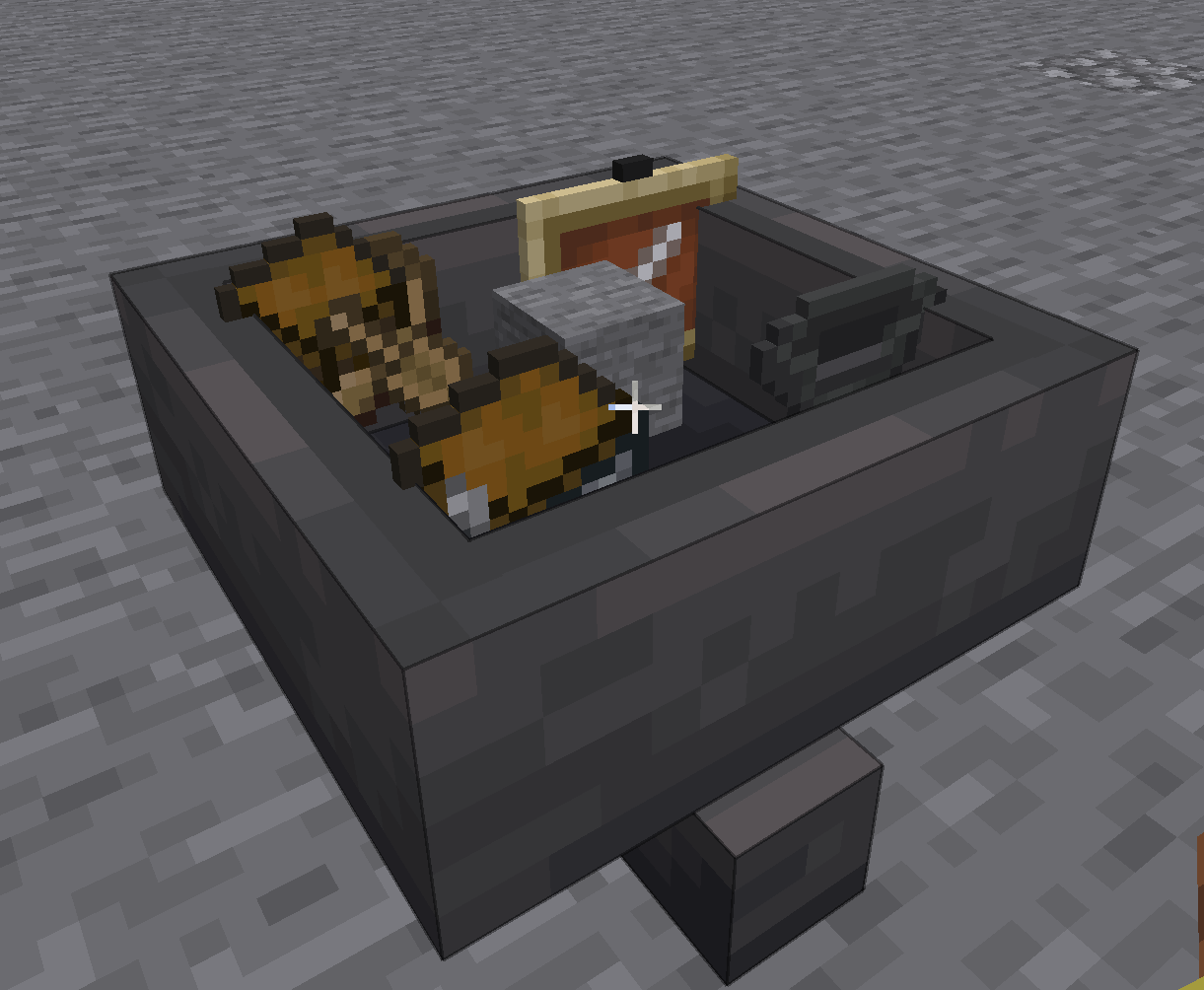 hopper no gui hopper
 -
 NoGuiChest.gif use
 -
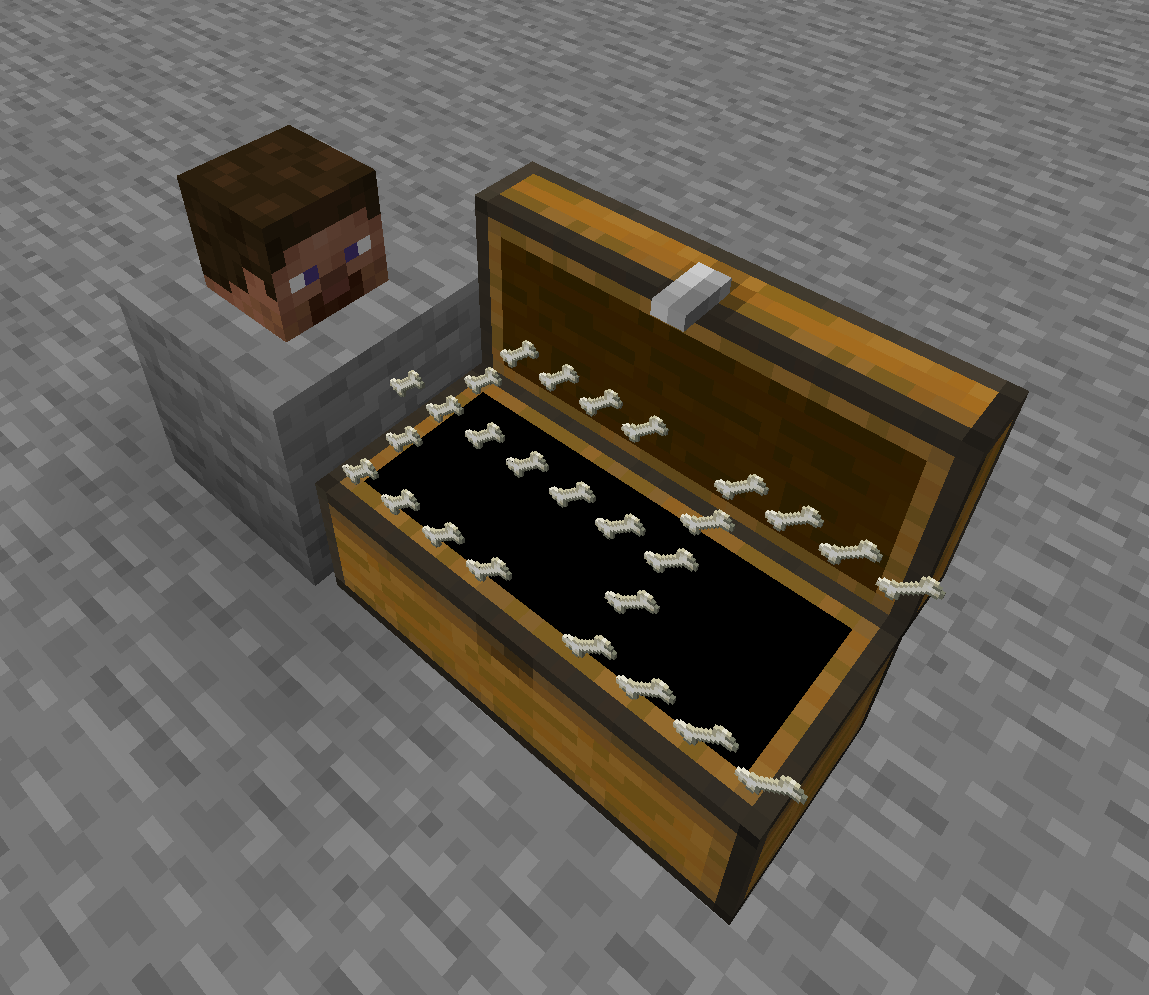 No Gui Chest
-
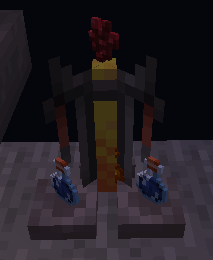 brewing tbale brewing tbale
 -
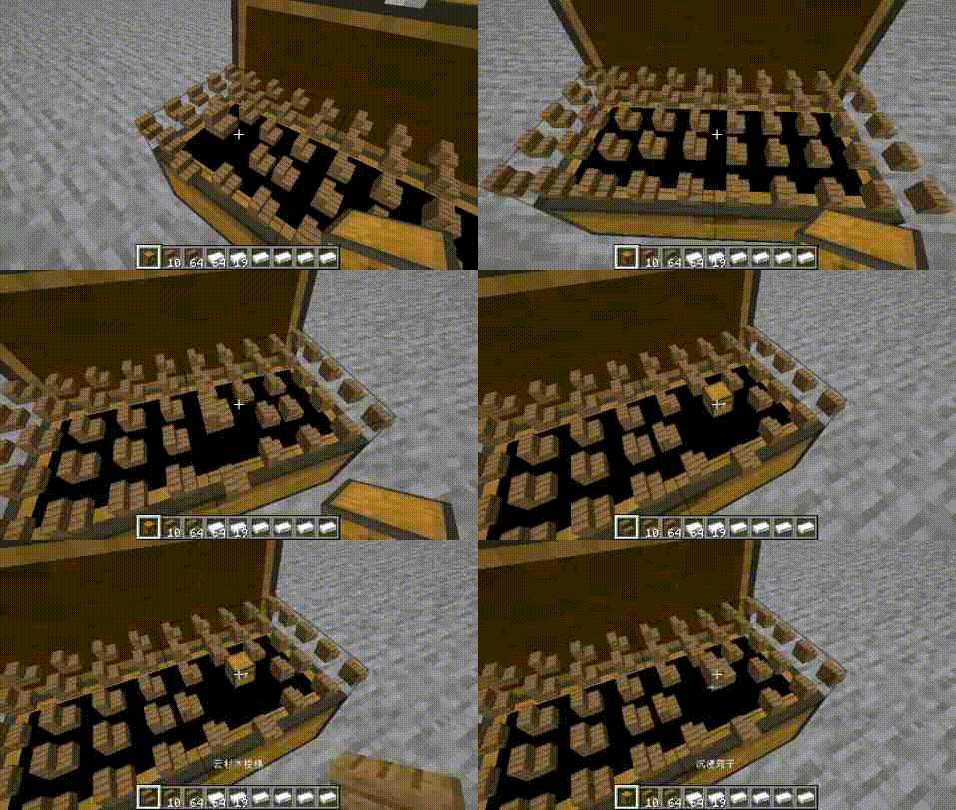 1.1.2 update
 -
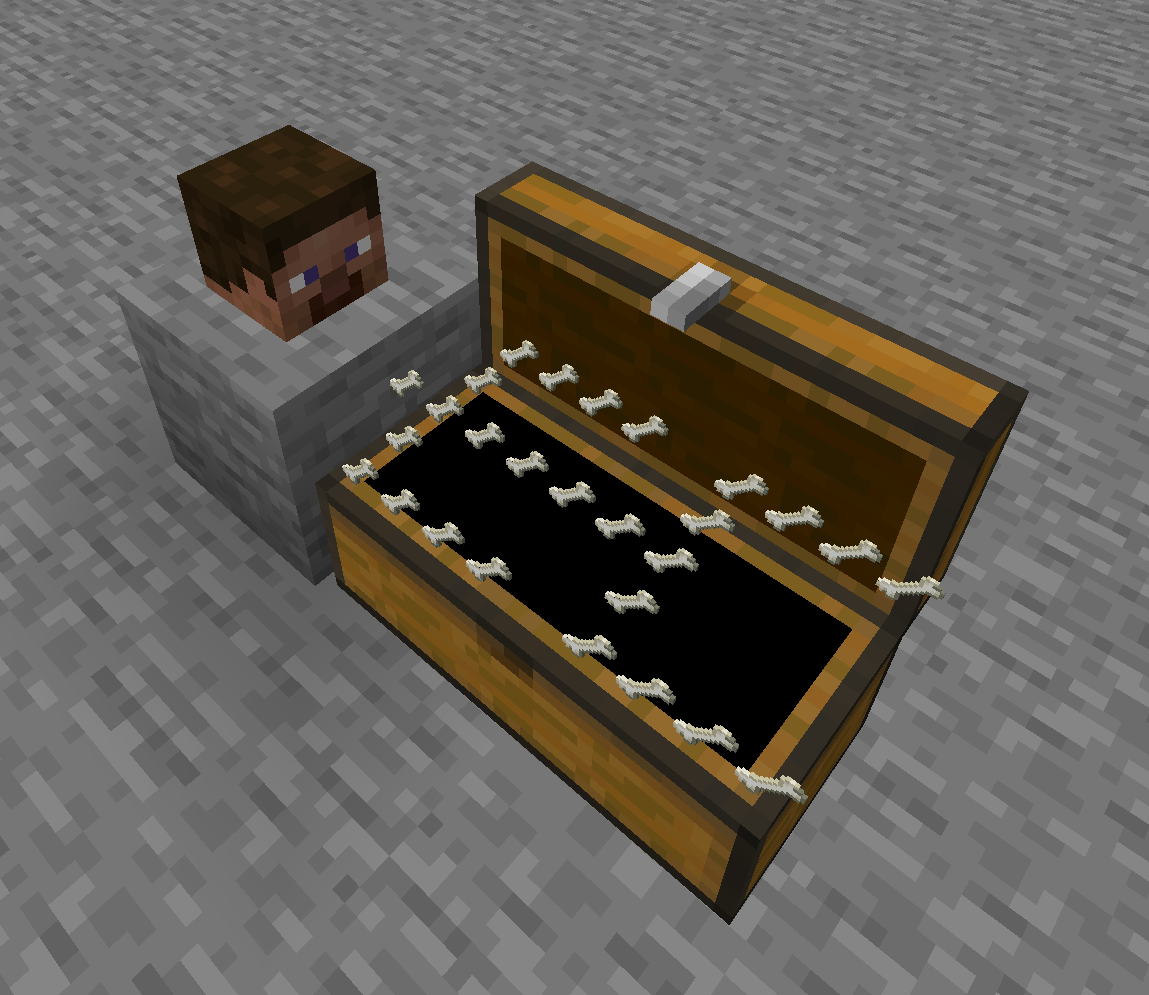 NGChest
 -
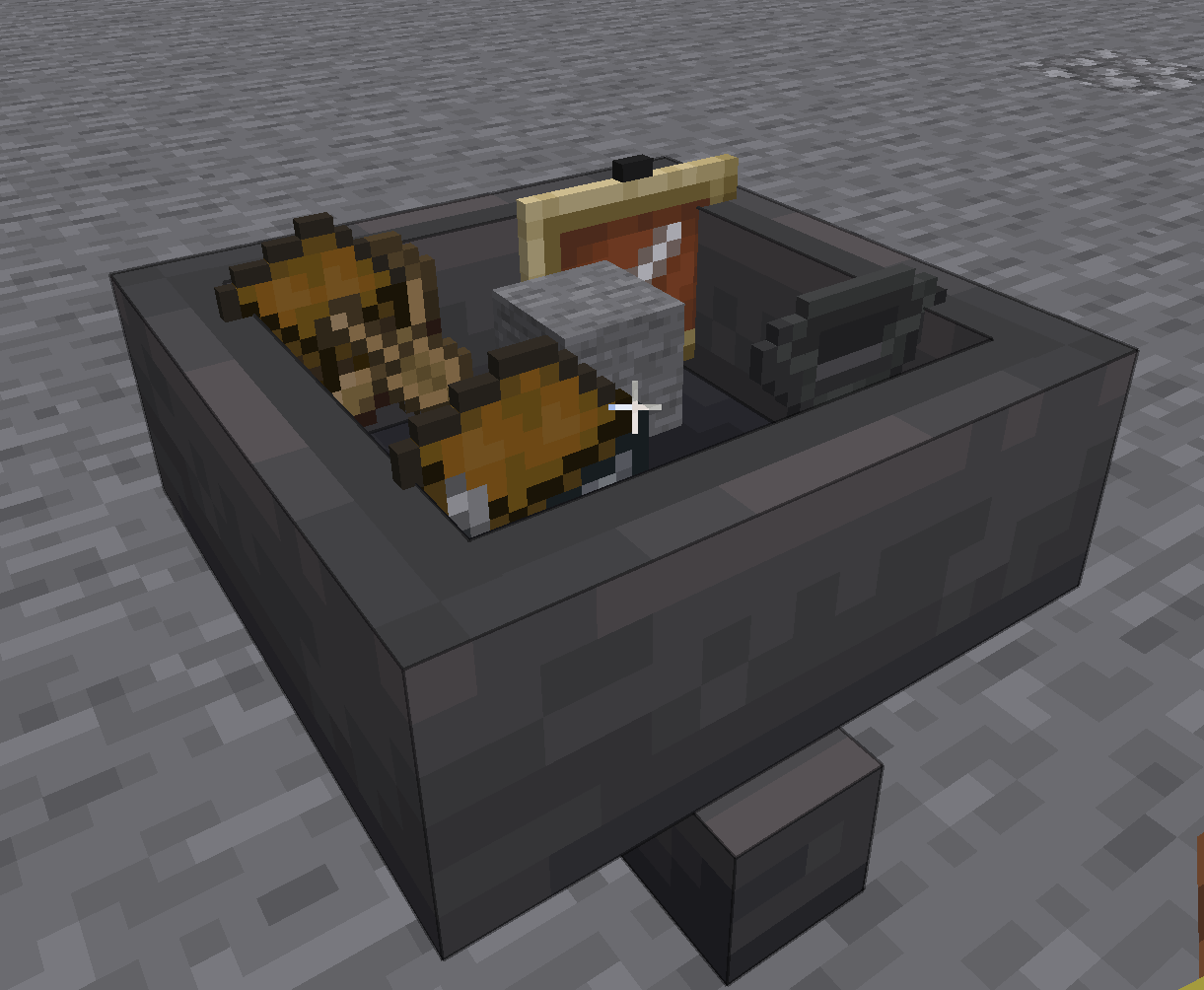 hopper no gui hopper
 -
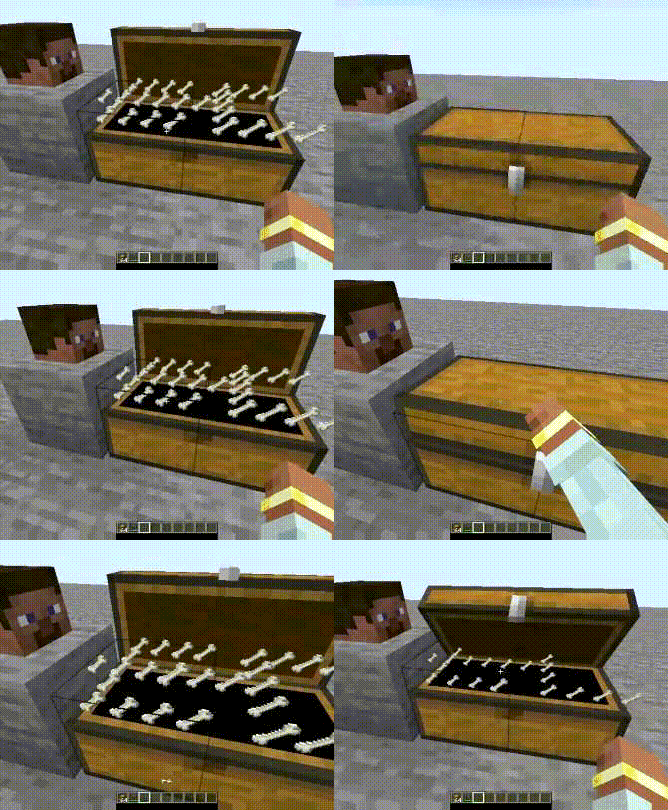 No Gui Chest use
Versions
Files
Relations
Project Relations
More like this
Similar Mods
Suggestions use data such as tags, dependencies, dependents, descriptions, titles, and more to rank how much they overlap with this mod.
On ModDex
Community snapshot
By the numbers
Statistics
Want to reach Minecraft players?
We're looking for a server hosting partner to feature here and other parts of the site. Interested? Send us a message!
Get in touchGet it on
Available Platforms
On ModDex
Community snapshot
By the numbers
Statistics
Resources