
Community listing page, reviews here may not be monitored by the author.
No Trample+

No reviews yet
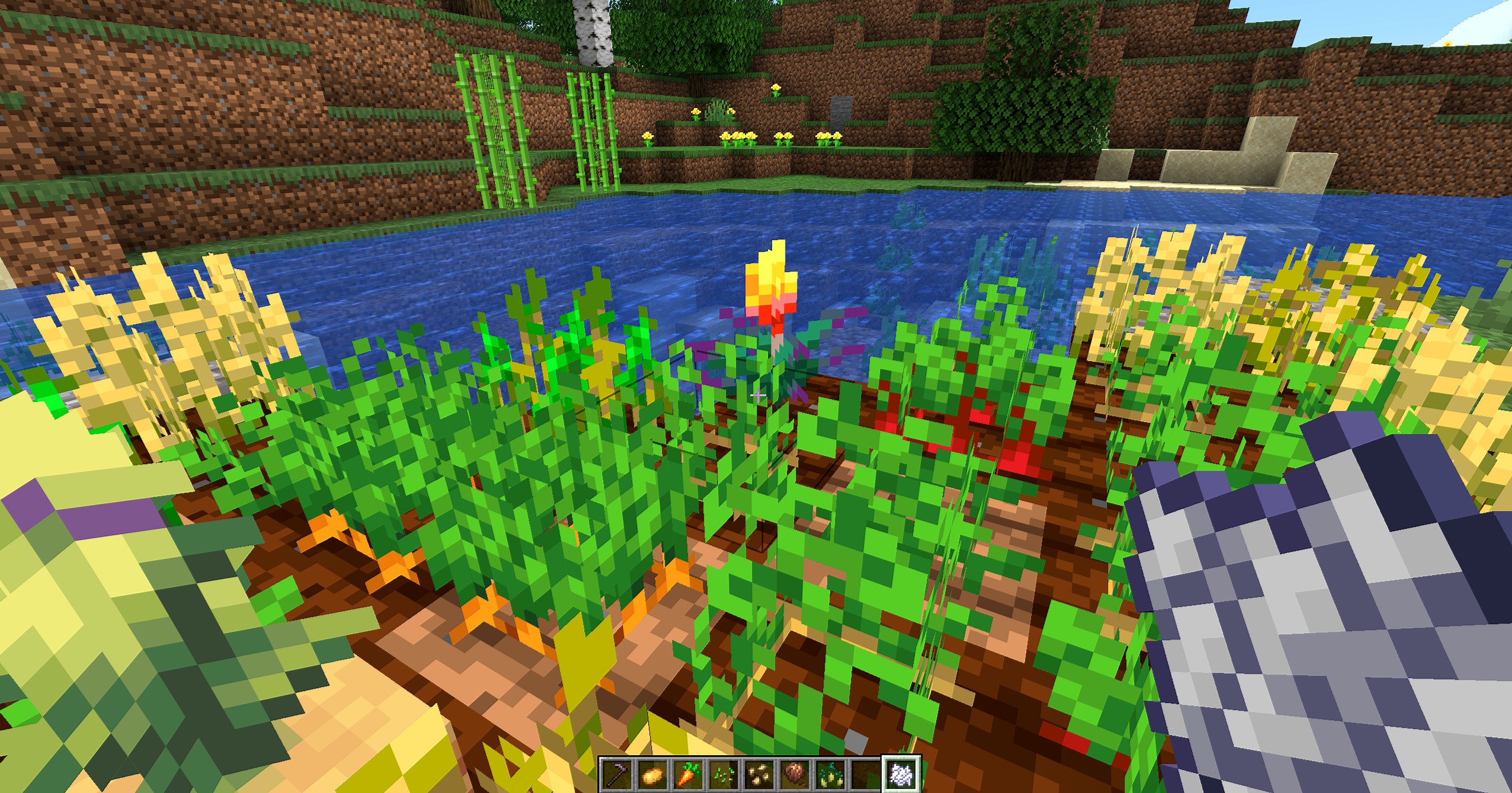
Protect your farmland from being trampled. No matter how high you fall, your crops stay safe.
Community voices
Reviews
No reviews yet. Be the first to review this project!
Get it on
Available Platforms
About
Project Details
For authors
Embed Badge
If you're the author of this project, you can embed a live badge anywhere that supports HTML or Markdown. It updates automatically whenever ratings change.
Use HTML for any page that supports it, or Markdown for README files and Markdown-based descriptions.
Identifiers
Platform IDs
Resources
External Links
About
Description

Protect your farmland from being trampled. No matter how high you fall, your crops stay safe.
Protect your farmland from being trampled. No matter how high you fall, your crops stay safe.
No Trample is a simple and lightweight data pack that prevents farmland from being destroyed when stepped or landed on.
Unlike some data packs, this one does NOT use Feather Falling or modify fall damage. Players will still take full damage when falling from height — only the farmland is protected.
Whether you’re farming, exploring, or building, you no longer have to worry about accidentally ruining your crops. Even from great heights, farmland will remain intact and plants will not break.
The data pack works for both players and entities, with separate options to enable or disable each behavior.
Features
- No Fall Damage Changes - Fall damage remains completely vanilla
- Farmland Protection - Prevents trampling from any height
- Player Toggle - Enable or disable trampling prevention for players
- Entity Toggle - Enable or disable for other entities (animals, mobs, etc.)
- Load Message Toggle - Turn the startup message on or off
- Reset Option - Restore all settings to default
Requirements:
Minecraft Java Edition 1.21.5-26.2
Installation:
Singleplayer
- Open Minecraft
- Create a new world and click on "More", "Data Packs"
- Drag the data pack into the Minecraft window
- Click "Yes" on the confirmation screen
- Move the data pack to the right-hand side of the screen by clicking the triangle on its icon
- Click "Done" and continue creating your world, then click on "Create New World"
Multiplayer
- Download the data pack
- Open your server folder, then open the folder of the world
- Put the data pack into a folder named datapacks
- Restart your server, and you can use your new data pack.
Permissions: None
Commands: /trigger trample.options
Screenshots
Gallery
Versions
Files
Relations
Project Relations
More like this
Similar Mods
Suggestions use data such as tags, dependencies, dependents, descriptions, titles, and more to rank how much they overlap with this mod.
On ModDex
Community snapshot
By the numbers
Statistics

Want to reach Minecraft players?
We're looking for a server hosting partner to feature here and other parts of the site. Interested? Send us a message!
Get in touchGet it on
Available Platforms
On ModDex
Community snapshot
By the numbers
Statistics
Resources