
Community listing page, reviews here may not be monitored by the author.
NoviceHelper


No reviews yet
A handy utility mod with a "B" key menu for quick commands, coordinate copying, and automated tool durability alerts.
Forge is a popular mod loader for versions 1.1+ of Minecraft.
Community voices
Reviews
Filters
Click once to include, again to exclude, again to clear
No reviews yet. Be the first to review this project!
Get it on
Available Platforms
Compatibility
Supported Environments
Must be installed on both the client and the server.
About
Project Details
For authors
Embed Badge
If you're the author of this project, you can embed a live badge anywhere that supports HTML or Markdown. It updates automatically whenever ratings change.
Use HTML for any page that supports it, or Markdown for README files and Markdown-based descriptions.
Identifiers
Platform IDs
Resources
External Links
About
Description
🛠️ Novice Helper PRO — The Ultimate Survival Companion
Novice Helper PRO is a lightweight yet powerful utility mod designed to make the Minecraft experience smoother for everyone. Whether you are a beginner learning the ropes or a pro looking for a faster way to manage your world, this mod provides a suite of essential tools at your fingertips.
🌟 Key Features
-
Quick Access Menu (Key: B): Open a dedicated, clean GUI to instantly control your environment.
-
Smart Durability Alerts: Never lose a diamond tool again! The mod monitors your held item and sends chat warnings at 50%, 20%, 10%, and 5% durability.
-
Precision Countdown: When your tool is about to break, a real-time countdown appears for the final 5 uses right above your hotbar.
-
One-Click Utilities:
-
Time & Weather: Change to day/night or clear the rain instantly.
-
Gamemodes: Toggle between Creative, Survival, and Spectator modes with one click.
-
World Rules: Quickly enable
keepInventoryor change difficulty.
-
-
Emergency Support: Instant buttons for Night Vision, Healing, and Feeding to save you in tight spots.
-
Coordinate Copy: Need to share your base location? Use the "Copy Coords" button to instantly save your X, Y, Z coordinates to your clipboard.
-
Entity HP & Hitboxes: Toggle entity hitboxes (F3+B) via the menu and see health points above mobs for better combat.
🌍 Multi-Language Support
The mod is fully localized and professionally translated into:
-
English (EN)
-
Russian (RU)
-
Latvian (LV)
🚀 How to Use
-
Open Menu: Press the B key (default) to open the Novice Helper interface.
-
Stay Safe: Watch the chat for color-coded warnings when your tools are low on durability.
-
Quick Start: Use the "Give Wooden Axe" button to jumpstart your survival adventure!
🛠️ Novice Helper PRO — The Ultimate Survival Companion
Novice Helper PRO is a lightweight yet powerful utility mod designed to make the Minecraft experience smoother for everyone. Whether you are a beginner learning the ropes or a pro looking for a faster way to manage your world, this mod provides a suite of essential tools at your fingertips. 🌟 Key Features
Quick Access Menu (Key: B): Open a dedicated, clean GUI to instantly control your environment.

Smart Durability Alerts: Never lose a diamond tool again! The mod monitors your held item and sends chat warnings at 50%, 20%, 10%, and 5% durability.

Precision Countdown: When your tool is about to break, a real-time countdown appears for the final 5 uses right above your hotbar.

One-Click Utilities:

    Time & Weather: Change to day/night or clear the rain instantly.

    Gamemodes: Toggle between Creative, Survival, and Spectator modes with one click.

    World Rules: Quickly enable keepInventory or change difficulty.

Emergency Support: Instant buttons for Night Vision, Healing, and Feeding to save you in tight spots.

Coordinate Copy: Need to share your base location? Use the "Copy Coords" button to instantly save your X, Y, Z coordinates to your clipboard.

Entity HP & Hitboxes: Toggle entity hitboxes (F3+B) via the menu and see health points above mobs for better combat.
🌍 Multi-Language Support
The mod is fully localized and professionally translated into:
English (EN)

Russian (RU)

Latvian (LV)
🚀 How to Use
Open Menu: Press the B key (default) to open the Novice Helper interface.

Stay Safe: Watch the chat for color-coded warnings when your tools are low on durability.

Quick Start: Use the "Give Wooden Axe" button to jumpstart your survival adventure!
Screenshots
Gallery
-
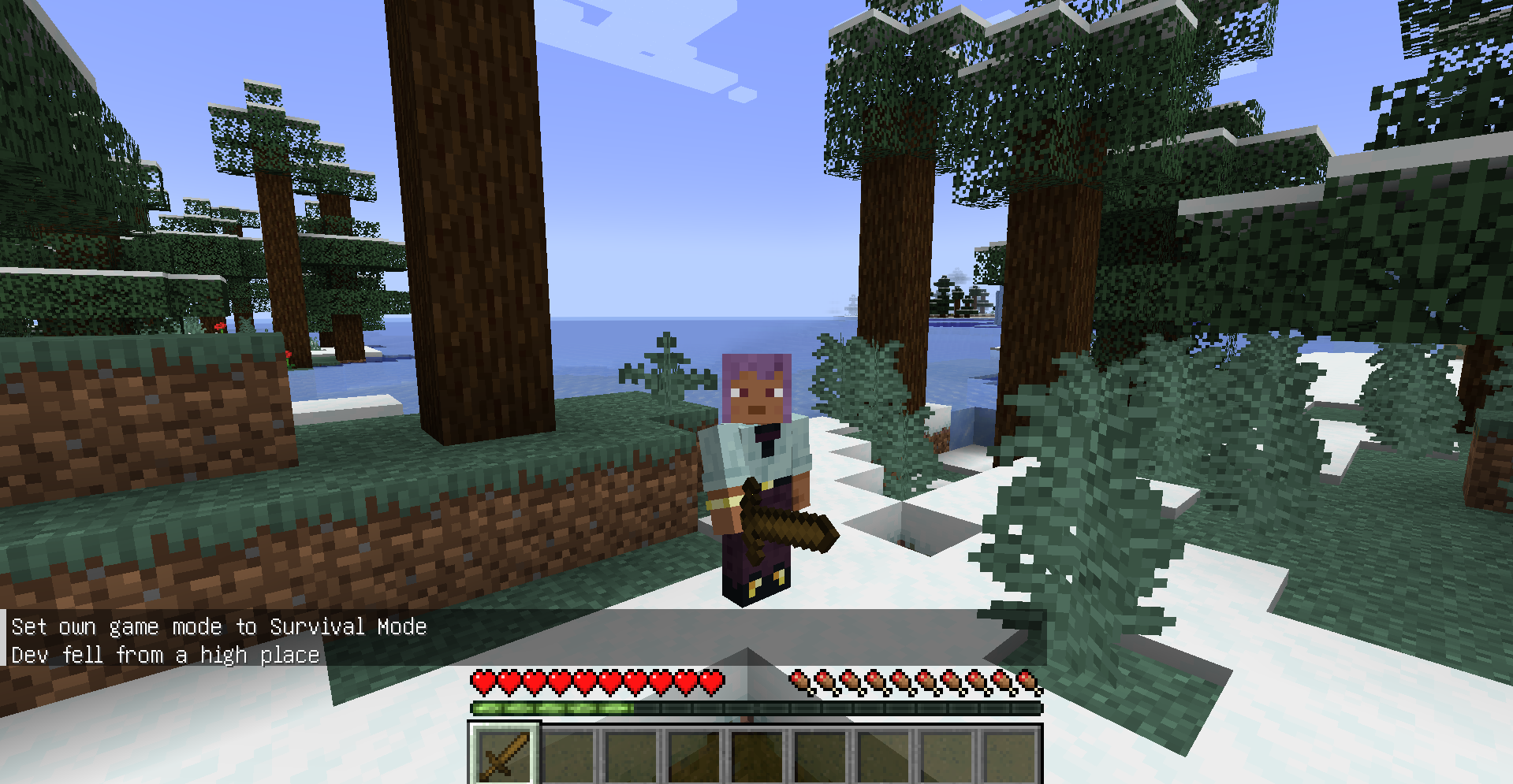 New Save Items System
 -
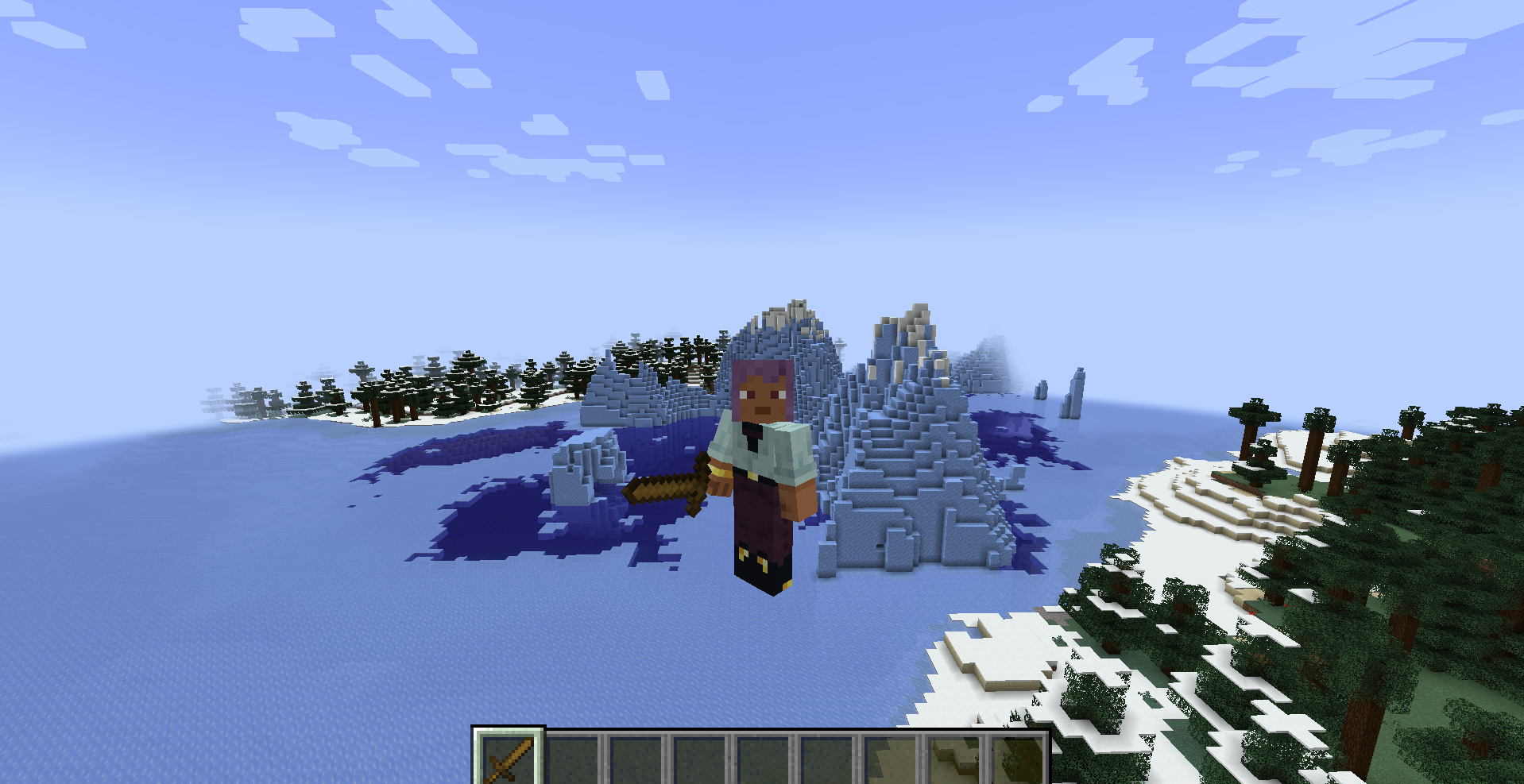 New Save Items System
 -
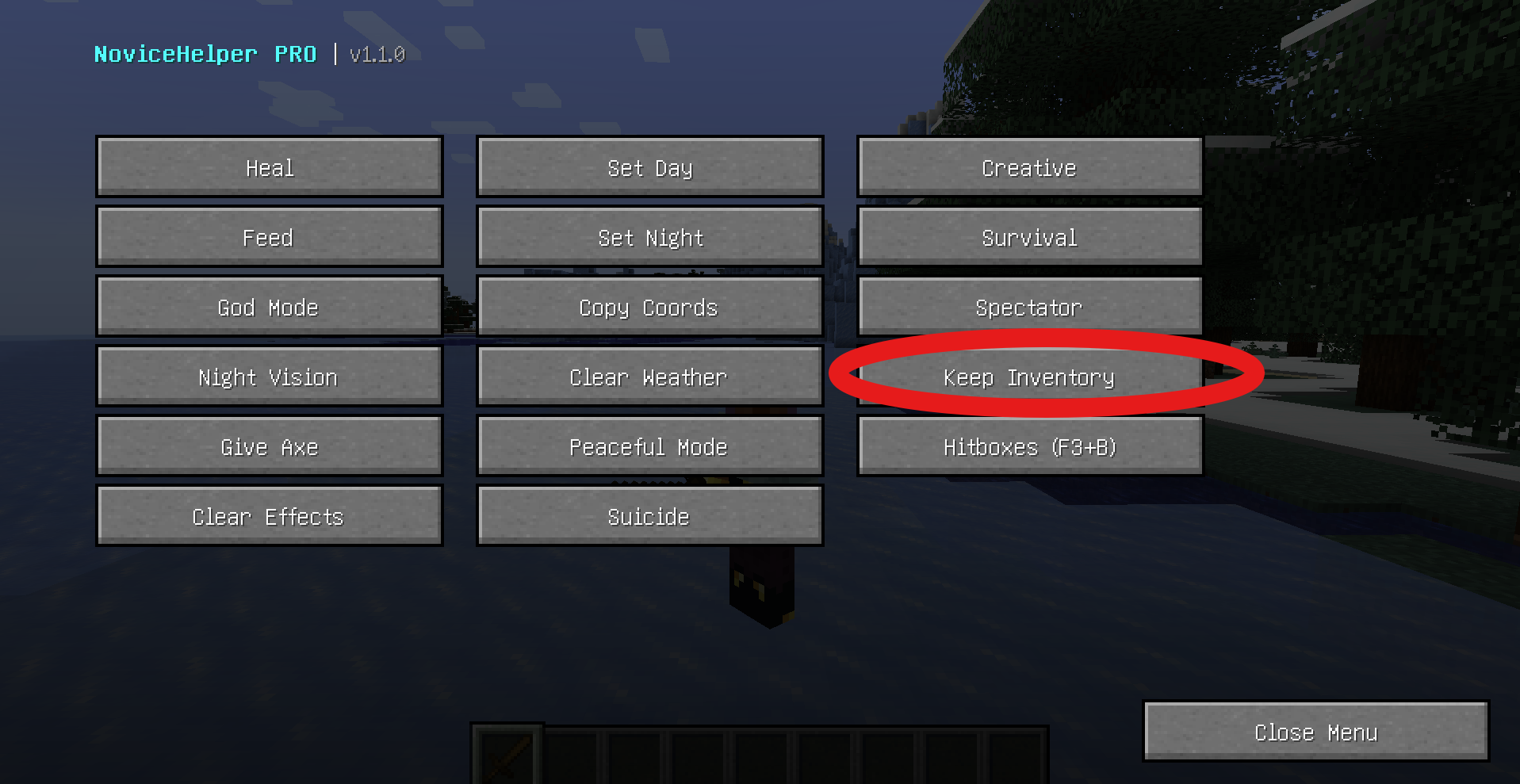 New Save Items System
 -
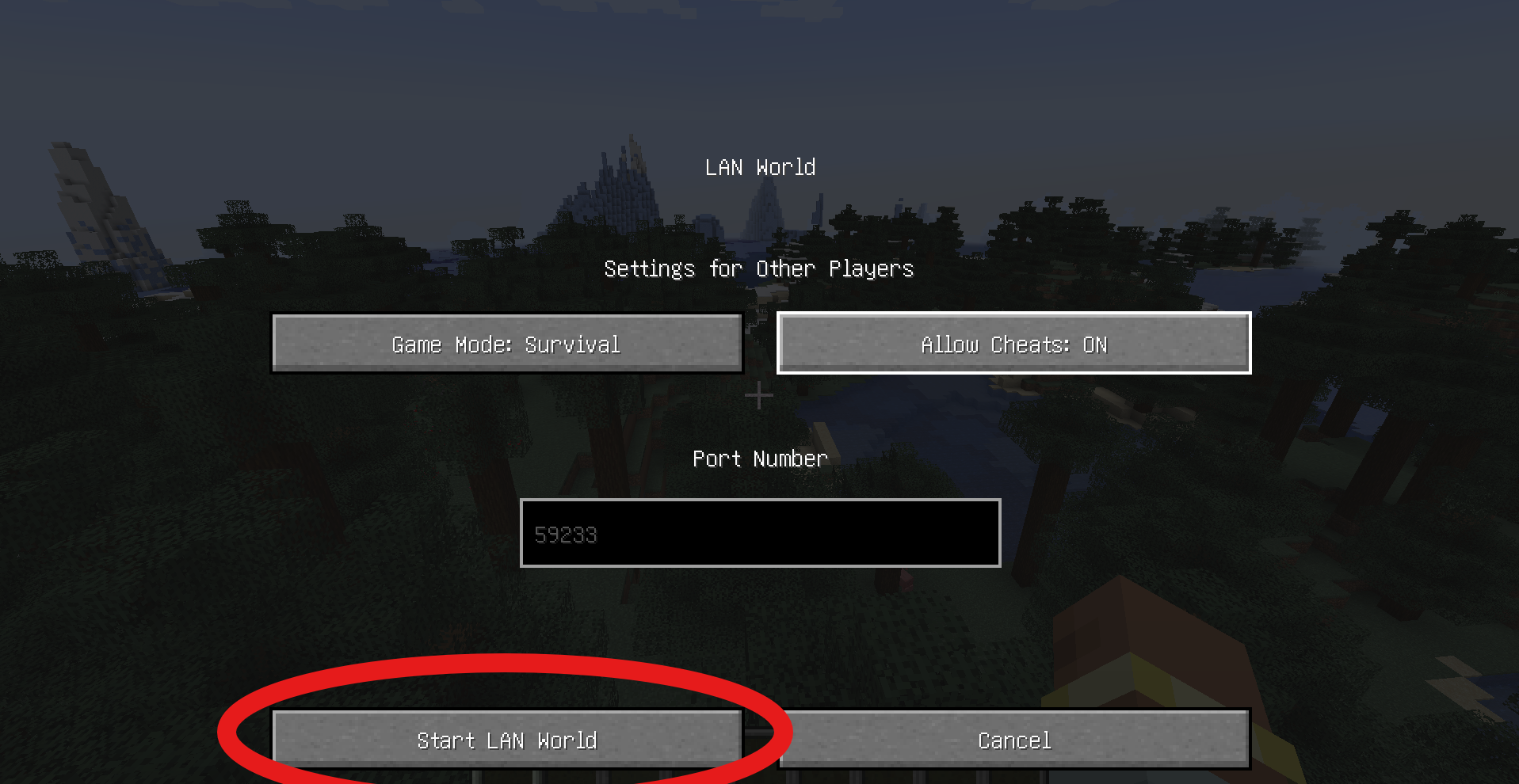 Tutorial
 -
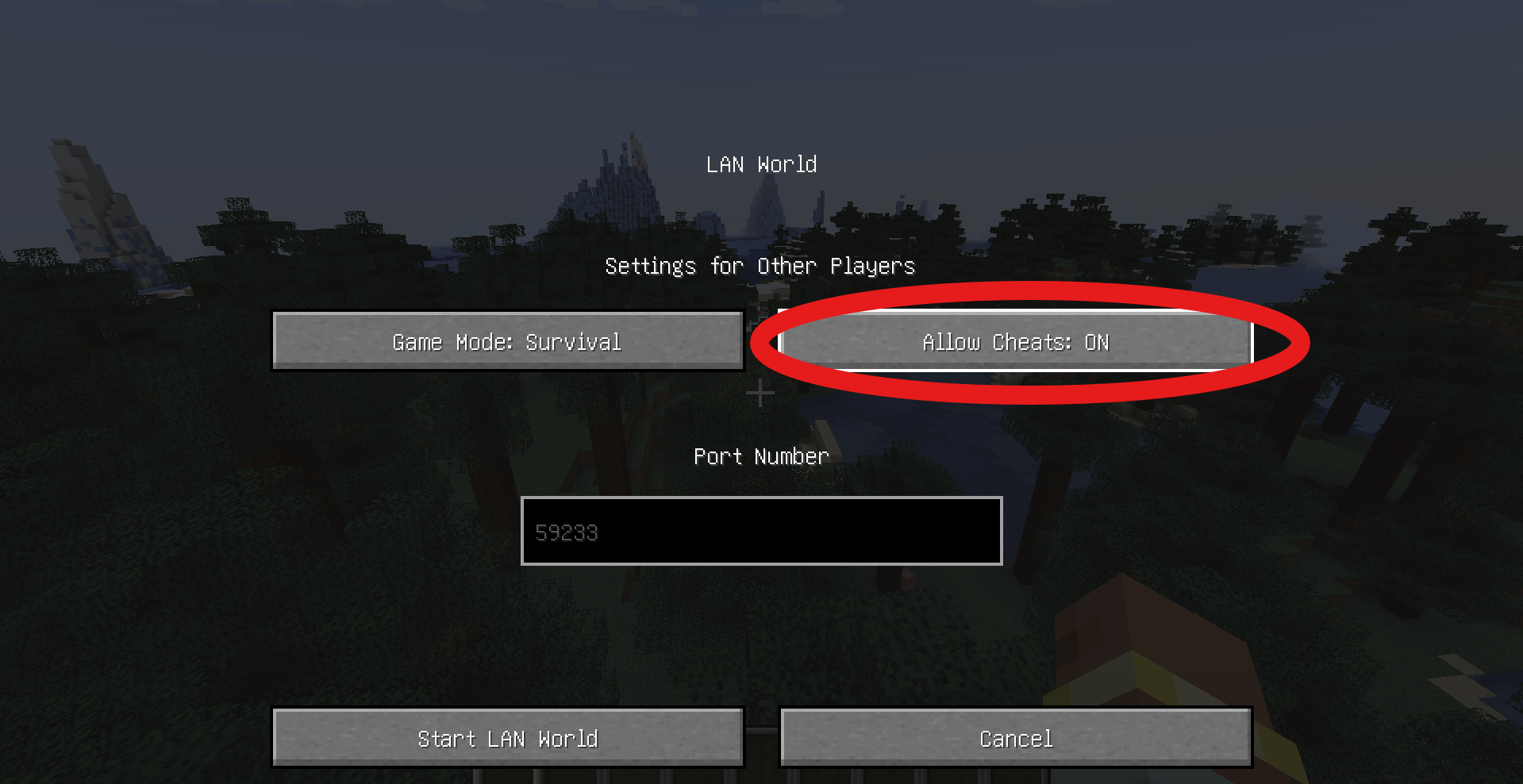 Tutorial
 -
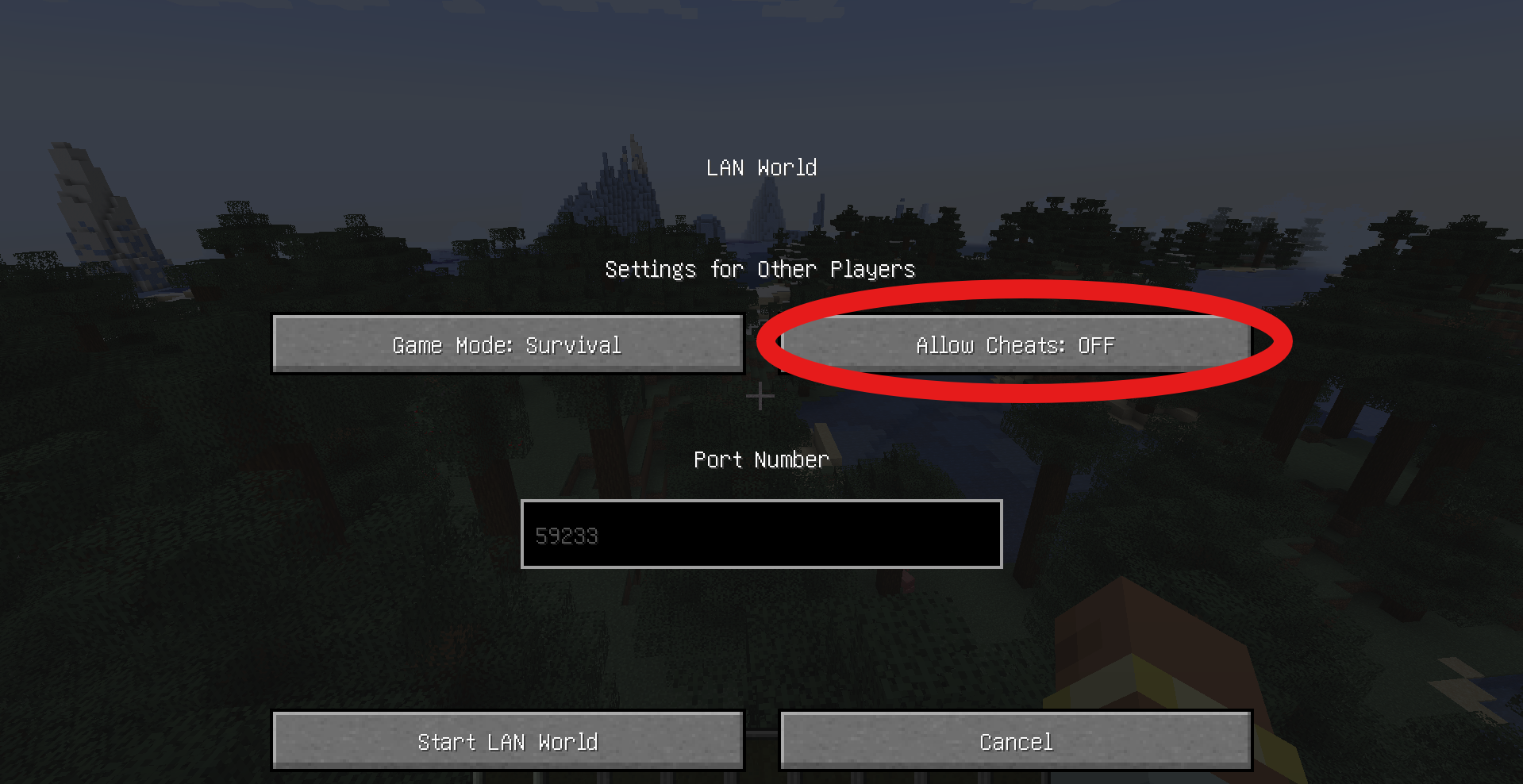 Tutorial
 -
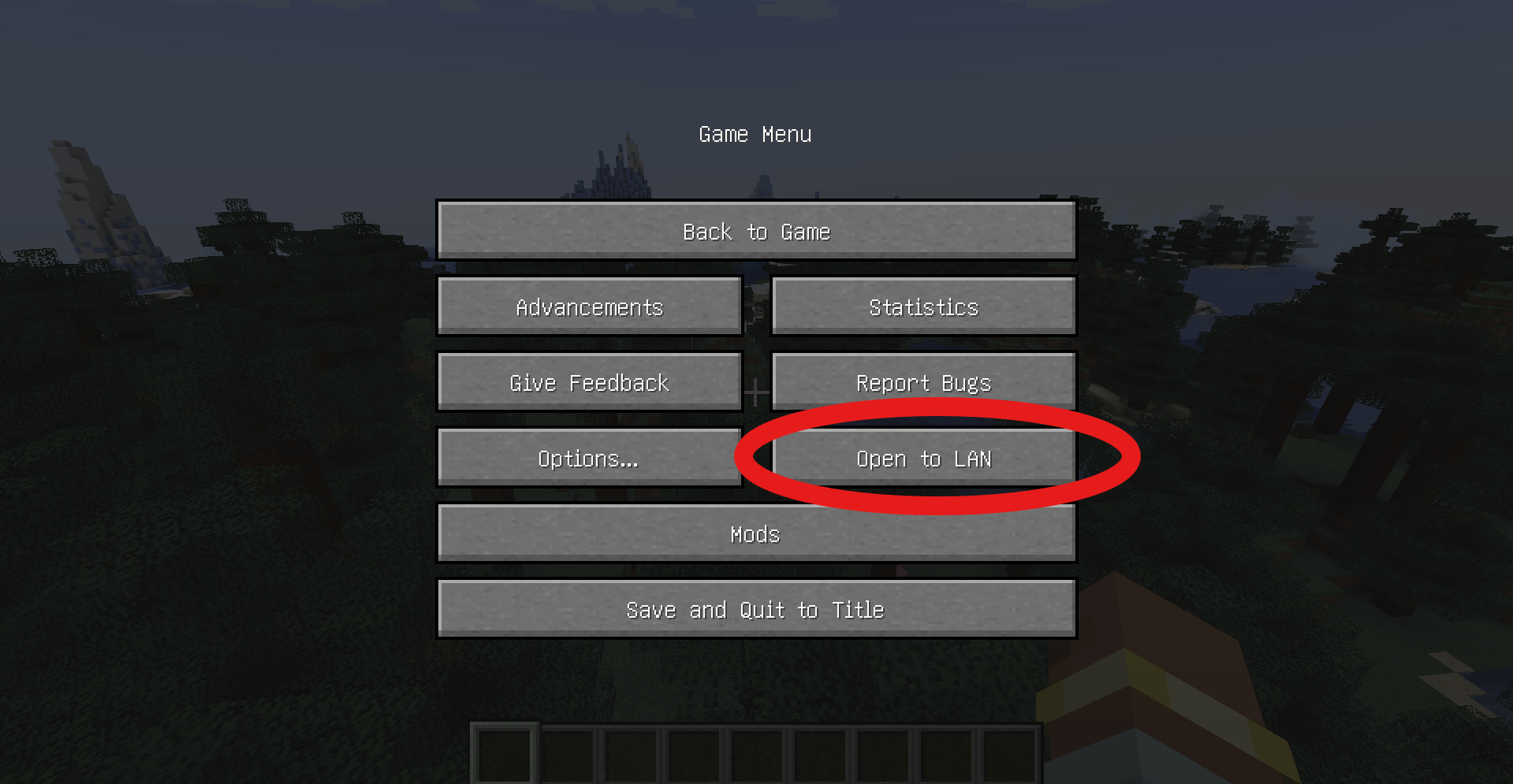 Tutorial
 -
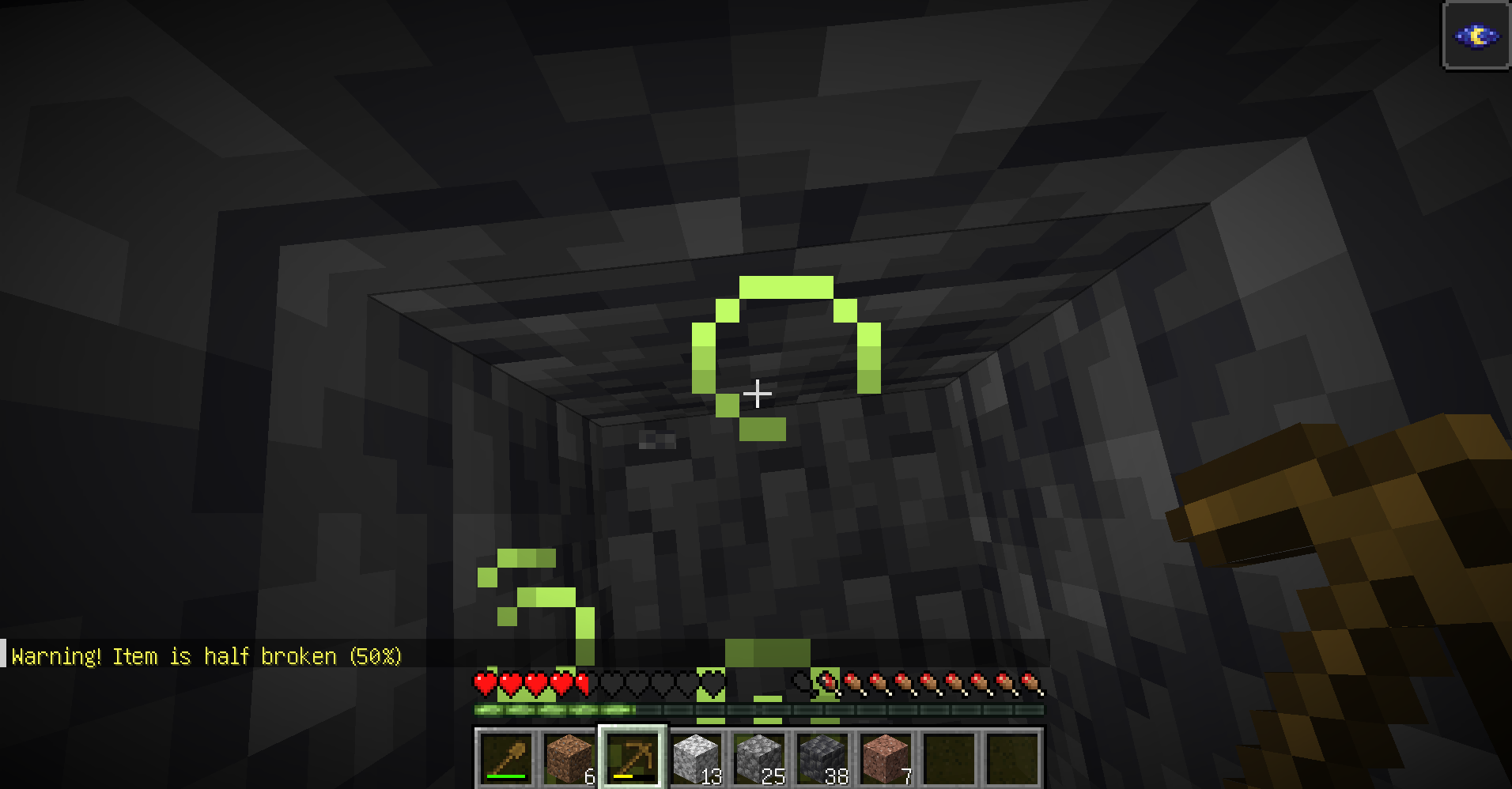 New Chat Warning
 -
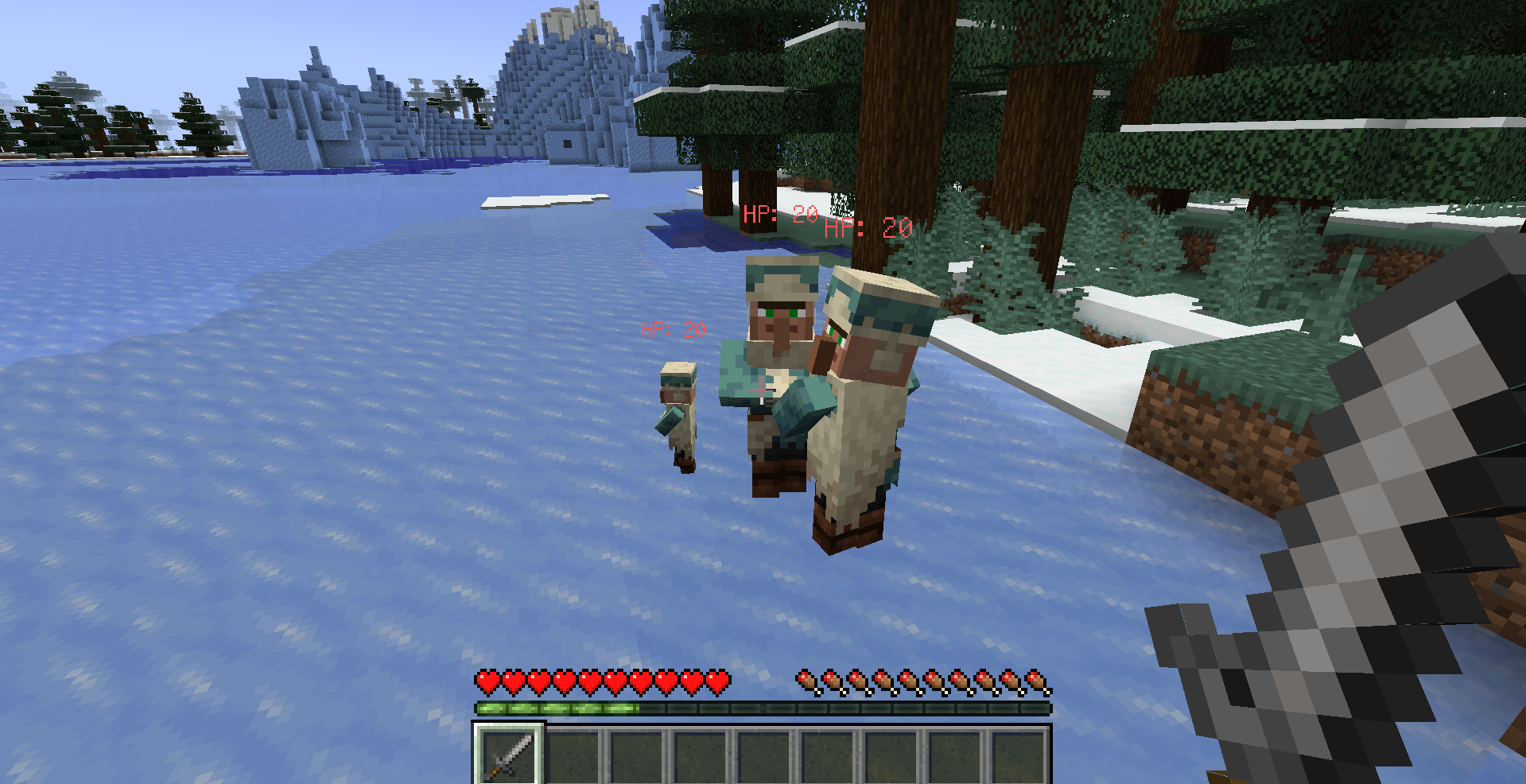 New Mobs Health Gui!
 -
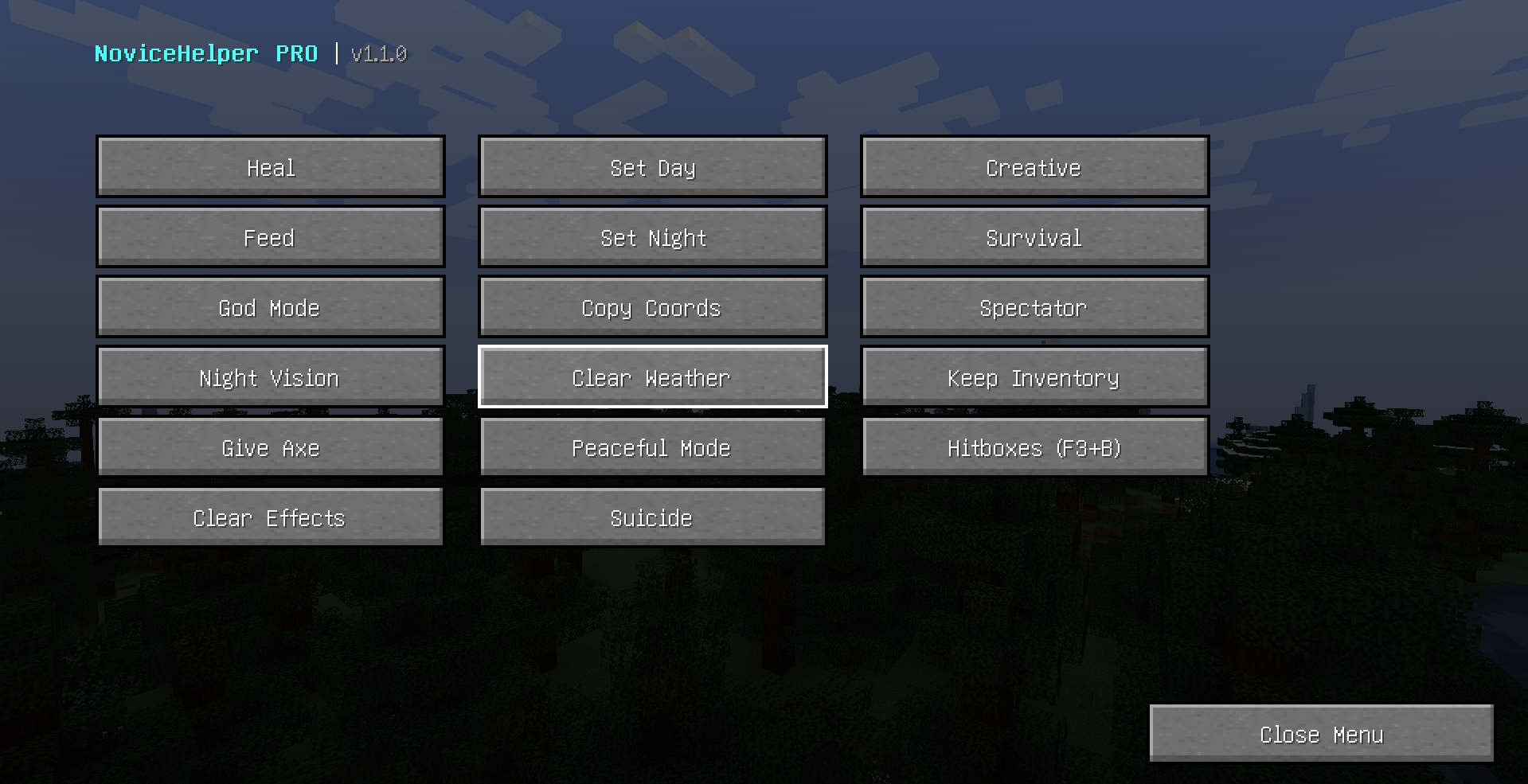 New Updated Menu
-
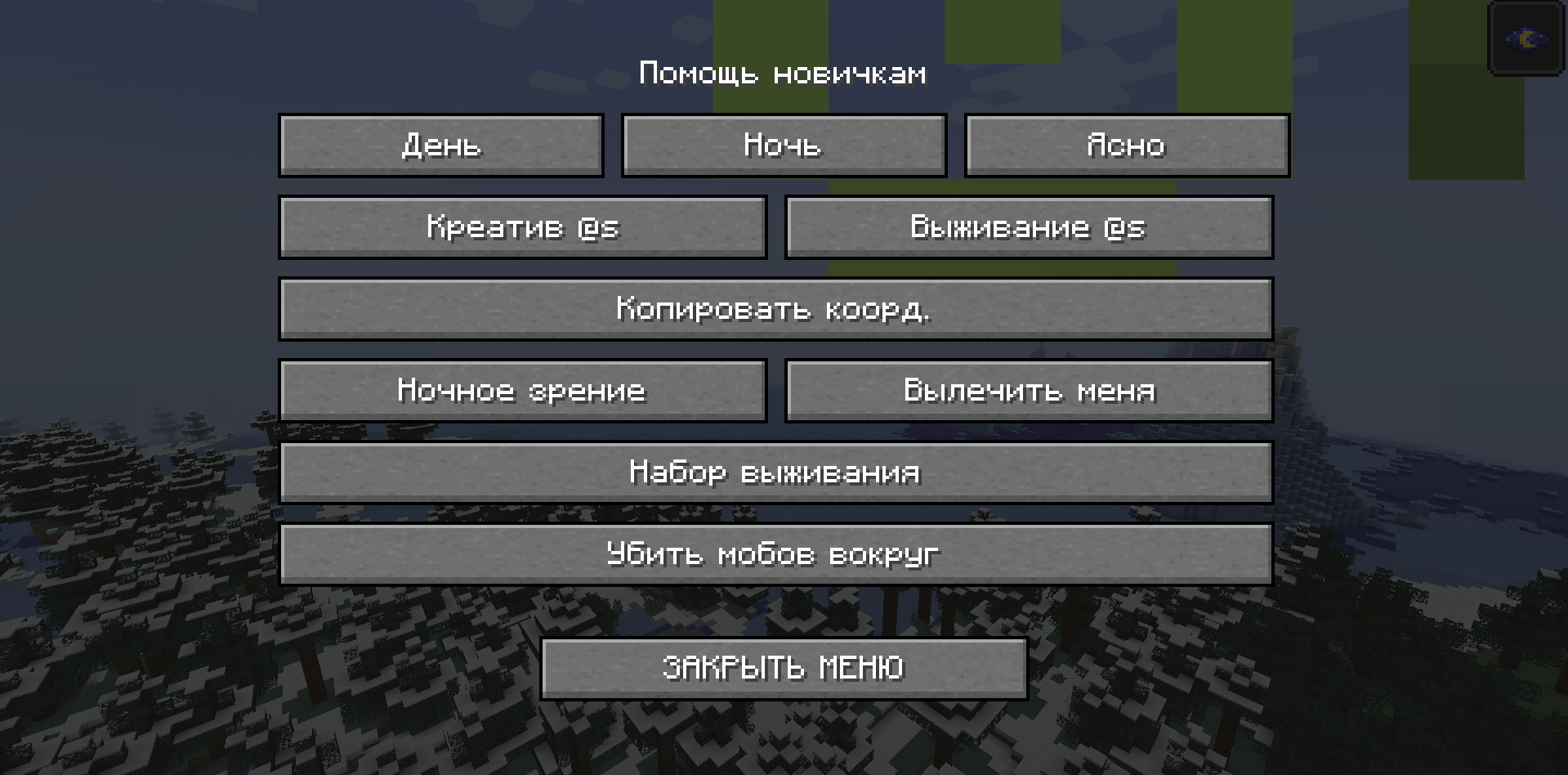 Old Menu
 -
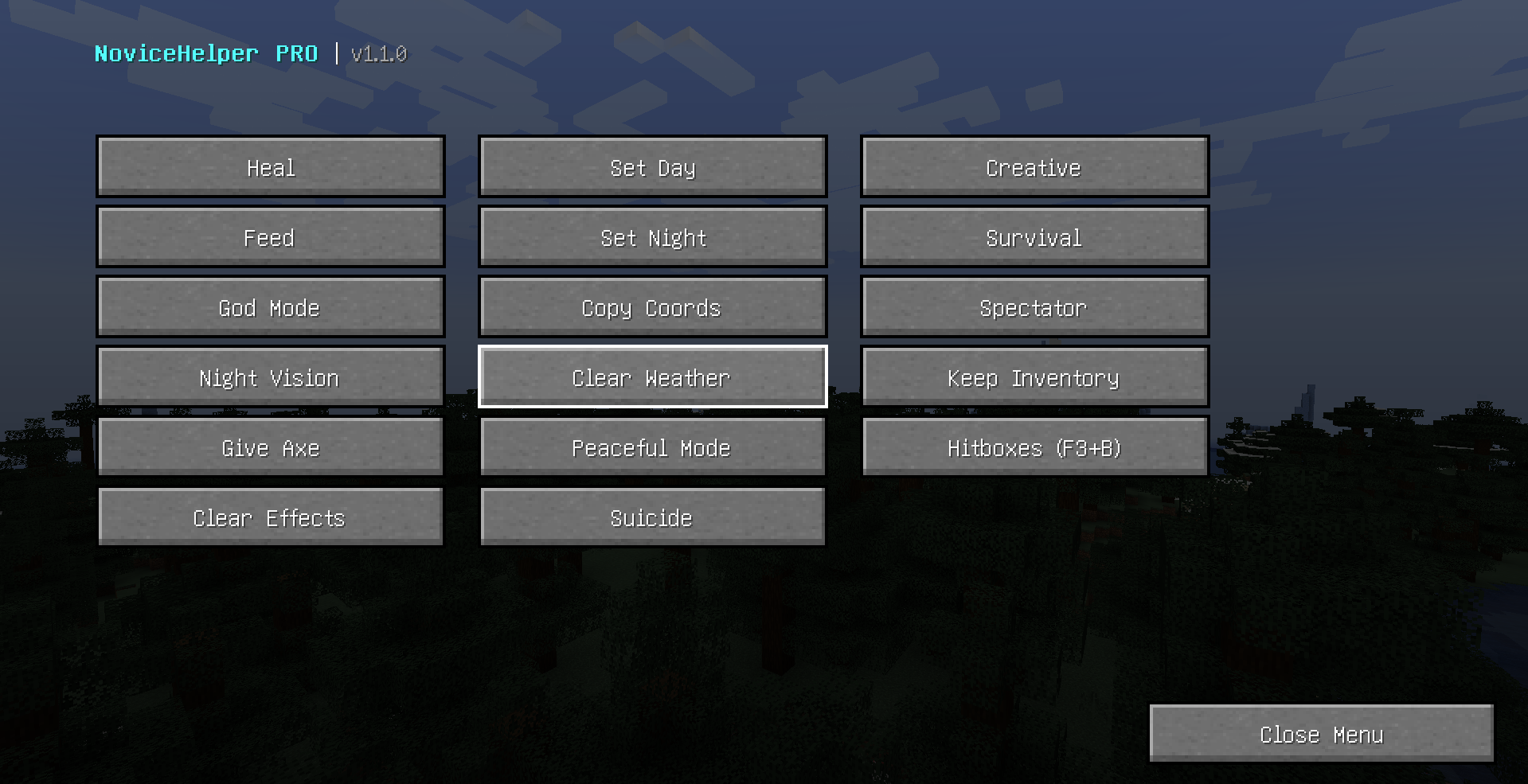 NEW MENU!
 -
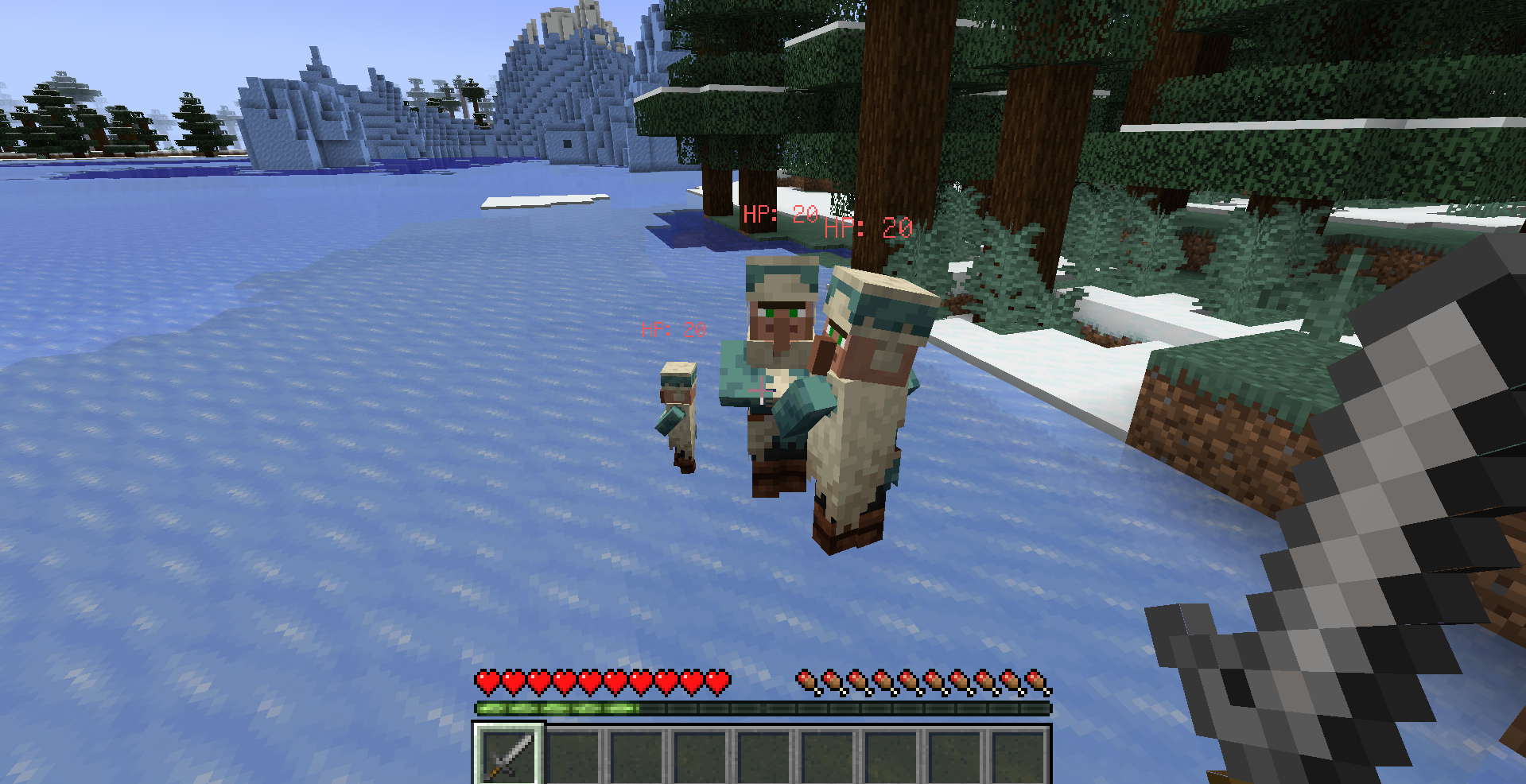 NEW HP SYSTEM!
 -
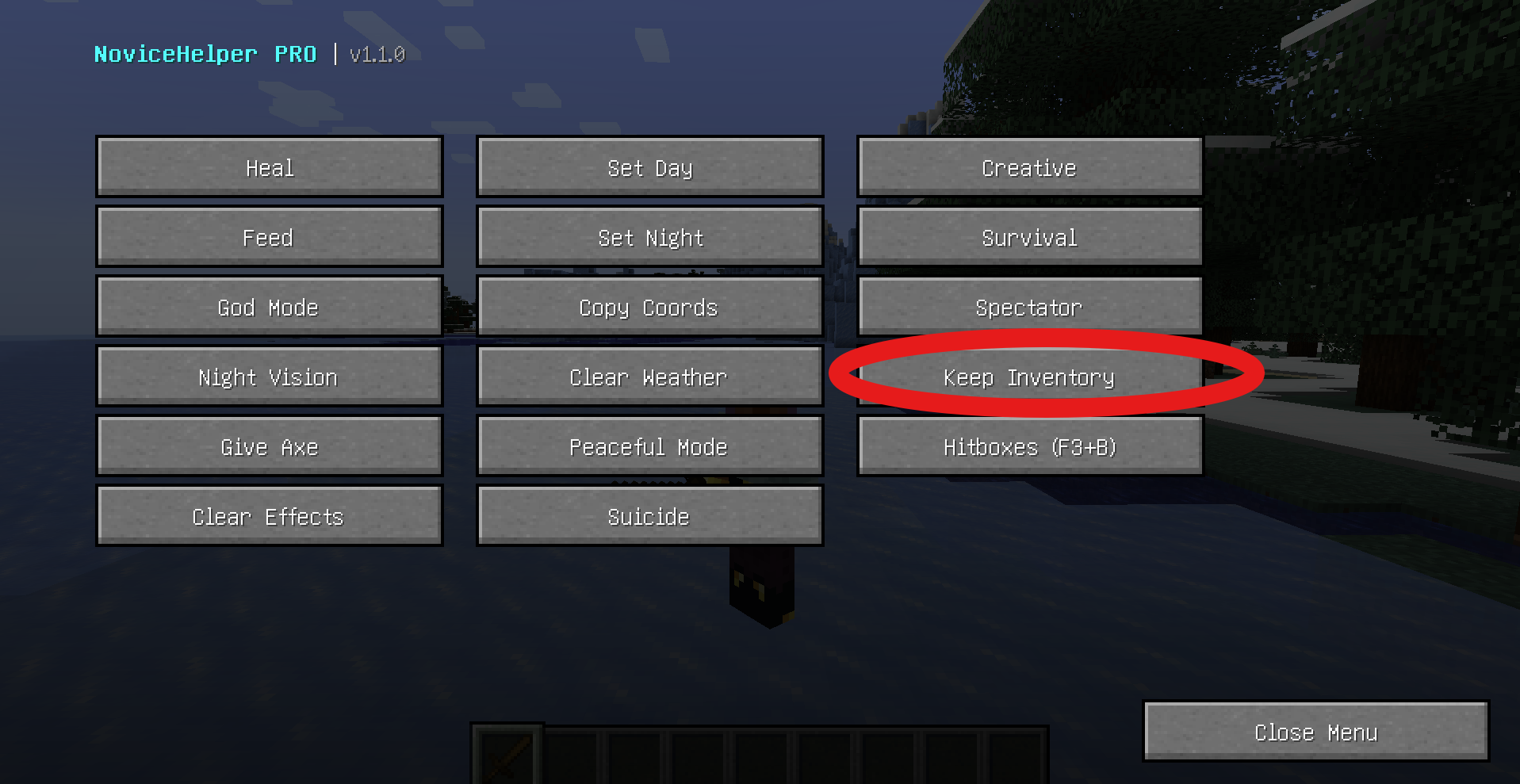 HOW TO SAFE ITEMS!
 -
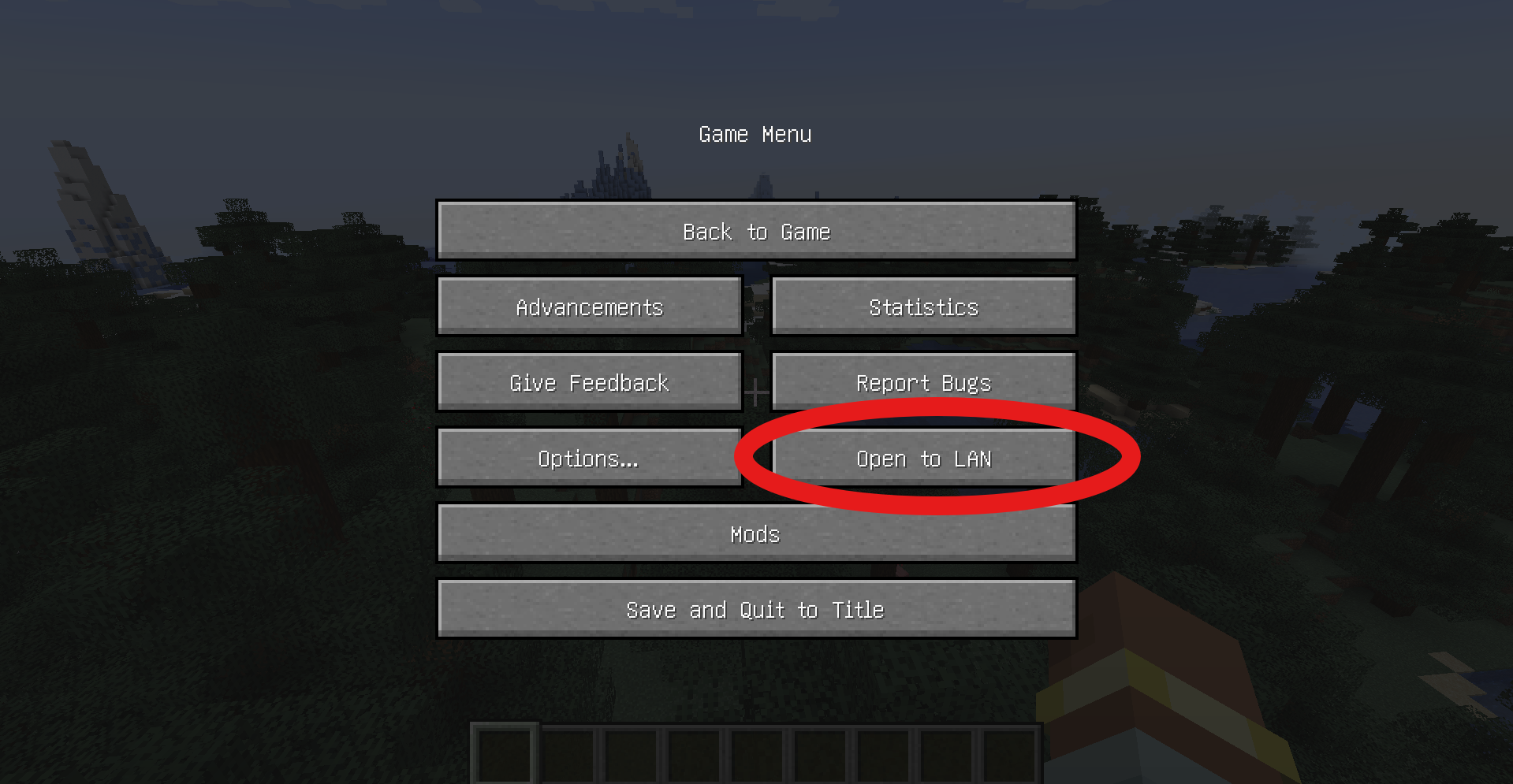 TUTORIAL
 -
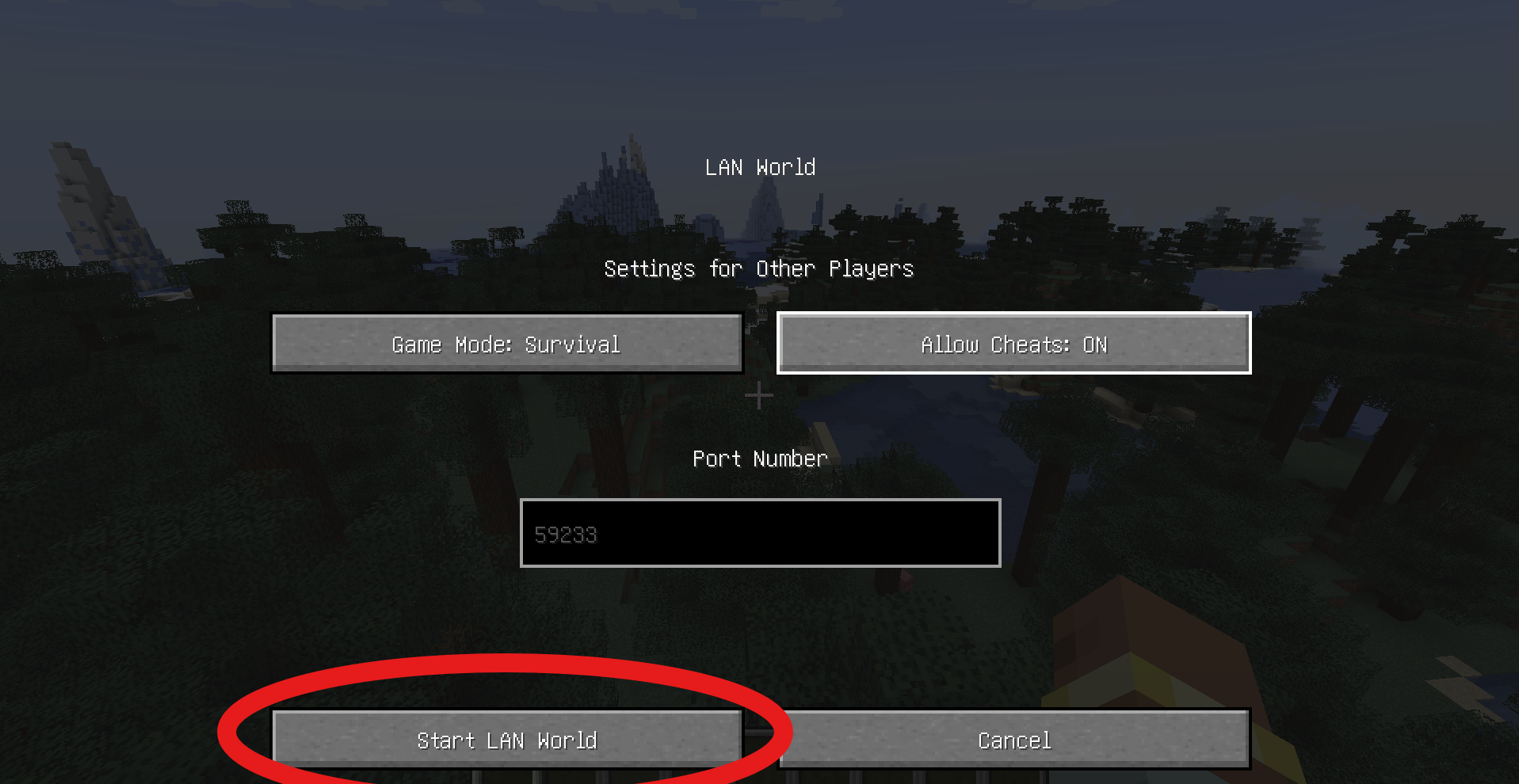 TUTORIAL
 -
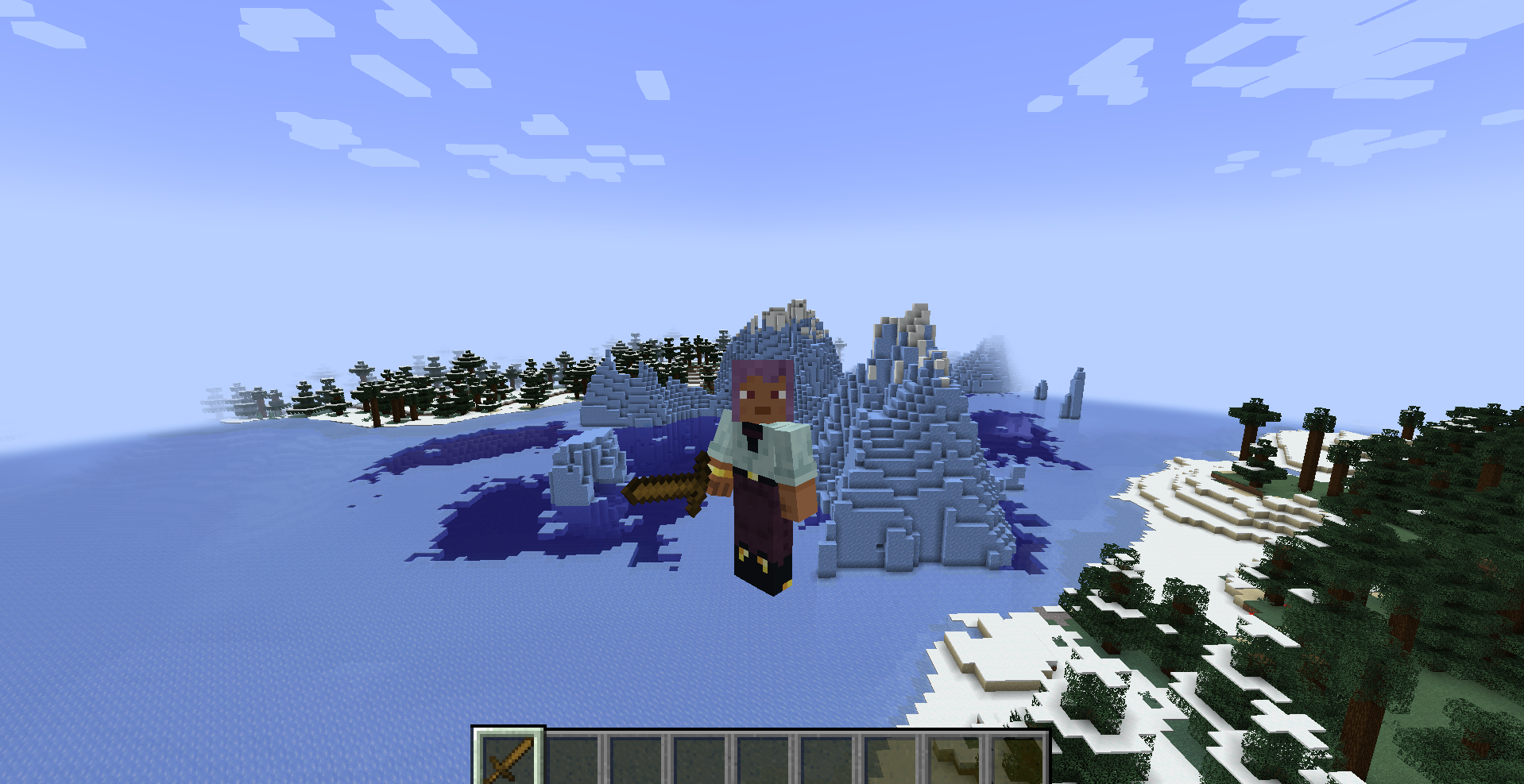 HOW TO SAFE ITEMS!
 -
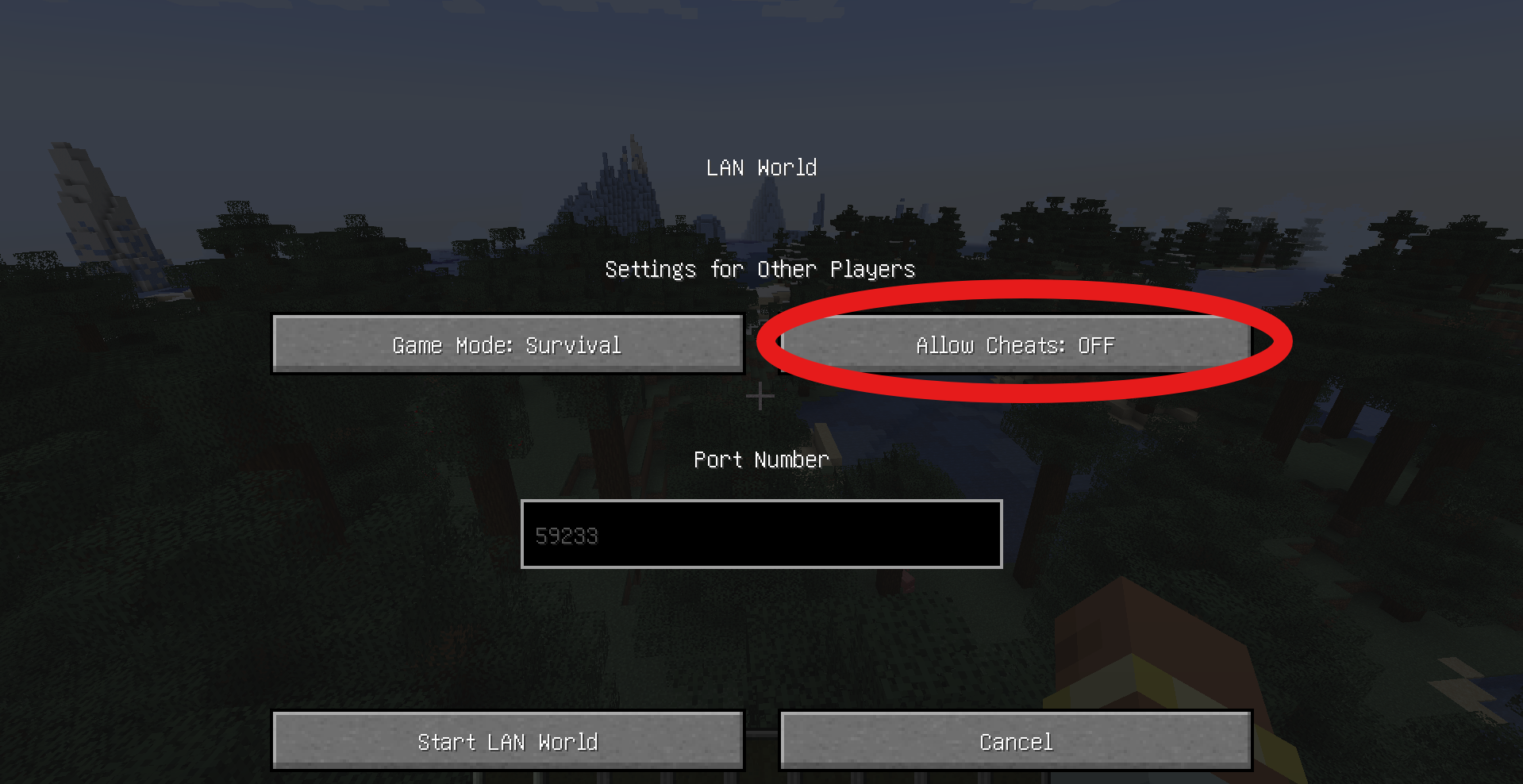 TUTORIAL
 -
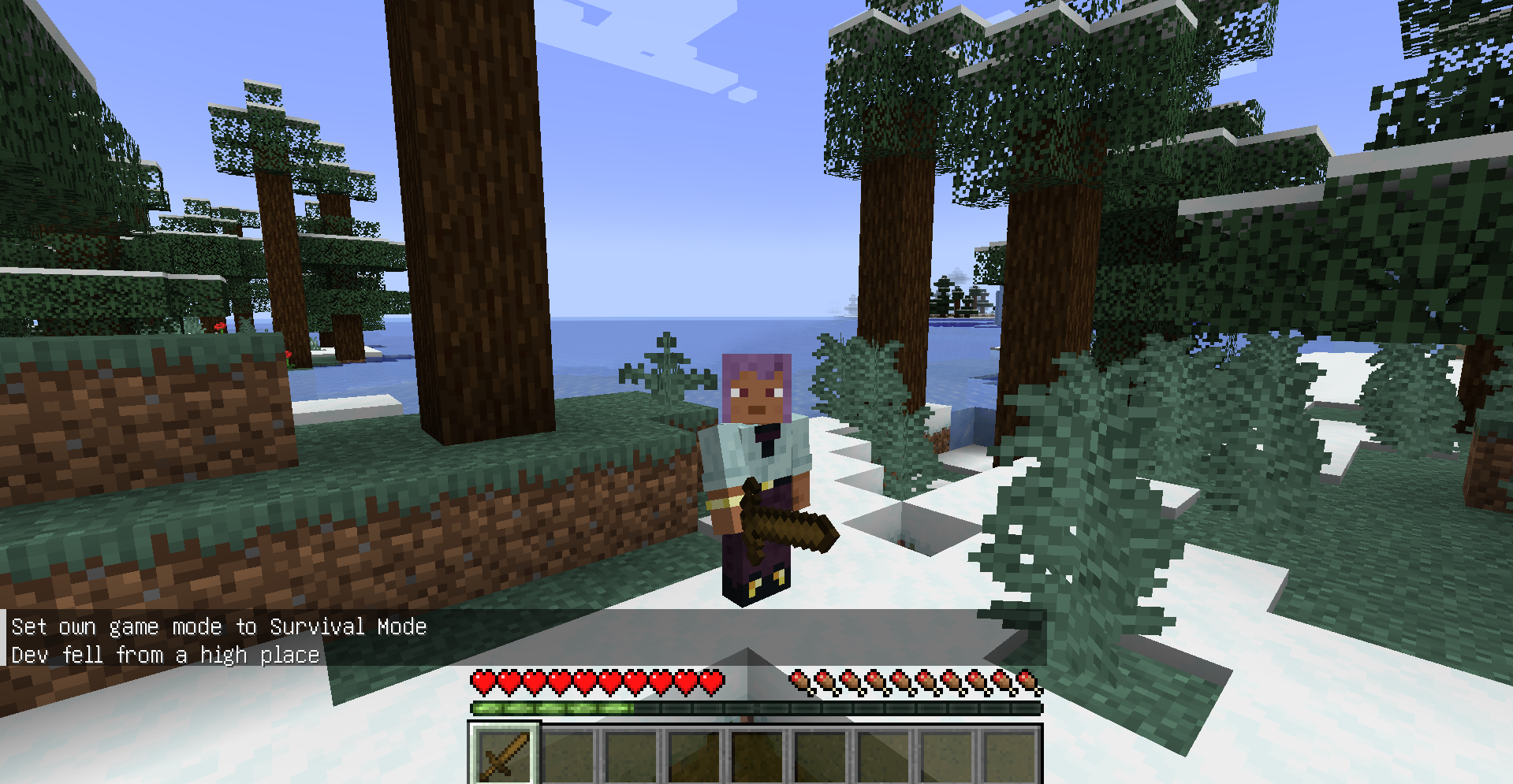 HOW TO SAFE ITEMS!
 -
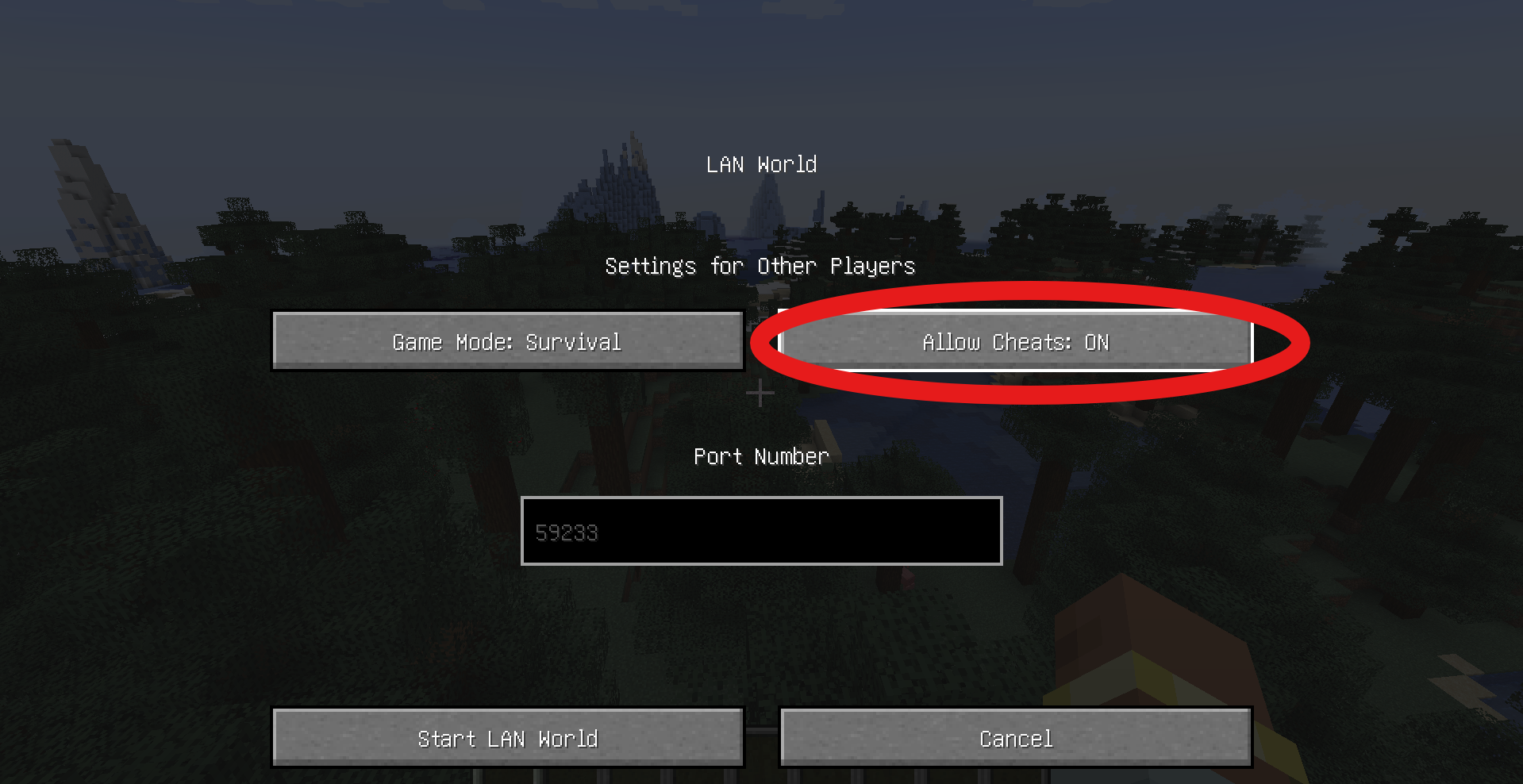 TUTORIAL
 -
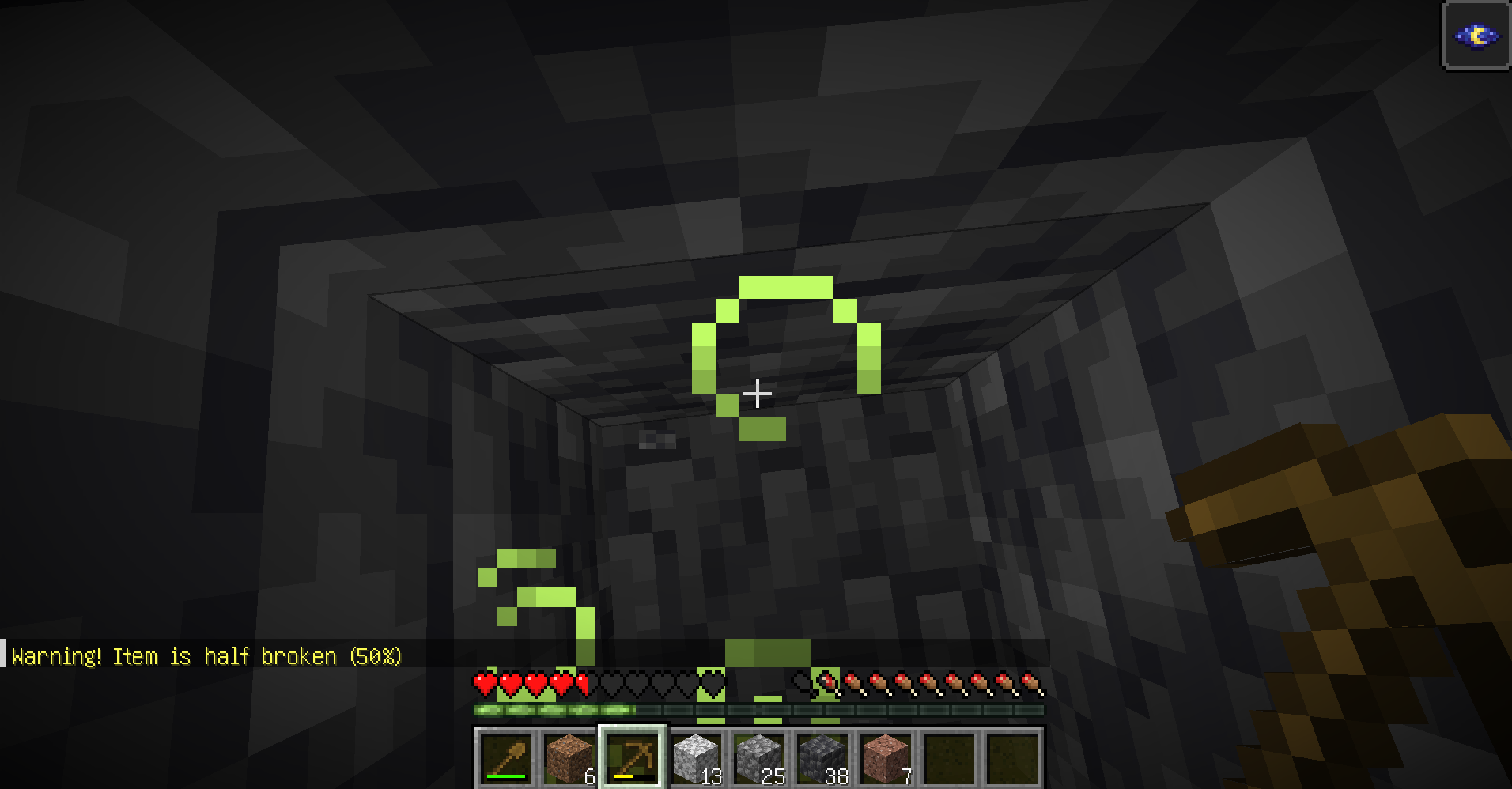 NEW WARNING IN CHAT!
Versions
Files
Relations
Project Relations
More like this
Similar Mods
Suggestions use data such as tags, dependencies, dependents, descriptions, titles, and more to rank how much they overlap with this mod.
On ModDex
Community snapshot
By the numbers
Statistics
Want to reach Minecraft players?
We're looking for a server hosting partner to feature here and other parts of the site. Interested? Send us a message!
Get in touchGet it on
Available Platforms
On ModDex
Community snapshot
By the numbers
Statistics
Resources