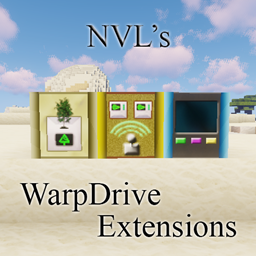
Community listing page, reviews here may not be monitored by the author.
NVL's WarpDrive Extensions

No reviews yet
Add various blocks to support and ease Space operations and farming with CR0S / LemADEC WarpDrive MOD. Also adds useful new tools missing from vanilla MC.
Community voices
Reviews
No reviews yet. Be the first to review this project!
Get it on
Available Platforms
About
Project Details
For authors
Embed Badge
If you're the author of this project, you can embed a live badge anywhere that supports HTML or Markdown. It updates automatically whenever ratings change.
Use HTML for any page that supports it, or Markdown for README files and Markdown-based descriptions.
Identifiers
Platform IDs
Resources
External Links
About
Description
This mod adds some extra blocks to CR0S / LemADEC WarpDrive.
WarpDrive 1.3.35 or 1.3.36 is compatible with 1.22 only!
!!! The MOD has been split to 5 pieces at version 19!!!
If you have a world which is using this MOD with less than v19 then use the Migrator version to migrate the blocks and items before applying any newer version!
Requirements:
- Java 1.8 (From version 1.8)
- Minecraft Forge 1.7.10.1558 or above
- LemADEC WarpDrive MOD WarpDrive-1.7.10-1.3.17 or above
Optional MODs which adds extra functionality:
- IC2: changing recipes with IC2 components
MOD features main feature is to add GUI based controller blocks for WarpDrive functions without ComputerCraft or OpenComputers.
Controller blocks:
Docking Computer:
- Docks: It lets you save the current ship coordinates with a name and then later on directly jump to it when within range. You can set the dock to public enabling other users to use it.
- Set up your ship
- Do jumps including hyperspace
- Shut down Core
- Summon crew members
- No need of ComputerCraft or OpenComputers MOD
Laser Tree Farm Sapling Buffer: This block is created to feed the LTF with saplings and add a small storage buffer for the mined wood. If any container is adjacent to this block then it will automatically feed the items into that except of course the saplings. This block completes my Tree Farm setup with all required blocks to have an incredible dense farm. This block requires WarpDrive to be installed.
Laser Miner Control Center: This block is again an extension for WarpDrive. It makes easier to coordinate the laser miners within the range. You can control up to 8 miners and does not require any computer (CC or OC).
Separate MODs after the great split:
NVLNanoBlocks MOD:
Nano Glass: A paintable, tough glass for starship building. Can be easily removed with Nano Block Remover within a shipyard's rage by Shipyard Engineers.
Nano Hull Block: As the Nano Glass except these are opaque blocks.
Nano Block Painter: One click coloring of the Nano Blocks.
Nano Block Remover: This tool can remove any Nano Block within the Shipyard's range operated by a Shipyard Engineer.
Nano Block Control Center (Former Shipyard): An EU using (with IC2) machine enabling the usage of the Nano Block Remover for Shipyard Engineers. The Engineer list can be set on the GUI by the Shipyard Owner. Only one Shipyard can be activated within the range.
Nano Block Coloring Controller: This block lets you to control the color of the Nano blocks within a 9x9 matrix next to the controller. The Controller must be placed at the center of the pane created of Nano blocks (Hull or Glass). You can draw any image on these blocks even create small animations (max. 9 frames) with speed controls. Warning: If you use the full scale of 9x9 blocks and high speed it could slow down your game! Use powerful computer or reduce speed. It is kind of fun creating animated arrows or signs on space stations as landing guides :)
NVLStorageBlocks MOD: Check its own page here: NVL's Storage Blocks
NVLBlocks MOD: Check its own page here: NVL-Blocks
NVLCompressedBlocks MOD: It has its own MOD page NVL's Compressed Blocks
New commands:
Structures creative command allows you to place/save structures. The MOD also includes a few Predefined starbase blocks.
The MOD supports Client/Server or Integrated environments.
Usage: Copy this MOD into the Mods folder of your Forge installation.
If you would like to see the GUI elements displayed in your language then feel free to become a translator. Let me know if you are interested and I'll send you the format.
Screenshots
Gallery
-
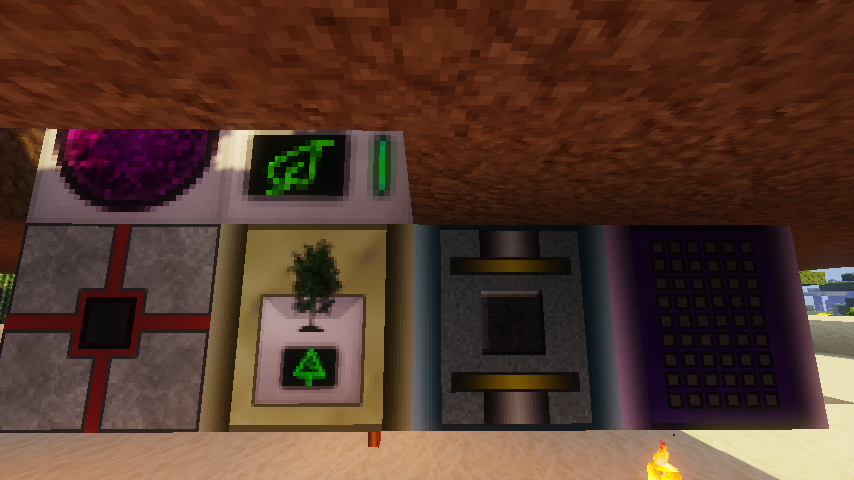 A typipcal LTFB setup
 -
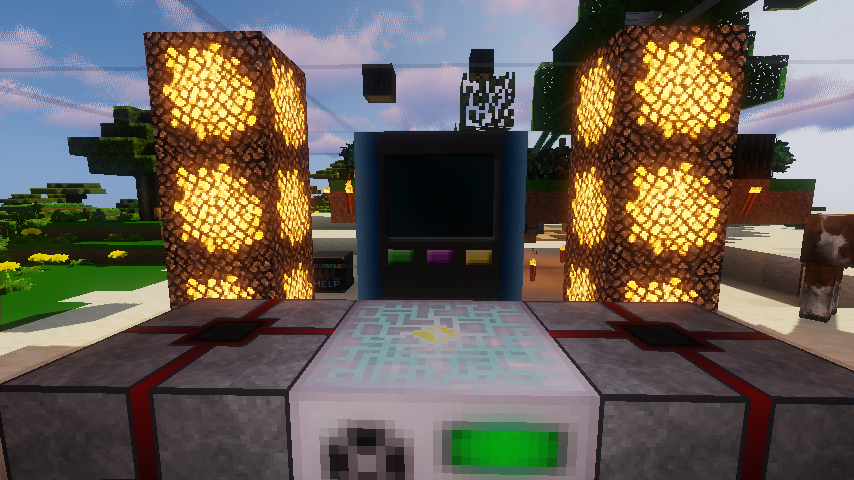 A typical Docking Computer setup
 -
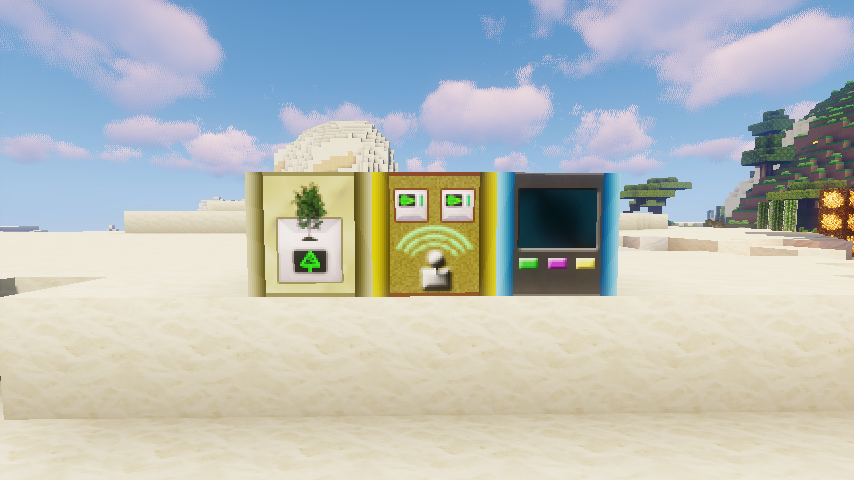 The three blocks together
 -
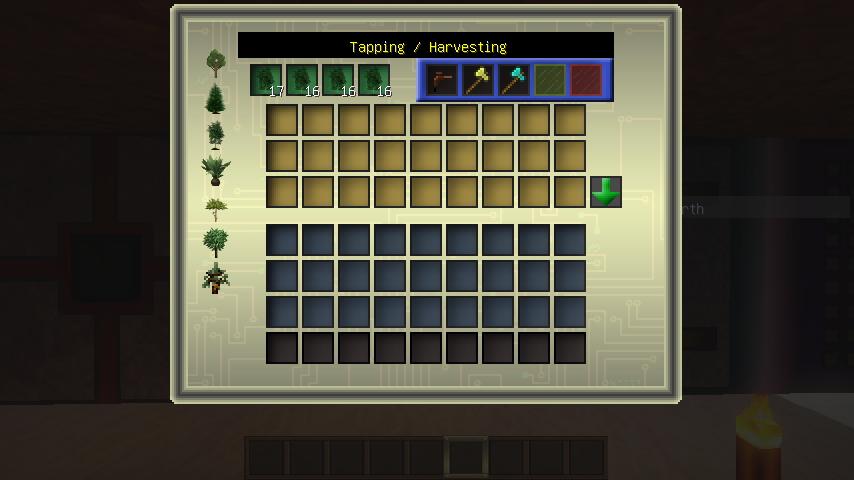 Laser Tree Farm Sapling Buffer
 -
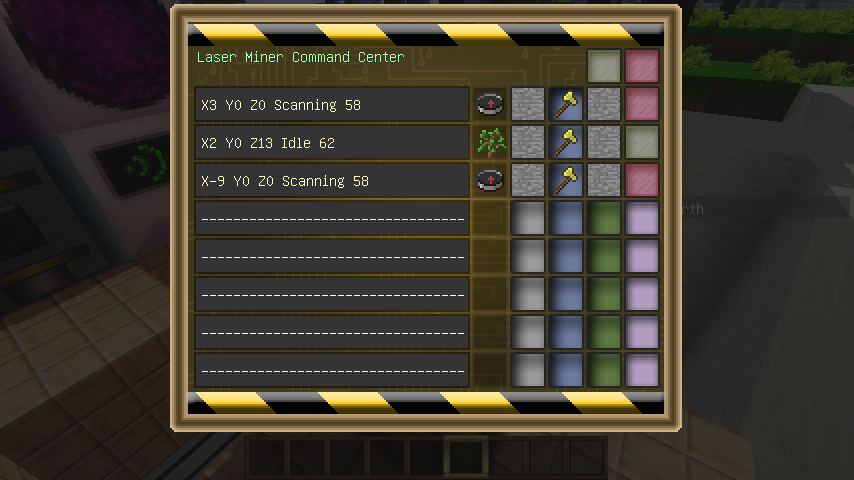 Laser Miner Command Center
 -
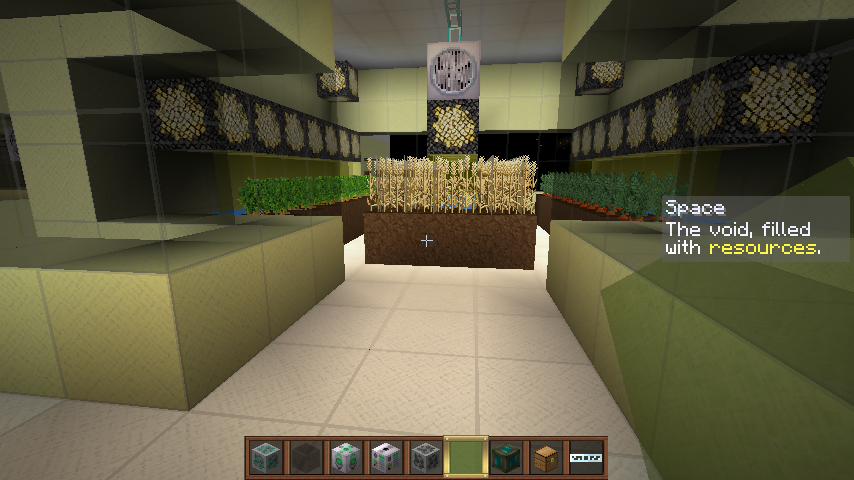 Station Farm Room Using: IC2, NVLNanoBlocks, NVL HD Resource Pack
 -
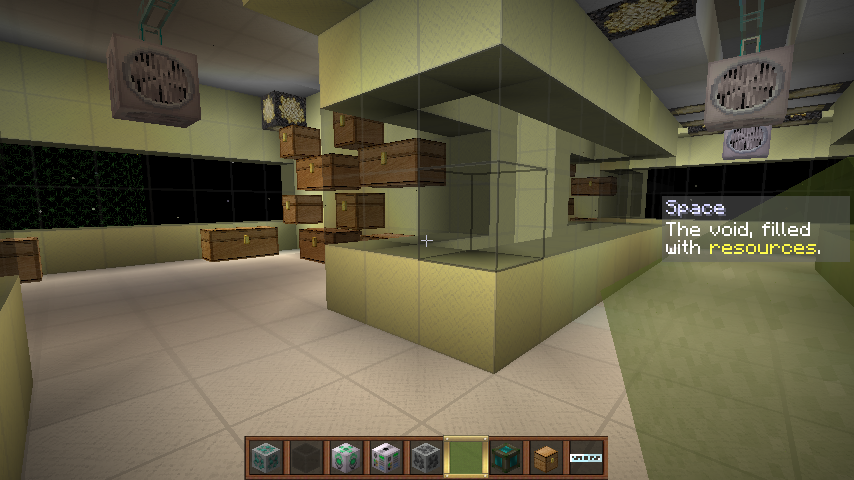 Station Storage Room Using: IC2, NVLNanoBlocks, NVL HD Resource Pack
 -
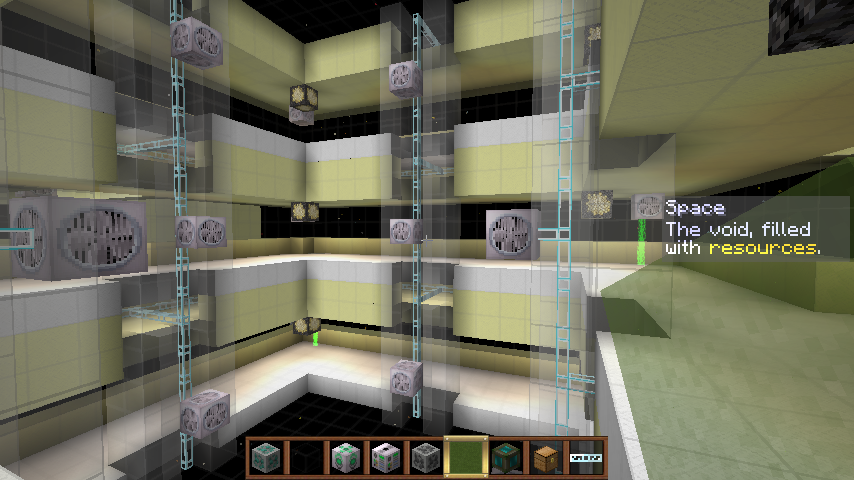 Station body interior Using: IC2, NVLNanoBlocks, NVL HD Resource Pack
 -
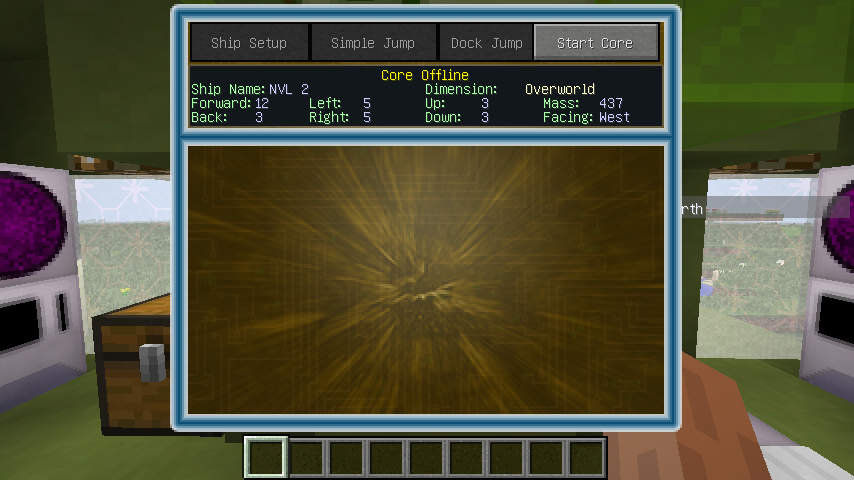 Docking Computer GUI - Core Offline
 -
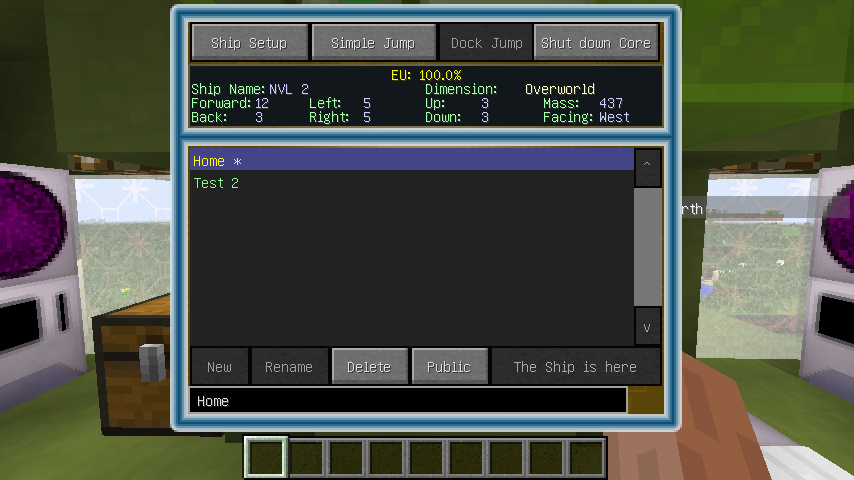 Docking Computer GUI - Docks
 -
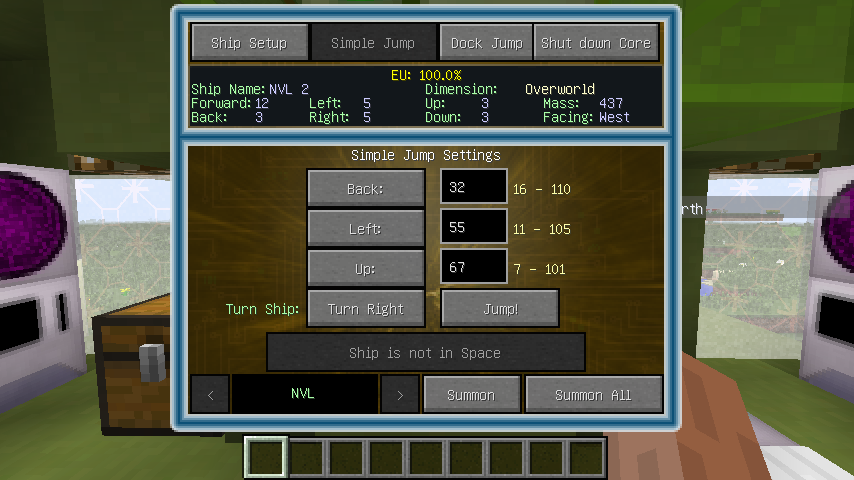 Docking Computer GUI - Simple Jump & Summon crew
 -
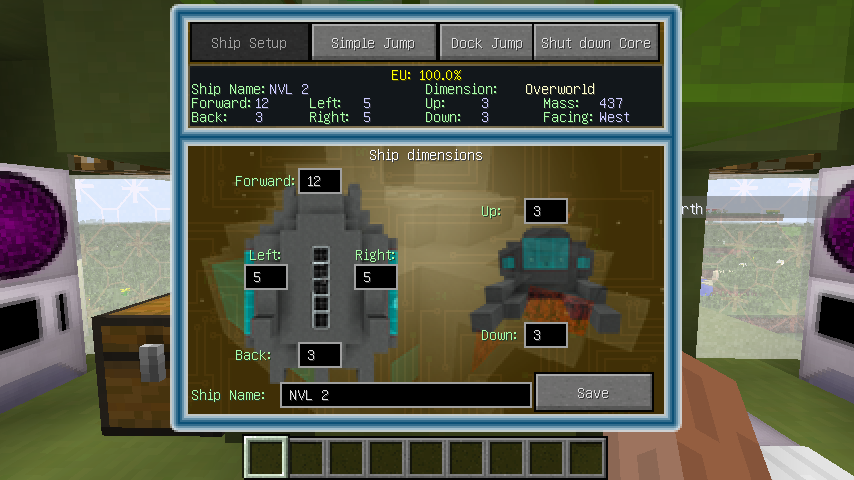 Docking Computer GUI - Ship Setup
 -
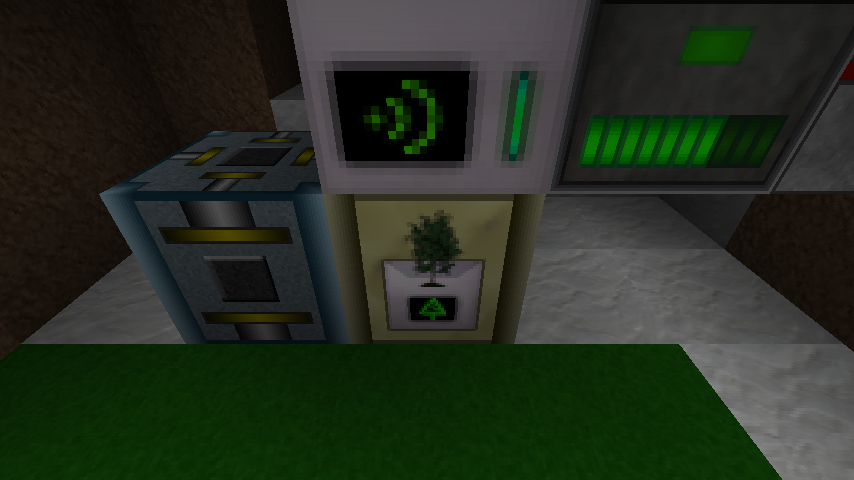 Laser Tree Farm Sapling Buffer
Versions
Files
Relations
Project Relations
More like this
Similar Mods
Suggestions use data such as tags, dependencies, dependents, descriptions, titles, and more to rank how much they overlap with this mod.
On ModDex
Community snapshot
By the numbers
Statistics
Want to reach Minecraft players?
We're looking for a server hosting partner to feature here and other parts of the site. Interested? Send us a message!
Get in touchGet it on
Available Platforms
On ModDex
Community snapshot
By the numbers
Statistics
Resources