
Community listing page, reviews here may not be monitored by the author.
One Block Server, Own Island per Player

No reviews yet
OneBlock skyblock, built for servers: every player who joins gets their own island in the void, automatically. A random item falls out of the block every few seconds. Vanilla datapack — no mods, no client install.
Community voices
Reviews
No reviews yet. Be the first to review this project!
Get it on
Available Platforms
Compatibility
Supported Environments
Runs entirely on the server. Also works in singleplayer.
About
Project Details
For authors
Embed Badge
If you're the author of this project, you can embed a live badge anywhere that supports HTML or Markdown. It updates automatically whenever ratings change.
Use HTML for any page that supports it, or Markdown for README files and Markdown-based descriptions.
Identifiers
Platform IDs
Resources
External Links
About
Description
One Block
You start on a single grass block floating in an empty void. Everything you will ever own falls out of it.
A random item drops every few seconds. That is your entire supply chain. Wood, stone, food, ore, tools — whatever the block decides to give you, and nothing else.
Built for servers
This is the part most One Block packs get wrong: they give everybody the same island.
Here, every player who joins gets their own island, automatically, 10 000 blocks away from everyone else. No setup, no commands, no admin work. Someone joins, they get a fresh block in the void and their own item stream.
Fall into the void and you are put back on your island — not on someone else's.
What you get
| Your own island | Assigned automatically the moment you join |
| A random item every 3 seconds | Drawn from the full item list |
| Nothing silly in the pool | No spawn eggs, no command blocks, no barriers, no bedrock |
| Void rescue | Fall off and you are returned to your own island |
| Adjustable | Change the drop interval and island spacing with one command each |
Settings
/scoreboard players set #interval ob 60      drop interval in ticks (60 = 3 seconds)
/scoreboard players set #spacing ob 10000    distance between islands, in blocks
Installation
This needs a brand new world. The void world is created when the world is first generated, so it cannot be added to an existing map.
Server
- Stop the server
- Delete the world folder, or set a new
level-nameinserver.properties - Put the
.zipinto<level-name>/datapacks/ - Start the server — every player gets an island on join
Singleplayer
- Create a new world
- Drag the
.ziponto the world-creation screen before pressing Create
Two editions
| File | What it does |
|---|---|
| OneBlockServer | Every player gets their own island. This is the one you want on a server. |
| OneBlock | One shared island for everyone. Simpler — good for singleplayer or a co-op world. |
Compatibility
- Minecraft 1.18 through 26.3 — this project covers a lot of ground. Pick the download that matches your version: 26.3+ for Minecraft 26.3, 26.1+ for 26.1 and 26.2, and the numbered downloads below that for everything from 1.18 to 1.21.11.
- Vanilla, Fabric, Paper, Spigot, Purpur, Folia, NeoForge — it is a datapack
- Server-side only. Players install nothing.
One thing to expect in singleplayer: Minecraft shows a one-time warning — "Worlds using Experimental Settings are not supported". Click "I Know What I'm Doing!". That is normal for any pack that changes world generation. Servers never show this.
What is new in the 26.3+ download
Minecraft 26.3 changed two data formats, and the old files no longer load on it — the server refuses to start. The 26.3+ download fixes that.
- Minecraft 26.3 is supported properly, release channel, not a pre-release guess.
- Two format changes ported: the
minecraft:tagloot entry (name→items) and the predicate file key (condition→type). Both were read off the 26.3 server jar, not guessed. - In-game messages are English now. They used to be German, which nobody outside one country could read.
- Game logic, drop pool and commands are unchanged.
Which one do I need? 26.3 → the 26.3+ download. 26.1 or 26.2 → 26.1+. The 26.1+ files now declare their real upper limit instead of claiming to run on anything, so the launcher will not offer you a file that cannot work.
Both editions were tested on a real 26.3 server: the void world generates, the island is built, the void rescue triggers below y=-5, and twelve out of twelve draws from the drop table produced an item. Nothing was assumed.
FAQ
Can I add it to a world I already play? No. The void world only exists if the pack is present when the world is created.
Do players need to install it? No. Server-side only.
Two players, one island? No — everyone gets their own, automatically.
Can I change how fast items drop?
Yes, with the #interval command above. 20 ticks is one second.
Screenshots
Gallery
-
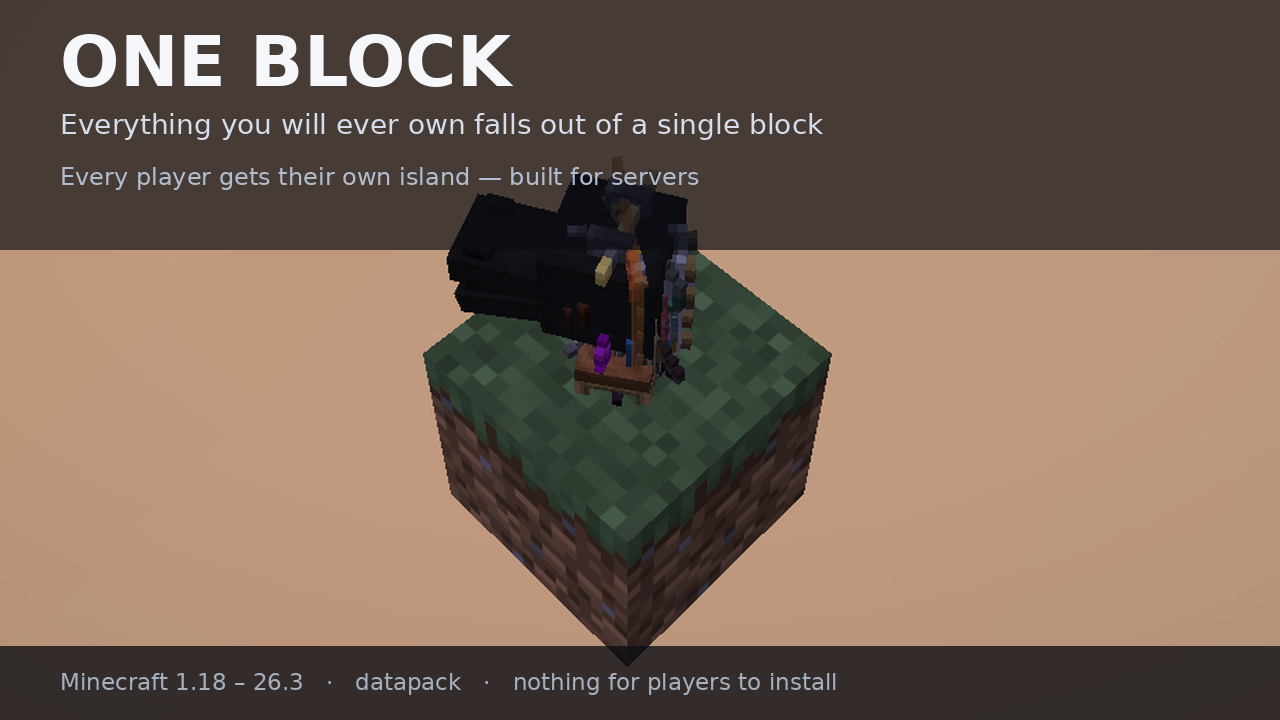 One block in the void Your entire world starts here. Screenshot from a real Minecraft 26.3 server.
 -
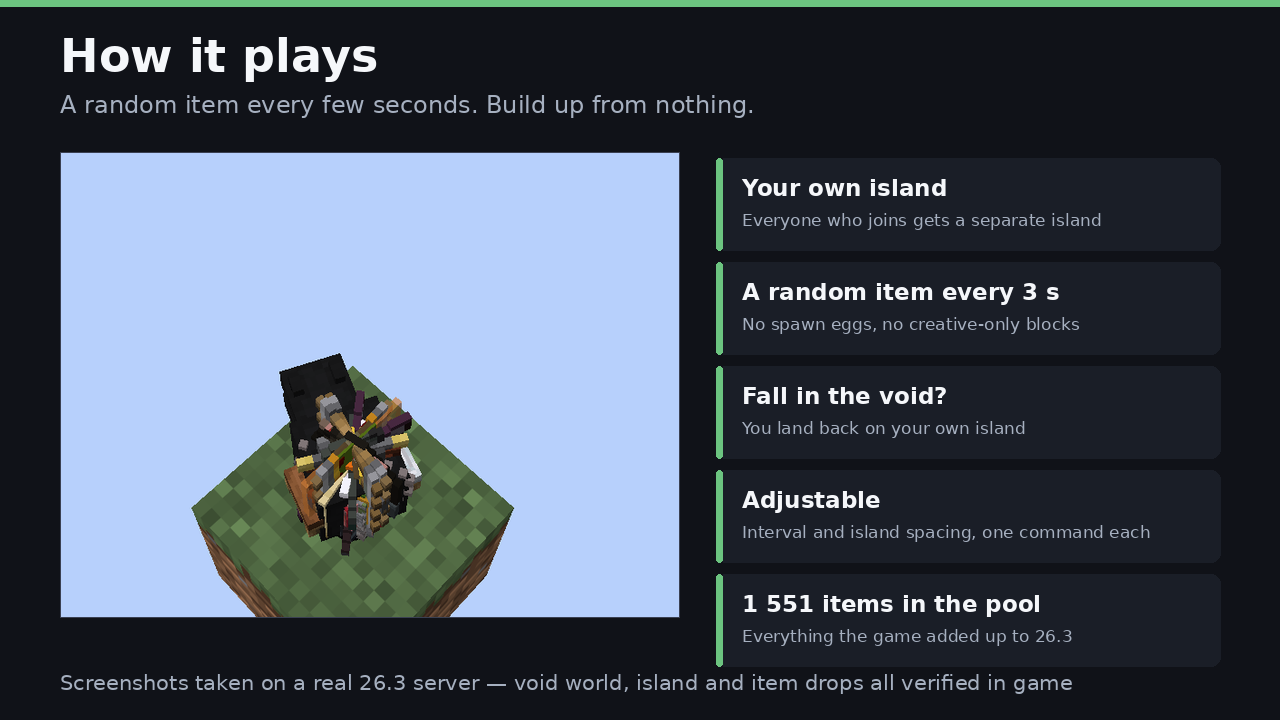 How it plays A random item every few seconds, drawn from 1 551 items - build up from nothing.
 -
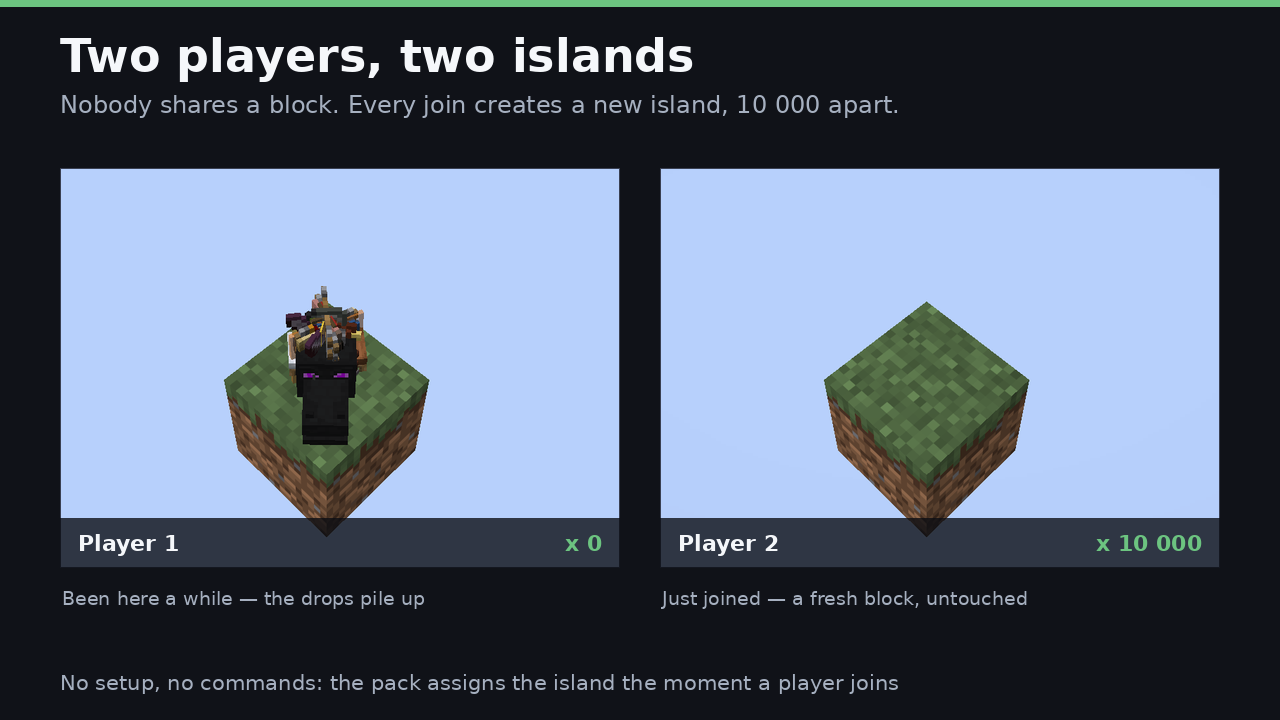 Two players, two islands Nobody shares a block. Every player who joins gets their own island, 10 000 blocks away.
 -
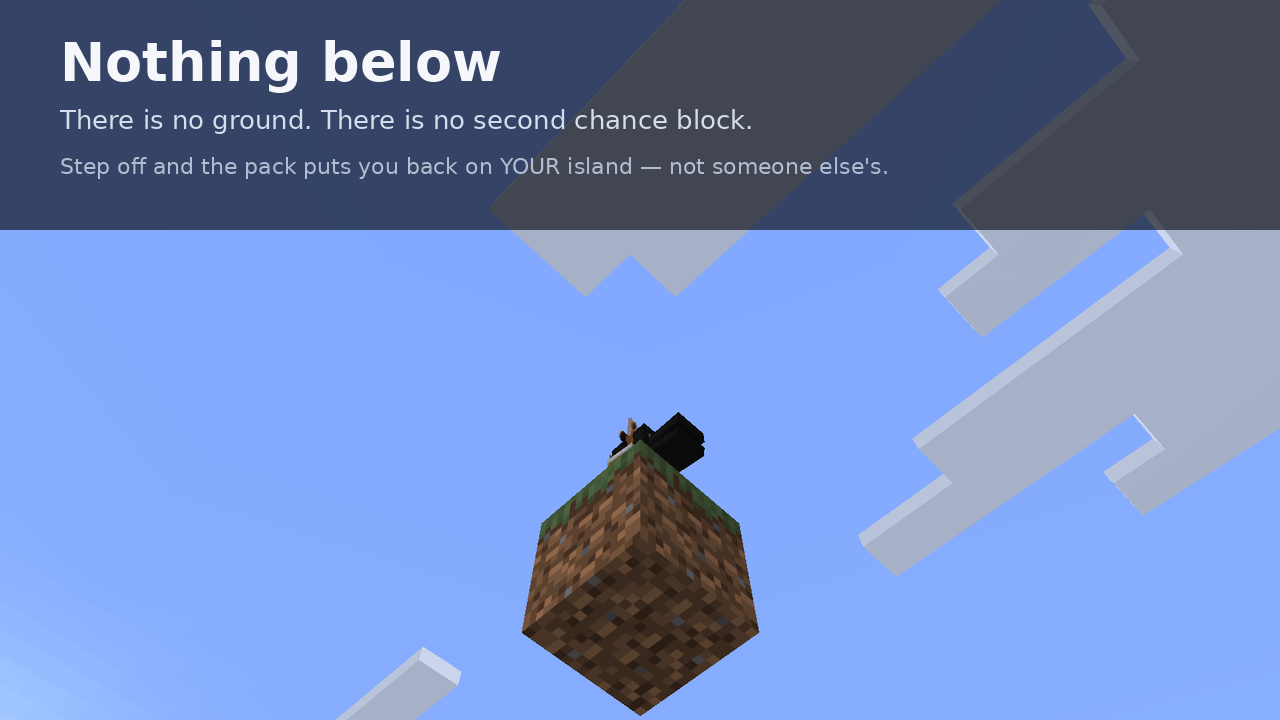 Nothing below There is no ground. Step off and the pack puts you back on your own island.
 -
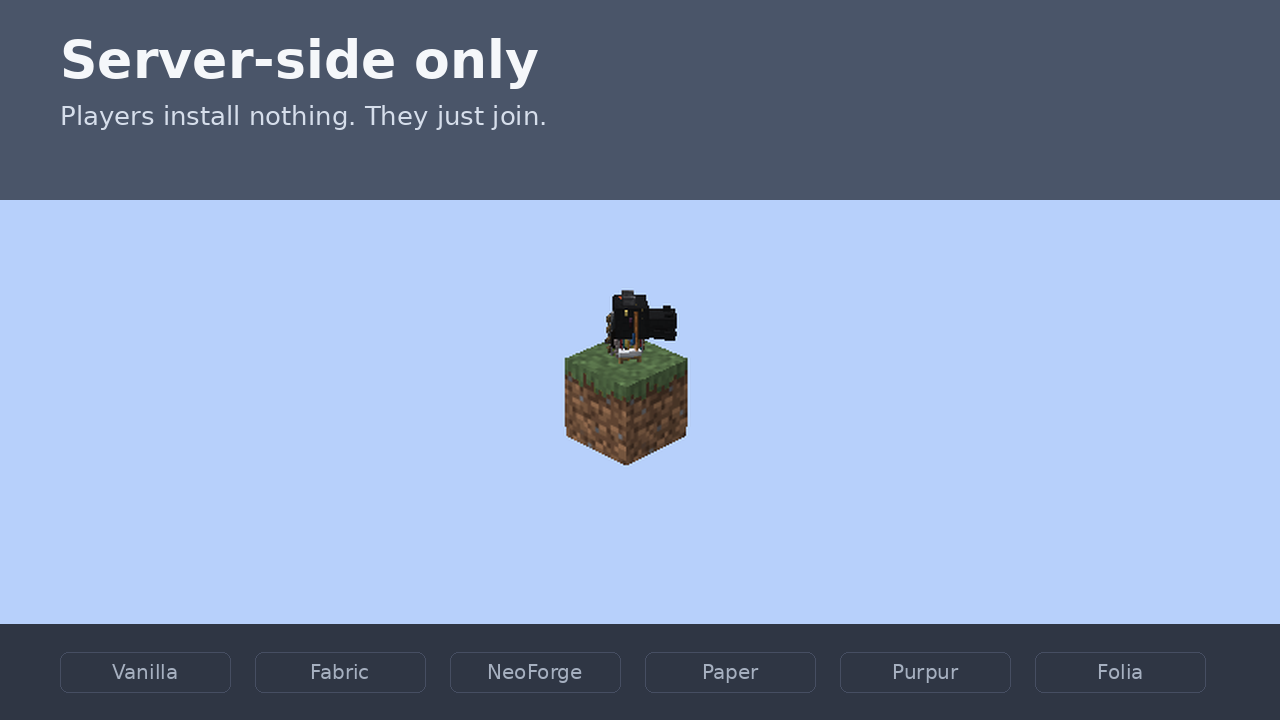 Server-side only Players install nothing. Works on Vanilla, Fabric, NeoForge, Paper, Purpur and Folia.
 -
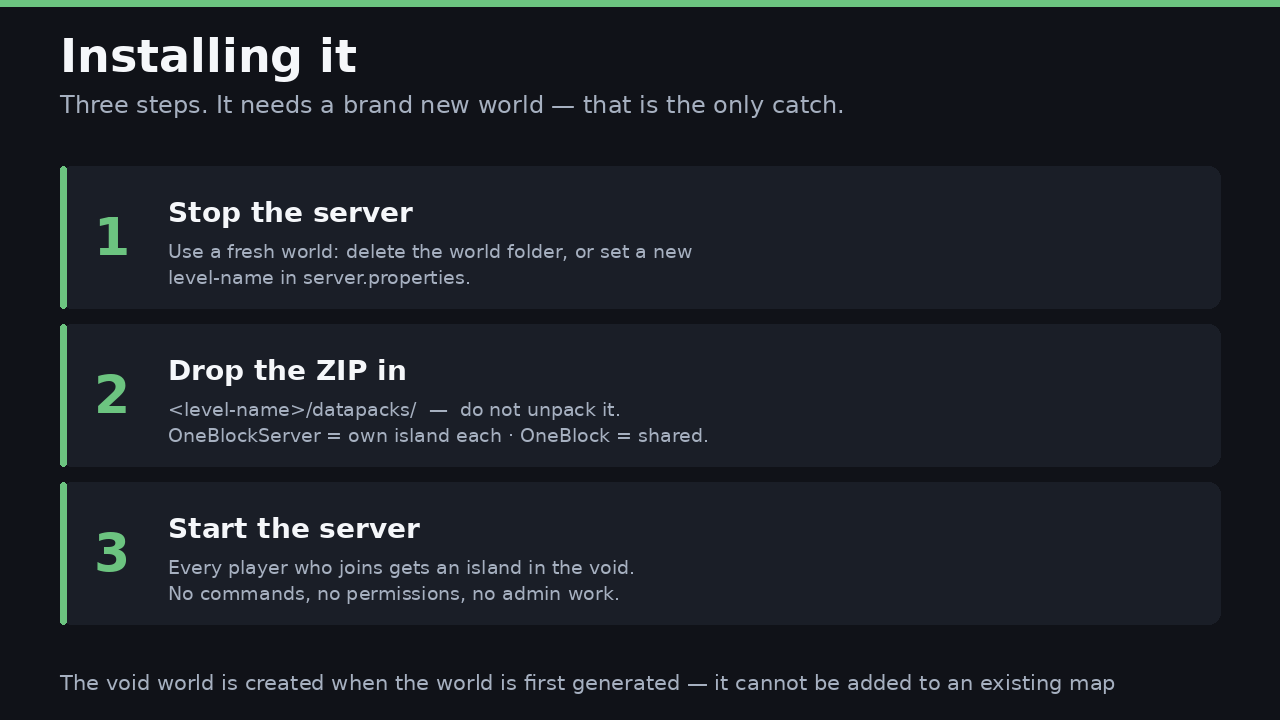 Installing it Three steps. It needs a brand new world - the void world is created on first generation.
Versions
Files
Relations
Project Relations
More like this
Similar Mods
Suggestions use data such as tags, dependencies, dependents, descriptions, titles, and more to rank how much they overlap with this mod.
On ModDex
Community snapshot
By the numbers
Statistics

Want to reach Minecraft players?
We're looking for a server hosting partner to feature here and other parts of the site. Interested? Send us a message!
Get in touchGet it on
Available Platforms
On ModDex
Community snapshot
By the numbers
Statistics
Resources